
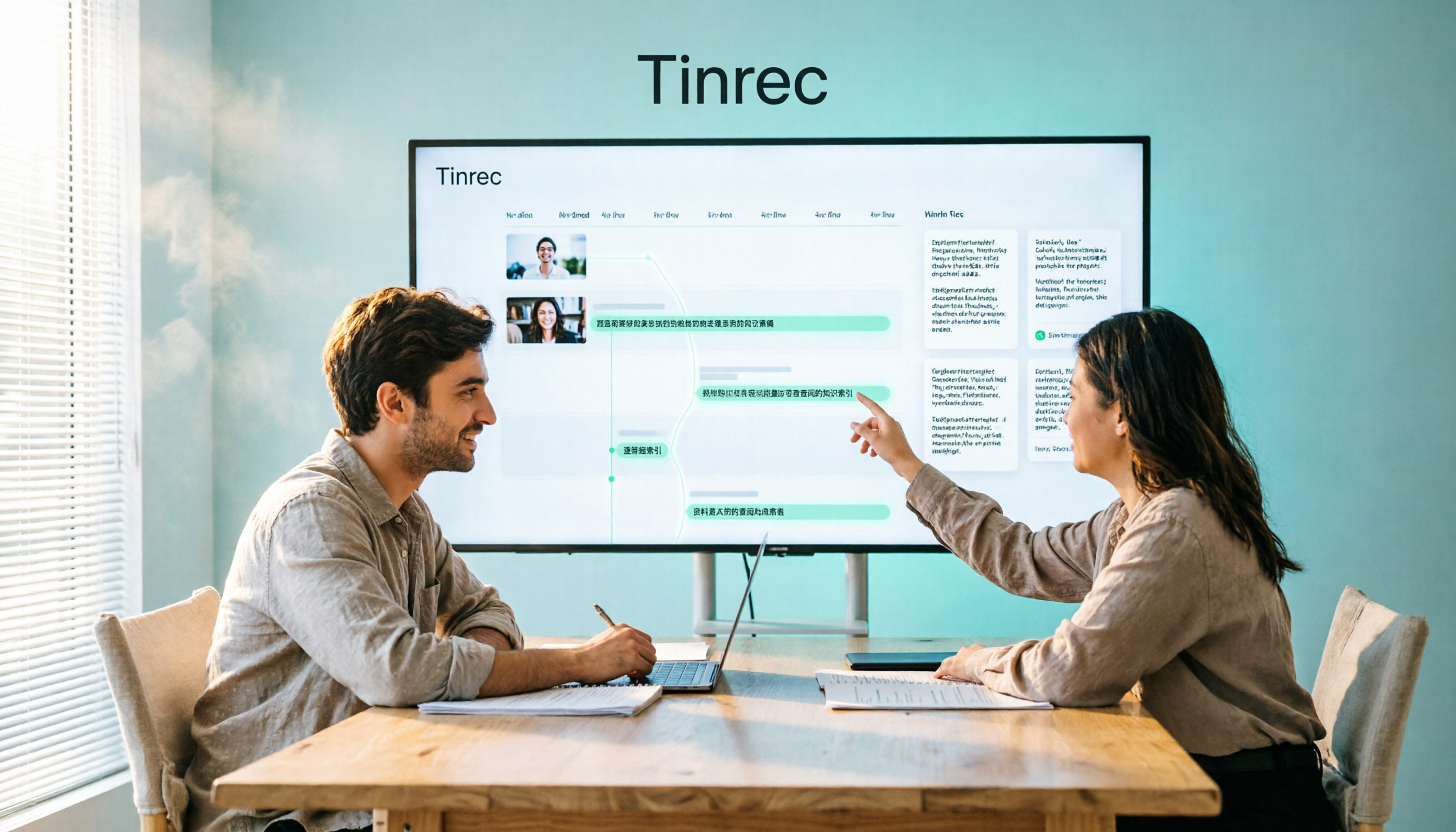
Turn recordings into transcripts and summaries in minutes
Upload audio or video for multilingual transcription, AI notes, and action items
Why do many people get the first step wrong when organizing long videos?
When you transcribe a 90-minute interview video, you typically end up with 10,000 to 20,000 words of plain text. Most people stop here—because "having text" and "being able to use it" are two different things.
Here are some common misconceptions:
- Misconception 1: Treating "having a transcript" as completion. A long transcript without chapters, timestamps, or highlighted key points still requires reading from the beginning.
- Misconception 2: Choosing tools based only on free minutes. Quota rules vary widely—some count minutes, some count files, some limit single-file length. Comparing only numbers easily leads to choosing an unsuitable tool.
- Misconception 3: Ignoring single-file length limits. Long videos most often get stuck at "file too large or too long," not at transcription quality.
- Misconception 4: Overlooking multi-speaker and mixed-language content. In a meeting where three people take turns speaking and mix in English product names, if the output can't distinguish speakers and keeps getting technical terms wrong, fixing it afterward takes even more time.
Most common tools on the market today are positioned at the "turn sound into text" level. For example, Vidnoz focuses on being free and supports over 30 languages; Wayin AI offers timestamps, speaker labels, and translation for 100+ languages, and notes that longer recordings and larger files require paid plans; VEED lets you download transcripts as TXT and supports custom vocabulary and background noise removal; cSubtitle specializes in Chinese processing, focusing on quickly getting subtitle files and transcripts after upload. These tools are more than adequate for short clips.
But the real cost of long videos actually occurs "after transcription." This article covers 5 tools and focuses on one question: After the text is generated, what else can you do? Tinrec will be the main subject of this article.
Data note: This article compares tools based on official public information and product feature summaries. No actual benchmark tests were run on the same video. Product information is based on August 2026 data; please refer to official purchase pages for pricing and quotas.
Tinrec vs. general long video to text tools: What's different in the core experience?
Difference 1: After the file comes in, how far does the tool take you?
The value of long videos isn't in the transcript itself, but in whether you can quickly grasp the structure. General transcription tools end at a text file; Tinrec automatically generates summaries, chapters, and key points after transcription, breaking long content into browsable sections. For a two-hour course or interview, this means you don't have to read 20,000 words to know what it's about. If your workflow often stops at "got the text but no time to read it," this difference will be most noticeable.
Difference 2: Finding a sentence—search or just ask?
Once a transcript gets long, Ctrl+F starts to fail—you remember "someone mentioned budget," but not the exact word they used. Tinrec supports AI Q&A around meeting content, so you can directly ask "What budget constraints were mentioned in this interview?" or "Who is responsible for which item?" The system organizes answers by meaning rather than dumping keyword-matched paragraphs. With pure transcription tools, the same question usually requires manual browsing.
Difference 3: Flexibility in handling Chinese and mixed Chinese-English
Meetings and interviews in Taiwan rarely use a single language throughout. Tinrec handles Chinese, Traditional Chinese, and multilingual content, and supports real-time translation during recording, with options to view original text, translation, or bilingual view; the team version also offers team hotwords, allowing you to maintain product names, project codes, and internal terminology as a glossary to reduce transcription errors on technical terms. Note that actual performance is still affected by recording quality, accents, background noise, and overlapping speakers, and shouldn't be summarized with a single number.
Difference 4: Does data stay on personal computers or become a team asset?
With personal tools, files usually stay with the individual; when a colleague leaves or changes projects, the same interview must be re-recorded and re-transcribed. Tinrec's team version provides independent team spaces where meeting recordings, transcripts, summaries, and action items are stored centrally within the team, and new members can view historical data; when a member leaves or is removed, their team resources can be handed over to other active members. This is the fundamental difference between "one-time conversion" and "long-term database."
Difference 5: After output, can it connect back to your existing workflow?
If the transcribed text is stuck in the tool, you'll still have to copy it manually. Tinrec supports multi-format export, so results can be used in Notion, Google Docs, OneNote, Dropbox, and other tools, and can also be post-processed via Agent to generate reports, tables, and meeting minutes. For those who need to submit weekly reports, write content scripts, or organize research notes, this saves time on pasting and reformatting.
Tinrec's core features at a glance
Audio/video file transcription: Upload meeting recordings, interview videos, or course audio files and turn them into searchable transcripts. Ideal for organizing historical materials that have been sitting on hard drives with no time to process. The transcribed text preserves the original speech content for easy review and verification.
Stop organizing recordings by hand
Upload audio or video and automatically get a transcript, summary, and action items
AI summaries and chapters: The system organizes long content into summaries and chapter structures, letting you see the skeleton before the details. For two-hour panel discussions or courses, this order makes a big difference—grasp the main themes first, then decide whether to read a section in detail.
Action item extraction: Organizes action items from discussions, especially useful for project meetings and client communications. Rather than writing action items from memory after the meeting, let the tool first list commitments and assignments mentioned in the discussion, then confirm manually.
AI Q&A: Ask follow-up questions about a single session or across sessions, such as "What were the other party's concerns about pricing in the last interview?" This is especially efficient for researchers and content creators who need to repeatedly reference the same set of interview materials.
Real-time transcription and bot-free online meeting recording: The desktop version directly captures computer system audio, handling online meetings on Zoom, Google Meet, Microsoft Teams, Webex, etc., without requiring an extra bot to join the meeting. For offline meetings or on-site interviews, real-time recording to text lets you see the text accumulate as you record.
Team spaces and governance: The team version allows creating multiple team spaces, inviting members via links, and distinguishing roles and seats. Roles determine who can manage the team and settings; seats determine whether members can record, upload, edit, and import/export; active members without seats can still view, play, and read team data. There are also team usage analytics, audit logs, and an audio recycle bin to help administrators monitor usage and data processing workflows.
Practical use cases
Archiving course and lecture videos: A semester of online course recordings often accumulates a dozen or more videos, but only a few get rewatched. Transcribing with Tinrec and generating chapters and summaries creates a searchable index; when you need to review a topic before an exam, you can jump directly to the chapter instead of dragging from the first minute.
User interviews and research materials: Researchers often have dozens of interview videos, and the pain point is finding the exact quote when citing. Tinrec preserves transcripts and allows follow-up questions, making it much faster to find "the part where the interviewee mentioned repurchase intent" than manually scrubbing through video, and summaries help you categorize before diving deeper.
Long online meetings and cross-department discussions: After recording a Zoom or Teams meeting with the desktop version, transcripts, summaries, and action items are all in place. Cross-department meetings are most prone to "conclusions scattered across sections"; with chapters and action item structure, post-meeting follow-up becomes much clearer.
Team databases that need to accumulate: If customer communication content from sales and support teams is kept by individuals each time, experience is hard to accumulate. Once placed in team spaces, new members can view historical meetings and understand customer backgrounds, and managers can use usage analytics to understand actual team usage.
Things to watch when choosing a long video to text tool
1. How quotas are calculated. When choosing a tool, check whether quotas are based on minutes, number of files, or single-file length, because long videos most easily hit the latter two. Tinrec's team version consumes team shared import minutes for files and web imports; paid seats provide 2,000 team shared import minutes per seat per month, and real-time recording currently does not deduct minutes under active plans and seats.
2. What else after transcription. Comparing only transcription speed easily overlooks the time spent organizing afterward. Ask yourself: will this tool generate summaries, chapters, and action items for me, and can I ask follow-up questions about the content? Tinrec's design handles this part as well.
3. Are original audio files retained. Transcripts inevitably have misheard parts; being able to replay the original recording is essential for verification. Tinrec retains audio, and the team version has an audio recycle bin that can restore accidentally deleted audio before permanent cleanup begins; the recycle bin retention period is currently 30 days.
4. Clear team permissions. If multiple people will share access, confirm the difference between roles and seats. Tinrec currently focuses on team-level sharing: all active members can read team data, and seats control whether recording, uploading, and editing are allowed—this is not fine-grained file-level permission setting. Before purchasing, confirm whether this meets your internal policies.
5. Data processing and compliance. Recording and transcription involve personal data and meeting content; before use, confirm compliance with local regulations and obtain participant consent when needed. For highly regulated scenarios such as healthcare, legal, and finance, check relevant compliance documentation before evaluating.
Conclusion: Is Tinrec worth a try?
If your need for long videos is simply "turn sound into text," there are indeed many cheap or free options on the market. But if you've encountered these situations—transcripts no one reads, having to drag the progress bar repeatedly to find a sentence, or meeting data scattered across four or five people's computers—then it's worth choosing tools from a different angle.
Tinrec's differences are mainly threefold: first, after transcription it directly gives you summaries, chapters, and action items, making long content browsable; second, you can ask follow-up questions about the content, so finding key points doesn't rely on manual browsing; third, the team version collects meeting data into team spaces, with roles, seats, usage, and audit management, so data doesn't disappear when people leave.
It's better suited for office workers, researchers, and teams who need to process Chinese meetings, interviews, and course content over the long term; if you mainly do one-time batch transcription of many files, or only need subtitles for short videos, tools with different focuses may fit better.
The team version currently offers a 7-day trial for eligible users, 1 free seat, and 300 team shared import minutes; paid plans are USD 29.80 per seat per month, or USD 199 annually (about USD 16.58 per month). For personal use, there's a free version to try basic quotas, plus weekly cards, Pro monthly, and Pro annual plans to choose from based on usage frequency; please refer to official purchase pages for actual prices and benefits. We recommend running your own actual video through the workflow once to confirm transcription quality and organization results meet expectations before deciding whether to upgrade.
References
- Free video to text tool | AI automatic transcription with high-accuracy subtitles
- AI video to text tool | Free online conversion, supports 100+ languages
- Transcribe video to text - Instant, 99.9% accurate - VEED.IO
- AI speech to text: fast online audio transcription, transcripts and video subtitles - free trial - cSubtitle
- Turn video into text | Transcribe App & online editor
Turn every recording into actionable outcomes
Get 60 free transcription minutes when you sign in. No credit card required.
Related Reading
You might also like

4 Free AI Meeting Notes Tools in 2026: Free Plans & Chinese Meeting Comparison
Long meeting recordings and post-meeting note-taking are pain points for most office workers. This article compares four free AI meeting notes tools—Tinrec, Otter.ai, Granola, and Notta—covering free plans, Chinese meeting performance, post-meeting output, and team collaboration differences, with buying and pitfall-avoidance advice.

How to Do Online Audio Transcription in 2026: 5 Steps from Recording to Team Transcript
Online audio transcription tools are not just about speed. This article compares two common approaches—Tinrec and Otter.ai—across Chinese meeting handling, bot-free recording, post-meeting organization, and team knowledge retention, with a 5-step implementation guide and FAQs.

5 AI Summarization Tools Tested: Which Handles Meeting Recordings, Long Articles, and Videos Most Efficiently in 2026?
Meeting just ended and you're already being asked for key points? Need to read a dozen long articles before writing a report? This article compares 5 AI tools I've actually used that can generate summaries—from audio transcription to article summarization to post-meeting Q&A—with buying tips, free tier limits, and common pitfalls to avoid.

iPhone Live Voicemail vs. Tinrec in 2026: 3 Misconceptions About Call Forwarding to Voicemail and Better Ways to Organize
When iPhone misses a call but no voicemail appears, it's often due to roaming or Low Power Mode. This article breaks down 3 common misconceptions, explains the correct setup order for Live Voicemail, and from a student's practical perspective, shows how Tinrec fills the gap for organizing class and meeting recordings that voicemail can't handle.

4 Speech-to-Text Tools Compared for 2026: WeChat Voice-to-Text Not Working? Here's What to Use for Long Recordings
WeChat voice-to-text suddenly not working? Don't rush to restart your phone. This guide walks you through troubleshooting permissions, version, network, and audio length, then compares Tinrec, Notta, TurboScribe, and Otter.ai on features and pricing for long recording organization, helping you decide when to use built-in tools for quick voice messages and when to switch for long recordings.
2026 Comparison of 5 iFlytek Voice Recorders for Transcription: SR502, SR702, S6, S8, and Tinrec
A breakdown of transcription methods and limitations for iFlytek SR502, SR702, S6, S8, and SR301, clarifying common misconceptions about online/offline transcription, live interpretation, and lifetime free service, with a comparison to AI meeting tools like Tinrec to help you decide between hardware and software.
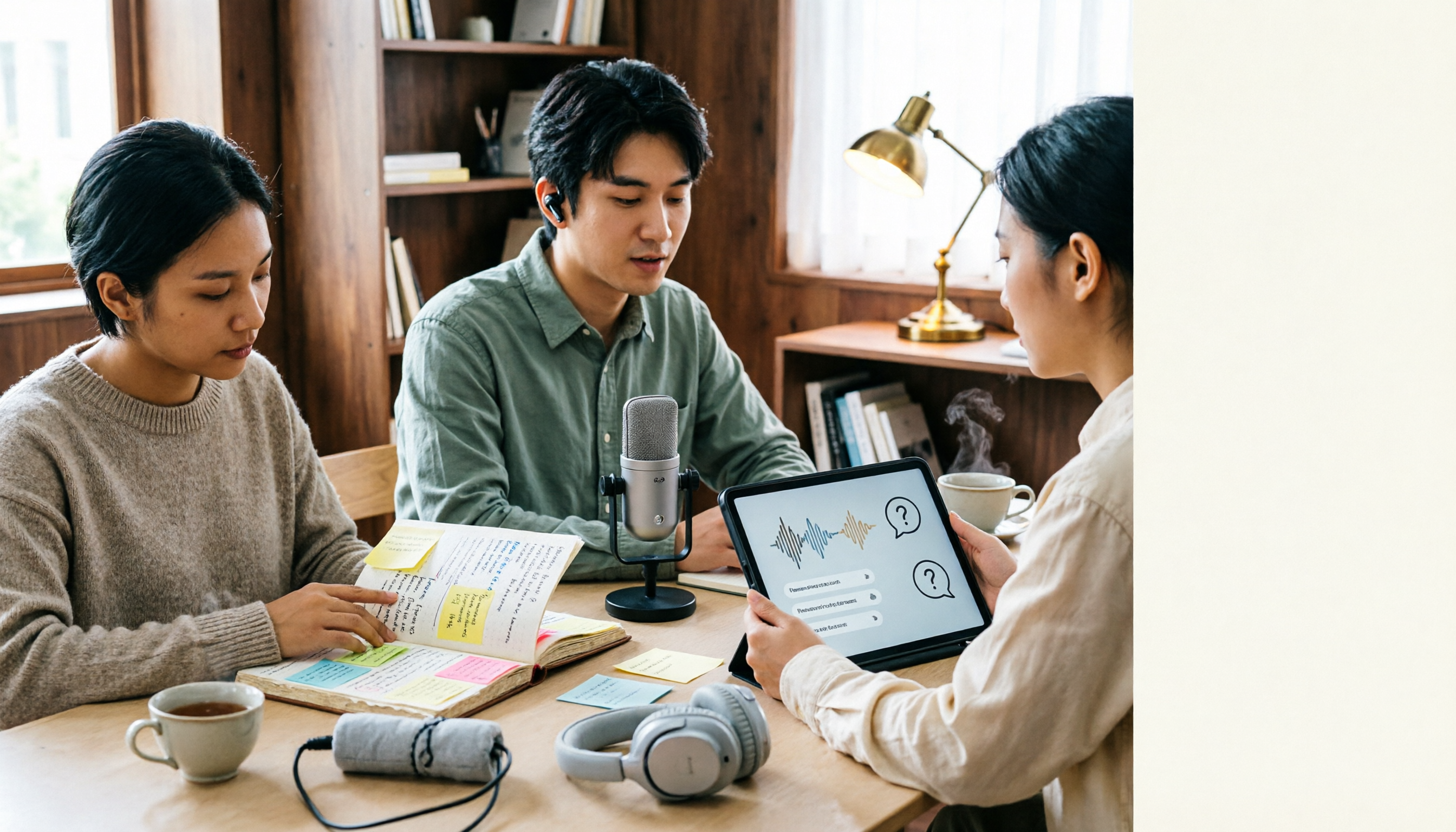
The Complete Guide to Xiaohongshu Content Summaries in 2026: How to Organize Notes, Videos, and Recordings
What's the most efficient way to create Xiaohongshu content summaries? This article breaks down workflows for organizing image-text notes, short videos, and audio materials, explains 4 key decision factors, tests Tinrec's transcription, summarization, and AI Q&A workflow, compares Otter.ai, Notta, and TurboScribe's use cases and official pricing, and finally lists the 4 most common mistakes.
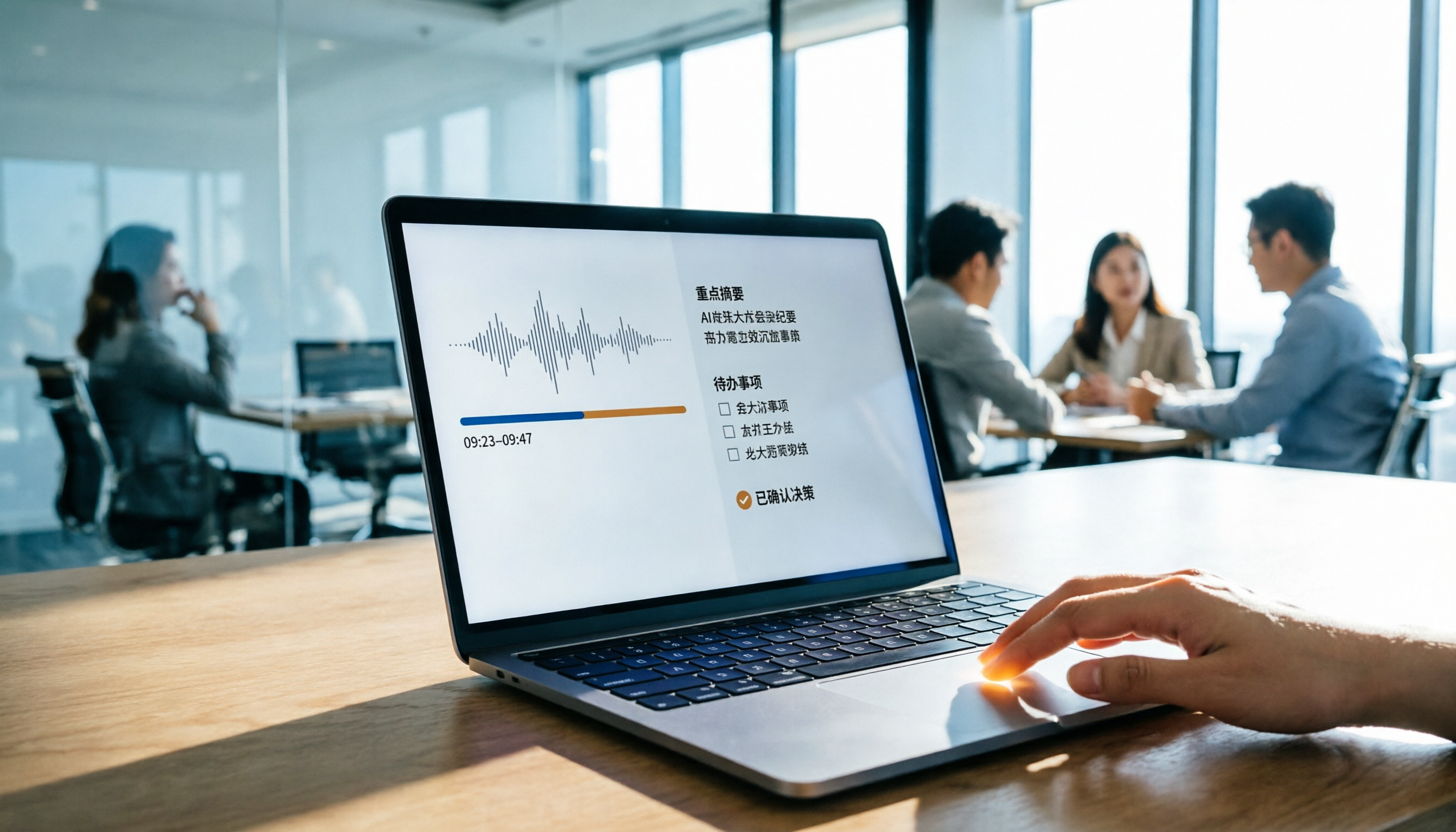
Tinrec vs Notta 2026: 5-Dimension Comparison for Chinese Meeting Minutes — Which Should Your Company Choose?
Starting from what makes a qualified corporate meeting minutes document, this hands-on comparison tests Tinrec, Notta, Otter.ai, and Granola on Chinese recognition, post-meeting organization, online meeting capture methods, and team data retention. It also covers the 4 most common mistakes in writing meeting minutes to help you choose the truly time-saving approach.

4 Real-Time Transcription Apps Tested for 2026: Which Saves the Most Time in Chinese Meetings?
Starting from real meeting pain points, we compare Tinrec, Otter.ai, Notta, and Granola on real-time transcription, Chinese language handling, post-meeting organization, team collaboration, and pricing to help you decide which one best fits your meeting scenario.