

Turn recordings into transcripts and summaries in minutes
Upload audio or video for multilingual transcription, AI notes, and action items
The meeting just ended, but the key points aren't ready yet
It's 4 PM on a Friday, and the meeting finally wraps up. Your boss drops a message in the group chat: "Summarize those three conclusions from earlier and send them to me by 5."
You have a 50-minute recording, a slide deck, and a few scribbled notes. Re-listening is out of the question, and writing from memory risks missing critical numbers.
Another scenario is even more common: to write a report, you open a dozen tabs—news articles, papers, competitor blogs, each at least 3,000 words. After reading through, you barely remember a few paragraphs.
This is why keywords like "AI tools that write summaries" get searched so much. It's not that people are too lazy to read; it's that the volume of content we need to digest has long exceeded what humans can handle manually.
The problem is, these tools vary widely. Some only accept text, others can directly process audio files; some give you a polished summary, others tell you which sentences in the original the summary is based on. Use them in the wrong place, and the time you save will be paid back elsewhere.
This article covers 5 tools I've actually used recently, from meeting recordings to long articles, and explains what each is best suited for.
4 Key Points to Understand Before Choosing an AI Summarization Tool
1. Does it summarize text or audio?
Most summarization tools only accept text. If your content is a meeting, interview, or lecture recording, you'll need to transcribe it first, which means two steps. Tools that can directly handle audio and video files save a huge amount of time.
2. Does the summary cite sources?
The biggest fear with AI summaries isn't poor writing—it's inventing numbers or conclusions not in the original. More rigorous tools indicate which sentences in the source each line of the summary is based on. This design is especially important for formal documents.
3. Can you ask follow-up questions after summarizing?
Questions like "Who mentioned the budget in this meeting?" or "What was the customer complaint last quarter?" can't be answered by tools that only let you Ctrl+F. Tools that allow follow-up questions turn static data into conversational data.
4. Does it handle Chinese and mixed Chinese-English well?
Meetings in Taiwan rarely use pure Chinese; product names, terminology, and KPIs almost always mix in English. Tools designed purely for English often struggle here. Before choosing, test with a real recording of your own.
Tinrec (秒聽錄音) — The One I Open Most Often After Testing
Tinrec (秒聽錄音) is an AI meeting notes and collaboration tool for individuals and teams, available on web, desktop, and mobile.
Its biggest difference from typical summarization tools is that it starts organizing from the moment of recording, rather than waiting for you to prepare text.
Record online meetings without a meeting bot.
The desktop version directly captures system audio, so for online meetings on Zoom, Google Meet, Microsoft Teams, or Webex, you don't need to invite a bot. Open it during the meeting, and the transcript appears in real time; when the meeting ends, the summary, chapters, key points, and action items are already listed.
For those who often host meetings, this design is thoughtful—no need to worry about a strange account suddenly appearing in the meeting room, and no need to notify participants in advance that "an AI will join later."
After recording, you can ask it questions directly.
This is the most practical part for me. No matter how complete the transcript is, it's still something you have to read yourself; Tinrec's AI Q&A lets you ask directly: "What were the conclusions of this meeting?" "Who is responsible for next week's proposal?" It answers based on the content, rather than just throwing a bunch of keyword search results at you.
Most tools at the same price point still lack this feature.
Deliverables after the meeting can be taken directly.
Besides transcripts and summaries, it can produce chapters, action items, mind maps, and even generate reports, tables, and documents, and export to Notion, Google Docs, OneNote, Dropbox, and other common tools for further processing.
For those who need to write meeting minutes, weekly reports, or customer interview summaries, this step saves not only typing time but also the mental effort of reorganizing everything.
The team version keeps data within the team, not in someone's personal account.
The team version is a separate team space, not multiple people sharing a personal account. Meeting data belongs to the team; new members can view past meetings; admins can manage roles, seats, shared quotas, usage analytics, and audit logs; when a member leaves or loses a seat, their team resources can be handed over to others.
Note that the team version distinguishes between "roles" and "seats": roles determine who can manage the team, seats determine who can record, upload, edit, and export. Members without a seat can still view, play, and read team data, but cannot perform editing operations.
My testing method and actual experience
I used a roughly 12-minute recording of a mixed Chinese-English meeting (quiet room, two-person conversation, with product terminology). The transcript was generally readable; occasional minor corrections were needed at language switches, and proper nouns were gradually corrected using team hotwords.
Keep in mind that transcription and summarization quality can be affected by recording quality, accents, background noise, multiple people talking over each other, and technical jargon. No tool can guarantee a fixed accuracy rate. For important numbers and commitments, it's best to cross-check with the transcript timestamps.
Stop organizing recordings by hand
Upload audio or video and automatically get a transcript, summary, and action items
Pricing
The personal version follows a "choose by usage task" approach: the free version has a basic quota to try, a weekly card for short-term intensive use, a Pro monthly card for steady weekly needs, and an annual card for long-term data accumulation.
The team version currently states: first eligible team trial is 7 days, 1 free seat, 300 minutes of team shared import quota; monthly payment USD 29.80 per paid seat per month, annual payment USD 199 per paid seat per year (equivalent to about USD 16.58 per month); each paid seat provides 2,000 minutes of team shared import quota per month. Under an active team plan and active seats, real-time recording is currently not deducted by minutes.
Actual prices, currencies, and promotional details are subject to the official purchase page.
Limitations, honestly
The free quota is insufficient for heavy users; the team version currently focuses on team-level sharing, not file-level granular permissions; and it's not a dedicated "long document summarizer"—if you just want to condense a 30,000-word paper into 300 words, that's not its strength.
Who it's for
Those who frequently hold online meetings, need to produce minutes and action items afterward, and want data to remain within the team for continued search and Q&A.
Besides Tinrec, What Other Tools Can Write Summaries?
Wordvice AI Summary Generator
Focused on academic and English documents, it can produce bullet-point summaries from pasted paragraphs or entire articles, free to use. The official recommendation is to keep single inputs under 1,000 words for better accuracy, and the free version has a word limit. It only handles text, so meeting recordings need to be transcribed separately, and it lacks content Q&A and team spaces. Suitable for those who simply want to condense English papers or journal articles.
QuillBot
Many people already have it on their computers; it integrates with Word and Google Docs, making it easy to summarize and rewrite. The free version handles about 1,200 English words, with a rewrite limit of about 125 words. However, its positioning is more about "rewriting and polishing" rather than summarization, and Chinese meeting scenarios and audio processing are not its focus. Suitable for those already using its rewriting features who want to condense English paragraphs along the way.
TLDR This
Specializes in long articles, filtering out weaker arguments and quickly condensing long texts into short summaries; the free version can handle most speed-reading needs. Limitations include caps on the number of summaries and rewrites in the free version; the starter plan is USD 4 per month, and the pro plan is USD 8.25 per month. It doesn't process recordings and lacks post-meeting action items and team collaboration. Suitable for those who scan a lot of English news and blogs daily.
NeuralWriter
Free, no registration required, handles up to 60,000 characters, supports 30 languages, and offers format templates for meeting minutes, reports, review, and other purposes. What's special is that it highlights which sentences in the original each summary line is based on, making it convenient to verify sources. But it's still text-focused; audio transcription, Q&A, and team data management are outside its scope. Suitable for writers who care about whether summaries are grounded in the source.
Pitfall Guide: 3 Most Common Mistakes When Choosing AI Summarization Tools
Pitfall 1: Treating the summary as "already read"
AI summaries help you quickly grasp the outline, but they can also miss or misinterpret details. For content involving numbers, names, amounts, or deadlines, it's best to cross-check with the original text or recording. This isn't a tool problem; it's about using it correctly.
Pitfall 2: Only looking at free quotas without thinking about what you'll do with the summary
Whether the free version is enough depends on your use case. If you occasionally condense a news article, the free version is absolutely sufficient; but if you rely on it for presentations, reports, and client records, the quota will run out by the second week. Rather than agonizing, calculate your actual monthly usage.
Pitfall 3: Using article summarization tools for meeting recordings
This is where beginners get stuck most often. Article summarization tools only accept text, so you have to transcribe, copy-paste, and format manually—the transfer time often exceeds the summarization itself. If your main content is audio, choose a tool that handles audio from the start.
Conclusion: Which One Should You Choose?
In one sentence: if you want to "turn meetings into usable data," Tinrec is currently the most complete choice; if you just want to condense plain text articles, the others have their specialties.
- Need to record online meetings and automatically generate summaries and action items afterward → Tinrec (desktop version records without a bot, no need to disturb participants)
- Want to ask directly after recording "What were the conclusions of this meeting?" → Tinrec (AI Q&A is its biggest differentiator from other tools)
- Meeting data needs to be shared with the team, and members may change → Tinrec team version (team space, seats, usage, and audit)
- Mixed Chinese-English, need bilingual comparison → Tinrec (real-time translation and bilingual view)
- Pure English papers, just want to condense text → Wordvice AI or TLDR This is enough
- Want to rewrite and summarize conveniently in Word or Google Docs → QuillBot
I recommend starting with the free version, running it with your own real meeting recording to see what the transcript and summary look like, then deciding whether to pay. What works for others may not suit your meeting style—no one can save you this step.
FAQ
Q: How many meetings can the free version handle?
It depends on meeting length and frequency. Light use with the free version is fine; if you have more than three meetings per week, each over half an hour, you'll hit the limit quickly. Then it's more practical to evaluate a weekly or monthly card.
Q: Can AI summaries be used directly as official meeting minutes?
Not recommended to send directly. Summaries are suitable as drafts; key information like numbers, owners, and deadlines should be verified against the transcript, especially for external documents.
Q: What's the difference between the team version and the personal version?
Personal version data belongs to the individual account; the team version is a separate team space with member management, roles and seats, shared quotas, usage analytics, audit logs, and an audio recycle bin, and data can be handed over when members leave.
Q: Do I need to get participants' consent before recording?
Yes. Recording and transcription involve local regulations and privacy. It's best to inform participants and obtain consent before recording, regardless of which tool you use.
References
- 8 Useful AI Article Summarization/Paper Key Point Tools
- AI Article Summary Generator - Free English/Chinese Summaries | Wordvice AI
- Article Summary Generator » Free AI Summary Tool, Summarize Text, Articles, and PDFs | NeuralWriter
- AI Conclusion Generator – Free Conclusion Writing Tool | CudekAI
- 5 Free AI Summary Generators Recommended for Quickly Grasping Article and Paper Key Points - GenApe
Turn every recording into actionable outcomes
Get 60 free transcription minutes when you sign in. No credit card required.
Related Reading
You might also like

4 Free AI Meeting Notes Tools in 2026: Free Plans & Chinese Meeting Comparison
Long meeting recordings and post-meeting note-taking are pain points for most office workers. This article compares four free AI meeting notes tools—Tinrec, Otter.ai, Granola, and Notta—covering free plans, Chinese meeting performance, post-meeting output, and team collaboration differences, with buying and pitfall-avoidance advice.

How to Do Online Audio Transcription in 2026: 5 Steps from Recording to Team Transcript
Online audio transcription tools are not just about speed. This article compares two common approaches—Tinrec and Otter.ai—across Chinese meeting handling, bot-free recording, post-meeting organization, and team knowledge retention, with a 5-step implementation guide and FAQs.

iPhone Live Voicemail vs. Tinrec in 2026: 3 Misconceptions About Call Forwarding to Voicemail and Better Ways to Organize
When iPhone misses a call but no voicemail appears, it's often due to roaming or Low Power Mode. This article breaks down 3 common misconceptions, explains the correct setup order for Live Voicemail, and from a student's practical perspective, shows how Tinrec fills the gap for organizing class and meeting recordings that voicemail can't handle.

4 Speech-to-Text Tools Compared for 2026: WeChat Voice-to-Text Not Working? Here's What to Use for Long Recordings
WeChat voice-to-text suddenly not working? Don't rush to restart your phone. This guide walks you through troubleshooting permissions, version, network, and audio length, then compares Tinrec, Notta, TurboScribe, and Otter.ai on features and pricing for long recording organization, helping you decide when to use built-in tools for quick voice messages and when to switch for long recordings.
2026 Comparison of 5 iFlytek Voice Recorders for Transcription: SR502, SR702, S6, S8, and Tinrec
A breakdown of transcription methods and limitations for iFlytek SR502, SR702, S6, S8, and SR301, clarifying common misconceptions about online/offline transcription, live interpretation, and lifetime free service, with a comparison to AI meeting tools like Tinrec to help you decide between hardware and software.
The Complete Guide to Xiaohongshu Content Summaries in 2026: How to Organize Notes, Videos, and Recordings
What's the most efficient way to create Xiaohongshu content summaries? This article breaks down workflows for organizing image-text notes, short videos, and audio materials, explains 4 key decision factors, tests Tinrec's transcription, summarization, and AI Q&A workflow, compares Otter.ai, Notta, and TurboScribe's use cases and official pricing, and finally lists the 4 most common mistakes.
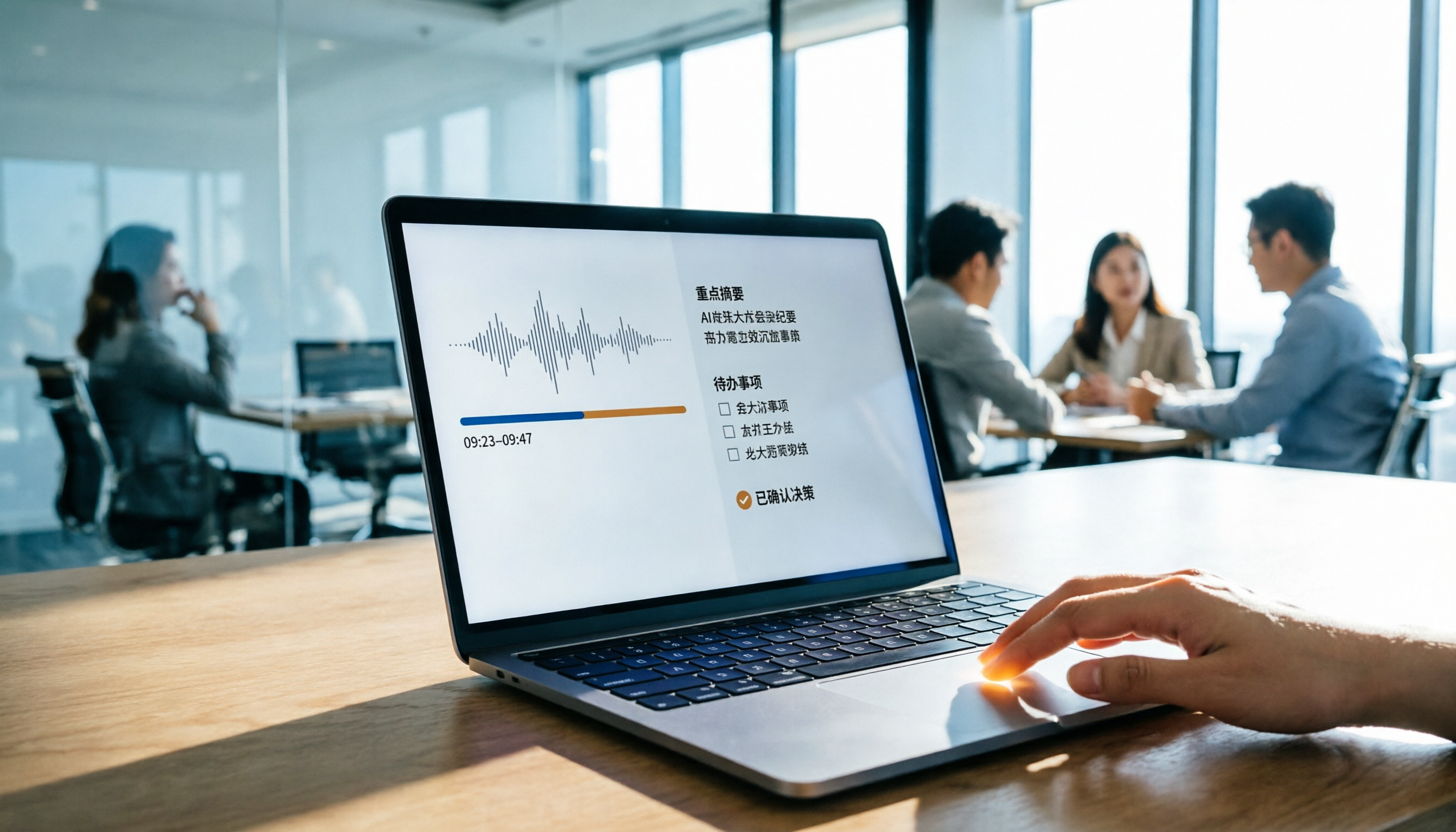
Tinrec vs Notta 2026: 5-Dimension Comparison for Chinese Meeting Minutes — Which Should Your Company Choose?
Starting from what makes a qualified corporate meeting minutes document, this hands-on comparison tests Tinrec, Notta, Otter.ai, and Granola on Chinese recognition, post-meeting organization, online meeting capture methods, and team data retention. It also covers the 4 most common mistakes in writing meeting minutes to help you choose the truly time-saving approach.
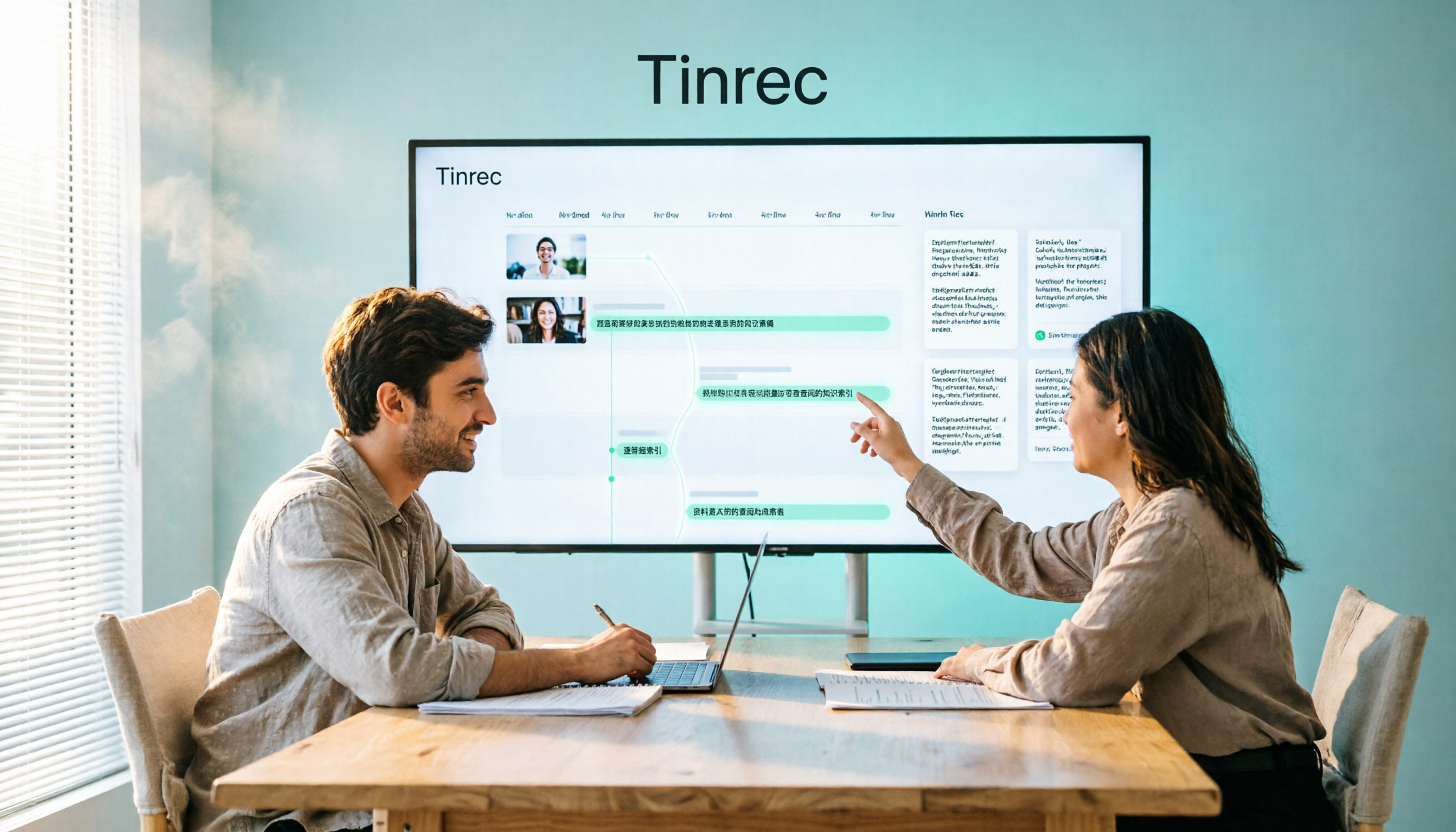
5 Best Long Video to Text Tools in 2026: How Tinrec Turns Hours of Video into Searchable Data
The real challenge with long video transcription isn't generating a transcript—it's that no one has time to read it afterward. This article addresses common misconceptions, explains a sensible workflow for transcribing long videos, and focuses on Tinrec as the main example while comparing it with Vidnoz, Wayin AI, VEED, and cSubtitle. It covers features, team collaboration, quotas, and buying considerations to help you decide based on your actual needs.

4 Real-Time Transcription Apps Tested for 2026: Which Saves the Most Time in Chinese Meetings?
Starting from real meeting pain points, we compare Tinrec, Otter.ai, Notta, and Granola on real-time transcription, Chinese language handling, post-meeting organization, team collaboration, and pricing to help you decide which one best fits your meeting scenario.