

Turn recordings into transcripts and summaries in minutes
Upload audio or video for multilingual transcription, AI notes, and action items
5 Meeting Transcription Methods Tested and Compared in 2026: The Verbatim Transcript Is Just the Beginning
Many people think "meeting transcription" just means converting audio into text, so they type while listening during the meeting, then put on headphones and replay a two-hour recording afterward.
Honestly, that's the least efficient approach.
The first common misconception is thinking that producing a verbatim transcript equals completing meeting minutes. But what's truly needed from usable meeting minutes are decisions, owners, and deadlines—content that typically doesn't appear automatically in a verbatim transcript.
The second misconception is using your phone's built-in dictation or a word processor's dictation feature for formal meetings. These features are fine for dictating drafts, but when faced with multiple overlapping speakers, technical jargon, or mixed Chinese-English speech, proofreading often takes longer than listening to the recording again.
The third misconception is thinking faster transcription is always better. Fast transcription that misses the key points doesn't actually solve the problem.
A more reasonable approach is to view "recording, transcription, organization, and archiving" as a single workflow, and then choose a tool that can handle it end-to-end. Below, I'll use Tinrec as an example to illustrate how this workflow actually operates and what to look for when choosing a tool.
What Can Meeting Transcription Methods Do for You?
Scenario 1: The meeting ends, and the minutes are already formed
In the past, a two-hour meeting might require another two hours of organizing afterward. With Tinrec, for example, transcription happens in real time during the meeting, and after it ends, AI directly generates summaries, chapters, and action items—who's responsible for what and when it's due, all in one place.
Scenario 2: Historical recordings become searchable data
Those interview recordings and lecture audio files sitting in folders were rarely opened again. After uploading the audio to Tinrec for transcription, the content becomes searchable and queryable, truly turning into reusable material.
Scenario 3: Cross-language meetings don't require constant human monitoring
Tinrec supports real-time translation, allowing you to switch between original text, translated text, or bilingual view during recording. Bilingual transcripts are also saved afterward for easy cross-checking.
Scenario 4: Meeting data stays within the team
In the personal version, data belongs to the individual account; the team version has a separate team space where meeting recordings, transcripts, summaries, and action items are centrally stored, and new members can also review past meetings.
What Are the Core Capabilities of Meeting Transcription Methods?
Real-time transcription: text appears as you record
Tinrec's real-time audio-to-text is suitable for in-person meetings, interviews, and on-site note-taking. You can see the text during the meeting to confirm nothing important is missed, rather than discovering afterward that a key section wasn't recorded clearly.
Bot-free online meeting recording
This is a distinctive feature of Tinrec's desktop version: it directly captures computer system audio to handle online meetings on Zoom, Google Meet, Microsoft Teams, Webex, etc., without inviting an extra meeting bot to join.
Note that this doesn't mean "automatically joining all scheduled meetings." In actual use, you still start recording yourself by opening Tinrec.
AI summaries and chapters
Reading a 90-minute meeting transcript directly is torturous. Tinrec organizes the content into summaries and chapters, so you can first look at the structure and then decide whether to read a specific section in detail, saving a lot of time.
Action item extraction and AI Q&A
In addition to listing action items, Tinrec supports asking questions about the meeting content. For example, you can directly ask "What was the budget cap the client mentioned?" or "What were the objections to this decision?" It finds the relevant passages semantically to answer, which is much more precise than keyword searching the transcript.
Translation, bilingual support, and technical terminology
Tinrec supports multilingual meeting transcription and real-time translation. The team version also allows maintaining team hotwords—pre-building internal product codes and proper nouns to reduce the hassle of manual correction each time.
Export to formats you already use
Transcription completion is only half the battle. Tinrec supports multiple export formats and can bring results to Notion, Google Docs, OneNote, Dropbox, and other tools for further processing; when you need reports, tables, or meeting minutes, you can also use Agent post-processing to generate them directly.
Practical Application Scenarios
Project weekly meetings and decision meetings
Stop organizing recordings by hand
Upload audio or video and automatically get a transcript, summary, and action items
For regular weekly project meetings, the biggest hassle is "where did we leave off last time." After recording with Tinrec, the summary lists discussion conclusions and action items, so you can glance at it before the next meeting to catch up without digging through chat logs.
Client interviews and requirements communication
After sales talks with clients, the biggest fear is misremembering commitments. Real-time transcription lets you confirm key numbers during the conversation, and afterward, you can use AI Q&A to organize requirements, objections, and follow-up actions, then export them to the team.
Classes, lectures, and research interviews
This type of content is usually long and dense. Tinrec's chapter feature can split a two-hour lecture into several topic segments, so when you need to find a specific point, you can jump directly to that segment without listening from the beginning.
Team knowledge retention and handover
The team version centralizes meeting data in a team space and provides role and seat management, usage analytics, audit logs, and an audio recycle bin. When a member leaves or loses their seat, their team resources can be handed over to other members, so data doesn't disappear with the person.
5 Things to Consider When Choosing a Meeting Transcription Tool
1. First, consider the languages you handle most often
The recognition challenges for Chinese meetings are completely different from English. Mixed Chinese-English, Taiwanese accents, and technical jargon all affect results. Tinrec can be tested with a focus on Chinese and multilingual meetings; it's recommended to run your own real meeting recording through it, which is more reliable than reading official descriptions.
2. Can the transcription be used directly afterward?
A verbatim transcript is just raw material. When choosing a tool, check whether it has post-processing capabilities like summaries, chapters, action items, and Q&A. Tinrec's design treats "transcription complete" as the starting point, not the endpoint.
3. How is the meeting audio recorded?
Requiring a bot to join the meeting versus directly capturing system audio are two completely different experiences. Tinrec's desktop version takes the latter approach, so no extra participant appears in a meeting room with multiple people.
4. Clarify quotas and pricing
The personal version starts with a basic quota on the free plan, with additional weekly cards, Pro monthly, and Pro annual plans to suit different usage frequencies. The team version is currently USD 29.80 per paid seat per month, or USD 199 per paid seat per year (about USD 16.58 per month). Each paid seat provides 2,000 minutes of team shared import quota per month; eligible teams get a 7-day first trial with 1 free seat and 300 minutes of shared import quota. Under an active team plan, real-time recording is currently not deducted by minutes; file and web link imports use the team shared quota.
5. Don't overlook team governance capabilities
In the team version, it's important to distinguish between "roles" and "seats": roles determine who can manage members and team settings, while seats determine who can record, upload, edit, and export. Active members without a seat can still view, play, and read team data, but cannot perform resource usage operations. Additionally, the team version currently focuses on team-level sharing, not a file-level granular permission system.
Frequently Asked Questions
Q1: Is the accuracy of meeting audio-to-text high?
With clear audio and non-overlapping speakers, Tinrec can provide good quality transcription results. However, actual performance is affected by recording quality, ambient noise, accents, multiple people speaking simultaneously, and technical jargon, so don't expect 100% accuracy. Important numbers and decisions should still be verified by replaying at the timestamp.
Q2: Is the free version sufficient?
If you only occasionally organize a recording, the free version's basic quota is enough to experience the full workflow. If you have meetings to organize every week, consider a weekly card or Pro plan for more practicality.
Q3: Do I need a bot to join the meeting?
No. Tinrec's desktop version directly captures computer system audio to record online meetings, so no extra account appears in the participant list.
Q4: What's the difference between the team version and the personal version?
In the personal version, data is managed individually; the team version is a separate collaboration space with additional capabilities like member invitations, role and seat management, team sharing benefits, usage analytics, audit logs, audio recycle bin, and team hotwords.
Q5: Will meeting data be taken away when a member leaves?
It won't be directly taken away by the individual. Team resources belong to the team. When a member exits, is removed, or loses their seat, their team resources need to be handed over to other active members. Accidentally deleted audio can be restored from the team recycle bin, currently retained for 30 days.
Q6: What should I pay attention to before recording?
Different regions have different regulations regarding recording and personal data. In practice, it's recommended to inform participants before the meeting starts that recording and transcription will take place, and obtain consent when necessary. This is basic courtesy and risk management.
Conclusion
The true value of meeting transcription isn't "turning audio into text," but ensuring that after a meeting ends, decisions, action items, and discussion context can still be found.
If you're still typing while listening, or just leaving the transcript after it's done, I highly recommend trying a different workflow. You can use Tinrec's free version and try it with a meeting recording you're familiar with—from real-time transcription to AI summaries to querying with questions, go through it once, and you'll probably know whether it suits your work rhythm.
References
- What to Use for Meeting Minutes to Convert Recordings to Text? 2026's 5 Best Choices and Tinrec Hands-On Test - Tinrec Blog
- [Speech-to-Text] How to Choose Between Recording-to-Transcript and AI Meeting Minutes: Comparison of Word, Google Docs, Mobile, and Dedicated Services
- 2026 Meeting Minutes Efficiency Bottleneck: 5 Audio-to-Text Transcript AI Recommendations and Practical Guide - Tinrec Blog
- 2026 Meeting Minutes Template and AI Tool Review: Comparison of 5 Efficient Transcription Software, Tinrec Chinese Recognition Hands-On Analysis - Tinrec Blog
- Hands-On Test of 5 Real-Time Meeting Audio-to-Text Traditional Chinese Tools: Accuracy, Summary Capabilities, Pricing Including Tinrec Review - Tinrec Blog
Turn every recording into actionable outcomes
Get 60 free transcription minutes when you sign in. No credit card required.
Related Reading
You might also like
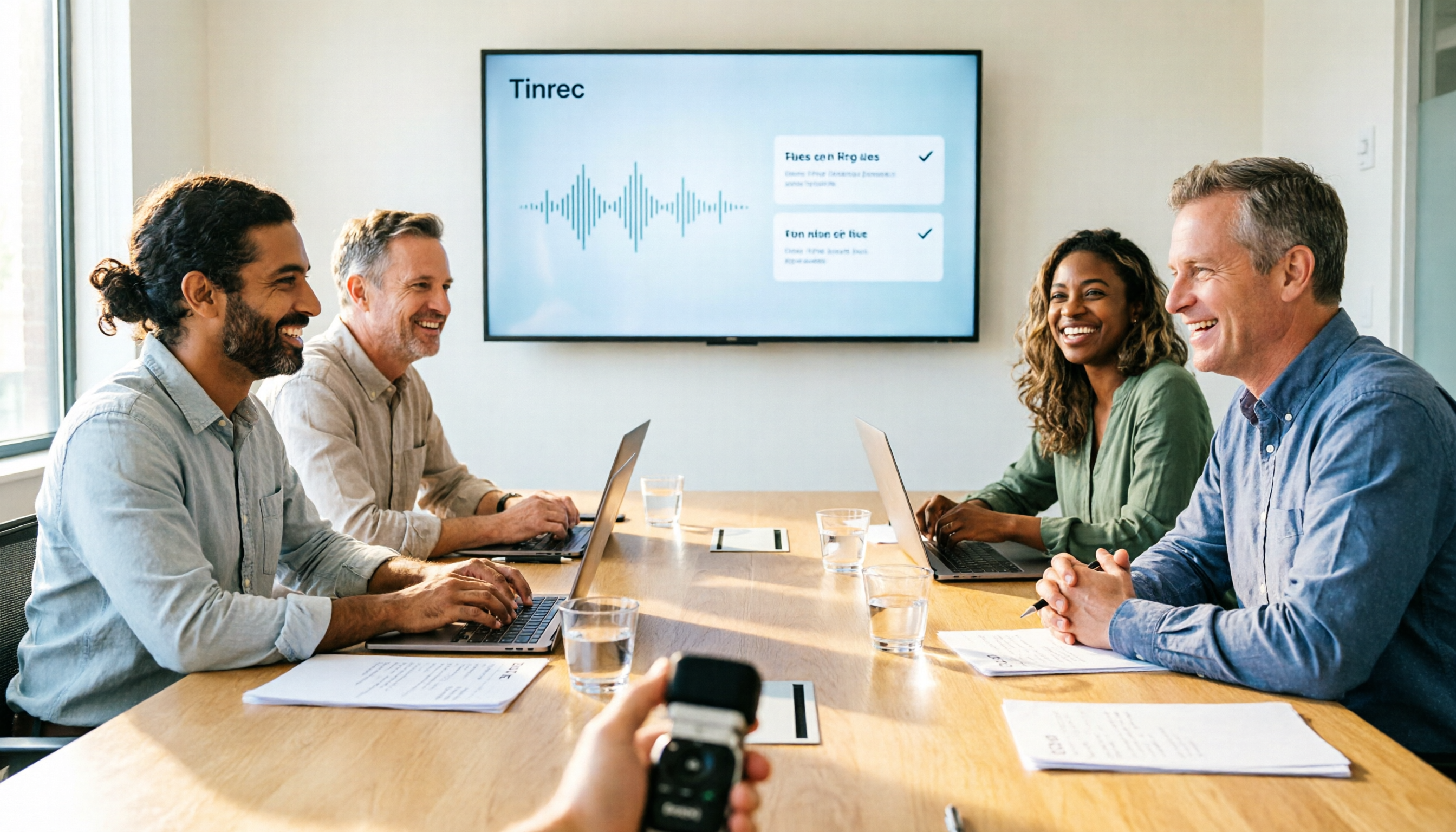
2026 Comparison of 4 Meeting Transcription Platforms: From Upload to Meeting Minutes, Which Saves the Most Post-Meeting Time?
After a meeting, do you want a verbatim transcript or a meeting record you can send out directly? This article compares the actual capabilities and limitations of four meeting transcription platforms—Tinrec, Otter.ai, Notta, and Granola—across five stages: import, transcription, summarization, action items, and export. It also compiles pricing and quotas verified in August 2026 to help you choose the right platform based on your needs.
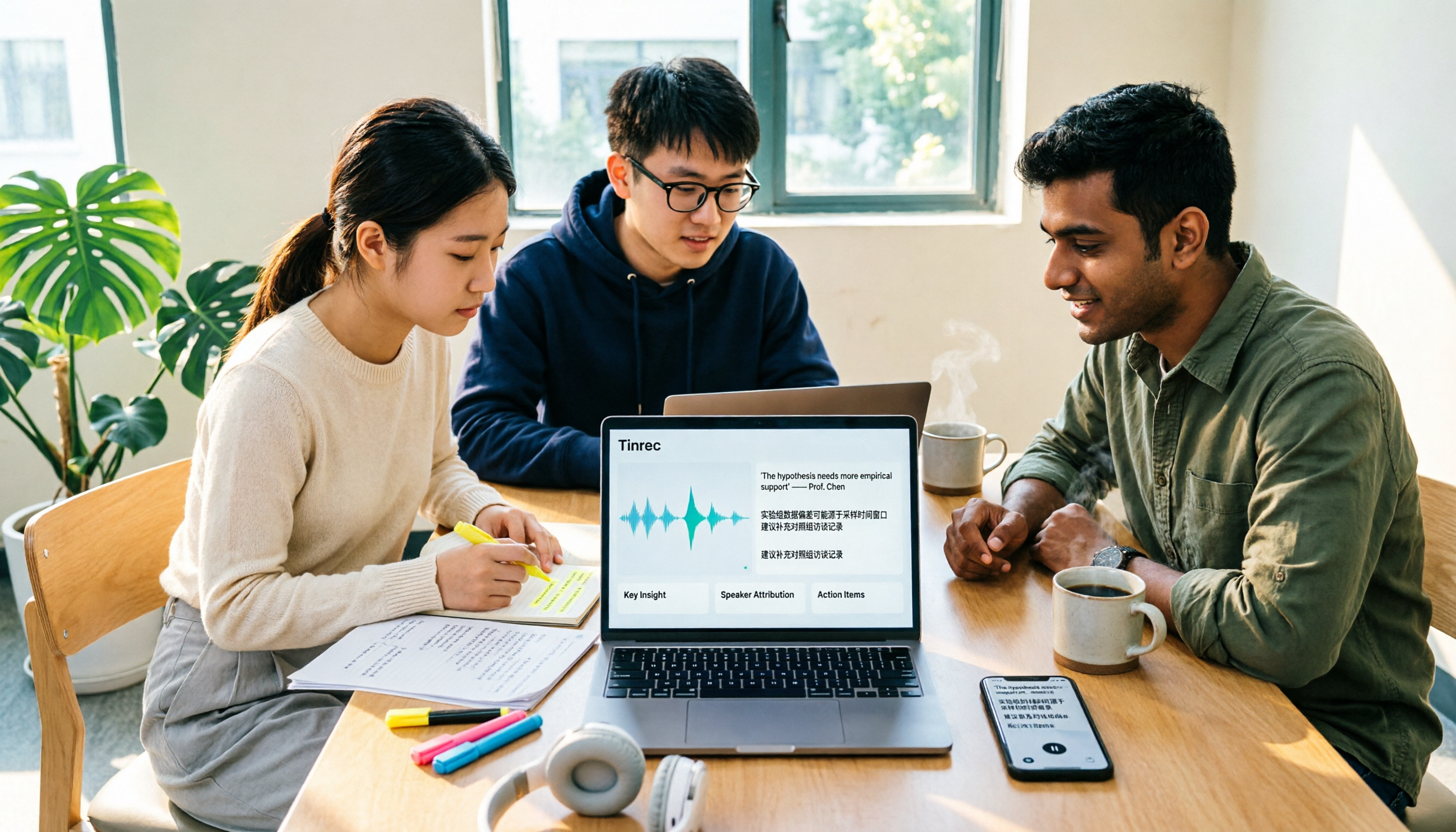
Best Meeting Transcription Tools of 2026: 4 Tested, This Free Version Is Enough for Students
Starting from real struggles with class recordings and group discussions, we tested four meeting transcription tools—Tinrec, Otter.ai, Notta, and TurboScribe—comparing free tiers, Chinese and mixed Chinese-English recognition, post-meeting summaries, and export capabilities. We also outline key decision points and three common pitfalls to help budget-conscious students find a tool they'll actually stick with.

5 Meeting Transcription Tools Tested and Compared for 2026: A Complete Guide from Recording to Meeting Minutes
Meeting transcription isn't as simple as pressing record and getting minutes. This guide covers the actual positioning, operation, and pricing of 5 tools, plus common pitfalls before, during, and after recording, to help you choose the right tool for your scenario.

2026 Complete Guide to Meeting Recording Transcription: Chinese Transcripts, AI Summaries, and Tool Comparison
How to choose a meeting recording transcription tool? This article breaks down 5 key purchasing factors, from Chinese recognition, meeting recording methods, post-meeting organization, quota calculation, to team data governance, and compares Tinrec, Otter.ai, Notta, and TurboScribe in terms of use cases and pricing to help you pick the one that saves the most time.

2026 Comparison of 4 Meeting Transcription Tools: Free Tiers, AI Summaries, and Team Collaboration
How to choose a meeting transcription tool? This article starts from the decision point of 'do you want a verbatim transcript or actionable meeting results?' and covers 4 key selection criteria, hands-on testing of Tinrec, Otter.ai, Notta, and Granola, and honestly explains free tiers, team seats, and pricing to help you avoid common pitfalls like focusing only on accuracy or buying a tool just for transcription.

2026 Meeting Transcription Comparison: Bot-Free Recording + Auto-Generated Minutes
Tired of spending two hours after every meeting organizing notes? This guide tackles real workplace pain points and compares Tinrec, Notta, Otter.ai, and Granola for meeting transcription. It covers bot-free recording, Chinese and mixed Chinese-English transcription, post-meeting summaries and action items, team data ownership, and pricing. Includes 5 key buying criteria, 4 common pitfalls to avoid, and scenario-based recommendations (prices and plans verified as of August 2026).

2026 Comparison of 4 Meeting Transcription Tools: Which Saves the Most Time from Transcript to Meeting Minutes?
How to choose a meeting transcription tool? This article starts from the decision point: do you need a verbatim transcript or meeting minutes you can send out directly? It covers 4 key selection criteria and compares Tinrec, Otter.ai, Notta, and Granola in Chinese transcription, post-meeting organization, audio retention, and team collaboration, with 3 common pitfalls and scenario-based recommendations.

4 Free Meeting Transcription Tools in 2026: Free Tiers and Transcript Workflow Comparison
Turning meeting recordings into text is easy; turning transcripts into sendable meeting minutes is the hard part. This article compares Tinrec, Otter.ai, Notta, and TurboScribe from a practical workflow perspective—covering free tiers, speaker labeling, export formats, and post-meeting organization—plus four common pitfalls and selection advice. Data verified August 2026.

2026 Comparison of 6 Meeting Transcription Tools: Which Saves the Most Time on Chinese Transcripts and Post-Meeting Organization?
We tested 6 meeting transcription tools with the same mixed Chinese-English meeting recording, comparing bot-free recording, Chinese transcription, post-meeting summaries and action items, team data retention, and pricing. Includes a quick comparison chart and buying advice to help you pick the one that truly saves time.