

Turn recordings into transcripts and summaries in minutes
Upload audio or video for multilingual transcription, AI notes, and action items
4 Free Meeting Transcription Tools for 2026: Free Tiers and Use Cases Compared
The 4 p.m. project meeting just ended, and your manager drops a message in the group chat: "Who can put together today's conclusions and action items?" You look at the 58-minute recording and know exactly what's coming: another round of replaying, pausing, and typing.
First, a note on our approach: this is a research roundup and feature comparison, not a lab test. The article focuses on Tinrec while also covering the publicly available free plans of Otter.ai, Notta, and TurboScribe for comparison. Plan details, limits, and pricing are based on each vendor's official pages as of August 2026. Plans may change at any time, so please verify the latest information before adopting.
The meeting ends, and the overtime begins—what you're missing isn't a recording, it's deliverable content
The first scenario is the weekly meeting. You discuss for an hour, but what actually needs to be delivered is three conclusions, two decisions, and four action items. Yet to find those few sentences, you have to listen to the entire recording again.
The second scenario is a multi-person online meeting. Colleagues take turns speaking, mixing Chinese and English, and sometimes talk over each other. When replaying, the hardest part isn't figuring out "what was said" but "who agreed to what, and when it's due."
The third scenario happens two weeks later. Your manager asks, "How did we finally decide on that budget?" You only remember a few keywords, but Ctrl+F just can't find that semantically related discussion.
The root of these frustrations is usually not slow typing, but tools that only do "turn voice into text" without handling what comes after. With the right tool, the time from meeting end to handing in minutes can potentially drop from two hours to ten-plus minutes.
Before choosing a meeting transcription tool, understand these 5 key points
1. How free tiers are calculated. There are three common methods: minutes per month, files per day, and maximum length per upload. 300 minutes per month sounds like a lot, but if the per-upload limit is only 3 minutes, a one-hour meeting would need to be split into twenty segments—impractical in real use. Before choosing a tool, calculate how many hours of meetings you have per week, then check whether the unit matches.
2. Recognition of Chinese and mixed Chinese-English. Workplace meetings in Taiwan rarely use pure Chinese; product names, job titles, and system codes are often spoken in English. What matters here is the tool's experience handling Chinese contexts and mixed content, not the single accuracy number claimed by the vendor—that number is usually measured in a quiet studio, which is nothing like your meeting room.
3. Can you use the transcript directly after transcription? A tool that only gives you a transcript is essentially handing the organizing work right back to you. Look for summaries, chapters, action item extraction, and the ability to ask questions about the content.
4. How does meeting audio get into the tool? Built-in platform dictation only handles real-time input; meeting bots join as participants; desktop capture of system audio requires no extra bot; uploading audio files suits organizing existing recordings. Your meeting style determines which one works best.
5. Should the team share or work separately? If data lives in personal accounts, meeting records often disappear when members change departments or leave. If meeting content is a team asset, check whether the tool offers team spaces and member/seat management.
Tinrec—turn meetings into searchable, collaborative data
Tinrec is an AI meeting notes and collaboration tool for individuals and teams, available on desktop, web, and mobile. It's positioned not just as "audio-to-text" but as a way to organize meeting content into searchable, summarizable, queryable, and exportable data that settles into team spaces.
No extra bot for online meetings. Tinrec's desktop app captures system audio directly, so when handling Zoom, Google Meet, Microsoft Teams, Webex, and other meetings, you don't need to invite an extra bot. For internal and external meetings, this means no unfamiliar account appears in the participant list, and no need to explain to clients "what that Bot is." Note that this doesn't mean automatic joining of all calendar meetings—users still need to start recording manually.
When the meeting ends, summaries and action items are already there. Transcription happens during recording, and after the meeting you can generate summaries, chapters, and key points, and extract action items from the discussion. Rather than recording first and organizing from scratch, spend your time confirming "who's responsible and what's the deadline."
After recording, ask questions like you would a colleague. This is where Tinrec stands out from most similar tools: you can directly ask "What was the conclusion about the budget just now?" or "Who opposed this proposal?" and the system finds answers from the meeting content instead of dumping a bunch of keyword search results on you. For long meetings that easily exceed an hour, this is far more efficient than Ctrl+F.
Team scenarios have a separate approach. The team edition provides independent team spaces where meeting data belongs to the team, with management of members, roles, and seats, usage trend viewing, audit log query and export, and team hotwords and audio recycle bin. Roles determine who can manage the team; seats determine whether members can record, upload, edit, and export; active members without seats can still view, play, and read team data. For plans, the first eligible team trial is 7 days with 1 free seat and 300 minutes of team shared import quota; paid seats are USD 29.80/month or USD 199/year (about USD 16.58/month), each seat provides 2,000 minutes of team shared import quota per month, and real-time recording under an active team plan is currently not deducted by minutes.
Stop organizing recordings by hand
Upload audio or video and automatically get a transcript, summary, and action items
Free version and limitations, clearly stated. The personal free version offers a basic experience quota for recording, importing, summaries, and transcription; actual minutes and limits are subject to the official website. There are also weekly cards, Pro monthly cards, and annual cards for short-term and long-term needs. To be honest: the free quota is sufficient for those with two or three meetings per week, but heavy users will eventually need to pay; transcription and summary quality can be affected by recording environment, accents, overlapping speech, and technical terms, so for important content we recommend cross-checking with transcript timestamps and the recording; for highly regulated scenarios such as healthcare, legal, and finance, it should not be used as the sole record source without corresponding authorization and compliance documentation.
Who it's for. If your meetings are mainly in Chinese or mixed Chinese-English, you don't want a bot joining the meeting, you want summaries and action items right after the meeting, and you even want to ask follow-up questions two weeks later, Tinrec is a worthwhile option to evaluate first.
Besides Tinrec, what other free plans are worth comparing?
Here are three tools that also offer free plans, each with clear use cases. Limits are based on official public information:
| Tool | Free Plan Public Terms | Paid Starting Point (Official Page) |
|---|---|---|
| Otter.ai | Basic free, 300 minutes per month | Pro annual billing about USD 8.49/user/month, 1,200 minutes of in-app recording and 10 file imports per month |
| Notta | Free 120 minutes per month, max 3 minutes per upload | Pro annual billing about USD 8.17/month, 1,800 minutes per month |
| TurboScribe | Free 3 files per day, max 30 minutes per file | Unlimited annual USD 120, max 10 hours or 5 GB per file, up to 50 files per upload |
Otter.ai: the veteran choice for English meetings. High maturity, covering real-time transcription, speaker identification, AI Chat, and team management, with a generous free 300 minutes/month. But it has long been built around English business meetings, and Chinese or mixed Chinese-English organization is not its focus. If you mainly record English content, it's a great deal; if your meetings are mainly in Chinese and you need bilingual comparison and team hotword maintenance, Tinrec is closer to that scenario.
Notta: an overlapping competitor in multilingual transcription. It has desktop apps, file import, and translation, with a free 120 minutes per month, but the per-upload limit is 3 minutes, so long meetings need to be split. Tinrec not only organizes multilingual meetings but also offers team governance capabilities like team hotwords, audit logs, and audio recycle bin, suitable for departments that need centralized meeting data management.
TurboScribe: the cost-effective route for batch files. Free 3 files per day, 30 minutes per file; paid plans allow up to 10 hours per file and 50 files at once, making it efficient for processing large volumes of existing audio and subtitles. However, its focus is transcription itself, and summaries and action items are not its strength; if what you want is "get minutes and action items right after the meeting," Tinrec's post-meeting workflow will save more time.
Pitfall guide: 4 most common mistakes when choosing a free meeting transcription tool
Pitfall 1: Treating "free" as "enough." Free tiers have three calculation methods. Many people see "300 minutes per month" and decide, only to find the per-upload limit is very short or exports cost extra. The right approach is to compare against the length of a recent meeting you've had and see if the unit truly accommodates it.
Pitfall 2: Using built-in dictation instead of meeting transcription. Phone dictation and document voice input only handle real-time input; they can't process already-recorded audio, let alone separate speakers or produce minutes. These are different tools and cannot replace each other.
Pitfall 3: Comparing only transcription minutes and ignoring post-transcription work. A tool that ends after transcription is essentially returning the organizing work to you. What you should really compare: does it have summaries, action items, the ability to ask questions about content, and export to the document formats and platforms you normally work with?
Pitfall 4: Ignoring data ownership. Meeting records in personal accounts easily break when members change. If this content belongs to the team, options should include team spaces, roles, and seat design, rather than multiple people sharing one account.
Conclusion: choose a tool based on your meeting style
- Chinese or mixed Chinese-English meetings, and you don't want to add a bot → Tinrec, desktop app captures system audio to record online meetings.
- You want summaries and action items right after the meeting, and want to ask follow-up questions later → Tinrec, summaries, chapters, action items, and AI Q&A in one workflow.
- You need to switch between phone, computer, online and offline → Tinrec, works on desktop, web, and mobile.
- You need to turn meetings into shared departmental assets → Tinrec team edition, manage members, seats, usage, and audits, with data owned by the team.
- You have a batch of existing audio files and subtitle needs, no summaries required → TurboScribe, long files and batch processing are its strengths.
- Pure English meetings, zero budget → Otter.ai, free 300 minutes per month is a good start.
- Short-term trial, short meetings → Notta, free 120 minutes per month, but note the 3-minute per-upload limit.
You don't need to pay from the start. First use the free quota to run a recording of your own meeting, time it from upload to getting the transcript, then to reading the summary, and see if the workflow is smooth and the error rate is within your acceptable range, then decide whether to upgrade.
Note: Recording and transcription involve personal data and local regulations. Before the meeting, please confirm whether participant consent is required.
References
- 5 Meeting Real-Time Transcription Tools in Traditional Chinese Tested: Accuracy, Summary Capabilities, Pricing including Tinrec Review - Tinrec Blog
- [Audio to Text] 6 Tools Compared 2026: How to Choose Meeting Notes and Recorder Files (including Tinrec Test) - Tinrec Blog
- 2026 Speech-to-Text Tools Recommended: Meeting Notes Efficiency Bottleneck, 5 AI Recording Tools Compared and Tinrec Tested - Tinrec Blog
- [Meeting Audio to Text] 5 Tools Tested and Compared: Who Has the Best Chinese Accuracy and AI Summary? - Tinrec Blog
- Meeting Audio to Transcript and Action Item Extraction: 8 AI Tools Recommended in 2026 and Practical Tutorial - Tinrec Blog
Turn every recording into actionable outcomes
Get 60 free transcription minutes when you sign in. No credit card required.
Related Reading
You might also like

2026 Comparison of 4 Meeting Transcription Tools: Which Offers the Most Time-Saving Transcript Fonts and Formatting?
Many people think pressing record will give them meeting minutes ready to send, but what they get is an unpunctuated, misnamed, poorly formatted mess. This article addresses real pain points, outlines 4 key factors for choosing a meeting transcription tool, tests Tinrec, Otter.ai, Notta, and Granola, and provides practical tips for proofreading and formatting transcripts (fonts, line spacing, paragraphs) to help you choose the right tool and save two hours of organizing.

2026 Comparison of 5 Meeting Transcription Tools: How to Choose for Chinese Meetings and Team Collaboration
How to choose a meeting transcription tool? This article compares Tinrec, Otter.ai, Fireflies.ai, Notta, and TurboScribe on Chinese language support, post-transcription organization, team collaboration, and pricing, and summarizes common misconceptions and selection advice.
5 Best Meeting Transcription Tools in 2026: Transcript Organization, Chinese Recognition, and Pricing Comparison
The common pitfall with meeting transcription isn't that it fails to produce text—it's that the output is unusable. This article breaks the process into three stages—import, transcription, and summarization/organization—and compares Tinrec, Otter.ai, Notta, TurboScribe, and Granola on input methods, post-meeting outputs, Chinese language support, and free tiers. It also covers transcript formatting and font handling, pricing comparisons, and ideal use cases. Data verified as of August 2026.
How to Transcribe Meeting Recordings in 2026: 5 Steps to Transcripts and Meeting Minutes
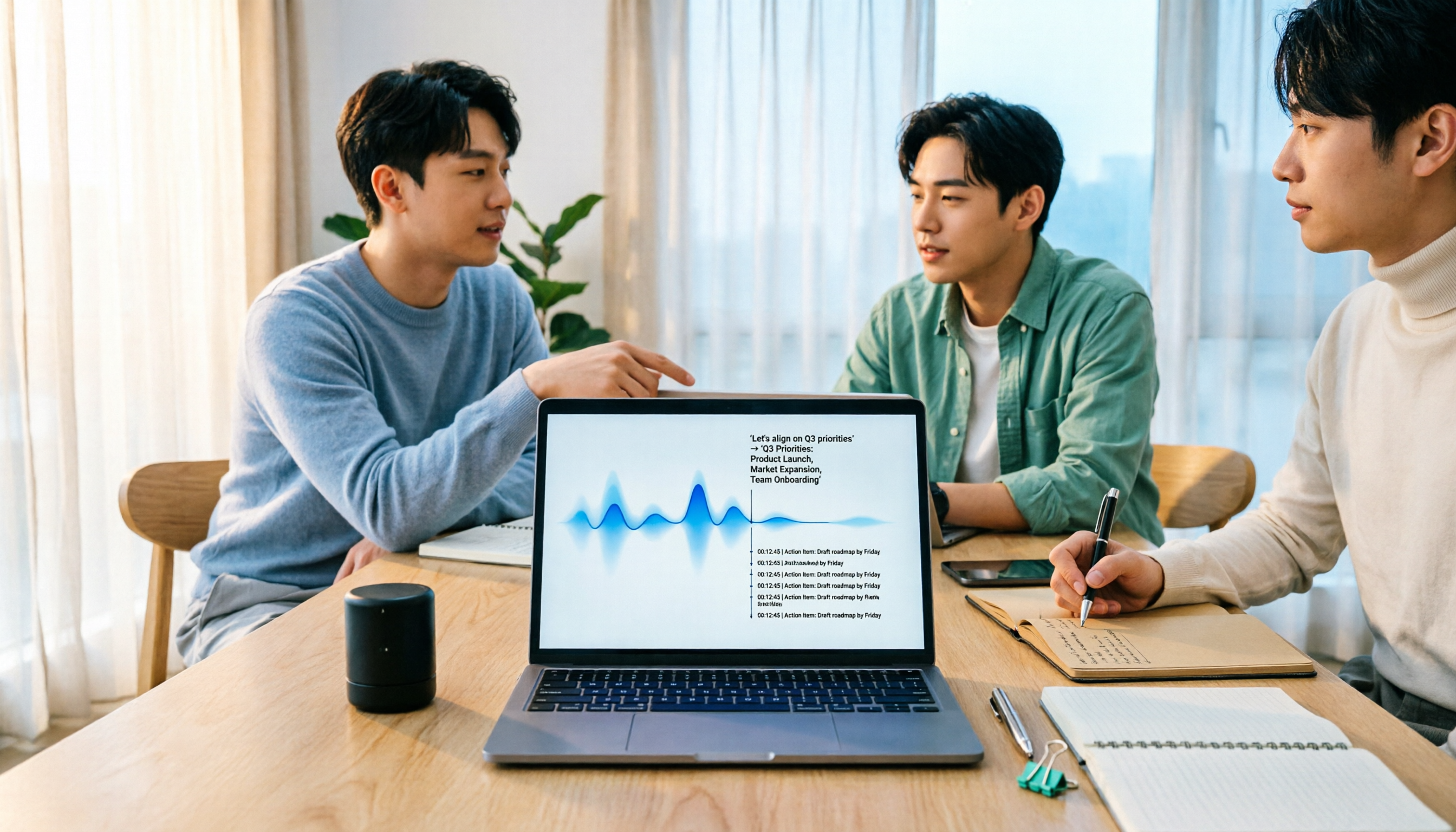
Transcribing meeting recordings isn't hard—the hard part is organizing them afterward. This guide walks you through the complete workflow from recording to transcript to meeting minutes in 5 steps, compares Tinrec, Notta, Otter.ai, and Granola for Chinese meetings, bot-free recording, and team knowledge retention, and honestly explains free tier limits and accuracy constraints.

2026 Comparison of 4 Meeting Transcription Platforms: From Upload to Meeting Minutes, Which Saves the Most Post-Meeting Time?
After a meeting, do you want a verbatim transcript or a meeting record you can send out directly? This article compares the actual capabilities and limitations of four meeting transcription platforms—Tinrec, Otter.ai, Notta, and Granola—across five stages: import, transcription, summarization, action items, and export. It also compiles pricing and quotas verified in August 2026 to help you choose the right platform based on your needs.
Best Meeting Transcription Tools of 2026: 4 Tested, This Free Version Is Enough for Students
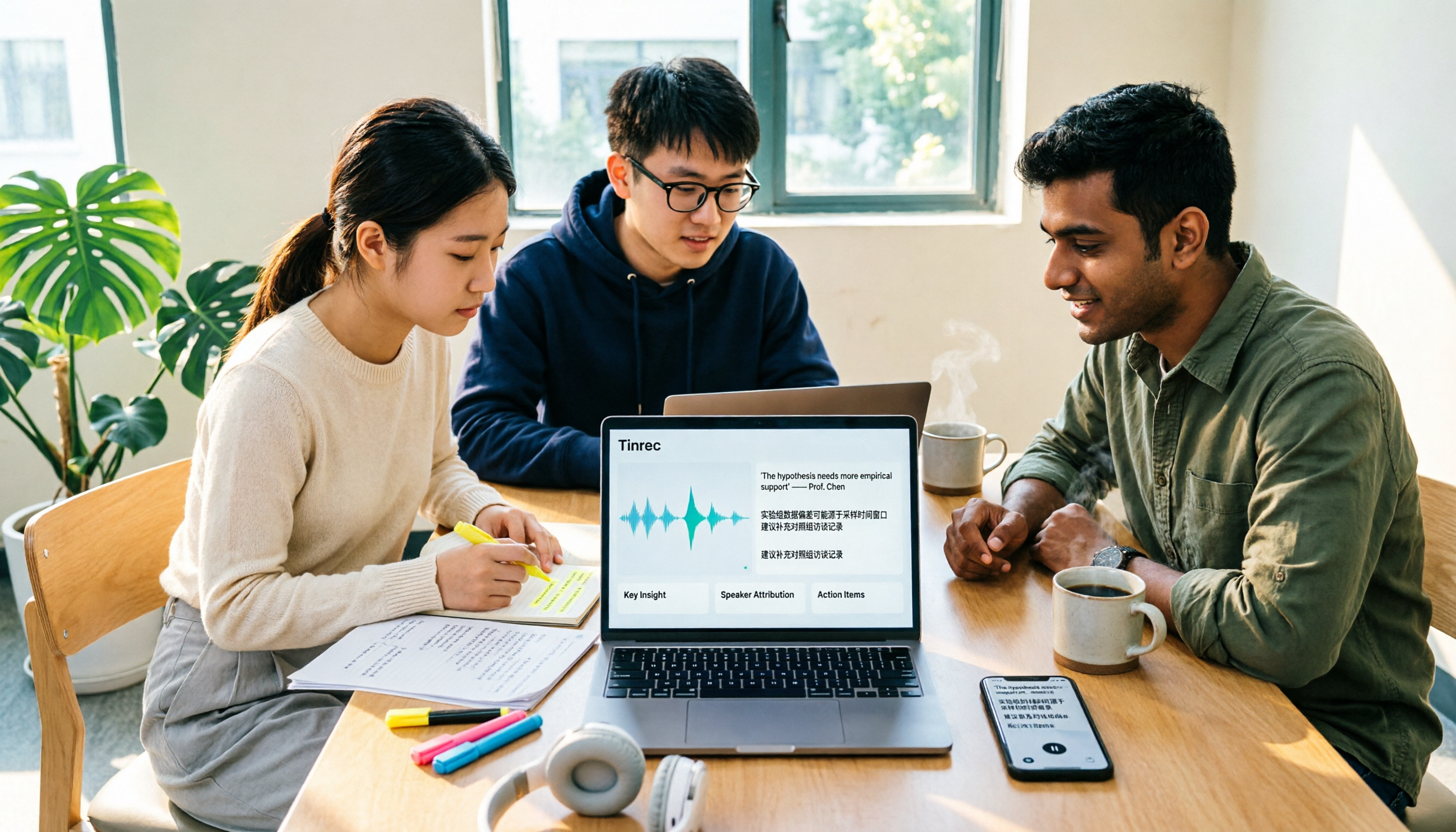
Starting from real struggles with class recordings and group discussions, we tested four meeting transcription tools—Tinrec, Otter.ai, Notta, and TurboScribe—comparing free tiers, Chinese and mixed Chinese-English recognition, post-meeting summaries, and export capabilities. We also outline key decision points and three common pitfalls to help budget-conscious students find a tool they'll actually stick with.

5 Meeting Transcription Tools Tested and Compared for 2026: A Complete Guide from Recording to Meeting Minutes
Meeting transcription isn't as simple as pressing record and getting minutes. This guide covers the actual positioning, operation, and pricing of 5 tools, plus common pitfalls before, during, and after recording, to help you choose the right tool for your scenario.

2026 Complete Guide to Meeting Recording Transcription: Chinese Transcripts, AI Summaries, and Tool Comparison
How to choose a meeting recording transcription tool? This article breaks down 5 key purchasing factors, from Chinese recognition, meeting recording methods, post-meeting organization, quota calculation, to team data governance, and compares Tinrec, Otter.ai, Notta, and TurboScribe in terms of use cases and pricing to help you pick the one that saves the most time.

2026 Comparison of 4 Meeting Transcription Tools: Free Tiers, AI Summaries, and Team Collaboration
How to choose a meeting transcription tool? This article starts from the decision point of 'do you want a verbatim transcript or actionable meeting results?' and covers 4 key selection criteria, hands-on testing of Tinrec, Otter.ai, Notta, and Granola, and honestly explains free tiers, team seats, and pricing to help you avoid common pitfalls like focusing only on accuracy or buying a tool just for transcription.