
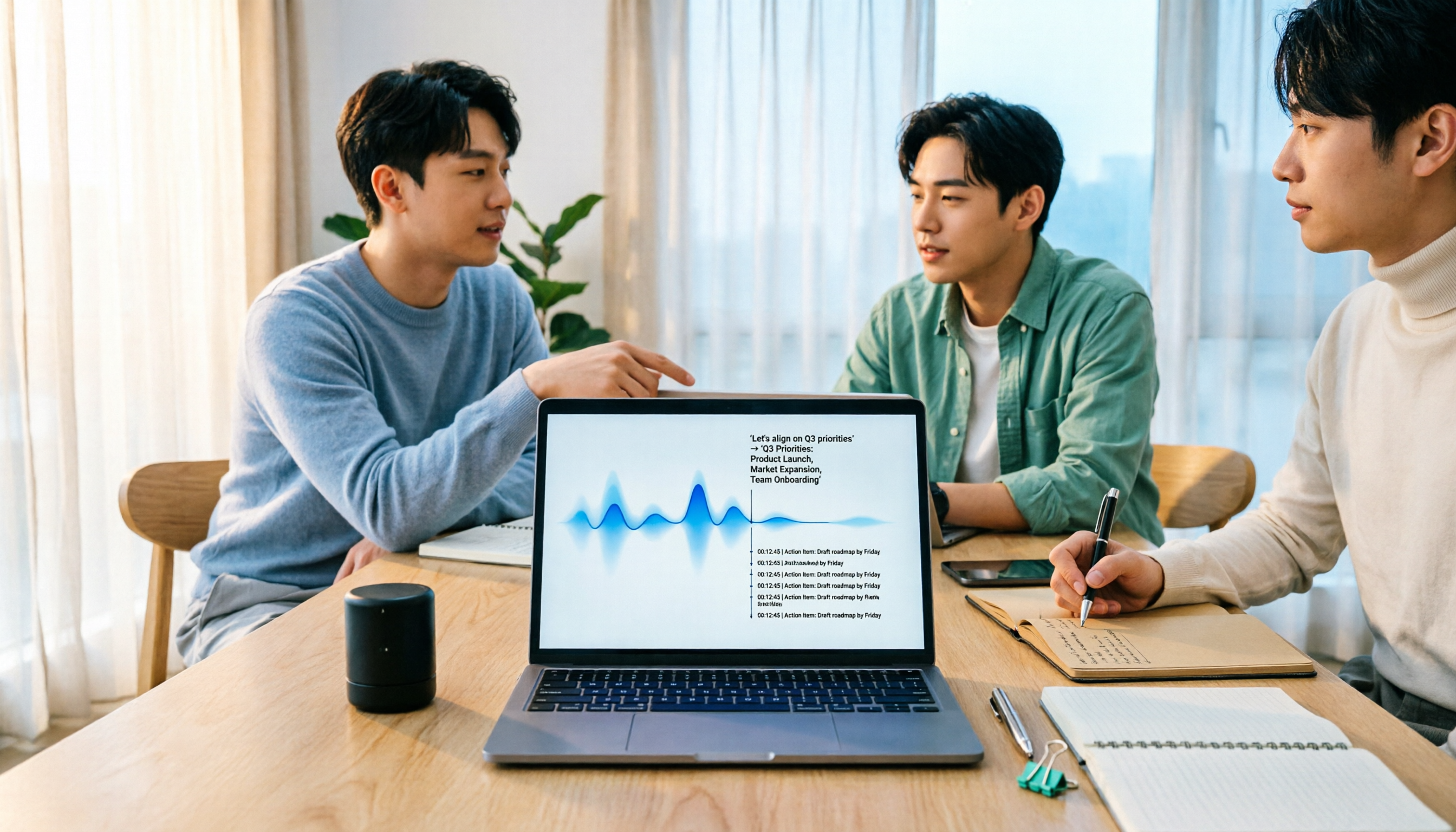
Turn recordings into transcripts and summaries in minutes
Upload audio or video for multilingual transcription, AI notes, and action items
How to Transcribe Meeting Recordings in 2026: 5 Steps to Transcripts and Meeting Minutes
The Problem You Discover After the Meeting: You Don't Need a Recording File, You Need Usable Minutes
It's 4 PM on a Friday. A 90-minute project meeting just ended, and the recording is sitting on your phone. Your manager walks over and asks, "Who's responsible for that budget item? When is it due?"
You open the recording, drag to the 47-minute mark, and listen again.
This is a daily reality for many office workers. You hit record during the meeting, but afterward, no one wants to open the file again.
The problem isn't the recording—it's that most people only "record" but don't "organize." Traditional manual transcription runs at about 1:4 to 1:5 efficiency, meaning a 1-hour recording takes 4 to 5 hours to type out. By the time you finish, the meeting's momentum is long gone.
Moreover, a transcript and meeting minutes are actually two different things. A transcript is a verbatim record, suitable for evidence and interview quotes; meeting minutes are the conclusions, decisions, and action items meant for people to read. You need to decide which one you need first, so you choose the right tool.
This article will walk you through the complete workflow—recording → transcript → meeting minutes—in 5 steps, and honestly explain which parts AI can help with and which still need your review.
Before Transcribing Meeting Recordings, Understand These 4 Key Points
1. Do you need a transcript or meeting minutes? For precise quotes, legal evidence, or academic interviews, focus on transcription quality; for sharing with managers and colleagues, focus on summaries and action items. Many tools only handle the former, leaving the latter to you.
2. Chinese and mixed Chinese-English recognition capability Meetings in Taiwan rarely use pure Chinese—project names, system terms, and product codes are often spoken in English. International tools that focus only on English recognition will struggle noticeably in this scenario.
3. Recording method determines audio quality, and audio quality determines accuracy Online meetings can capture system audio from your computer, which is clear and stable; in-person meetings rely on microphones, and air conditioning noise, keyboard sounds, and multiple people talking over each other all affect results. Spend 30 extra seconds checking your equipment before recording, and you'll save half an hour of proofreading afterward.
4. After transcription, can the data be reused? Can you search it, ask follow-up questions, export to Notion or Google Docs, and will team members be able to find it later? These determine whether the minutes have value.
Tinrec Hands-On: 5 Steps from Recording to Meeting Minutes
Tinrec is an AI meeting notes and collaboration tool for individuals and teams, available on web, desktop, and mobile app. It doesn't just convert speech to text—it also organizes summaries, chapters, and action items, and supports AI Q&A around meeting content and team spaces. Here's the actual workflow.
Step 1: Before Recording, Decide How to Capture Audio
- Online meetings (Zoom, Google Meet, Microsoft Teams, Webex): Use the desktop version to capture system audio directly—no need to add any meeting bot to the room.
- In-person meetings, client interviews: Open the mobile app for live recording, with real-time transcription as you speak.
- Already-recorded files: Upload audio or video files (MP4, etc.) for later transcription.
- Tip: Before recording, confirm all participants consent and comply with local recording laws.
Step 2: Start Recording and View the Transcript Live
After pressing record, the screen shows the transcription in real time, so if you miss a sentence, you can immediately refer back to the text. For multilingual meetings, enable real-time translation and view in original, translated, or bilingual mode.
The biggest difference here is "no waiting." Previously, you had to wait until the meeting ended to see anything; now you can confirm key points are captured while the meeting is still in progress.
Step 3: After the Meeting, Get the Transcript and Check Three Things First
Don't rush to the next step after transcription—spend three minutes checking:
- Whether speakers are correctly identified
- Whether names, product names, and numbers are recognized correctly (teams can pre-maintain "team hotwords" to add frequently used technical terms)
- Where key decisions fall on the timeline—mark them as you go
Use the search function to find keywords directly; it's much faster than reading from the beginning.
Step 4: Let AI Organize—Don't Read the Entire Transcript Yourself
This step is key to saving time:
Stop organizing recordings by hand
Upload audio or video and automatically get a transcript, summary, and action items
- AI summaries and chapters: See the structure first to quickly grasp the discussion flow
- Action items: Extract who needs to do what from the conversation
- Mind maps: See relationships in complex topics at a glance
- AI Q&A: Ask directly "What was the conclusion of this meeting?" or "What was the budget cap the client mentioned?"—it answers based on semantics, not a bunch of keyword search results
- Agent post-processing: Generate post-meeting reports, tables, or documents directly
Step 5: Proofread, Export, and Retain as Team Knowledge
After confirming the content, export results to Notion, Google Docs, OneNote, or Dropbox to integrate back into your existing workflow.
If you're using it as a team, the team version stores meeting recordings, transcripts, summaries, and action items in a single team space. New members can view past meetings, managers can see usage trends, and data doesn't leave with individual members when they depart.
Plans and Pricing: Is the Free Version Enough?
Tinrec offers a free version, weekly pass, Pro monthly, and Pro annual for individuals. For occasional transcription, the free version is sufficient; for short-term intensive meetings or interviews, the weekly pass is more suitable; for regular weekly meeting organization, Pro monthly is smoother; for long-term recording retention, the annual plan has a lower monthly equivalent.
For teams, the first eligible team trial is 7 days with 1 free seat and 300 minutes of shared team import quota. After that, monthly billing is USD 29.80 per paid seat per month, and annual billing is USD 199 per paid seat per year (about USD 16.58 per month), with each paid seat providing 2,000 minutes of shared team import quota per month. Under an active team plan and active seats, live recording currently does not deduct minutes; file and web imports use the shared team quota.
To be honest: the free version has usage limits and won't be enough for heavy use; transcription accuracy is affected by audio quality, accents, and overlapping speakers—verify important content against the recording; team version currently offers team-level shared visibility, not granular file-level permissions. Pricing and benefits are subject to the official purchase page.
Besides Tinrec, What Other Options Are There?
Notta: Comprehensive multilingual transcription and file import, with translation and team plans. Free version: 120 minutes per month, 3 minutes per session; Pro annual: about USD 8.17 per month, 1,800 minutes per month. Suitable for those focused on file transcription and subtitle organization. But if you want bot-free, direct recording of online meetings on your computer with real-time transcription, Tinrec's desktop system audio capture is more direct.
Otter.ai: A veteran choice for English meetings. Basic free: 300 minutes per month; mature English recognition and meeting integration. But it doesn't support Chinese transcription, making it completely unsuitable for mixed Chinese-English meetings in Taiwan. For all-English meetings where the team already uses the Otter ecosystem, it remains a reasonable option; for Chinese scenarios, skip it.
Granola: Also captures desktop audio without a bot, focusing on "handwritten notes plus AI enhancement." Basic is free; Business is USD 14 per user per month. Note that it doesn't support uploading existing pre-recorded audio files and doesn't save meeting audio. Tinrec can retain audio, upload historical files, export to multiple formats, and retain in team spaces—this is the biggest difference between the two.
(Competitor pricing is from official pages as of 2026; refer to each official website for actual prices.)
Pitfall Guide: The 4 Most Common Mistakes in Meeting Recording Transcription
Pitfall 1: Thinking a transcript is the end. A transcript without conclusions or action items is just a different form of recording for most people. What really saves time is the summary, action items, and Q&A afterward.
Pitfall 2: Ignoring audio quality. Even the best AI can't rescue a muddled audio file. For in-person meetings, use a conference microphone and prepare backup recording devices; for online meetings, prioritize system audio over speakerphone capture.
Pitfall 3: Sending AI summaries as the final version. Names, amounts, dates, and commitments—always verify these four types of information against the original. AI saves you typing time, not responsibility.
Pitfall 4: Not considering who owns the data in the future. Meetings recorded on personal accounts scatter data across personal devices when members leave. If meeting content is valuable to the team, it should go into a team space from the start.
Conclusion: How to Choose for Your Situation
- Many online meetings and don't want bots in the meeting → Tinrec, desktop captures system audio directly
- Chinese and mixed Chinese-English meetings → Tinrec, this is its core scenario
- Want to ask AI directly for conclusions and action items after the meeting → Tinrec, with Q&A around meeting content
- Want to retain as a searchable team meeting database → Tinrec team version, with roles, seats, usage, and audit logs
- Mainly batch transcription of many files and subtitles → File-based tools like TurboScribe are more suitable
- All-English meetings, team already using Otter → Otter.ai remains a reasonable choice
Whichever you choose, the workflow is the same: decide whether you need a transcript or meeting minutes, ensure audio quality, let AI handle repetitive work, and manually verify key numbers.
If you want to try it out, Tinrec has a free version to run the complete workflow. Test it with a real meeting recording you have—that's more accurate than any review.
References
- [Tutorial] How to Transcribe Meeting Recordings in 2026: 5 Steps to Transcripts and Meeting Minutes - Tinrec Blog
- How to Use AI for Meeting Minutes? How to Organize Meeting Transcripts? | AI Speech-to-Text Tutorial | 104 Career Power
- How to Quickly Create Meeting Transcripts? 2026 Complete Guide | Recording to Text, AI Automatic Meeting Minutes - LexiTranscript Speech-to-Text
- What Tool to Use for Class Recording Transcription? 2026 Top 5 Choices and Practical Guide - Tinrec Blog
- Tinrec Meeting Notes Speech-to-Text Tutorial: 4 Steps to Generate Transcripts and AI Summaries - Tinrec Blog
Turn every recording into actionable outcomes
Get 60 free transcription minutes when you sign in. No credit card required.
Related Reading
You might also like

2026 Comparison of 4 Meeting Transcription Tools: Which Offers the Most Time-Saving Transcript Fonts and Formatting?
Many people think pressing record will give them meeting minutes ready to send, but what they get is an unpunctuated, misnamed, poorly formatted mess. This article addresses real pain points, outlines 4 key factors for choosing a meeting transcription tool, tests Tinrec, Otter.ai, Notta, and Granola, and provides practical tips for proofreading and formatting transcripts (fonts, line spacing, paragraphs) to help you choose the right tool and save two hours of organizing.

2026 Comparison of 5 Meeting Transcription Tools: How to Choose for Chinese Meetings and Team Collaboration
How to choose a meeting transcription tool? This article compares Tinrec, Otter.ai, Fireflies.ai, Notta, and TurboScribe on Chinese language support, post-transcription organization, team collaboration, and pricing, and summarizes common misconceptions and selection advice.
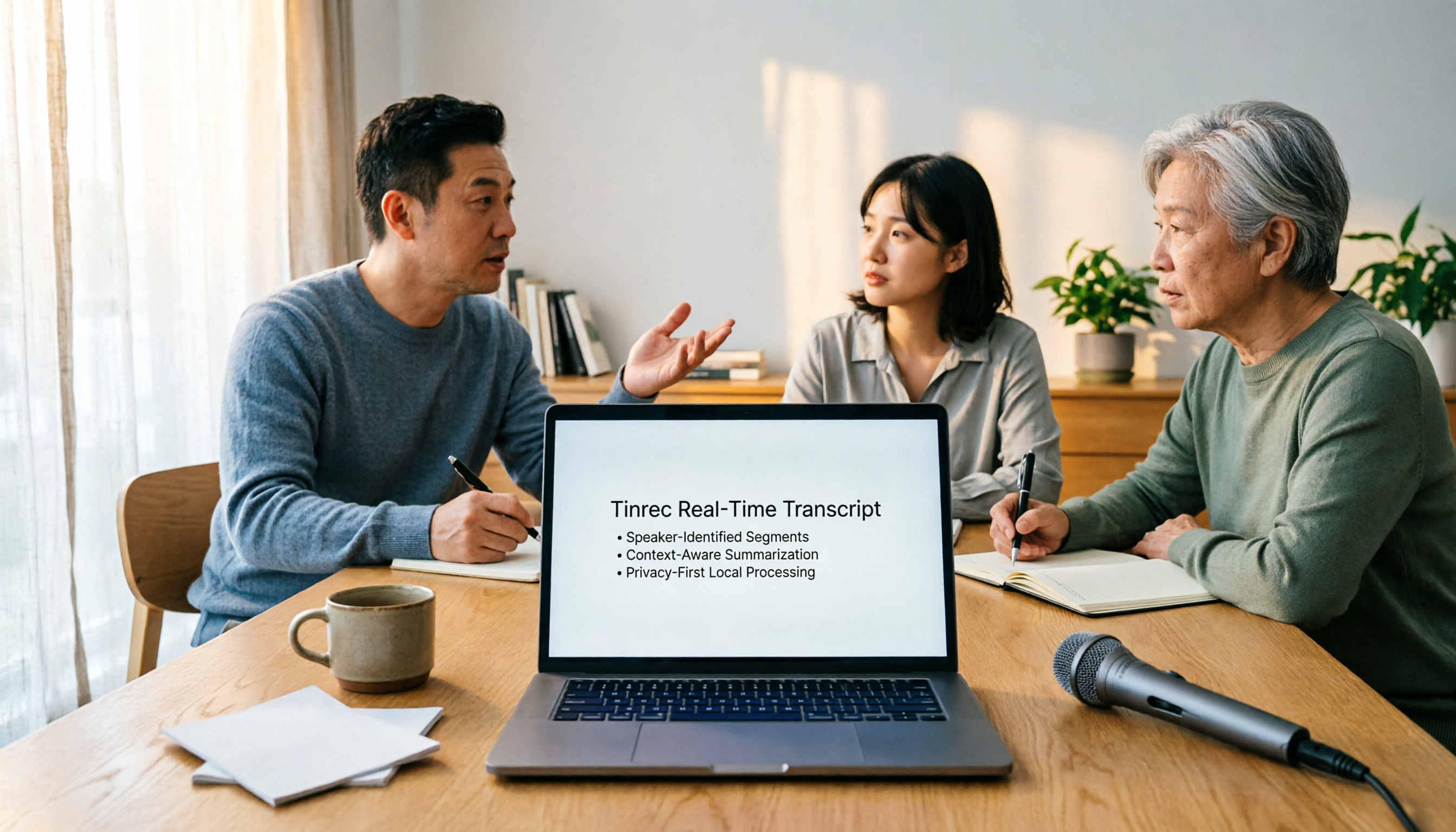
5 Best Meeting Transcription Tools in 2026: Transcript Organization, Chinese Recognition, and Pricing Comparison
The common pitfall with meeting transcription isn't that it fails to produce text—it's that the output is unusable. This article breaks the process into three stages—import, transcription, and summarization/organization—and compares Tinrec, Otter.ai, Notta, TurboScribe, and Granola on input methods, post-meeting outputs, Chinese language support, and free tiers. It also covers transcript formatting and font handling, pricing comparisons, and ideal use cases. Data verified as of August 2026.
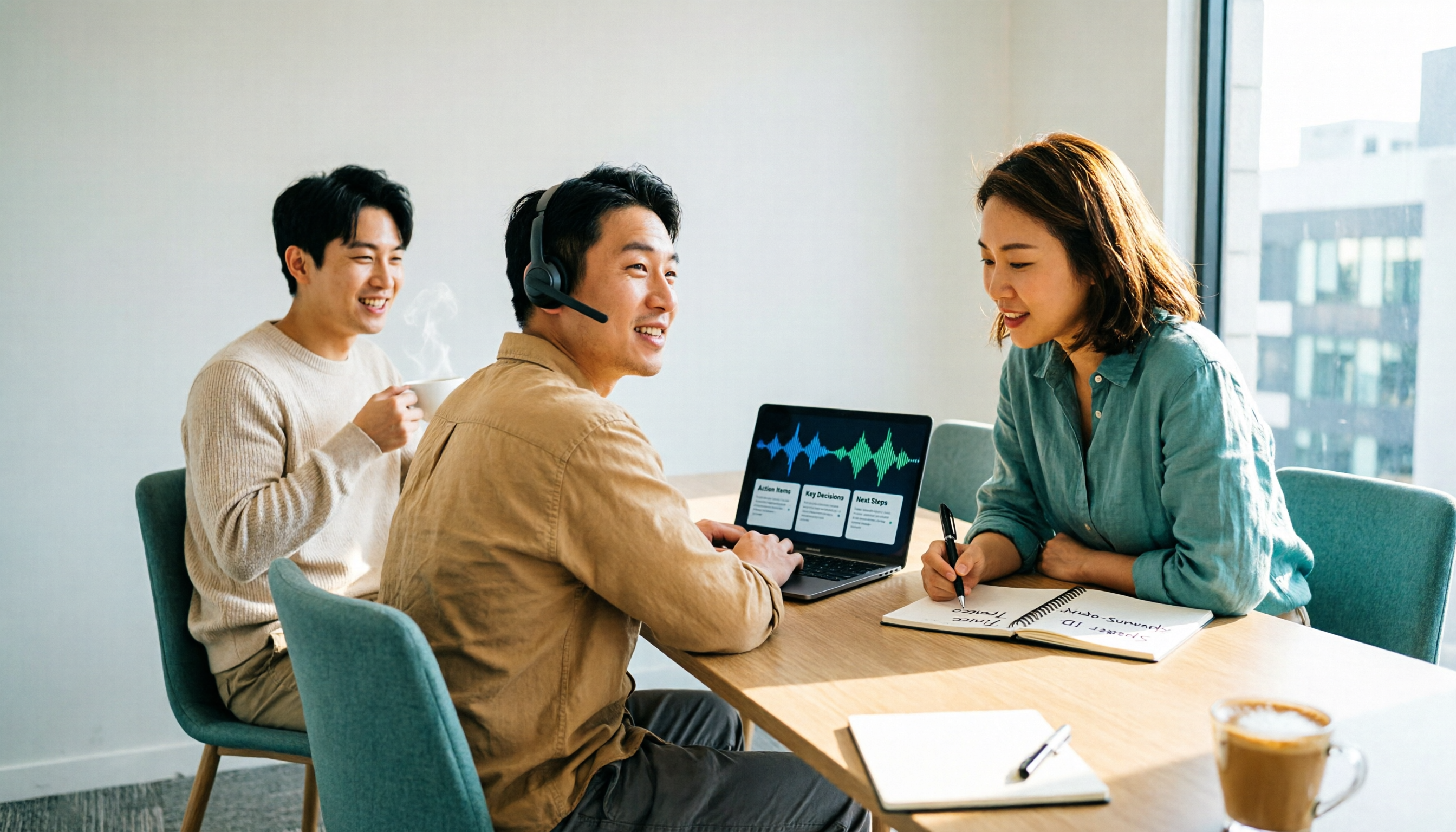
4 Free Meeting Transcription Tools for 2026: Free Tiers and Use Cases Compared
Meeting over but still working late? This article rounds up 4 meeting transcription tools with free plans in 2026, comparing free-tier limits, Chinese recognition, post-meeting summaries, and team data ownership. It also explains how Tinrec stands out with no-bot recording, AI Q&A, and team spaces, helping you choose the right tool for your meeting style.

2026 Comparison of 4 Meeting Transcription Platforms: From Upload to Meeting Minutes, Which Saves the Most Post-Meeting Time?
After a meeting, do you want a verbatim transcript or a meeting record you can send out directly? This article compares the actual capabilities and limitations of four meeting transcription platforms—Tinrec, Otter.ai, Notta, and Granola—across five stages: import, transcription, summarization, action items, and export. It also compiles pricing and quotas verified in August 2026 to help you choose the right platform based on your needs.
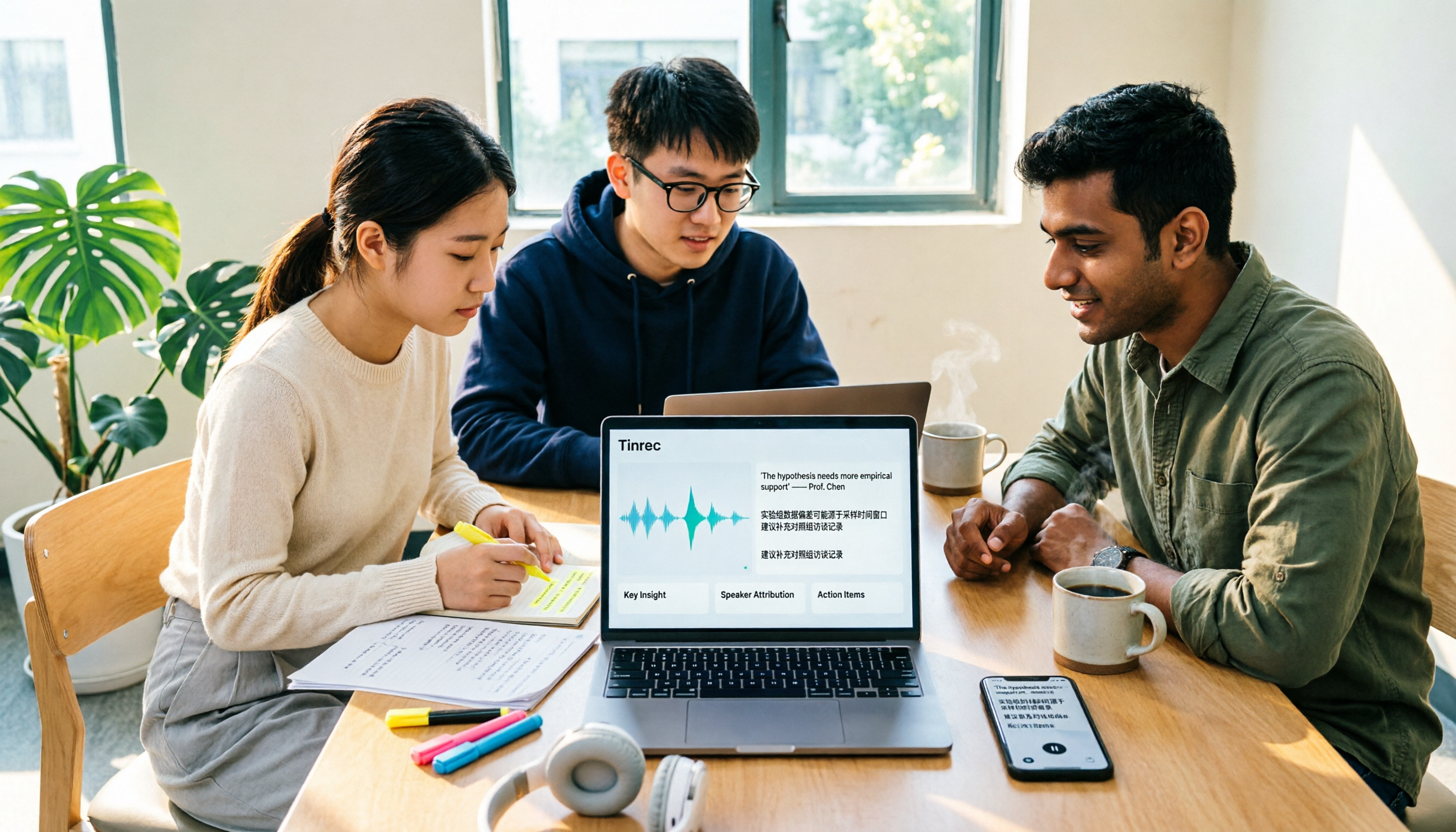
Best Meeting Transcription Tools of 2026: 4 Tested, This Free Version Is Enough for Students
Starting from real struggles with class recordings and group discussions, we tested four meeting transcription tools—Tinrec, Otter.ai, Notta, and TurboScribe—comparing free tiers, Chinese and mixed Chinese-English recognition, post-meeting summaries, and export capabilities. We also outline key decision points and three common pitfalls to help budget-conscious students find a tool they'll actually stick with.

5 Meeting Transcription Tools Tested and Compared for 2026: A Complete Guide from Recording to Meeting Minutes
Meeting transcription isn't as simple as pressing record and getting minutes. This guide covers the actual positioning, operation, and pricing of 5 tools, plus common pitfalls before, during, and after recording, to help you choose the right tool for your scenario.

2026 Complete Guide to Meeting Recording Transcription: Chinese Transcripts, AI Summaries, and Tool Comparison
How to choose a meeting recording transcription tool? This article breaks down 5 key purchasing factors, from Chinese recognition, meeting recording methods, post-meeting organization, quota calculation, to team data governance, and compares Tinrec, Otter.ai, Notta, and TurboScribe in terms of use cases and pricing to help you pick the one that saves the most time.

2026 Comparison of 4 Meeting Transcription Tools: Free Tiers, AI Summaries, and Team Collaboration
How to choose a meeting transcription tool? This article starts from the decision point of 'do you want a verbatim transcript or actionable meeting results?' and covers 4 key selection criteria, hands-on testing of Tinrec, Otter.ai, Notta, and Granola, and honestly explains free tiers, team seats, and pricing to help you avoid common pitfalls like focusing only on accuracy or buying a tool just for transcription.