

Turn recordings into transcripts and summaries in minutes
Upload audio or video for multilingual transcription, AI notes, and action items
"Transcription" Is Not the Same as "Transcript" — Most People Get It Wrong from the Start
Many people imagine meeting transcription is simple: press record, wait for AI to finish, copy and paste, and the meeting minutes are done.
In reality, you get an 18,000-word mess: no punctuation, no paragraphs, speakers all jumbled together, and names, company names, and product codes almost all wrong.
What's more troublesome is fonts and formatting. When you put the same transcript into Word, Google Docs, or Notion, font sizes, line spacing, and heading levels all need to be redone, and just adjusting the format takes half an hour.
A common inefficient approach is: first open a transcription tool to record, then open another tool for summarization, and finally manually paste both into a document to compare. Three tools, three files, and you still need to listen back to verify.
A more reasonable approach is to view "capture → transcribe → organize → format output" as a single workflow and choose a tool that can do it all, rather than finding a separate app for each step.
This article looks at several common tools from this perspective.
Before Choosing a Meeting Transcription Tool, Understand These 4 Key Points
1. Do You Just Want Text, or a Record You Can Send Out?
These are very different. Legal evidence and academic interviews require precise transcripts; weekly meetings and client meetings require summaries, decisions, and action items.
If a tool only gives you a transcript, condensing it afterward is still your job. So I usually first check if it offers summaries, chapters, action item extraction, and follow-up Q&A.
2. How Does Meeting Audio Get In?
There are two ways to capture online meetings: one is to send a meeting bot to join the meeting room as a participant, and the other is to use a desktop program to directly capture the computer's system audio.
The bot method will show a "Bot has joined the meeting" notification, which some clients may mind; the system audio method requires you to start recording on your computer yourself.
3. Can It Handle Chinese and Mixed Chinese-English?
Meetings in Taiwan almost always mix Chinese and English: project names in English, discussion in Chinese. Recognition performance in this scenario often determines how much you need to edit afterward more than the officially claimed accuracy rate.
4. Transcript Readability and Subsequent Formatting
This is the least discussed point but affects your off-work time the most. Pay attention to: whether there is punctuation and paragraphing, whether speakers are distinguished, and whether it can be exported to the format you normally use.
Because transcripts ultimately go into Word or Notion, fonts, line spacing, and heading levels still need to be adjusted in the document. What the tool can do is give you a clean, structured original text that is easy to apply formatting to.
Tinrec — The One I Open Most Often After Testing
Tinrec is an AI meeting notes and collaboration tool for individuals and teams, supporting iOS, Android, desktop, and web. It not only converts audio to text but organizes meetings into searchable, summarizable, queryable, and exportable data.
During the meeting: no need to invite a bot. The desktop version directly captures computer system audio, handling online meetings on Zoom, Google Meet, Microsoft Teams, Webex, etc., without an extra bot joining the meeting room. The transcript is generated in real-time during the meeting, and participants won't see an unfamiliar attendee.
After the meeting: check the summary first, then decide whether to read the full text. The system generates summaries, chapters, and action items, so you can directly pick out who is responsible for what and when it's due from the discussion. For long meetings, I scan the chapters first, then go back and read only those key segments.
What really sets it apart is AI Q&A. After recording, you can directly ask it "Who mentioned the budget in the last meeting?" "What were the client's concerns about the price?" It answers based on semantics, not just throwing a bunch of keyword search results at you. When you need to find a sentence in a 30-page transcript, the time saved by this feature is significant.
Cross-language meetings: During recording, you can switch between original text, translation, or bilingual view, so you don't discover misunderstandings only after the meeting in mixed Chinese-English settings. Professional terminology can be pre-maintained through team hotwords for more stable recognition.
Stop organizing recordings by hand
Upload audio or video and automatically get a transcript, summary, and action items
My testing method and observations: I tested with a real internal meeting recording of about ten minutes (playing a Zoom recording on a desktop indoors, with keyboard and air conditioning noise in the environment). I do not claim any accuracy figures because this depends heavily on recording quality, accents, and multiple people speaking at once. What I actually observed: there is paragraphing and punctuation, names and product codes still require manual proofreading, and the summary's ability to capture key points clearly saves me time on condensing.
Pros:
- Records online meetings without a bot, so clients aren't alerted during external meetings.
- After transcription, there are summaries, chapters, action items, Q&A, and Agent post-processing, not just plain text.
- Can export to Notion, Google Docs, OneNote, Dropbox, etc., so the transcript enters your existing workflow and you can apply fonts and styles without redoing all formatting.
Limitations:
- The free version is a trial quota, not unlimited; regular use requires evaluating weekly, Pro monthly, or annual plans.
- Importing audio and video files uses import quota, calculated differently from real-time recording.
- Names, numbers, and proper nouns still require manual confirmation; for important decision numbers, I listen back to the recording.
Who it's for: Those who need Chinese and mixed Chinese-English meeting transcription, don't want a bot joining meetings, and want to continue querying content afterward; for teams sharing meeting data, the team version offers independent team spaces, member and seat management, shared import quota, usage analytics, audit logs, and audio recycle bin, so meeting data belongs to the team and won't disappear when individuals leave.
Besides Tinrec, What Other Options Are There?
Otter.ai: A mature choice for English business meetings, Basic free for 300 minutes per month, Pro annual billing about USD 8.49/user/month with 1,200 minutes per month. If your meetings are entirely in English, it's cost-effective. But it doesn't have Tinrec's desktop version positioning of bot-free system audio capture, and Chinese meeting organization experience is not its strong suit.
Notta: Offers multilingual transcription and team plans, Free 120 minutes per month with a 3-minute limit per content, Pro annual billing about USD 8.17/month. Its team version provides role permissions and usage reports. However, it mainly uses meeting bots and uploads; if you care about "no bot joining meetings" and post-meeting AI queries, Tinrec's workflow is more complete.
Granola: Also focuses on bot-free AI meeting notes, Basic free, Business about USD 14/user/month, strong at combining your handwritten notes with AI. Note that it does not support uploading existing recording files and does not retain meeting audio—if you want to organize historical recordings or need to listen back to the original audio for verification, this will be a blocker, whereas Tinrec supports file import and retains audio.
Pitfall Guide: 4 Most Common Mistakes When Choosing a Meeting Transcription Tool
Pitfall 1: Only looking at officially advertised accuracy. Those numbers are usually measured in quiet environments. Real meeting rooms have air conditioning noise, keyboard sounds, and three people talking over each other. Test with your own recordings, don't just read ad copy.
Pitfall 2: Ignoring post-meeting workload. Using the tool only as audio-to-text means using only one-third of its capability. Summaries, action items, and Q&A are where real time savings lie.
Pitfall 3: Pasting the transcript directly into a document and then adjusting formatting. The order is actually reversed: first proofread names and punctuation in the tool, confirm paragraph structure, then export to Word or Notion to apply fonts and styles. This way, font sizes and line spacing only need to be set once.
Pitfall 4: Using personal accounts for team meetings. When colleagues leave and accounts are deactivated, meeting data disappears with them. If meeting content belongs to the company, it should be placed in a team space with members, seats, and handover mechanisms.
Conclusion: Which One Should You Choose?
In one sentence: rather than finding the "fastest transcription" tool, find the one that's "least hassle after the meeting."
- Chinese and mixed Chinese-English meetings, don't want a bot joining → Tinrec, transcript, summary, and action items all done in one flow.
- Want to ask AI directly after recording "What was the last decision?" → Tinrec, this is my most used feature.
- Need to use on phone, tablet, and computer → Tinrec, available on iOS, Android, desktop, and web.
- Team sharing meeting data, need seat and usage management → Tinrec team version, data belongs to the team, not individuals.
- Meetings entirely in English, zero budget → Otter.ai's free 300 minutes is a reasonable exception.
I recommend first using the free quota to run a meeting you've actually had, see how many names are wrong in the transcript and whether the summary captures key points. If it's sufficient, then consider upgrading; no need to pay from the start.
One final reminder: recording and transcription involve personal data and local regulations; informing participants and obtaining consent before the meeting is something you should do before using any tool.
References
- [Tutorial] 2026 Meeting Audio to Text: 5 Steps to Complete Transcript and Meeting Minutes - Tinrec Blog
- How to Use AI for Meeting Minutes? How to Organize Meeting Transcripts? | AI Speech-to-Transcript Tutorial | 104 Workplace
- Audio to Text - Free Speech-to-Text Tool
- Tested 4 Best Online Speech-to-Text Tools, Free Instant Transcription
- How to Quickly Create Meeting Transcripts? 2026 Complete Guide | Audio to Text, AI Automatic Meeting Minutes - LexiTranscript
Turn every recording into actionable outcomes
Get 60 free transcription minutes when you sign in. No credit card required.
Related Reading
You might also like

2026 Comparison of 5 Meeting Transcription Tools: How to Choose for Chinese Meetings and Team Collaboration
How to choose a meeting transcription tool? This article compares Tinrec, Otter.ai, Fireflies.ai, Notta, and TurboScribe on Chinese language support, post-transcription organization, team collaboration, and pricing, and summarizes common misconceptions and selection advice.
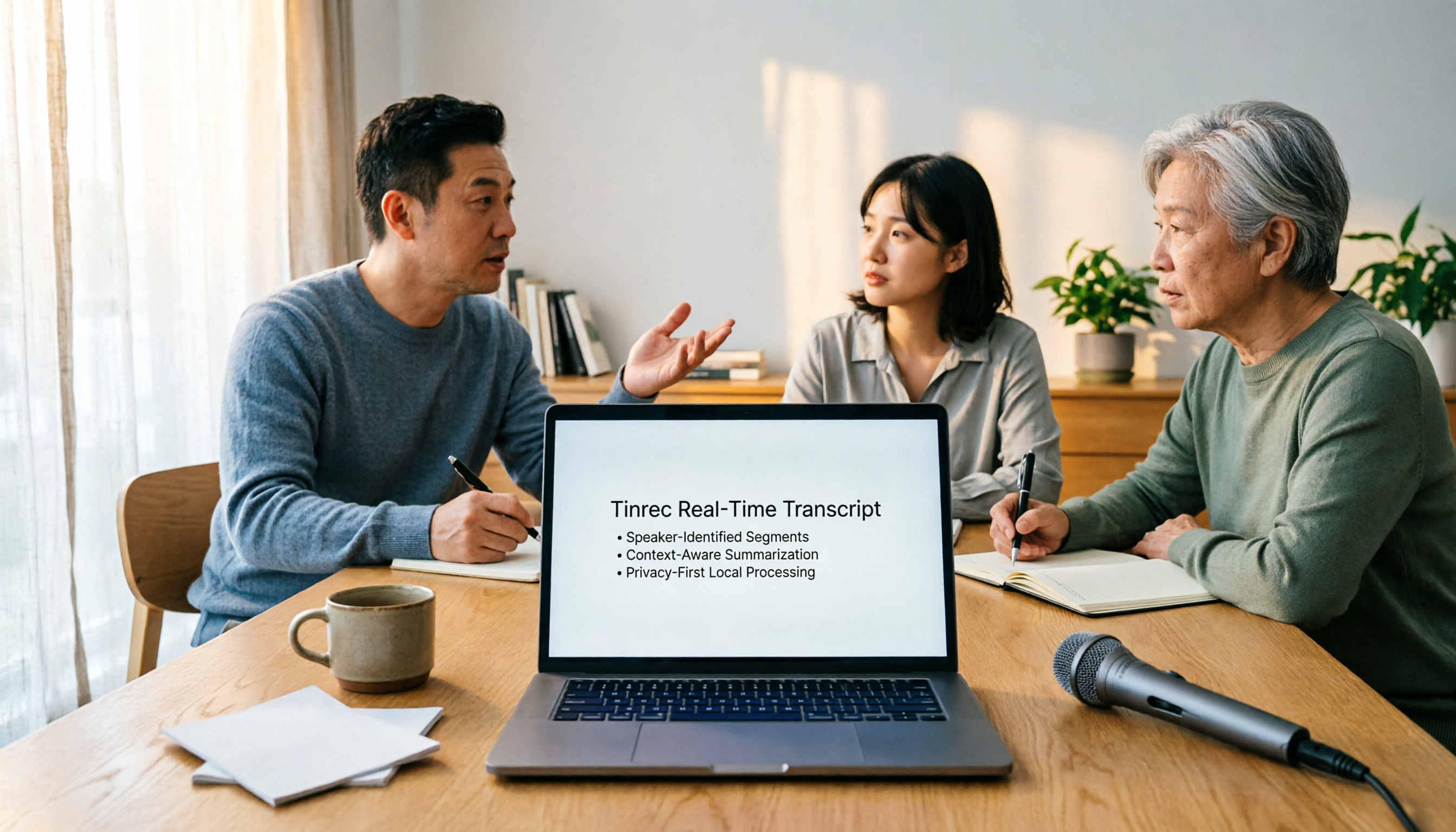
5 Best Meeting Transcription Tools in 2026: Transcript Organization, Chinese Recognition, and Pricing Comparison
The common pitfall with meeting transcription isn't that it fails to produce text—it's that the output is unusable. This article breaks the process into three stages—import, transcription, and summarization/organization—and compares Tinrec, Otter.ai, Notta, TurboScribe, and Granola on input methods, post-meeting outputs, Chinese language support, and free tiers. It also covers transcript formatting and font handling, pricing comparisons, and ideal use cases. Data verified as of August 2026.
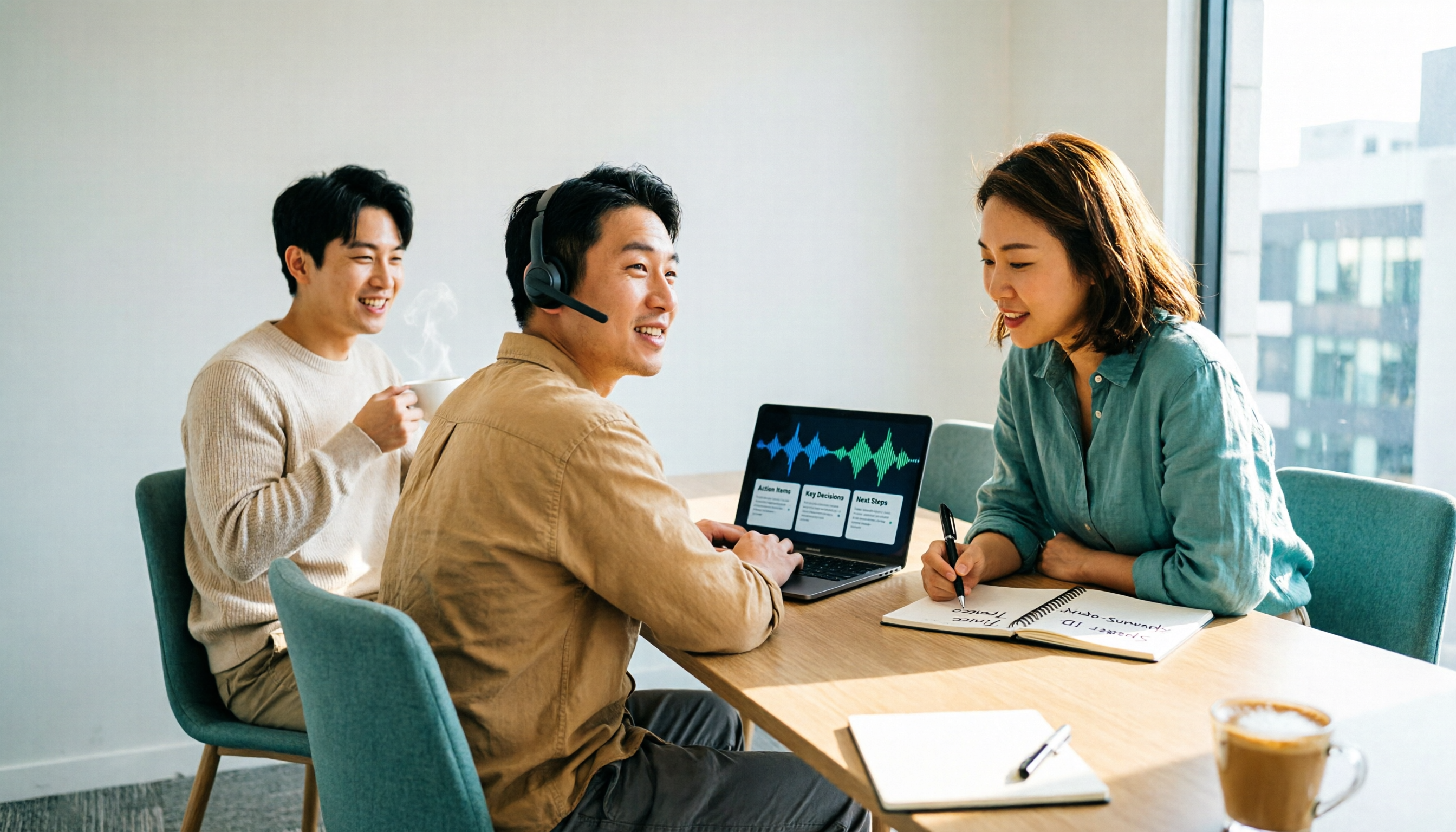
4 Free Meeting Transcription Tools for 2026: Free Tiers and Use Cases Compared
Meeting over but still working late? This article rounds up 4 meeting transcription tools with free plans in 2026, comparing free-tier limits, Chinese recognition, post-meeting summaries, and team data ownership. It also explains how Tinrec stands out with no-bot recording, AI Q&A, and team spaces, helping you choose the right tool for your meeting style.
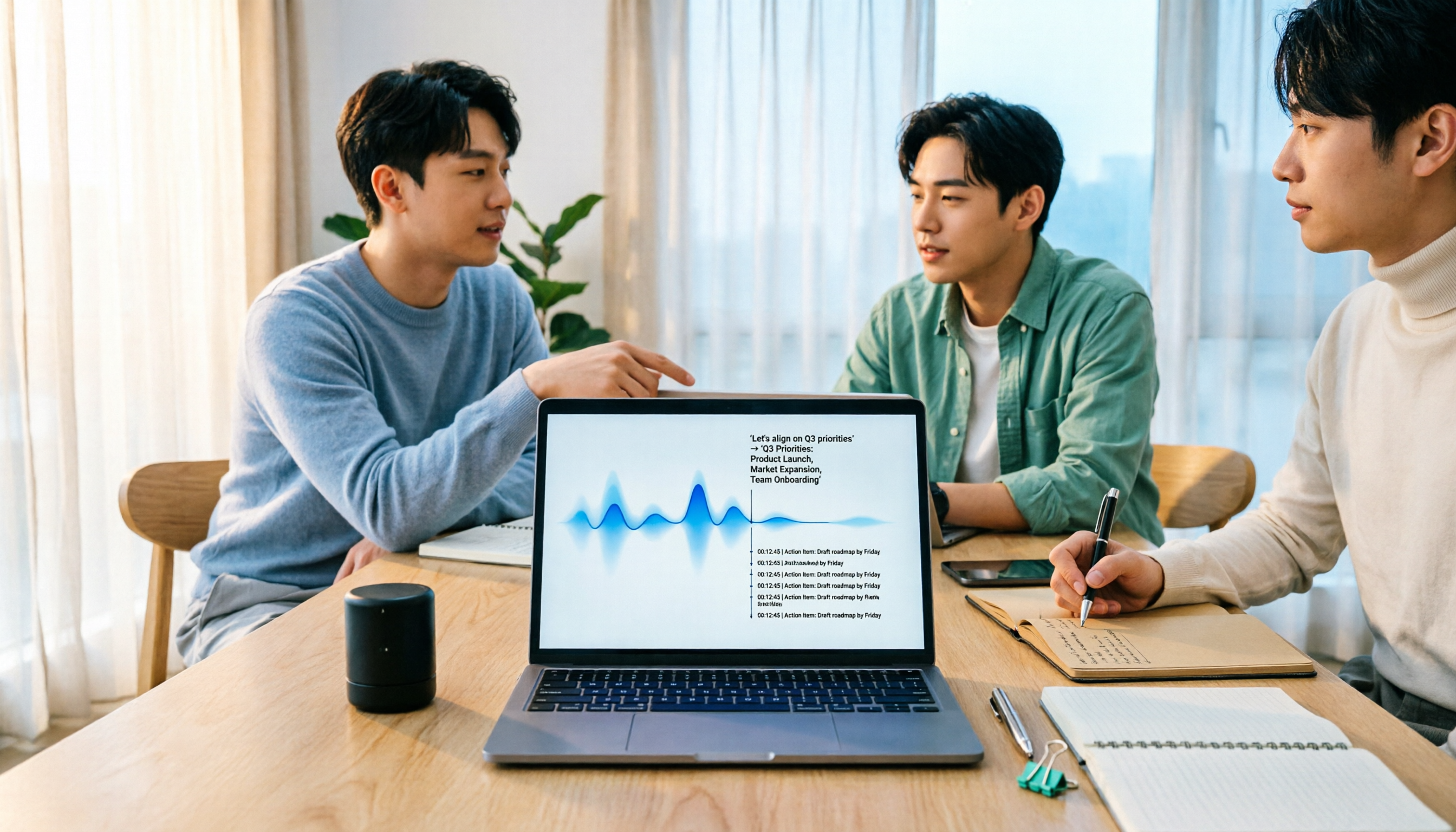
How to Transcribe Meeting Recordings in 2026: 5 Steps to Transcripts and Meeting Minutes
Transcribing meeting recordings isn't hard—the hard part is organizing them afterward. This guide walks you through the complete workflow from recording to transcript to meeting minutes in 5 steps, compares Tinrec, Notta, Otter.ai, and Granola for Chinese meetings, bot-free recording, and team knowledge retention, and honestly explains free tier limits and accuracy constraints.

2026 Comparison of 4 Meeting Transcription Platforms: From Upload to Meeting Minutes, Which Saves the Most Post-Meeting Time?
After a meeting, do you want a verbatim transcript or a meeting record you can send out directly? This article compares the actual capabilities and limitations of four meeting transcription platforms—Tinrec, Otter.ai, Notta, and Granola—across five stages: import, transcription, summarization, action items, and export. It also compiles pricing and quotas verified in August 2026 to help you choose the right platform based on your needs.
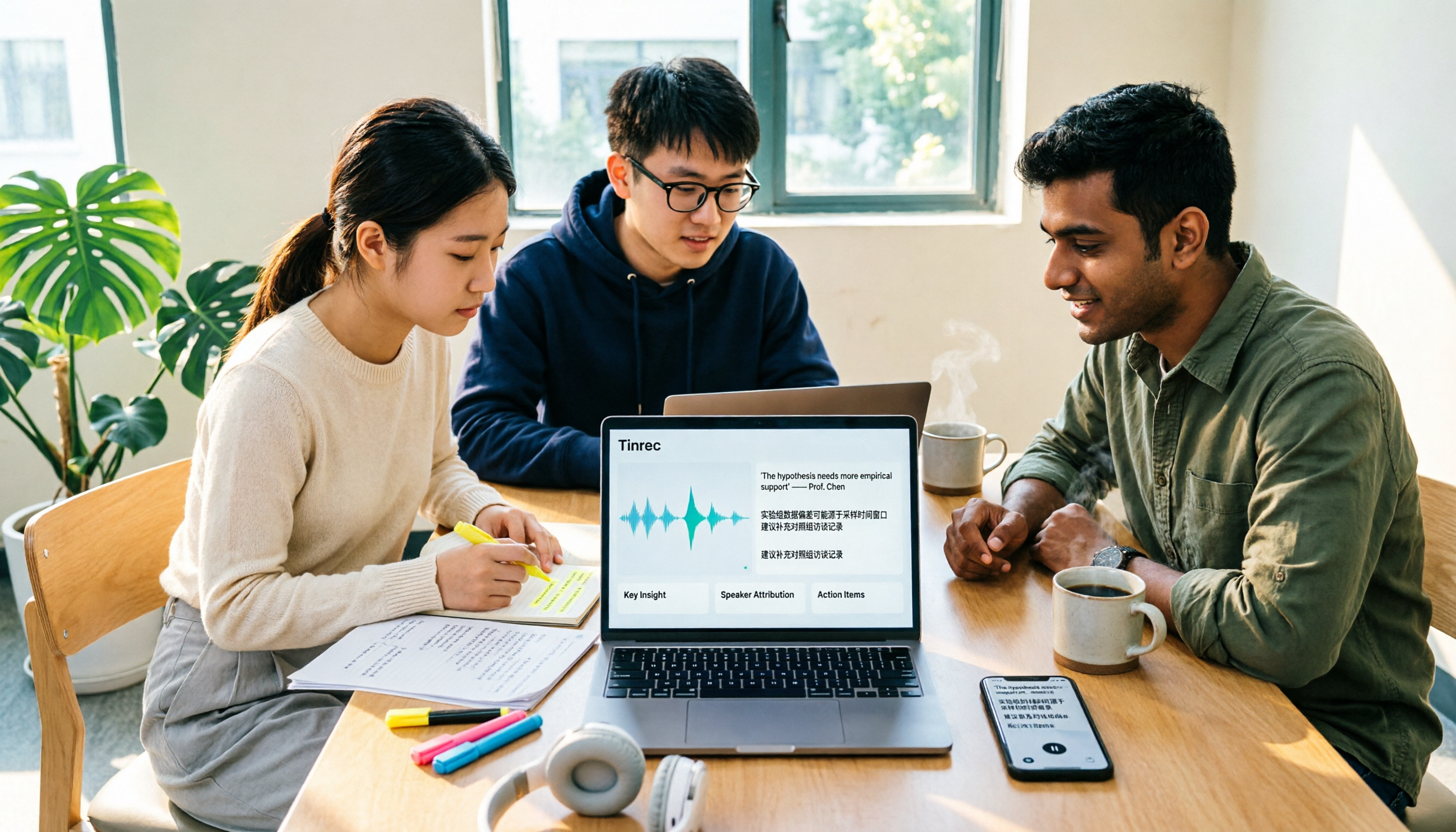
Best Meeting Transcription Tools of 2026: 4 Tested, This Free Version Is Enough for Students
Starting from real struggles with class recordings and group discussions, we tested four meeting transcription tools—Tinrec, Otter.ai, Notta, and TurboScribe—comparing free tiers, Chinese and mixed Chinese-English recognition, post-meeting summaries, and export capabilities. We also outline key decision points and three common pitfalls to help budget-conscious students find a tool they'll actually stick with.

5 Meeting Transcription Tools Tested and Compared for 2026: A Complete Guide from Recording to Meeting Minutes
Meeting transcription isn't as simple as pressing record and getting minutes. This guide covers the actual positioning, operation, and pricing of 5 tools, plus common pitfalls before, during, and after recording, to help you choose the right tool for your scenario.

2026 Complete Guide to Meeting Recording Transcription: Chinese Transcripts, AI Summaries, and Tool Comparison
How to choose a meeting recording transcription tool? This article breaks down 5 key purchasing factors, from Chinese recognition, meeting recording methods, post-meeting organization, quota calculation, to team data governance, and compares Tinrec, Otter.ai, Notta, and TurboScribe in terms of use cases and pricing to help you pick the one that saves the most time.

2026 Comparison of 4 Meeting Transcription Tools: Free Tiers, AI Summaries, and Team Collaboration
How to choose a meeting transcription tool? This article starts from the decision point of 'do you want a verbatim transcript or actionable meeting results?' and covers 4 key selection criteria, hands-on testing of Tinrec, Otter.ai, Notta, and Granola, and honestly explains free tiers, team seats, and pricing to help you avoid common pitfalls like focusing only on accuracy or buying a tool just for transcription.