

Turn recordings into transcripts and summaries in minutes
Upload audio or video for multilingual transcription, AI notes, and action items
Why Are People Looking for Alternatives to Notta?
As a speech-to-text tool for bloggers, Notta has been quite popular in recent years. It supports multiple platforms and has decent transcription speed, so many YouTubers and podcasters use it to organize interview recordings and meeting notes. However, as you use it longer, you'll notice — the free plan only gives you 120 minutes per month, which isn't enough for a slightly longer interview. Plus, its AI features are mainly limited to transcription and simple summaries. If you want to find a specific point in a recording, automatically generate a to-do list, or convert online videos into text, Notta falls short. If you have these needs, Tinrec is worth a few minutes of your time.
Tinrec vs Notta: Key Differences in Core Experience
Below is a comparison of the two tools across 5 dimensions in a blogger's daily workflow.
1. Input Source Coverage For bloggers, recordings come in many forms — sometimes face-to-face interviews, sometimes Zoom recordings, sometimes reference videos from YouTube or Xiaohongshu. Tinrec supports live recording, audio/video file import, and direct parsing of online video links; Notta focuses on live recording and file transcription, but is weaker with online videos. If you frequently reference content from different platforms, Tinrec handles it all in one app.
2. Chinese and Cantonese Recognition Many Hong Kong bloggers shoot videos in Cantonese, often mixed with English. In a test with a 5-minute Cantonese interview (with some background AC noise), Tinrec's error rate was significantly lower than Notta's. This is because Tinrec has specialized optimization for Cantonese tones, making it more accurate with colloquial terms like "m goi" (thank you) and "gao dim" (get it done). This is crucial for post-production editing and subtitling.
3. AI Post-Processing Capabilities Transcription is just the beginning. Tinrec's AI can automatically generate summaries, split chapters, extract tasks, and even let you ask natural language questions like "What are the key points in this video?" or "What keywords did the speaker mention?" Notta's AI mainly does summaries and lacks comprehensive Q&A features. For bloggers who need to quickly extract information from long recordings, Tinrec is much more convenient.
4. Cross-Platform Experience Tinrec has iOS, Android, and web versions, so whether you use an iPhone to record interviews on the go or a computer to organize long meeting recordings, your data syncs. Notta also has multiple platforms, but its web version isn't as feature-complete as Tinrec's — for example, it lacks online video parsing.
5. Free Plan Value Tinrec's free plan offers 100 minutes of transcription per month, while Notta offers 120 minutes. On the surface, they're similar, but Tinrec's free plan already includes AI summaries and Q&A features, whereas Notta's advanced AI features require a Pro subscription. If you just want to try it out, Tinrec's free plan gives you a full experience.
Stop organizing recordings by hand
Upload audio or video and automatically get a transcript, summary, and action items
Tinrec Core Features at a Glance
Here are the features most helpful to bloggers, explained within real workflows.
Live Recording to Text Open Tinrec, and it transcribes in real time with less than 1 second delay. During an interview, you can watch the captions live to ensure you don't miss any key points. By the time the interview ends, you already have a full transcript.
Online Videos to Text Material Many bloggers look for inspiration from YouTube, Xiaohongshu, and TikTok videos. Tinrec lets you paste a link and automatically parses the video, outputting a transcript and summary. Save the time of manual transcription and directly extract key points for content planning.
AI Conversational Query After recording a one-hour interview, want to know which promotional channels the guest mentioned? Just ask Tinrec: "Which social media platforms did the interviewee mention?" It will answer based on semantics, saving you from sifting through 30 pages of transcript.

Task Extraction After a meeting full of discussion, Tinrec automatically organizes who does what and by when into a to-do list. For bloggers managing a team and tracking projects, this feature turns meeting recordings into actionable lists.
Real-World Use Cases
Scenario 1: Interview Organization You invite a guest for a podcast interview that lasts an hour. Using Tinrec, within 5 minutes you have the full transcript, AI summary, and key highlights. You can mark which parts to air and which to use for highlight clips directly on the transcript.
Scenario 2: Video Material Collection Want to make a video on "Must-Have Gadgets of 2026"? You need to watch a lot of YouTube unboxing videos. Paste a few links into Tinrec, and it automatically generates text and summaries, allowing you to quickly compare pros and cons of each product, saving you dozens of hours.
Scenario 3: Team Meeting Follow-Up Meet with your photographer and editor to discuss a new project, everyone talking at once. Tinrec records and automatically produces a to-do list: who is responsible for what and deadlines are clear, no need to rely on memory or scattered WhatsApp messages.
Scenario 4: Personal Idea Capture Suddenly have an idea? Open Tinrec, record it, and the AI organizes it into a text note, even automatically adding tags for easy search later.
Things to Consider When Choosing a Speech-to-Text Tool
- Is the input source broad enough? If you only need to record meetings, many tools work. But if you also need to handle online videos and old files, choose an app like Tinrec that covers more sources.
- Are the AI features truly useful? Many tools claim AI but only offer a summary. Tinrec's Q&A and task extraction are genuine productivity features.
- Chinese and especially Cantonese accuracy Hong Kong users must test thoroughly; don't trust official numbers. Tinrec is optimized for local language, and real tests confirm its performance.
- Is the free plan sufficient for a real test? Some tools cut AI features in the free plan, making it hard to evaluate. Tinrec's free plan retains the full experience, so you can test before upgrading.
- Cross-platform sync If you record on phone and review on computer, ensure the mobile app and web version sync smoothly. Tinrec does this well.
Conclusion: Is Tinrec Worth Trying for Bloggers?
If you deal with large volumes of recordings and video materials daily and don't want to waste time on repetitive transcription and organization, Tinrec is a comprehensive choice. It not only transcribes but also helps you go from recordings to actionable tasks and content. Its Cantonese support and online video parsing are two major pluses for Hong Kong bloggers. I recommend downloading the free version and testing it with your own recordings and YouTube links to see if it truly saves you time. Honestly, once you try it, you'll know why I say it's the best app for bloggers.
Turn every recording into actionable outcomes
Get 60 free transcription minutes when you sign in. No credit card required.
Related Reading
You might also like

6 Meeting Minutes Tools Compared for 2026: From MoM Abbreviation to AI-Generated Summaries
Meeting minutes are abbreviated as MoM (Minutes of Meeting), but 'minutes' here doesn't mean time. This article first breaks down common abbreviations and terms like take the minutes, minutes taker, resolution, and action items, then compares six meeting minutes solutions—Tinrec, Otter.ai, Notta, Granola, TurboScribe, and PLAUD—from the decision-making perspective of whether to organize minutes yourself or let a tool do it, helping you choose the right workflow for your meeting style.

2026 Voice-to-Transcript Tools Compared: NotebookLM vs. Tinrec — Which Saves More Time?
No more manual typing for meeting transcripts. This hands-on comparison of NotebookLM, Tinrec, EchoScript, and Otter.ai covers Chinese transcription, post-meeting organization, online meeting audio capture, and team collaboration, plus 4 key buying factors and common pitfalls to help you pick the one that truly saves time.

2026 Comparison of 4 Meeting Minutes Tools: Which Saves the Most Time After Using a Template?
Most people looking for meeting minutes templates get stuck not on the format, but on filling them out after the meeting. Starting from a 12-field meeting minutes template skeleton, this article explains 5 key points to consider before choosing a tool, and compares Tinrec, Notta, Otter.ai, and Granola in terms of efficiency, limitations, and suitable users for filling out templates.

2026 Comparison of 5 iPhone Recording-to-Meeting-Notes Tools: Is the Free Version Enough?
What's the most time-saving way to turn iPhone recordings into meeting notes? This article starts with common misconceptions and compares 5 approaches: built-in Voice Memos, Notes app, third-party transcription apps, meeting bot tools, and Tinrec desktop bot-free recording. It uses Tinrec to demonstrate the complete workflow from recording, transcription, AI summary to to-dos and team collaboration, with buying tips and FAQs.
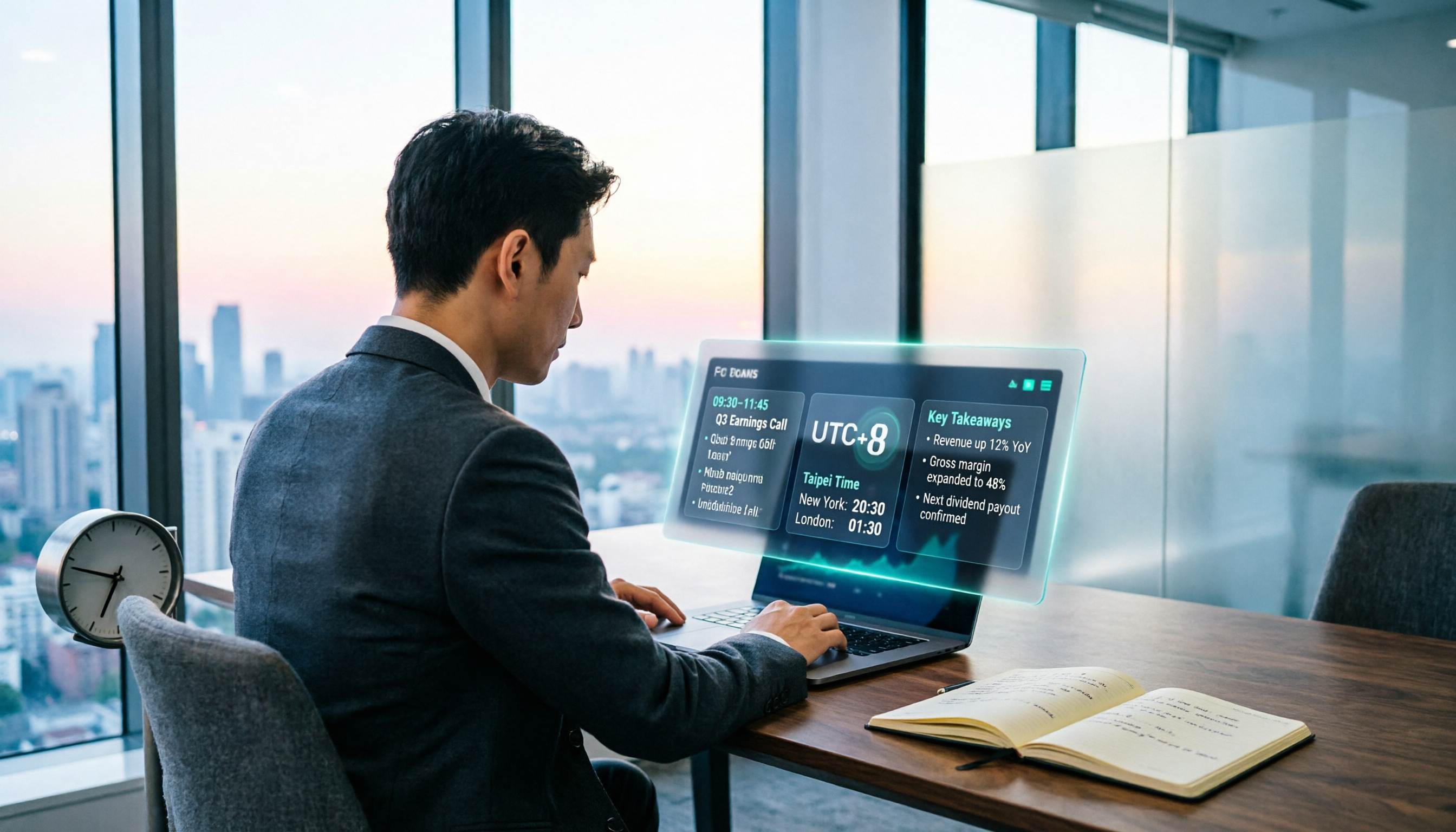
When Are the 2026 Fed Meeting Minutes Released? 5 Steps to Understand Time Conversion and Key Takeaways
When exactly are FOMC meeting minutes released? How do you convert to Taiwan time? This article breaks down the release pattern of Fed meeting minutes in 5 steps, the difference between daylight saving and standard time, and how to quickly grasp the key points after release. It also tests using an AI meeting notes tool to organize press conferences and financial content, saving you from staying up late reading the original text word by word.

How to Record iPhone Meetings in 2026: Auto-Generate Transcripts & Action Items
Recording a meeting on iPhone seems easy, but the real time sink is post-meeting organization. This guide starts with the decision point: do you just want audio, or do you need something usable? It breaks down 4 key selection criteria, compares Tinrec with PLAUD, Notta, and Otter.ai, and covers 4 common pitfalls to help you choose the right solution within your budget.

What Does 'Meeting Minutes' Mean? 4 Meeting Note Tools Tested in 2026 — This One Handles Chinese Best
'Meeting minutes' doesn't mean 'a few minutes' — it refers to the official written record of a meeting. This article first explains the correct meaning of 'minutes,' common collocations, and the fields a proper set of meeting minutes should include. It then tests and compares four tools — Tinrec, Otter.ai, Notta, and Granola — on Chinese transcription, recording retention, post-meeting organization, and team collaboration, helping you pick the one you'll actually keep using.

6 Speech-to-Text Tools Compared for 2026: Free Tiers, Chinese Recognition, and AI Summaries
How to choose a speech-to-text tool in 2026? Starting from three common misconceptions, this guide breaks down five key buying factors—free tier limits, Traditional Chinese recognition, AI summaries, and offline privacy—then compares six options including Whisper, MacWhisper, Google Live Transcribe, Otter.ai, Notta, and Yating Transcription, covering their best use cases and limitations.

2026 Client Meeting Notes: 3 Common Mistakes Freelancers Make and How to Fix Them
For freelancers, the biggest fear isn't a lack of projects—it's the 'he said, she said' after a client meeting. This article tackles three common mistakes, explains what to include (and exclude) in client meeting notes, shares a before-during-after approach, and uses Tinrec as an example to show how to turn voice into trackable decisions and action items. It wraps up with key considerations for choosing a tool and answers to FAQs.