

Turn recordings into transcripts and summaries in minutes
Upload audio or video for multilingual transcription, AI notes, and action items
6 Speech-to-Text Tools Compared for 2026: Free Tiers, Chinese Recognition, and AI Summaries
You Recorded It But Have No Notes—The Problem Is Usually Not the Tool, But These Three Misconceptions
Many people first look for a speech-to-text tool because they have recorded a bunch of meeting audio but haven't produced a single transcript. They buy a tool, install an app, and end up with dozens of unopened audio files in a drawer. The problem is often not that the tool isn't powerful enough, but that the initial judgment was off.
Misconception 1: Treating "free download" as "free to use." Open the app store and every tool says free. Only after actually using it do you discover that the free version may give you only a few minutes per day or a fixed monthly quota, beyond which you must subscribe; more commonly, "transcription is free, AI summary is paid," and the part you really want to save time on is exactly what's locked.
Misconception 2: Comparing only officially published accuracy rates. Official numbers mostly come from standard tests in quiet environments. Real situations involve air conditioning noise in meeting rooms, people interrupting, mixed Chinese-English speech, or even entire sessions in Taiwanese Hokkien. Under such conditions, the differences between tools truly emerge.
Misconception 3: Treating the transcript as the end goal. A 90-minute meeting transcript is roughly over ten thousand words. Without a summary or to-do list, you still have to read through it from the beginning. What really saves time is not "converting to text" but "converting to actionable key points."
In other words, you're not choosing the tool that transcribes fastest, but the combination that frees you from re-listening to recordings.
Before Choosing a Speech-to-Text Tool, Understand These 5 Key Points
1. Recognition of Traditional Chinese and mixed Chinese-English. This is where Taiwanese users most often stumble. Some tools only support Simplified Chinese, so you have to manually correct the transcript character by character; others break down on sentences like "let's follow up on this case" that mix Chinese and English. When choosing, test directly with your own work recordings, not just demo videos.
2. How the free tier is calculated. Some offer total minutes per month, some cap the length per file, and some limit the number of times per day. Rather than looking at the word "free," first estimate how many hours you record per month, then compare plans. Most people's daily usage is actually not high; using up the free tier first and then discussing payment is usually the most cost-effective order.
3. Is there a "summary + to-do" layer? Transcripts solve "recording," summaries solve "understanding." If a one-hour meeting takes you two hours to organize, what you actually need is the latter. When choosing a tool, confirm whether the summary can indicate "who said what," "what the conclusion is," and "who is responsible for the next step."
4. Platform support and offline/privacy needs. Recording on mobile and organizing on computer is the norm, so cross-platform sync is important. Also, if you're recording interviews, medical, or legal content, whether it can be processed offline on-device is key—not everyone is indifferent to audio files being uploaded to the cloud.
5. Input sources and output formats. Besides uploading audio files, some tools support live recording or pasting video/audio URLs for direct transcription. Output may include plain text, transcripts with timestamps, or SRT files for subtitles. If you're making video subtitles, whether you can export subtitle formats is more practical than a 1% higher accuracy rate.
6 Worth-Knowing Options in 2025
The following is categorized by "use case" rather than a hard ranking. Every tool has its most comfortable position; choose the wrong scenario, and even the strongest tool will feel difficult to use.
1. OpenAI Whisper: The Free, Offline-Capable Technical Choice
Whisper is currently the most frequently mentioned open-source speech recognition system, trained on 680,000 hours of multilingual data, supporting about 99 languages, with high tolerance for accents and background noise. It is completely free, requires no API key, and can run offline on-device—a big advantage for privacy-conscious users. The current version is Whisper Large V3.
The limitations are also clear: you need to set up a Python environment and have some technical knowledge, there is no graphical interface, and the barrier is high for non-technical users. Additionally, OpenAI launched a new generation transcription model based on the GPT-4o architecture in 2025 (gpt-4o-transcribe) with lower error rates, but it requires paid API usage; the open-source Whisper remains free.Best for: technical users, privacy-conscious individuals, those needing large batch processing or offline work.
2. MacWhisper: A Graphical Interface Version for macOS Users
If you appreciate Whisper's recognition quality but don't want to touch the terminal, MacWhisper is an audio-to-text tool built specifically for macOS. It can handle different languages, speakers, and speech content, turning the command-line process into drag-and-drop file operation.
Stop organizing recordings by hand
Upload audio or video and automatically get a transcript, summary, and action items
Its limitation is platform lock-in—only macOS can use it, so Windows or mobile users cannot benefit.Best for: Mac users who want to use open-source models as daily tools without writing code.
3. Google Live Transcribe and Windows Built-in Dictation: Zero-Cost Real-Time Typing
If what you want is "text appearing on screen while speaking," built-in system solutions are actually sufficient. Windows 10 has built-in speech recognition that can convert spoken words to text in any app that accepts text input, and can also control some operations. Google's Live Transcribe is also often listed among free tools.
The common limitation of such solutions is that they lean toward "real-time typing" rather than "processing existing audio files." Asking it to transcribe last week's meeting recording into a transcript and add a summary is usually not possible.Best for: temporary note-taking, real-time classroom typing, light users who don't want to spend any money.
4. Otter.ai: A Common Choice for English Meeting Scenarios
In the context of English meeting notes, Otter.ai is a long-discussed name, with a fairly intuitive process of real-time transcription plus post-meeting summaries.
But its comfort zone is also clear: primarily English content. If most of your meetings are in Chinese or even mixed Chinese-English, the actual experience will differ from your expectations.Best for: teams whose daily working language is primarily English and whose meetings are conducted in English.
5. Notta: Another Common Option for Multilingual Meeting Transcription
Notta also frequently appears in recommendation lists for meeting notes tools, focusing on multilingual transcription and post-meeting organization. Free tiers and paid plans change frequently across providers; for actual language support scope and minutes, it's recommended to check the official website's current announcements rather than relying on old articles.
Best for: teams needing a multilingual environment and willing to pay for meeting summaries.
6. Yating Transcription: A Local Taiwanese Choice
Yating Transcription is a tool developed by a local Taiwanese team, relatively close to local usage habits in Chinese recognition and local language sense, and is often included in recommendation lists for "Taiwanese users."
When choosing such local services, it's especially advisable to first confirm the free tier and billing method, as well as whether it supports the file formats and export needs you require.Best for: users primarily working with Traditional Chinese content who want interface and support based in Taiwan.
Bonus: Two Easily Overlooked Peripheral Roles
- NotebookLM: If you already have transcripts or video/audio links, the value of this type of note-taking AI tool lies in "extracting key points and organizing summaries." You can treat it as a second layer of processing after transcription, not as a transcription tool itself.
- PLAUD NOTE: A hardware recording device route, suitable for physical meetings, interviews, and other occasions where "you don't even want to take out your phone to record." Whether to buy additional hardware depends on your recording frequency and occasions.
Pitfall Guide: The 4 Most Common Mistakes When Choosing Speech-to-Text
Pitfall 1: Ordering based only on official accuracy rates. It's recommended to test with a segment of your own real recording—ideally one with background noise and multiple people interrupting. Deciding after testing is more accurate than reading ten reviews.
Pitfall 2: Not confirming whether Chinese is Traditional or Simplified. Some tools' free plans only support Simplified Chinese output, so you have to manually convert back to Traditional, giving back the time you saved.
Pitfall 3: Ignoring export formats and cross-platform. Recording on iPhone today, organizing on computer tomorrow—if files can't sync and transcripts can't be edited or exported, you'll spend more time moving files. Those making subtitles should confirm whether SRT can be exported.
Pitfall 4: Buying it but only using the "convert to text" feature. If you only treat it as a recording-to-text machine, you're using only a third of its capabilities. Rather than spending time re-reading the transcript, directly ask it "what was the conclusion of this meeting" and "who is responsible for which item," minimizing organization time.
Conclusion: Which One Should You Choose Based on Your Situation?
Rather than asking "which one is best," ask "how many hours do I record per month, what language is recorded, and what do I do after recording."
- Don't want to spend any money, value privacy, can accept technical barriers → OpenAI Whisper (offline on-device, free, broad language support)
- Use Mac, want to skip installation and setup hassle → MacWhisper
- Only occasional real-time typing and note-taking → Windows built-in speech recognition or Google Live Transcribe
- Primarily English meetings, need post-meeting summaries → Otter.ai
- Multilingual meetings, need to organize into key points → Notta (confirm current quota before ordering)
- Primarily Traditional Chinese, want local support → Yating Transcription
- Already have transcripts, only lack key point organization → Note-taking AI like NotebookLM
- Many physical meetings, don't want to record with phone → Recording hardware like PLAUD NOTE
Finally, a practical suggestion: start with the free plan and run a complete process with one of your real meeting recordings—transcription, summary, finding key points. If the total time for these three steps is less than half of what you used to spend re-listening to recordings, then it's worth paying to upgrade; if not, switching tools will be more effective than upgrading plans. Tools are meant to save time, not add to-do items.
(The free tiers, plan contents, and supported languages mentioned in this article change frequently across providers; actual details are subject to each tool's official announcements.)
References
- [Audio to Text] 5 Useful Speech-to-Transcript AI Tools Recommended - Apple Almond - Guoren iPhone/iOS/Good Product Recommendation Tech Media
- Complete Inventory of Free Transcription Platforms in 2026: Review and Recommendations of 15 Free Speech-to-Text Tools
- [AI Voice Notes] 5 Highly Recommended AI Transcription Tools! Help You Generate Transcripts and Meeting Notes Key Points, Free vs Subscription, Pros and Cons Comparison | 104 Workplace Power
- 5 Selected Useful Speech-to-Text Apps for 2026: A Comprehensive Guide from Meeting Transcripts to Call Recordings - Miaoting Recording Blog
- 7 Free and Useful Speech-to-Text Tools [For Android/iOS/Windows]
Turn every recording into actionable outcomes
Get 60 free transcription minutes when you sign in. No credit card required.
Related Reading
You might also like

6 Meeting Minutes Tools Compared for 2026: From MoM Abbreviation to AI-Generated Summaries
Meeting minutes are abbreviated as MoM (Minutes of Meeting), but 'minutes' here doesn't mean time. This article first breaks down common abbreviations and terms like take the minutes, minutes taker, resolution, and action items, then compares six meeting minutes solutions—Tinrec, Otter.ai, Notta, Granola, TurboScribe, and PLAUD—from the decision-making perspective of whether to organize minutes yourself or let a tool do it, helping you choose the right workflow for your meeting style.

2026 Voice-to-Transcript Tools Compared: NotebookLM vs. Tinrec — Which Saves More Time?
No more manual typing for meeting transcripts. This hands-on comparison of NotebookLM, Tinrec, EchoScript, and Otter.ai covers Chinese transcription, post-meeting organization, online meeting audio capture, and team collaboration, plus 4 key buying factors and common pitfalls to help you pick the one that truly saves time.

2026 Comparison of 4 Meeting Minutes Tools: Which Saves the Most Time After Using a Template?
Most people looking for meeting minutes templates get stuck not on the format, but on filling them out after the meeting. Starting from a 12-field meeting minutes template skeleton, this article explains 5 key points to consider before choosing a tool, and compares Tinrec, Notta, Otter.ai, and Granola in terms of efficiency, limitations, and suitable users for filling out templates.

2026 Comparison of 5 iPhone Recording-to-Meeting-Notes Tools: Is the Free Version Enough?
What's the most time-saving way to turn iPhone recordings into meeting notes? This article starts with common misconceptions and compares 5 approaches: built-in Voice Memos, Notes app, third-party transcription apps, meeting bot tools, and Tinrec desktop bot-free recording. It uses Tinrec to demonstrate the complete workflow from recording, transcription, AI summary to to-dos and team collaboration, with buying tips and FAQs.
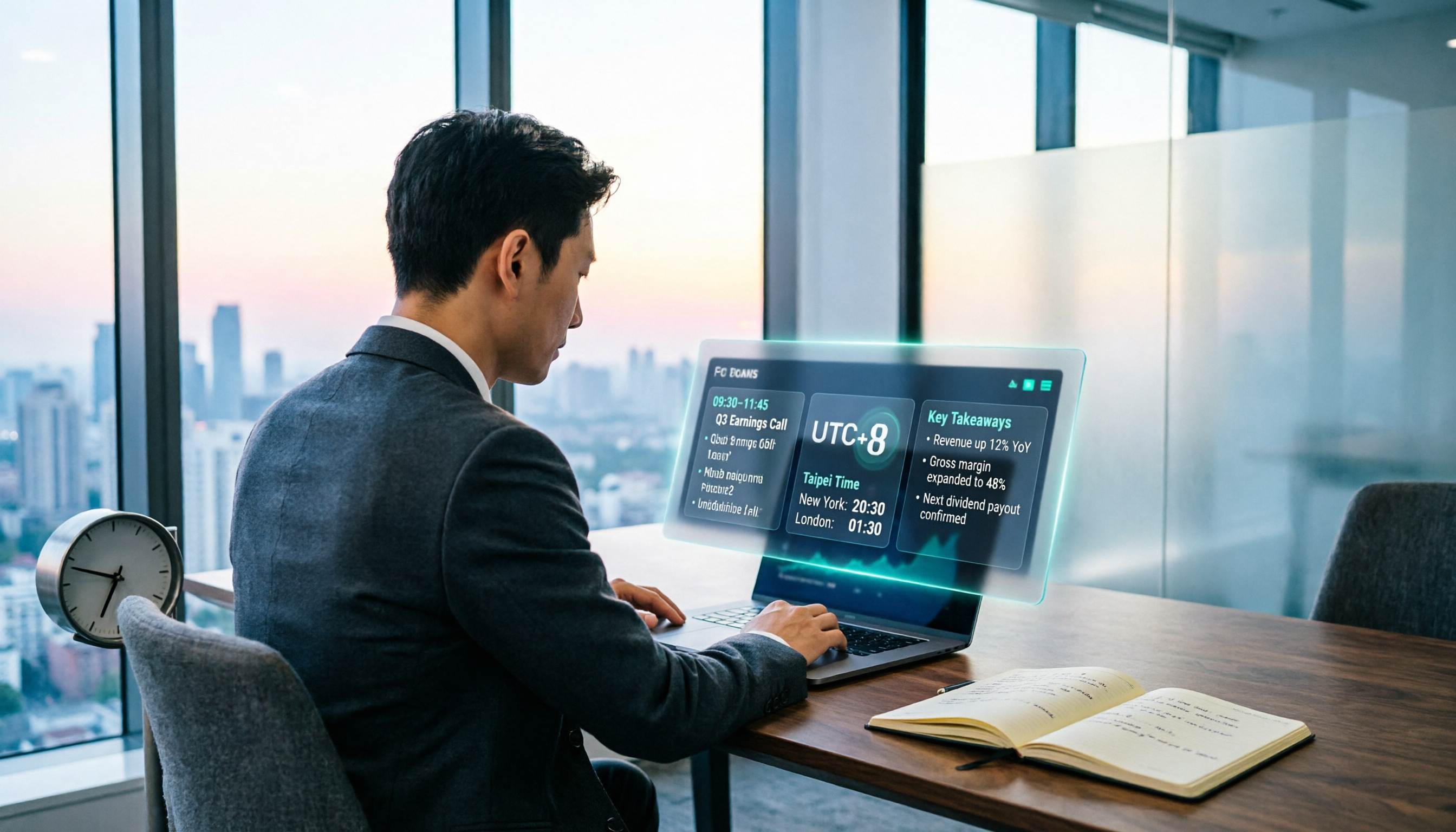
When Are the 2026 Fed Meeting Minutes Released? 5 Steps to Understand Time Conversion and Key Takeaways
When exactly are FOMC meeting minutes released? How do you convert to Taiwan time? This article breaks down the release pattern of Fed meeting minutes in 5 steps, the difference between daylight saving and standard time, and how to quickly grasp the key points after release. It also tests using an AI meeting notes tool to organize press conferences and financial content, saving you from staying up late reading the original text word by word.

How to Record iPhone Meetings in 2026: Auto-Generate Transcripts & Action Items
Recording a meeting on iPhone seems easy, but the real time sink is post-meeting organization. This guide starts with the decision point: do you just want audio, or do you need something usable? It breaks down 4 key selection criteria, compares Tinrec with PLAUD, Notta, and Otter.ai, and covers 4 common pitfalls to help you choose the right solution within your budget.

What Does 'Meeting Minutes' Mean? 4 Meeting Note Tools Tested in 2026 — This One Handles Chinese Best
'Meeting minutes' doesn't mean 'a few minutes' — it refers to the official written record of a meeting. This article first explains the correct meaning of 'minutes,' common collocations, and the fields a proper set of meeting minutes should include. It then tests and compares four tools — Tinrec, Otter.ai, Notta, and Granola — on Chinese transcription, recording retention, post-meeting organization, and team collaboration, helping you pick the one you'll actually keep using.

2026 Client Meeting Notes: 3 Common Mistakes Freelancers Make and How to Fix Them
For freelancers, the biggest fear isn't a lack of projects—it's the 'he said, she said' after a client meeting. This article tackles three common mistakes, explains what to include (and exclude) in client meeting notes, shares a before-during-after approach, and uses Tinrec as an example to show how to turn voice into trackable decisions and action items. It wraps up with key considerations for choosing a tool and answers to FAQs.

2026 Comparison of 4 Audio Transcription Apps: Which Saves Reporters the Most Time?
Interview recordings often run an hour, and re-listening plus typing takes the most time. This article compiles actual data on four audio-to-transcript tools—Yating Transcription, Atter App, Easemate.AI, and NotebookLM—comparing multilingual recognition, real-time transcription, AI summaries, and data security to help reporters and anyone organizing interviews quickly choose the right tool.