

Turn recordings into transcripts and summaries in minutes
Upload audio or video for multilingual transcription, AI notes, and action items
2026 Comparison of 4 Audio Transcription Apps: Which Saves Reporters the Most Time?
Why Do Reporters Need an Audio-to-Transcript App for Interviews?
"After the interview, the recording is 47 minutes long. I sit back down, put on headphones, and listen from the beginning—just listening takes an hour, not counting typing time." This is a daily reality for reporters, editors, and graduate students alike. What's more troublesome are the language variables at interview scenes: the interviewee speaks Taiwanese Mandarin, throws in a Taiwanese phrase when excited, switches to English for technical terms—typing a transcript by hand simply can't keep up.
The value of an audio-to-transcript app is compressing "re-listening" and "typing" into a single transcription pass; you only need to proofread. Below are four tools with verifiable actual data, arranged by the scenarios most commonly encountered in interviews.
Yating Transcription | Trained Specifically for Taiwanese Accents, Produces Transcripts Directly After On-Site Recording
One-sentence positioning: An AI speech-to-text service developed by a Taiwanese team, the first developed specifically for Taiwanese accents and opened to the public, with built-in real-time recording transcription in the app.
Three Most Practical Things at Interview Scenes:
- No need to re-record when switching languages. It understands Taiwanese Mandarin, Taiwanese, Cantonese, Japanese, and even mixed Chinese-English "Chinglish." If the interviewee switches languages midway, the same recording can still be transcribed without separate segmentation.
- Short workflow. Open the app, tap the recording icon at the bottom to start real-time recording and automatic transcription; after finishing, tap "Export" in the top right corner of the transcript screen to save the file.
- Speaker diarization for multi-person conversations. The official website states support for simultaneous speaker recognition, making it easier to distinguish who said what when there is more than one interviewee.
The official website also states over 90% accuracy, 1-hour audio files generated in under 2 minutes, and over 3.5 million audio files transcribed daily; these are official figures, and actual performance may still be affected by recording quality. Regarding security, the official site emphasizes enterprise-grade security and, starting from version 3.12.0, allows account and data deletion within the account. Pricing and quotas are not listed in the data cited in this article and are subject to the official website.
Who it's for: Reporters whose interviewees speak Taiwanese or mix Chinese and English, or who need to see the transcript while asking questions on site.
Atter App | Free, Organization-Focused Tool Featuring Summaries and AI Q&A
One-sentence positioning: A free, ad-free speech-to-text tool whose strength lies in post-transcription organization rather than real-time output.
Two highlights: First, multiple import methods—phone recordings, photo album videos, and Apple Watch recordings can all be imported (importing from Voice Memos requires first sharing to Atter); second, transcripts, translations, summaries, key chapters, and AI Q&A are all provided at once, with the transcript highlighting word by word during audio playback, and tapping a segment lets you "jump to play here."
Stop organizing recordings by hand
Upload audio or video and automatically get a transcript, summary, and action items
Note that actual reviewers report room for improvement in recognition accuracy, average performance in mind map categorization and AI text polishing, and exported PDFs are in Simplified Chinese. Who it's for: Those who want a free tool and also hope to automatically generate summaries and Q&A highlights.
Easemate.AI | Online Real-Time Transcription, Focused on Meeting Notes and To-Dos
One-sentence positioning: A free online real-time transcription tool whose "AI Meeting Recorder" can transcribe while recording.
Basic features include timestamps, speaker recognition, and key summaries; more uniquely, you can converse with AI to one-click organize into summary conclusions, meeting notes, course highlights, and to-do items. Review comments indicate weaker accuracy, and the transcribed text still requires self-checking. Who it's for: Those in multi-person meetings who need to quickly produce to-do lists and are willing to spend time proofreading.
NotebookLM | Google's Free AI Note Assistant, Strong at Post-Processing
One-sentence positioning: Not a recording app, but an AI note tool that helps you understand content after you drop files in.
After importing files, it can generate audio summaries and also organize audio into mind maps or presentation videos, suitable for scenarios where you "don't need to re-listen, just grasp the key points directly." Who it's for: Those who have finished interviews and need to compress an hour-long recording into five minutes of key points.
With So Many Options, How Should You Choose?
- Need to see text on site, and interviewees speak Taiwanese or mix Chinese and English → Yating Transcription, whose language support and real-time transcription best fit the interview workflow.
- Need to distinguish which of multiple interviewees said what → Yating Transcription, whose official website states support for simultaneous speaker recognition.
- Want free summaries, translations, and AI Q&A → Atter App.
- Meeting-style interviews where you want to conveniently produce to-do items → Easemate.AI.
- Recording is done, and you just want to quickly grasp key points and make a mind map → NotebookLM.
4 Things to Know Before Using an Audio-to-Transcript App
- First confirm the original audio file is complete. Yating's official website mentions that missing or incomplete middle sections of transcriptions are usually related to the original audio file; it is recommended to first confirm the audio file plays normally.
- Do a test recording before entering the scene. The interviewee's accent, speaking speed, and seating position all affect recognition; recording 30 seconds at the start and playing it back to check is more cost-effective than discovering problems after recording the whole session.
- Transcripts must be proofread. Reviews from Atter to Easemate.AI all mention accuracy gaps; names, titles, and numbers are the three most error-prone categories.
- Think ahead about how to handle data. When interviews involve non-public information, prioritize tools with security explanations and the ability to delete account data yourself, such as Yating Transcription, which offers in-account deletion starting from version 3.12.0.
Conclusion
For interview audio-to-transcript, what's truly saved is not typing time but the "re-listening" round. Based on the actual needs of reporter interviews, Yating Transcription best fits the scene in three points: language support (Taiwanese Mandarin, Taiwanese, mixed Chinese-English), real-time transcription workflow, and speaker recognition; Atter App and Easemate.AI are suitable for focusing on summaries and to-dos; NotebookLM is a complementary tool for quickly digesting material after the interview ends. First confirm whether your pain point is "need to see text on site" or "need to grasp key points afterward," and the options become clear.
Reference Sources
- Yating Transcription
- Yating Transcription
- "Yating Transcription" App - App Store
- Free unlimited AI speech-to-text tool, say goodbye to transcript organization troubles: Atter App | Lin Weiqing's Salon
- No time limit! 3 free AI transcription tools, highly recommended! AI voice notes generate meeting records, presentations, mind maps | 104 Workplace Power
Turn every recording into actionable outcomes
Get 60 free transcription minutes when you sign in. No credit card required.
Related Reading
You might also like

6 Meeting Minutes Tools Compared for 2026: From MoM Abbreviation to AI-Generated Summaries
Meeting minutes are abbreviated as MoM (Minutes of Meeting), but 'minutes' here doesn't mean time. This article first breaks down common abbreviations and terms like take the minutes, minutes taker, resolution, and action items, then compares six meeting minutes solutions—Tinrec, Otter.ai, Notta, Granola, TurboScribe, and PLAUD—from the decision-making perspective of whether to organize minutes yourself or let a tool do it, helping you choose the right workflow for your meeting style.

2026 Voice-to-Transcript Tools Compared: NotebookLM vs. Tinrec — Which Saves More Time?
No more manual typing for meeting transcripts. This hands-on comparison of NotebookLM, Tinrec, EchoScript, and Otter.ai covers Chinese transcription, post-meeting organization, online meeting audio capture, and team collaboration, plus 4 key buying factors and common pitfalls to help you pick the one that truly saves time.

2026 Comparison of 4 Meeting Minutes Tools: Which Saves the Most Time After Using a Template?
Most people looking for meeting minutes templates get stuck not on the format, but on filling them out after the meeting. Starting from a 12-field meeting minutes template skeleton, this article explains 5 key points to consider before choosing a tool, and compares Tinrec, Notta, Otter.ai, and Granola in terms of efficiency, limitations, and suitable users for filling out templates.

2026 Comparison of 5 iPhone Recording-to-Meeting-Notes Tools: Is the Free Version Enough?
What's the most time-saving way to turn iPhone recordings into meeting notes? This article starts with common misconceptions and compares 5 approaches: built-in Voice Memos, Notes app, third-party transcription apps, meeting bot tools, and Tinrec desktop bot-free recording. It uses Tinrec to demonstrate the complete workflow from recording, transcription, AI summary to to-dos and team collaboration, with buying tips and FAQs.
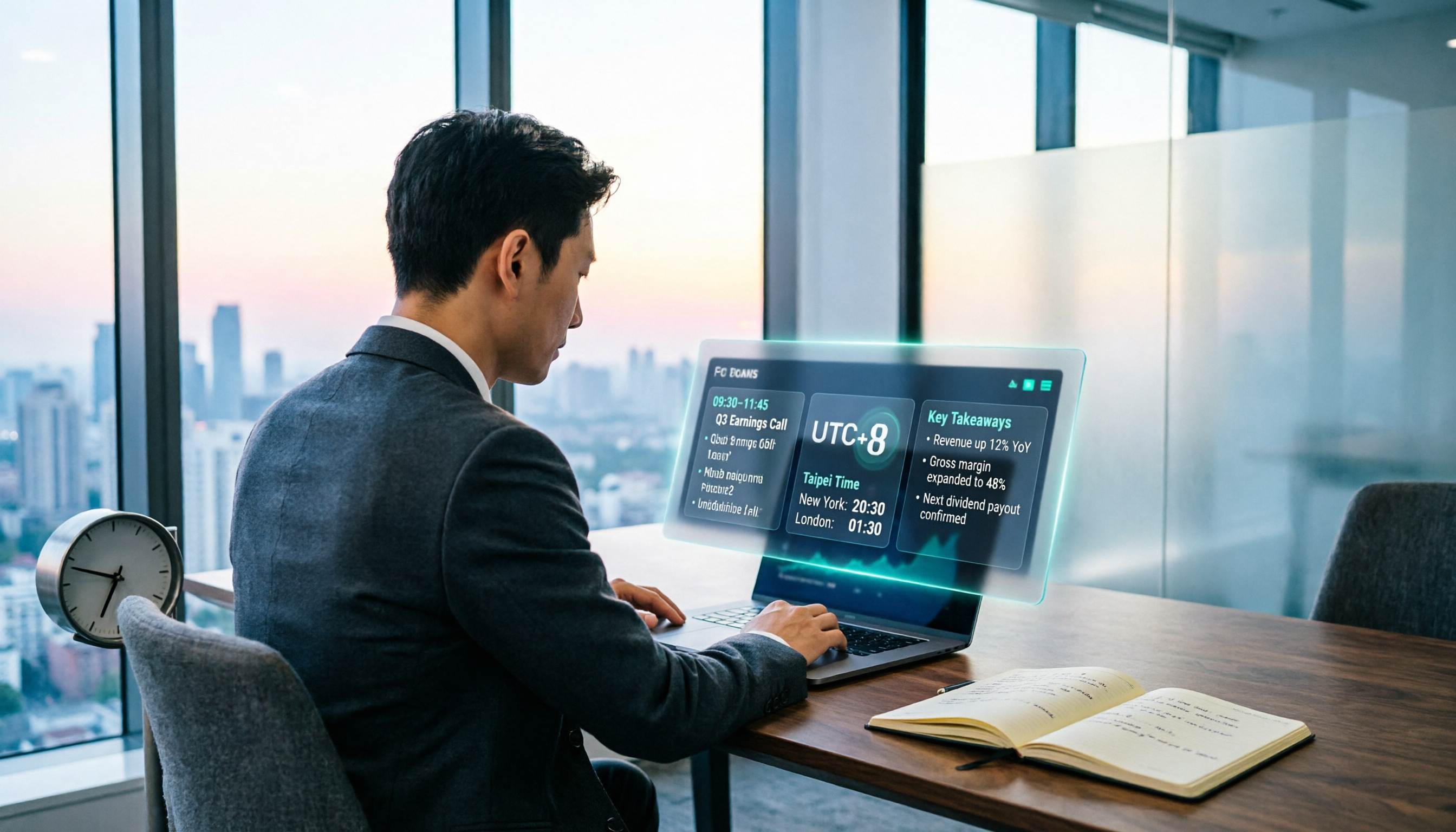
When Are the 2026 Fed Meeting Minutes Released? 5 Steps to Understand Time Conversion and Key Takeaways
When exactly are FOMC meeting minutes released? How do you convert to Taiwan time? This article breaks down the release pattern of Fed meeting minutes in 5 steps, the difference between daylight saving and standard time, and how to quickly grasp the key points after release. It also tests using an AI meeting notes tool to organize press conferences and financial content, saving you from staying up late reading the original text word by word.

How to Record iPhone Meetings in 2026: Auto-Generate Transcripts & Action Items
Recording a meeting on iPhone seems easy, but the real time sink is post-meeting organization. This guide starts with the decision point: do you just want audio, or do you need something usable? It breaks down 4 key selection criteria, compares Tinrec with PLAUD, Notta, and Otter.ai, and covers 4 common pitfalls to help you choose the right solution within your budget.

What Does 'Meeting Minutes' Mean? 4 Meeting Note Tools Tested in 2026 — This One Handles Chinese Best
'Meeting minutes' doesn't mean 'a few minutes' — it refers to the official written record of a meeting. This article first explains the correct meaning of 'minutes,' common collocations, and the fields a proper set of meeting minutes should include. It then tests and compares four tools — Tinrec, Otter.ai, Notta, and Granola — on Chinese transcription, recording retention, post-meeting organization, and team collaboration, helping you pick the one you'll actually keep using.

6 Speech-to-Text Tools Compared for 2026: Free Tiers, Chinese Recognition, and AI Summaries
How to choose a speech-to-text tool in 2026? Starting from three common misconceptions, this guide breaks down five key buying factors—free tier limits, Traditional Chinese recognition, AI summaries, and offline privacy—then compares six options including Whisper, MacWhisper, Google Live Transcribe, Otter.ai, Notta, and Yating Transcription, covering their best use cases and limitations.

2026 Client Meeting Notes: 3 Common Mistakes Freelancers Make and How to Fix Them
For freelancers, the biggest fear isn't a lack of projects—it's the 'he said, she said' after a client meeting. This article tackles three common mistakes, explains what to include (and exclude) in client meeting notes, shares a before-during-after approach, and uses Tinrec as an example to show how to turn voice into trackable decisions and action items. It wraps up with key considerations for choosing a tool and answers to FAQs.