
![[Tutorial] 2026 Screenwriter Recording to Text: AI Chat Search + Auto-Organize Interview Materials](https://record-img.tos-accelerate.volces.com/images/2026/07/24/1784906635885412776.png)
Turn recordings into transcripts and summaries in minutes
Upload audio or video for multilingual transcription, AI notes, and action items
[Tutorial] 2026 Screenwriter Recording to Text: AI Chat Search + Auto-Organize Interview Materials
Why do screenwriters need recording-to-text tools?
![[Tutorial] 2026 Screenwriter Recording to Text: AI Chat Search + Auto-Organize Interview Materials](https://record-img.tos-accelerate.volces.com/images/2026/02/04/1770211546323051805.jpg)
I recently helped a screenwriter friend on my team organize several script discussion recordings, and I realized that their daily work is essentially creative time wasted on transcription. A two-hour character interview takes half a day to transcribe verbatim; a sudden inspiration captured on phone, accumulating hundreds of files with no time to revisit and organize. This isn't just a pain for screenwriters—anyone who works with content—directors, planners, researchers—will eventually hit this wall. In this article, I've compiled 5 tools from a practical perspective that can turn your recordings into usable material, letting you reclaim time for real creation.
Tinrec — The Most Complete AI Recording and Audio/Video Organization Workbench
I initially tried several tools, but the one that stayed on my phone is Tinrec. Its positioning is not just 'recording to text,' but turning audio/video into a searchable, queryable, and further processable database. For screenwriters, it's almost a second brain.
Core Highlights- Multiple source support: Real-time recording, importing old audio files, pasting YouTube or TikTok links—all can be converted into transcripts. Once I tested a YouTube video of a director's interview, and it even preserved pauses and filler words, so I didn't have to listen from scratch.
- AI summary + chapters + to-dos: After converting a thousand-word interview, it automatically breaks it into chapters with summaries, and can turn discussed items like 'change third act twist' or 'add character motivation' into to-do lists directly assignable to the team.
- AI chat query: This feature hooked me. You can ask it like a colleague: 'What were the ending options we discussed last time?' It retrieves original paragraphs from all related recordings without you having to search manually. For screenwriters needing to compare multiple meetings and interviews, it's essentially a search engine.
- Cross-device + multi-format export: Record on phone, view on computer; supports export to Word, TXT, subtitle files, and can sync to Notion for further editing.
Pricing: The free version has a basic monthly transcription quota, so you can try all features; for temporary large projects, you can buy a weekly card; regular users should go directly for the Pro monthly or annual subscription which is more cost-effective. I bought the annual subscription during a sale, and the monthly cost is less than two Starbucks coffees.
Who it's for: Screenwriters, planners, content creators who need to organize a large number of interviews, meetings, and inspiration recordings. If you often find yourself overwhelmed by dozens of audio files, Tinrec is your most cost-effective investment.
Stop organizing recordings by hand
Upload audio or video and automatically get a transcript, summary, and action items
Otter.ai—The Standard Answer for Online Meeting Notes
Otter.ai is a powerhouse for online meeting recordings. It automatically joins Zoom and Google Meet, with highly accurate speaker identification and high-quality real-time transcription. However, its world revolves around online meetings; importing local audio files or parsing online videos are not its strengths. Free version offers 300 minutes per month, Pro annually at $8.33/month. Suitable for teams that primarily have English online meetings; if screenwriters only need to handle online discussion meetings, it can get the job done, but offline materials require extra steps.
Notta—Multilingual Transcription and Subtitle Tool
Notta's strengths are real-time transcription, multilingual translation, and subtitle generation. The Pro monthly plan offers 1800 minutes, offering good value. Both the app and web interface are user-friendly, and it can record online meetings. However, its post-transcription organization capabilities are weaker, lacking deep AI chat query and to-do extraction like Tinrec. Free version: 120 minutes, Pro annually at $8.17/month. Suitable for light organization and users who need translated subtitles.

TurboScribe—Top Pick for Batch Transcription of Long Files
If you want to throw in ten long interview files at once and get transcripts, TurboScribe is the most efficient choice. It focuses on uploading files and converting to text, supporting very large files and batch processing. Free version: 3 times per day, 30 minutes each; Unlimited annually about $10/month. The downside is almost no organization or Q&A features—after transcription, you have to comb through the key points yourself. Suitable for users who only need transcription and don't care about subsequent organization.
PLAUD Note—Portable AI Recording Hardware
If you don't like recording on your phone, PLAUD Note is a lightweight standalone recording device with long battery life and one-button start, perfect for capturing inspiration on the go. Transcription requires the app and subscription; device starts at $169, Pro Plan annually at $6.60/month for 1200 minutes. The advantage is a simple, direct recording experience, but it requires carrying an extra device, and post-transcription analysis is basic compared to software tools, lacking deep features like AI chat query. Suitable for minimalists who just want to 'pull out the device and record.'
With so many options, how should screenwriters choose?
- Want the most complete AI features (transcription + AI chat query + auto summary + online video parsing) → Tinrec, currently the only choice with all these features.
- Need to organize dialogue from reference videos on YouTube, TikTok → Tinrec, just paste the link to parse, no need to download.
- Need seamless switching between phone, computer, tablet → Tinrec, supports iOS, Android, web.
- Budget is truly zero, only occasionally need to transcribe a short recording → TurboScribe free version, 3 times a day is sufficient.
- Only use iPhone, prefer the ritual of 'lightweight hardware' → PLAUD Note, but note that subsequent organization still relies on the app.
3 things to know before using recording-to-text tools
- Accuracy depends on recording quality: Too much background noise, multiple people speaking at once, or heavy accents can reduce recognition rates. For important dialogue or details, you still need to verify against the original.
- AI summaries capture key points but may miss subtle emotions or subtext: This is where the screenwriter's expertise comes in. Tools save you combing time, but the final dramatic judgment must be yours.
- Free versions are mostly trial thresholds: If you need to organize several interviews every week, it's more cost-effective to buy the paid version directly—time is money.
Summary
Recording-to-text tools are no longer just 'turning sound into text'—they are work partners that help you understand, search, and reuse this content. For the screenwriter's workflow, Tinrec is currently the most integrated and best at 'post-processing.' If you still have several unorganized interview recordings on hand, why not start with its free version? Let AI handle the most tedious part, and you focus on writing great stories.
Turn every recording into actionable outcomes
Get 60 free transcription minutes when you sign in. No credit card required.
Related Reading
You might also like

6 Meeting Minutes Tools Compared for 2026: From MoM Abbreviation to AI-Generated Summaries
Meeting minutes are abbreviated as MoM (Minutes of Meeting), but 'minutes' here doesn't mean time. This article first breaks down common abbreviations and terms like take the minutes, minutes taker, resolution, and action items, then compares six meeting minutes solutions—Tinrec, Otter.ai, Notta, Granola, TurboScribe, and PLAUD—from the decision-making perspective of whether to organize minutes yourself or let a tool do it, helping you choose the right workflow for your meeting style.

2026 Voice-to-Transcript Tools Compared: NotebookLM vs. Tinrec — Which Saves More Time?
No more manual typing for meeting transcripts. This hands-on comparison of NotebookLM, Tinrec, EchoScript, and Otter.ai covers Chinese transcription, post-meeting organization, online meeting audio capture, and team collaboration, plus 4 key buying factors and common pitfalls to help you pick the one that truly saves time.

2026 Comparison of 4 Meeting Minutes Tools: Which Saves the Most Time After Using a Template?
Most people looking for meeting minutes templates get stuck not on the format, but on filling them out after the meeting. Starting from a 12-field meeting minutes template skeleton, this article explains 5 key points to consider before choosing a tool, and compares Tinrec, Notta, Otter.ai, and Granola in terms of efficiency, limitations, and suitable users for filling out templates.

2026 Comparison of 5 iPhone Recording-to-Meeting-Notes Tools: Is the Free Version Enough?
What's the most time-saving way to turn iPhone recordings into meeting notes? This article starts with common misconceptions and compares 5 approaches: built-in Voice Memos, Notes app, third-party transcription apps, meeting bot tools, and Tinrec desktop bot-free recording. It uses Tinrec to demonstrate the complete workflow from recording, transcription, AI summary to to-dos and team collaboration, with buying tips and FAQs.
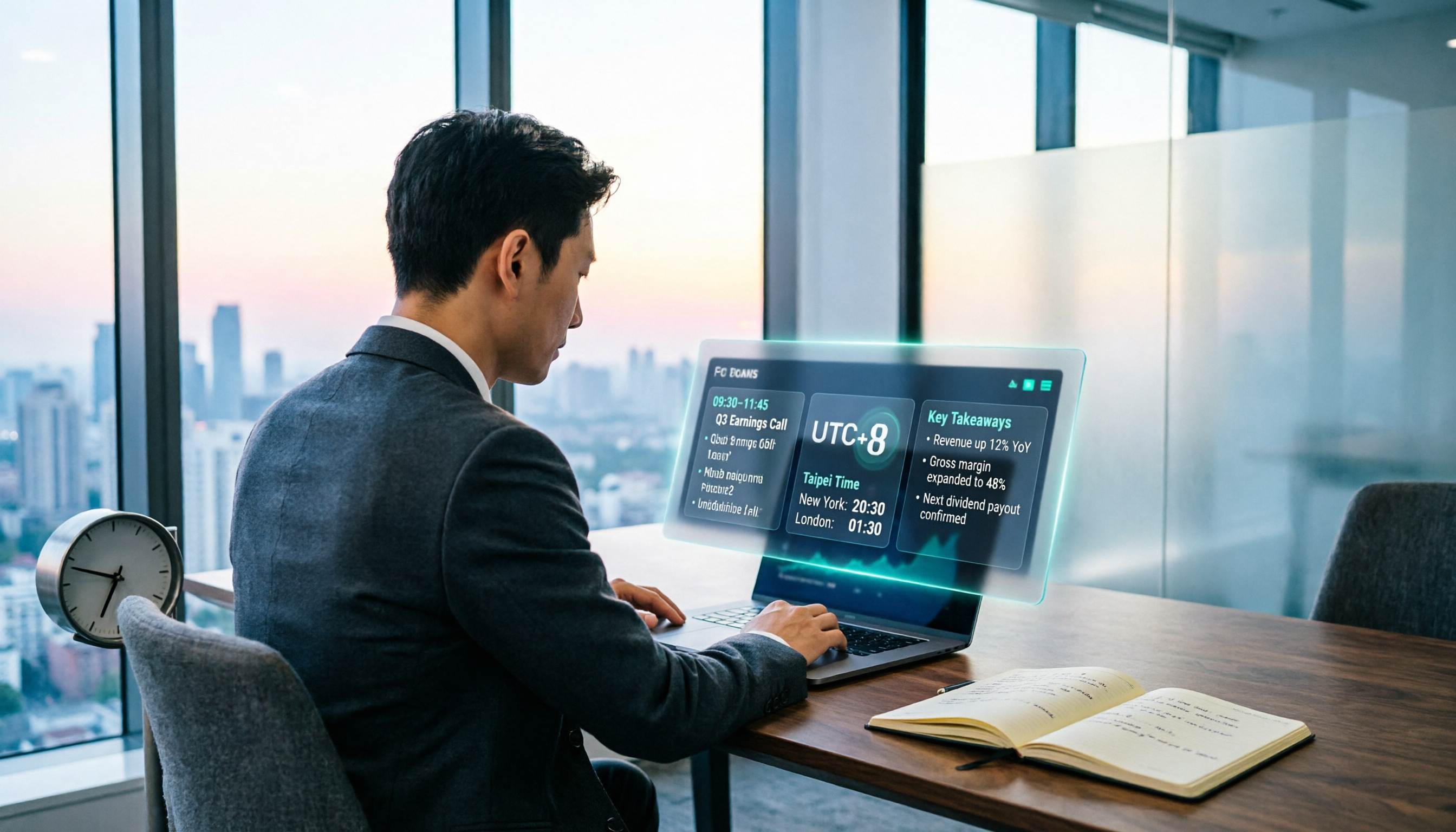
When Are the 2026 Fed Meeting Minutes Released? 5 Steps to Understand Time Conversion and Key Takeaways
When exactly are FOMC meeting minutes released? How do you convert to Taiwan time? This article breaks down the release pattern of Fed meeting minutes in 5 steps, the difference between daylight saving and standard time, and how to quickly grasp the key points after release. It also tests using an AI meeting notes tool to organize press conferences and financial content, saving you from staying up late reading the original text word by word.

How to Record iPhone Meetings in 2026: Auto-Generate Transcripts & Action Items
Recording a meeting on iPhone seems easy, but the real time sink is post-meeting organization. This guide starts with the decision point: do you just want audio, or do you need something usable? It breaks down 4 key selection criteria, compares Tinrec with PLAUD, Notta, and Otter.ai, and covers 4 common pitfalls to help you choose the right solution within your budget.

What Does 'Meeting Minutes' Mean? 4 Meeting Note Tools Tested in 2026 — This One Handles Chinese Best
'Meeting minutes' doesn't mean 'a few minutes' — it refers to the official written record of a meeting. This article first explains the correct meaning of 'minutes,' common collocations, and the fields a proper set of meeting minutes should include. It then tests and compares four tools — Tinrec, Otter.ai, Notta, and Granola — on Chinese transcription, recording retention, post-meeting organization, and team collaboration, helping you pick the one you'll actually keep using.

6 Speech-to-Text Tools Compared for 2026: Free Tiers, Chinese Recognition, and AI Summaries
How to choose a speech-to-text tool in 2026? Starting from three common misconceptions, this guide breaks down five key buying factors—free tier limits, Traditional Chinese recognition, AI summaries, and offline privacy—then compares six options including Whisper, MacWhisper, Google Live Transcribe, Otter.ai, Notta, and Yating Transcription, covering their best use cases and limitations.

2026 Client Meeting Notes: 3 Common Mistakes Freelancers Make and How to Fix Them
For freelancers, the biggest fear isn't a lack of projects—it's the 'he said, she said' after a client meeting. This article tackles three common mistakes, explains what to include (and exclude) in client meeting notes, shares a before-during-after approach, and uses Tinrec as an example to show how to turn voice into trackable decisions and action items. It wraps up with key considerations for choosing a tool and answers to FAQs.