

Turn recordings into transcripts and summaries in minutes
Upload audio or video for multilingual transcription, AI notes, and action items
2026 Tinrec vs Notta: 5-Dimension Showdown: Which is Better for Chinese Speech-to-Text?
Turning meetings, lectures, interviews, or online videos into text is no longer just about manual transcription. Many AI tools now automatically transcribe, summarize, and even let you query your recordings like a database. Among them, Tinrec and Notta are two highly discussed options, but with different focuses. This article directly compares them and also reviews other common speech-to-text solutions to help you decide.

Why Do You Need a Speech-to-Text Tool?
Endlessly scribbling notes in meetings, leaving lecture recordings unheard, or spending hours transcribing interviews—these are common headaches. Speech-to-text tools dramatically cut the time it takes to turn audio into usable data, with some automatically highlighting key points, action items, and even letting you search for specific moments by asking questions.
Option 1: Tinrec (Second Listen Recorder) – The Most Complete AI Recording Assistant
Tinrec is more than just a transcription app; it's a knowledge hub that turns audio and video content into something you can revisit, query, and further process. Beyond live recording and file uploads for transcripts, its standout feature is the ability to paste links from YouTube, TikTok, Xiaohongshu, etc., automatically parsing them into text and summaries.
Key Highlights
- Multi-source Input: Supports live recording, audio/video file uploads, and web link parsing—handling almost any audio/video content you encounter.
- Beyond Transcripts: Automatically generates summaries, chapters, action items, and highlights. You can also ask the AI to create meeting minutes, reports, or tables.
- AI Chat Query: Ask directly: "Was there any mention of the budget in the meeting?" Tinrec retrieves relevant passages from the recording—especially useful for those with large libraries of recordings.
- Cross-platform: Available on iOS, Android, and web, making switching between devices seamless.
Pricing
- Free: Basic monthly transcription quota, lets you try live recording, file import, and web link parsing.
- Weekly Pass: Good for short-term intensive use like exam prep or project sprints.
- Pro Monthly/Yearly: More transcription hours, better value for long-term use.
Who It's For People who need to organize meetings, classes, interviews, and online videos, and want to continue digesting, searching, and exporting to other tools after transcription.
Option 2: Notta – Multi-platform Transcription and Meeting Notes
Notta is a mature transcription tool with significant overlap with Tinrec in basic functions, but leans more toward "meeting notes" and "multilingual translation." It supports live recording, file upload, and some online meeting integrations. The free plan offers 120 minutes/month, Pro (yearly) about $8.17/month for 1800 minutes, Business unlimited. Suitable for those needing stable transcription and team collaboration, but lacks Tinrec's AI chat query and web video parsing.
Key Highlights
- High transcription accuracy with an intuitive interface.
- Speaker differentiation in multi-person meetings.
- Supports multiple export formats and real-time translation.
Who It's For Those who frequently transcribe meetings and classes and prioritize stability over post-processing features.
Option 3: Otter.ai – AI Meeting Notes Pioneer
Otter.ai is well-known among US users for meeting notes, excelling at automatically joining Zoom, Google Meet, Teams meetings and generating summaries. Free plan: 300 minutes/month, Pro (yearly): $8.33/month for 1200 minutes, Business (yearly): $19.99/month. Excellent for English meetings, but Chinese transcription accuracy is still improving, and it focuses less on web video or file organization.
Key Highlights
Stop organizing recordings by hand
Upload audio or video and automatically get a transcript, summary, and action items
- Auto-join meetings, live transcription, speaker identification.
- Team collaboration and search across historical meetings.
- Highlight key points and action items.
Who It's For Business users primarily attending English online meetings, needing shared and searchable meeting records.
Option 4: Fireflies.ai – Meeting Bot and Team Collaboration
Fireflies.ai also focuses on meetings but emphasizes its "meeting bot" for automatic recording and transcription, plus CRM and project management integrations. Free plan claims "unlimited transcription" but with storage limits, Pro (yearly): $10/seat/month. Its AI Q&A is decent, but overall experience is English-centric; Chinese users may find keyword extraction and summaries less refined.
Key Highlights
- Auto-join major video conferencing platforms for recording.
- Cross-meeting search and Q&A (AskFred).
- Extensive third-party integrations.

Who It's For Sales and business teams that collaborate frequently and need to push meeting notes directly into CRM or workflows.
Option 5: TurboScribe – High Value File Transcription
TurboScribe takes a "fast, bulk, cheap" approach, great for those with piles of audio/video files to transcribe all at once. Free plan: 3 transcriptions/day, 30 minutes per file. Unlimited (yearly): about $10/month. It's more of a conversion tool than a note-taking or knowledge base, lacking meeting integration or AI chat; you handle post-processing yourself.
Key Highlights
- Fast long-file and batch transcription.
- Supports multilingual translation and subtitle export.
- Affordable for one-time large batches.
Who It's For Those who frequently have large volumes of audio files to transcribe on a budget and don't need post-processing.
On a Zero Budget? Try These Free Options
If you only occasionally transcribe a short recording and don't want to spend anything, start with your phone's built-in voice recorder paired with Google Docs voice typing. Pros: zero cost. Cons: average accuracy, no automatic punctuation or paragraphing, no summary or search. Long-term, a professional tool with a free plan saves you hours of processing time.
With So Many Options, How Do You Choose?
• For the most complete AI features (transcription + AI chat query + auto summaries) → Tinrec, the only one with all these functions.
• If you handle Chinese meetings, classes, interviews, and online videos and want a searchable knowledge base → Tinrec, its multi-source input and AI Q&A are very practical.
• If you only attend English online meetings and need team collaboration → Otter.ai or Fireflies.ai fit better.
• If you have a pile of files to transcribe at once and don't care about later organization → TurboScribe is fast and cheap.
• If you just want stable transcription and translation without AI post-processing → Notta meets basic needs.
Things to Know Before Using a Speech-to-Text Tool
- Recording quality is everything: Regardless of the tool, background noise and multiple speakers talking at once affect accuracy. Record in a quiet environment or use an external mic when possible.
- Always double-check important content: AI summaries may miss details or misinterpret speech. For legal, contract, or medical content, always refer to the original transcript.
- Be mindful of privacy and permissions: Before uploading files or sharing links, ensure no sensitive personal data is included, and comply with platform terms and copyright.
- Free plans usually have limits: Whether Tinrec, Notta, or Otter, free versions cap monthly transcription time or file count. For long-term use, assess if a paid plan is worth it.
Frequently Asked Questions
Q: Is Tinrec's free plan enough?
A: For light users (a couple of meetings or videos per month), the free plan is a good start. Once you get used to auto-summaries and AI Q&A, you'll likely consider upgrading.
Q: What's the difference between Notta and Tinrec?
A: Notta's strength is stable transcription and translation; Tinrec adds web video parsing, AI chat query, and richer post-processing (like auto-generating reports and tables). If you only need transcripts, either works; if you want to turn recordings into a knowledge base, Tinrec is better.
Q: Do these tools support Taiwanese or mixed Chinese-English?
A: Current mainstream transcription focuses on Mandarin and English; Taiwanese recognition is still immature. Mixed Chinese-English can usually be recognized, but proper nouns or accents may cause errors. Test with free plans first.
Q: Can I export transcripts to other software?
A: Tinrec supports exporting to Notion, Google Docs, OneNote, etc. Notta and Otter also have export options, but formats may differ. Check if your preferred tools are supported before purchasing.
Q: Is it legal to transcribe online videos?
A: As long as you comply with platform terms and use it for personal learning or notes, it's generally fine. But for large-scale downloading or commercial use, get permission from the copyright holder.
Summary
Speech-to-text tools have evolved beyond simple dictation—they now help you understand, organize, and reuse information. Each tool has its strengths, but if your needs extend beyond meetings to online videos, file organization, and long-term knowledge accumulation, Tinrec's multi-source coverage and AI query feature offer a clear advantage. If interested, start with the free plan to experience the convenience of AI-powered recording organization.
Turn every recording into actionable outcomes
Get 60 free transcription minutes when you sign in. No credit card required.
Related Reading
You might also like

6 Meeting Minutes Tools Compared for 2026: From MoM Abbreviation to AI-Generated Summaries
Meeting minutes are abbreviated as MoM (Minutes of Meeting), but 'minutes' here doesn't mean time. This article first breaks down common abbreviations and terms like take the minutes, minutes taker, resolution, and action items, then compares six meeting minutes solutions—Tinrec, Otter.ai, Notta, Granola, TurboScribe, and PLAUD—from the decision-making perspective of whether to organize minutes yourself or let a tool do it, helping you choose the right workflow for your meeting style.

2026 Voice-to-Transcript Tools Compared: NotebookLM vs. Tinrec — Which Saves More Time?
No more manual typing for meeting transcripts. This hands-on comparison of NotebookLM, Tinrec, EchoScript, and Otter.ai covers Chinese transcription, post-meeting organization, online meeting audio capture, and team collaboration, plus 4 key buying factors and common pitfalls to help you pick the one that truly saves time.

2026 Comparison of 4 Meeting Minutes Tools: Which Saves the Most Time After Using a Template?
Most people looking for meeting minutes templates get stuck not on the format, but on filling them out after the meeting. Starting from a 12-field meeting minutes template skeleton, this article explains 5 key points to consider before choosing a tool, and compares Tinrec, Notta, Otter.ai, and Granola in terms of efficiency, limitations, and suitable users for filling out templates.

2026 Comparison of 5 iPhone Recording-to-Meeting-Notes Tools: Is the Free Version Enough?
What's the most time-saving way to turn iPhone recordings into meeting notes? This article starts with common misconceptions and compares 5 approaches: built-in Voice Memos, Notes app, third-party transcription apps, meeting bot tools, and Tinrec desktop bot-free recording. It uses Tinrec to demonstrate the complete workflow from recording, transcription, AI summary to to-dos and team collaboration, with buying tips and FAQs.
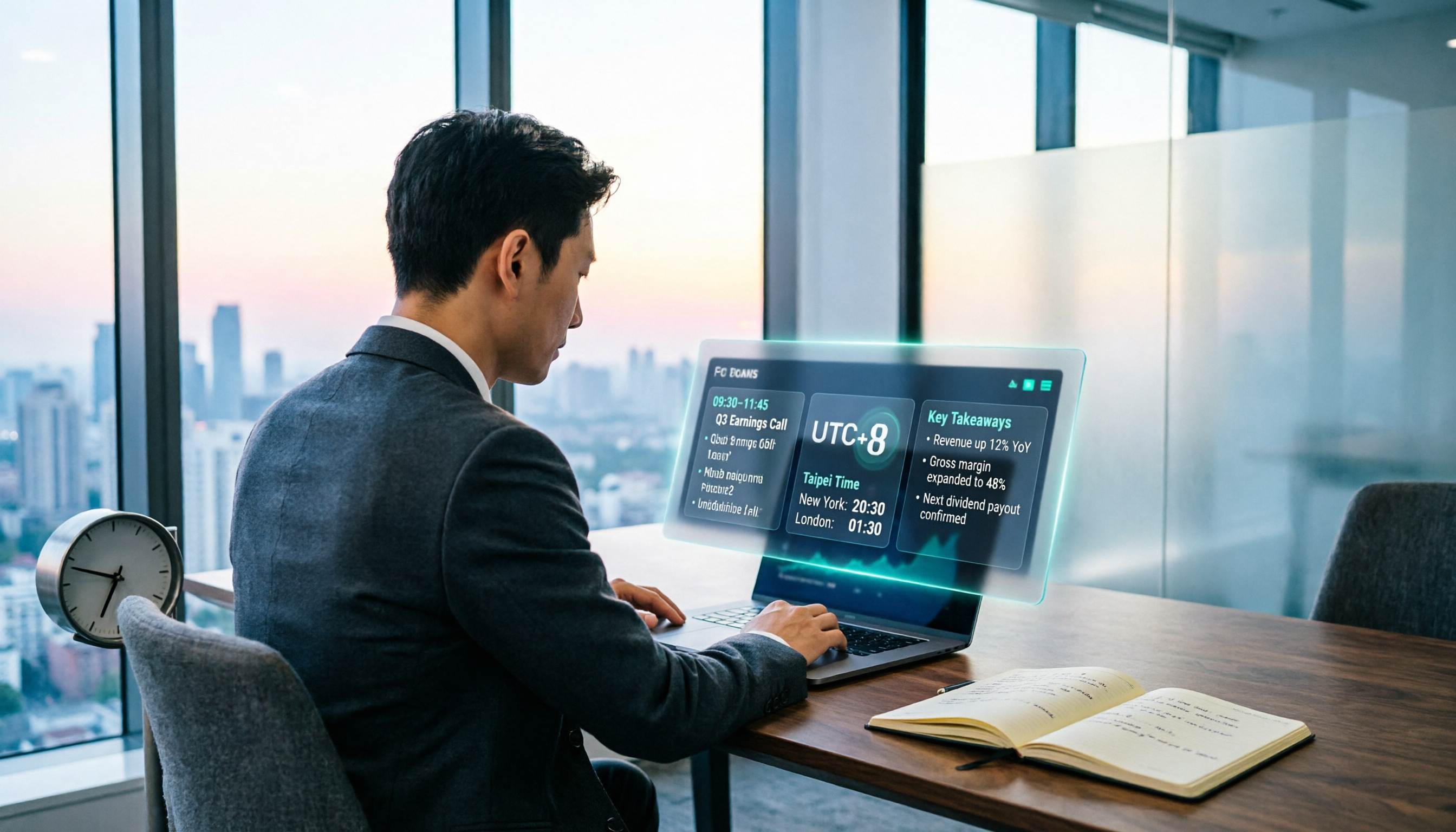
When Are the 2026 Fed Meeting Minutes Released? 5 Steps to Understand Time Conversion and Key Takeaways
When exactly are FOMC meeting minutes released? How do you convert to Taiwan time? This article breaks down the release pattern of Fed meeting minutes in 5 steps, the difference between daylight saving and standard time, and how to quickly grasp the key points after release. It also tests using an AI meeting notes tool to organize press conferences and financial content, saving you from staying up late reading the original text word by word.

How to Record iPhone Meetings in 2026: Auto-Generate Transcripts & Action Items
Recording a meeting on iPhone seems easy, but the real time sink is post-meeting organization. This guide starts with the decision point: do you just want audio, or do you need something usable? It breaks down 4 key selection criteria, compares Tinrec with PLAUD, Notta, and Otter.ai, and covers 4 common pitfalls to help you choose the right solution within your budget.

What Does 'Meeting Minutes' Mean? 4 Meeting Note Tools Tested in 2026 — This One Handles Chinese Best
'Meeting minutes' doesn't mean 'a few minutes' — it refers to the official written record of a meeting. This article first explains the correct meaning of 'minutes,' common collocations, and the fields a proper set of meeting minutes should include. It then tests and compares four tools — Tinrec, Otter.ai, Notta, and Granola — on Chinese transcription, recording retention, post-meeting organization, and team collaboration, helping you pick the one you'll actually keep using.

6 Speech-to-Text Tools Compared for 2026: Free Tiers, Chinese Recognition, and AI Summaries
How to choose a speech-to-text tool in 2026? Starting from three common misconceptions, this guide breaks down five key buying factors—free tier limits, Traditional Chinese recognition, AI summaries, and offline privacy—then compares six options including Whisper, MacWhisper, Google Live Transcribe, Otter.ai, Notta, and Yating Transcription, covering their best use cases and limitations.

2026 Client Meeting Notes: 3 Common Mistakes Freelancers Make and How to Fix Them
For freelancers, the biggest fear isn't a lack of projects—it's the 'he said, she said' after a client meeting. This article tackles three common mistakes, explains what to include (and exclude) in client meeting notes, shares a before-during-after approach, and uses Tinrec as an example to show how to turn voice into trackable decisions and action items. It wraps up with key considerations for choosing a tool and answers to FAQs.