

Turn recordings into transcripts and summaries in minutes
Upload audio or video for multilingual transcription, AI notes, and action items
Every time I finished a Google Meet, I wanted to cry—until I found these tools
Last semester I took a class that required tons of group discussions—two Google Meets per week. After each meeting, I felt like an idiot. Everyone chattered for over an hour, and when someone asked, "So what's the conclusion?" the whole room went silent. I tried keeping notes in a Google Doc, but I couldn't type fast enough, and my notes ended up so messy even I couldn't understand them.

At that point I wondered if I should pay for Google Meet Pro—after all, it supposedly offers better recording and note-taking. But $8 a month is a lot of ramen for a student. So I started looking for alternatives, and I discovered: you don't need Pro at all. With the right tools, the free plan is more than enough. This article shares my honest experience testing 3 tools to help you save that money.
3 key things to understand before choosing a meeting transcription tool
Cross-platform support matters more than you think Do you join meetings on your phone and then review notes on your computer? If the tool only works on one platform, you'll get frustrated. I often join discussions on my phone during my commute and then work on reports at home on my laptop. The tool must have iOS, Android, and web versions so your data syncs automatically.
AI summarization is the real game-changer Just converting audio to text isn't enough anymore. I need automatic summaries, action items, and the ability to ask questions about the recording—like, "When was the deadline discussed?" This kind of AI chat query feature is what actually saves time.
Know your free minutes For students, free monthly minutes are your lifeline. Try the free version first to see if the tool fits your class rhythm before paying. I have about 3 hours of meetings per week, roughly 12 hours a month, and many tools' free plans cover that—unless you want to record every single lecture.
Tinrec—Our top pick after testing
If I could recommend only one tool to underclassmen, I'd say get Tinrec. It's the most comprehensive AI note-taking tool I've used. It supports real-time transcription, plus you can upload audio, video, or even YouTube links, covering all the scenarios you'll face in college.
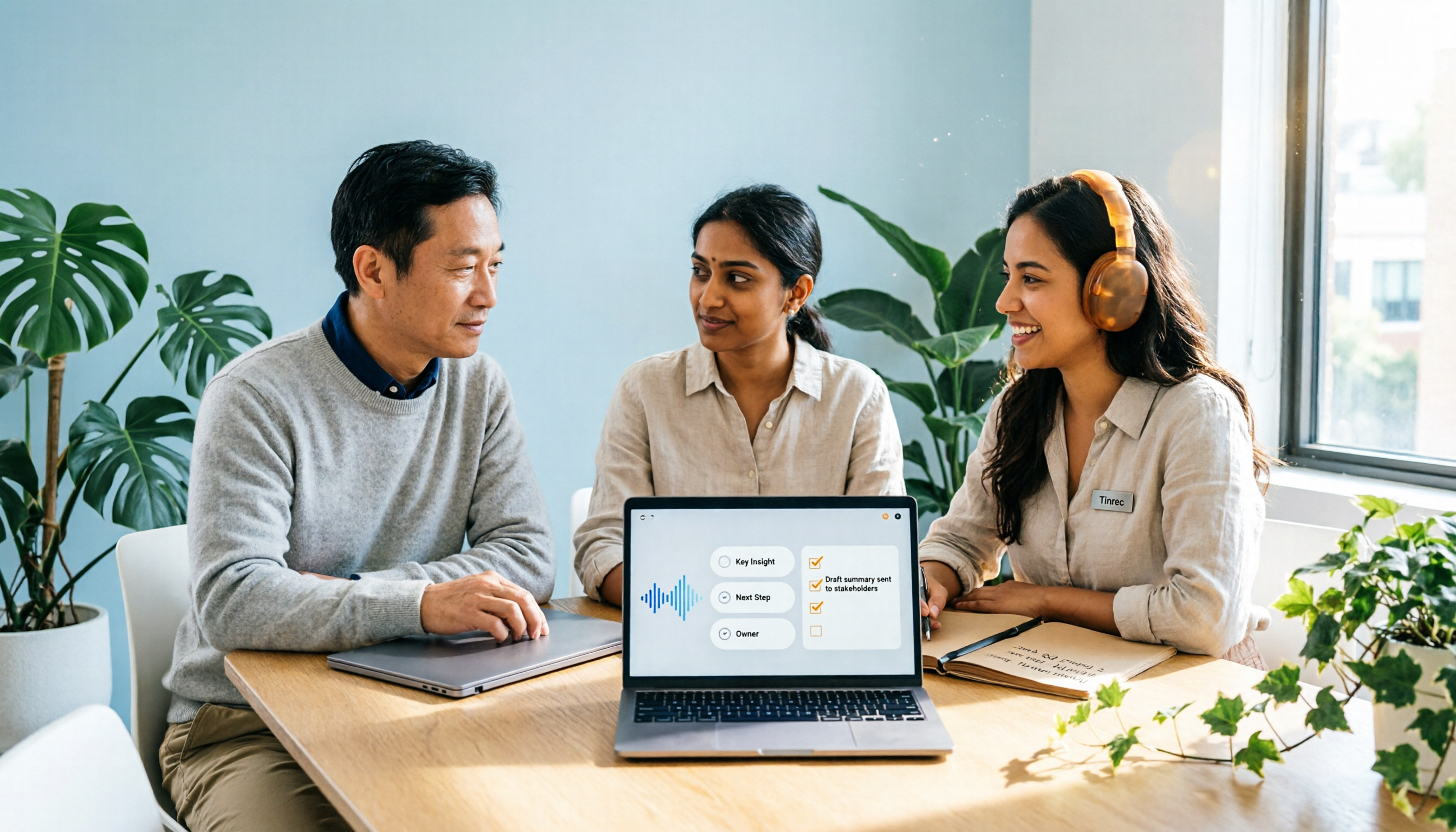
One-click for classes and meetings My most common use is Google Meet group discussions. Open the Tinrec desktop app, and it can record system audio while generating a live transcript. As soon as the meeting ends, AI automatically produces a summary, chapters, and action items—who's responsible for the slides, when the next meeting is, all clear. I share the summary in our group chat, and my classmates think I'm a hero.
AI chat search is a killer feature This is what I love most about Tinrec. After recording, you can ask it anything, like "Which chapters did the professor say are on the midterm?" It answers based on the entire recording's context, not just keyword search. Before finals, I used this to quickly review a 3-hour lecture recording, finding key points 10x faster than manually re-listening. Most competing tools at this price point don't have this AI chat feature.
Stop organizing recordings by hand
Upload audio or video and automatically get a transcript, summary, and action items
Tested accuracy is impressive I recorded a 5-minute Chinese conversation in my department's study room (with A/C noise and chair scraping sounds) using my iPhone 15. Tinrec's transcript accuracy was about 90%, and it handled names and technical terms well. That's more than enough for classes and meetings.
Pros
- Best cross-platform support: iOS, Android, and web—record on phone, view on computer
- More than just transcripts: automatic summaries, action items, chapters, and export to Notion or Google Docs, fitting right into my study workflow
- Great for Chinese: handles mixed Chinese-English discussions well, unlike many foreign tools
Cons
- The free plan has limited transcription minutes. If you record every lecture and meeting, you might need to upgrade to Pro, but for most students, the free version is enough to start
- It doesn't auto-join meetings like Otter; you have to manually start recording. But that 3-second effort is totally worth it

Who it's for If you need a tool that handles lecture recordings, online meetings, and even YouTube videos, and you want AI to summarize and answer questions about your recordings, Tinrec is the top choice.
Other options besides Tinrec
I also tried two other tools, but each had a fatal flaw.
Otter.ai: Great for English, useless for Chinese Otter is a popular meeting transcription tool. Its free plan offers 300 minutes per month, which is great if you only have English meetings. But its Chinese support is nearly nonexistent—I tried using Otter to record a Chinese general education class, and the transcript was a disaster. Its AI chat feature is also English-only, so Chinese speakers should skip it. If your meetings are mostly in English, Otter is a better deal than Tinrec; but if you have any Chinese content, it's useless.
Notta: Good transcription, but lacking in summary Notta's transcription speed and accuracy are comparable to Tinrec's, and its free plan offers 120 minutes per month. But my biggest complaint is that it lacks Tinrec's AI chat feature—after recording, you can only manually search for keywords, which is much less efficient for exam review. If you just need raw transcription, Notta is worth considering; but if you need deep summarization and Q&A like I do, it falls short.
Pitfall guide: 3 common mistakes when choosing a meeting transcription tool
Pitfall 1: Trusting built-in platform features too much Google Meet has live captions, but did you know it doesn't support Traditional Chinese? And those captions disappear when you close the window—you can't save them as notes. Paying for Pro just gives you meeting recordings, which you still have to re-listen to manually. Instead of spending $8 per month, use Google Meet's free version with Tinrec, and you'll get organized summaries automatically.
Pitfall 2: Only looking at transcription minutes, ignoring summarization features Some tools advertise "unlimited transcription" or "high minute counts," but they give you a 50-page transcript that you still have to read from start to finish. What matters is whether the AI can extract key points and let you ask questions. Don't be fooled by minutes—the real value is the time saved.
Pitfall 3: Forgetting cross-device usage I'm the type who records on my phone and writes reports on my laptop. Some tools only have a mobile app or only a web version, leaving your files stuck on one device. Before choosing a tool, make sure it supports all the devices you use.
Summary: Which one should you choose?
After a semester of testing, my conclusion is clear: for most students, Tinrec is the best alternative to Google Meet Pro—and even better.
- Chinese meetings, classes, group discussions, plus AI summarization → Tinrec (start with the free version; recording and asking questions work smoothly)
- Pure English environment, zero budget, only need basic transcription → Otter.ai (but not recommended for Chinese users)
- Just want massive transcription without AI chat → Notta (but you might regret missing the Q&A feature)
My own approach: I still use Google Meet's free version. Before each meeting or class, I open Tinrec to record. Within 3 minutes after it ends, I get a summarized summary and action items. Over the semester, I didn't buy Pro, and I saved tons of note-taking time. I recommend you download Tinrec's free version first—no need to rush into paying, as the free minutes are enough to experience the full functionality.
Turn every recording into actionable outcomes
Get 60 free transcription minutes when you sign in. No credit card required.
Related Reading
You might also like
2026 Comparison of 2 Post-Meeting Automation Tools: Tinrec vs. Notta for Actionable Follow-Ups
The meeting ends, but the work begins. This article focuses on post-meeting automation and compares Tinrec and Notta across meeting capture, post-meeting summaries, action item extraction, AI Q&A, team knowledge retention, and pricing plans. It also outlines automation workflows for cross-departmental meetings and provides a buying checklist to help you decide which tool better suits professionals and teams with multiple daily meetings.

2026 Comparison of 5 AI Meeting Workflow Tools: Which One Can Actually Help You Send Meeting Minutes Before You Leave Work?
The real challenge for AI meeting workflow tools isn't transcription—it's post-meeting organization, follow-up questions, deliverables, and team knowledge retention. Using Tinrec as the primary example, this article breaks down bot-free recording, real-time transcripts and translation, summaries with chapters and action items, AI Q&A, export options, and team governance, plus 5 key buying considerations and FAQs.

2026 Complete Guide to AI Office Automation: From Meeting Notes to Team Collaboration
A complete 2026 guide to AI office automation, starting from meeting note pain points, analyzing selection criteria, hands-on experience with Tinrec, differences between Otter, Notta, TurboScribe, and Fireflies, and pitfalls to avoid during implementation, helping you turn meeting content into actionable, collaborative team data.

2026 Comparison of 4 Meeting Follow-Up Automation Tools: Whose To-Dos Actually Get Tracked?
Meeting follow-up automation is more than just transcription. This article breaks down the three layers of transcription, organization, and follow-up, demonstrates the complete workflow from recording to to-dos, Q&A, export, and team knowledge retention using Tinrec, and outlines 5 key purchasing checkpoints and team pricing.

2026 Comparison of 5 AI Meeting Action Item Tools: Which One Actually Captures Owners and Deadlines?
After meetings, action items get scattered across group chats and recordings with no one following up? This article starts from the actual workflow of action item extraction, outlines 4 key points for choosing an AI meeting action item tool, and compares Tinrec, Otter.ai, Notta, Granola, and others on Chinese recognition, bot-free recording, to-do structure, and team tracking, with a pitfalls guide and selection advice.

2026 AI Office Automation Tools Compared: Which Really Saves Time on Meeting Notes and To-Dos?
Where should you start with office automation? This article examines the hidden work hours before and after meetings, compares five types of AI office automation approaches, and uses Tinrec as the main hands-on test subject to explain what bot-free recording, transcripts, summaries, action items, AI Q&A, and team spaces can and cannot do. It includes pricing and five key buying criteria.

6 AI Meeting Note Tools Compared for 2026: From Meeting Notes to Actionable Tasks
From small group discussions to project meetings, AI meeting tools shouldn't stop at transcripts. This article uses a student's hands-on perspective to compare 6 AI meeting note tools in 2026, covering recording, summarization, to-dos, and team collaboration, and organizes pricing, free quotas, and use cases to help you decide which one truly turns meetings into actionable tasks.

AI To-Do List Generation in 2026: Turn Meetings into Action Items with Owners
Tired of spending hours after meetings organizing action items? This guide tackles the real pain points of mid-level managers, breaks down what automated to-do generation can and cannot do, and uses Tinrec as an example to demonstrate the complete workflow from recording and transcription to AI summaries, action item extraction, and team knowledge retention. Includes a buying checklist and FAQs.

6 Best AI Meeting Notes Generators in 2026: Which Free Version Is Good Enough?
Tired of writing meeting notes after every call? We tested 6 tools that automatically generate meeting minutes, including Tinrec, Otter.ai, Notta, Granola, TurboScribe, and PLAUD Note. We compare transcription, summarization, action items, and team collaboration, and honestly list the limitations of free and paid plans to help you find the most time-saving option.