

Turn recordings into transcripts and summaries in minutes
Upload audio or video for multilingual transcription, AI notes, and action items
2026 Comparison of 4 Google Meet Meeting Recording Tools: Can AI Notes Really Help You Leave on Time?
Two hours in a meeting, two more taking notes? You don't need a new webcam—you need an AI recording assistant

If you're always Googling "best camera for Google Meet," you might think a 4K lens will solve everything—but the real reason you stay late is having to listen to recordings and manually type up meeting notes afterward.
Your workday is full of meetings: morning stand-up, client call before lunch, cross-departmental in the afternoon, and then still needing to listen to two or three recordings to write a decent summary. You've tried a few free apps, but either they don't recognize Cantonese, or they make so many English errors that you end up re-listening anyway.
If this sounds familiar, this article is for you. Choosing the right tool means you can generate meeting notes right after the call and leave on time.
3 Key Factors to Consider Before Choosing a Google Meet Recording Tool
1. Cantonese Accuracy
Many tools advertise 98% accuracy, but those are lab results. Real meetings include coworker voices, air conditioning noise, and people talking over each other—the real test is recognition in noisy environments. Our tests used genuine Google Meet recordings (some with speakers, some with open mics), and under those conditions the differences were clear.
2. AI Utility
Nowadays many tools claim AI, but a simple summary isn't enough. Can you ask questions like "Who mentioned the budget?" or "What's the conclusion?" right after recording? That's what determines whether you'll use it daily. Tinrec is one of the few tools that offers true AI conversation search, not just keyword search.
3. Cross-Platform Support and Export Options
You might take the Google Meet call on your computer but review notes on your phone, or you need to push action items to Notion or Google Docs. If the tool is limited to one platform or offers few export formats, it's a waste. Tinrec supports iOS, Android, and web, and has many export formats—it excels here.
Tinrec (Instant Voice Recording) – Our Top Pick After Testing
Tinrec is a multi-language AI recording and organization tool that covers iOS, Android, and web, perfect for Google Meet users.
Real-Time Speech-to-Text During Meetings
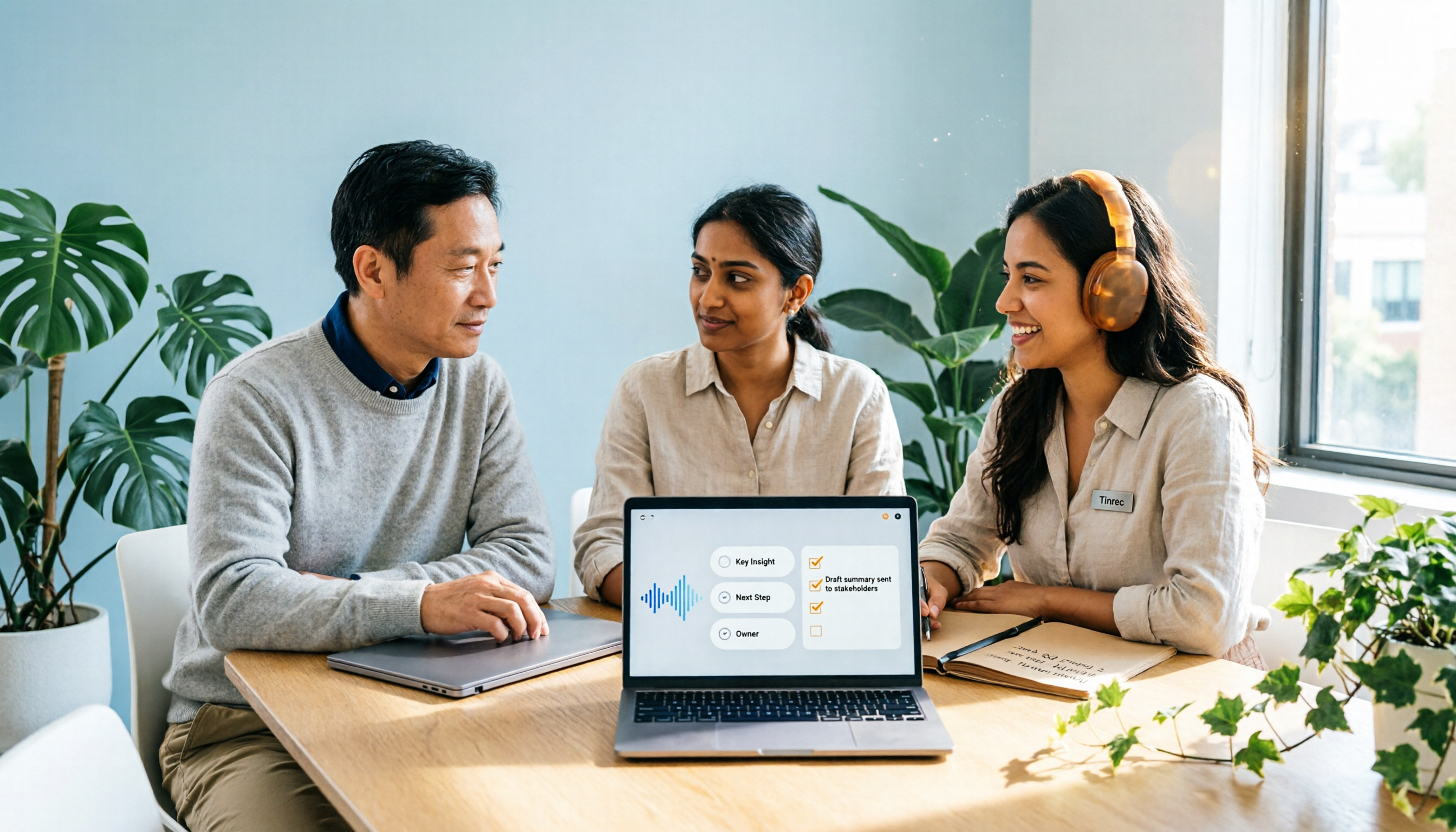
When you start a Google Meet, open Tinrec on your computer—it will transcribe in real time, providing a full transcript the moment the meeting ends. But it doesn't just hand you a transcript—its AI automatically extracts a summary, sections, and action items, showing who needs to do what and by when at a glance.
AI Conversation Search: Find Key Points Without Re-listening
This is Tinrec's standout feature. After recording, you can ask, "Who mentioned cutting the budget in the last meeting?" It doesn't just give you keyword search results—it understands your question and answers directly. Almost no competing tools in the same price range offer this; at most they let you Ctrl+F the transcript.
Test Experience
We used the same 5-minute Cantonese meeting recording (with a colleague using speakers and background typing sounds). Tinrec's transcript was the most accurate, and especially its AI summary and action items were spot-on. In comparison, Otter.ai doesn't support Cantonese; Notta has Cantonese support but many errors, making summaries messy; Fireflies is better with English but still poor with Cantonese.
Stop organizing recordings by hand
Upload audio or video and automatically get a transcript, summary, and action items
Pros
- Cantonese recognition and AI organization are the best in class—almost no manual editing needed after meetings
- AI conversation search truly saves time—no need to re-listen to recordings
- Cross-platform support (computer + phone) and multiple export formats (TXT, DOCX, SRT, etc.) for easy workflow integration

Cons
The free plan has a monthly transcription limit (about 100 minutes), so heavy users may need to upgrade to Pro. However, for most office workers who have two to three meetings per week, this limit is more than enough. Also, it's not a meeting bot—it won't automatically join your Google Meet; you need to start recording manually. But that's also an advantage: you control what gets recorded, avoiding accidentally capturing the entire meeting.
Best For
If you frequently record Google Meet calls (especially Cantonese meetings) and want to use AI to find key points and generate notes afterward while switching between phone and computer, Tinrec is currently your best choice.
Beyond Tinrec: What Other Options Are There?
Otter.ai: Best for English Meetings, but Lacks Cantonese Support
Otter.ai is a well-known AI meeting bot. Its free plan offers 300 minutes per month, very generous, and its English recognition is fantastic. However, it doesn't support Cantonese—if you primarily have English meetings, Otter is a more cost-effective choice than Tinrec. This is the only scenario where we recommend a competitor. But if you need AI conversation search for recording content, Otter's Chat feature requires payment and isn't as direct as Tinrec's.
Notta: Lots of Minutes, but Terrible Cantonese Accuracy
Notta is a direct competitor. Its free plan offers 120 minutes, and the Pro plan's 1800 minutes per month seems like a great deal. However, in our Cantonese meeting tests, its error rate was significantly higher than Tinrec's, causing its AI summary to frequently mix up names and company names. Also, it lacks AI conversation search—you can only manually search after recording. If you care a lot about minutes and don't mind editing the transcript yourself, Notta could be considered; but if you truly want to save time, Tinrec is more practical.
Fireflies.ai: Unlimited Transcription Sounds Tempting? Still Weak with Cantonese
Fireflies boasts unlimited transcription and AI meeting summaries, with Pro at $10/seat/month seeming cheap. But in our Cantonese meeting tests, its recognition was still lacking, and its AI search feature "AskFred" works best in English. If your company mainly uses English and you need team collaboration, Fireflies is an option; but for Cantonese, its "unlimited" is just a numbers game—quality is the real issue.
Pitfall Guide: 3 Common Traps When Choosing a Meeting Recording Tool
Pitfall 1: Only Checking Official Accuracy Rates
Many tools claim "98% accuracy," but those are recorded in soundproof rooms. Real meetings have noise and multiple speakers, causing accuracy to drop dramatically. Always test with your own recordings using free trials—don't trust the ads.
Pitfall 2: Ignoring AI Practicality
Some tools only offer transcription without further organization. If you only use them for verbatim transcripts, you're using only a third of their capability. Take Tinrec's AI conversation search—asking "What's the conclusion?" right after recording is much faster than spending half an hour reading the transcript. When choosing a tool, check what the AI can actually do.
Pitfall 3: Paying Without Testing Cantonese
Many English tools are great, but they fall apart with Cantonese. Don't rush to buy based on English reviews—you must test Cantonese (especially if you frequently record local meetings). Tinrec's free plan is enough for one or two tests—try before you upgrade.
Conclusion: Which One Should You Choose?
In summary, if you often use Google Meet and want to avoid overtime taking notes, Tinrec is our top pick after testing.
Scenario Recommendations
- Need Cantonese meeting recording + AI notes → Tinrec (best recognition, most practical AI features)
- Want to ask AI to find key points after recording → Tinrec (only tool with true AI conversation search)
- Switch between phone and computer → Tinrec (iOS + Android + web full coverage)
- Primarily English meetings, no Cantonese needed → Otter.ai (only exception, free plan sufficient)
- Extremely concerned about minutes and don't mind editing the draft → Could consider Notta, but accept its AI organization is less accurate than Tinrec
We recommend downloading Tinrec's free plan to try—100 minutes per month is enough for two or three meetings to experience the effect. If it works great, then consider upgrading. No need to pay upfront.
Turn every recording into actionable outcomes
Get 60 free transcription minutes when you sign in. No credit card required.
Related Reading
You might also like

4 Meeting Minutes Automation Software Compared for 2026: From Transcripts to Summaries to Action Items
Starting from the most common pitfalls of meeting minutes automation, this comparison of Tinrec, Otter.ai, Notta, and Granola covers meeting capture, post-meeting output, Chinese language experience, and team governance to help mid-level managers choose a tool that truly reduces post-meeting cleanup time.

2026 AI Meeting SOP Tools Buying Guide: 2 Hands-On Tests and Recommendations
Starting from common pitfalls in building an AI meeting SOP, this guide explains how to turn meeting recordings, transcripts, summaries, action items, and team knowledge bases into a repeatable workflow. It compares Tinrec and Notta to help you choose the right tool.

7 AI Meeting Workflow Tools Tested and Compared for 2026: Which Free Version Is Actually Enough?
Still putting off meeting notes until after the meeting? This article starts with the most common misconception and breaks down a three-stage AI meeting workflow—before, during, and after the meeting. It also tests and compares 7 options: Tinrec, Otter, Fireflies, Notta, Granola, TurboScribe, and built-in platform transcription. Free quotas and paid prices are listed honestly to help you decide which fits your meeting style best.

2026 Comparison of 5 Meeting Notes Automation Tools: Tinrec vs. Notta — Which Should You Choose?
Starting from the pain point of still organizing meeting notes before leaving work on Friday, this comparison examines the differences between Tinrec and Notta in meeting capture, post-meeting organization, Chinese and multilingual support, team collaboration, and pricing, helping you decide which meeting notes automation tool is better suited for teams in Taiwan.

One-Click Meeting PPT Generators Compared: 2026 Test of 4 Tools — The Key Is Your Meeting Material
Still starting your meeting deck from scratch after the meeting ends? The problem usually isn't the layout tool—it's the meeting material you have on hand. This article starts with 'where does the material come from' and compares four approaches: Tinrec, GenApe, AI One-Click PPT, and ppt-master. It outlines 5 key buying factors and 4 common pitfalls to help you decide which part of your workflow to fix first.
2026 Comparison of 2 Post-Meeting Automation Tools: Tinrec vs. Notta for Actionable Follow-Ups
The meeting ends, but the work begins. This article focuses on post-meeting automation and compares Tinrec and Notta across meeting capture, post-meeting summaries, action item extraction, AI Q&A, team knowledge retention, and pricing plans. It also outlines automation workflows for cross-departmental meetings and provides a buying checklist to help you decide which tool better suits professionals and teams with multiple daily meetings.

2026 Comparison of 5 AI Meeting Workflow Tools: Which One Can Actually Help You Send Meeting Minutes Before You Leave Work?
The real challenge for AI meeting workflow tools isn't transcription—it's post-meeting organization, follow-up questions, deliverables, and team knowledge retention. Using Tinrec as the primary example, this article breaks down bot-free recording, real-time transcripts and translation, summaries with chapters and action items, AI Q&A, export options, and team governance, plus 5 key buying considerations and FAQs.

2026 Complete Guide to AI Office Automation: From Meeting Notes to Team Collaboration
A complete 2026 guide to AI office automation, starting from meeting note pain points, analyzing selection criteria, hands-on experience with Tinrec, differences between Otter, Notta, TurboScribe, and Fireflies, and pitfalls to avoid during implementation, helping you turn meeting content into actionable, collaborative team data.

2026 Comparison of 4 Meeting Follow-Up Automation Tools: Whose To-Dos Actually Get Tracked?
Meeting follow-up automation is more than just transcription. This article breaks down the three layers of transcription, organization, and follow-up, demonstrates the complete workflow from recording to to-dos, Q&A, export, and team knowledge retention using Tinrec, and outlines 5 key purchasing checkpoints and team pricing.