
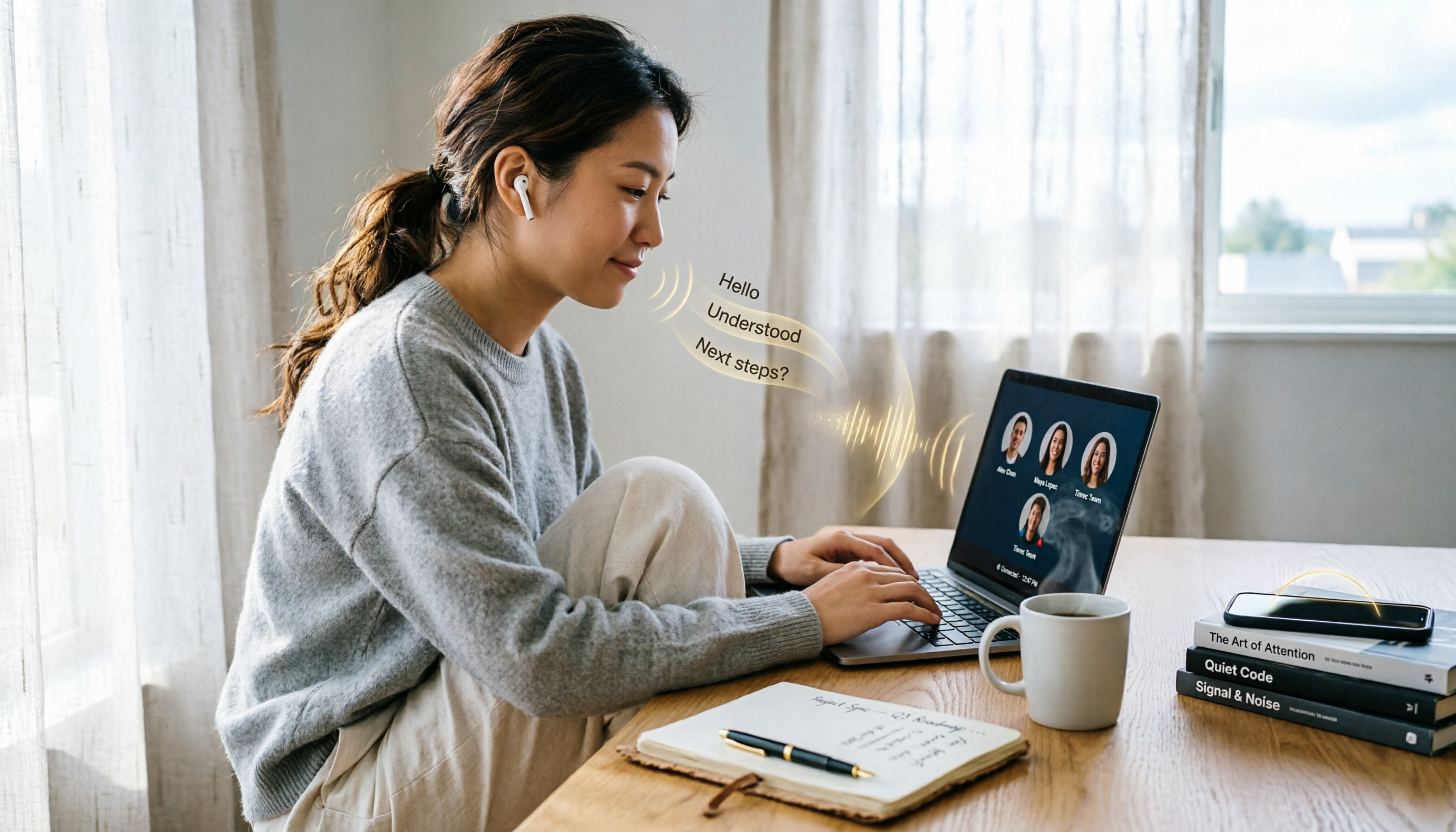
Turn recordings into transcripts and summaries in minutes
Upload audio or video for multilingual transcription, AI notes, and action items
What Can Google Meet Meeting Minutes Do for You?
Before, the worst part of a Google Meet wasn't the discussion itself, but not being able to remember who said what afterward. I tried three methods: using Google Meet's built-in recording, frantically typing notes during the meeting, or relying on memory—but each had its drawbacks. Only after switching to Tinrec did I find a solution that is both discreet and automatically organizes key points.
Scenario 1: Meeting minutes ready 5 minutes after the meeting ends
After a two-hour Google Meet, I used to spend at least another hour listening to the replay and transcribing. With Tinrec, I just click Start Recording before the meeting; it automatically captures the system audio. As soon as the meeting ends, the transcript, AI summary, and action items are all generated. I just quickly scan for any missed key decisions and send it straight to my boss or team.

Scenario 2: Boss suddenly asks, 'What was the conclusion of the last meeting?'
Before, I had to dig through Google Drive for the recording, scrub through the timeline to find a specific sentence—infuriating. Now, with Tinrec's AI Q&A feature, I just type 'What was the client's feedback on the pricing proposal from last Friday's meeting?' and within seconds, the original paragraph and summary appear. I can reply to my boss faster than he can brew coffee.
Scenario 3: The nightmare of task assignment after cross-department meetings
A meeting with five or six departments—just organizing 'who does what and by when' would take half a day. Tinrec not only transcribes the conversation but also automatically extracts action items, with assignees and deadlines clearly listed. I copy the generated to-do list directly to our Slack group, and no one ever says 'I forgot' anymore.
What Are the Core Features of Google Meet Meeting Minutes?
1. Real-time voice-to-text
Tinrec transcribes while recording with less than 1 second of delay. During Google Meet, I usually put the transcription on my second monitor to verify that the content is captured in real-time, saving the need to replay later.
2. AI Summary: Condense a one-hour meeting into 300-word key points
It's not just shortening the transcript; it structures the content into meeting topics, discussion conclusions, action items, and responsible persons. For someone with over a dozen meetings a week, it saves not just time but mental energy.
3. AI Q&A: Turn old meetings into a searchable database
After transcription, you can ask Tinrec like a colleague: 'In last week's design discussion, who suggested switching to Figma?' or 'What was the boss's bottom line on the budget last time?' It pulls answers from past meeting content without luck-based file hunting.
4. Multiple export formats: Seamlessly integrate with your workflow
After a meeting, I need to submit reports, assign tasks, and archive for reference. Tinrec can export results as TXT, DOCX, or sync directly to Notion or Google Docs. For someone using five or six tools, not having to copy-paste between apps is a blessing.
5. Stealth recording: does not trigger Google Meet's recording notification
This is my favorite aspect. Google Meet's screen recording openly tells everyone 'someone is recording.' Previously, when I used third-party screen recorders, a red dot would appear in the corner of the screen, making it obvious to everyone—super awkward. Tinrec takes the system audio recording approach, capturing only the computer's playback sound and microphone, without triggering any Google Meet recording notification, completely unobtrusive during meetings.
Stop organizing recordings by hand
Upload audio or video and automatically get a transcript, summary, and action items
Real-World Use Cases
1. One-on-one coaching sessions
In monthly one-on-ones with team members, I used to take notes while listening, easily missing subtle expressions or tonal shifts. Later, I used Tinrec to record, staying fully engaged in the conversation, and reviewed the transcript afterward. The AI summary also extracts key points into personal files. The key point: the other person doesn't know I'm recording, avoiding the feeling of being watched.
2. Project status meetings
These meetings are usually information-heavy and jump topics quickly; handwriting notes can't keep up. With Tinrec's real-time transcription, I can jot down thoughts in the side notes while listening. By the time the meeting ends, the summary and action items are already auto-organized. I just take a screenshot and send it to the project group, saving the time of re-listening to the recording.

3. Online training sessions
Company training sessions are often held on Google Meet, with the instructor sharing slides. Before, I used screen recording plus audio, and organizing the video afterward was very time-consuming. Now I only use Tinrec to record audio, which converts to a transcript, then AI summary extracts key points by section. When reviewing, I skip directly to relevant parts—10 times faster than replaying video.
4 Things to Consider When Choosing a Google Meet Meeting Recording Tool
1. Stealth of recording method
Some tools directly initiate screen recording at the browser level, instantly triggering Google Meet's recording red dot, putting everyone on alert. Tinrec uses system-level audio recording, completely undetectable by Google Meet, suitable for those who want to keep records without disrupting the meeting atmosphere.
2. Not just transcription, but AI organization
Pure transcription tools give you a transcript too long to read through—still requiring manual review. Tinrec's core value lies in post-transcription summaries, action items, and Q&A, turning meeting content directly into actionable tasks.
3. Language support and accuracy
My team has foreign colleagues, so meetings often mix Chinese and English. Tinrec supports 14 languages, and its mixed Chinese-English transcription is highly usable. Of course, if pronunciation is unclear or multiple people speak simultaneously, accuracy drops slightly—but in practice, it saves about 80% of manual organization time.
4. Cross-platform and ease of use
My desktop runs Windows, I carry a MacBook, my phone is an iPhone, but some team members use Android. Tinrec has iOS, Android, and web versions with cloud sync, so I'm not tied to a single device.
Frequently Asked Questions
Q: Does Google Meet really detect screen recording?
A: Yes. If you use Google Meet's built-in 'Record meeting' feature, all participants receive a notification, and the recording is uploaded to the cloud. If you use a browser screen recording extension, some are blocked by Google Meet or display a red dot. But tools like Tinrec, which operate at the system audio level, only capture the computer's audio output without interacting with the browser, thus triggering no recording alerts—completely stealthy.
Q: Are there legal issues with using Tinrec to record Google Meet meetings?
A: It depends on your location and company policy. Many jurisdictions allow one-party consent (you can record as long as you consent). But to be safe, I usually say at the start of a meeting, 'I'll be taking notes to share a summary afterward,' without specifically mentioning recording, as a preemptive measure. Most importantly: don't arbitrarily share or misuse the recordings.
Q: How do I set up Tinrec for computer meeting recording?
A: Download the Tinrec desktop version or open the web version, select 'Computer Audio' recording mode. It captures both system audio (e.g., Google Meet participants' voices) and your microphone sound. Press record before the meeting starts, and it automatically saves and transcribes afterward—no need to deal with the screen.
Q: Is the free version enough for my meeting needs?
A: Tinrec's free version offers 100 minutes of transcription per month. If you only have two or three short meetings a week, it's sufficient. But for someone like me with over 15 meetings a week, it runs out in a few weeks. In that case, upgrade to the Pro monthly plan—it costs about the same as two bubble teas a month and gives you an extra hour a day with family. Totally worth it.
Conclusion
After struggling with notes, screen recording, and built-in recording, my reason for sticking with Tinrec is simple: it lets me focus solely on the discussion during meetings, and afterward automatically delivers a searchable database with summaries and action items. Especially on platforms like Google Meet that actively alert others, system-level audio recording is both discreet and safe—no more worrying about awkward red dots. If you're tired of spending effort on meeting minutes, try the free version of Tinrec. With 100 minutes per month, a couple of meetings will show you the difference—once you've experienced AI-assisted meeting notes, there's no going back.
Turn every recording into actionable outcomes
Get 60 free transcription minutes when you sign in. No credit card required.
Related Reading
You might also like
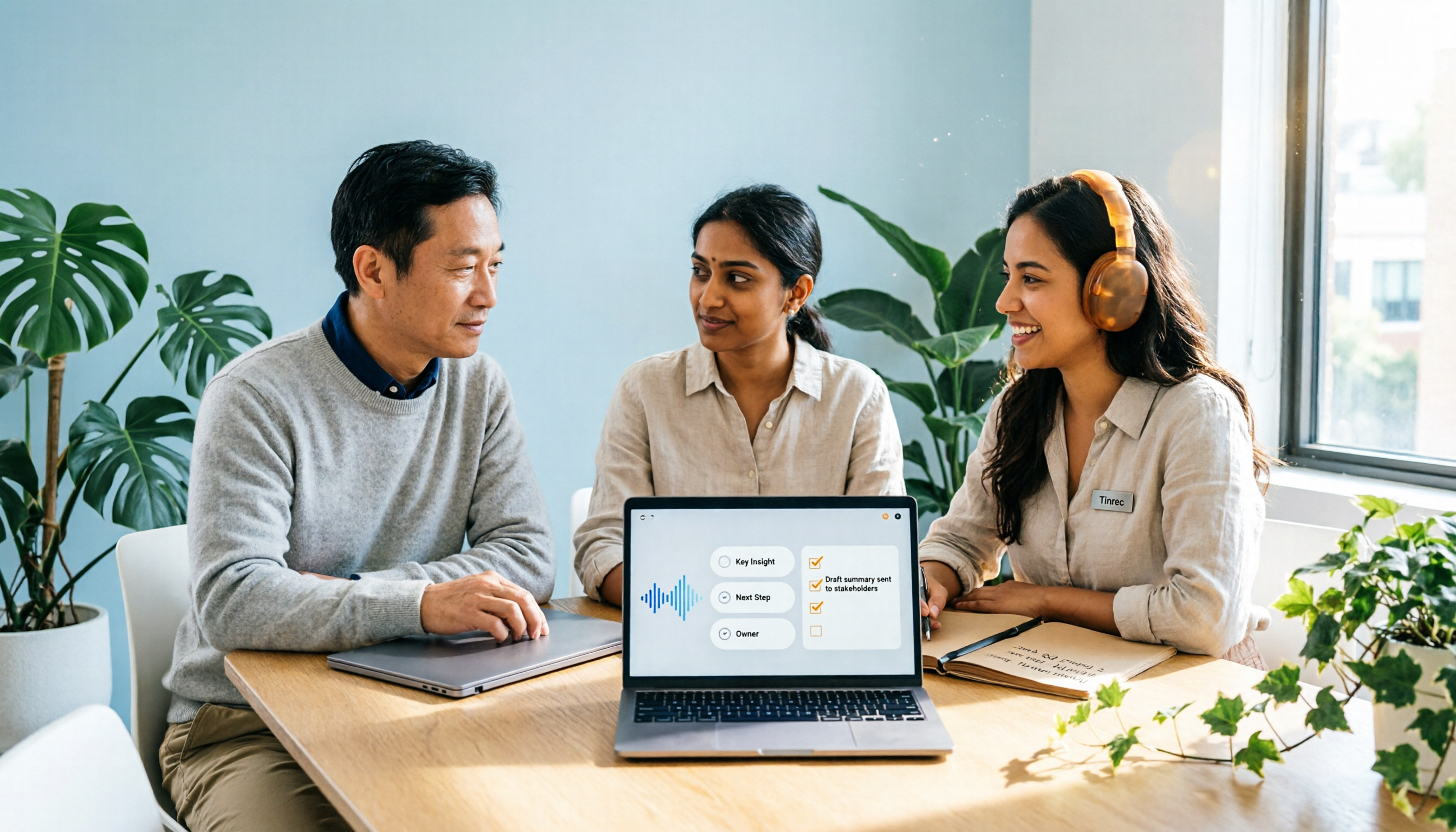
2026 Comparison of 2 Post-Meeting Automation Tools: Tinrec vs. Notta for Actionable Follow-Ups
The meeting ends, but the work begins. This article focuses on post-meeting automation and compares Tinrec and Notta across meeting capture, post-meeting summaries, action item extraction, AI Q&A, team knowledge retention, and pricing plans. It also outlines automation workflows for cross-departmental meetings and provides a buying checklist to help you decide which tool better suits professionals and teams with multiple daily meetings.

2026 Comparison of 5 AI Meeting Workflow Tools: Which One Can Actually Help You Send Meeting Minutes Before You Leave Work?
The real challenge for AI meeting workflow tools isn't transcription—it's post-meeting organization, follow-up questions, deliverables, and team knowledge retention. Using Tinrec as the primary example, this article breaks down bot-free recording, real-time transcripts and translation, summaries with chapters and action items, AI Q&A, export options, and team governance, plus 5 key buying considerations and FAQs.

2026 Complete Guide to AI Office Automation: From Meeting Notes to Team Collaboration
A complete 2026 guide to AI office automation, starting from meeting note pain points, analyzing selection criteria, hands-on experience with Tinrec, differences between Otter, Notta, TurboScribe, and Fireflies, and pitfalls to avoid during implementation, helping you turn meeting content into actionable, collaborative team data.

2026 Comparison of 4 Meeting Follow-Up Automation Tools: Whose To-Dos Actually Get Tracked?
Meeting follow-up automation is more than just transcription. This article breaks down the three layers of transcription, organization, and follow-up, demonstrates the complete workflow from recording to to-dos, Q&A, export, and team knowledge retention using Tinrec, and outlines 5 key purchasing checkpoints and team pricing.

2026 Comparison of 5 AI Meeting Action Item Tools: Which One Actually Captures Owners and Deadlines?
After meetings, action items get scattered across group chats and recordings with no one following up? This article starts from the actual workflow of action item extraction, outlines 4 key points for choosing an AI meeting action item tool, and compares Tinrec, Otter.ai, Notta, Granola, and others on Chinese recognition, bot-free recording, to-do structure, and team tracking, with a pitfalls guide and selection advice.

2026 AI Office Automation Tools Compared: Which Really Saves Time on Meeting Notes and To-Dos?
Where should you start with office automation? This article examines the hidden work hours before and after meetings, compares five types of AI office automation approaches, and uses Tinrec as the main hands-on test subject to explain what bot-free recording, transcripts, summaries, action items, AI Q&A, and team spaces can and cannot do. It includes pricing and five key buying criteria.

6 AI Meeting Note Tools Compared for 2026: From Meeting Notes to Actionable Tasks
From small group discussions to project meetings, AI meeting tools shouldn't stop at transcripts. This article uses a student's hands-on perspective to compare 6 AI meeting note tools in 2026, covering recording, summarization, to-dos, and team collaboration, and organizes pricing, free quotas, and use cases to help you decide which one truly turns meetings into actionable tasks.

AI To-Do List Generation in 2026: Turn Meetings into Action Items with Owners
Tired of spending hours after meetings organizing action items? This guide tackles the real pain points of mid-level managers, breaks down what automated to-do generation can and cannot do, and uses Tinrec as an example to demonstrate the complete workflow from recording and transcription to AI summaries, action item extraction, and team knowledge retention. Includes a buying checklist and FAQs.

6 Best AI Meeting Notes Generators in 2026: Which Free Version Is Good Enough?
Tired of writing meeting notes after every call? We tested 6 tools that automatically generate meeting minutes, including Tinrec, Otter.ai, Notta, Granola, TurboScribe, and PLAUD Note. We compare transcription, summarization, action items, and team collaboration, and honestly list the limitations of free and paid plans to help you find the most time-saving option.