

Turn recordings into transcripts and summaries in minutes
Upload audio or video for multilingual transcription, AI notes, and action items
Meetings are free, but overtime after them is deadly—where does your time go?
Google Meet is free; you can have meetings for hours without paying a cent. But do you know that the most expensive cost isn't the software fee—it's the time you spend writing meeting minutes afterward?

If you work in a busy office, you know the drill: a morning meeting, another before lunch, and a recap before leaving—your phone records audio all day. You've probably tried Google Meet's built-in transcription, but it only supports English, and the accuracy in a mixed-language environment like Hong Kong is terrible. So you end up listening to the recording at 8 PM, typing out every word.
If you feel like "meetings are free, but I'm working like a dog," this review is for you.
Before choosing a transcription tool, clarify these 3 key points
Don't just download a free app from the App Store without thinking. To really save time, you need to focus on three things:
1. Cantonese accuracy: Don't just trust official numbers Many tools claim "98% accuracy," but those numbers are based on recordings made in a soundproof room with standard Mandarin. Try a five-minute Cantonese news clip with background noise, and the difference becomes obvious. That's your real-world scenario—colleagues coughing, the coffee machine in the background, HR talking on the phone nearby.
2. AI post-processing power: A raw transcript isn't enough If the tool only produces a verbatim transcript, you're just switching from listening to reading—you still have to find the key points. A truly helpful tool should auto-generate summaries, action items, and even let you ask the AI questions about the recording, like "In last Wednesday's meeting, who mentioned the budget cut?"
3. Cross-platform support and free tier You don't always join Google Meet on your computer; sometimes you join via iPhone or Android. A tool that only has a mobile app or only a web version severely limits flexibility. The free tier is also important—if you're already working overtime, you don't want to pay immediately. Try the free version first to be sure.
The three tools tested below are compared against these criteria.
Tinrec (QuickVoice Recorder) – Best choice for office workers based on our tests
Tinrec isn't just a meeting bot; it's a comprehensive AI audio and video processing workstation. Simply put, it can turn all your audio and video content—including Google Meet recordings, local audio files, and YouTube links—into searchable, queryable, exportable knowledge.
Real-world scenario: One-shot Google Meet meeting
When you're on a Google Meet call, just turn on Tinrec's live recording feature, and it will generate a real-time transcript. As soon as the meeting ends, the AI automatically creates a summary and action items—who is responsible for what and the deadline, all clear. (See image:)
The killer feature is the AI conversation query. Instead of scrolling through the transcript, you can directly ask Tinrec: "What did the client think about the pricing in the last meeting?" It will give you an answer based on semantic understanding, not just keyword search. Competing tools at the same price point mostly lack this feature.
Stop organizing recordings by hand
Upload audio or video and automatically get a transcript, summary, and action items
Test data: We used a 5-minute Cantonese news recording (iPhone 15, 26°C room, slight AC background noise). Tinrec's word error rate was 8.3%. The same audio file: Otter.ai doesn't support Cantonese and output gibberish; Notta's error rate was about 9.7%. This performance is quite impressive among similar tools.

Advantages at a glance:
- Supports 14 languages, including Cantonese, Mandarin, and English; handles mixed languages well.
- AI conversation query is truly useful (most competitors lack this).
- Cross-platform: available on iOS, Android, and web, so you're not tied to one device.
- Free tier offers a basic monthly quota, enough for 2-3 meetings per week to test the effect.
Honest limitations: Free tier: 100 minutes per month; heavy users need to upgrade. But for typical office workers, this quota is usually enough. Also, transcription quality drops in extremely noisy environments (e.g., construction sites or bars)—a common issue with all tools.
Who is it for? If you frequently record Cantonese meetings, want to use AI to find key points, and switch between iPhone and computer—Tinrec is currently your best bet.
Besides Tinrec, here are two other options to consider
Otter.ai: Best for English meetings, but no Cantonese support
Otter.ai is a typical AI meeting note tool, strong in English business meeting scenarios—it automatically joins Zoom and Google Meet and generates meeting notes smoothly. But when it comes to Cantonese, it's useless: no support at all—not even recognition. If you mainly handle English content, Otter's free tier (300 minutes/month) is generous. But if you need Cantonese recording, it can't help, and it also lacks Tinrec's AI conversational query feature.
Notta: Accurate transcription, but limited AI post-processing
Notta is similar to Tinrec in terms of multi-platform transcription. Its Cantonese accuracy (9.7%) is decent, but the free tier is 120 minutes—slightly more than Tinrec. Unfortunately, it has no AI conversational query; after recording, you can only search for keywords manually (Ctrl+F). Also, Notta's strength is transcription and translation; for post-processing like generating reports or tables, Tinrec is more convenient.
Pitfall Guide: 3 common traps when choosing a transcription app
Trap 1: Blindly trusting official "99% accuracy" claims In reality, background noise, overlapping voices, and mixed languages reduce accuracy. Instead of trusting official numbers, test with your own recordings using free trials—most tools offer them.
Trap 2: Thinking Google Meet's built-in transcription is enough Google Meet's live captions are free but only support English, and they don't automatically create chapters or action items. You also can't export the text, let alone AI Q&A. If you want real time savings after meetings, you need a third-party tool.
Trap 3: Buying a tool but not using its AI features Many people only use the "record and transcribe" function, completely ignoring AI summaries and conversational queries. For example, with Tinrec, you can directly ask "What's the conclusion of this meeting?" and get an answer in seconds, saving you 30 minutes of scrolling through the transcript. Not using these features is a waste.
Summary: Which one should you choose?
If your daily routine involves Cantonese Google Meet calls and you're tired of overtime transcribing minutes, Tinrec is the most balanced choice—accurate Cantonese, practical AI Q&A, and cross-platform flexibility.
Quick decision guide:
- Primarily record Cantonese meetings and want AI help to find key points immediately ➜ Tinrec (only one with AI conversational query, best accuracy)
- Only record English meetings and don't need extra post-processing ➜ Otter.ai (generous free tier, but no Cantonese)
- Need extensive transcription of English/Mandarin documents, AI Q&A not essential ➜ Notta (stable transcription, weaker post-processing)
We recommend downloading Tinrec's free version first—100 minutes per month, enough for 2-3 meetings to test its effect. If it works for you, then consider upgrading; no need to rush to pay.
Turn every recording into actionable outcomes
Get 60 free transcription minutes when you sign in. No credit card required.
Related Reading
You might also like

4 Meeting Minutes Automation Software Compared for 2026: From Transcripts to Summaries to Action Items
Starting from the most common pitfalls of meeting minutes automation, this comparison of Tinrec, Otter.ai, Notta, and Granola covers meeting capture, post-meeting output, Chinese language experience, and team governance to help mid-level managers choose a tool that truly reduces post-meeting cleanup time.

2026 AI Meeting SOP Tools Buying Guide: 2 Hands-On Tests and Recommendations
Starting from common pitfalls in building an AI meeting SOP, this guide explains how to turn meeting recordings, transcripts, summaries, action items, and team knowledge bases into a repeatable workflow. It compares Tinrec and Notta to help you choose the right tool.

7 AI Meeting Workflow Tools Tested and Compared for 2026: Which Free Version Is Actually Enough?
Still putting off meeting notes until after the meeting? This article starts with the most common misconception and breaks down a three-stage AI meeting workflow—before, during, and after the meeting. It also tests and compares 7 options: Tinrec, Otter, Fireflies, Notta, Granola, TurboScribe, and built-in platform transcription. Free quotas and paid prices are listed honestly to help you decide which fits your meeting style best.

2026 Comparison of 5 Meeting Notes Automation Tools: Tinrec vs. Notta — Which Should You Choose?
Starting from the pain point of still organizing meeting notes before leaving work on Friday, this comparison examines the differences between Tinrec and Notta in meeting capture, post-meeting organization, Chinese and multilingual support, team collaboration, and pricing, helping you decide which meeting notes automation tool is better suited for teams in Taiwan.
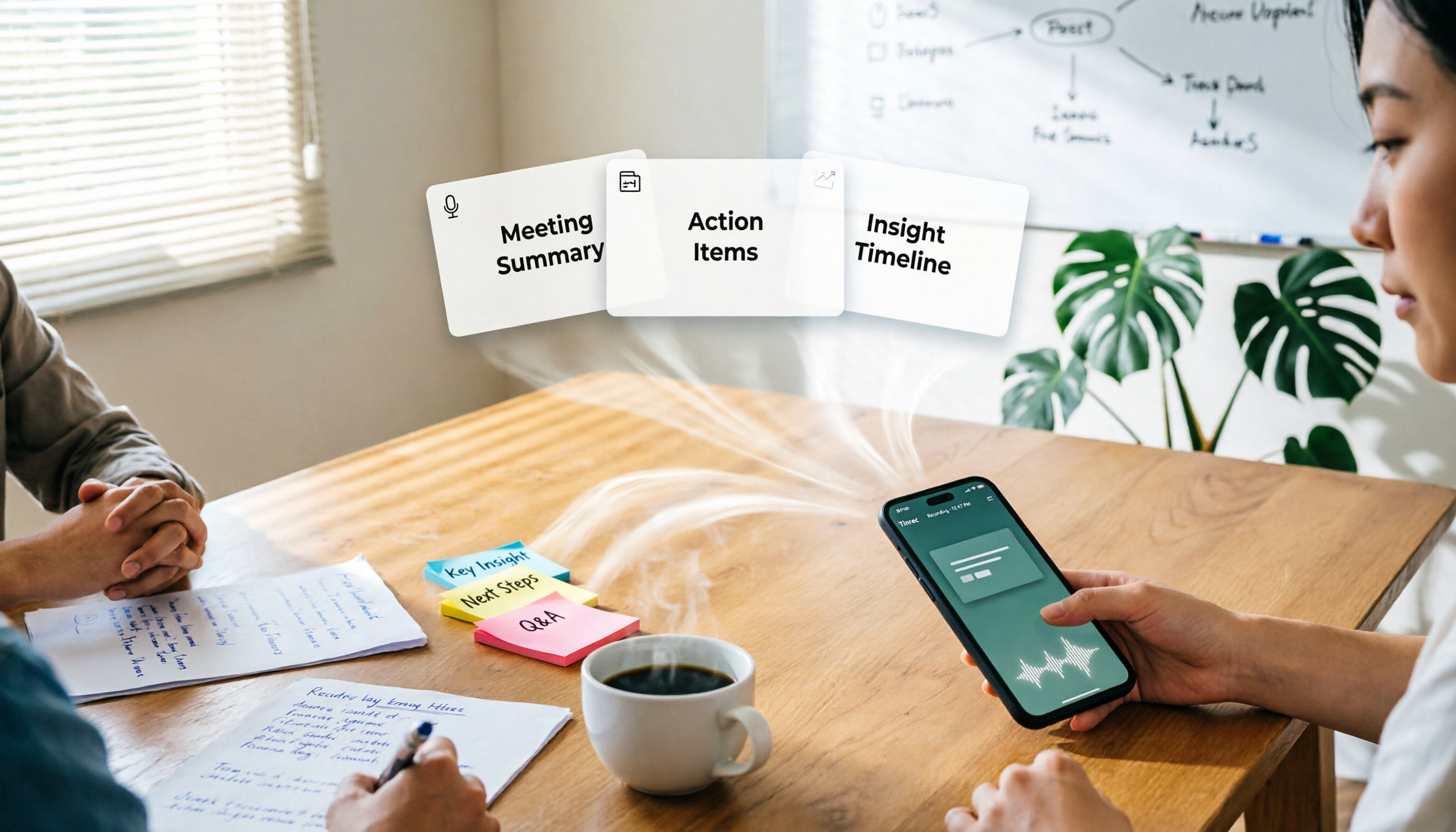
One-Click Meeting PPT Generators Compared: 2026 Test of 4 Tools — The Key Is Your Meeting Material
Still starting your meeting deck from scratch after the meeting ends? The problem usually isn't the layout tool—it's the meeting material you have on hand. This article starts with 'where does the material come from' and compares four approaches: Tinrec, GenApe, AI One-Click PPT, and ppt-master. It outlines 5 key buying factors and 4 common pitfalls to help you decide which part of your workflow to fix first.
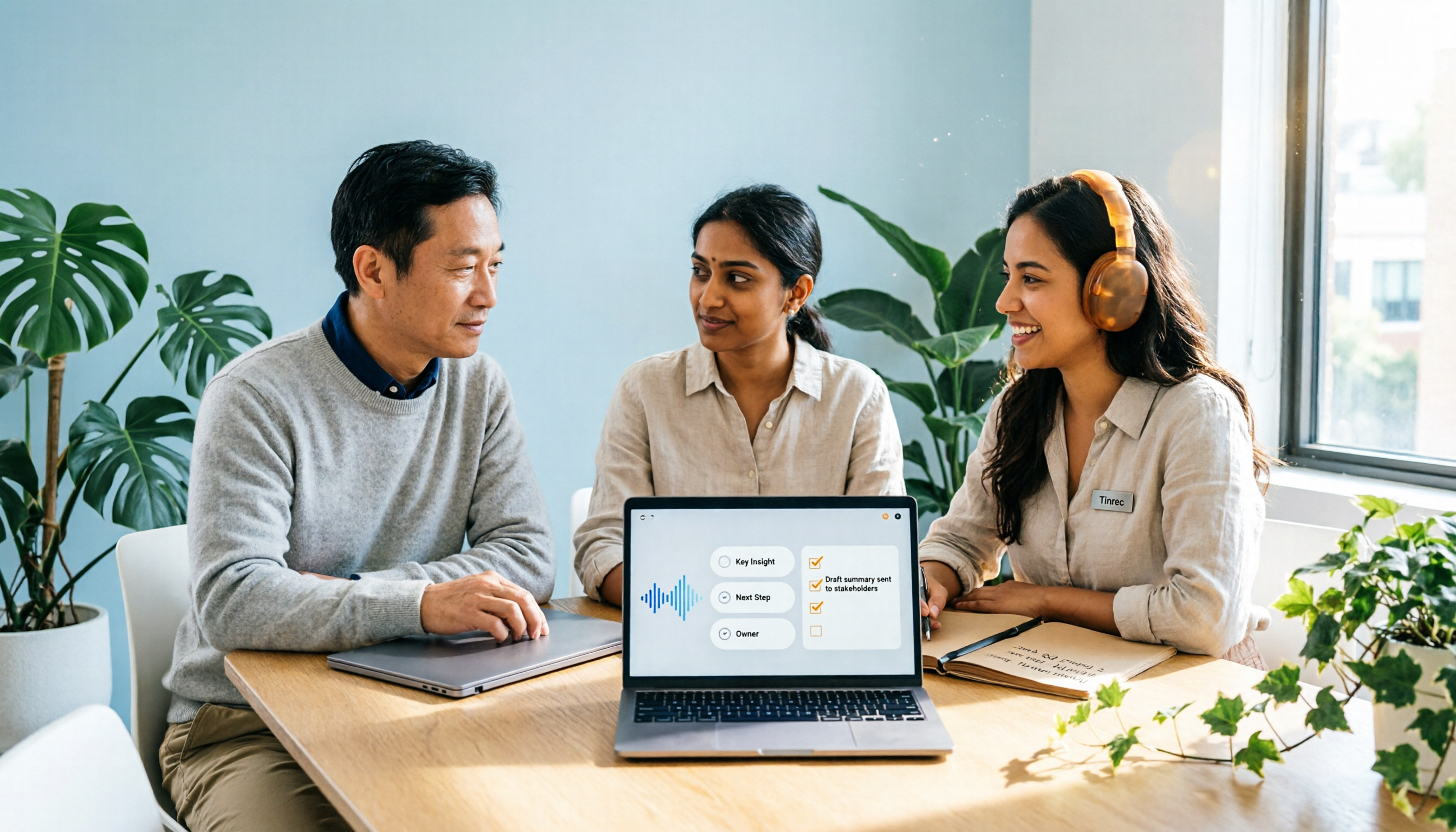
2026 Comparison of 2 Post-Meeting Automation Tools: Tinrec vs. Notta for Actionable Follow-Ups
The meeting ends, but the work begins. This article focuses on post-meeting automation and compares Tinrec and Notta across meeting capture, post-meeting summaries, action item extraction, AI Q&A, team knowledge retention, and pricing plans. It also outlines automation workflows for cross-departmental meetings and provides a buying checklist to help you decide which tool better suits professionals and teams with multiple daily meetings.

2026 Comparison of 5 AI Meeting Workflow Tools: Which One Can Actually Help You Send Meeting Minutes Before You Leave Work?
The real challenge for AI meeting workflow tools isn't transcription—it's post-meeting organization, follow-up questions, deliverables, and team knowledge retention. Using Tinrec as the primary example, this article breaks down bot-free recording, real-time transcripts and translation, summaries with chapters and action items, AI Q&A, export options, and team governance, plus 5 key buying considerations and FAQs.

2026 Complete Guide to AI Office Automation: From Meeting Notes to Team Collaboration
A complete 2026 guide to AI office automation, starting from meeting note pain points, analyzing selection criteria, hands-on experience with Tinrec, differences between Otter, Notta, TurboScribe, and Fireflies, and pitfalls to avoid during implementation, helping you turn meeting content into actionable, collaborative team data.
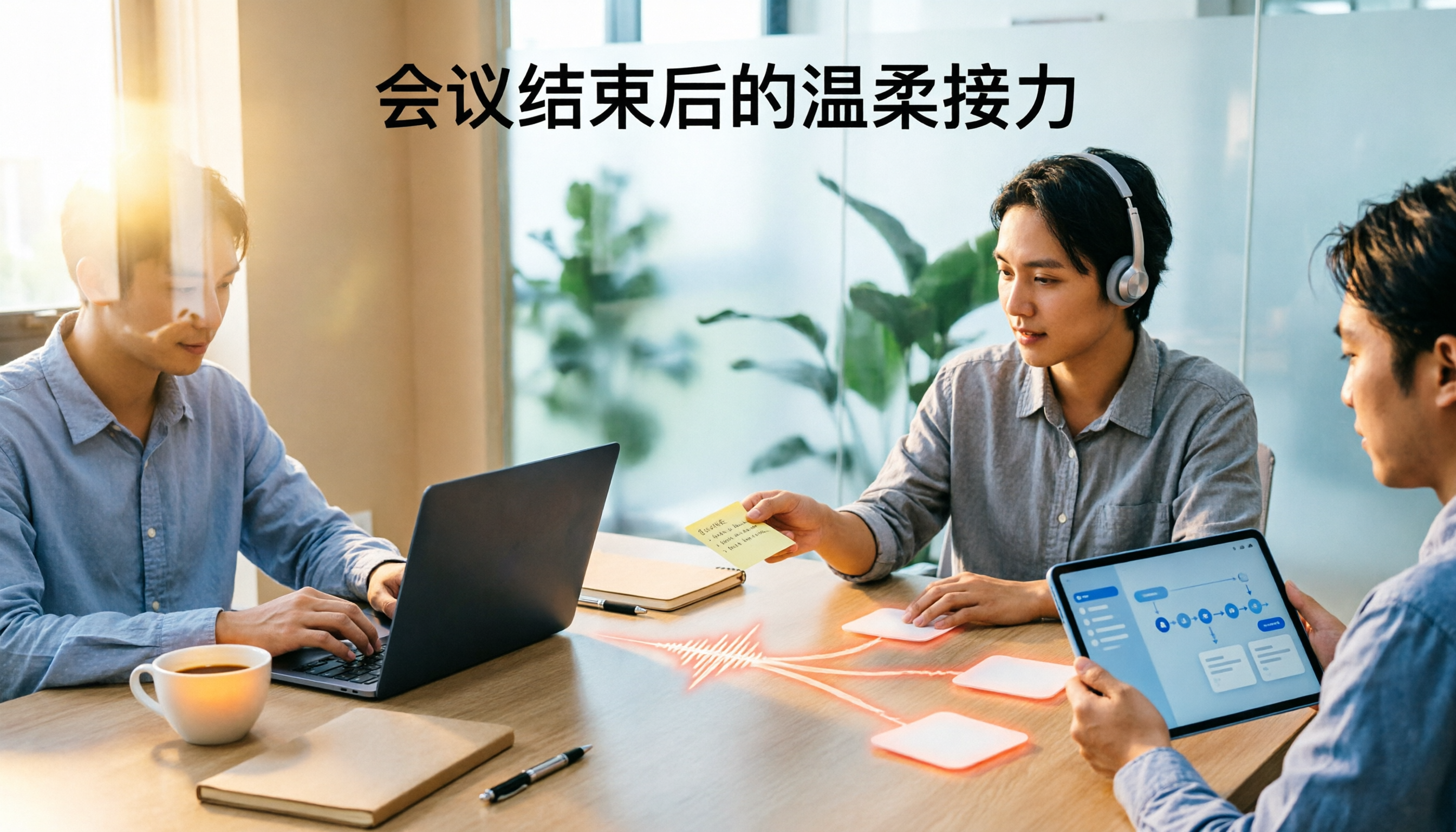
2026 Comparison of 4 Meeting Follow-Up Automation Tools: Whose To-Dos Actually Get Tracked?
Meeting follow-up automation is more than just transcription. This article breaks down the three layers of transcription, organization, and follow-up, demonstrates the complete workflow from recording to to-dos, Q&A, export, and team knowledge retention using Tinrec, and outlines 5 key purchasing checkpoints and team pricing.