
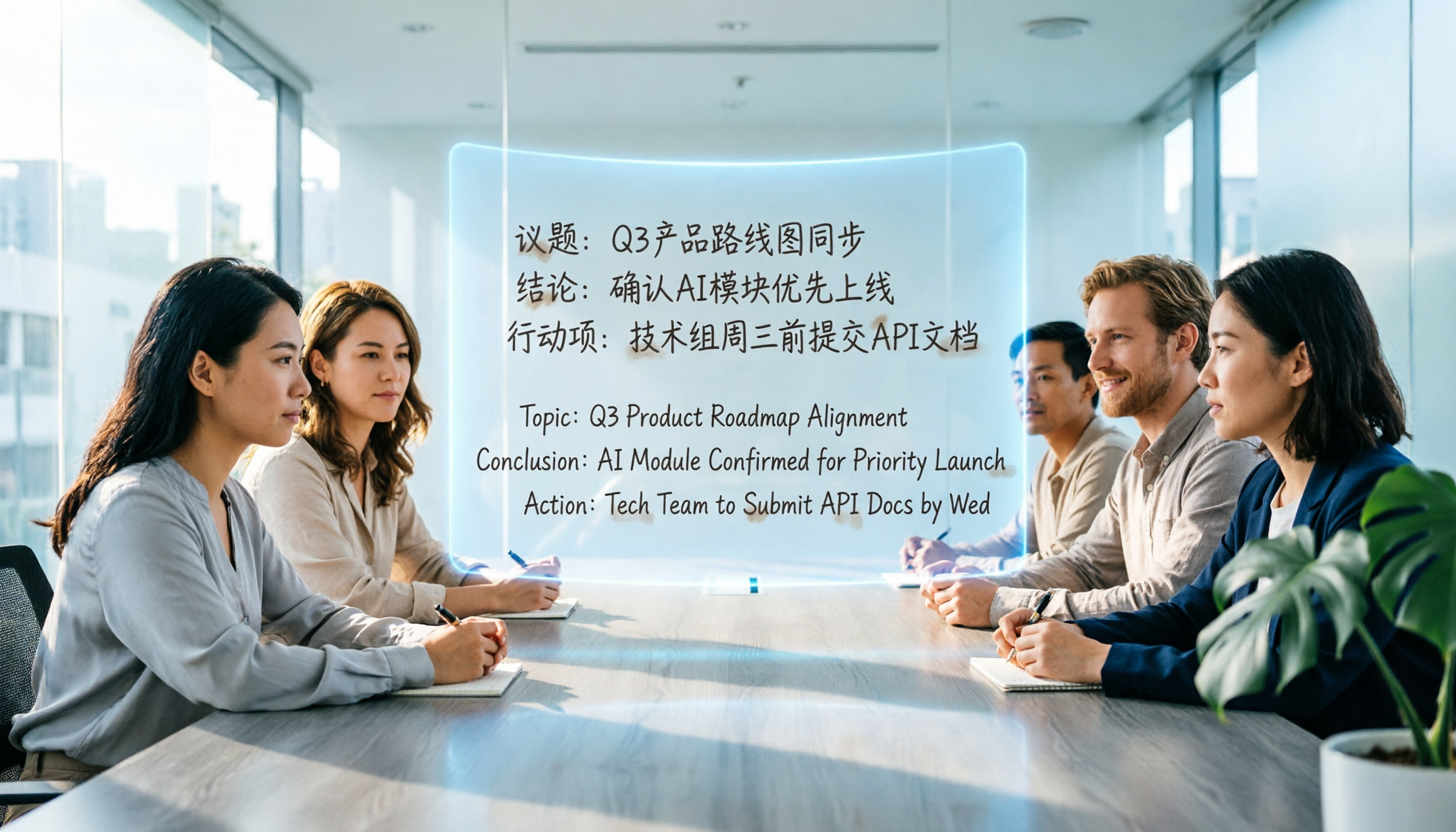
Turn recordings into transcripts and summaries in minutes
Upload audio or video for multilingual transcription, AI notes, and action items
Tinrec vs Google Meet 2026: 4-Dimension Comparison, Which Is Better for Meeting Minutes?
Why Are People Looking for Google Meet Alternatives?
Google Meet is a popular online meeting tool that many teams use for real-time communication across locations. But when the meeting ends, you typically just get a video recording. The key points, transcript, and action items often require manually replaying and organizing, which is time-consuming. If your meetings mix Chinese and English or involve multiple speakers, post-meeting organization becomes even more challenging. If you face these issues, you might want to check out Tinrec, a tool designed specifically for post-meeting organization.

Tinrec vs Google Meet: What's Different in Core Experience?
Meeting Recording Method
Google Meet offers live captions and recording, but to get a full transcript, you need a Workspace Business or Enterprise plan and manually enable it, and it only supports English. Tinrec focuses on "post-meeting audio transcription." Whether it's recording from a computer meeting, live recording from a phone, or importing a Meet recording, Tinrec quickly generates a time-stamped transcript. In short: Google Meet saves the meeting as a video; Tinrec turns it into editable text.
Language and Caption Support
Google Meet's live captions only support English and some European languages, which is not friendly for Chinese speakers. Tinrec is optimized for mixed Chinese, Cantonese, and English scenarios. In internal tests, a meeting recording with mixed Chinese and English had a character error rate below 10% (test conditions: iPhone 15, quiet meeting room). For teams that need accurate Chinese transcriptions, the difference is clear.
AI Organization Capabilities
Google Meet itself doesn't provide meeting minutes, action items, or keyword search—you have to organize everything after the meeting. Tinrec not only transcribes but also automatically generates AI summaries, chapter splits, and extracts action items from discussions. You can even ask conversational questions like "What's the meeting conclusion?" turning passive recordings into an interactive knowledge base.
Stop organizing recordings by hand
Upload audio or video and automatically get a transcript, summary, and action items
Cost Efficiency
Google Meet's advanced transcription requires upgrading to specific enterprise plans, with a high monthly cost. Tinrec's free plan offers a set amount of transcription minutes per month, enough for light users to try. Paid plans provide more complete organization features at a reasonable price, offering better value for individuals or small teams.

Tinrec's Core Features at a Glance
- Real-time Speech-to-Text: Start Tinrec during a meeting, and text appears as you speak. The transcript is ready right after.
- Import Audio for Transcription: If you already recorded a meeting with Meet, upload the audio/video file, and get a time-stamped transcript in minutes.
- AI Summary and Chapters: For a two-hour meeting, AI automatically extracts key points and splits into chapters, letting you grasp the flow instantly.
- Action Item Extraction: Action items from discussions are automatically listed, so you never miss a task.
- AI Chat Query: Ask questions like you would with ChatGPT to find specific information from past meetings, saving search time.
- Multi-format Export: Export to Word, TXT, subtitle files, or sync to Notion, Google Docs, and other common tools.
Real-World Use Cases
- Weekly Team Meetings: Hold team meetings via Google Meet, then upload the recording to Tinrec. It generates a summary and action items to share on Slack for member review, saving significant time on meeting minutes.
- Client Interviews: After an online meeting with a client, transcribe the conversation and use AI queries to quickly identify key needs and pain points, speeding up proposal preparation.
- Learning Notes: When attending online courses or webinars, use Tinrec on your phone for live recording. After class, get organized notes and key points for more efficient review.
What to Look for When Choosing a Transcription Tool
- Language Support Breadth: Confirm the tool supports your commonly used languages. For Chinese speakers, error rate affects post-processing effort. Tinrec's performance on mixed Chinese scenarios is worth trying.
- Post-processing Capabilities: Transcription is just the first step. Auto-summarization, action item extraction, and conversational query are key to saving time.
- Cross-platform Convenience: Can you use it seamlessly across phone, computer, and tablet? Tinrec supports iOS, Android, and web, so you're not limited by device.
- Cost and Scalability: Start with the free plan to test, then choose a plan based on usage to avoid committing to something that doesn't fit.
Conclusion: Is Tinrec Worth Trying?
If you regularly need to organize large volumes of meetings, courses, or interviews and aren't satisfied with just video files or simple captions, Tinrec's AI capabilities are a powerful complement to Google Meet's built-in features. Especially for Chinese meetings, Tinrec's transcription of mixed Chinese-English and Cantonese outperforms most built-in solutions. We recommend starting with the free plan and testing it with your own meeting recordings. Turning intangible audio into searchable, usable documents is more practical than any specification comparison.
Turn every recording into actionable outcomes
Get 60 free transcription minutes when you sign in. No credit card required.
Related Reading
You might also like

4 Meeting Minutes Automation Software Compared for 2026: From Transcripts to Summaries to Action Items
Starting from the most common pitfalls of meeting minutes automation, this comparison of Tinrec, Otter.ai, Notta, and Granola covers meeting capture, post-meeting output, Chinese language experience, and team governance to help mid-level managers choose a tool that truly reduces post-meeting cleanup time.

2026 AI Meeting SOP Tools Buying Guide: 2 Hands-On Tests and Recommendations
Starting from common pitfalls in building an AI meeting SOP, this guide explains how to turn meeting recordings, transcripts, summaries, action items, and team knowledge bases into a repeatable workflow. It compares Tinrec and Notta to help you choose the right tool.

7 AI Meeting Workflow Tools Tested and Compared for 2026: Which Free Version Is Actually Enough?
Still putting off meeting notes until after the meeting? This article starts with the most common misconception and breaks down a three-stage AI meeting workflow—before, during, and after the meeting. It also tests and compares 7 options: Tinrec, Otter, Fireflies, Notta, Granola, TurboScribe, and built-in platform transcription. Free quotas and paid prices are listed honestly to help you decide which fits your meeting style best.

2026 Comparison of 5 Meeting Notes Automation Tools: Tinrec vs. Notta — Which Should You Choose?
Starting from the pain point of still organizing meeting notes before leaving work on Friday, this comparison examines the differences between Tinrec and Notta in meeting capture, post-meeting organization, Chinese and multilingual support, team collaboration, and pricing, helping you decide which meeting notes automation tool is better suited for teams in Taiwan.
One-Click Meeting PPT Generators Compared: 2026 Test of 4 Tools — The Key Is Your Meeting Material
Still starting your meeting deck from scratch after the meeting ends? The problem usually isn't the layout tool—it's the meeting material you have on hand. This article starts with 'where does the material come from' and compares four approaches: Tinrec, GenApe, AI One-Click PPT, and ppt-master. It outlines 5 key buying factors and 4 common pitfalls to help you decide which part of your workflow to fix first.
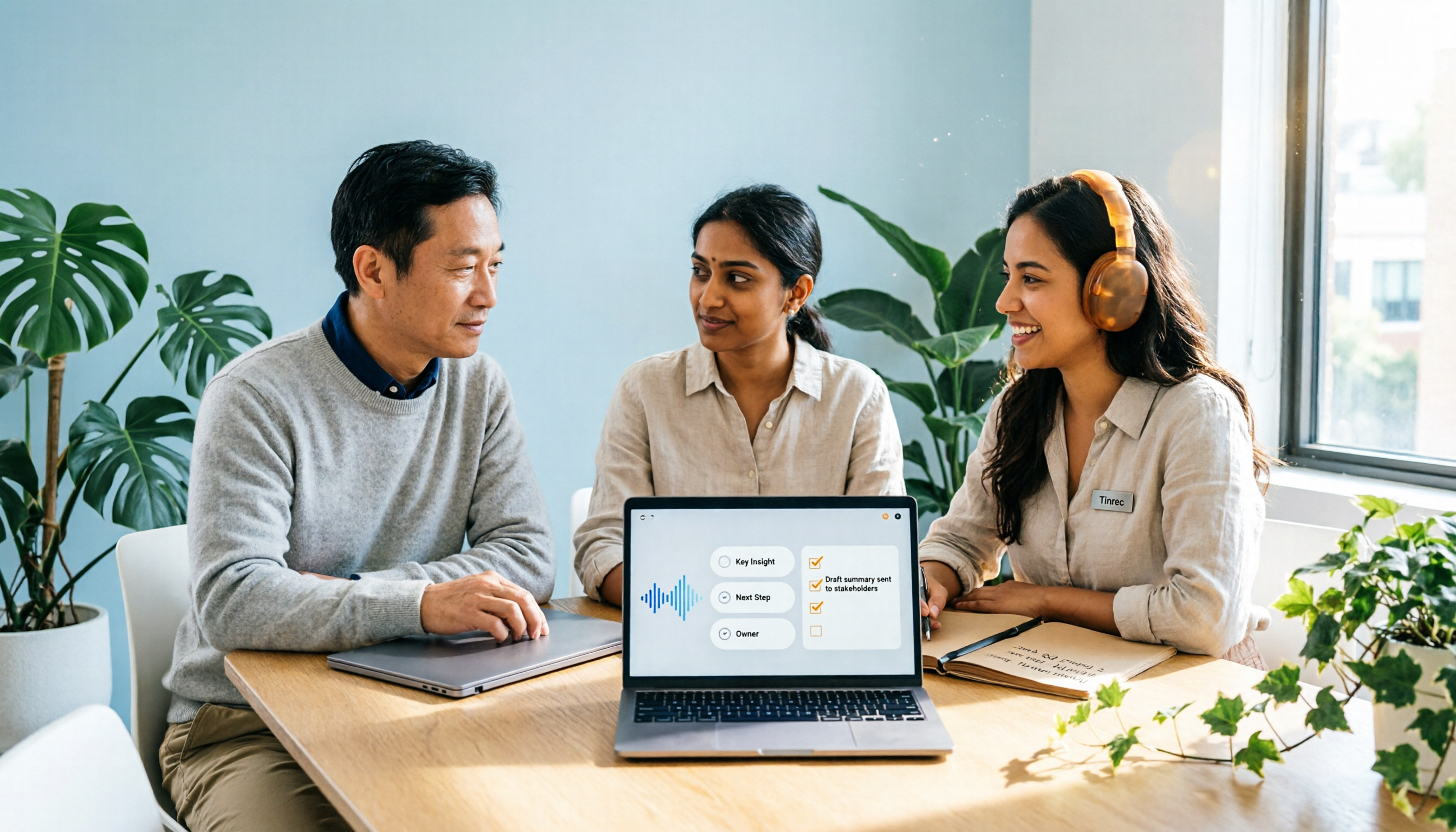
2026 Comparison of 2 Post-Meeting Automation Tools: Tinrec vs. Notta for Actionable Follow-Ups
The meeting ends, but the work begins. This article focuses on post-meeting automation and compares Tinrec and Notta across meeting capture, post-meeting summaries, action item extraction, AI Q&A, team knowledge retention, and pricing plans. It also outlines automation workflows for cross-departmental meetings and provides a buying checklist to help you decide which tool better suits professionals and teams with multiple daily meetings.

2026 Comparison of 5 AI Meeting Workflow Tools: Which One Can Actually Help You Send Meeting Minutes Before You Leave Work?
The real challenge for AI meeting workflow tools isn't transcription—it's post-meeting organization, follow-up questions, deliverables, and team knowledge retention. Using Tinrec as the primary example, this article breaks down bot-free recording, real-time transcripts and translation, summaries with chapters and action items, AI Q&A, export options, and team governance, plus 5 key buying considerations and FAQs.

2026 Complete Guide to AI Office Automation: From Meeting Notes to Team Collaboration
A complete 2026 guide to AI office automation, starting from meeting note pain points, analyzing selection criteria, hands-on experience with Tinrec, differences between Otter, Notta, TurboScribe, and Fireflies, and pitfalls to avoid during implementation, helping you turn meeting content into actionable, collaborative team data.

2026 Comparison of 4 Meeting Follow-Up Automation Tools: Whose To-Dos Actually Get Tracked?
Meeting follow-up automation is more than just transcription. This article breaks down the three layers of transcription, organization, and follow-up, demonstrates the complete workflow from recording to to-dos, Q&A, export, and team knowledge retention using Tinrec, and outlines 5 key purchasing checkpoints and team pricing.