

Turn recordings into transcripts and summaries in minutes
Upload audio or video for multilingual transcription, AI notes, and action items
I attend about 15 meetings a week, most of which are on Google Meet. What used to frustrate me wasn't the meeting itself, but what came after—because every meeting left a pile of decisions and action items to organize. I tried handwriting (too slow), recording and listening back (too time-consuming), and assigning it to my assistant (they're busy too). Everything changed when I started using Tinrec.
If you're also looking for an alternative to Google Meet for meeting minutes, this article will walk you through 5 steps showing how Tinrec saves me the most time.

Why Are People Looking for an Alternative to Google Meet?
Google Meet is the default video conferencing tool for many teams—smooth meetings, calendar integration. But its strength is the meeting itself. What about after the meeting? You still have to manually organize key points, track decisions, and turn verbal discussions into written records. The built-in captions only display in real-time; they don't automatically generate a summary with action items. If you're like me, constantly chased by meetings, you'll start looking for a solution that truly lightens the post-meeting burden—not to replace Google Meet's video functionality, but to fill the missing piece: turning meeting content into actionable knowledge. After some trial and error, Tinrec is the tool I still use today.
Tinrec vs Google Meet: What's Different in Core Experience?
Although one is an AI recording and transcription tool and the other is a video conferencing platform, from the perspective of meeting minute production, they can be compared on the same scale.
Language Support and Chinese Scenarios: Google Meet captions support multiple languages, but the real-time Chinese transcription experience is inconsistent, let alone generating Chinese summaries after the meeting. Tinrec is clearly optimized for Chinese meetings and mixed Chinese-English content. Our team tested it on several brainstorming sessions, and it even captured Taiwanese expressions and alternating Chinese-English terms.
AI Smart Features: Google Meet sends a transcript after the meeting (in some versions), but you still have to read through it all. Once Tinrec finishes recording, AI automatically summarizes and extracts action items. You can even ask it questions like "What was the conclusion of the last meeting?" or "Who is responsible for this week's progress?" saving you from flipping through 30 pages of transcript.
Post-Meeting Organization Depth: This is the biggest difference. Google Meet gives you a "record of the process," while Tinrec gives you a "finished product": summary, chapters, key notes, and even direct export to Google Docs or Notion. Drop your meeting recording into Tinrec, and within minutes, you'll have meeting minutes as if an assistant organized them.
Free Plan and Actual Cost: The free version of Google Meet has very basic meeting recording features. The paid version is more complete, but upgrading to Workspace just for meeting minutes may not be cost-effective for individuals or small teams. Tinrec's free plan provides a monthly base transcription quota sufficient for a few key meetings. If you find it handy, consider the Pro plan—it costs less than two Starbucks coffees a month.
Stop organizing recordings by hand
Upload audio or video and automatically get a transcript, summary, and action items
Cross-Platform Flexibility: Google Meet is primarily locked into video conferencing, while Tinrec can not only record computer meeting audio but also capture in-person meetings, interviews via its mobile app, and even convert previously saved audio files or YouTube video links into text.
Tinrec's Core Features at a Glance
After the comparison, let's see what Tinrec can actually do for you.
Real-Time Audio-to-Text: Start recording with Tinrec while on a Google Meet call, and the text appears on screen with near-zero latency. By the time the meeting ends, the transcript is ready—no waiting.
AI Summaries and Action Item Extraction: This is my favorite feature. After recording, click "Summary," and Tinrec automatically tells you the conclusions, decisions, and next steps. Action items even list the responsible person and timeline, ready to paste into your team chat.
AI Chat Queries: For long meetings, instead of listening from start to finish, type a question like "What was the outcome of the budget discussion?" Tinrec answers based on the content, marking timestamps so you can jump to the original audio.

Multiple Input Sources: It's not just for Google Meet recording—you can upload old audio files, paste YouTube or web video links, and all will be transcribed. This is super useful for summarizing webinar videos or course recordings.
Multi-Format Export: Finished meeting notes can be exported as Word, PDF, plain text, or synced directly to Notion and Google Docs, seamlessly integrating with your existing workflow.
Real-World Use Cases
Not just for meetings; Tinrec is more versatile than you'd think.
Weekly Stand-ups: Record your weekly team progress meetings via Google Meet. Within 2 minutes after the meeting, get a summary and personal action items—never miss who needs to do what.
Cross-Department Communication: Discussions with marketing and engineering often involve jargon and acronyms. Tinrec's transcript allows you to verify later, and the AI summary helps quickly capture consensus—evidence to report to your boss.
Courses or Lectures: Attend online courses or foreign webinars. Paste the link into Tinrec to get text output. When reviewing, skip scrubbing the timeline and just search keywords.
Interview Organization: Conduct user interviews or recruitment interviews. An hour of recording used to take half a day to transcribe. Now with Tinrec, you can move straight to analysis.
What to Look for When Choosing an Audio-to-Text Tool
If you're comparing tools, consider these aspects first.
- Chinese Recognition Accuracy: Not all tools perform equally well with Chinese or mixed Chinese-English. Test with your own recordings. Tinrec's performance on traditional Chinese meetings is the least distracting I've used.
- Post-Transcript Organization Depth: A tool that only provides a transcript just pushes the work back to you. Whether it can automatically summarize, extract action items, and let you ask questions directly determines how much time you save.
- Input Source Variety: Only dealing with meetings? If you also have course videos, interview recordings, or online videos, choose a platform that can handle everything to avoid switching costs.
- Usability of Free Plan: Some free versions are heavily restricted and impractical for daily use. Try it first to confirm the monthly quota and feature limitations are acceptable.
- Cross-Platform Support: You may take meetings on computer but capture ideas on the go with your phone. A tool that works across iOS, Android, and the web can truly fit into your daily routine.
Conclusion: Is Tinrec Worth a Try?
If you're like me—using Google Meet for meetings but tired of post-meeting chaos—Tinrec is one of the few tools that directly addresses this pain point. It not only transcribes in real-time but also summarizes, chapters, and extracts action items, turning every meeting's content into searchable, accountable, traceable material.
Especially for Chinese users, Tinrec's localization optimization means I no longer spend time correcting typos. I recommend downloading the free version first and testing it with your own Google Meet recordings—it's more direct than any review. The free quota is sufficient; if you like it, consider the Pro plan. Skipping two cups of coffee a month can make meetings no longer a nightmare.
Turn every recording into actionable outcomes
Get 60 free transcription minutes when you sign in. No credit card required.
Related Reading
You might also like

4 Meeting Minutes Automation Software Compared for 2026: From Transcripts to Summaries to Action Items
Starting from the most common pitfalls of meeting minutes automation, this comparison of Tinrec, Otter.ai, Notta, and Granola covers meeting capture, post-meeting output, Chinese language experience, and team governance to help mid-level managers choose a tool that truly reduces post-meeting cleanup time.

2026 AI Meeting SOP Tools Buying Guide: 2 Hands-On Tests and Recommendations
Starting from common pitfalls in building an AI meeting SOP, this guide explains how to turn meeting recordings, transcripts, summaries, action items, and team knowledge bases into a repeatable workflow. It compares Tinrec and Notta to help you choose the right tool.

7 AI Meeting Workflow Tools Tested and Compared for 2026: Which Free Version Is Actually Enough?
Still putting off meeting notes until after the meeting? This article starts with the most common misconception and breaks down a three-stage AI meeting workflow—before, during, and after the meeting. It also tests and compares 7 options: Tinrec, Otter, Fireflies, Notta, Granola, TurboScribe, and built-in platform transcription. Free quotas and paid prices are listed honestly to help you decide which fits your meeting style best.

2026 Comparison of 5 Meeting Notes Automation Tools: Tinrec vs. Notta — Which Should You Choose?
Starting from the pain point of still organizing meeting notes before leaving work on Friday, this comparison examines the differences between Tinrec and Notta in meeting capture, post-meeting organization, Chinese and multilingual support, team collaboration, and pricing, helping you decide which meeting notes automation tool is better suited for teams in Taiwan.
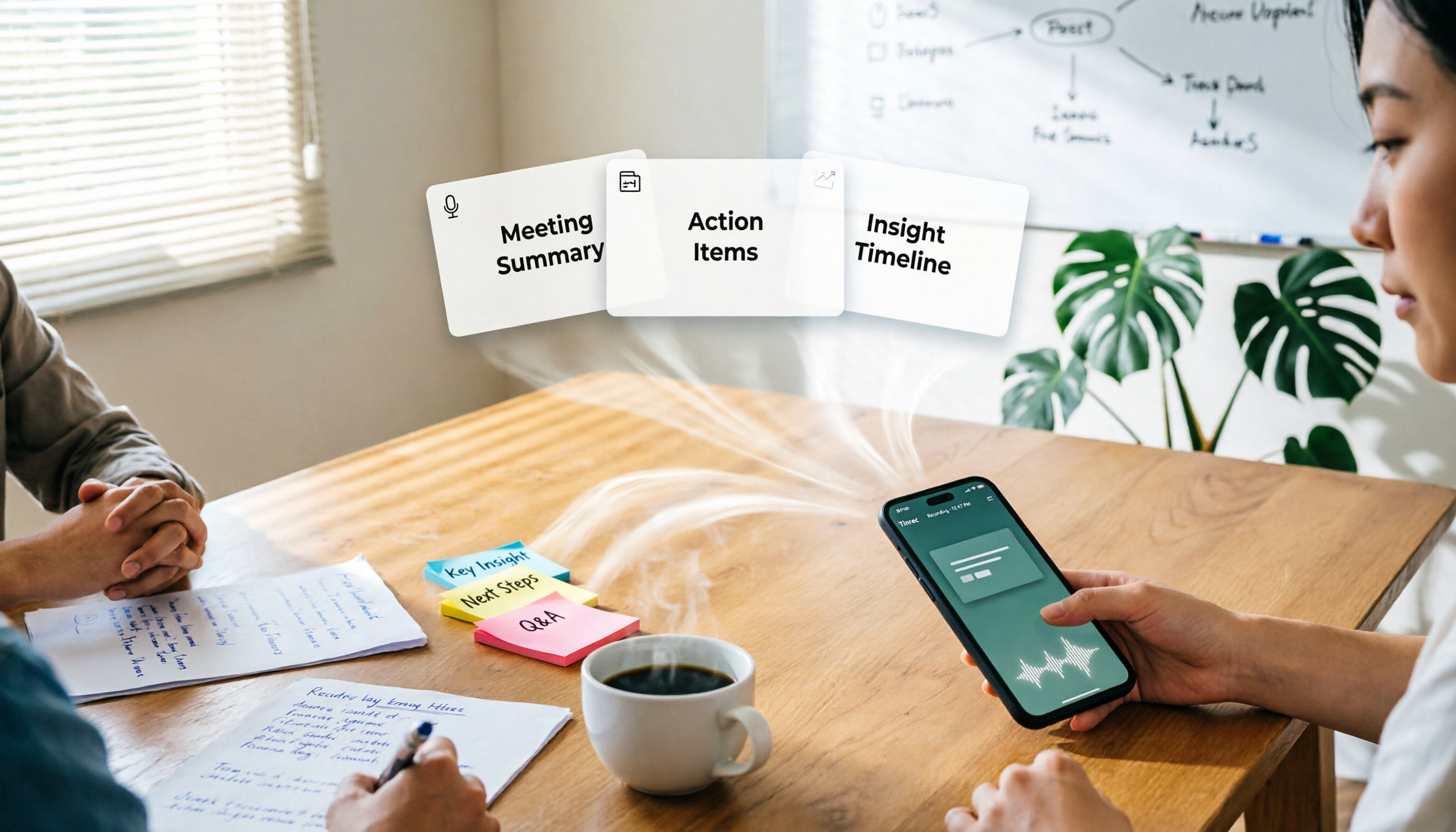
One-Click Meeting PPT Generators Compared: 2026 Test of 4 Tools — The Key Is Your Meeting Material
Still starting your meeting deck from scratch after the meeting ends? The problem usually isn't the layout tool—it's the meeting material you have on hand. This article starts with 'where does the material come from' and compares four approaches: Tinrec, GenApe, AI One-Click PPT, and ppt-master. It outlines 5 key buying factors and 4 common pitfalls to help you decide which part of your workflow to fix first.
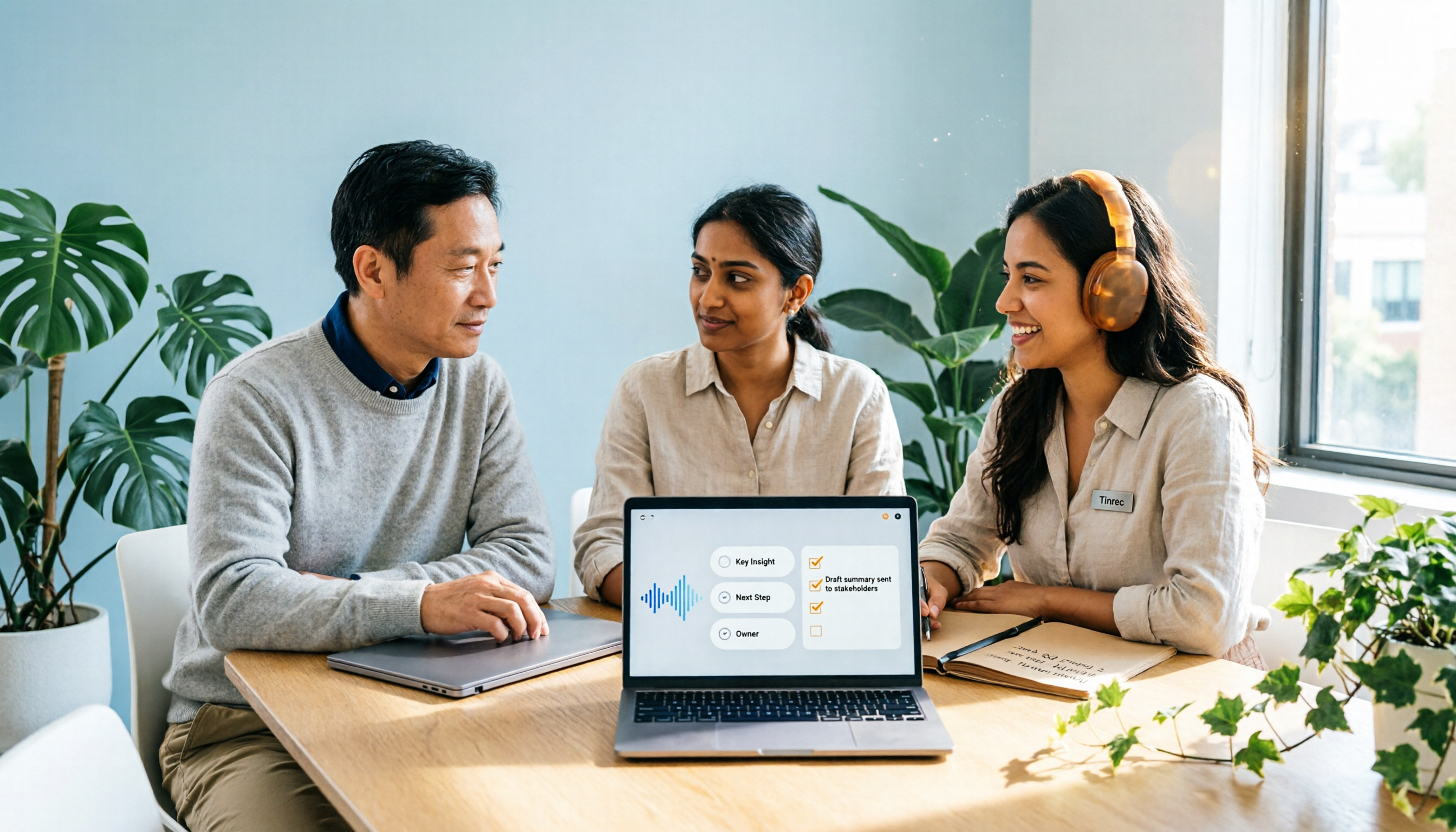
2026 Comparison of 2 Post-Meeting Automation Tools: Tinrec vs. Notta for Actionable Follow-Ups
The meeting ends, but the work begins. This article focuses on post-meeting automation and compares Tinrec and Notta across meeting capture, post-meeting summaries, action item extraction, AI Q&A, team knowledge retention, and pricing plans. It also outlines automation workflows for cross-departmental meetings and provides a buying checklist to help you decide which tool better suits professionals and teams with multiple daily meetings.

2026 Comparison of 5 AI Meeting Workflow Tools: Which One Can Actually Help You Send Meeting Minutes Before You Leave Work?
The real challenge for AI meeting workflow tools isn't transcription—it's post-meeting organization, follow-up questions, deliverables, and team knowledge retention. Using Tinrec as the primary example, this article breaks down bot-free recording, real-time transcripts and translation, summaries with chapters and action items, AI Q&A, export options, and team governance, plus 5 key buying considerations and FAQs.

2026 Complete Guide to AI Office Automation: From Meeting Notes to Team Collaboration
A complete 2026 guide to AI office automation, starting from meeting note pain points, analyzing selection criteria, hands-on experience with Tinrec, differences between Otter, Notta, TurboScribe, and Fireflies, and pitfalls to avoid during implementation, helping you turn meeting content into actionable, collaborative team data.

2026 Comparison of 4 Meeting Follow-Up Automation Tools: Whose To-Dos Actually Get Tracked?
Meeting follow-up automation is more than just transcription. This article breaks down the three layers of transcription, organization, and follow-up, demonstrates the complete workflow from recording to to-dos, Q&A, export, and team knowledge retention using Tinrec, and outlines 5 key purchasing checkpoints and team pricing.