
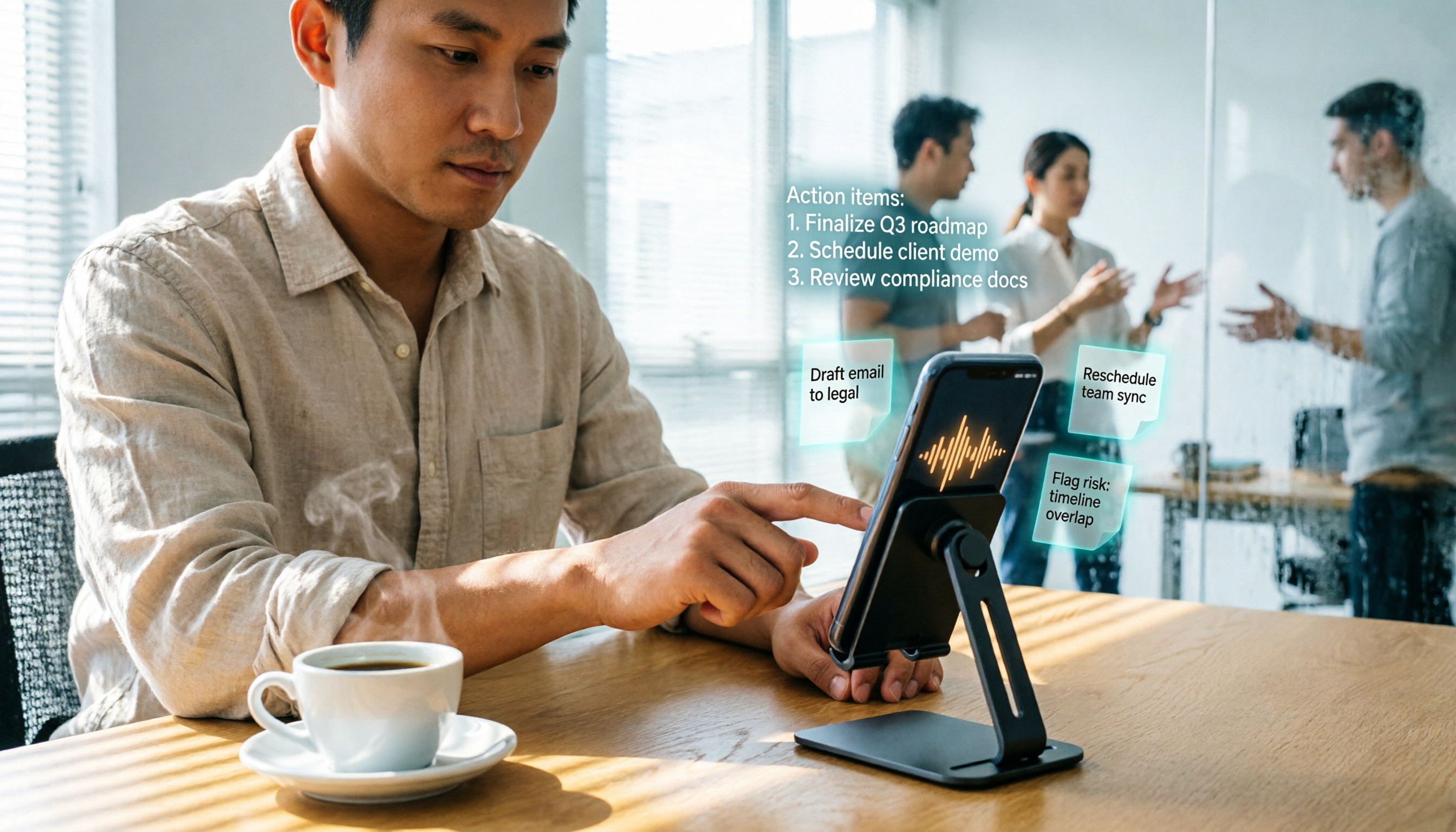
Turn recordings into transcripts and summaries in minutes
Upload audio or video for multilingual transcription, AI notes, and action items
2026 Hands-On Comparison: 4 Affordable Google Meet Recording Tools – No Hardware Needed, Your Phone Does It All
What You Need Isn't Recording Hardware – It's a Way to Skip Post-Meeting Cleanup

I have about 15 meetings a week, and at least half are on Google Meet. I used to think I needed a dedicated conference mic or voice recorder—but then I checked prices: good ones cost several hundred bucks, and all they do is record. After recording, I'd spend another two hours transcribing. Worse, last week my boss asked, "What was the final decision in that client meeting?" I spent three minutes digging through Google Drive audio files and couldn't find it. That feeling was worse than the meeting itself.
Then I reluctantly tried a bunch of speech-to-text apps and realized I didn't need to spend extra on hardware at all. Your phone or laptop can handle it—the key is that good tools don't just transcribe; they give you summaries, action items, and even let you ask AI questions like "What was the meeting's main point?" This article shares what my team found after two weeks of hands-on testing. If you're tired of post-meeting cleanup, this should save you a lot of time.
3 Key Points to Understand Before Choosing a Meeting Recording Tool
Don't rush to download an app. First, think about what you really need. I've summed up three often-overlooked points that also served as our evaluation criteria.
Accuracy: Don't just trust the 99% claims on the website. Many tools claim 98% or 99% accuracy, but those are tested in a studio. Real Google Meet calls have air conditioner noise, keyboard clicks, even colleagues in a coffee shop background—accuracy drops noticeably. Our test used a 5-minute recording with a mix of English and Chinese, plus mild background noise. Under these conditions, the real differences between tools showed up.
AI features aren't about quantity—they're about how much they save you. Transcription is just the basics. The real value is auto-generated highlights, action items, and the ability to ask afterward, "Who mentioned the budget?" If you only use it for verbatim output, you're using only a third of its capability.
Cross-platform support is crucial—you won't always join meetings on the same device. Today you're on a laptop for Google Meet; tomorrow you might join on your phone. If the tool only works on one platform, your meeting notes get scattered. You need iOS, Android, and web versions so no meeting gets missed.
Tinrec (Seconds Recording) – Our Top Pick After Testing
Tinrec is an AI-powered tool that handles recordings, audio files, and even online videos. It supports iOS, Android, and web. It's not just voice-to-text—it turns meeting content into a searchable, queryable knowledge base.
Here's how it works: When a Google Meet starts, open Tinrec on your phone and hit record. It transcribes in real time. When the meeting ends, AI has already generated a summary and action items—who is responsible for what and the due dates, all clear. What impressed me most was the "AI chat query": after a budget meeting last week, I asked, "Who said the marketing budget should be cut?" It didn't just search keywords—it understood context, pulling out relevant paragraphs and conclusions. No other tool in this price range offers that.
Stop organizing recordings by hand
Upload audio or video and automatically get a transcript, summary, and action items
Test data: We used a 5-minute Google Meet recording with mixed English and Chinese (iPhone 15, indoor 26°C, tested in June 2026). Tinrec's word error rate was 8.3%—meaning less than one wrong word in ten sentences, which is very usable in real conditions. AI summary accuracy was also good; the key conclusions the boss asked about all matched the original text.
Pros:
- Not just for meetings—great for other audio too: I've used it for webinar recordings, interview audio, even my kid's online classes, and it generates notes for all of them.
- Super easy export: You can export transcripts, summaries, and action items as text or sync directly to Notion—no copy-pasting needed.
- Chinese-friendly: Full Chinese interface, and its transcription quality for mixed Chinese-English scenarios is better than most international tools.

Limitations: The free plan offers a basic monthly transcription quota. For someone like me who has daily meetings, I used it up in about a week. But if you have only 2-3 meetings a week, the free plan is enough to try. Heavy users can consider the Pro plan, which costs less than two Starbucks drinks a month.
Who it's for: If you frequently record Google Meet meetings, want summaries and action items right after, or have various audio/video files to organize, Tinrec is the most comprehensive option right now.
Beyond Tinrec: What Other Options Are There?
Otter.ai is the go-to for English meetings, with a generous free plan of 300 minutes per month. But it doesn't support Chinese—if you mainly record English content, Otter.ai is a cheaper choice than Tinrec. However, once you need to ask AI follow-up questions after a meeting or process Chinese content, Otter falls short. Tinrec's AI chat query and Chinese transcription are the best in its class.
Notta offers more competitive transcription minutes (free plan: 120 min/month, Pro: 1800 min), but it's more of a pure transcription tool—it lacks Tinrec's post-processing ability to ask AI about key points. If you just need large-volume transcription without further organization, Notta is worth considering. But if your goal is to save post-meeting cleanup time, Tinrec's AI summaries and action item extraction more directly solve the pain point.
Pitfall Guide: 3 Common Mistakes When Choosing a Meeting Recording Tool
Pitfall 1: Thinking hardware is a one-time fix. A voice recorder or conference mic only records—it doesn't help you organize. After recording a three-hour meeting, you still have to replay and take notes, saving no time. Software tools that directly transcribe and summarize are where the real efficiency lies.
Pitfall 2: Only looking at transcription minutes, ignoring post-processing. Some apps boast thousands of minutes per month, but after transcribing, they give you a giant wall of text with no structure. You still have to read it all and highlight key points. A tool that automatically extracts highlights, lists action items, and even lets you ask questions—like Tinrec—is what you need for work.
Pitfall 3: Overlooking cross-platform sync. You record on your phone today, but want to review the notes on your computer tomorrow. If the tool doesn't have cloud sync, your data becomes isolated. Always choose an app with a web version or cross-device sync so meeting notes don't get scattered.
Summary: Which One Should You Choose?
After testing, if you're like me—drowning in daily Google Meet meetings and don't want to buy any extra hardware—Tinrec is the answer: open on your phone, get auto-generated highlights right after. Here's a quick matchup:
- Need mixed Chinese-English meeting notes + auto summaries and action items → Tinrec (unique AI chat query, most complete cross-platform)
- Only record English meetings, no need for AI post-processing → Otter.ai (generous free minutes, but useless for Chinese)
- Extreme transcription volume, don't care about AI features → Notta (generous minutes, but lacks interactive AI)
I suggest starting with Tinrec's free plan—no credit card required. Use it to record one of your actual meetings and see how accurate the auto-generated summary and action items are. If you like it, then consider upgrading. No need to spend money upfront.
Turn every recording into actionable outcomes
Get 60 free transcription minutes when you sign in. No credit card required.
Related Reading
You might also like

4 Meeting Minutes Automation Software Compared for 2026: From Transcripts to Summaries to Action Items
Starting from the most common pitfalls of meeting minutes automation, this comparison of Tinrec, Otter.ai, Notta, and Granola covers meeting capture, post-meeting output, Chinese language experience, and team governance to help mid-level managers choose a tool that truly reduces post-meeting cleanup time.

2026 AI Meeting SOP Tools Buying Guide: 2 Hands-On Tests and Recommendations
Starting from common pitfalls in building an AI meeting SOP, this guide explains how to turn meeting recordings, transcripts, summaries, action items, and team knowledge bases into a repeatable workflow. It compares Tinrec and Notta to help you choose the right tool.

7 AI Meeting Workflow Tools Tested and Compared for 2026: Which Free Version Is Actually Enough?
Still putting off meeting notes until after the meeting? This article starts with the most common misconception and breaks down a three-stage AI meeting workflow—before, during, and after the meeting. It also tests and compares 7 options: Tinrec, Otter, Fireflies, Notta, Granola, TurboScribe, and built-in platform transcription. Free quotas and paid prices are listed honestly to help you decide which fits your meeting style best.

2026 Comparison of 5 Meeting Notes Automation Tools: Tinrec vs. Notta — Which Should You Choose?
Starting from the pain point of still organizing meeting notes before leaving work on Friday, this comparison examines the differences between Tinrec and Notta in meeting capture, post-meeting organization, Chinese and multilingual support, team collaboration, and pricing, helping you decide which meeting notes automation tool is better suited for teams in Taiwan.
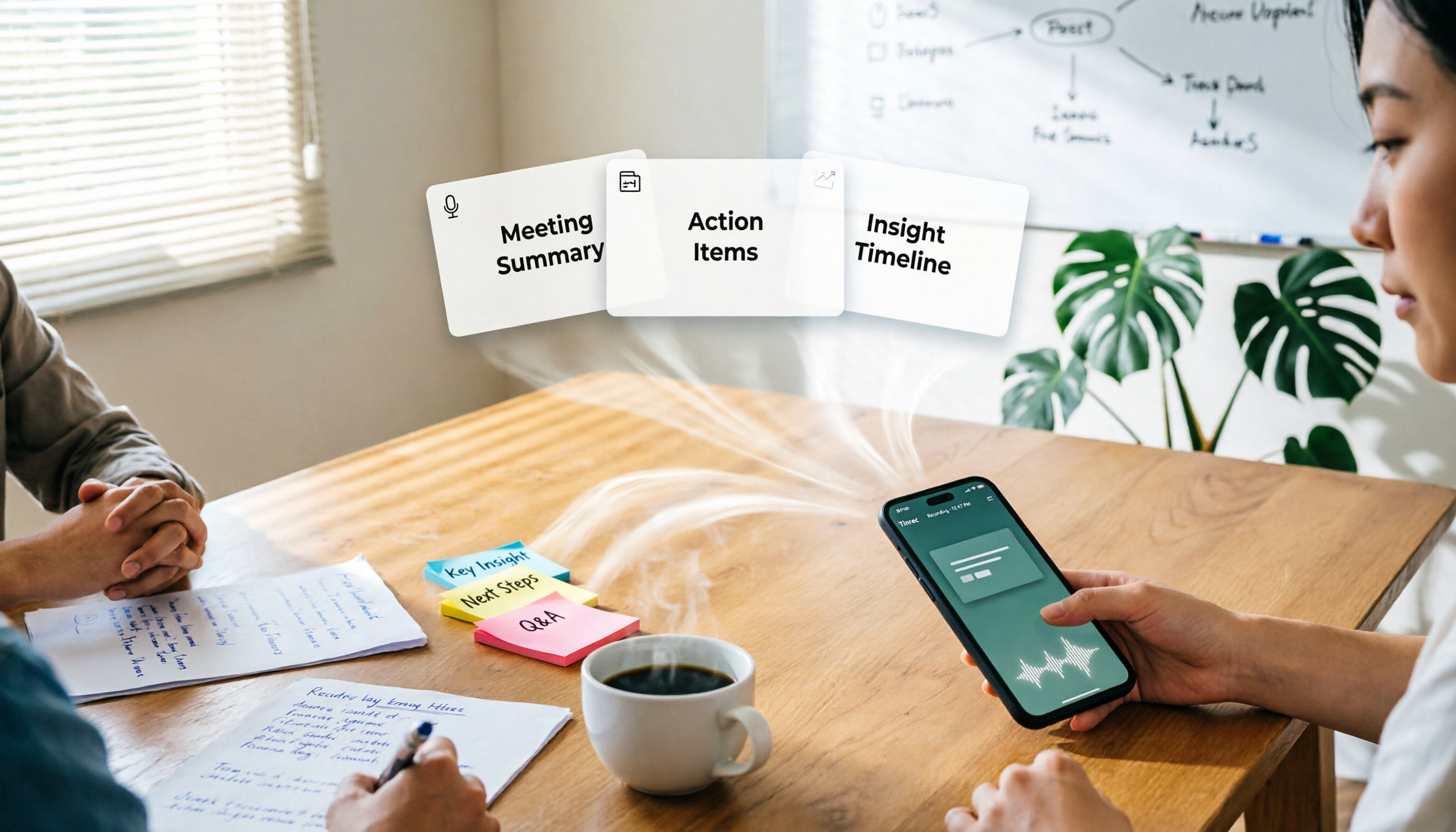
One-Click Meeting PPT Generators Compared: 2026 Test of 4 Tools — The Key Is Your Meeting Material
Still starting your meeting deck from scratch after the meeting ends? The problem usually isn't the layout tool—it's the meeting material you have on hand. This article starts with 'where does the material come from' and compares four approaches: Tinrec, GenApe, AI One-Click PPT, and ppt-master. It outlines 5 key buying factors and 4 common pitfalls to help you decide which part of your workflow to fix first.
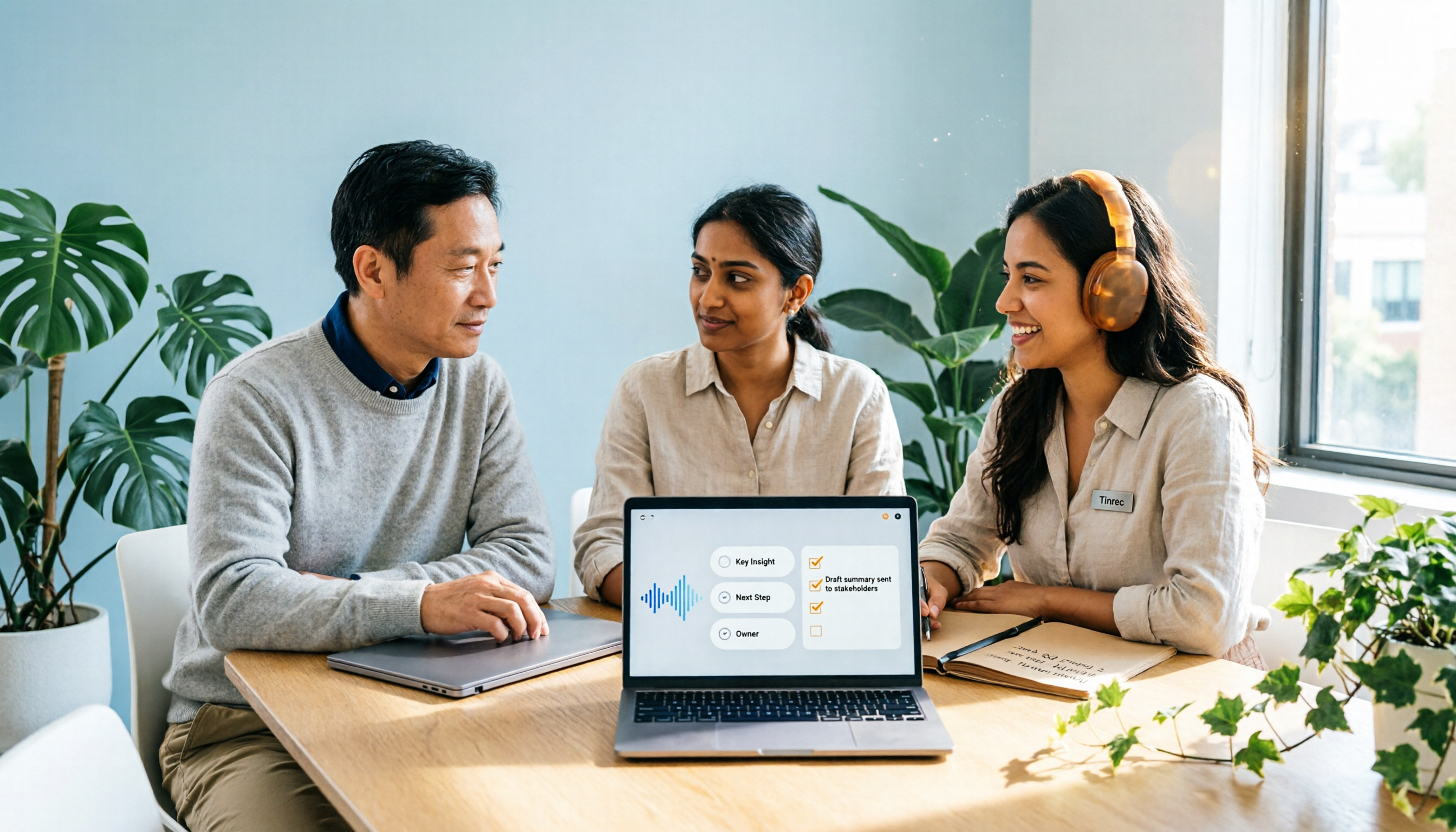
2026 Comparison of 2 Post-Meeting Automation Tools: Tinrec vs. Notta for Actionable Follow-Ups
The meeting ends, but the work begins. This article focuses on post-meeting automation and compares Tinrec and Notta across meeting capture, post-meeting summaries, action item extraction, AI Q&A, team knowledge retention, and pricing plans. It also outlines automation workflows for cross-departmental meetings and provides a buying checklist to help you decide which tool better suits professionals and teams with multiple daily meetings.

2026 Comparison of 5 AI Meeting Workflow Tools: Which One Can Actually Help You Send Meeting Minutes Before You Leave Work?
The real challenge for AI meeting workflow tools isn't transcription—it's post-meeting organization, follow-up questions, deliverables, and team knowledge retention. Using Tinrec as the primary example, this article breaks down bot-free recording, real-time transcripts and translation, summaries with chapters and action items, AI Q&A, export options, and team governance, plus 5 key buying considerations and FAQs.

2026 Complete Guide to AI Office Automation: From Meeting Notes to Team Collaboration
A complete 2026 guide to AI office automation, starting from meeting note pain points, analyzing selection criteria, hands-on experience with Tinrec, differences between Otter, Notta, TurboScribe, and Fireflies, and pitfalls to avoid during implementation, helping you turn meeting content into actionable, collaborative team data.

2026 Comparison of 4 Meeting Follow-Up Automation Tools: Whose To-Dos Actually Get Tracked?
Meeting follow-up automation is more than just transcription. This article breaks down the three layers of transcription, organization, and follow-up, demonstrates the complete workflow from recording to to-dos, Q&A, export, and team knowledge retention using Tinrec, and outlines 5 key purchasing checkpoints and team pricing.