

Turn recordings into transcripts and summaries in minutes
Upload audio or video for multilingual transcription, AI notes, and action items
What Can Google Meet Meeting Notes Do for You?
Scenario 1: Get meeting minutes right after the meeting ends In the past, after a Google Meet meeting, you might have relied on memory or manually typed notes. Now, with Tinrec, as soon as the meeting ends you can see the full transcript and AI summary, quickly review the discussion, and never worry about missing key points.

Scenario 2: Never miss action items again During the meeting, tasks discussed verbally are automatically extracted by Tinrec into a to-do list — who needs to do what and by when, all clear. After the meeting, share the list directly with the team to ensure follow-through.
Scenario 3: Search past meetings anytime All meeting recordings and text files are saved in Tinrec. When you need to verify a decision from a previous meeting, just search by keyword — no need to dig through files or emails.
What Are Tinrec's Core Capabilities for Google Meet Meeting Notes?
Real-time speech-to-text: While recording a Google Meet meeting, Tinrec converts speech to text with extremely low latency. You can listen and read along in sync, without waiting for the meeting to end.
AI meeting summary: After transcription, AI automatically generates a structured summary including meeting topic, conclusions, and key points, saving you manual effort. Honestly, this is much more useful than just a transcript.
Action item extraction: It automatically identifies action items mentioned in the conversation, listing tasks and responsible persons for easy progress tracking. I usually check this list right after the meeting to make sure nothing is missed.
AI dialogue search: You can ask Tinrec questions in natural language, like "Who mentioned the budget adjustment in this meeting?" It will answer based on semantic understanding. Even better, it points out the exact timestamp in the meeting where the answer appears, so you can quickly replay that part.
Multi-format export: The organized meeting notes can be exported to Word, PDF, TXT, or synced to tools like Notion and Google Docs for easy archiving and sharing. For small and medium businesses, this is a thoughtful feature.
Real-World Use Cases
Department weekly meetings: Record regular weekly meetings with Tinrec to automatically generate weekly report highlights. Managers don't need to spend time organizing. With Tinrec, each team member's report is combined into sections, and the summary can be directly sent as the weekly report.
Client meetings: When visiting clients or presenting online, Tinrec captures the discussed requirements and commitments and turns them into action items. After the meeting, share the summary and to-do list with the client — professional and no detail is missed.
Stop organizing recordings by hand
Upload audio or video and automatically get a transcript, summary, and action items
Project sync-ups: Cross-departmental project meetings often involve a lot of discussion. Tinrec's AI dialogue search lets you find key decisions after the meeting as if searching a database, without listening to the entire recording.
International video calls: If your Google Meet is in English or a mix of Chinese and English, Tinrec supports multilingual transcription and can still produce a Chinese summary. Although Taiwan's internet environment might slightly affect real-time transcription speed, overall it's very smooth.

4 Things to Consider When Choosing a Google Meet Meeting Notes Tool
Recording quality: Make sure the tool supports system audio recording to capture Google Meet audio clearly. Tinrec’s desktop version can record system playback audio and microphone, ensuring two-way audio. Windows users just need to allow the app to access audio.
AI summary usefulness: Transcription is just the first step; whether it can be organized into meaningful summaries is more important. Tinrec's summaries are not simple paragraph condensation but structured output with titles, conclusions, and action items. Worth comparing when choosing a tool.
Language support: If you attend meetings in Chinese, choose a tool with high Traditional Chinese recognition. Tinrec supports Chinese (including Traditional Chinese), and recognition accuracy is sufficient in typical meeting environments. But for highly specialized terminology or strong accents, test it before committing.
Price and plan flexibility: Assess your meeting frequency and choose a suitable paid plan. Tinrec offers a free version with basic monthly transcription allowance, suitable for occasional meetings; for frequent meetings, consider Pro monthly or annual plans with a lower per-month cost.
Frequently Asked Questions
How does Tinrec record Google Meet meetings? Do I need to install anything?
On Windows, simply download the Tinrec app or use the web version. Before the meeting, click record and select 'System Audio' as the audio source to capture Google Meet audio. No additional plugins are needed.
Is the free version sufficient?
The free version offers a basic monthly transcription minutes allowance. A typical 1-hour meeting generates around 10,000 words, so light users can try a few meetings per month. If you have multiple meetings per week, upgrading to Pro is recommended.
Where are meeting recordings stored?
Recordings and transcriptions are saved in your Tinrec account, accessible anytime for playback, search, or export. Security-wise, Tinrec uses encrypted transmission and storage, so no worries about leaks.
How accurate is the transcription?
In a quiet environment with standard-accented Chinese, Tinrec's accuracy is very good. However, if the meeting audio is poor, multiple people speak at once, or heavy accents are present, error rates increase. For important meetings, it's advisable to verify against the recording.
Can I record the Google Meet presentation screen at the same time?
Tinrec focuses on audio transcription and organization and does not support screen recording. However, the presentation discussion from the meeting audio is captured in text, and with AI summaries, it's usually enough for review. If you need the screen, use another tool for recording.
Summary
AI meeting notes are not future technology — they are practical tools that save you time right now. If you frequently hold Google Meet meetings on Windows, Tinrec is worth a try. Download the free version of Tinrec, spend a few minutes setting it up, and at your next meeting you'll experience the convenience of automatic transcripts and summaries. I recommend giving it a shot.
Turn every recording into actionable outcomes
Get 60 free transcription minutes when you sign in. No credit card required.
Related Reading
You might also like
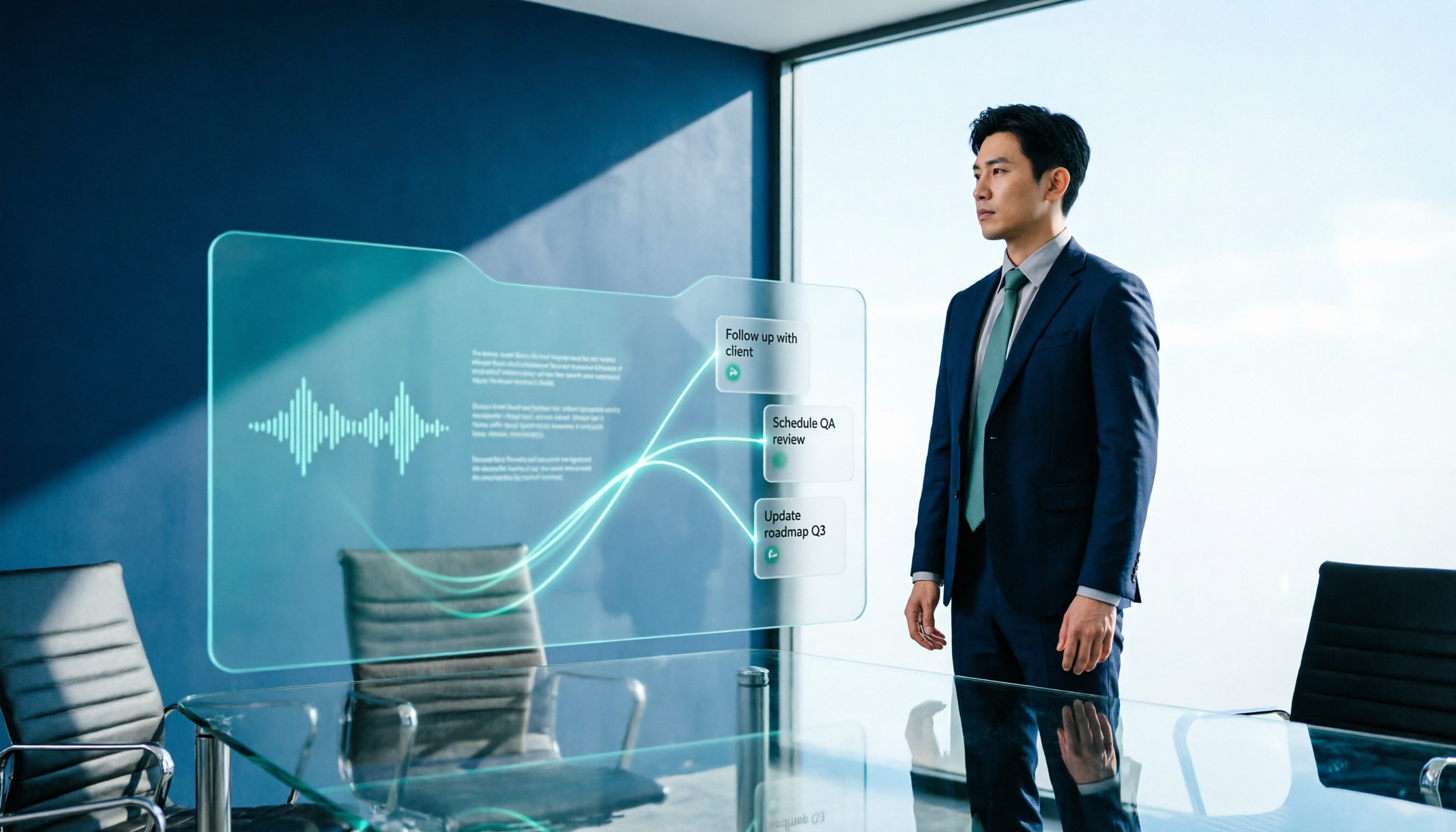
2026 AI Meeting Workflow Tools Compared: Which One Turns Discussions into Actionable To-Dos?
Many people think an AI meeting workflow is just 'record, hand it to AI, wait for a summary,' but the resulting notes often go unread. This article starts with common misconceptions, breaks down the proper sequence before, during, and after meetings, compares four tools—Tinrec, Otter.ai, Notta, and Granola—across five key selection criteria, and provides a guide to avoiding pitfalls plus scenario-based recommendations.

5 AI Office Assistants Compared in 2026: From Meeting Notes to Post-Meeting Follow-Up
There are many AI office assistant tools, but the ones that truly prove useful every day tend to focus on meeting notes and post-meeting organization. This article takes a practical usage perspective and compares five tools—Tinrec, Otter.ai, Fireflies.ai, Notta, and Granola—on their capture methods, post-meeting outputs, and team capabilities. It also outlines 5 purchase checkpoints and answers common questions.

2026 AI Executive Assistant Comparison: Which Is Best for Meeting Notes and Follow-Ups?
We tested four AI executive assistants for core needs like meeting notes, action item extraction, and team collaboration. Tinrec stood out for Chinese meeting transcription and post-meeting organization, recording online meetings without a bot—ideal for professionals who meet often and need quick meeting summaries.

Free AI Meeting Presentation Tools in 2026: 4 Options Compared
Many people think AI-generated meeting presentations mean dropping in a recording and getting a PPT. In reality, the bottleneck is organizing the meeting content. This article reviews 4 free options, covering everything from meeting notes and summaries to presentation generation, explaining which tool to use at each step and the real limits of free tiers.

Tinrec vs Granola 2026: 5-Factor Comparison — Which Meeting Follow-Up AI Is Better for Professionals?
Compare Tinrec and Granola across post-meeting summaries, action items, follow-up questions, recording retention, and team governance to see which is better suited for meeting follow-up AI workflows.
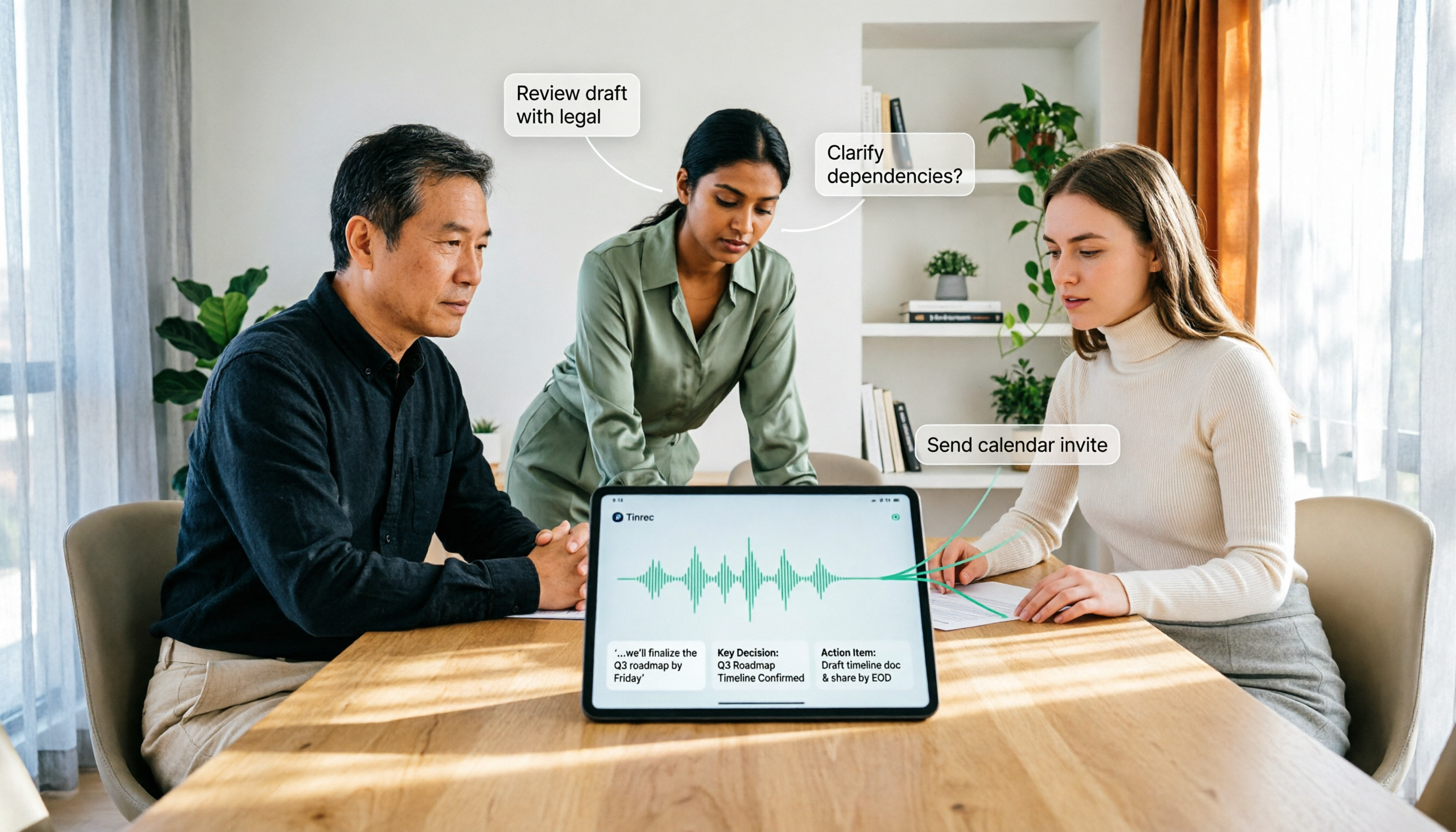
How to Use AI Agent Multi-Turn Conversations in 2026: 5 Steps to Build an Automated Meeting Workflow
Many people treat AI Agent multi-turn conversations as asking the same question multiple times, which only repeats the same blind spots and doubles costs. This article breaks down what multi-turn conversations should really have: memory, tool invocation, and stopping conditions, and uses Tinrec to demonstrate how to turn a meeting from recording, transcription, summarization to post-meeting follow-up into a truly deliverable workflow.

2026 Guide: AI Post-Meeting Processing — Auto Summaries + Action Item Extraction, Team Knowledge Retention
Post-meeting processing isn't just converting recordings into transcripts. This article addresses common misconceptions, outlines 5 key selection criteria, shares hands-on testing of Tinrec and team plan details, briefly reviews Granola and Notta, and provides a pitfall-avoidance guide and scenario-based recommendations to help you choose the right tool.

2026 AI Meeting Follow-Through Comparison: Which Tool Actually Tracks Action Items to Completion?
Meeting notes look great, but nothing gets done? This article breaks down the three most common pitfalls and the closed-loop workflow of capture, correction, assignment, tracking, and review. It compares Tinrec, Notta, Granola, and Otter.ai on bot-free recording, post-meeting Q&A, and team governance, with real pricing and tips to avoid common mistakes.
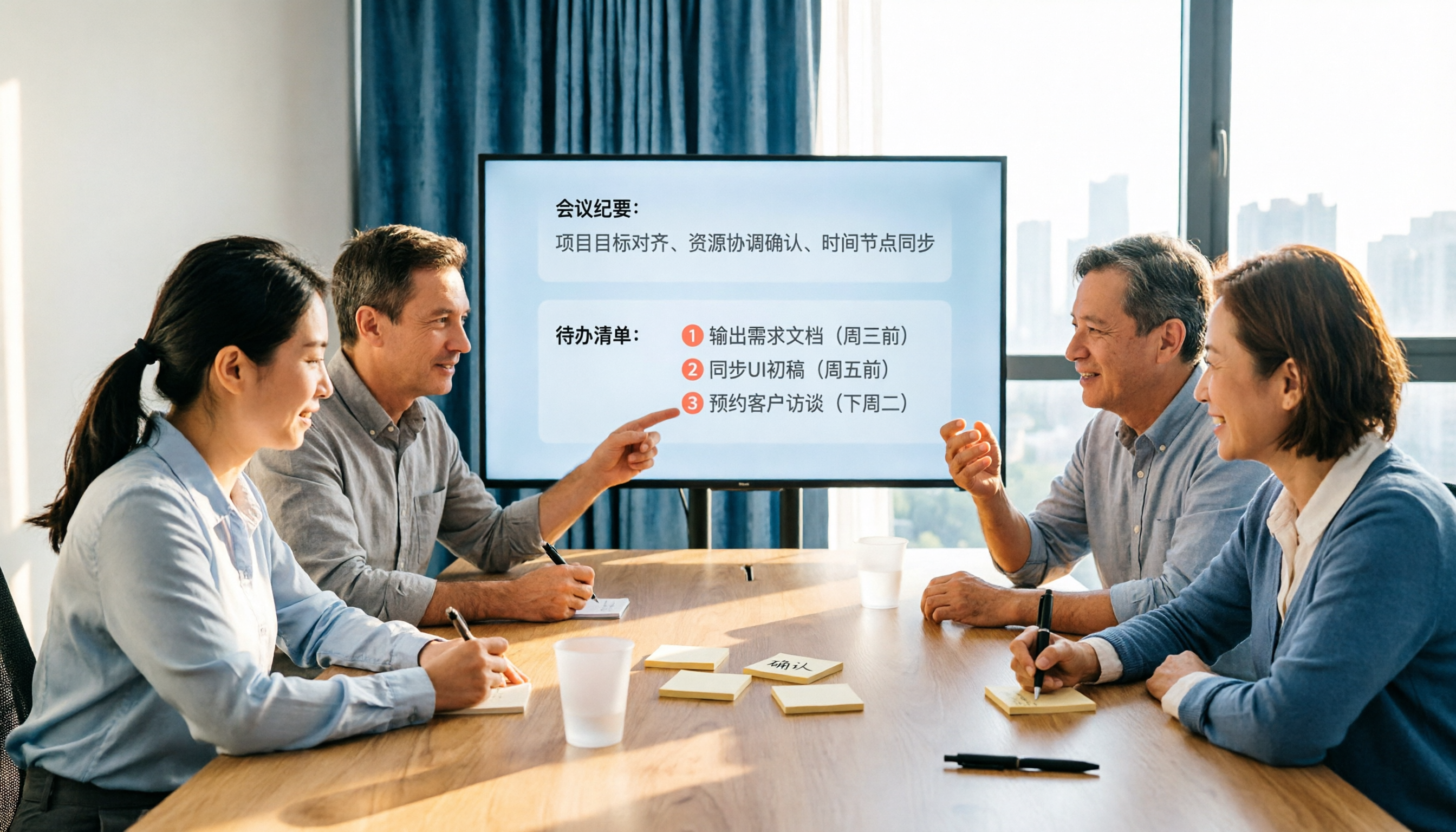
2026 AI Meeting Notes Comparison: Which Tool Extracts Action Items Best?
Action items scattered after meetings? This hands-on comparison of Tinrec, Otter.ai, Notta, and Granola evaluates automatic action item extraction from four angles: Chinese-language meetings, bot-free recording, post-meeting follow-up, and team collaboration—helping you decide which fits your meeting workflow.