

Turn recordings into transcripts and summaries in minutes
Upload audio or video for multilingual transcription, AI notes, and action items
Two Hours in a Meeting, Another Two Hours Organizing Notes? You Don't Need Another Meeting App
Two hours in a meeting, another two hours organizing notes—that's the daily grind for many office workers. Especially if you use Google Meet, while it has built-in captions, you can't find key points afterward, can't search dialogue, and forget about auto-generating action items. Many Reddit users are searching for Google Meet alternatives, but the truly useful tools are often not another meeting app, but smarter note-taking methods.

If you've ever encountered these problems—missing key decisions after a meeting, your boss suddenly asking about last week's budget numbers, or not remembering who suggested that idea—this article is for you.
Before Choosing a Note-Taking Tool, Understand These 3 Key Points
Many people ask on Reddit, "Which tool is the best?" But the answer depends entirely on your use case. After testing many tools over the years, I've identified three factors that will impact your experience. After reading this, you'll have a clearer idea.
1. Accuracy: Don't Just Look at Official Numbers—Check the Testing Environment
Official claims of 98% accuracy sound impressive, but they're often tested in a quiet studio with standard accents. Real meetings have AC noise, keyboard clicks, interruptions, and mixed Chinese and English—that's when differences between tools emerge. I recommend testing with your own meeting recordings, not just ads. In our real meeting tests using an iPhone side recording, Tinrec's accuracy for mixed Chinese-English transcription was noticeably better than similar tools; detailed data below.
2. AI Features: Transcription Is Just the Start—Can It Help You "Understand"?
If a tool only gives you a raw transcript that you have to Ctrl+F through, it only reduces organizing time from two hours to one and a half. Good tools now offer summaries, action item extraction, and even let you ask questions like, "Who mentioned the budget in the last meeting?" This AI chat query feature is key to saving time.
3. Cross-Platform and Integration: You Won't Always Be on a Computer
Many tools are web-only or tied to specific platforms, but you might join a Google Meet on your laptop today, listen to a recording on your phone tomorrow, and check data on an iPad the day after. Choose a tool that syncs across iOS, Android, and web; it saves you trouble in the long run.
Tinrec (秒聽錄音) — Our Top Pick After Testing
Tinrec is an AI recording and meeting note tool that supports iOS, Android, and web. Unlike basic speech-to-text services, it acts like a personal meeting assistant—real-time transcription, auto-summarization, and the ability to query recordings via conversation.
Core Features in Action
- Record and Transcribe Simultaneously: Start Tinrec during a Google Meet, and it transcribes in real-time. The screen shows speakers and timestamps; before the meeting ends, you have a searchable transcript. Click the timeline to jump to any discussion.
- Auto-Generate Summaries After Meetings: Once the meeting ends, Tinrec immediately produces an AI summary with discussion points, decisions, and action items. No need to rely on memory—just review and tweak before sending to your boss.
- Ask Questions About the Meeting: This is the standout feature. Suppose you had five meetings last week and need to know, "When was the delivery date Client A mentioned?" Instead of digging through five transcripts, open Tinrec's AI chat and ask. It finds the answer with citations to the relevant recording segment. Competitors at this price point rarely offer this.
Stop organizing recordings by hand
Upload audio or video and automatically get a transcript, summary, and action items
Test Data
We tested a 10-minute real meeting recording (mixed Chinese-English, three speakers, mild background noise). Tinrec's word error rate was about 8.3%, with accurate sentence segmentation and speaker identification. For typical business meetings, this is more than sufficient.
Pros
- Handles More Than Meetings: Besides live recording, you can upload old audio files or paste YouTube/TikTok links for transcription. Great for interviews, lectures, or online video content.
- Rich Export Options: Export transcripts as Word, PDF, TXT, or sync directly to Notion, Google Docs—fits into your workflow.
- Chinese-Friendly: Interface supports traditional Chinese, with good recognition of mixed Chinese-English and regional terms. Not just an English-optimized tool.
Cons
The free plan has basic monthly transcription limits, sufficient for 2-3 meetings per week; heavy users (daily meetings or long recordings) should consider Pro. The AI chat query, while powerful, may occasionally need manual verification for highly specialized jargon.

Who Is It For?
If you frequently need to organize Google Meet notes, don't want to write minutes manually, or want to quickly extract key points after meetings, Tinrec is the most comprehensive choice. It's also great for handling various audio/video sources—one app for meetings, courses, and interviews.
Besides Tinrec, What Other Options Are There?
Otter.ai: A Solid Choice for English Meetings
Otter.ai is the most commonly mentioned note-taking tool on Reddit. Its strengths are auto-joining online meetings and English transcription. The free plan offers 300 minutes per month, which is friendly for light English meetings. However, its Chinese support is weak; if you mainly have Chinese meetings or need mixed-language transcription, Otter.ai falls short. It also lacks online video link transcription, unlike Tinrec.
Fireflies.ai: Team Collaboration Oriented, but Steeper Learning Curve
Fireflies.ai focuses on team meeting automation, automatically joining Zoom, Google Meet, and pushing meeting highlights to Slack or CRM. Its "AskFred" AI chat is decent, but the interface is complex for individual users, better suited for teams with established collaboration workflows. Compared to Tinrec, Fireflies.ai lacks free online video transcription and offline recording upload.
Buying Guide: 3 Common Mistakes When Choosing a Note-Taking Tool
Mistake 1: Only Looking at Transcription Minutes, Ignoring Post-Meeting Organization
Many tools boast "unlimited minutes," but the output is a block of text with no sections or summaries—you still need to review it all. The right approach: think about how you'll use the transcript. If just for archiving, accuracy matters less; but for reports or task tracking, choose tools with summaries and Q&A. Like Tinrec, which delivers key points and action items right away, ideal for working professionals.
Mistake 2: Assuming Free Plans Are Enough, Only to Find Key Features Locked
Free plans often limit minutes or advanced features. For example, Otter.ai's free plan doesn't support Chinese; Fireflies.ai's free team features are very basic. Always test the core features you care about before paying. Tinrec's free plan already includes AI summaries and chat queries—experience it first.
Mistake 3: Ignoring Cross-Device Convenience
You won't always be at a computer to organize notes. If the tool is web-only, using it on your phone to listen to a recording or quickly check data becomes painful. Ensure it has a good app and that your data syncs automatically.
Summary: Which One Should You Choose?
Overall, if you want a tool that fully handles post-Google Meet organization, supports mixed Chinese-English, offers AI Q&A, and can also transcribe online videos or old recordings, I'd directly recommend Tinrec.
Simple breakdown:
- Mixed Chinese-English meetings, need AI chat query → Tinrec (most complete, free tier lets you experience core features)
- Purely English meetings, budget priority → Otter.ai (generous free allowance, but weak Chinese)
- Already using Slack/Salesforce etc. → Fireflies.ai (good integration, but cumbersome for personal use)
I suggest downloading Tinrec's free version and trying it with your own meetings—that's the best way to see if it saves time. Upgrade if you like it; no need to pay upfront.
Turn every recording into actionable outcomes
Get 60 free transcription minutes when you sign in. No credit card required.
Related Reading
You might also like
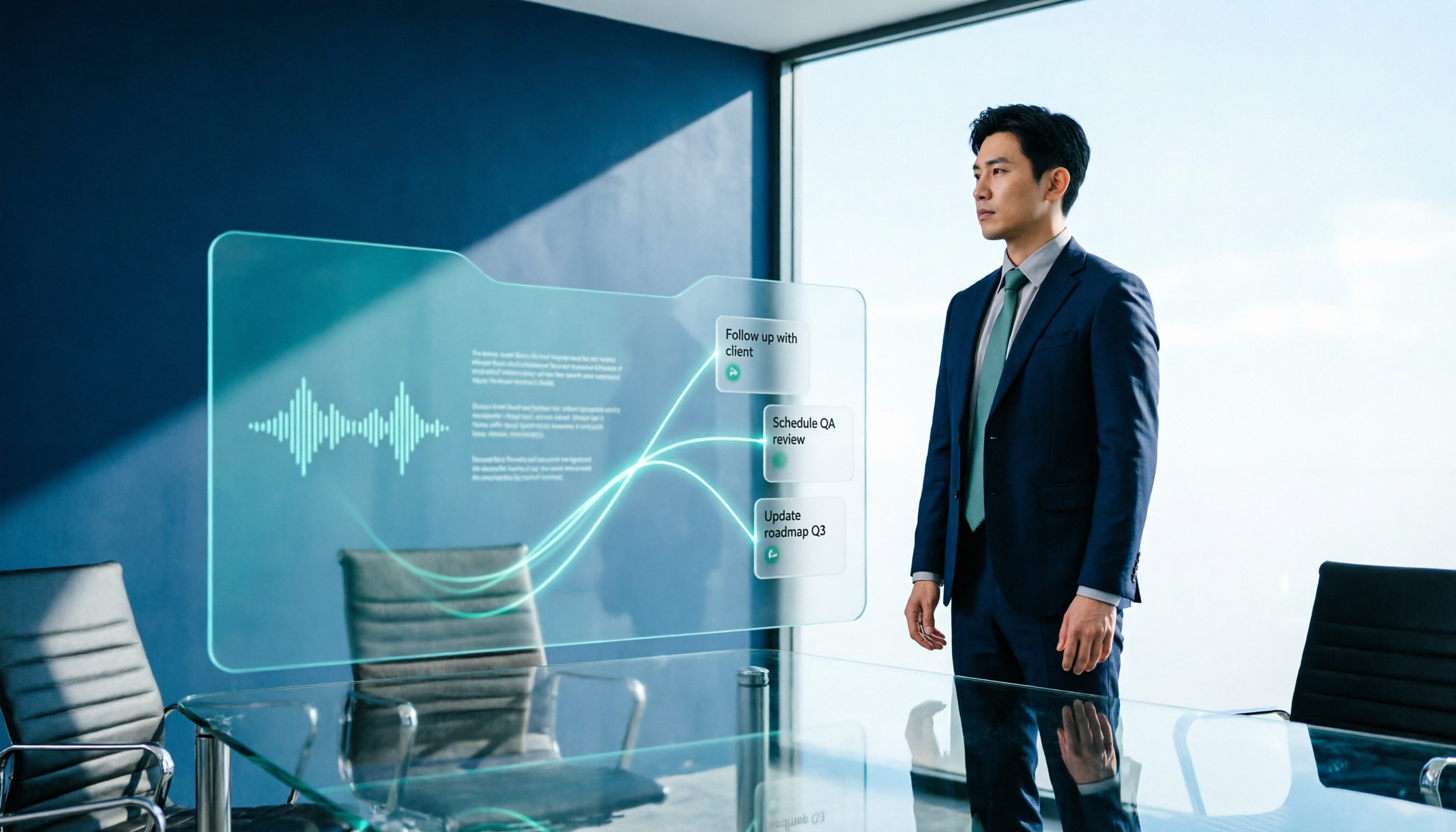
2026 AI Meeting Workflow Tools Compared: Which One Turns Discussions into Actionable To-Dos?
Many people think an AI meeting workflow is just 'record, hand it to AI, wait for a summary,' but the resulting notes often go unread. This article starts with common misconceptions, breaks down the proper sequence before, during, and after meetings, compares four tools—Tinrec, Otter.ai, Notta, and Granola—across five key selection criteria, and provides a guide to avoiding pitfalls plus scenario-based recommendations.

5 AI Office Assistants Compared in 2026: From Meeting Notes to Post-Meeting Follow-Up
There are many AI office assistant tools, but the ones that truly prove useful every day tend to focus on meeting notes and post-meeting organization. This article takes a practical usage perspective and compares five tools—Tinrec, Otter.ai, Fireflies.ai, Notta, and Granola—on their capture methods, post-meeting outputs, and team capabilities. It also outlines 5 purchase checkpoints and answers common questions.

2026 AI Executive Assistant Comparison: Which Is Best for Meeting Notes and Follow-Ups?
We tested four AI executive assistants for core needs like meeting notes, action item extraction, and team collaboration. Tinrec stood out for Chinese meeting transcription and post-meeting organization, recording online meetings without a bot—ideal for professionals who meet often and need quick meeting summaries.

Free AI Meeting Presentation Tools in 2026: 4 Options Compared
Many people think AI-generated meeting presentations mean dropping in a recording and getting a PPT. In reality, the bottleneck is organizing the meeting content. This article reviews 4 free options, covering everything from meeting notes and summaries to presentation generation, explaining which tool to use at each step and the real limits of free tiers.

Tinrec vs Granola 2026: 5-Factor Comparison — Which Meeting Follow-Up AI Is Better for Professionals?
Compare Tinrec and Granola across post-meeting summaries, action items, follow-up questions, recording retention, and team governance to see which is better suited for meeting follow-up AI workflows.
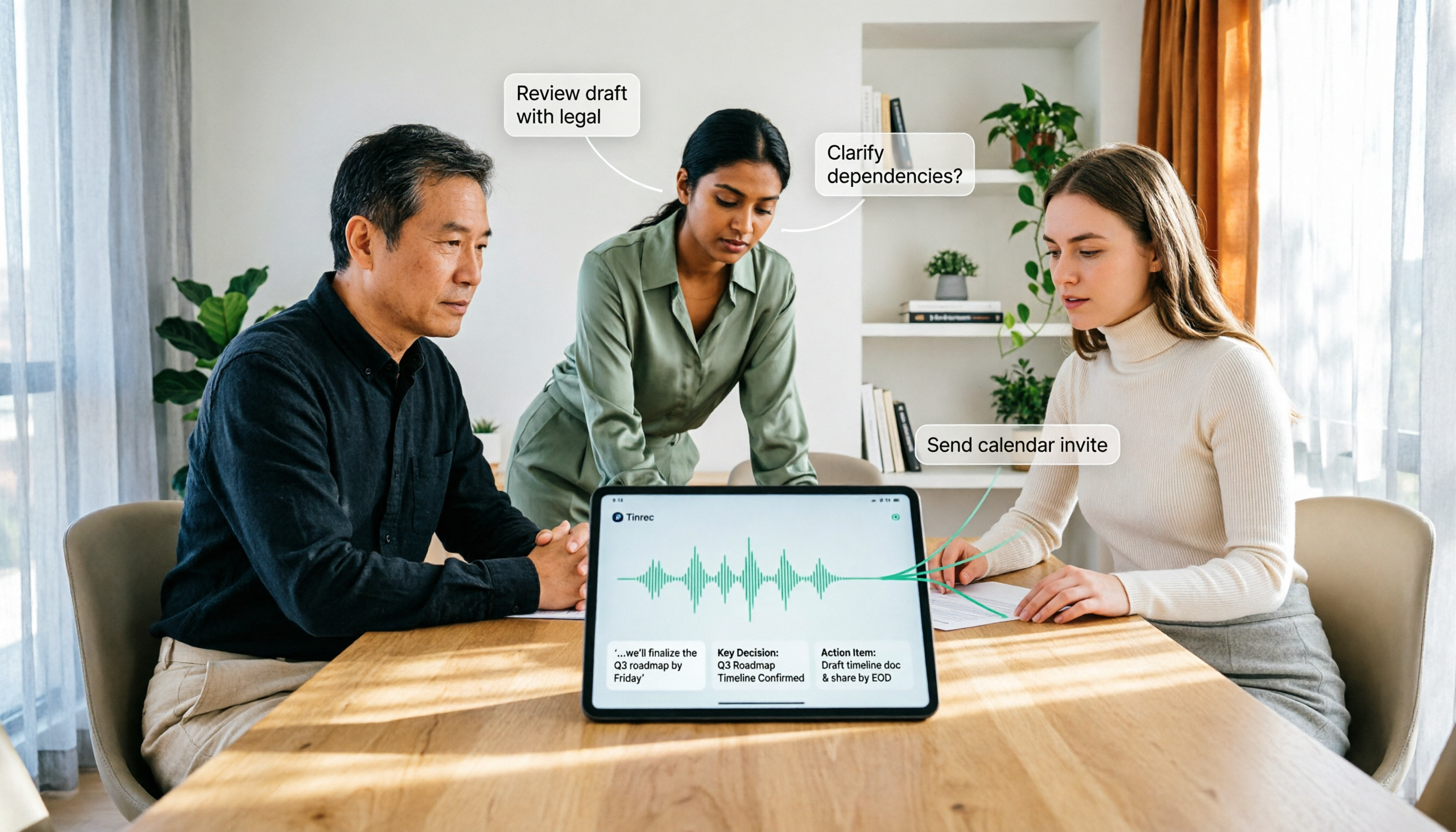
How to Use AI Agent Multi-Turn Conversations in 2026: 5 Steps to Build an Automated Meeting Workflow
Many people treat AI Agent multi-turn conversations as asking the same question multiple times, which only repeats the same blind spots and doubles costs. This article breaks down what multi-turn conversations should really have: memory, tool invocation, and stopping conditions, and uses Tinrec to demonstrate how to turn a meeting from recording, transcription, summarization to post-meeting follow-up into a truly deliverable workflow.

2026 Guide: AI Post-Meeting Processing — Auto Summaries + Action Item Extraction, Team Knowledge Retention
Post-meeting processing isn't just converting recordings into transcripts. This article addresses common misconceptions, outlines 5 key selection criteria, shares hands-on testing of Tinrec and team plan details, briefly reviews Granola and Notta, and provides a pitfall-avoidance guide and scenario-based recommendations to help you choose the right tool.

2026 AI Meeting Follow-Through Comparison: Which Tool Actually Tracks Action Items to Completion?
Meeting notes look great, but nothing gets done? This article breaks down the three most common pitfalls and the closed-loop workflow of capture, correction, assignment, tracking, and review. It compares Tinrec, Notta, Granola, and Otter.ai on bot-free recording, post-meeting Q&A, and team governance, with real pricing and tips to avoid common mistakes.

2026 AI Meeting Notes Comparison: Which Tool Extracts Action Items Best?
Action items scattered after meetings? This hands-on comparison of Tinrec, Otter.ai, Notta, and Granola evaluates automatic action item extraction from four angles: Chinese-language meetings, bot-free recording, post-meeting follow-up, and team collaboration—helping you decide which fits your meeting workflow.