
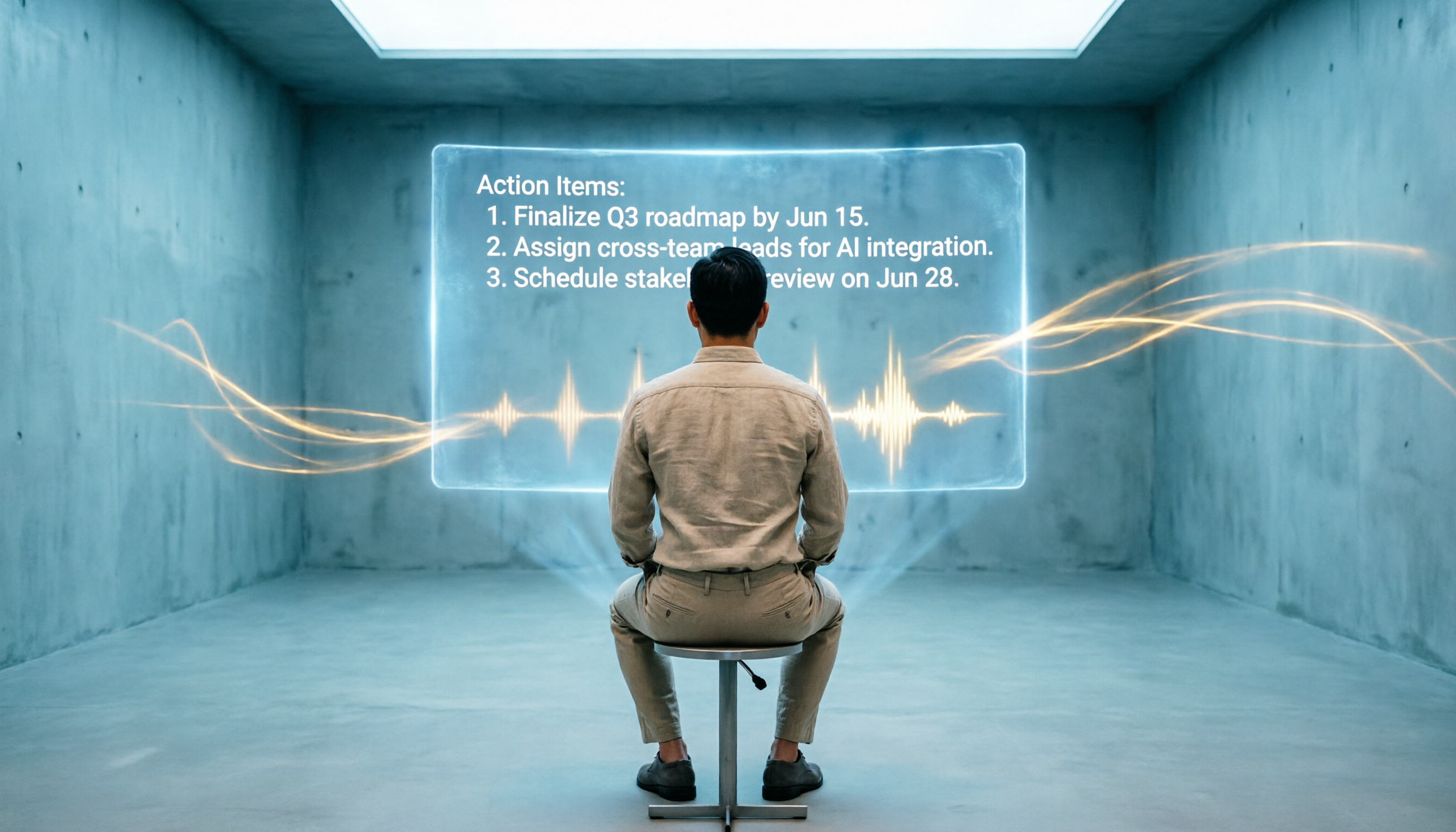
Turn recordings into transcripts and summaries in minutes
Upload audio or video for multilingual transcription, AI notes, and action items
I attend about 15 meetings a week—weekly catch-ups, project status reviews, one-on-ones, and cross-department coordination. The worst part used to be not the meetings themselves, but what came after: every meeting left a pile of decisions and action items to organize. For a while, I seriously considered buying a Google Meet premium account just for its built-in recording and transcription. But after crunching the numbers, one account costs several hundred dollars a year and only works for Google Meet meetings—not face-to-face discussions, phone interviews, or online courses. Later, I tried a few AI voice-to-text tools and realized I didn't need to spend that extra money at all, and the post-meeting organization efficiency was several times better.
Is Google Meet's Built-in Transcription Enough? Why You Need a More Efficient Tool

If you only have occasional meetings and just need a recording to replay, Google Meet's built-in features might barely suffice. But for those of us constantly buried in meetings, the real pain is "post-meeting data organization." Built-in transcription only gives you a plain text document without punctuation, paragraph breaks, or automatic key point extraction—you still have to read through everything manually and pick out conclusions and action items. Not to mention it only supports English transcription, making it useless for Chinese meetings.
That's why I stopped agonizing over whether to buy a Google Meet account and started looking for AI tools that work across platforms, support Chinese, and automatically generate summaries and to-dos. Below are three options my team and I tested and found most practical, especially the last one, which has become our department's standard tool.
Top 3 Meeting Note Alternatives Worth Recommending in 2026
1. Otter.ai: Real-Time Transcription Expert for English Meetings
Otter.ai is popular in English business meeting circles. It can automatically join Google Meet, Zoom, and other online meetings, producing real-time transcripts with speaker labels. The free plan offers 300 minutes of transcription per month, while the Pro plan costs about $8/month billed annually. For those who frequently attend all-English meetings, it's definitely a top choice, but its Chinese transcription accuracy drops significantly, and the AI summaries tend to follow an American meeting style, often missing the nuances of Chinese discussions.
2. Fireflies.ai: Strong Automation Integration but Complex Interface
Fireflies.ai also features a meeting bot that automatically records, transcribes, and integrates with tools like Slack and Notion. It even claims "unlimited transcription," but the free plan has storage limits. It's appealing for teams that need high automation and cross-tool collaboration, but after a few uses, I gave up—the learning curve is steep, and Chinese transcription quality is average, making it unintuitive to quickly extract key points after meetings.
3. Tinrec: The All-in-One Tool Best Suited for Chinese Workplaces
This last one is my go-to tool now. Tinrec doesn't just position itself as a "meeting bot" like the first two; it's more like a personal audio-video data organization workstation. Beyond online meetings, it can handle face-to-face recordings, local audio files, and even YouTube or Xiaohongshu video links. It converts everything to text, then automatically generates summaries, chapters, and action items. You can even ask it conversational questions like, "Who mentioned the budget in the meeting just now?" For professionals like us who mix Chinese and English and have diverse meeting types, this truly solves the problem.
Tinrec's Core Capabilities: Not Just Transcription, But Understanding the Content
Many people think voice-to-text tools just give you a transcript, but Tinrec offers much more. Here are the features I use every day:
Real-time Transcript, Outputs Text as You Record
Start Tinrec on your phone or computer during a meeting, and it converts speech to text with almost zero delay. You can check if you missed any key points in real time. This is especially useful for meetings that require quick responses—when the boss suddenly asks about the previous decision, just glance at the screen and find it, no frantic note flipping.
Stop organizing recordings by hand
Upload audio or video and automatically get a transcript, summary, and action items
AI Semantic Summaries, Structured Organization
It doesn't just condense the transcript into a paragraph; it breaks down topics, conclusions, action items, and responsible persons clearly. I now use it for my weekly department reports—after the meeting, I paste the summary directly into the report, saving at least 2 hours of organization time.
AI Conversational Query, Ask the Recording Like Asking a Colleague
This is my favorite feature. You can type questions like, "What was the client's reaction to the new proposal?" or "Who mentioned the delivery risk?" and Tinrec answers directly based on semantic understanding of the recording. It used to take me half an hour to scan a transcript to find that information; now it's done in one sentence.

Multi-Source Input, Not Just Meetings
Besides real-time recording, Tinrec can upload audio files, video files, or even paste YouTube and TikTok links, convert them to text, and organize them. When I need to research competitors or market trends, I drop a public video link into Tinrec and get a key point summary instantly, much faster than watching the whole video.
Automatic Action Item Extraction
Meetings inevitably involve task assignments. Tinrec automatically captures "who needs to do what" from the conversation and creates a to-do list. Now, the first thing I do after a meeting is screenshot this list and share it in the group chat—everyone is clear, and there's no more arguing over "I clearly said next Friday, not this Friday."
Practical Use Cases: From Meeting Rooms to Online Courses
Scenario 1: Cross-Department Project Meetings
After each meeting, Tinrec instantly produces a summary and to-do list. I paste it directly into the project management tool, and all department contacts confirm simultaneously. I used to spend 30 minutes after a meeting writing minutes; now the meeting ends and the minutes are already done.
Scenario 2: One-on-Ones and Performance Reviews
During one-on-ones with team members, I use Tinrec to record. Later, I review the transcript and AI summary to ensure I didn't miss any feedback or commitments. This lets me stay more focused on the conversation instead of frantically taking notes.
Scenario 3: Online Courses and Lectures
I signed up for a weekend online management course. I used Tinrec to record the computer audio, and after the session, I got structured chapter summaries. Reviewing is much more efficient than rewatching the video. It can even automatically organize my marked highlights into notes.
Scenario 4: Market Research and Competitive Analysis
Sometimes I need to quickly understand a new technology or competitor update. I drop relevant YouTube video links into Tinrec, and in a few minutes, I get an organized document with summaries and timestamps, letting me grasp core ideas rapidly.
4 Key Considerations When Choosing a Meeting Note Tool (Using Tinrec as an Example)
- Chinese Transcription Accuracy: Don't just look at official numbers; test it with a real Chinese meeting. In our office environment, Tinrec's Chinese character error rate is about 8-10%. As long as there's no heavy background noise, it's basically easy to understand.
- Post-Transcription Organization: Converting to text is just the first step. The key is whether it helps you quickly find the important points. Tinrec's AI summaries and conversational queries save me over 70% of transcript reading time.
- Cross-Platform and Input Sources: Make sure the tool supports all the scenarios you'll use. Tinrec has iOS, Android, and web versions, and handles real-time recording, file uploads, and web links, making it suitable for meetings, courses, and research.
- Pricing and Actual Usage: Try the free plan first—it offers a basic monthly quota enough for 2-3 meetings. If you have more than 5 meetings a week like me, go for the Pro monthly or annual plan, which costs less than a few dollars per month, cheaper than buying a Google Meet account.
Frequently Asked Questions
Q: I already have a Google Meet account. Do I still need Tinrec?
A: You can use them together. Google Meet handles the meeting, and Tinrec handles deeper post-meeting organization, especially Chinese summaries, action item extraction, and AI Q&A—things Meet's built-in transcription can't do.
Q: Do I need to install a plugin to record online meetings with Tinrec?
A: No. Just enable Tinrec's "Record Computer Audio" feature on your computer, and it will capture sound from any webpage or app, including Google Meet, Zoom, etc. It's very simple.
Q: Is the free plan enough?
A: If you only need to organize 2-3 meetings per month, the free plan's quota is sufficient. But if you have meetings every day like me, or also need to handle courses and videos, I recommend the Pro plan—the cost per minute is less than a cup of coffee.
Q: How are transcriptions stored? Can I export them?
A: All recordings and transcriptions are saved in your account, accessible anytime for replay, search, or questions. They can be exported as TXT, Word, PDF, or directly transferred to Notion, Google Docs, etc.
Conclusion
If you're considering buying a Google Meet account just for recording and transcription, I suggest you hold off. With the same budget, investing in a comprehensive AI voice-to-text tool like Tinrec delivers higher returns. It doesn't just solve meeting minutes—it transforms your courses, interviews, and online videos into searchable, organizable, and instantly usable knowledge. Try Tinrec's free plan and experience for yourself with one meeting: "finish the meeting, get the complete minutes."
Turn every recording into actionable outcomes
Get 60 free transcription minutes when you sign in. No credit card required.
Related Reading
You might also like
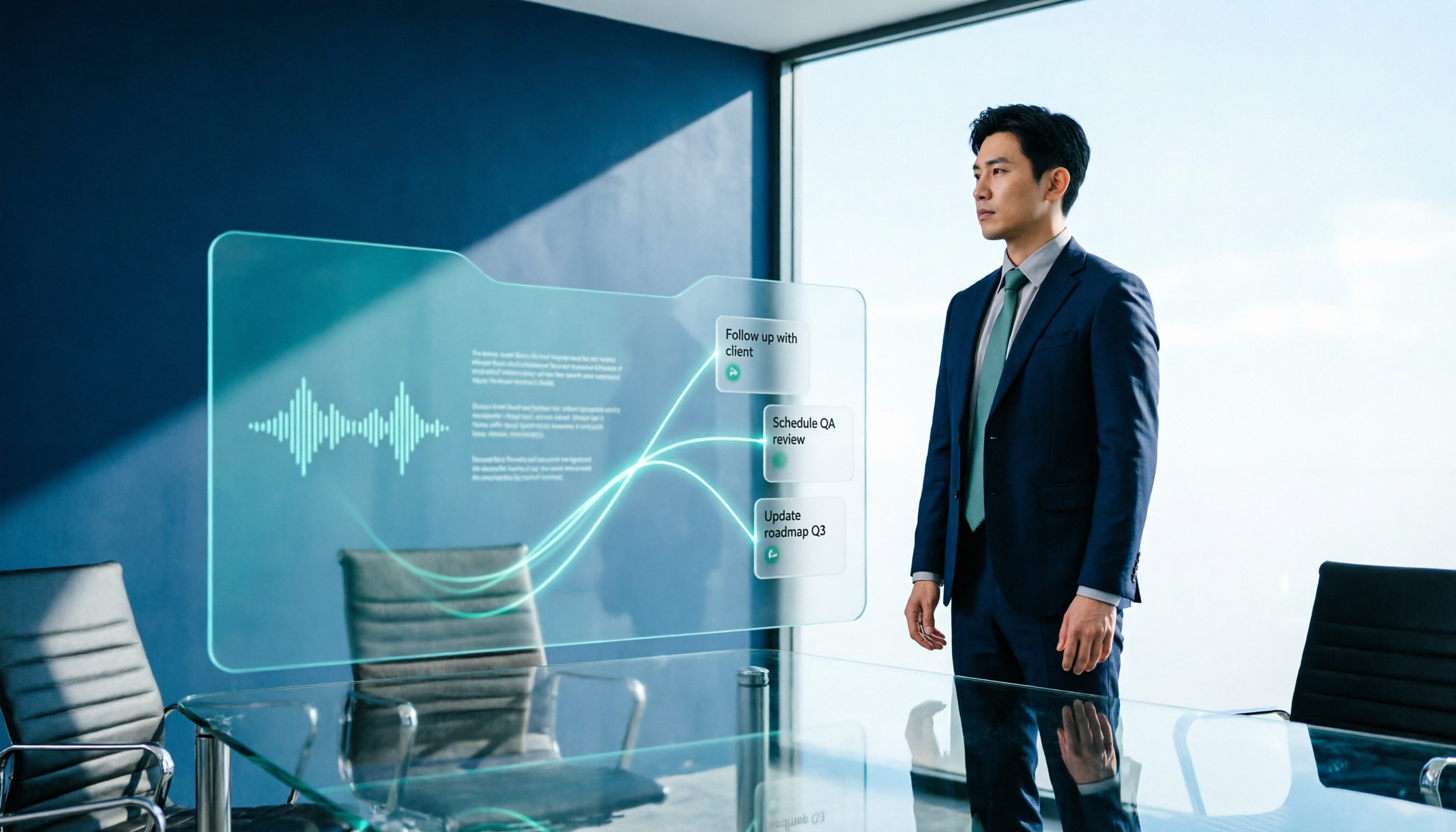
2026 AI Meeting Workflow Tools Compared: Which One Turns Discussions into Actionable To-Dos?
Many people think an AI meeting workflow is just 'record, hand it to AI, wait for a summary,' but the resulting notes often go unread. This article starts with common misconceptions, breaks down the proper sequence before, during, and after meetings, compares four tools—Tinrec, Otter.ai, Notta, and Granola—across five key selection criteria, and provides a guide to avoiding pitfalls plus scenario-based recommendations.

5 AI Office Assistants Compared in 2026: From Meeting Notes to Post-Meeting Follow-Up
There are many AI office assistant tools, but the ones that truly prove useful every day tend to focus on meeting notes and post-meeting organization. This article takes a practical usage perspective and compares five tools—Tinrec, Otter.ai, Fireflies.ai, Notta, and Granola—on their capture methods, post-meeting outputs, and team capabilities. It also outlines 5 purchase checkpoints and answers common questions.

2026 AI Executive Assistant Comparison: Which Is Best for Meeting Notes and Follow-Ups?
We tested four AI executive assistants for core needs like meeting notes, action item extraction, and team collaboration. Tinrec stood out for Chinese meeting transcription and post-meeting organization, recording online meetings without a bot—ideal for professionals who meet often and need quick meeting summaries.

Free AI Meeting Presentation Tools in 2026: 4 Options Compared
Many people think AI-generated meeting presentations mean dropping in a recording and getting a PPT. In reality, the bottleneck is organizing the meeting content. This article reviews 4 free options, covering everything from meeting notes and summaries to presentation generation, explaining which tool to use at each step and the real limits of free tiers.

Tinrec vs Granola 2026: 5-Factor Comparison — Which Meeting Follow-Up AI Is Better for Professionals?
Compare Tinrec and Granola across post-meeting summaries, action items, follow-up questions, recording retention, and team governance to see which is better suited for meeting follow-up AI workflows.
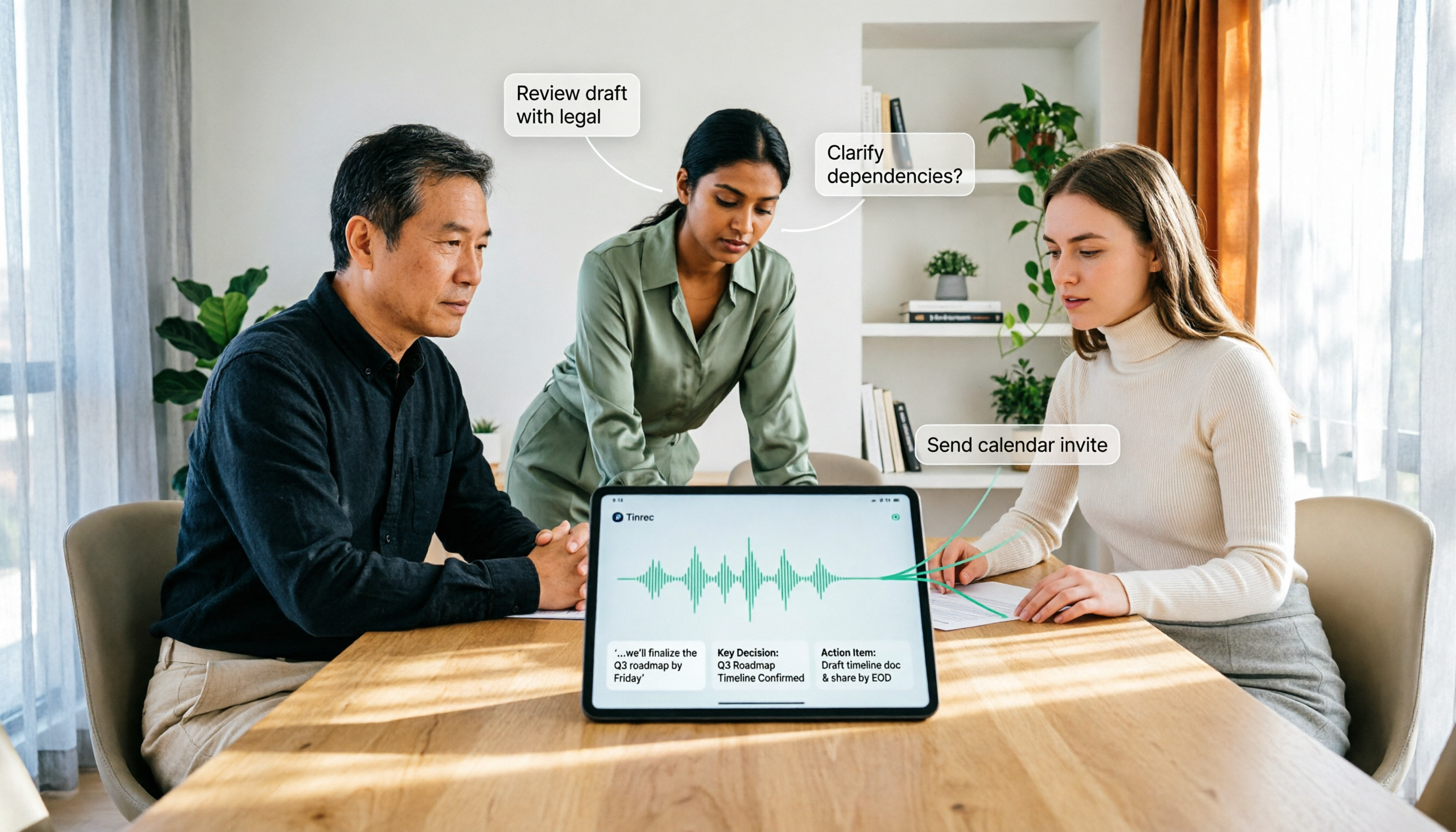
How to Use AI Agent Multi-Turn Conversations in 2026: 5 Steps to Build an Automated Meeting Workflow
Many people treat AI Agent multi-turn conversations as asking the same question multiple times, which only repeats the same blind spots and doubles costs. This article breaks down what multi-turn conversations should really have: memory, tool invocation, and stopping conditions, and uses Tinrec to demonstrate how to turn a meeting from recording, transcription, summarization to post-meeting follow-up into a truly deliverable workflow.

2026 Guide: AI Post-Meeting Processing — Auto Summaries + Action Item Extraction, Team Knowledge Retention
Post-meeting processing isn't just converting recordings into transcripts. This article addresses common misconceptions, outlines 5 key selection criteria, shares hands-on testing of Tinrec and team plan details, briefly reviews Granola and Notta, and provides a pitfall-avoidance guide and scenario-based recommendations to help you choose the right tool.

2026 AI Meeting Follow-Through Comparison: Which Tool Actually Tracks Action Items to Completion?
Meeting notes look great, but nothing gets done? This article breaks down the three most common pitfalls and the closed-loop workflow of capture, correction, assignment, tracking, and review. It compares Tinrec, Notta, Granola, and Otter.ai on bot-free recording, post-meeting Q&A, and team governance, with real pricing and tips to avoid common mistakes.
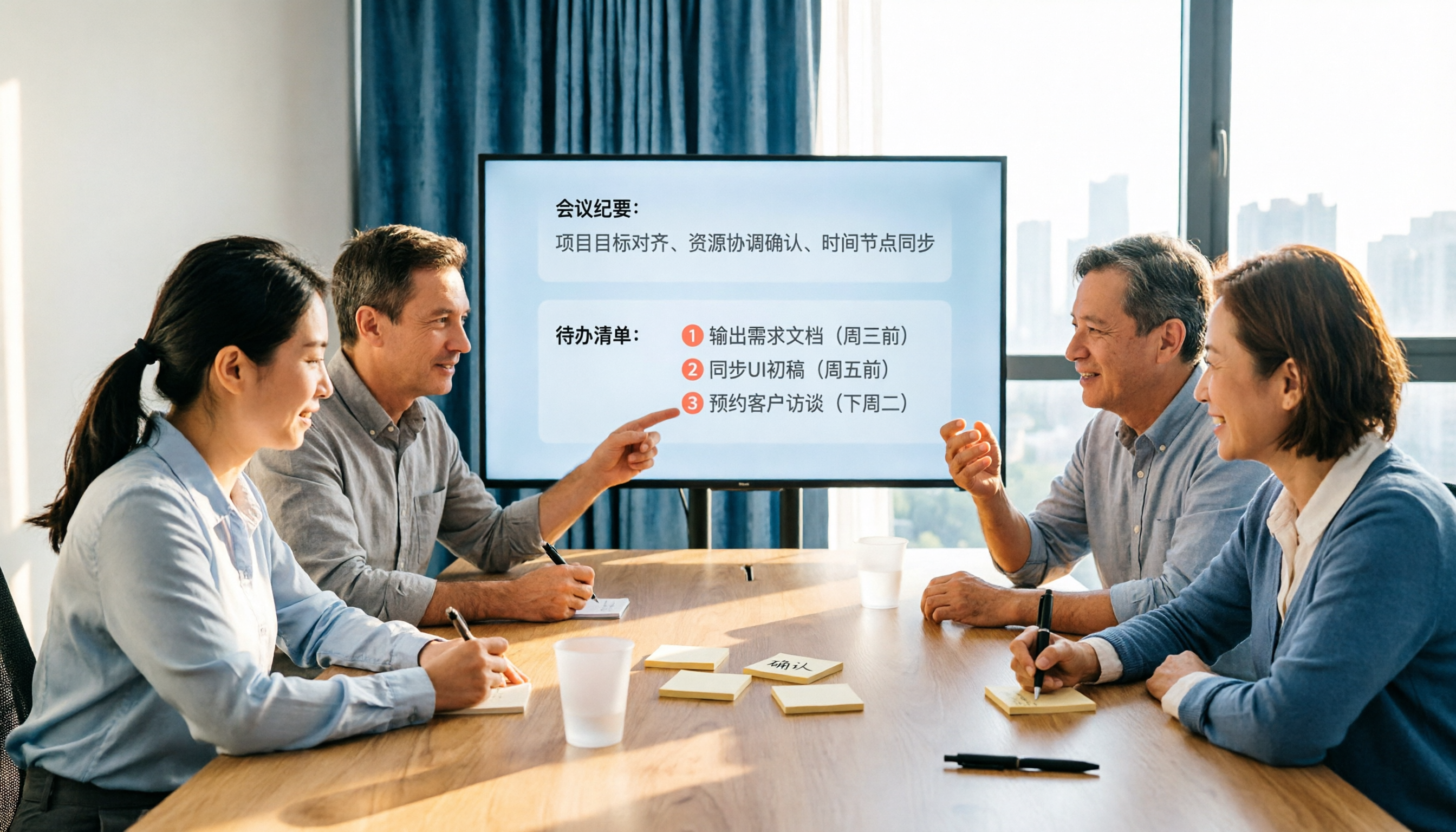
2026 AI Meeting Notes Comparison: Which Tool Extracts Action Items Best?
Action items scattered after meetings? This hands-on comparison of Tinrec, Otter.ai, Notta, and Granola evaluates automatic action item extraction from four angles: Chinese-language meetings, bot-free recording, post-meeting follow-up, and team collaboration—helping you decide which fits your meeting workflow.