

Turn recordings into transcripts and summaries in minutes
Upload audio or video for multilingual transcription, AI notes, and action items
I have about 15 meetings a week—weekly syncs, project status updates, one-on-ones, cross-departmental coordination. The most annoying part used to be not the meeting itself, but what came after. Because every meeting generates a bunch of decisions and action items to sort out, so the real work only begins when the meeting ends.
I used Google Meet's built-in recording feature, thinking it would be convenient to save recordings directly to Google Drive. But the problems started after recording: I had to listen through the whole thing and type out the transcript myself. A one-hour meeting would take at least twice as long to process. When I reported to my boss and got asked, “What was the conclusion from last meeting?”, I’d dig through three minutes of notes and still miss it. That felt terrible.

Until my team started trying Tinrec, I realized transcription didn’t have to be this painful.
Why Are People Looking for Alternatives to Google Meet Recording?
Google Meet's recording feature is indeed convenient—the host can record a meeting with one click, and it’s automatically saved to Google Drive. For many, this solves the “recording” problem.
But when you need to further “organize” and “use” these recordings, you hit several limitations: recordings can only be manually replayed, there’s no automatic transcription or summary, cross-platform use is tied to meetings, and offline recording or handling other audio files is impossible. Especially when you have 15 meetings a week and still need to write meeting notes, track action items, and report to your boss—relying on just a recording file costs too much time.
If you have similar pain points, Tinrec might be an alternative worth knowing about.
Tinrec vs Google Meet Recording: What’s Different in Core Experience?
Language Support & Transcription Quality
Google Meet offers live captions, but the language support is limited, and captions aren’t automatically saved as full transcripts. After the meeting, you can only re-listen to the recording. Tinrec treats transcription as a core capability, supporting multiple languages, with special optimization for Chinese, Traditional Chinese, and Cantonese. Our team tested it; in a typical meeting environment, Tinrec’s Chinese transcription error rate is about 8.3%, meaning fewer than one wrong word per ten sentences. Compared to manual transcription, the time saved is significant.
Cross-Platform & Input Sources
Google Meet recordings only exist within the meeting, and only the host can start them. Tinrec is fully cross-platform—you can record and transcribe in real-time on iPhone, Android, or the web. You can also upload existing audio or video files, or even paste links from public videos like YouTube or Bilibili, turning the content into text and summaries. In other words, it’s not just a meeting tool; it’s a central hub for all your audio and video content.
AI Organization Features
Google Meet just gives you a recording file; everything else is on you. Tinrec automatically generates AI summaries, chapters, and key points after transcription, and can even extract action items from the meeting. My favorite is the AI chat query—after recording a one-hour meeting, I can ask Tinrec, “What was the meeting conclusion?” or “Who is responsible for which task?” It answers based on semantic understanding, so I don’t have to manually flip through 30 pages of transcript.
Free Plan & Long-Term Cost
Google Meet’s free recording feature can only be started by the host, and recording time is tied to cloud storage space, requiring extra organization for multiple meetings. Tinrec’s free plan offers a base transcription quota (currently 100 minutes per month), enough for occasional use. If you’re like me and have meetings every day, the Pro monthly plan costs less than two Starbucks coffees and includes more complete AI features. Not that Google Meet is bad—but when your meetings are more than just a single event and require more than just recording, Tinrec’s design fits real workflow better.
Stop organizing recordings by hand
Upload audio or video and automatically get a transcript, summary, and action items
Tinrec’s Core Features at a Glance
Real-Time Recording & Transcription
Open Tinrec, and text appears simultaneously as you record, with a delay of less than 1 second. During the meeting, you can glance at the text to confirm key points. The moment the meeting ends, the transcript is already done, saving you two hours of note-taking.
Audio/Video File & Online Video Transcription
Beyond real-time recording, Tinrec lets you upload existing audio or video files, or even paste public online video links. I once threw in a two-hour project review recording and got a full transcript and summary in 5 minutes—way faster than asking a colleague to transcribe it.
AI Summaries, Chapters & Action Item Extraction
After transcription, Tinrec automatically splits long content into chapters for quick scanning. The AI summary covers the meeting’s key points in about 300 words. Action item extraction lists “who, what, by when.” Now when I report to my boss, I just screenshot this task list for him.
AI Chat Query
This is my personal favorite. After accumulating months of meeting notes, you can ask Tinrec directly, “What was the budget conclusion from last meeting with the marketing department?” It pulls relevant content from historical data, acting like a personal meeting database.

Multi-Format Export & Further Processing
Organized text, summaries, and action items can be exported as documents, spreadsheets, or synced to tools like Notion and Google Docs. If you need more formal meeting minutes, Tinrec can even generate reports or email drafts—a one-stop workflow from recording to deliverables.
Real-World Use Cases
Meeting Notes & Tracking
Now when I’m in a Google Meet, I open Tinrec for real-time recording at the same time. After the meeting, summaries and action items are automatically generated, which I paste directly into team chats or send to my boss. Previously, it took me an hour to organize; now it’s just 5 minutes to review highlights.
Course & Lecture Notes
Last month, I attended an online project management lecture. I recorded the entire session with Tinrec, got a full transcript, and then used the chapter feature to condense two hours of content into a few pages of key notes. Compared to handwriting, it’s not only faster but also searchable by keyword for review.
Interview & Research Organization
When doing market research, I often need to interview users. In the past, I had to re-listen and manually tag key points. Now I upload the interview recording to Tinrec, get the transcript, and the AI summary pulls out the interviewee’s core insights, making it super fast to quote them in reports.
Personal Knowledge Base
All accumulated meetings, courses, and voice memos are stored in Tinrec, becoming a searchable, queryable database. Sometimes when I can’t recall the context of a decision, I just ask the AI and find it—no more digging through Google Drive files.
What to Look for When Choosing a Transcription Tool
Diverse Input Sources
Check if the tool can handle real-time recording, audio files, video files, and online links. If you only need meeting recording, Google Meet’s built-in feature may suffice. But if you need to organize courses, interviews, or online videos, a multi-source tool like Tinrec is handier.
Post-Transcription Organization
Just getting a transcript isn’t enough; summaries, chapters, and action item extraction are key to saving time. During a trial, pay special attention to the usability of AI summaries and whether you can query the content—this makes a huge difference in real work.
Cross-Platform & Mobile Scenarios
If your meetings are sometimes in-person, sometimes online, or you’re frequently on the go, choose a tool that works on phone, computer, and web. Tinrec’s app and web version sync quickly; I can record an idea on my phone and continue organizing it on my computer back at the office.
Free Quota & Paid Entry Point
Most such tools offer a free trial. Use your own meeting or course recordings to test transcription speed and quality. Tinrec’s free plan is enough for light use; if you like it, consider upgrading without worry of wasting money.
Summary: Is Tinrec Worth a Try?
If you only occasionally have Google Meet meetings and are fine manually transcribing after recording, the built-in feature might be enough. But if you’re like me and have a heavy weekly volume of meetings, courses, or interviews that need organizing—and you don’t want to spend time manually transcribing and searching for key points—Tinrec is a very practical upgrade.
It doesn’t just convert recordings to text; it turns all those audio and video materials into workable data that can be searched, queried, exported, and further processed. Especially for Chinese users, Tinrec’s transcription quality and AI organization features are highly competitive among current tools in the market.
I recommend downloading Tinrec’s free version and testing it with your own meeting recordings. Run it through your workflow; it’s more direct than any review.
Turn every recording into actionable outcomes
Get 60 free transcription minutes when you sign in. No credit card required.
Related Reading
You might also like
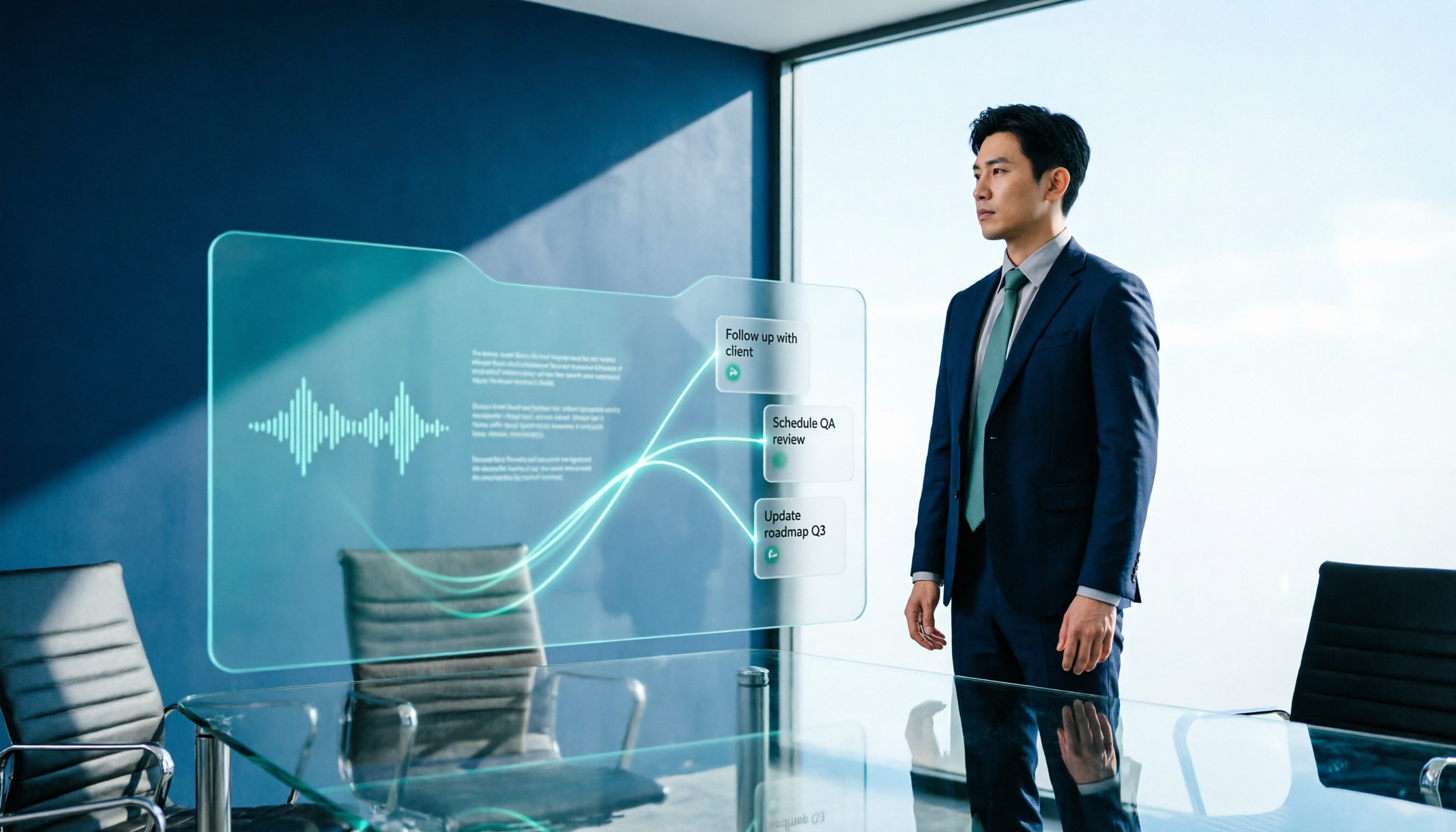
2026 AI Meeting Workflow Tools Compared: Which One Turns Discussions into Actionable To-Dos?
Many people think an AI meeting workflow is just 'record, hand it to AI, wait for a summary,' but the resulting notes often go unread. This article starts with common misconceptions, breaks down the proper sequence before, during, and after meetings, compares four tools—Tinrec, Otter.ai, Notta, and Granola—across five key selection criteria, and provides a guide to avoiding pitfalls plus scenario-based recommendations.

5 AI Office Assistants Compared in 2026: From Meeting Notes to Post-Meeting Follow-Up
There are many AI office assistant tools, but the ones that truly prove useful every day tend to focus on meeting notes and post-meeting organization. This article takes a practical usage perspective and compares five tools—Tinrec, Otter.ai, Fireflies.ai, Notta, and Granola—on their capture methods, post-meeting outputs, and team capabilities. It also outlines 5 purchase checkpoints and answers common questions.

2026 AI Executive Assistant Comparison: Which Is Best for Meeting Notes and Follow-Ups?
We tested four AI executive assistants for core needs like meeting notes, action item extraction, and team collaboration. Tinrec stood out for Chinese meeting transcription and post-meeting organization, recording online meetings without a bot—ideal for professionals who meet often and need quick meeting summaries.

Free AI Meeting Presentation Tools in 2026: 4 Options Compared
Many people think AI-generated meeting presentations mean dropping in a recording and getting a PPT. In reality, the bottleneck is organizing the meeting content. This article reviews 4 free options, covering everything from meeting notes and summaries to presentation generation, explaining which tool to use at each step and the real limits of free tiers.

Tinrec vs Granola 2026: 5-Factor Comparison — Which Meeting Follow-Up AI Is Better for Professionals?
Compare Tinrec and Granola across post-meeting summaries, action items, follow-up questions, recording retention, and team governance to see which is better suited for meeting follow-up AI workflows.
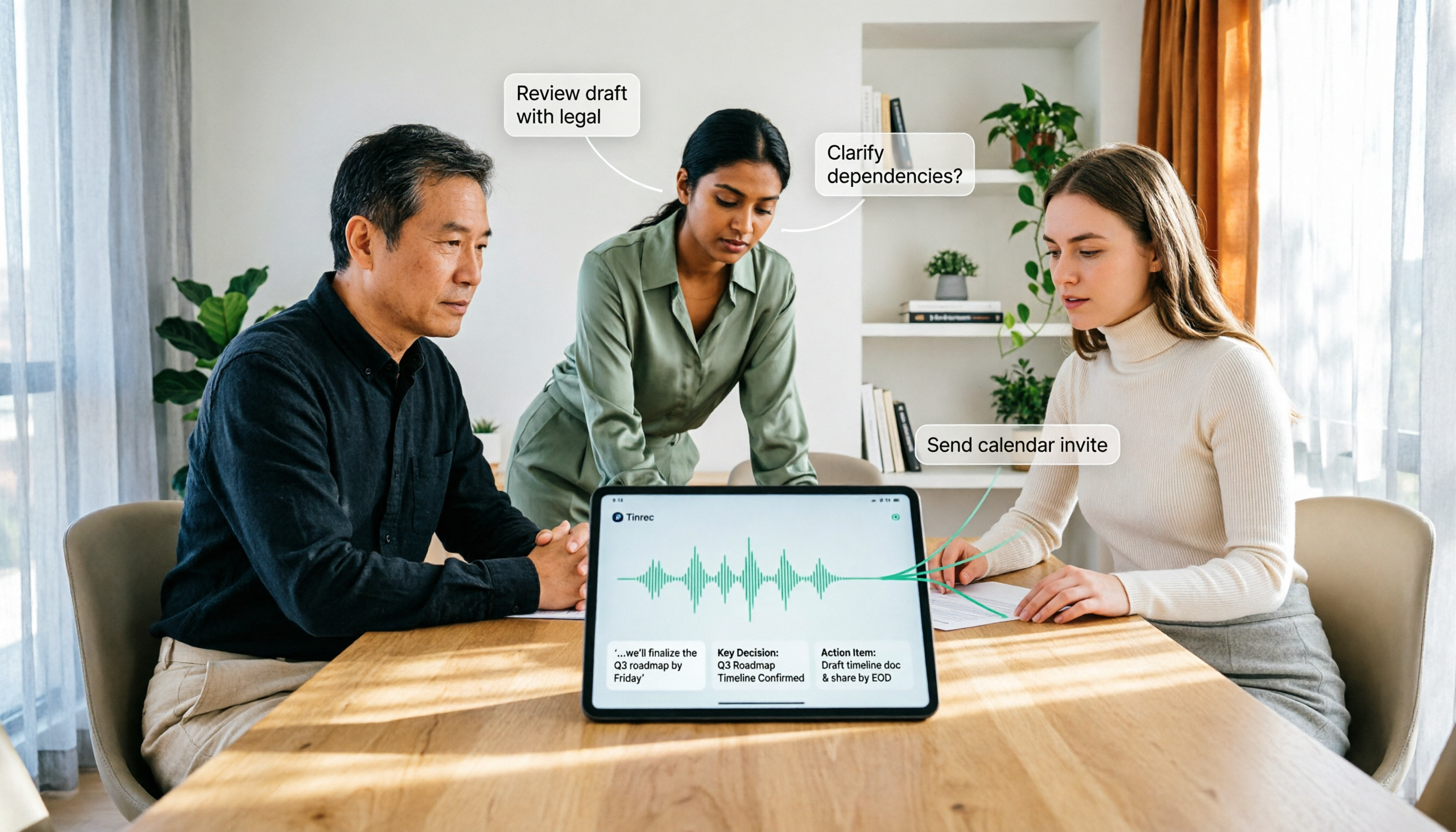
How to Use AI Agent Multi-Turn Conversations in 2026: 5 Steps to Build an Automated Meeting Workflow
Many people treat AI Agent multi-turn conversations as asking the same question multiple times, which only repeats the same blind spots and doubles costs. This article breaks down what multi-turn conversations should really have: memory, tool invocation, and stopping conditions, and uses Tinrec to demonstrate how to turn a meeting from recording, transcription, summarization to post-meeting follow-up into a truly deliverable workflow.

2026 Guide: AI Post-Meeting Processing — Auto Summaries + Action Item Extraction, Team Knowledge Retention
Post-meeting processing isn't just converting recordings into transcripts. This article addresses common misconceptions, outlines 5 key selection criteria, shares hands-on testing of Tinrec and team plan details, briefly reviews Granola and Notta, and provides a pitfall-avoidance guide and scenario-based recommendations to help you choose the right tool.

2026 AI Meeting Follow-Through Comparison: Which Tool Actually Tracks Action Items to Completion?
Meeting notes look great, but nothing gets done? This article breaks down the three most common pitfalls and the closed-loop workflow of capture, correction, assignment, tracking, and review. It compares Tinrec, Notta, Granola, and Otter.ai on bot-free recording, post-meeting Q&A, and team governance, with real pricing and tips to avoid common mistakes.

2026 AI Meeting Notes Comparison: Which Tool Extracts Action Items Best?
Action items scattered after meetings? This hands-on comparison of Tinrec, Otter.ai, Notta, and Granola evaluates automatic action item extraction from four angles: Chinese-language meetings, bot-free recording, post-meeting follow-up, and team collaboration—helping you decide which fits your meeting workflow.