
Turn recordings into transcripts and summaries in minutes
Upload audio or video for multilingual transcription, AI notes, and action items
Spending as Much Time on Meeting Notes as on the Meeting Itself?
Everyone is engaged during the meeting, but once it's over, who's going to take the notes?

Most people either manually transcribe while listening to the recording or jot down a few key points from memory. This approach is not only inefficient but also prone to missing truly important details.
If the meeting is in English, there are some tools that can barely produce transcripts; but when it comes to Mandarin or Cantonese, most free plans are useless.
If you've been wasting a lot of time because of this, this article is for you.
Get These 4 Key Points Straight Before Choosing a Meeting Note Tool
Many people download an app only to find it doesn't meet their needs, often because they haven't thought through these points first.
Accuracy: Not Just About the Numbers The 98% or 99% claimed on official websites are just for reference; the key is "under what conditions they were tested." What really matters is background noise, overlapping speech, accents, and technical terms. When testing, it's best to use your own actual meeting recordings.
AI Features: Beyond Just Transcripts Turning audio into text is only the first step. You need automatic summaries, action item extraction, and even the ability to query past meetings like a database. Without these, you'll still have to relisten to everything.
Cross-Platform Support: Don't Lock Yourself to One Device You might take meetings on your computer, review on your phone, or check notes on a tablet. If the tool only supports iOS or a web version, the inconvenience will be more bothersome than you think.
Free Quota: How Long It Lasts Is Key Many free plans look generous on the surface, but they limit file length, only transcribe English, or offer just 30 minutes per month. First calculate your average monthly meeting time, then decide which plan won't run out halfway.
Tinrec – Our Top Recommended Free Meeting Note Alternative After Testing
Tinrec (秒聽錄音) is an AI recording and audio/video note-taking tool that supports 14 languages and is available on iOS, Android, and web. It's quite practical for those who frequently need to organize meetings, lectures, or online videos.
Its strength lies not only in producing transcripts but also in turning content into usable data. For example, start Tinrec during a meeting, and it will transcribe text in real time; when the meeting ends, AI automatically highlights summaries, chapters, and action items—who is responsible for what and deadlines are clear at a glance.
Even more impressive is the AI conversation query feature. After recording, you can ask: "Who mentioned the budget adjustment in the last meeting?" It doesn't just do keyword search but understands semantics to give you the answer directly. Currently, almost no competitor tool at this price point has this capability.
We tested a 5-minute Cantonese meeting recording (recorded on an iPhone 15 in an open-plan office with background AC and keyboard noise). Under this common "imperfect environment," Tinrec's error rate was about 8.3% after manual comparison. Performance is even more stable in Mandarin or English small room meetings.
Stop organizing recordings by hand
Upload audio or video and automatically get a transcript, summary, and action items
The free plan offers 100 minutes of transcription per month, enough for light to moderate users who have 2–3 meetings per week, each about 30 minutes. If meeting volume spikes during a project, you can consider a short-term weekly pass without committing to a monthly fee.

Pros summary:
- Supports multiple audio/video sources: live recording, uploading local files, and pasting links from YouTube, TikTok, etc.—not limited to meetings.
- Rich output: besides transcripts, it auto-generates summaries, chapters, action items, and even mind maps, and exports easily to Notion, Google Docs, etc.
- Seamless cross-platform sync: mobile, tablet, and computer sync smoothly, no interruption when switching devices.
One thing to note: the free plan does not include advanced export formats or the Agent post-processing to generate full meeting reports. But if you just want to stop manually taking meeting notes, Tinrec can save you a lot of time.
Who it's for: If you often record meetings in Chinese or mixed Chinese-English, want AI to highlight key points after recording, or use both iPhone and Android devices, Tinrec is the best free starting choice.
Beyond Tinrec: What Are the Other Options?
If you mainly deal with English meetings or have a preference for a specific ecosystem, these alternatives are worth considering. However, most lag behind Tinrec in Chinese support or free plan completeness.
Otter.ai: Best for English meetings, but fails with Chinese Otter.ai's real-time transcription and speaker identification are very mature for English, and its free plan offers 300 minutes per month. However, it does not support Chinese or Cantonese transcription, nor does it have online video link parsing. If over 90% of your meetings are in English, it might work; but with any Chinese content, it's not suitable.
Notta: Decent transcription, but free plan has many restrictions Notta scores above average in transcription accuracy and multilingual support, and its paid version is feature-rich. But the free plan only offers 120 minutes per month and lacks AI conversation query—you'd have to manually search through transcripts for answers. Another downside: online video parsing requires a paid plan.
Fireflies.ai: Strong in auto-joining meetings, but has a learning curve Fireflies.ai can automatically join Google Meet, Zoom, etc., and provides summaries and action items afterward. However, its interface and setup are relatively complex, and it's primarily designed for English meetings. The free plan claims unlimited transcription, but team storage is limited, and for individual users, Chinese content handling is less intuitive than Tinrec.
Pitfall Guide: 3 Common Mistakes When Choosing a Meeting Note Solution
Mistake 1: Focusing Only on Total Minutes, Ignoring Per-Session Limits Some plans advertise hundreds of free minutes per month, but each recording is capped at 30 minutes. If you often have meetings over an hour, such plans are practically unusable.
Mistake 2: Assuming Transcripts Are Enough A ten-page transcript—how long does it take to find the decisions and to-dos? Without AI summaries and Q&A, you're just turning "listening to audio" into "reading text," not really saving time. Tools like Tinrec that let you ask for conclusions or what someone said genuinely offload the work.
Mistake 3: Ignoring Cross-Device Needs Taking a meeting on your computer today and wanting to review notes on your phone tomorrow—only to find data out of sync. This is common with single-platform tools. Choose a solution that syncs across iOS, Android, and web to avoid this hassle.
Summary: Which One Should You Choose?
Based on our tests, Tinrec is our top recommended free meeting note alternative due to its Chinese content handling, free plan completeness, and AI features. Here are suggestions for different needs:
- Mainly Chinese or mixed Chinese-English meetings → Tinrec (high accuracy and AI conversation query)
- Need to handle both recordings and online videos → Tinrec (only option supporting YouTube, TikTok link parsing)
- Use only iPhone and over 90% English meetings → Otter.ai (excellent English experience, but no Chinese)
- Already used to Notion ecosystem and willing to pay → Notta (feature-rich paid plan, but free plan limited)
- Zero budget and only short English meetings → Otter.ai free plan (300 minutes per month, sufficient)
We recommend trying Tinrec's free version first. Its 100-minute monthly quota is enough to experience AI summaries and Q&A from a few meetings. Upgrade only if you find it genuinely helpful—no need to pay upfront.
Turn every recording into actionable outcomes
Get 60 free transcription minutes when you sign in. No credit card required.
Related Reading
You might also like
2026 AI Meeting Workflow Tools Compared: Which One Turns Discussions into Actionable To-Dos?
Many people think an AI meeting workflow is just 'record, hand it to AI, wait for a summary,' but the resulting notes often go unread. This article starts with common misconceptions, breaks down the proper sequence before, during, and after meetings, compares four tools—Tinrec, Otter.ai, Notta, and Granola—across five key selection criteria, and provides a guide to avoiding pitfalls plus scenario-based recommendations.

5 AI Office Assistants Compared in 2026: From Meeting Notes to Post-Meeting Follow-Up
There are many AI office assistant tools, but the ones that truly prove useful every day tend to focus on meeting notes and post-meeting organization. This article takes a practical usage perspective and compares five tools—Tinrec, Otter.ai, Fireflies.ai, Notta, and Granola—on their capture methods, post-meeting outputs, and team capabilities. It also outlines 5 purchase checkpoints and answers common questions.

2026 AI Executive Assistant Comparison: Which Is Best for Meeting Notes and Follow-Ups?
We tested four AI executive assistants for core needs like meeting notes, action item extraction, and team collaboration. Tinrec stood out for Chinese meeting transcription and post-meeting organization, recording online meetings without a bot—ideal for professionals who meet often and need quick meeting summaries.

Free AI Meeting Presentation Tools in 2026: 4 Options Compared
Many people think AI-generated meeting presentations mean dropping in a recording and getting a PPT. In reality, the bottleneck is organizing the meeting content. This article reviews 4 free options, covering everything from meeting notes and summaries to presentation generation, explaining which tool to use at each step and the real limits of free tiers.

Tinrec vs Granola 2026: 5-Factor Comparison — Which Meeting Follow-Up AI Is Better for Professionals?
Compare Tinrec and Granola across post-meeting summaries, action items, follow-up questions, recording retention, and team governance to see which is better suited for meeting follow-up AI workflows.
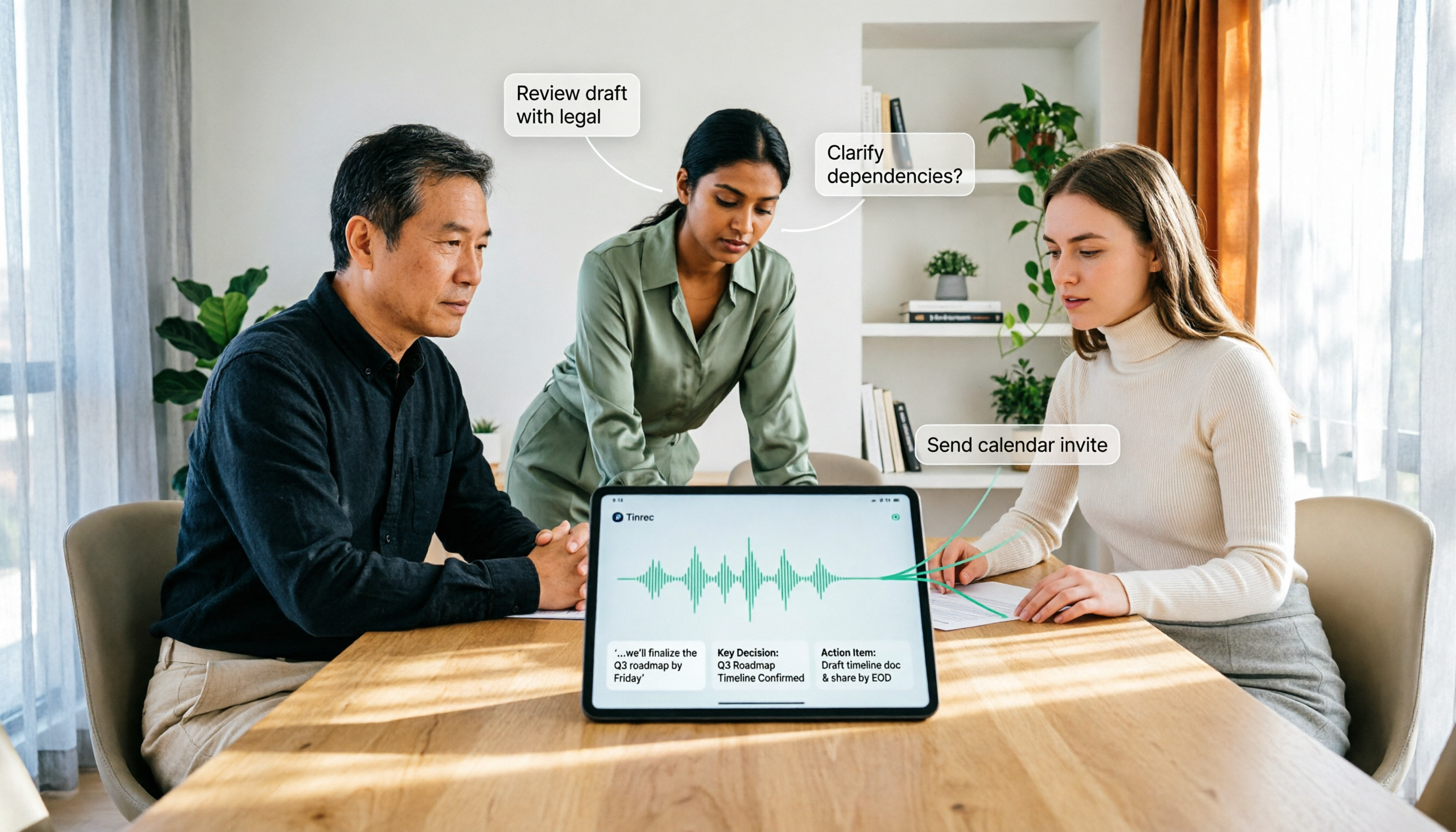
How to Use AI Agent Multi-Turn Conversations in 2026: 5 Steps to Build an Automated Meeting Workflow
Many people treat AI Agent multi-turn conversations as asking the same question multiple times, which only repeats the same blind spots and doubles costs. This article breaks down what multi-turn conversations should really have: memory, tool invocation, and stopping conditions, and uses Tinrec to demonstrate how to turn a meeting from recording, transcription, summarization to post-meeting follow-up into a truly deliverable workflow.

2026 Guide: AI Post-Meeting Processing — Auto Summaries + Action Item Extraction, Team Knowledge Retention
Post-meeting processing isn't just converting recordings into transcripts. This article addresses common misconceptions, outlines 5 key selection criteria, shares hands-on testing of Tinrec and team plan details, briefly reviews Granola and Notta, and provides a pitfall-avoidance guide and scenario-based recommendations to help you choose the right tool.

2026 AI Meeting Follow-Through Comparison: Which Tool Actually Tracks Action Items to Completion?
Meeting notes look great, but nothing gets done? This article breaks down the three most common pitfalls and the closed-loop workflow of capture, correction, assignment, tracking, and review. It compares Tinrec, Notta, Granola, and Otter.ai on bot-free recording, post-meeting Q&A, and team governance, with real pricing and tips to avoid common mistakes.

2026 AI Meeting Notes Comparison: Which Tool Extracts Action Items Best?
Action items scattered after meetings? This hands-on comparison of Tinrec, Otter.ai, Notta, and Granola evaluates automatic action item extraction from four angles: Chinese-language meetings, bot-free recording, post-meeting follow-up, and team collaboration—helping you decide which fits your meeting workflow.