

Turn recordings into transcripts and summaries in minutes
Upload audio or video for multilingual transcription, AI notes, and action items
Busy with meetings every day? You're already using Google Meet's virtual background to hide your room. But the real headache after a meeting? Not whether your background looks professional enough, but how to get the meeting minutes done in one go. Today, we test a combo: Google Meet virtual background plus Tinrec instant recording, so you're good before and after the meeting.
How to Set a Virtual Background in Google Meet?

Actually, Google Meet has built-in virtual backgrounds, no need for extra plugins. Once in a meeting, click the three dots "More options" → "Change background," then choose a blur or upload your own image. For a professional look, use your company logo; for fun, try a Star Wars background—instantly livens up the meeting.
However, a nice background doesn't guarantee productive meetings. What really saves you from overtime is having the computer automatically record, transcribe, and summarize the meeting. That's where Tinrec comes in. Whether you're on Google Meet, Zoom, or Teams, Tinrec captures system audio, transcribes in real-time, and automatically analyzes key points.
Meeting Recording Transcription: Tinrec Helps You Generate Minutes in Seconds
In the past, after a two-hour Google Meet, you might have to listen to the recording and type out a verbatim transcript, then organize it into formal minutes—that could take an hour. Now with Tinrec, just hit the record button before the meeting, and it transcribes as you speak, with less than a second delay. Best of all, it supports Cantonese and mixed Chinese-English, perfect for Hong Kong offices.
How Tinrec Handles Google Meet Recordings?
- System Audio Recording: Tinrec captures Google Meet's output audio, no need to use your phone to record the speaker, ensuring high sound quality.
- Real-Time Transcription: As the meeting goes, text appears, automatically splitting speakers so everything doesn't get jumbled.
- Key Point Marking: During the meeting, you can bookmark important moments; later, one click takes you back.
Tinrec's AI Summaries and To-Do Items: Never Miss a Point
Verbatim transcripts can be long, but often you just need to know "what was decided" and "who needs to do what." Tinrec's AI automatically generates:
Stop organizing recordings by hand
Upload audio or video and automatically get a transcript, summary, and action items
- Meeting Summary: A one-liner explaining what the meeting was about, no need to read thousands of words.
- Section Breakdown: Splits long meetings by topic, like "budget review" or "project timeline," one click to jump.
- To-Do List: AI automatically captures action items like "John needs to submit the proposal by next Monday," assigning them to people and deadlines.
In my tests, Tinrec's Cantonese recognition rate in common office environments (with slight background noise) exceeded 90%, and it accurately picked up English terms. The coolest feature is the AI chat query: you can ask "What did the client say about the budget last time?" and it finds the answer from the recording without scrolling.
3 Real-Life Scenarios for Using Tinrec with Google Meet Recordings
Scenario 1: Weekly Project Status Meeting
Team updates, manager questions, interruptions—normally you'd miss something. Record with Tinrec, and within 5 minutes after the meeting, you get a structured summary and to-do list, directly forwardable to the whole team, saving half an hour on formatting.
Scenario 2: Sales Pitch / Client Meeting

When meeting clients, you need to remember their requirements, budget, and follow-up times. Tinrec's AI extraction automatically marks client concerns and your commitments, making it easy to prepare quotes or proposals later.
Scenario 3: Brainstorming Session
Ideas flying back and forth. Tinrec ensures no good idea is lost, as everything is recorded in text. You can even ask the AI "Who mentioned using AI for XX earlier?" and instantly find it.
4 Things to Look For When Choosing a Meeting Transcription Tool
There are many AI meeting assistants on the market, but not all are suitable for Hong Kong users. Check these points:
- Language Support: Do you use Cantonese? Tinrec supports 14 languages, including Cantonese and mixed Chinese-English, which many foreign tools can't handle.
- AI Features: Transcription is basic; what matters is post-processing. Tinrec offers summaries, to-do lists, and Q&A, not just a transcript.
- Cross-Platform: Do you only use the web version? Tinrec has iOS, Android apps, and a web version, so you can record on your computer and view on your phone.
- Pricing and Usage: Tinrec's free plan includes a monthly quota, enough to test a couple of meetings; the Pro plan's annual fee is affordable for frequent meeting-goers.
Frequently Asked Questions
Q: Can Tinrec automatically join Google Meet? A: Not yet as a bot; you can start Tinrec recording on your computer, and it captures system audio and mic, still clear.
Q: Will others know if I use Tinrec to record Google Meet? A: No, Tinrec is a local recording and doesn't show any notification in Google Meet. However, it's good practice to inform participants before recording.
Q: Can I record Google Meet on my phone? A: Yes, but we recommend using the desktop version for system audio recording to get the best quality. Phone recordings may have echoes.
Q: Is the free plan enough? A: If you have one or two meetings per week, the free plan's quota should be sufficient. For daily meetings, Pro is recommended for much more transcription minutes.
Conclusion
Google Meet's virtual background is basic, but the real efficiency booster is using AI to organize meeting content. Tinrec not only saves you from typing transcripts but also turns every meeting into a searchable knowledge base. Whether you're a project manager, salesperson, or marketer, if you attend many meetings, it's worth a try.
Download Tinrec's free version to experience how AI can help you handle meeting minutes in one go.
Turn every recording into actionable outcomes
Get 60 free transcription minutes when you sign in. No credit card required.
Related Reading
You might also like
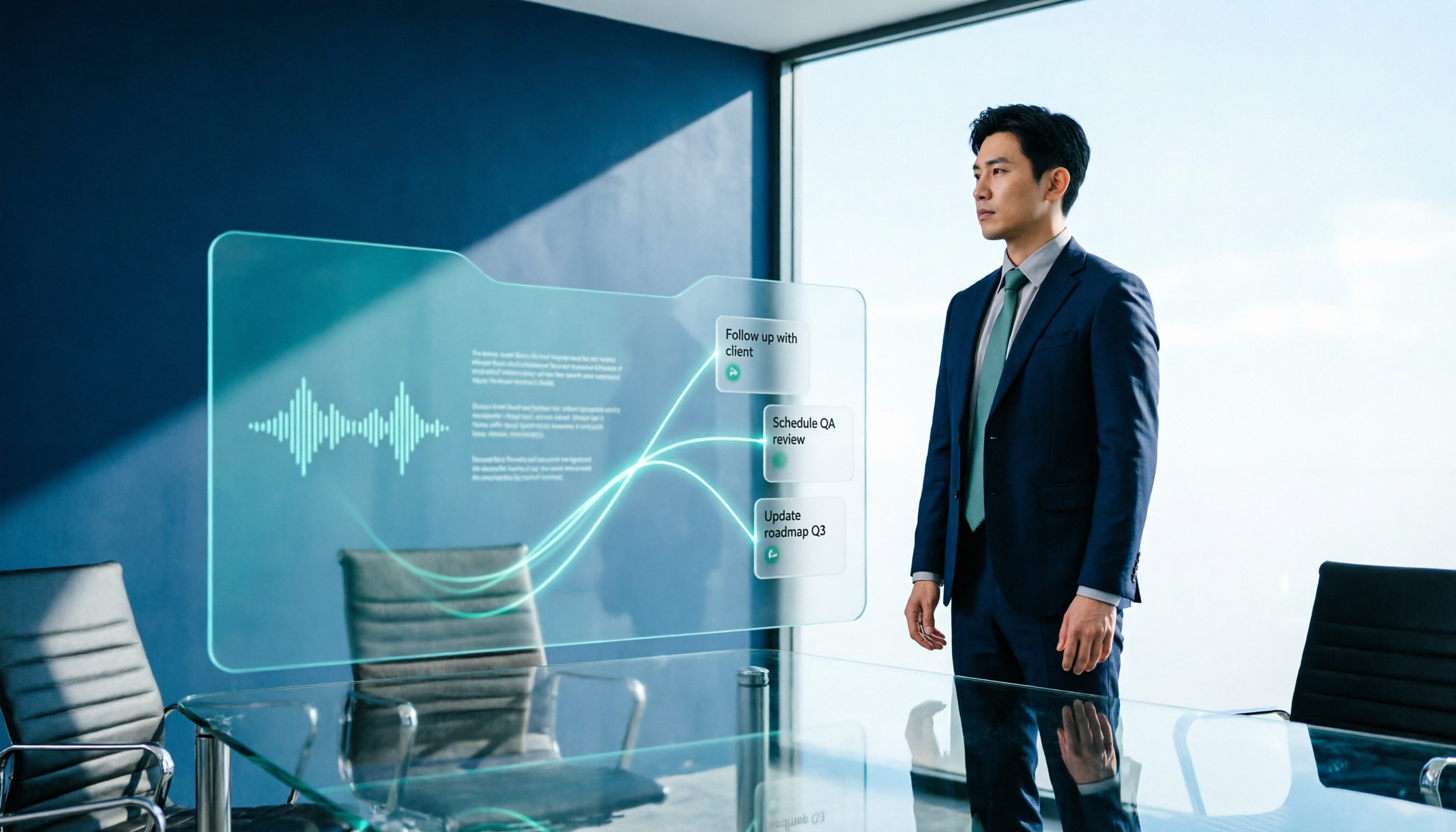
2026 AI Meeting Workflow Tools Compared: Which One Turns Discussions into Actionable To-Dos?
Many people think an AI meeting workflow is just 'record, hand it to AI, wait for a summary,' but the resulting notes often go unread. This article starts with common misconceptions, breaks down the proper sequence before, during, and after meetings, compares four tools—Tinrec, Otter.ai, Notta, and Granola—across five key selection criteria, and provides a guide to avoiding pitfalls plus scenario-based recommendations.

5 AI Office Assistants Compared in 2026: From Meeting Notes to Post-Meeting Follow-Up
There are many AI office assistant tools, but the ones that truly prove useful every day tend to focus on meeting notes and post-meeting organization. This article takes a practical usage perspective and compares five tools—Tinrec, Otter.ai, Fireflies.ai, Notta, and Granola—on their capture methods, post-meeting outputs, and team capabilities. It also outlines 5 purchase checkpoints and answers common questions.

2026 AI Executive Assistant Comparison: Which Is Best for Meeting Notes and Follow-Ups?
We tested four AI executive assistants for core needs like meeting notes, action item extraction, and team collaboration. Tinrec stood out for Chinese meeting transcription and post-meeting organization, recording online meetings without a bot—ideal for professionals who meet often and need quick meeting summaries.

Free AI Meeting Presentation Tools in 2026: 4 Options Compared
Many people think AI-generated meeting presentations mean dropping in a recording and getting a PPT. In reality, the bottleneck is organizing the meeting content. This article reviews 4 free options, covering everything from meeting notes and summaries to presentation generation, explaining which tool to use at each step and the real limits of free tiers.

Tinrec vs Granola 2026: 5-Factor Comparison — Which Meeting Follow-Up AI Is Better for Professionals?
Compare Tinrec and Granola across post-meeting summaries, action items, follow-up questions, recording retention, and team governance to see which is better suited for meeting follow-up AI workflows.
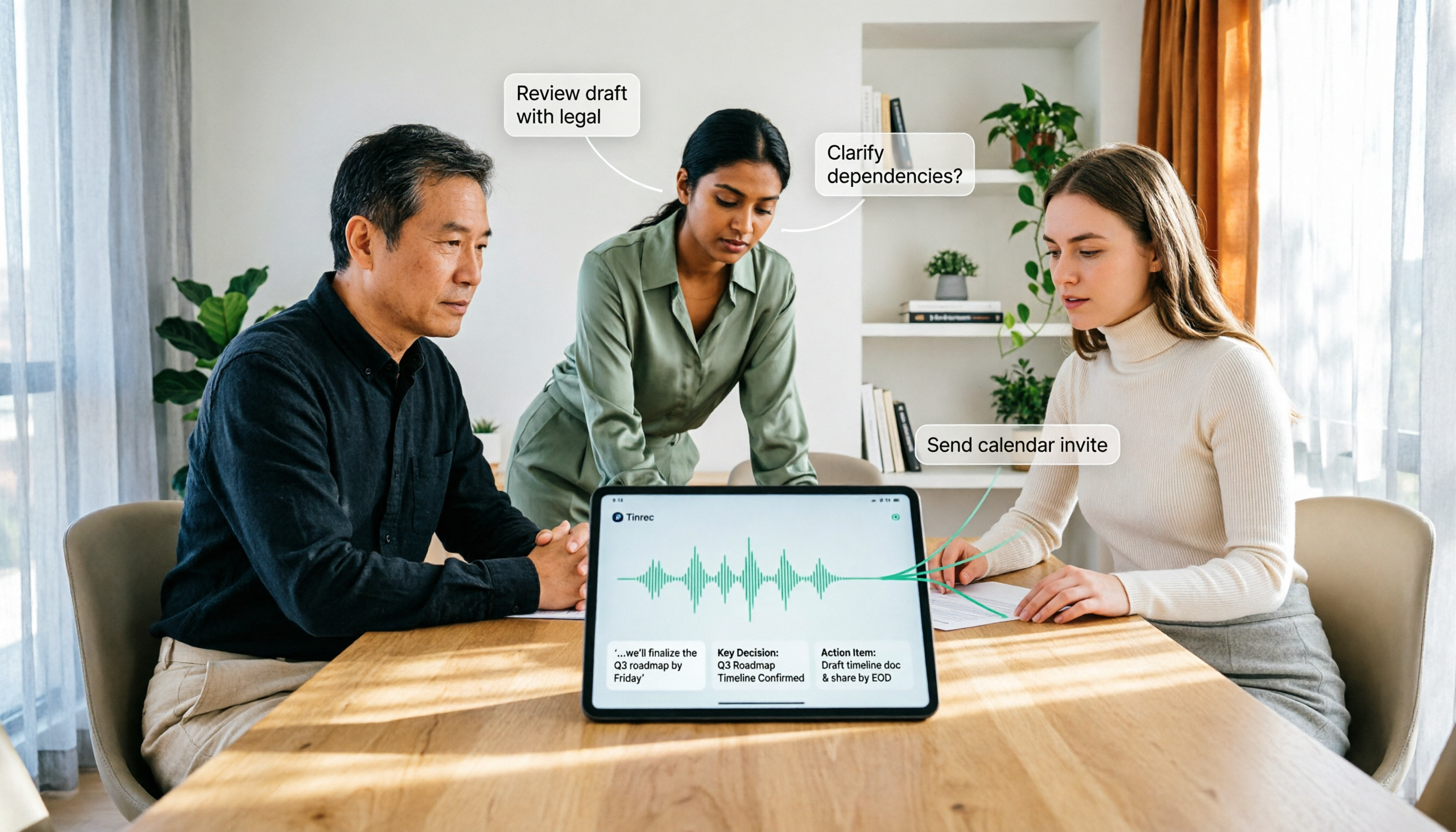
How to Use AI Agent Multi-Turn Conversations in 2026: 5 Steps to Build an Automated Meeting Workflow
Many people treat AI Agent multi-turn conversations as asking the same question multiple times, which only repeats the same blind spots and doubles costs. This article breaks down what multi-turn conversations should really have: memory, tool invocation, and stopping conditions, and uses Tinrec to demonstrate how to turn a meeting from recording, transcription, summarization to post-meeting follow-up into a truly deliverable workflow.

2026 Guide: AI Post-Meeting Processing — Auto Summaries + Action Item Extraction, Team Knowledge Retention
Post-meeting processing isn't just converting recordings into transcripts. This article addresses common misconceptions, outlines 5 key selection criteria, shares hands-on testing of Tinrec and team plan details, briefly reviews Granola and Notta, and provides a pitfall-avoidance guide and scenario-based recommendations to help you choose the right tool.

2026 AI Meeting Follow-Through Comparison: Which Tool Actually Tracks Action Items to Completion?
Meeting notes look great, but nothing gets done? This article breaks down the three most common pitfalls and the closed-loop workflow of capture, correction, assignment, tracking, and review. It compares Tinrec, Notta, Granola, and Otter.ai on bot-free recording, post-meeting Q&A, and team governance, with real pricing and tips to avoid common mistakes.

2026 AI Meeting Notes Comparison: Which Tool Extracts Action Items Best?
Action items scattered after meetings? This hands-on comparison of Tinrec, Otter.ai, Notta, and Granola evaluates automatic action item extraction from four angles: Chinese-language meetings, bot-free recording, post-meeting follow-up, and team collaboration—helping you decide which fits your meeting workflow.