

Turn recordings into transcripts and summaries in minutes
Upload audio or video for multilingual transcription, AI notes, and action items
2026 Free Meeting Note Tools: 3 Options at a Glance
After every Google Meet, do you spend a lot of time organizing notes? Especially with a free Google account, while you can hold video meetings, there's no built-in recording or auto-transcription. To keep a full record, you either take manual notes or upgrade to Google Workspace Business (starting at $12/user/month). This article rounds up 3 truly free or generous free-tier meeting note tools, with Tinrec as our editors' top pick after recent testing. It supports real-time voice-to-text, audio file import, video link parsing, and AI-powered summaries and to-dos. Whether you're an employee, freelancer, or student, you'll find a suitable option.

What Can Meeting Note Tools Do for You?
Scenario 1: Meeting Notes Ready in 5 Minutes After a two-hour meeting, you used to spend another hour organizing notes. Now with AI meeting note tools—like Tinrec—when the meeting ends, AI has already generated a summary, conclusions, and action items: who's responsible, deadlines—all clear at a glance.
Scenario 2: Digitize Past Meeting Recordings You have piles of meeting recordings on your phone and computer but never have time to listen again. Tinrec lets you upload audio files and get transcripts and key points in minutes, turning old data into a searchable knowledge base.
Scenario 3: Extract Key Points from Online Courses or YouTube Videos If you often reference online courses or videos but can't watch them all, just paste the link into Tinrec. It parses the content and produces a summary, including a full transcript for easy quoting and note-taking.
Core Capabilities of Meeting Note Tools
Real-Time Transcription: Text Appears During the Meeting, Not After Tinrec's real-time transcription has less than 1-second latency. During meetings, you can follow along visually and catch any missed points. It also supports speaker differentiation for multiple people, making later review clearer.
AI Semantic Summaries: Structured, Not Just Condensed Unlike simple summarization, Tinrec automatically identifies meeting topics, conclusions, action items, and assignees, listing them separately so the summary is truly actionable.
Action Item Extraction: Get a To-Do List Right After Discussion The worst outcome is ending a meeting with no follow-up. Tinrec automatically extracts tasks from the conversation, marking who's responsible and expected deadlines, turning them into a trackable list.
AI Chat Query: Find Key Points Later Like a Database After transcription, you can ask Tinrec—"Who mentioned the budget during the meeting?" "What were the client's feedback?"—it answers based on semantic understanding, saving you from scanning the entire transcript.
Stop organizing recordings by hand
Upload audio or video and automatically get a transcript, summary, and action items
Multi-Source Input: Beyond Meetings, Files and Online Videos Work Too In addition to live recording, you can upload previous audio or video files, or paste public online video links, all converted to text, breaking down tool boundaries.
Practical Use Cases
Weekly Google Meet Team Meetings Starting this month, our team uses Tinrec alongside Google Meet. Before the meeting, start Tinrec's live recording; by the time the meeting ends, the summary and action items are on your phone, eliminating the hassle of rotating note-taking.
Online Course or Lecture Notes Students and lifelong learners fear missing key points. Tinrec's chapter organization splits a 2-hour course into titled sections, making review more efficient.
One-on-One Client Interviews Stay focused on the conversation without typing. Tinrec automatically records the transcript and can mark keywords the client repeats, aiding later analysis.

Content Creators Organizing Video Material If you need to extract highlights from interview videos or livestreams, first use Tinrec to get a transcript, then find corresponding timestamps—saving hours of scrubbing.
What to Look for When Choosing a Meeting Note Tool
1. True Free Plan Limits Don't just look for the word "free"; understand actual limits. Some tools offer little minutes or restrict features. Tinrec's free tier provides basic transcription credits, covering live recording, import, and web parsing for typical needs.
2. Supported Input Sources Is your meeting online, offline, or hybrid? Tinrec supports four input types: live recording, audio files, video files, and web links, covering almost all meeting scenarios.
3. Chinese Recognition Accuracy Many foreign tools struggle with Chinese. Test with your own meeting audio. Tinrec performed well in our tests under normal meeting conditions, especially for Chinese users.
4. Post-Transcription Organization Transcription is step one; organization is key. Tinrec's AI summaries, action item extraction, and chat query turn raw text into actionable data.
5. Cross-Platform and Export Options Check device support and export formats. Tinrec offers iOS, Android, and web versions, with export to text, PDF, or sync to Notion, Google Docs, etc.
Frequently Asked Questions
Q: Does Google Meet have a free meeting note feature? A: The free version of Google Meet does not have built-in recording or auto-transcription; you must manually take notes. To get these features, you need to upgrade to a paid Google Workspace Business plan.
Q: How many minutes does the Tinrec free plan include? A: Tinrec provides a monthly base transcription credit, enough to experience live recording, file transcription, and web video parsing. Check the official site or in-app benefits for actual minutes.
Q: Can Tinrec integrate with Google Meet? A: You can record system audio on a computer or use a mobile device to capture meeting audio, then import into Tinrec. This isn't a bot that joins the meeting, but it works across platforms, not limited to one video tool.
Q: Is the transcription accuracy high? A: With clear audio and standard accents, Tinrec performs very well. However, background noise, overlapping speakers, or specialized terms may cause errors; verify important decisions against the original audio.
Q: Should I choose the free or paid version? A: If you only have occasional meetings with few hours of transcription, the free version is enough. But if you have weekly meetings or need to process many audio files, consider the Pro monthly or annual plan for lower per-month cost.
Summary
If you're hesitating over the cost of Google Meet's paid plans, there are more flexible options. Tinrec not only offers a practical free plan but also automates the entire meeting note workflow: transcription, summaries, action items, and follow-up queries. We recommend downloading the free version to experience how AI can streamline your meeting notes.
Turn every recording into actionable outcomes
Get 60 free transcription minutes when you sign in. No credit card required.
Related Reading
You might also like
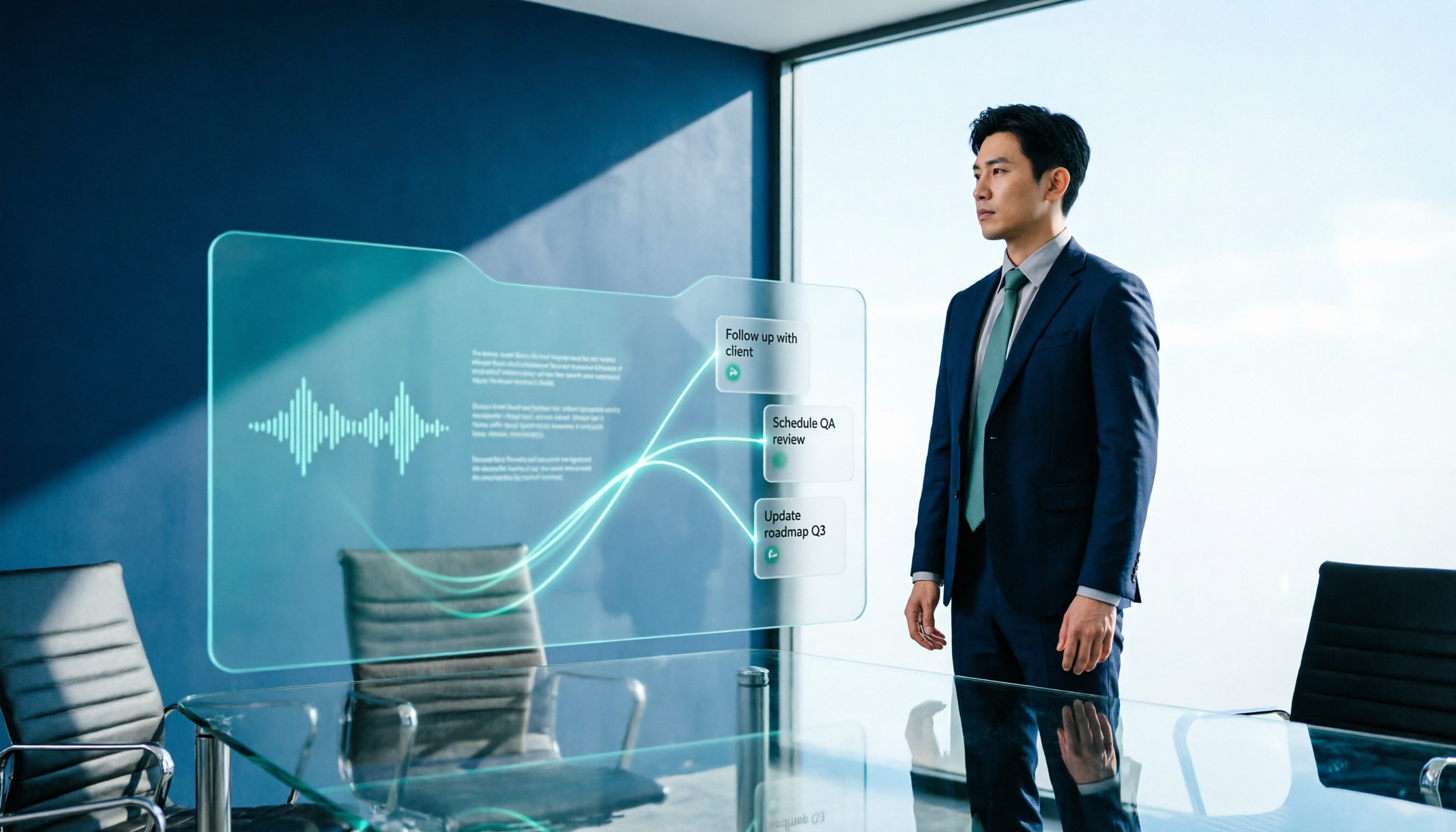
2026 AI Meeting Workflow Tools Compared: Which One Turns Discussions into Actionable To-Dos?
Many people think an AI meeting workflow is just 'record, hand it to AI, wait for a summary,' but the resulting notes often go unread. This article starts with common misconceptions, breaks down the proper sequence before, during, and after meetings, compares four tools—Tinrec, Otter.ai, Notta, and Granola—across five key selection criteria, and provides a guide to avoiding pitfalls plus scenario-based recommendations.

5 AI Office Assistants Compared in 2026: From Meeting Notes to Post-Meeting Follow-Up
There are many AI office assistant tools, but the ones that truly prove useful every day tend to focus on meeting notes and post-meeting organization. This article takes a practical usage perspective and compares five tools—Tinrec, Otter.ai, Fireflies.ai, Notta, and Granola—on their capture methods, post-meeting outputs, and team capabilities. It also outlines 5 purchase checkpoints and answers common questions.

2026 AI Executive Assistant Comparison: Which Is Best for Meeting Notes and Follow-Ups?
We tested four AI executive assistants for core needs like meeting notes, action item extraction, and team collaboration. Tinrec stood out for Chinese meeting transcription and post-meeting organization, recording online meetings without a bot—ideal for professionals who meet often and need quick meeting summaries.

Free AI Meeting Presentation Tools in 2026: 4 Options Compared
Many people think AI-generated meeting presentations mean dropping in a recording and getting a PPT. In reality, the bottleneck is organizing the meeting content. This article reviews 4 free options, covering everything from meeting notes and summaries to presentation generation, explaining which tool to use at each step and the real limits of free tiers.

Tinrec vs Granola 2026: 5-Factor Comparison — Which Meeting Follow-Up AI Is Better for Professionals?
Compare Tinrec and Granola across post-meeting summaries, action items, follow-up questions, recording retention, and team governance to see which is better suited for meeting follow-up AI workflows.
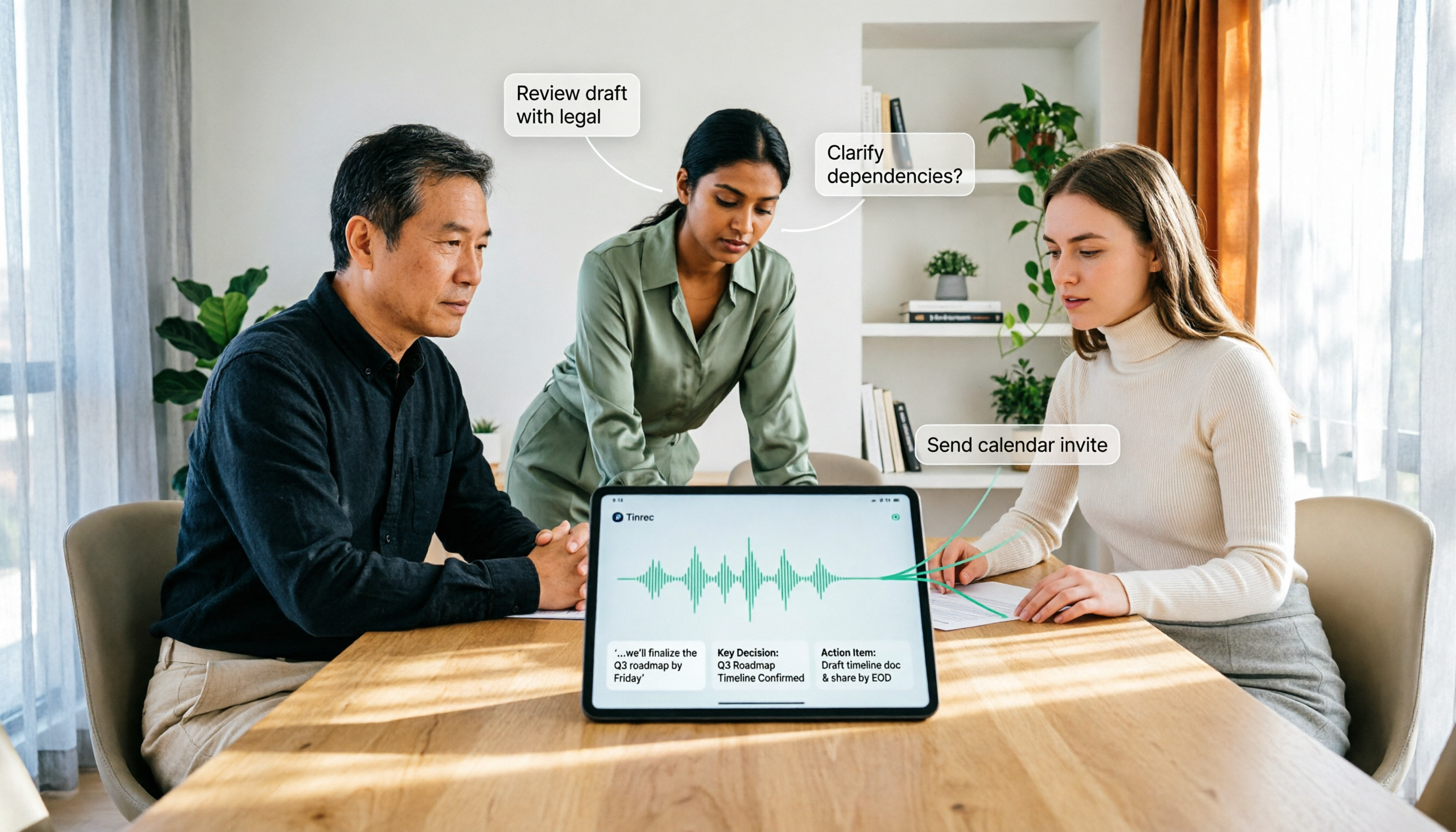
How to Use AI Agent Multi-Turn Conversations in 2026: 5 Steps to Build an Automated Meeting Workflow
Many people treat AI Agent multi-turn conversations as asking the same question multiple times, which only repeats the same blind spots and doubles costs. This article breaks down what multi-turn conversations should really have: memory, tool invocation, and stopping conditions, and uses Tinrec to demonstrate how to turn a meeting from recording, transcription, summarization to post-meeting follow-up into a truly deliverable workflow.

2026 Guide: AI Post-Meeting Processing — Auto Summaries + Action Item Extraction, Team Knowledge Retention
Post-meeting processing isn't just converting recordings into transcripts. This article addresses common misconceptions, outlines 5 key selection criteria, shares hands-on testing of Tinrec and team plan details, briefly reviews Granola and Notta, and provides a pitfall-avoidance guide and scenario-based recommendations to help you choose the right tool.

2026 AI Meeting Follow-Through Comparison: Which Tool Actually Tracks Action Items to Completion?
Meeting notes look great, but nothing gets done? This article breaks down the three most common pitfalls and the closed-loop workflow of capture, correction, assignment, tracking, and review. It compares Tinrec, Notta, Granola, and Otter.ai on bot-free recording, post-meeting Q&A, and team governance, with real pricing and tips to avoid common mistakes.

2026 AI Meeting Notes Comparison: Which Tool Extracts Action Items Best?
Action items scattered after meetings? This hands-on comparison of Tinrec, Otter.ai, Notta, and Granola evaluates automatic action item extraction from four angles: Chinese-language meetings, bot-free recording, post-meeting follow-up, and team collaboration—helping you decide which fits your meeting workflow.