
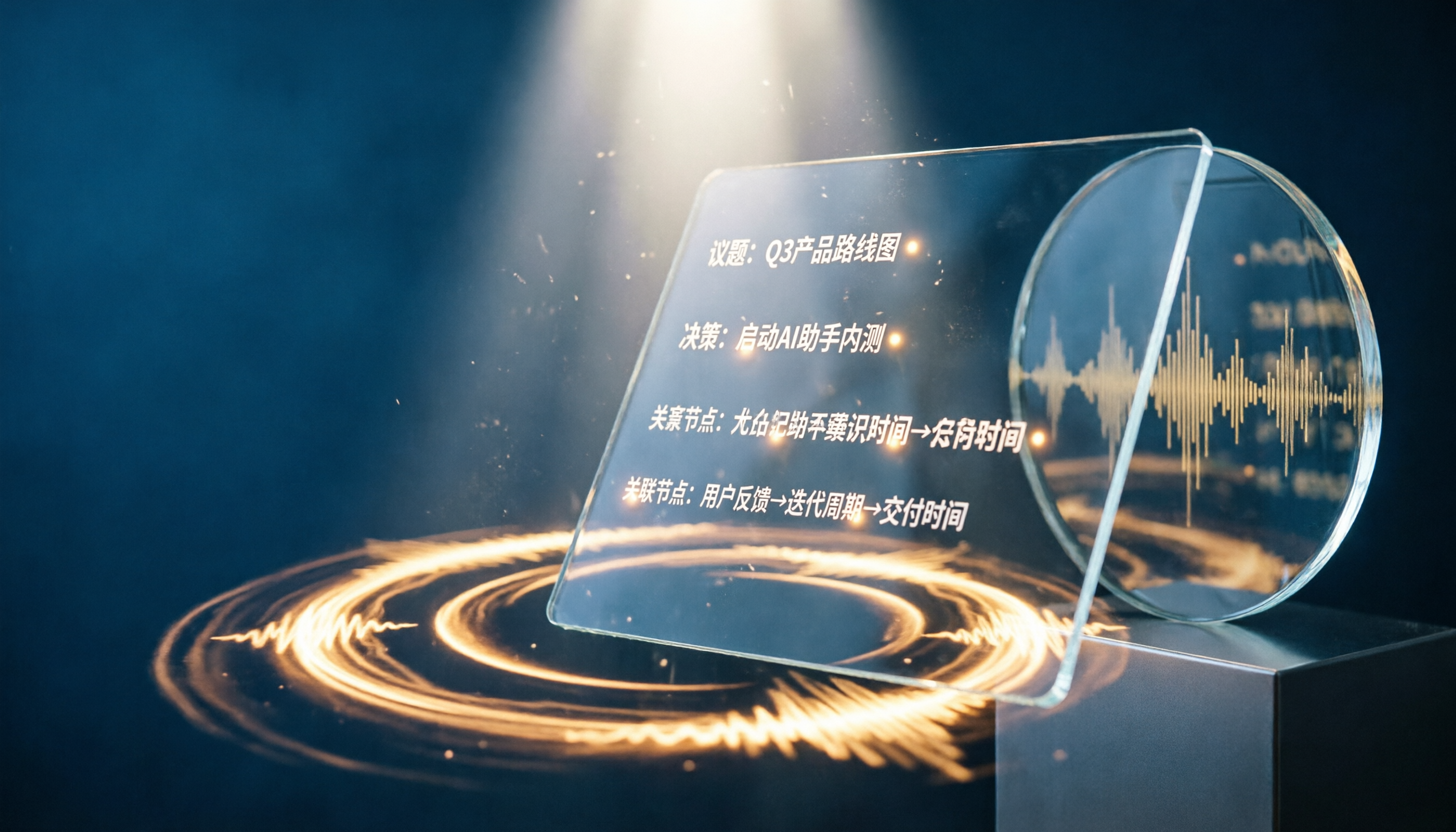
Turn recordings into transcripts and summaries in minutes
Upload audio or video for multilingual transcription, AI notes, and action items
I recently found myself dealing with a mess of online meeting recordings from the past six months. The problem? Google Meet's built-in transcription gives you a block of plain text after every meeting—no summary, no action items. When you need to revisit a decision, you end up scanning through the entire transcript.
So I started looking for a more complete solution.

I tried the platform's built-in transcription first, but in multi-person Chinese meetings, it often mixed up speakers. And once the meeting ended, the text record was stuck in that meeting—there was no way to combine it with my other study notes or interview recordings.
Then I switched to Tinrec. That's when I realized the key isn't just "turning speech into text"—it's what you can do with it afterward: organize, query, and export. That's when everything clicked.
This article compares Google Meet's built-in transcription and Tinrec from five dimensions, using real-world scenarios to help you decide which approach fits your meeting minutes needs.
What Should Meeting Minutes Do for You?
Many people think turning on transcription during a meeting means "I have a record," but the real issue is what happens after the meeting: Can you quickly find the budget figure discussed last week? Can you see who committed to what at a glance? Can you link the key points of this meeting to another meeting three months ago?
With just a transcript, that's hard to do.
Take Tinrec as an example. It doesn't just convert speech to text—it automatically generates a summary, chapters, and action items. After a two-hour project meeting, I don't need to listen from start to finish again. I open the summary to see conclusions, click on action items to track progress, and I can even ask Tinrec, "What did the client say about the second design version?" It will give me a specific answer based on the recording content.
(Screenshot: Tinrec meeting overview, with arrows pointing to AI summary, action items, and AI Q&A section)
That's what I think a meeting minutes tool should do: not just produce a text file, but output actionable information.
Core Capabilities of Meeting Minutes Tools
Before choosing a tool, think about what you need. Here are five key points that affect the actual experience, and I'll explain each using Tinrec's real operation.
Real-time transcript, but with speaker differentiation
Having text appear as you speak is a basic requirement. But the key is: in multi-person discussions, can it automatically identify who said what? Tinrec distinguishes between different participants in real time—not after the meeting. This makes it easier to follow the conversation while reading the live transcript.
(Screenshot: Live transcription interface, with arrow pointing to speaker labels)
AI summary, not just a condensation, but structured
Many tools' "summaries" just shorten the transcript, leaving you still unsure of the key points. Tinrec's summary organizes content into "meeting topic—discussion conclusions—action items—responsible person," making the summary itself a guide for action.
Ask questions about the recording, like searching your own database
This is the feature I find most game-changing. Meeting records are no longer static files. You can ask Tinrec: "Who suggested delaying the launch in last week's meeting?" "What was the final decision on the budget?" It understands the context and gives you answers. This turns past meetings into a searchable knowledge base.
(Screenshot: AI Q&A interface, with arrow pointing to the question input and AI response)
Cross-meeting aggregation—connect decisions across meetings
A project might involve ten meetings, each with scattered discussions. Tinrec lets you group related meetings and query across them with AI. No need to manually go through ten transcripts. This is especially useful for long-term projects or client tracking.
Stop organizing recordings by hand
Upload audio or video and automatically get a transcript, summary, and action items
Export to tools you already use
Meeting minutes shouldn't be locked in a single platform. Tinrec supports export to Notion, Google Docs, and more. You can put summaries into project notes and sync action items to task management tools, keeping your workflow going.
Real-World Use Cases
Scenario 1: Weekly Project Status Meetings
Before, after each meeting I spent half an hour writing minutes and confirming action items. Now, I start recording with Tinrec, and by the time the meeting ends, the summary and action items are already generated. I just quickly review, tweak, and paste them into the team group. Follow-up done in five minutes.
Scenario 2: Client Requirement Interviews
When interviewing clients, I don't want to be distracted by note-taking. Tinrec records the entire conversation, the transcript helps me revisit details later, and the AI summary extracts key requirements. I then export these points into proposal documents, saving a ton of organization time.
Scenario 3: Cross-Timezone Team Communication
With team members scattered across time zones, not everyone can join meetings live. With Tinrec, absent members can quickly catch up via the summary and even ask questions about the recording, as if they attended. This reduces repetitive explanations.

Scenario 4: Personal Learning and Professional Development
I also use Tinrec to record online courses or lectures. After class, I ask the AI: "What specific examples were mentioned in this lecture?" "What exercises can I try right away?" It turns the entire audio course into an interactive notebook.
5 Things to Consider When Choosing a Meeting Minutes Tool
You might be deciding between Google Meet's built-in transcription and a third-party tool. Here are five practical aspects to consider.
1. Depth of post-transcription organization
Google Meet's transcription is plain text—no summary or action items. If you want structured records right after a meeting, a tool like Tinrec saves more effort.
2. Chinese accuracy and speaker differentiation
Multi-person Chinese meetings often have overlapping speech, filler words, and mixed languages. Built-in platform transcription can struggle with this. Tinrec is better tuned for Chinese and Traditional Chinese scenarios, with more reliable speaker labeling—important for later recall.
3. Searchability and reuse of past meetings
Google Meet's transcription is tied to the meeting link. Finding a discussion from three months ago is cumbersome. Tinrec centralizes recordings, letting you search with keywords or natural language queries across meetings, turning old data into usable knowledge.
4. Support for multiple input sources
Besides online meetings, you might have local audio files or online videos to process. Google Meet only handles its own meetings. Tinrec can upload audio files or paste YouTube links to organize them, making it more versatile.
(Screenshot: Interface for importing audio files or pasting online video links)
5. Long-term data accumulation and platform neutrality
If you switch video tools, your meeting records don't follow you. Tinrec is independent of meeting platforms, usable on phone and computer. Over time, your recordings and organized results stay under your control.
Frequently Asked Questions
Q: I already use Google Meet's built-in transcription. Do I still need Tinrec?
If you only need a rough dialogue record during the meeting, the built-in function is enough. But if you want summaries, action items, searchable past meetings, or need to organize course recordings, interviews, or other audio, Tinrec fills the gaps in organization and reuse.
Q: Can Tinrec directly record Google Meet meetings?
Yes. You can record the meeting audio using your computer or place a mobile device near the meeting to record. Tinrec supports various recording methods and is not limited to any specific video platform.
Q: Is the free plan sufficient?
Tinrec's free plan provides a basic monthly transcription quota, enough to try it on a few meetings or course recordings and experience the AI organization. If you have many meetings each week, consider the Pro plan.
Q: Are meeting contents private and secure?
Tinrec values user privacy. Recordings and transcriptions are under your control; deleted data is not retained. See the official website for detailed privacy policy.
Summary
Google Meet's built-in transcription makes meeting records easy, but it's more like an extension of live captions. If you need more than a text file—quick access to key points, tracking action items, cross-meeting queries, and centralizing various audio and video sources—an AI note-taking tool like Tinrec is a more complete solution.
If you often feel overwhelmed by meeting minutes, start with the Tinrec free plan and see how AI can help you organize. You'll find that post-meeting work can be this easy.
Quick Start Checklist: 5 Steps to Use Tinrec for Meeting Minutes
- Open Tinrec before the meeting and start recording.
- After the meeting, review the auto-generated summary and action items.
- Use AI Q&A to quickly confirm specific discussion details.
- Export the summary or action items to your notes or task tool.
- Periodically review past meetings using search or queries to find past decision context.
Try it step by step, and you'll gradually turn meeting minutes from a burden into an asset.
Turn every recording into actionable outcomes
Get 60 free transcription minutes when you sign in. No credit card required.
Related Reading
You might also like

2026 Meeting Efficiency Agents Compared: Tinrec vs. Notta — Which Turns Meetings into Action?
Meeting efficiency agents are about more than transcription accuracy. This comparison of Tinrec and Notta covers how online meetings are captured, post-meeting outputs, AI follow-up questions, team data governance, and pricing structure to help you decide which workflow fits your work style.

2026 AI Agent Excel Tools Tested: Which One Actually Saves Time on Post-Meeting Spreadsheets?
AI agents that generate Excel files sound amazing, but in practice you often get spreadsheets that look polished and are full of wrong numbers. Drawing on my own trial and error, this article breaks down the three most common pitfalls of AI-generated Excel and explains why the key isn't generation—it's what data you feed the AI. It also shows how Tinrec turns meeting recordings into structured input that can then produce action-item trackers, requirements summaries, and project status sheets.

2026 AI Meeting Notes Tools Compared: Context Understanding and Retention
AI Agents often fail not because of the model, but because of the context you feed them. This article starts with common misconceptions and reviews 6 solutions that can capture meeting content, structure it, and make it queryable, comparing their positioning, pricing, and ideal users.

4 AI Agent Word Generation Tools Tested: Which Turns Meeting Content into Deliverable Documents? (2026)
People searching for 'AI Agent generate Word' fall into two camps: those who want content generated from scratch, and those who need to turn a finished meeting into a document they can hand off. This article compares four approaches—Tinrec, OfficeCLI, Kimi Agent, and ChatGPT/Gemini export—based on real workflows, and outlines selection criteria, common mistakes, and recommendations.
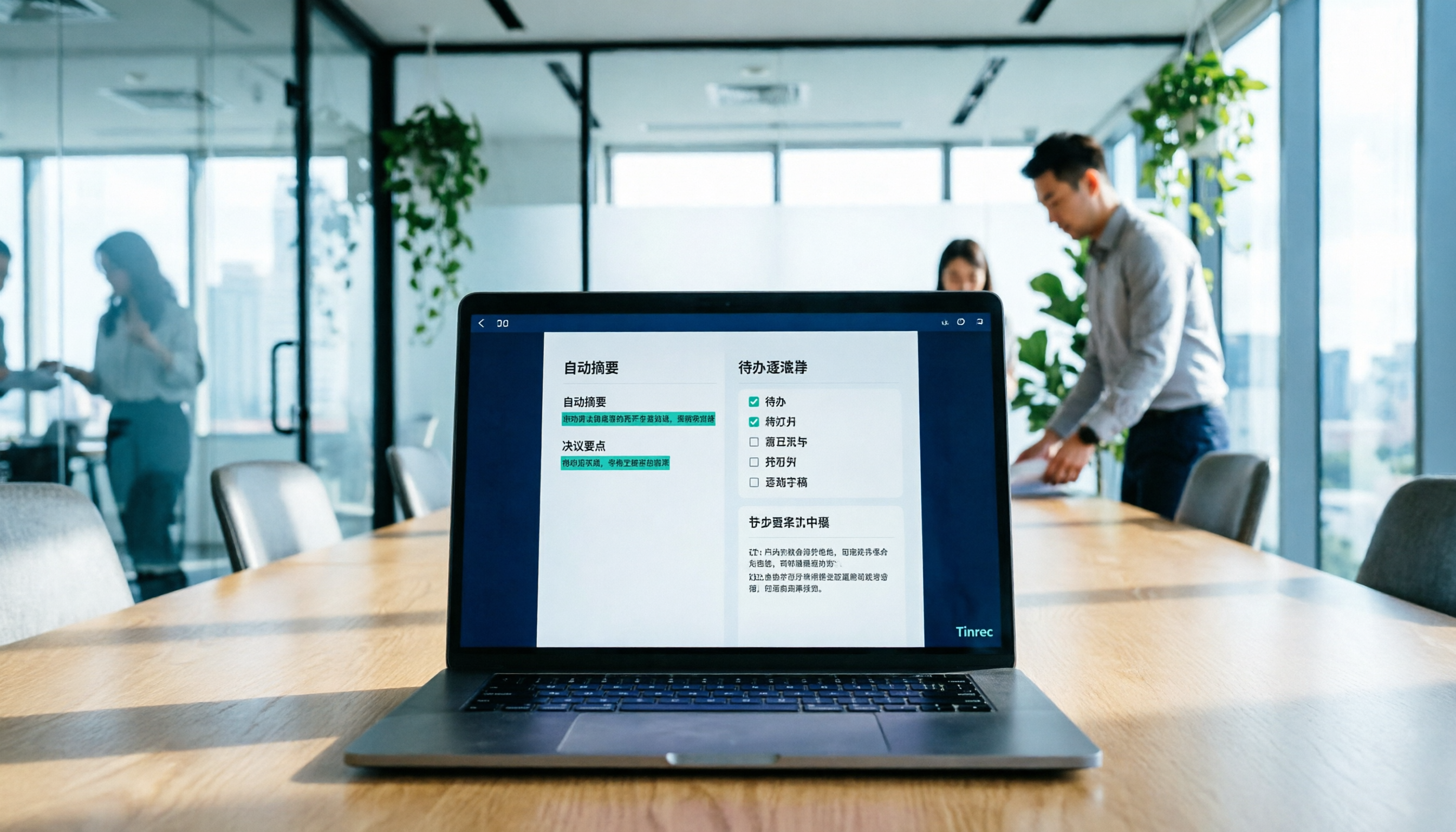
How to Use AI to Generate Meeting Minutes in Word (2026): No-Bot Recording + Auto Summaries & Action Items
After a meeting ends, the transcript, decisions, and action items are often still stuck in the recording. This guide tackles real pain points, explaining how to choose and use AI tools to generate meeting minutes in Word in 2026. It compares Tinrec, Otter.ai, Granola, and Notta to help you pick the right one, and includes a copy-paste prompt for organizing meeting minutes.

4 AI Agent Auto-Delivery Tools Tested in 2026: Which One Turns Meetings into Reports?
After a meeting ends, transcripts, minutes, and action items still need to be filled in manually. This article approaches the topic from the perspective of 'post-meeting delivery' and tests four tools: Tinrec, Otter.ai, Notta, and Granola. It summarizes 4 key purchasing criteria, 3 common pitfalls, and explains which tool fits which work scenario.

2026 Complete Guide to AI Meeting Notes: Master Key Points and Action Items Without Listening to Playbacks
Recording audio but never having time to listen back is a reality for most people in meetings and classes. This guide, from student and team collaboration scenarios, explains how AI meeting notes turn recordings into searchable, queryable, and actionable data, and outlines 5 key points to consider when choosing a tool.

2026 AI Work Assistant Comparison: 4 Tools from Meeting Notes to Team Collaboration
How to choose an AI work assistant in 2026? This article compares Tinrec, Otter.ai, Notta, and Granola across four dimensions—meeting transcription, post-meeting organization, AI Q&A, and team collaboration—and outlines selection criteria and common pitfalls to help you find the right AI work assistant.

2026 Comparison of 5 AI Meeting Notes Tools: From Free to Team Collaboration
Looking for an AI Agent to automatically organize meetings? This article compares common meeting-notes solutions using 5 evaluation criteria and explains how Tinrec can turn meetings into searchable, trackable data—from bot-free recording, transcripts, summaries, and action items to AI Q&A and team spaces—and covers how to choose between the free and team versions.