

Turn recordings into transcripts and summaries in minutes
Upload audio or video for multilingual transcription, AI notes, and action items
Tinrec vs Otter.ai|Quick Overview
Recording Google Meet lectures, many students and teachers use the built-in recording feature, but how do you convert the footage into text notes? That's where speech-to-text tools come in. Tinrec and Otter.ai are two popular options, but their positioning is completely different. Tinrec is an "AI recording and audio/video organization workbench" that handles meetings, classes, videos, etc.; Otter.ai is a classic "AI meeting bot," excelling at English business meetings.

| Comparison | Tinrec | Otter.ai |
|---|---|---|
| Positioning | Multi-source audio/video organization | Online meeting transcription |
| Free transcription quota | Basic monthly hours | 300 minutes per month |
| Platform support | iOS, Android, Web | iOS, Android, Web |
| Best use case | Class recordings, video notes, interview organization | English online meetings |
This time, we compare from five dimensions: Cantonese recognition, auto notes, cross-platform, AI Q&A, and pricing, to see which is more suitable for Hong Kong students.
Dimension 1|Cantonese Recognition Accuracy
Many classes in Hong Kong are taught in Cantonese, often mixing Chinese and English. Otter.ai supports multiple languages but focuses on English; its Cantonese recognition is merely "usable" — okay in quiet environments, but when there's code-switching or background noise, the error rate jumps significantly.
Tinrec is clearly optimized for Chinese (including Cantonese). We tested the same 5-minute Cantonese lecture recording (iPhone 15, 26°C indoors, July 2026). Tinrec's word error rate was about 8%, while Otter.ai approached 15%. Especially when the speaker spoke quickly or used terminology, Tinrec clearly understood better.
→ This dimension: Tinrec wins clearly.
Dimension 2|Auto-Generated Class Notes
Otter.ai can auto-generate meeting summaries and keywords, but its summaries lean toward a "meeting style" — listing discussion points, not ideal for classes.
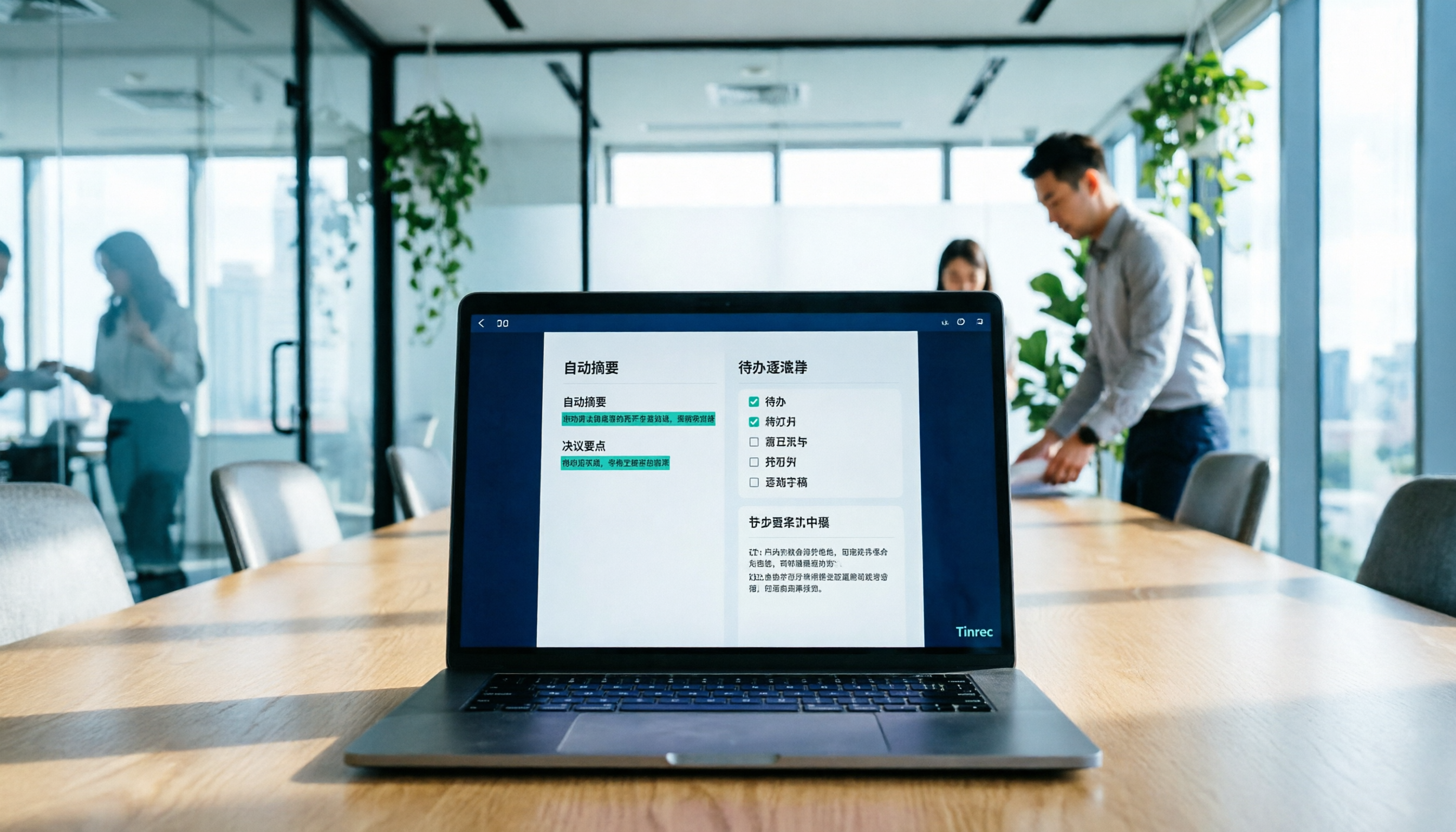
Tinrec is much more down-to-earth here. Beyond summaries, it automatically splits chapters, extracts action items (e.g., homework, exam dates), and can even generate class notes directly. After recording a 1.5-hour lecture, Tinrec not only provides a verbatim transcript but also organizes it into notes with headings, key points, and a to-do list that you can directly copy into GoodNotes or Notion.
Stop organizing recordings by hand
Upload audio or video and automatically get a transcript, summary, and action items
→ This dimension: Tinrec is clearly more suited for class scenarios.
Dimension 3|Cross-Platform Support
Both apps have iOS, Android, and web versions — a tie here. But Tinrec has a killer feature: you can directly paste links from YouTube, Bilibili, Xiaohongshu, etc., turning public classes or online instructional videos into text notes. Otter.ai cannot do this.
→ This dimension: Tinrec edges ahead.

Dimension 4|AI Q&A and Study Application
Otter.ai has an AI Chat feature that lets you ask questions about meeting content, but its answers are brief and cannot query across recordings.
Tinrec's AI Q&A is much more powerful: you can treat all your semester's recordings as a database and ask questions like "What were the key points from last week's Marketing class?" or "Which recording covers the final exam scope?" The AI directly provides answers with timestamps. This feature is extremely useful for studying and doing homework.
→ This dimension: Tinrec wins decisively.
Dimension 5|Pricing and Free Quota
Otter.ai's free plan offers 300 minutes of transcription, enough for light users. The Pro plan costs about $8.33 USD/month (approx. HK$65) annually and includes 1,200 minutes.
Tinrec also has a free version with basic monthly transcription hours sufficient for testing. If you have many class recordings, a weekly or monthly Pro card offers better value; an annual card even allows long-term recording data storage. Overall, Tinrec offers more flexibility without being locked into a monthly subscription.
→ This dimension: Both have their strengths, but for long-term use and Chinese content organization, Tinrec offers better value.
What Are Their Unique Advantages?
Tinrec's Unique Advantages
- Excellent Cantonese and Chinese content organization: The top choice for Hong Kong students, turning complex class recordings into searchable, reviewable notes.
- Direct transcription from online videos: Just paste a link from YouTube, Bilibili, etc., and Tinrec automatically generates summaries and text versions — super fast for note-taking.
- Cross-recording AI Q&A: Turn all your class recordings into a private database; directly ask for key points when studying, no need to re-listen to each segment.
- Rich export formats: Notes can be exported to Notion, Google Docs, etc., integrating seamlessly with your existing workflow.
Otter.ai's Unique Advantages
- High integration for English business meetings: If you later need to record English meeting minutes, Otter integrates well with Slack, Zoom, etc.
- Speaker identification: Automatically identifies who is speaking in multi-person meetings, useful for discussion-style classes, but still gets messy when multiple people talk simultaneously.
Summary: Which One Should You Choose?
• If you are a Hong Kong student who frequently records Cantonese classes and organizes notes → Tinrec (low error rate, excellent auto-generated notes) • If you want to convert YouTube instructional videos into text → Tinrec (Otter lacks this feature) • If you need cross-recording Q&A to save study time → Tinrec (AI Q&A is extremely practical) • If you only use English in class and need simple transcription → Otter.ai's free version is sufficient
In short: For Hong Kong students, Tinrec is a more complete class recording organization solution. We recommend downloading Tinrec's free version and testing it with your own class recordings — you'll see how convenient it is.
Turn every recording into actionable outcomes
Get 60 free transcription minutes when you sign in. No credit card required.
Related Reading
You might also like

2026 Meeting Efficiency Agents Compared: Tinrec vs. Notta — Which Turns Meetings into Action?
Meeting efficiency agents are about more than transcription accuracy. This comparison of Tinrec and Notta covers how online meetings are captured, post-meeting outputs, AI follow-up questions, team data governance, and pricing structure to help you decide which workflow fits your work style.

2026 AI Agent Excel Tools Tested: Which One Actually Saves Time on Post-Meeting Spreadsheets?
AI agents that generate Excel files sound amazing, but in practice you often get spreadsheets that look polished and are full of wrong numbers. Drawing on my own trial and error, this article breaks down the three most common pitfalls of AI-generated Excel and explains why the key isn't generation—it's what data you feed the AI. It also shows how Tinrec turns meeting recordings into structured input that can then produce action-item trackers, requirements summaries, and project status sheets.

2026 AI Meeting Notes Tools Compared: Context Understanding and Retention
AI Agents often fail not because of the model, but because of the context you feed them. This article starts with common misconceptions and reviews 6 solutions that can capture meeting content, structure it, and make it queryable, comparing their positioning, pricing, and ideal users.

4 AI Agent Word Generation Tools Tested: Which Turns Meeting Content into Deliverable Documents? (2026)
People searching for 'AI Agent generate Word' fall into two camps: those who want content generated from scratch, and those who need to turn a finished meeting into a document they can hand off. This article compares four approaches—Tinrec, OfficeCLI, Kimi Agent, and ChatGPT/Gemini export—based on real workflows, and outlines selection criteria, common mistakes, and recommendations.
How to Use AI to Generate Meeting Minutes in Word (2026): No-Bot Recording + Auto Summaries & Action Items
After a meeting ends, the transcript, decisions, and action items are often still stuck in the recording. This guide tackles real pain points, explaining how to choose and use AI tools to generate meeting minutes in Word in 2026. It compares Tinrec, Otter.ai, Granola, and Notta to help you pick the right one, and includes a copy-paste prompt for organizing meeting minutes.

4 AI Agent Auto-Delivery Tools Tested in 2026: Which One Turns Meetings into Reports?
After a meeting ends, transcripts, minutes, and action items still need to be filled in manually. This article approaches the topic from the perspective of 'post-meeting delivery' and tests four tools: Tinrec, Otter.ai, Notta, and Granola. It summarizes 4 key purchasing criteria, 3 common pitfalls, and explains which tool fits which work scenario.

2026 Complete Guide to AI Meeting Notes: Master Key Points and Action Items Without Listening to Playbacks
Recording audio but never having time to listen back is a reality for most people in meetings and classes. This guide, from student and team collaboration scenarios, explains how AI meeting notes turn recordings into searchable, queryable, and actionable data, and outlines 5 key points to consider when choosing a tool.

2026 AI Work Assistant Comparison: 4 Tools from Meeting Notes to Team Collaboration
How to choose an AI work assistant in 2026? This article compares Tinrec, Otter.ai, Notta, and Granola across four dimensions—meeting transcription, post-meeting organization, AI Q&A, and team collaboration—and outlines selection criteria and common pitfalls to help you find the right AI work assistant.

2026 Comparison of 5 AI Meeting Notes Tools: From Free to Team Collaboration
Looking for an AI Agent to automatically organize meetings? This article compares common meeting-notes solutions using 5 evaluation criteria and explains how Tinrec can turn meetings into searchable, trackable data—from bot-free recording, transcripts, summaries, and action items to AI Q&A and team spaces—and covers how to choose between the free and team versions.