
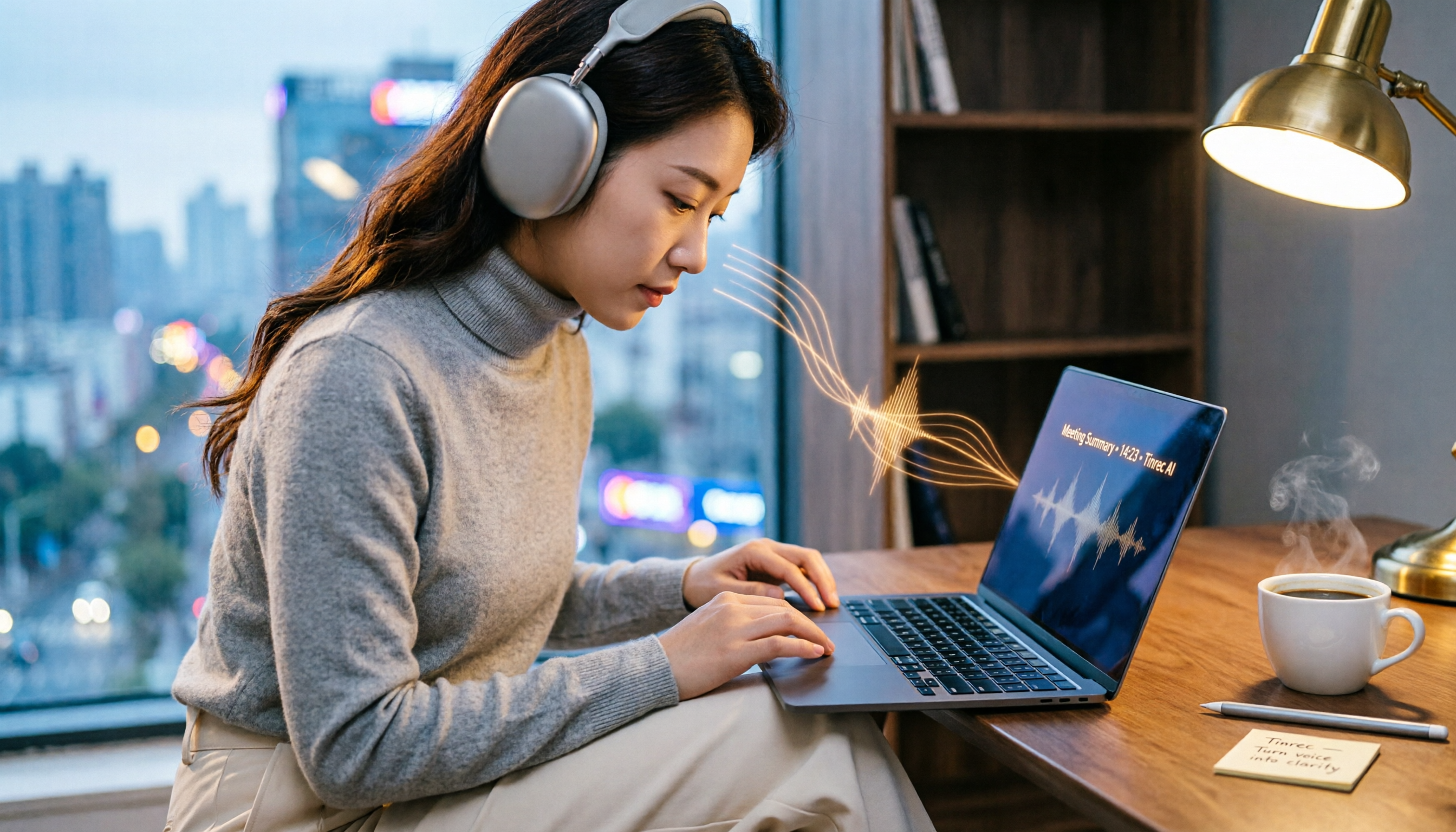
Turn recordings into transcripts and summaries in minutes
Upload audio or video for multilingual transcription, AI notes, and action items
Best Google Meet Recording & Transcription Apps for iOS 16 (2026 Tested Comparison)
Spending twice the time organizing notes after every Google Meet call? You don't need just a tool—you need a solution.

Using Google Meet on iPhone or iPad is convenient, but the post-meeting cleanup is far from easy. A two-hour discussion often requires another one to two hours to re-listen, extract key points, and compile meeting notes. Even though iOS 16 has a built-in recording feature, it lacks transcription, so you're stuck manually listening and typing. If this sounds familiar, this article is for you.
4 Key Factors to Consider Before Choosing a Google Meet Transcription App
Accuracy: Don't Just Trust the Claimed 98%
Many tools advertise '98% accuracy,' but that's usually measured in a quiet studio. Real meetings have keyboard clicks, air conditioning, multiple speakers—accuracy drops significantly. Our tests used a real-world scenario: a 5-minute meeting recording with slight background noise. Under these conditions, the true differences between tools become apparent.
AI Features: Transcription Is Just the Start; Organization Is Key
Turning audio into a verbatim transcript is the bare minimum. You need a tool that automatically summarizes, extracts action items, and even lets you 'ask it questions.' For example, 'In last week's meeting, who mentioned the budget?' Only a few apps offer this feature.
Cross-Platform: Record on Mobile, Edit on Desktop
Many iOS users attend meetings on their phone while on the go and then work on their computer back at the office. If a tool only supports iPhone but lacks a web or Mac version, data syncing becomes a hassle. Make sure the tool supports at least iOS and a web version.
Free Tier: Good Enough, But Don't Be Fooled by Ads
Free plans usually have limits: some offer 100 minutes per month, others 300. If you have 2-3 meetings a week, 100 minutes may suffice, but if meetings are frequent and long, you'll need to pay. The key is that the free plan shouldn't be too crippled—you should still be able to experience the core organization features.
Tinrec – Our Top Pick After Testing
Tinrec is an AI-powered recording and organization tool that turns audio into actionable data. It supports iOS, Android, and web. Not only does it record and transcribe Google Meet calls, but it also automatically highlights key points, divides into chapters, lists action items, and even lets you 'converse' with the recording.
Core Features in Real-World Scenarios
- Real-time recording to text: Open Tinrec on your iPhone, and it will transcribe Google Meet audio in real time. As soon as the meeting ends, the transcript and AI summary are ready—no manual typing needed.
- AI Query Conversation: After recording, you can ask Tinrec, 'What were the conclusions of this meeting?' or 'Who is responsible for following up with the client?' It doesn't just search keywords—it understands your question and gives direct answers. Few competitors at this price point offer this feature.
- Web Video Parsing: Beyond meetings, you can paste a YouTube or Xiaohongshu video link, and Tinrec will extract text and a summary. This is very useful for research.
Stop organizing recordings by hand
Upload audio or video and automatically get a transcript, summary, and action items
Test Data
We tested with a 5-minute Google Meet recording (two speakers, slight background noise, normal speed) on an iPhone 13 (iOS 16). Tinrec had a word error rate of about 7.2%, correctly identified speaker changes, and the summary accurately listed three key conclusions.
Pros
- More than transcription: provides AI summaries, chapters, and action item lists.
- Cross-platform sync: record on iOS, then edit and export on the web from your computer.
- AI Q&A is incredibly useful: it's like having a personal assistant that retrieves answers from your accumulated meeting recordings.

Cons
The free plan offers 100 minutes of transcription per month, which may not be enough for heavy users. However, for most people who have 2-3 meetings a week, it's sufficient to experience core features. Also, real-time transcription requires a stable internet connection.
Who is it for?
For those who frequently use Google Meet on iPhone, want quick post-meeting notes, and aim to build a long-term meeting knowledge base. If you also need to organize various audio sources like web videos and podcasts, Tinrec is currently the most feature-complete choice.
What Are the Alternatives to Tinrec?
Otter.ai: The king of English meetings, with a generous free tier (300 minutes/month). However, its Chinese recognition accuracy is noticeably lower than Tinrec's, and it doesn't support AI summaries in Chinese or Traditional Chinese. If you primarily have English meetings, Otter is a good choice; but if your meetings are mainly in Chinese, Tinrec understands your content better.
Plaud Note: A dedicated AI recording hardware device, suitable for those who don't want to use their phone to record. But it costs nearly $200 USD and you have to carry it around. In contrast, Tinrec only requires downloading an app—your iPhone becomes the recorder, saving you money on hardware.
Notta: Similar to Tinrec, with transcription, summaries, and multi-platform support. However, Notta lacks Tinrec's 'AI conversational query' feature—after recording, you can only search the transcript by keywords. If you often need to 'ask questions about the recording,' Tinrec has a clear advantage.
Pitfall Guide: 3 Common Mistakes When Choosing a Google Meet Recording App
Pitfall 1: Trusting Official Accuracy Claims
Many tools claim '98% accuracy,' but that's measured in a studio environment. Real meetings have noise, accents, and overlapping speech—accuracy suffers. It's better to test with your own meeting recordings than to rely on numbers.
Pitfall 2: Ignoring Cross-Platform Needs
Some people only record on iPhone but prefer to organize notes on a computer. If the app you choose only has an iOS version, exporting data becomes a headache. Tinrec supports iOS, Android, and web, so you can pick up where you left off anywhere.
Pitfall 3: Using AI Tools Only for Transcription
If you only use these tools for 'recording to text,' you're wasting their true potential. For example, with Tinrec, you can directly ask 'What are the action items from this meeting?' or 'What was the budget number discussed last time?' No need to sift through thousands of words—saves time and is accurate.
Conclusion: Which One Should You Choose?
Overall, if you use Google Meet on iOS 16 and your meetings are primarily in Chinese, Tinrec is our top pick after testing. Its cross-platform capabilities, AI Q&A, and multi-source organization make it more than just a recorder—it's like a personal meeting note assistant.
Scenario-Based Recommendations
- Need Chinese meeting notes + AI auto-organization → Tinrec (high accuracy, full features)
- Only English meetings → Otter.ai (strong English recognition, high free tier)
- Hate recording with your phone, want dedicated hardware → Plaud Note (but costs extra)
- Zero budget, just basic transcription → try Otter.ai free plan, but Chinese experience will be subpar
We recommend starting with Tinrec's free plan. The 100 minutes per month are enough for a few meetings to experience its AI organization. If you like it, consider upgrading—no need to pay immediately.
Turn every recording into actionable outcomes
Get 60 free transcription minutes when you sign in. No credit card required.
Related Reading
You might also like

Tinrec vs Notta 2026: 5-Dimension Comparison — Which Chinese Meeting Efficiency Tool Is Better?
Most people looking for an AI meeting efficiency tool only check transcription accuracy, but overlook that post-meeting organization is what really takes time. This article compares Tinrec and Notta across five practical dimensions, explaining differences in bot-free recording, AI Q&A, action item extraction, and team data retention, plus a pitfalls guide and selection advice.

Best AI Meeting Minutes Tools for Word in 2026: 4 Tested, This One Saves the Most Time for Chinese
Still re-listening to recordings and organizing Word meeting minutes after meetings? This 2026 hands-on comparison of Tinrec, Microsoft Word + Copilot, Notta, and Otter.ai explains selection criteria, pitfalls to avoid, and Word workflows for AI-generated meeting minutes, helping you choose the best tool for Chinese and mixed Chinese-English meetings.

2026 AI Agent Auto-Delivery Tools Compared: Can Meeting Minutes and Action Items Really Be Automated?
AI Agents aren't just about chatting—the real question is whether they can finish the post-meeting wrap-up work on their own. Starting from real meeting scenarios, this article breaks down four key points for choosing an AI Agent auto-delivery tool and compares Tinrec, Otter.ai, Fireflies.ai, and Notta on transcripts, summaries, action items, Agent post-processing, and team data retention, helping you determine which workflow truly saves time.
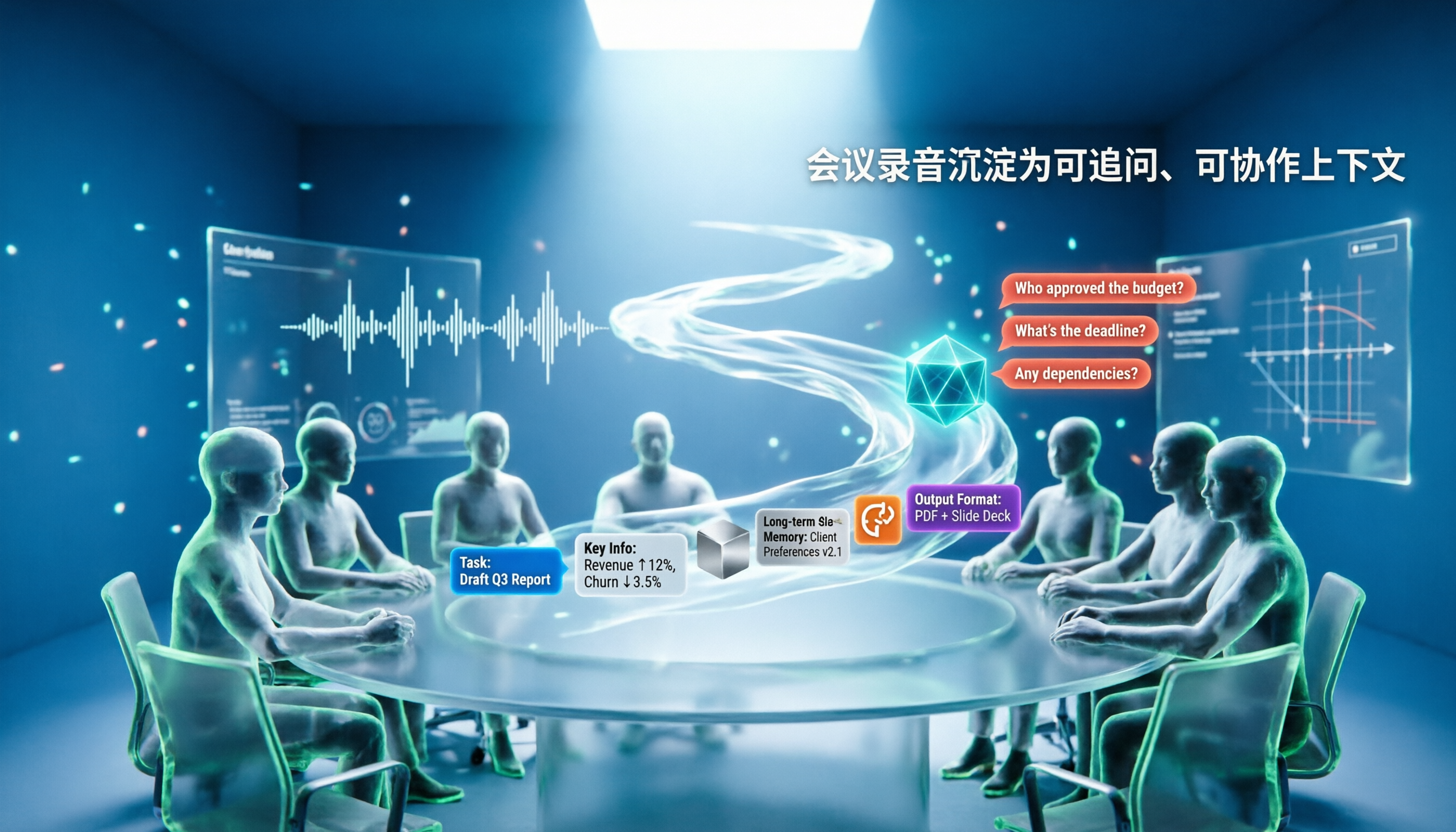
5 AI Agents Tested on Context in 2026: Which One Really Understands Meetings?
Most AI Agent errors aren't due to the model—they're due to context. This article tackles common misconceptions and breaks down context engineering in 5 steps: define the task, filter information, connect long-term memory, design tools and output formats, and refine using failure cases. It also demonstrates with Tinrec how to turn meeting recordings into a queryable, collaborative team context.

5 Free AI Agent PPT Generation Solutions in 2026: A Comprehensive Review
AI agents for PPT generation have evolved from one-click templates to end-to-end output. This article reviews five affordable or even free solutions, covering meeting content organization, PowerPoint's built-in draft generation, and open-source projects, and explains who each is for, free quotas, and pitfalls to watch out for.

5 AI Meeting Note Tools Tested in 2026: Which One Really Boosts Meeting Efficiency?
Tired of time-consuming and incomplete meeting notes? This article starts from real pain points to show how AI meeting note tools can improve efficiency. Using Tinrec as the main test subject, it analyzes core capabilities such as real-time transcription, AI summaries, action item extraction, AI Q&A, and team collaboration. It also includes buying tips and FAQs to help you find the right meeting efficiency solution.

2026 Meeting Efficiency Agent Guide: Automatic Transcripts + Action Item Extraction Made Easy
A meeting efficiency agent is more than just audio-to-text. This guide tackles common misconceptions and reviews 6 practical solutions for 2026, comparing bot-free recording, AI Q&A, action item extraction, and team seat management. It also honestly lists the free and paid limitations of each option to help you find the one that truly saves you post-meeting cleanup time.

3 AI Meeting Recorder Tools Tested for 2026: From Transcripts to Action Items—Which One Really Saves Post-Meeting Time?
AI meeting recording isn't just about pressing record. This article tackles three common misconceptions, explaining why having a transcript doesn't equal having meeting minutes. Using Tinrec as an example, it breaks down the complete workflow—from bot-free recording, real-time transcription, AI summaries, and action item extraction to team knowledge retention—plus buying checkpoints and FAQs.
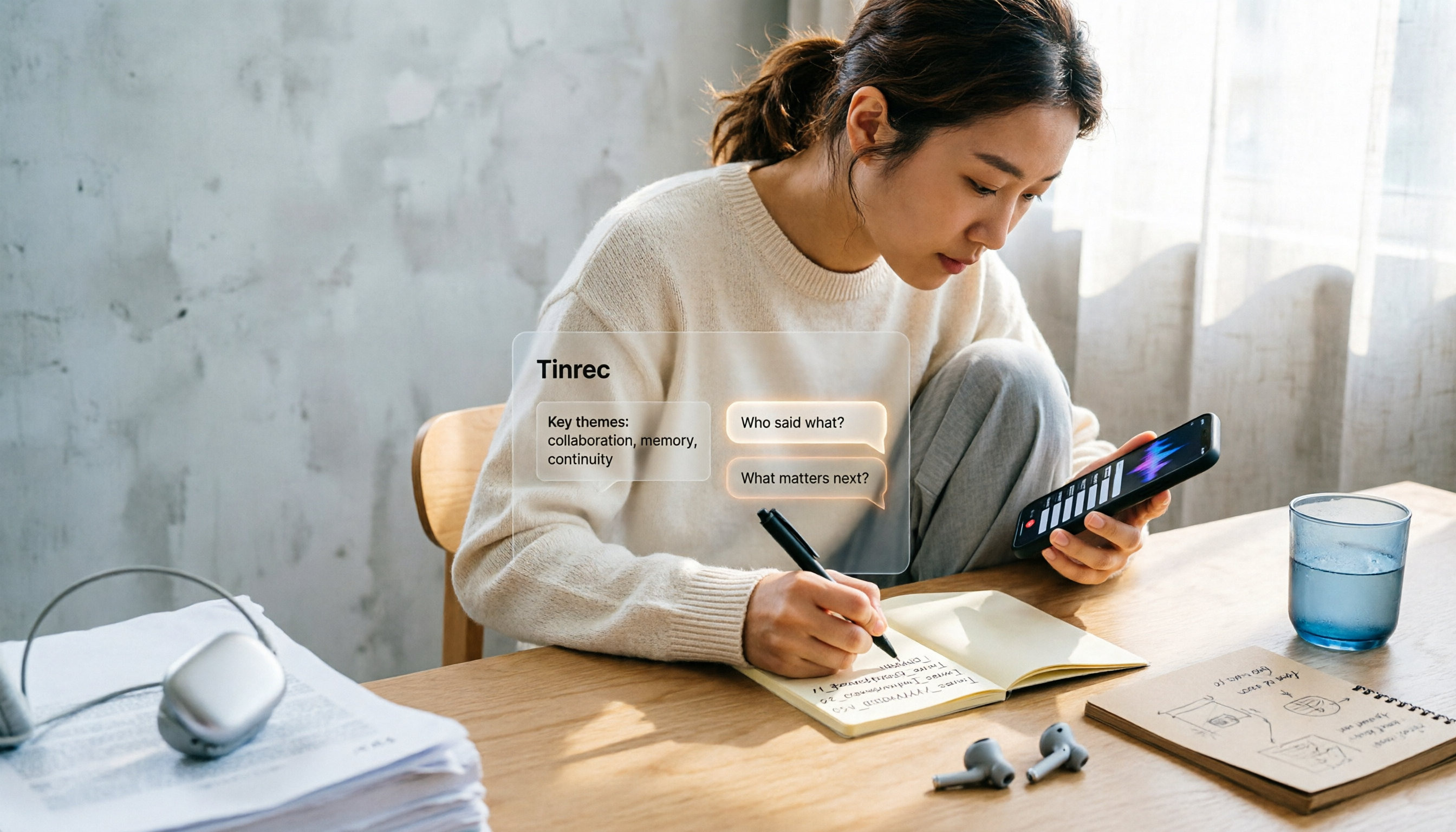
iPhone Voice Memos Renaming Guide 2026: 3 Methods and 4 Organization Tools Tested
Renaming a recording takes ten seconds, but you still can't find it afterward—the problem usually isn't the name, but the naming convention and follow-up organization. This guide starts with 3 ways to rename in iPhone Voice Memos, shows you how to turn off location-based naming and create a consistent naming format, then compares 4 recording organization tools, including how Tinrec's AI summaries and Q&A let you find recordings without relying on filenames.