

Turn recordings into transcripts and summaries in minutes
Upload audio or video for multilingual transcription, AI notes, and action items
Tinrec vs Google Meet Transcription | Quick Overview
Many people use Google Meet for meetings; just enter the meeting ID and join. It’s convenient. But after the meeting, organizing recordings and transcriptions often takes more time than expected.

Google Meet itself offers live captions and recording, while Tinrec (formerly known as Miao Ting) is an AI audio and video organization tool specifically designed for meetings, lectures, and interviews. This article compares these two solutions from 5 dimensions that real users care about, helping you decide which one fits your workflow better.
Basic Comparison
- Tinrec: Available on iOS, Android, and web. Free plan includes basic transcription quotas; paid plans depend on frequency.
- Google Meet built-in transcription: Requires specific Google Workspace editions. Provides live captions and automatic transcript generation after recording (depending on version).
The following compares these 5 aspects: "Post-transcription processing," "Input source flexibility," "Chinese content accuracy," "Cross-platform integration," and "Pricing and ease of use."
Dimension 1 | What Can You Do After Transcription?
Google Meet's transcription feature mainly stops at converting speech to text. If you use a paid Workspace version, you get an automatically generated transcript after the meeting, but it's usually just plain text.
Tinrec treats transcription as a starting point. It can automatically generate AI summaries, chapter segmentation, to-do lists, and even allows you to ask questions about the recording (AI Q&A) to quickly extract key points. You can also export the organized data in various formats or have AI generate meeting reports and tables.
→ This dimension: Tinrec clearly wins (it doesn't just provide a transcript; it turns meeting content into usable, searchable data).
Dimension 2 | Does It Handle a Wide Range of Input Sources?
Google Meet only handles content recorded during an online meeting. It can't process in-person meetings, client interview recordings, or past lecture recordings.
Tinrec can record live meetings and also upload audio/video files from your phone, or paste links to web videos from YouTube, Bilibili, TikTok, etc., transcribing and summarizing them all. In short, Tinrec can digest any audio or video source and organize it uniformly.
→ This dimension: Tinrec is more flexible (supports not only online meetings but also local files and web videos).
Stop organizing recordings by hand
Upload audio or video and automatically get a transcript, summary, and action items
Dimension 3 | Which Handles Chinese Content Better?
Google Meet's live captions have high recognition accuracy for English, but support for Traditional Chinese is relatively basic. Especially with code-switching, proper nouns, or accented speech, the captions often need manual correction.
Tinrec's product design is specifically optimized for Chinese content. Whether it's a pure Chinese meeting, mixed Chinese-English discussion, or Taiwanese terms, the overall transcription usability is significantly higher. Of course, actual performance still depends on recording quality, but for Chinese users, Tinrec's experience is much better.

→ This dimension: Tinrec wins (its transcription and organization for Chinese scenarios are much closer to real needs).
Dimension 4 | Can Data Be Synced Across Devices?
Google Meet records are tied to your Google account and are usually only available as recordings and transcripts in Google Drive. Moving them to other note-taking or collaboration tools requires manual effort.
Tinrec itself offers iOS, Android, and web versions. Whether you record on your phone, take notes on a tablet, or continue organizing on your computer, content syncs across devices. Tinrec also supports exporting to tools like Notion, Google Docs, OneNote, etc., allowing your meeting data to flow into your usual workflow.
→ This dimension: Tinrec is more convenient (cross-device sync + multi-format export, ideal for long-term data accumulation).
Dimension 5 | Pricing and Getting Started
Google Meet's transcription is a built-in feature for those who already subscribe to a paid Workspace plan, so no extra cost. But free users have almost no usable transcription and note tools.
Tinrec offers a free plan with a monthly transcription quota, allowing you to try live recording, file transcription, and web video parsing. If you only need to organize meetings occasionally, the free plan is sufficient. For intensive meetings or courses, consider a weekly pass. For long-term use, the Pro monthly or yearly plan is affordable. No extra hardware needed; you can start right away on your phone or computer.
→ This dimension: Tie (Google Meet is zero-barrier for existing Workspace users; Tinrec is more cost-effective for those without Workspace or who need more features).
What Are the Unique Advantages of Each?
Tinrec's unique advantages
- Not just meetings: can organize lectures, interviews, podcasts, and web videos.
- Post-transcription provides summaries, chapters, to-dos, and AI Q&A, making data reusable.
- Cross-platform use allows records to accumulate into a personal knowledge base.
Google Meet built-in transcription's advantages
- Teams already using Google Workspace can enable captions directly in meetings with a seamless workflow.
- No need to install another app; sufficient for light note-taking needs.
Summary: Which Should You Choose?
- If you only need live captions during Google Meet and a quick glance at the transcript afterward → Google Meet's built-in feature is enough.
- If you want meeting recordings to automatically become summaries, to-dos, and be exportable to your favorite tools → Tinrec is a better fit.
- If your notes aren't limited to online meetings but also include lectures, interviews, and web videos → choose Tinrec without hesitation.
- If you are a Chinese user who cares about transcription accuracy and mixed-language handling → Tinrec's experience is far superior.
In a nutshell: If meetings for you are not just "listen and forget," but require turning content into actionable data, try Tinrec. It’s much more efficient than relying solely on Google Meet's built-in transcription.
Turn every recording into actionable outcomes
Get 60 free transcription minutes when you sign in. No credit card required.
Related Reading
You might also like

Tinrec vs Notta 2026: 5-Dimension Comparison — Which Chinese Meeting Efficiency Tool Is Better?
Most people looking for an AI meeting efficiency tool only check transcription accuracy, but overlook that post-meeting organization is what really takes time. This article compares Tinrec and Notta across five practical dimensions, explaining differences in bot-free recording, AI Q&A, action item extraction, and team data retention, plus a pitfalls guide and selection advice.

Best AI Meeting Minutes Tools for Word in 2026: 4 Tested, This One Saves the Most Time for Chinese
Still re-listening to recordings and organizing Word meeting minutes after meetings? This 2026 hands-on comparison of Tinrec, Microsoft Word + Copilot, Notta, and Otter.ai explains selection criteria, pitfalls to avoid, and Word workflows for AI-generated meeting minutes, helping you choose the best tool for Chinese and mixed Chinese-English meetings.

2026 AI Agent Auto-Delivery Tools Compared: Can Meeting Minutes and Action Items Really Be Automated?
AI Agents aren't just about chatting—the real question is whether they can finish the post-meeting wrap-up work on their own. Starting from real meeting scenarios, this article breaks down four key points for choosing an AI Agent auto-delivery tool and compares Tinrec, Otter.ai, Fireflies.ai, and Notta on transcripts, summaries, action items, Agent post-processing, and team data retention, helping you determine which workflow truly saves time.
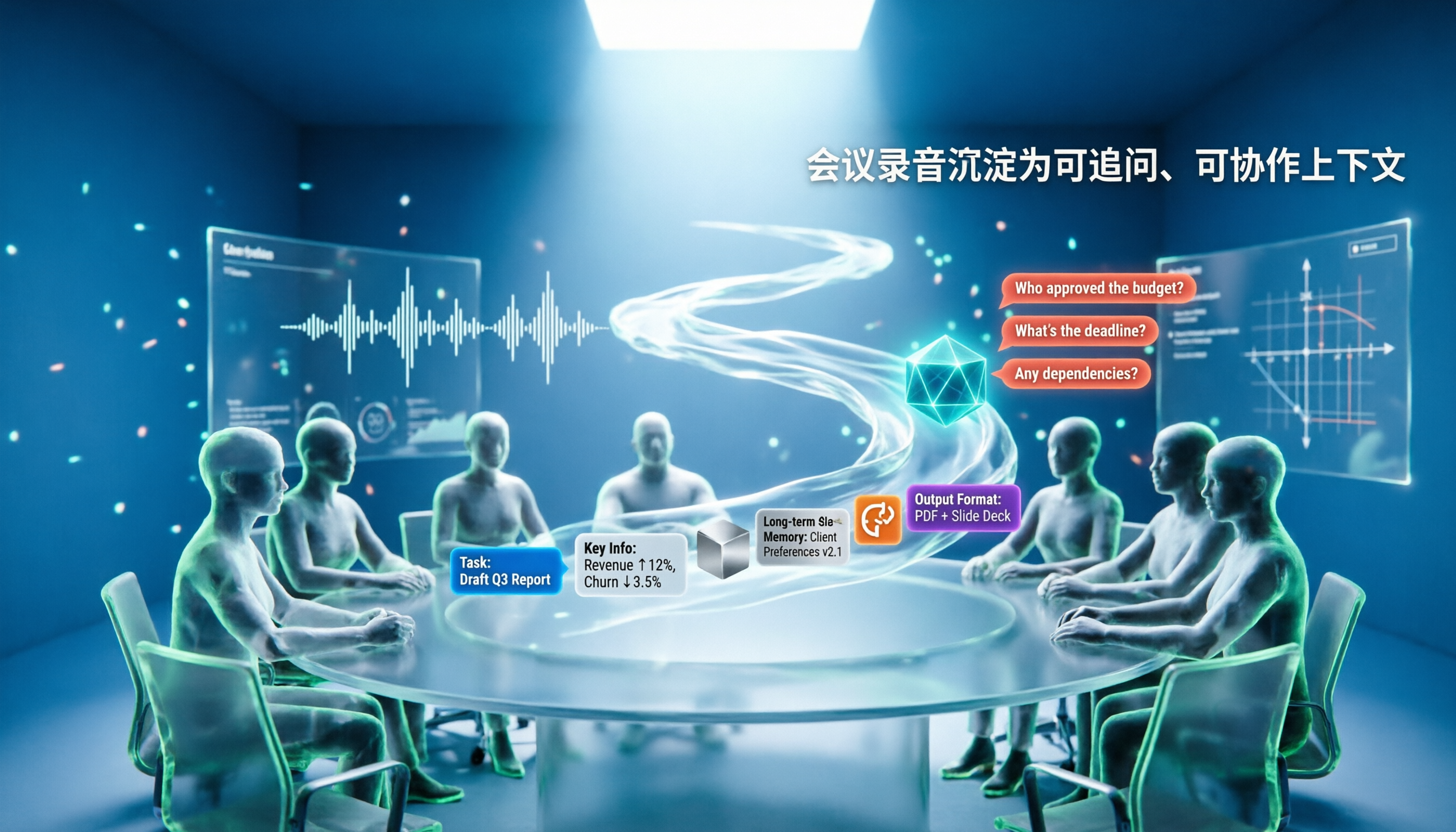
5 AI Agents Tested on Context in 2026: Which One Really Understands Meetings?
Most AI Agent errors aren't due to the model—they're due to context. This article tackles common misconceptions and breaks down context engineering in 5 steps: define the task, filter information, connect long-term memory, design tools and output formats, and refine using failure cases. It also demonstrates with Tinrec how to turn meeting recordings into a queryable, collaborative team context.

5 Free AI Agent PPT Generation Solutions in 2026: A Comprehensive Review
AI agents for PPT generation have evolved from one-click templates to end-to-end output. This article reviews five affordable or even free solutions, covering meeting content organization, PowerPoint's built-in draft generation, and open-source projects, and explains who each is for, free quotas, and pitfalls to watch out for.

5 AI Meeting Note Tools Tested in 2026: Which One Really Boosts Meeting Efficiency?
Tired of time-consuming and incomplete meeting notes? This article starts from real pain points to show how AI meeting note tools can improve efficiency. Using Tinrec as the main test subject, it analyzes core capabilities such as real-time transcription, AI summaries, action item extraction, AI Q&A, and team collaboration. It also includes buying tips and FAQs to help you find the right meeting efficiency solution.

2026 Meeting Efficiency Agent Guide: Automatic Transcripts + Action Item Extraction Made Easy
A meeting efficiency agent is more than just audio-to-text. This guide tackles common misconceptions and reviews 6 practical solutions for 2026, comparing bot-free recording, AI Q&A, action item extraction, and team seat management. It also honestly lists the free and paid limitations of each option to help you find the one that truly saves you post-meeting cleanup time.

3 AI Meeting Recorder Tools Tested for 2026: From Transcripts to Action Items—Which One Really Saves Post-Meeting Time?
AI meeting recording isn't just about pressing record. This article tackles three common misconceptions, explaining why having a transcript doesn't equal having meeting minutes. Using Tinrec as an example, it breaks down the complete workflow—from bot-free recording, real-time transcription, AI summaries, and action item extraction to team knowledge retention—plus buying checkpoints and FAQs.
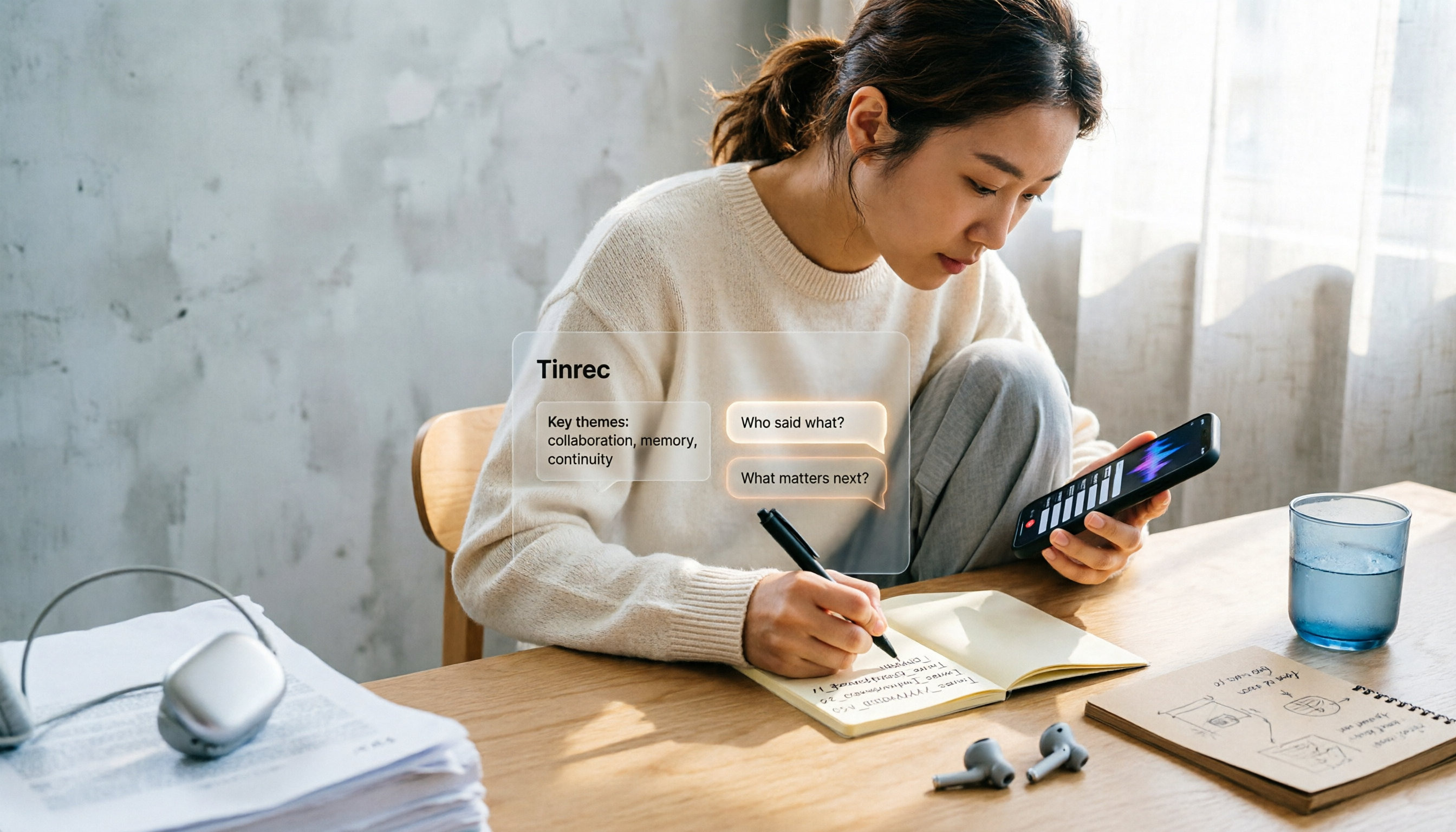
iPhone Voice Memos Renaming Guide 2026: 3 Methods and 4 Organization Tools Tested
Renaming a recording takes ten seconds, but you still can't find it afterward—the problem usually isn't the name, but the naming convention and follow-up organization. This guide starts with 3 ways to rename in iPhone Voice Memos, shows you how to turn off location-based naming and create a consistent naming format, then compares 4 recording organization tools, including how Tinrec's AI summaries and Q&A let you find recordings without relying on filenames.