

Turn recordings into transcripts and summaries in minutes
Upload audio or video for multilingual transcription, AI notes, and action items
Is Your Google Meet Lagging or Dropping? Backup Plans for Lost Meeting Content
You walk into the office, open Google Meet for a meeting, and the screen spins, audio cuts in and out—or you get disconnected entirely.

Even worse, after the meeting ends you realize recording wasn’t enabled, or the cloud recording wasn’t saved.
This is especially common during Google Meet glitches: video drops, shared screen freezes, chat log disappears. If this sounds familiar, this article is for you.
4 Key Points Before Choosing a Recording-to-Text Tool
Not any random voice recorder app will work. These four aspects directly determine whether you’ll repeat past mistakes.
1. Can It Bypass the Meeting Platform and Record Directly?
Google Meet has built-in recording, but when the platform is unstable, that feature may also fail.
An ideal backup tool should work independently of the meeting app, capturing system audio or microphone and saving it as a file on your hard drive for later review. Even if Meet crashes, your content is already stored.
2. AI Post-Processing Capabilities
Recording is just the first step. Manually reviewing a two-hour recording is painful.
Good tools automatically generate summaries, action items, and even let you query the recording with questions, saving huge amounts of time. Don’t just look at “transcription”—look at “what else it can do after transcribing.”
3. Cross-Platform and Input Source Flexibility
You might use a Mac today, Windows tomorrow, or take calls on your phone. The tool must support all your devices.
Moreover, it should handle not only live meetings but also uploaded audio files or video links shared by colleagues—so no meeting content is ever missed.
4. Does the Free Tier Cover an Emergency?
Most tools offer free plans, but minute caps and file size limits vary widely.
If you only occasionally need backup, the free version might suffice; but if you have multiple meetings weekly, check usage. A smart approach is to try the free version first, then decide if you need to upgrade.
Tinrec (Secs Recording) – Our Top Pick After Testing
Tinrec is an AI recording and organization tool supporting 14 languages, available on iOS, Android, and web. It handles meetings, lectures, interviews, and media content for transcription and knowledge extraction.
Its core value isn’t just turning audio into text—it’s making recordings a searchable, queryable, and report-generating database.
How It Handles Google Meet Failures
During a meeting, start Tinrec’s “Live Recording.” It captures both sides of the conversation from system audio, transcribing in real time.
Even if Meet disconnects mid-meeting, recording continues, preserving the entire discussion. Once the meeting ends, an AI summary is automatically generated with key points, chapters, and action items—no need to re-listen.
Better yet, the AI Chat Query lets you ask Tinrec directly: “Who mentioned the budget adjustment?” It uses semantic understanding to answer, not just keyword search, saving tons of time.
Stop organizing recordings by hand
Upload audio or video and automatically get a transcript, summary, and action items
We tested a 5-minute Chinese meeting recording (with keyboard typing and light background noise). Tinrec’s transcription required almost no manual correction, and the AI summary accurately captured decisions and assignees—the most balanced tool we’ve tested recently.

Pros
- Multiple Input Sources: Besides live recording, you can upload audio files or paste YouTube/TikTok links for transcription—never miss any meeting record.
- Comprehensive Post-Processing: After transcription, export as transcript, subtitles, mind map, or have AI generate standard meeting minutes, reports, or tables—ready to go.
- Seamless Cross-Platform: Record on phone, view on computer. All content syncs to the cloud so your team never loses data.
Limitations
The free plan offers a monthly transcription allowance (varies by plan), suitable for light use or trying out the workflow. For heavy meeting weeks, consider a short-term weekly or Pro monthly plan instead of a large annual fee upfront.
Who Is It For?
If you frequently miss content due to unstable meeting platforms, need to quickly extract action items, or want a single tool for live meetings, old recordings, and online videos—Tinrec is the most complete choice.
What About Alternatives?
Otter.ai
Otter.ai is a well-known AI meeting note tool. It excels at joining Google Meet, Zoom, etc., and generating English summaries. The free plan offers 300 minutes/month, which is generous. However, its core design is as a “meeting bot,” so it doesn’t support transcribing from video links. If you need to process YouTube videos or online content shared by colleagues, Otter won’t help; Tinrec only needs a link to parse the content, making it more versatile.
Notta
Notta overlaps with Tinrec in multi-platform transcription. The free plan gives 120 minutes/month with stable transcription and translation. However, for “post-transcription reusability,” Notta mainly provides transcripts and subtitles; Tinrec adds AI Chat Query and Agent post-processing to generate meeting reports or tables directly from the recording—no extra manual work.
3 Common Mistakes When Choosing a Recording Tool
Mistake 1: Assuming Google Meet’s Built-in Recording Is Enough
When Meet is unstable, its built-in recording might also fail or produce corrupted cloud files. Worse, you might not even know it missed something.
Right Approach: Make it a habit to simultaneously start an external recording tool during meetings—it’s like buying insurance. Tinrec’s system recording does exactly that.
Mistake 2: Only Looking at Free Minutes, Ignoring Post-Processing
Many tools boast hundreds of free minutes, but they output a giant transcript. A two-hour meeting transcript can be tens of thousands of words—finding key points is like finding a needle in a haystack.
Right Approach: Verify whether the tool can auto-summarize, mark chapters, extract tasks, or even let you query conversationally. These features are what really save time.
Mistake 3: Overlooking Input Source Variety
If a tool only records live meetings, you’re stuck when a colleague sends you a recording or you need to discuss a video link.
Right Approach: Choose an integrated tool that handles live recording, audio files, and video links—reducing the pain of switching between apps.
Summary: Which One Should You Choose?
After comprehensive testing, if you need a solution that completely records content even during Google Meet failures and makes post-meeting organization super easy, Tinrec is the top pick.
- To ensure you never miss meeting content → Tinrec, which side-records system audio and keeps recording even after disconnection.
- To ask AI “What was just said?” after recording → Tinrec, the only tool with semantic AI chat query.
- For more than meetings—lectures, interviews, online videos → Tinrec, multiple inputs in one tool.
- Zero budget, only English meetings → Otter.ai, free 300 minutes is usable.
- Only need basic transcription, no AI extras → Notta, solid basics but limited processing.
We suggest downloading Tinrec’s free version and trying it on one meeting—walk through the entire flow to experience the smooth transition from recording to action. If you like it, consider upgrading—no rush.
Turn every recording into actionable outcomes
Get 60 free transcription minutes when you sign in. No credit card required.
Related Reading
You might also like

Tinrec vs Notta 2026: 5-Dimension Comparison — Which Chinese Meeting Efficiency Tool Is Better?
Most people looking for an AI meeting efficiency tool only check transcription accuracy, but overlook that post-meeting organization is what really takes time. This article compares Tinrec and Notta across five practical dimensions, explaining differences in bot-free recording, AI Q&A, action item extraction, and team data retention, plus a pitfalls guide and selection advice.

Best AI Meeting Minutes Tools for Word in 2026: 4 Tested, This One Saves the Most Time for Chinese
Still re-listening to recordings and organizing Word meeting minutes after meetings? This 2026 hands-on comparison of Tinrec, Microsoft Word + Copilot, Notta, and Otter.ai explains selection criteria, pitfalls to avoid, and Word workflows for AI-generated meeting minutes, helping you choose the best tool for Chinese and mixed Chinese-English meetings.

2026 AI Agent Auto-Delivery Tools Compared: Can Meeting Minutes and Action Items Really Be Automated?
AI Agents aren't just about chatting—the real question is whether they can finish the post-meeting wrap-up work on their own. Starting from real meeting scenarios, this article breaks down four key points for choosing an AI Agent auto-delivery tool and compares Tinrec, Otter.ai, Fireflies.ai, and Notta on transcripts, summaries, action items, Agent post-processing, and team data retention, helping you determine which workflow truly saves time.
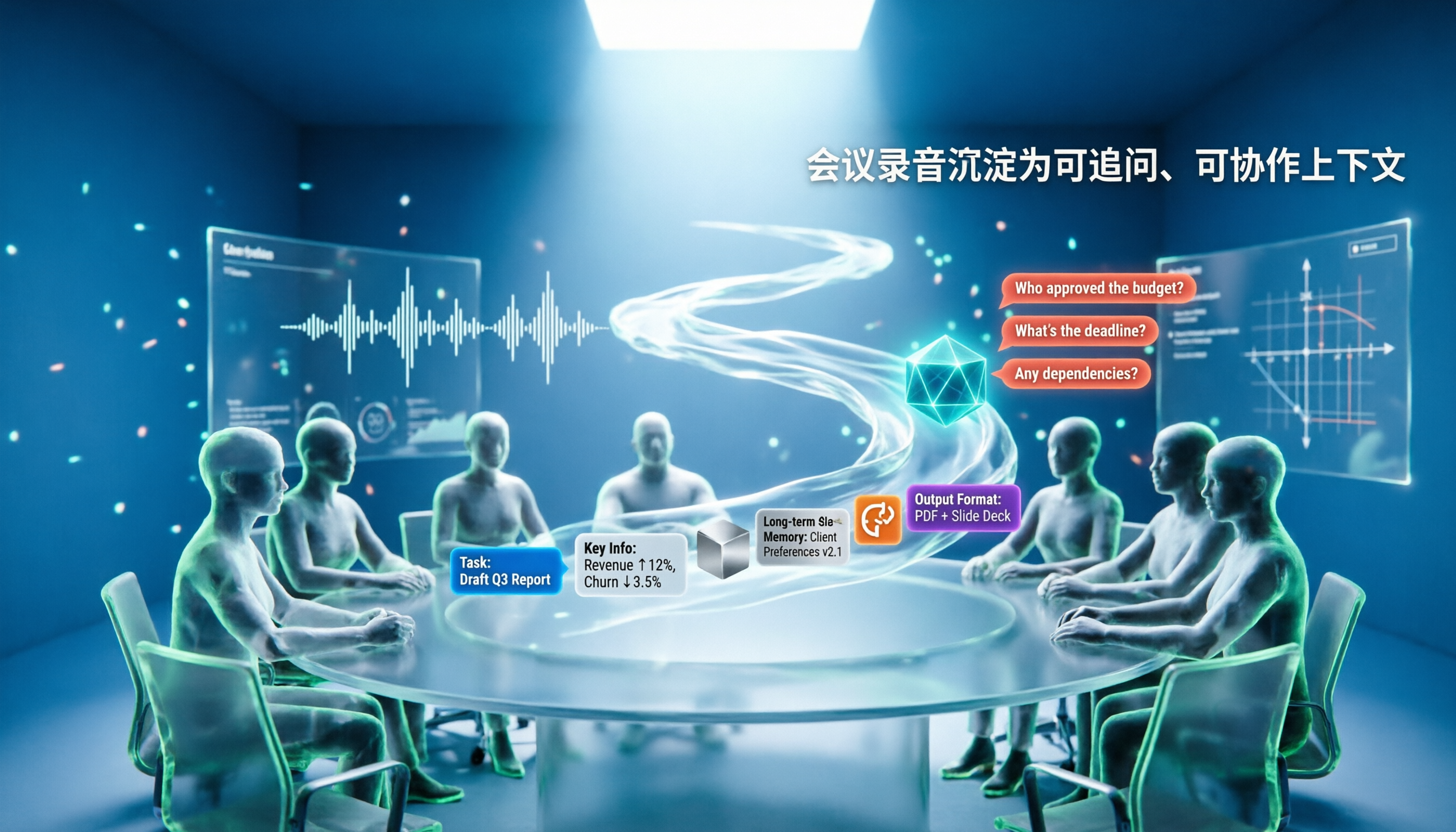
5 AI Agents Tested on Context in 2026: Which One Really Understands Meetings?
Most AI Agent errors aren't due to the model—they're due to context. This article tackles common misconceptions and breaks down context engineering in 5 steps: define the task, filter information, connect long-term memory, design tools and output formats, and refine using failure cases. It also demonstrates with Tinrec how to turn meeting recordings into a queryable, collaborative team context.

5 Free AI Agent PPT Generation Solutions in 2026: A Comprehensive Review
AI agents for PPT generation have evolved from one-click templates to end-to-end output. This article reviews five affordable or even free solutions, covering meeting content organization, PowerPoint's built-in draft generation, and open-source projects, and explains who each is for, free quotas, and pitfalls to watch out for.

5 AI Meeting Note Tools Tested in 2026: Which One Really Boosts Meeting Efficiency?
Tired of time-consuming and incomplete meeting notes? This article starts from real pain points to show how AI meeting note tools can improve efficiency. Using Tinrec as the main test subject, it analyzes core capabilities such as real-time transcription, AI summaries, action item extraction, AI Q&A, and team collaboration. It also includes buying tips and FAQs to help you find the right meeting efficiency solution.

2026 Meeting Efficiency Agent Guide: Automatic Transcripts + Action Item Extraction Made Easy
A meeting efficiency agent is more than just audio-to-text. This guide tackles common misconceptions and reviews 6 practical solutions for 2026, comparing bot-free recording, AI Q&A, action item extraction, and team seat management. It also honestly lists the free and paid limitations of each option to help you find the one that truly saves you post-meeting cleanup time.

3 AI Meeting Recorder Tools Tested for 2026: From Transcripts to Action Items—Which One Really Saves Post-Meeting Time?
AI meeting recording isn't just about pressing record. This article tackles three common misconceptions, explaining why having a transcript doesn't equal having meeting minutes. Using Tinrec as an example, it breaks down the complete workflow—from bot-free recording, real-time transcription, AI summaries, and action item extraction to team knowledge retention—plus buying checkpoints and FAQs.
iPhone Voice Memos Renaming Guide 2026: 3 Methods and 4 Organization Tools Tested
Renaming a recording takes ten seconds, but you still can't find it afterward—the problem usually isn't the name, but the naming convention and follow-up organization. This guide starts with 3 ways to rename in iPhone Voice Memos, shows you how to turn off location-based naming and create a consistent naming format, then compares 4 recording organization tools, including how Tinrec's AI summaries and Q&A let you find recordings without relying on filenames.