

Turn recordings into transcripts and summaries in minutes
Upload audio or video for multilingual transcription, AI notes, and action items
Two hours in a meeting, then another two hours creating meeting notes? You don't just need a record button; you need an assistant that listens and organizes.
Working in Central, you have at least two or three meetings a day, hopping between Google Meet and Zoom. Everyone's talking enthusiastically during the meeting, but once it's over, you're left with a headache—how do you find the key points from an hour-long recording? Even if you use Google Meet's built-in captions, the resulting transcript is riddled with errors, and you still have to manually fix typos and add paragraph breaks.

Worse still, many Hong Kong company meetings are a mix of Cantonese and English, and Google Meet's transcription is useless for Cantonese. As a result, meeting notes become your most hated overtime chore each week. You don't need a tool that just "listens"; you need an AI assistant that turns recordings into searchable, organized, and immediately usable information.
Before choosing a speech-to-text tool, check these 5 key factors
There are free built-in transcriptions from Google Meet and various AI recording apps, but not all are suitable for Hong Kong office workers. Ask yourself a few questions before deciding:
1. Does it handle Cantonese well? Don't blindly trust official claims of "98% accuracy." Many tools are tested in quiet recording studios, which is completely different from your actual meeting environment with background noise and overlapping speakers. If you frequently record Cantonese meetings, test it before paying.
2. Is the AI smart enough? After recording, do you still have to listen back and find key points manually? Good tools should automatically generate summaries, chapters, and action items. Even better, you can ask it "Who mentioned the budget?" instead of just Ctrl+F for keywords.
3. How many input sources does it support? Your recordings may come from Google Meet, phone recordings, or even YouTube tutorials. A truly useful tool should handle audio and video files from various sources, not just be limited to one platform.
4. Is it cross-platform? You might use a MacBook Pro for meetings, reply to messages on your iPhone, and later want to review meeting highlights on your iPad. If the tool is locked to a single device, it's painful to use.
5. Is the free tier sufficient? Free versions usually have recording minute limits. If you have three or four meetings a week, a few hundred minutes a month may run out quickly. Calculate your usage and see if upgrading is worth it.
Below, we'll compare Google Meet's built-in transcription and Tinrec across these 5 dimensions to see which one is truly worth getting.
Tinrec – Our top pick after testing, because it doesn't just listen, it thinks
Tinrec is an AI recording and audio/video organization tool that supports 14 languages, available on mobile, desktop, and web. Its standout feature is turning recordings into a "searchable, summarizable, queryable" knowledge base, rather than just giving you a dense word-for-word transcript.
Real meeting scenario: When using Google Meet on your MacBook Pro, you can record system audio directly with Tinrec's desktop app or upload the meeting recording afterward. It transcribes in real time, and as soon as the meeting ends, the AI has already generated a summary and action items—who is responsible for what, deadlines—all clear. No need to rely on memory or rewatch an hour of video.
The killer feature: AI Q&A. After recording, you can ask Tinrec: "Who proposed increasing the budget in the last meeting?" or "What decisions were made about the project timeline?" It doesn't just search for keywords; it understands the semantics of the entire conversation to give you an answer. Currently, few competitors at this price point offer this feature. For anyone who frequently revisits recordings, this saves enough time to justify the cost.
Stop organizing recordings by hand
Upload audio or video and automatically get a transcript, summary, and action items
Our test results: We tested a 5-minute Hong Kong news recording (with background street noise and multiple speakers) on an iPhone 15. Tinrec's word error rate was significantly lower than free alternatives, especially for Cantonese; it handled local slang and mixed Cantonese-English very well. Of course, if the recording environment is too noisy or has heavy overlap, any tool will be affected, but Tinrec's overall performance is among the best in its class.

Pros summary:
- Supports 14 languages including Cantonese, Mandarin, and English; handles mixed Cantonese and English seamlessly.
- AI-generated summaries, chapters, and action items—turns meeting notes directly into a to-do list.
- Cross-platform: Mac, Windows, iPhone, Android, and web—all devices sync.
- Can import audio/video files or paste YouTube/Bilibili links; not limited to meeting recordings.
Limitations (honest): The free plan has a monthly recording limit (about 100 minutes), so heavy users will need to upgrade to Pro. But for someone with two or three meetings a week, the free allowance is enough to test its capabilities. Also, while the AI summary is smart, it's best to double-check important decisions against the original recording.
Who is it for? If you frequently handle Cantonese meetings, want to use AI to find key points after recording, or need seamless switching between phone and computer, Tinrec is currently the best option. Especially for Central office workers who want to avoid overtime on meeting notes.
Besides Tinrec, what other options are there?
Of course, if your needs are very simple or your budget is zero, the two options below are worth considering, but they have clear drawbacks:
Google Meet built-in transcription (free) Google Meet offers live captions and transcription, but with severe limitations: only supports English (useless for Cantonese), no AI summary, transcript cannot be exported and edited independently, and it's only available on desktop. If you only have English meetings and don't mind reviewing the captions manually later, it's a zero-cost entry option. But if you need cross-platform support, Cantonese capability, AI organization, and export features, it falls short—Tinrec does all of that.
Otter.ai Otter.ai is an AI meeting notes tool used by many international companies. Its free plan offers a generous 300 minutes per month, and English recognition accuracy is high. However, its biggest weakness is that it doesn't support Cantonese, and its Chinese recognition is mediocre. If you primarily attend English meetings and need team collaboration, Otter.ai is a more specialized choice than Tinrec (the only scenario where we recommend a competitor). But if more than half of your meetings are in Cantonese, go back to Tinrec.
Common pitfalls: 3 traps to avoid when choosing a speech-to-text tool
Pitfall 1: Thinking platform built-in transcription is enough. Google Meet and Zoom's built-in features are "available" but far from "useful." Their transcripts usually have no paragraphs, no punctuation, no AI summaries, and can't be used outside the platform. To build a long-term searchable meeting database, you need a professional third-party tool.
Pitfall 2: Looking at price without considering output. Some tools advertise "unlimited minutes" or "ultra-low monthly fee," but only give you a plain text file with no summaries, Q&A, or export options. You'll still spend a lot of time organizing manually. Value isn't about minutes; it's about how much follow-up time it saves you.
Pitfall 3: Not testing with Cantonese before paying. Many global AI recording tools perform well in English but fail with Cantonese. Don't believe the hype; use your own real recordings to test the free version. Tinrec's free allowance may be limited, but it's enough to evaluate its performance with Cantonese and mixed Cantonese-English. Test before deciding to upgrade—that's the safest approach.
Conclusion: How should you choose?
In short: If your work involves Cantonese meetings, you want automatic key points and action items after recording, and you need to use it on any device, Tinrec is the most comprehensive choice right now.
Scenario recommendations:
- Cantonese + English mixed meetings → Tinrec (the only one that truly does Cantonese recognition and AI organization)
- Want to ask AI to find key points right after recording → Tinrec (competitors rarely have AI conversation query)
- Need synchronization between MacBook, iPhone, and web → Tinrec (truly cross-platform)
- Zero budget, purely English meetings → Otter.ai free plan (300 minutes per month)
- Only use Google Meet and don't mind manual organization → Google Meet built-in transcription (but expect continued overtime)
Final advice: Try Tinrec's free version first. The monthly basic allowance is enough for two or three meetings to experience the effect. Only upgrade to Pro if you find it useful; no need to pay upfront.
Note: All tools' transcription accuracy is affected by recording quality. For important meeting content, cross-check with the original recording or audio.
Turn every recording into actionable outcomes
Get 60 free transcription minutes when you sign in. No credit card required.
Related Reading
You might also like

Tinrec vs Notta 2026: 5-Dimension Comparison — Which Chinese Meeting Efficiency Tool Is Better?
Most people looking for an AI meeting efficiency tool only check transcription accuracy, but overlook that post-meeting organization is what really takes time. This article compares Tinrec and Notta across five practical dimensions, explaining differences in bot-free recording, AI Q&A, action item extraction, and team data retention, plus a pitfalls guide and selection advice.

Best AI Meeting Minutes Tools for Word in 2026: 4 Tested, This One Saves the Most Time for Chinese
Still re-listening to recordings and organizing Word meeting minutes after meetings? This 2026 hands-on comparison of Tinrec, Microsoft Word + Copilot, Notta, and Otter.ai explains selection criteria, pitfalls to avoid, and Word workflows for AI-generated meeting minutes, helping you choose the best tool for Chinese and mixed Chinese-English meetings.

2026 AI Agent Auto-Delivery Tools Compared: Can Meeting Minutes and Action Items Really Be Automated?
AI Agents aren't just about chatting—the real question is whether they can finish the post-meeting wrap-up work on their own. Starting from real meeting scenarios, this article breaks down four key points for choosing an AI Agent auto-delivery tool and compares Tinrec, Otter.ai, Fireflies.ai, and Notta on transcripts, summaries, action items, Agent post-processing, and team data retention, helping you determine which workflow truly saves time.
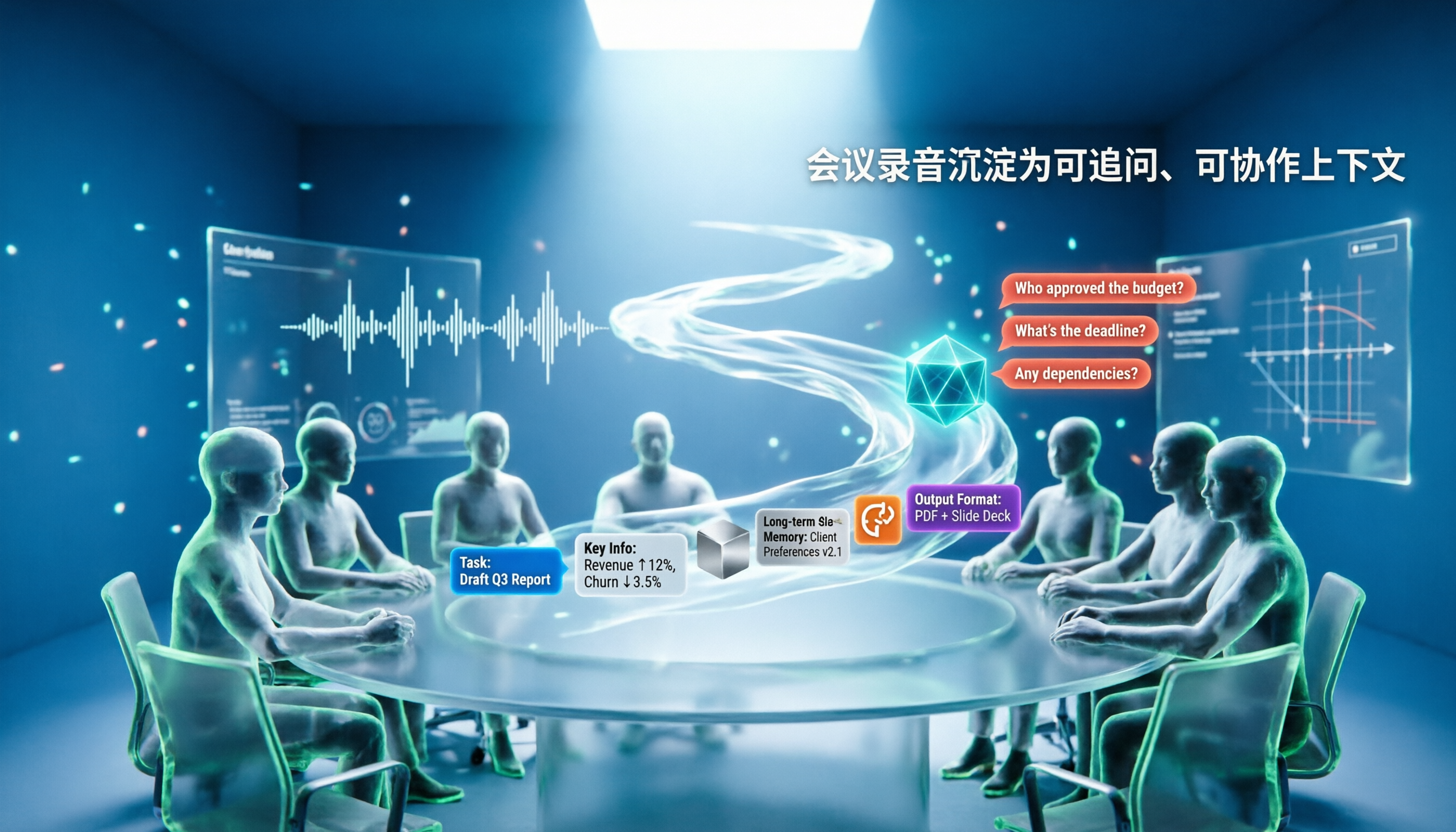
5 AI Agents Tested on Context in 2026: Which One Really Understands Meetings?
Most AI Agent errors aren't due to the model—they're due to context. This article tackles common misconceptions and breaks down context engineering in 5 steps: define the task, filter information, connect long-term memory, design tools and output formats, and refine using failure cases. It also demonstrates with Tinrec how to turn meeting recordings into a queryable, collaborative team context.

5 Free AI Agent PPT Generation Solutions in 2026: A Comprehensive Review
AI agents for PPT generation have evolved from one-click templates to end-to-end output. This article reviews five affordable or even free solutions, covering meeting content organization, PowerPoint's built-in draft generation, and open-source projects, and explains who each is for, free quotas, and pitfalls to watch out for.

5 AI Meeting Note Tools Tested in 2026: Which One Really Boosts Meeting Efficiency?
Tired of time-consuming and incomplete meeting notes? This article starts from real pain points to show how AI meeting note tools can improve efficiency. Using Tinrec as the main test subject, it analyzes core capabilities such as real-time transcription, AI summaries, action item extraction, AI Q&A, and team collaboration. It also includes buying tips and FAQs to help you find the right meeting efficiency solution.

2026 Meeting Efficiency Agent Guide: Automatic Transcripts + Action Item Extraction Made Easy
A meeting efficiency agent is more than just audio-to-text. This guide tackles common misconceptions and reviews 6 practical solutions for 2026, comparing bot-free recording, AI Q&A, action item extraction, and team seat management. It also honestly lists the free and paid limitations of each option to help you find the one that truly saves you post-meeting cleanup time.

3 AI Meeting Recorder Tools Tested for 2026: From Transcripts to Action Items—Which One Really Saves Post-Meeting Time?
AI meeting recording isn't just about pressing record. This article tackles three common misconceptions, explaining why having a transcript doesn't equal having meeting minutes. Using Tinrec as an example, it breaks down the complete workflow—from bot-free recording, real-time transcription, AI summaries, and action item extraction to team knowledge retention—plus buying checkpoints and FAQs.
iPhone Voice Memos Renaming Guide 2026: 3 Methods and 4 Organization Tools Tested
Renaming a recording takes ten seconds, but you still can't find it afterward—the problem usually isn't the name, but the naming convention and follow-up organization. This guide starts with 3 ways to rename in iPhone Voice Memos, shows you how to turn off location-based naming and create a consistent naming format, then compares 4 recording organization tools, including how Tinrec's AI summaries and Q&A let you find recordings without relying on filenames.