

Turn recordings into transcripts and summaries in minutes
Upload audio or video for multilingual transcription, AI notes, and action items
The Ultimate Guide to Google Meet Meeting Notes in 2026: Auto-Generate Summaries and Tasks with Tinrec
What Can Google Meet Meeting Notes Do for You?

After every Google Meet, do you dread taking notes? In the past, you had to type while listening, miss key points, and then re-listen to recordings—organizing a meeting was more exhausting than the meeting itself. Now, with the right tools, AI can handle these chores. Take Tinrec, for example: it can turn your Google Meet into a searchable database with summaries, action items, and more, right from the moment the meeting ends.
Scenario 1: Get Structured Notes in 5 Minutes After the Meeting
After a two-hour Google Meet, you'd normally spend another hour transcribing and summarizing key points. Tinrec syncs the meeting audio, automatically transcribes it with AI, and generates summaries, conclusions, and action items—who is responsible for what and deadlines are clear. You just need to review and share it with your team.
Scenario 2: Turn Discussions into Action Lists
In meetings, everyone says "yes," but afterward, no one remembers who needs to do what. Tinrec extracts action items from the recording, automatically listing "who, what, by when" and exports them as a table or text, ready to paste into Slack or Notion.
Scenario 3: Instantly Find Key Points in Past Meetings
Ever faced the situation: "We discussed it last meeting, but I can't find it anywhere"? Tinrec doesn't just transcribe; it lets you query like a database. Just type: "Which meeting did the client mention budget adjustments?" "Who said we need to change the design?" AI answers based on context—you don't need to re-read the entire transcript.
What Are Tinrec's Core Capabilities?
Many tools only convert speech to text, but Tinrec goes further to truly "understand" the meeting content. Here are its most practical core features:
Real-Time Transcription
Transcribes while recording—not after. Tinrec's latency is under 1 second, so you can watch the text sync in real-time during the meeting to ensure you don't miss anything, without even having to stare at the screen.
AI Semantic Summaries
This isn't just compressing the transcript into one paragraph; it's a structured summary—meeting topic, discussion conclusions, action items, responsible persons—all listed separately. You know at a glance whether the meeting is worth revisiting.
AI Conversational Query
After transcription, you can ask Tinrec questions like: "Who mentioned the budget during the meeting?" "What was the client's feedback?" It answers based on semantic understanding, saving you from manually searching the entire transcript.
Action Item Extraction
Tinrec automatically identifies phrases like "I'll take care of that" or "due by next Friday" from the conversation and turns them into a structured to-do list that can be exported as a table.
Multi-Format Export
Results can be exported as Word, PDF, TXT, or synced directly to tools like Notion, Google Docs, Dropbox—so your meeting notes aren't isolated in a file folder.
Stop organizing recordings by hand
Upload audio or video and automatically get a transcript, summary, and action items
Practical Use Cases
Weekly Team Meetings
Every Monday's Google Meet stand-up often involves progress updates and ad-hoc items. Use Tinrec to record the meeting, automatically generate summaries and this week's tasks, then share directly to the group—saving you from even writing meeting notes.
Client Requirement Alignment Meetings
In client Google Meets, missing implicit needs is a common fear. Tinrec preserves the full transcript, and after the meeting you can query: "What design preferences did the client mention?" AI extracts the relevant sections, making your proposals more accurate.
Remote Interviews or User Research

During online interviews or user research on Google Meet, you're busy typing notes. Tinrec records and transcribes, automatically tagging key questions and answers. Later, when evaluating or writing reports, just search for what the candidate said—doubling your efficiency.
Online Courses and Webinars
Attending internal training or lectures on Google Meet often leaves you scrambling to take notes. Tinrec not only provides a transcript but also segments it into chapters, highlights key points, and makes review feel like reading a handout.
4 Things to Consider When Choosing a Meeting Notes Tool
1. Real-Time or Post-Meeting Transcription?
Some tools only support file uploads, so you have to wait after the meeting for transcription. Tinrec supports real-time recording-to-text, producing the transcript during the meeting—almost zero wait time afterward.
2. AI Summary: Not Just Condensing, But Structuring
Simply shortening the full text into one paragraph often still requires extra effort to understand. Tinrec's summary separates topics, conclusions, and action items, giving you actionable content right away.
3. Can You Ask Questions?
Transcription is just the first step; being able to ask follow-up questions is key. Tinrec's AI conversational query lets you treat the recording as a database—no need to listen from start to finish.
4. Integration and Export
Meeting notes usually need to go into team tools. Tinrec supports multiple export formats and can sync directly to Notion, Google Docs, etc.—no manual copy-pasting.
Frequently Asked Questions
How do I record a Google Meet for Tinrec to process?
The easiest way is to use Google Meet's built-in "Record meeting" feature, then upload the resulting .webm or .mp4 file to Tinrec for transcription. Alternatively, you can use another device to open the Tinrec app's live recording feature and record the meeting audio from your computer's speakers.
How many Google Meets can I process with Tinrec's free plan?
The free plan includes a basic monthly transcription allowance, enough to process a few one-hour meetings. If you only need it occasionally, the free plan is sufficient to try it out. For frequent meetings, the Pro monthly or annual plan offers more quota, and the cost per meeting is lower than you might think.
Can Tinrec distinguish who is speaking in a multi-person meeting?
Currently, Tinrec primarily produces transcripts and summaries and does not offer speaker diarization. However, you can use AI Q&A afterward to clarify which sentence might belong to which participant, and the summary often provides context.
Is transcription accurate when the meeting mixes Chinese and English?
Tinrec supports multiple languages, and mixed-language content generally performs well with clear audio quality. Actual accuracy depends on microphone distance, network stability, accents, and background noise. For important meetings, we recommend cross-checking with the original audio.
Does Tinrec support platforms other than Google Meet?
Yes, Tinrec can handle Zoom, Microsoft Teams, in-person meeting recordings, and even online videos from YouTube, Bilibili, and more. It's not just a meeting notes tool—it's a multi-source audio/video processing workstation.
Conclusion
Using Google Meet is already tiring enough—don't let meeting notes eat up your time. Tinrec turns recordings into a searchable database with summaries, action items, and query capabilities. Before the meeting, just send out the invite link; after the meeting, a clear record awaits you. If you have more than three meetings a week, you really should try Tinrec's free plan—the monthly basic allowance lets you experience it for a few meetings and see how much time AI can save you.
Turn every recording into actionable outcomes
Get 60 free transcription minutes when you sign in. No credit card required.
Related Reading
You might also like

Tinrec vs Notta 2026: 5-Dimension Comparison — Which Chinese Meeting Efficiency Tool Is Better?
Most people looking for an AI meeting efficiency tool only check transcription accuracy, but overlook that post-meeting organization is what really takes time. This article compares Tinrec and Notta across five practical dimensions, explaining differences in bot-free recording, AI Q&A, action item extraction, and team data retention, plus a pitfalls guide and selection advice.
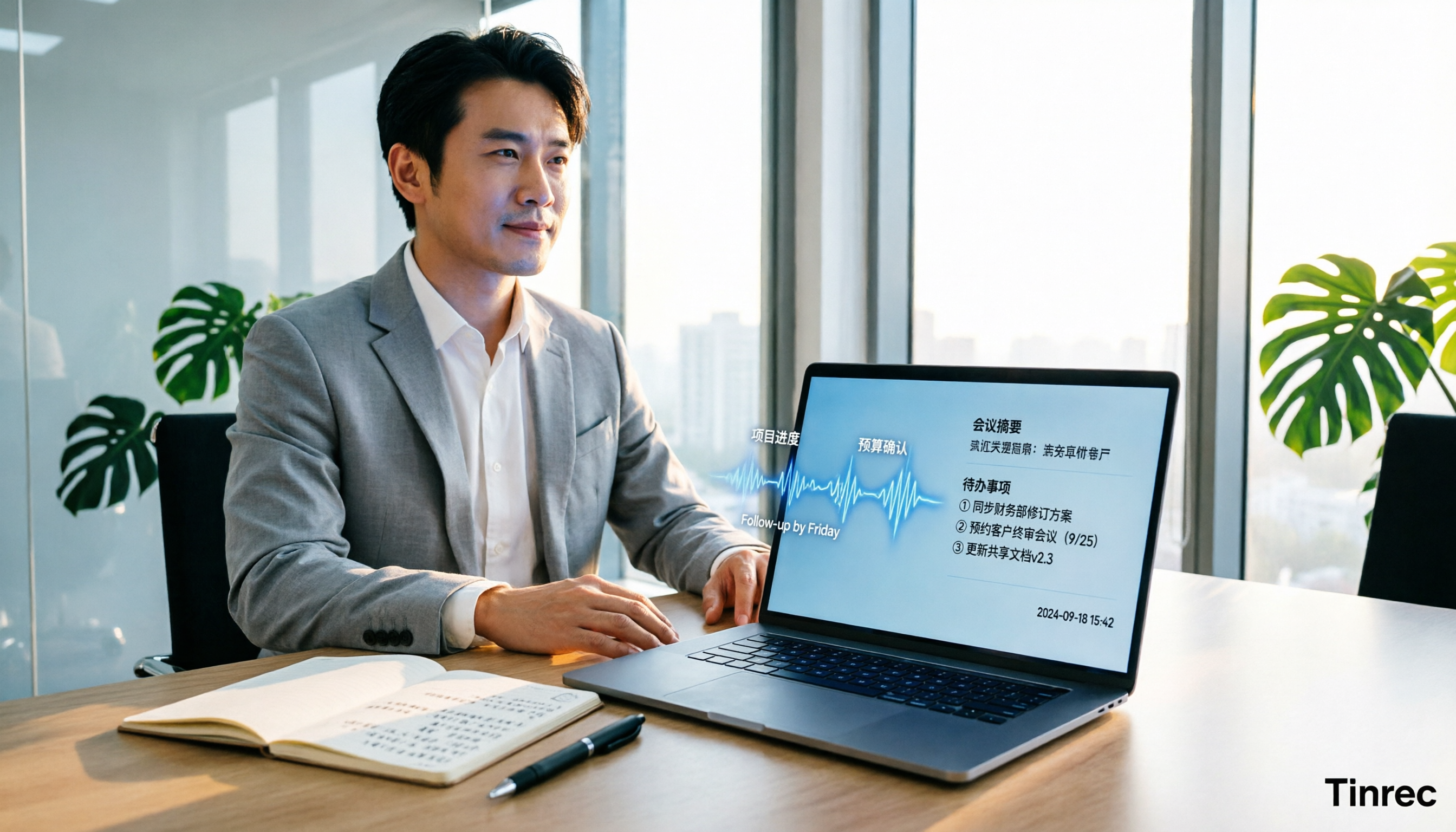
Best AI Meeting Minutes Tools for Word in 2026: 4 Tested, This One Saves the Most Time for Chinese
Still re-listening to recordings and organizing Word meeting minutes after meetings? This 2026 hands-on comparison of Tinrec, Microsoft Word + Copilot, Notta, and Otter.ai explains selection criteria, pitfalls to avoid, and Word workflows for AI-generated meeting minutes, helping you choose the best tool for Chinese and mixed Chinese-English meetings.

2026 AI Agent Auto-Delivery Tools Compared: Can Meeting Minutes and Action Items Really Be Automated?
AI Agents aren't just about chatting—the real question is whether they can finish the post-meeting wrap-up work on their own. Starting from real meeting scenarios, this article breaks down four key points for choosing an AI Agent auto-delivery tool and compares Tinrec, Otter.ai, Fireflies.ai, and Notta on transcripts, summaries, action items, Agent post-processing, and team data retention, helping you determine which workflow truly saves time.
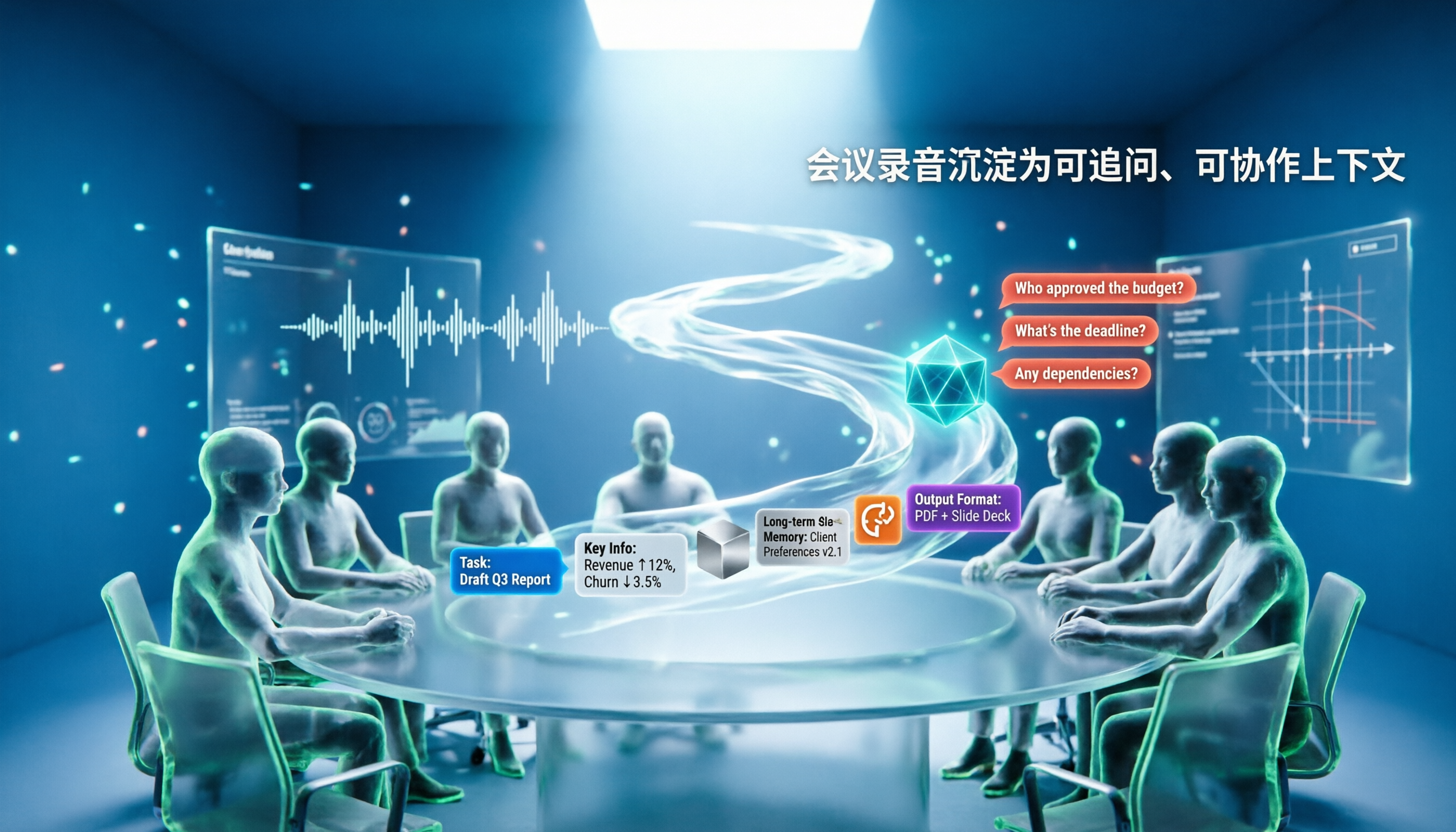
5 AI Agents Tested on Context in 2026: Which One Really Understands Meetings?
Most AI Agent errors aren't due to the model—they're due to context. This article tackles common misconceptions and breaks down context engineering in 5 steps: define the task, filter information, connect long-term memory, design tools and output formats, and refine using failure cases. It also demonstrates with Tinrec how to turn meeting recordings into a queryable, collaborative team context.

5 Free AI Agent PPT Generation Solutions in 2026: A Comprehensive Review
AI agents for PPT generation have evolved from one-click templates to end-to-end output. This article reviews five affordable or even free solutions, covering meeting content organization, PowerPoint's built-in draft generation, and open-source projects, and explains who each is for, free quotas, and pitfalls to watch out for.

5 AI Meeting Note Tools Tested in 2026: Which One Really Boosts Meeting Efficiency?
Tired of time-consuming and incomplete meeting notes? This article starts from real pain points to show how AI meeting note tools can improve efficiency. Using Tinrec as the main test subject, it analyzes core capabilities such as real-time transcription, AI summaries, action item extraction, AI Q&A, and team collaboration. It also includes buying tips and FAQs to help you find the right meeting efficiency solution.

2026 Meeting Efficiency Agent Guide: Automatic Transcripts + Action Item Extraction Made Easy
A meeting efficiency agent is more than just audio-to-text. This guide tackles common misconceptions and reviews 6 practical solutions for 2026, comparing bot-free recording, AI Q&A, action item extraction, and team seat management. It also honestly lists the free and paid limitations of each option to help you find the one that truly saves you post-meeting cleanup time.

3 AI Meeting Recorder Tools Tested for 2026: From Transcripts to Action Items—Which One Really Saves Post-Meeting Time?
AI meeting recording isn't just about pressing record. This article tackles three common misconceptions, explaining why having a transcript doesn't equal having meeting minutes. Using Tinrec as an example, it breaks down the complete workflow—from bot-free recording, real-time transcription, AI summaries, and action item extraction to team knowledge retention—plus buying checkpoints and FAQs.
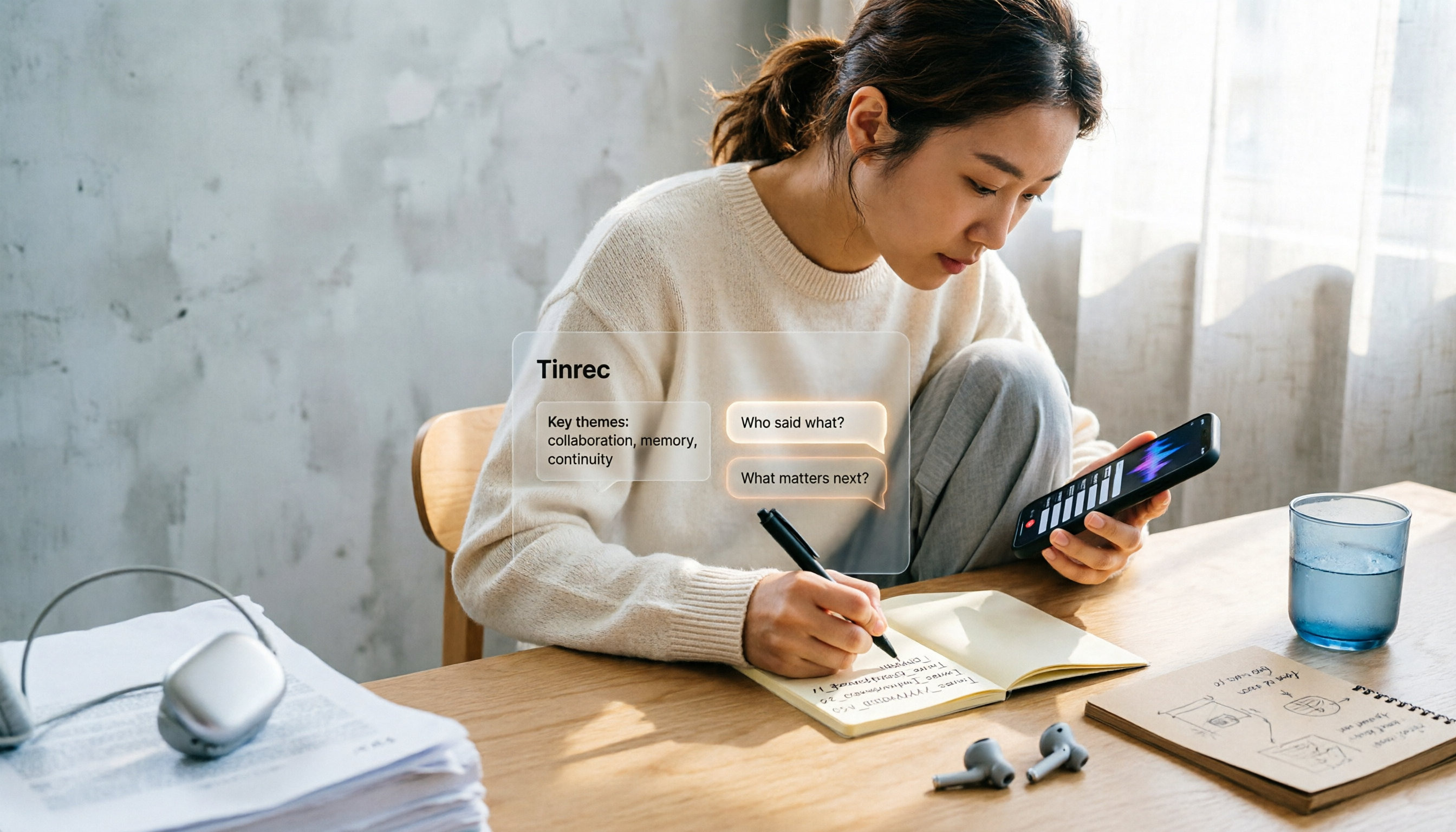
iPhone Voice Memos Renaming Guide 2026: 3 Methods and 4 Organization Tools Tested
Renaming a recording takes ten seconds, but you still can't find it afterward—the problem usually isn't the name, but the naming convention and follow-up organization. This guide starts with 3 ways to rename in iPhone Voice Memos, shows you how to turn off location-based naming and create a consistent naming format, then compares 4 recording organization tools, including how Tinrec's AI summaries and Q&A let you find recordings without relying on filenames.