

Turn recordings into transcripts and summaries in minutes
Upload audio or video for multilingual transcription, AI notes, and action items
2026 Comparison of 5 Google Meet Meeting Note Tools: Which Free Plan Is Best?
Busy taking notes during meetings often means missing key conversations; replaying recordings afterward takes a lot of time. If you frequently use Google Meet for meetings, speech-to-text tools can automatically organize key points, action items, and even let you ask questions about the content. This article reviews 5 practical tools, from free to paid, to help you find the best solution.

Why You Need a Google Meet Meeting Note Tool
Google Meet has live captions, but it cannot generate transcripts or summaries directly, so you still need to manually organize after the meeting. A 1-hour meeting can take 3 times as long to transcribe manually. Using AI tools not only saves time but also automatically labels speakers, extracts action items, and even lets you ask AI "What are the key points?" turning meeting content into searchable, reviewable data.
Option 1|Tinrec (Instant Transcription) — The Most Complete AI Recording Assistant
Tinrec is an AI recording and audio/video organizing tool designed for meetings, learning, and content creation. It doesn't just convert speech to text; it organizes it into usable data. Its core strengths include multiple input sources: live recording, audio file uploads, Google Meet recording links, and even YouTube video analysis, converting content into transcripts, summaries, and action items.
In practice, you can record while on a Google Meet, Tinrec displays text in real time, and automatically generates chapters, key points, and action lists after the meeting. A standout feature is the AI conversation query function, allowing you to ask questions like a database—"What requirements did the client mention?" or "What was the last decision?"—perfect for those who need to review meeting notes repeatedly. The free version offers basic transcription quota, the Pro monthly plan suits regular meeting users, and the annual plan is more cost-effective long-term. If you need an integrated tool for meetings, classes, interviews, and online videos, Tinrec is worth trying first.
Option 2|Otter.ai — AI Meeting Note Pioneer, Best for English Scenarios
Otter.ai is one of the earliest AI meeting note tools. It can automatically join Google Meet, Zoom, etc., transcribe in real time with speaker labels, and generate summaries and keywords afterward. Its strengths lie in English recognition and team collaboration, making it ideal for frequent cross-border meetings. The free plan offers 300 minutes of transcription per month, Pro is about $8.33/month (billed annually) with 1200 minutes. However, Chinese transcription accuracy is lower than English, and it's more focused on online meetings, lacking features like online video parsing that Tinrec offers.
Stop organizing recordings by hand
Upload audio or video and automatically get a transcript, summary, and action items
Option 3|Fireflies.ai — Automated Meeting Assistant, Unlimited Transcription on Free Plan
Fireflies.ai can also automatically join Google Meet, boasting unlimited transcription (even on the free plan) and offers AI summaries, action items, and team meeting channels. Its advantage is generous transcription minutes, suitable for teams with heavy meeting loads. But the free plan has limits on storage and integrations; Pro is about $10/month (billed annually). Fireflies excels in team collaboration and CRM integration, but for personal use, its post-transcription organization is not as versatile as Tinrec's—for example, it lacks online video-to-text and chapter splitting.
Option 4|Notta — Multilingual Transcription Tool, Stable Chinese Performance

Notta is a full-featured transcription tool supporting live recording, file uploads, and meeting notes, with built-in translation and above-average Chinese recognition. It overlaps with Tinrec but focuses less on online video parsing and AI conversation queries. The free plan offers 120 minutes per month, Pro is about $8.17/month (billed annually, 1800 minutes/month), and Business offers unlimited transcription. If you value translation and higher minute quotas, Notta is a good choice, but for more comprehensive audio/video organization, Tinrec offers greater flexibility.
Option 5|Plaud Note — AI Recording Hardware, Ideal for In-Person Meetings
Plaud Note is a standalone AI recording device, lightweight and portable, designed for those who don't want to record with their phone. It can capture meetings, classes, or interviews with one button, transcribes via app, and has a battery life of tens of hours. The hardware costs about $179, plus a subscription (starting at $99.99/year, providing 1200 minutes of transcription). Plaud's strength is recording convenience, but it cannot handle computer audio from Google Meet or parse online videos. For cross-device, cloud-based audio data management, software solutions are more cost-effective.
With So Many Options, How Should You Choose?
• Want the most complete AI features (transcription + AI conversation query + online video parsing) → Tinrec (the only tool covering all these)
• Meetings are mostly in English and need team collaboration → Otter.ai or Fireflies.ai (mature English ecosystem)
• Need lots of transcription minutes and often use translation → Notta (Pro plan gives 1800 minutes/month, multilingual support)
• Meetings are face-to-face and you dislike using a phone → Plaud Note (standalone recording hardware)
• Zero budget but want to try AI meeting notes → Fireflies.ai (free plan unlimited transcription, but basic organization features)
For most office workers, students, or creators who need a tool to handle Google Meet, class recordings, and online videos, Tinrec is the most balanced choice.
4 Things to Know Before Using Google Meet Meeting Note Tools
- Audio quality determines transcription accuracy: background noise, multiple speakers at once, or unstable internet can affect AI recognition. Use a headset mic and try to take turns speaking; Tinrec performs well with clear audio.
- Free plans usually have limits: each tool's free quota differs. Light use may suffice, but frequent meetings suggest upgrading. Tinrec's free version lets you try it out, then choose a weekly or Pro plan based on usage.
- AI summaries still need human review: AI can extract key points but may misinterpret context; verify important decisions or numbers against the transcript. Tinrec's timestamp feature lets you quickly jump to original paragraphs for verification.
- Google Meet recording permissions: not all tools can automatically join meetings. If using hardware or manual recording, confirm your organization's recording policy. Tinrec supports system audio capture; once set up, it reliably captures audio.
Summary
No more manual organization for Google Meet meeting notes. These 5 tools range from AI meeting bots to portable hardware, each with its strengths. If you need a tool that handles meetings, classes, videos, and allows continuous querying, Tinrec is currently the most comprehensive choice. Start with the free version and experience the efficient workflow of speech-to-text.
Turn every recording into actionable outcomes
Get 60 free transcription minutes when you sign in. No credit card required.
Related Reading
You might also like

How to Use AI Agents to Generate Documents in 2026: Automated Meeting Minutes and To-Do Lists Made Easy
Many people hand a recording to AI and expect a finished document, only to find names, conclusions, and action items are all wrong. This guide starts with common pitfalls and walks through the correct workflow for AI agent document generation: first use Tinrec to turn meetings into transcripts, summaries, and to-dos, then let the agent post-process them into reports, tables, and meeting minutes. It ends with key buying considerations and FAQs.

Tinrec vs Notta 2026: 5-Dimension Comparison — Which AI Agent Handles Step-by-Step Processing Better?
The difference in AI Agent step-by-step processing capability determines how much manual organizing you'll still need to do after a meeting. This article compares Tinrec and Notta across 5 dimensions: meeting capture method, post-meeting processing depth, audio retention, Chinese language experience, and team governance. It includes buying tips and pitfalls to avoid, helping you choose the one that truly turns meetings into actionable data.

2026 AI Agent Excel Tools Compared: Turning Meeting Notes into Reports Fast
Many people think an AI Agent can turn a single sentence into an Excel report, but testing shows the real keys are data sources and column design. This article compares Tinrec, Microsoft Excel Agent mode, Aspose.Cells AI Generator, and Gemini Notebook Agent, covering meeting notes, file generation, and team collaboration, with buying criteria, hands-on insights, and pitfalls to help you find the most time-saving AI spreadsheet workflow.

2026 AI Meeting Tools Compared: Which One Turns Meetings into Searchable Data?
When choosing an AI meeting tool, the real question isn't transcription accuracy—it's where your meeting data ends up. This article examines four key factors: how meetings are captured, post-meeting outputs, audio retention, and team ownership. I share my current Tinrec workflow and compare Otter.ai, Granola, and PLAUD to help you decide which fits your needs.
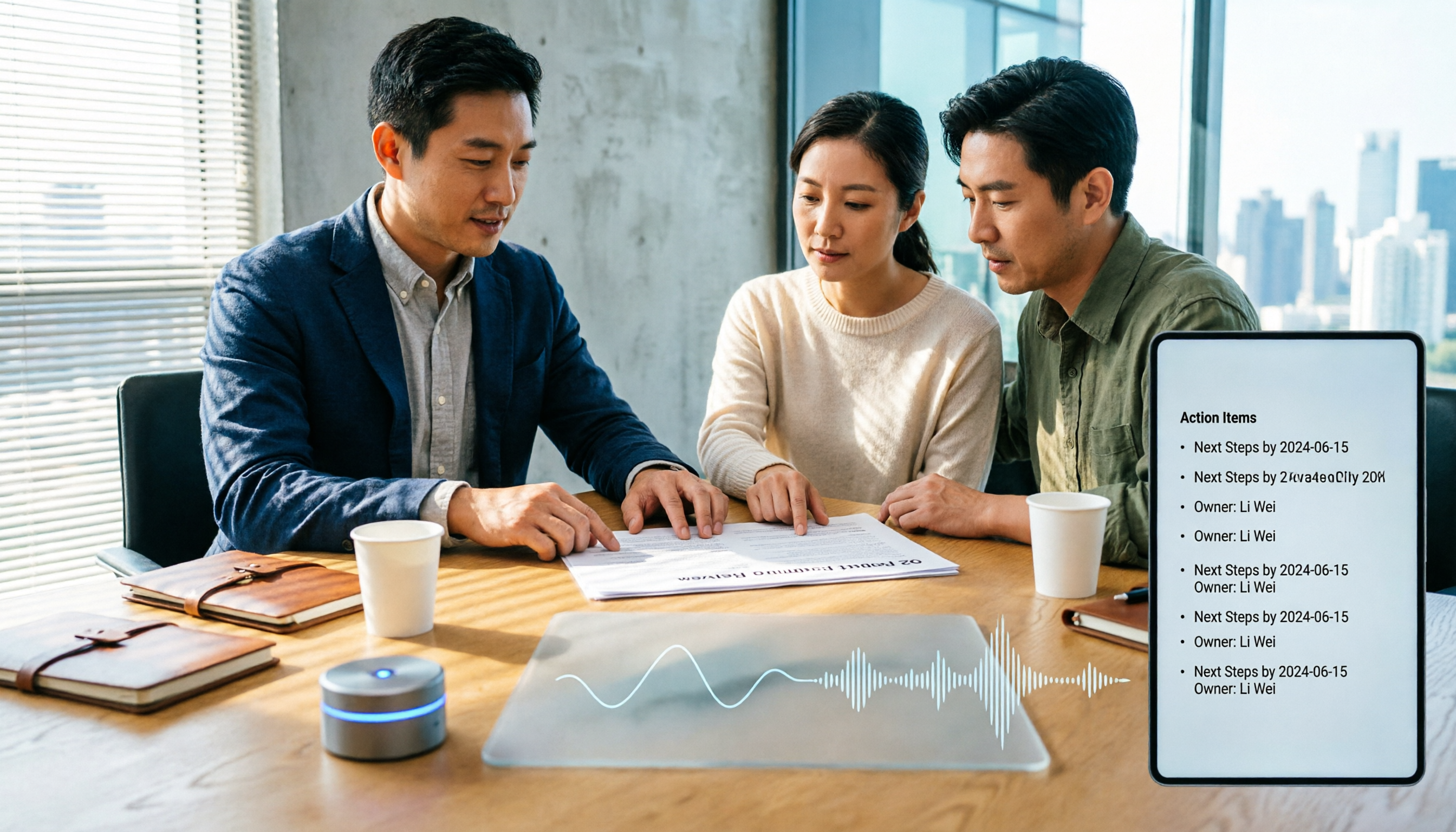
How to Choose Meeting Productivity Tools in 2026: 5 Steps from Recording to AI Meeting Minutes
The meeting ends, but the work begins. This article starts with the decision point: do you want a recording, or meeting materials you can use right away? It breaks down 4 key criteria for choosing an AI meeting productivity tool, shares a mid-level manager's tested workflow with Tinrec (秒聽錄音), 5 steps from recording to actionable to-dos, and briefly reviews who Otter.ai, Granola, and Notta are best for, plus 4 common pitfalls.

Tinrec vs Notta 2026: 5-Dimension Comparison — Which Chinese Meeting Efficiency Tool Is Better?
Most people looking for an AI meeting efficiency tool only check transcription accuracy, but overlook that post-meeting organization is what really takes time. This article compares Tinrec and Notta across five practical dimensions, explaining differences in bot-free recording, AI Q&A, action item extraction, and team data retention, plus a pitfalls guide and selection advice.
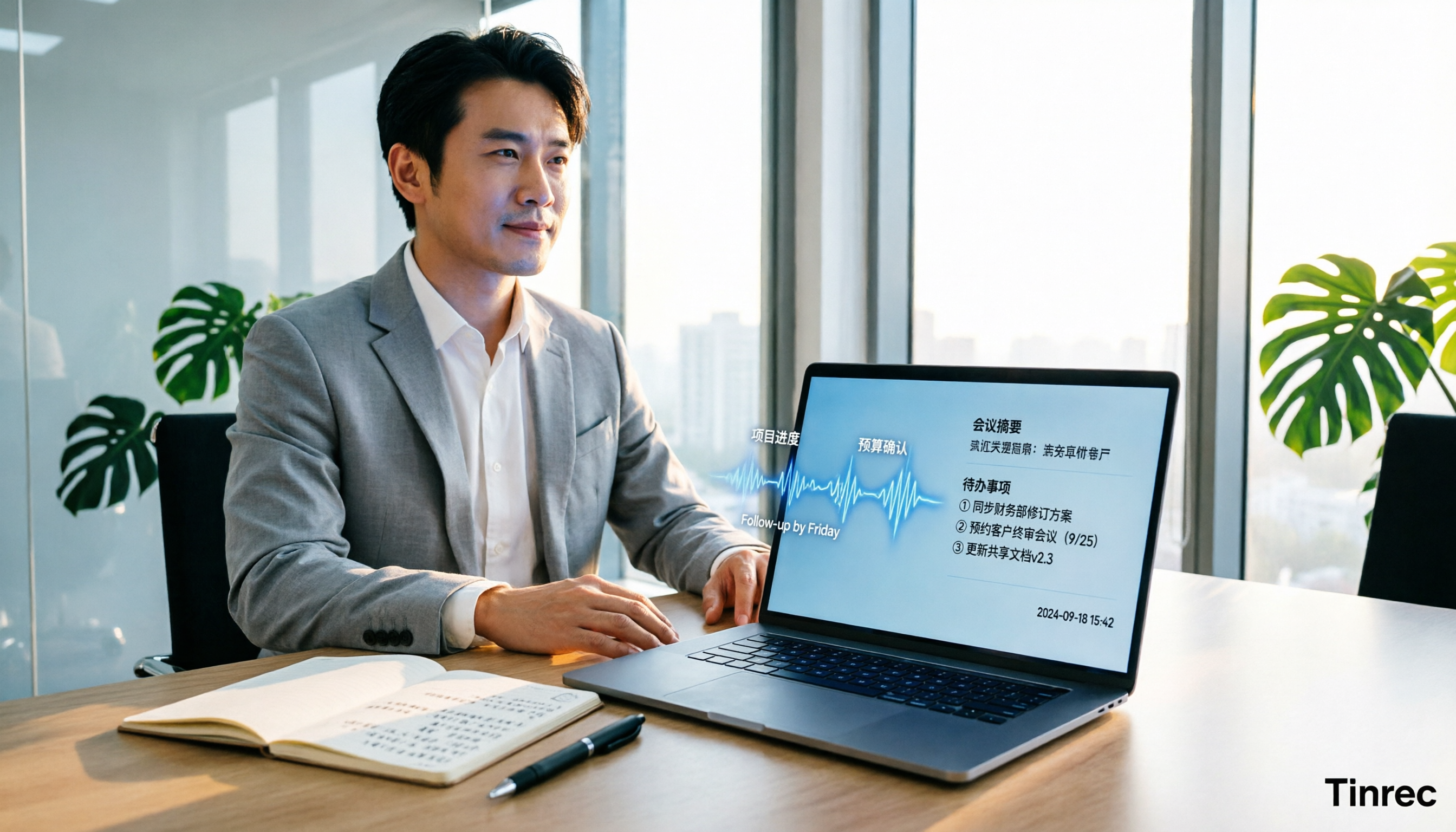
Best AI Meeting Minutes Tools for Word in 2026: 4 Tested, This One Saves the Most Time for Chinese
Still re-listening to recordings and organizing Word meeting minutes after meetings? This 2026 hands-on comparison of Tinrec, Microsoft Word + Copilot, Notta, and Otter.ai explains selection criteria, pitfalls to avoid, and Word workflows for AI-generated meeting minutes, helping you choose the best tool for Chinese and mixed Chinese-English meetings.

2026 AI Agent Auto-Delivery Tools Compared: Can Meeting Minutes and Action Items Really Be Automated?
AI Agents aren't just about chatting—the real question is whether they can finish the post-meeting wrap-up work on their own. Starting from real meeting scenarios, this article breaks down four key points for choosing an AI Agent auto-delivery tool and compares Tinrec, Otter.ai, Fireflies.ai, and Notta on transcripts, summaries, action items, Agent post-processing, and team data retention, helping you determine which workflow truly saves time.
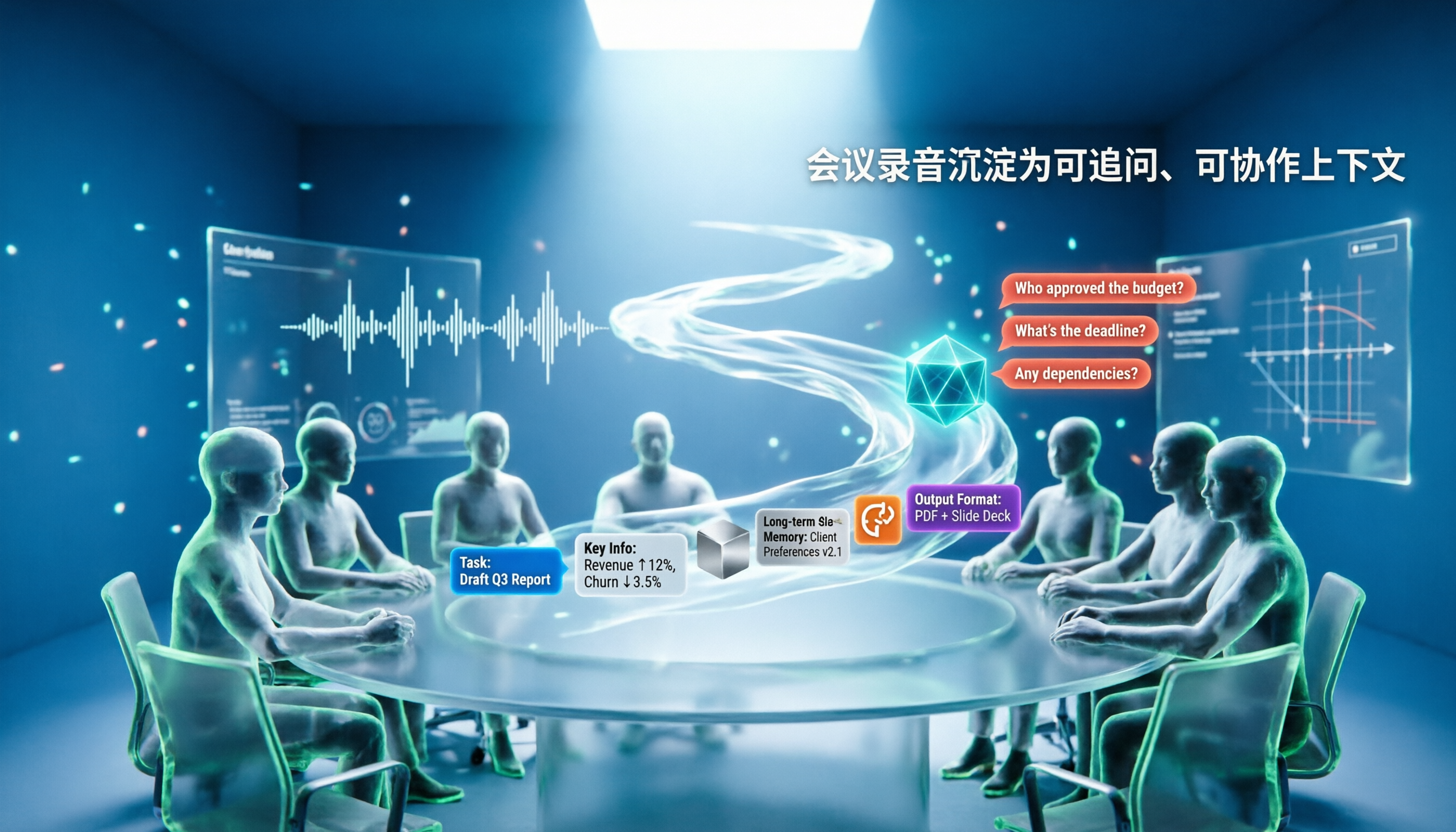
5 AI Agents Tested on Context in 2026: Which One Really Understands Meetings?
Most AI Agent errors aren't due to the model—they're due to context. This article tackles common misconceptions and breaks down context engineering in 5 steps: define the task, filter information, connect long-term memory, design tools and output formats, and refine using failure cases. It also demonstrates with Tinrec how to turn meeting recordings into a queryable, collaborative team context.