
Turn recordings into transcripts and summaries in minutes
Upload audio or video for multilingual transcription, AI notes, and action items
Spend 2 Hours in a Meeting, Then 2 More on Notes? You Need More Than a Tool—You Need a Solution
Online meetings one after another—after a Google Meet, the worst part is writing up the minutes.

Manually replaying recordings, slowly typing transcripts, and then sifting through thousands of words to extract key points and action items—honestly, it's more exhausting than the meeting itself.
Not to mention, if your meeting is in Chinese, many foreign transcription tools have poor accuracy, leaving you with error-ridden transcripts that take even longer to proofread.
If any of this sounds familiar, this article is for you.
4 Key Points to Understand Before Choosing a Google Meet Recording Tool
Not every transcription tool works well with Google Meet, especially if you often hold meetings in Chinese. The following four factors will directly impact your experience.
1. Chinese Recognition Accuracy—Don't Just Trust the Official Numbers
Many tools claim "98% accuracy," but that's usually tested in a quiet recording studio with standard accents. In real Google Meet sessions, you have network latency, background noise, and multiple speakers—accuracy will drop. Always test with your own meeting recordings rather than believing the ads.
2. AI Summarization—How Much Time You'll Actually Save
Transcribing is just the first step. What really saves time is whether the AI can automatically generate summaries, extract action items, or even let you ask questions to find key points. If you still have to read everything from start to finish, it's not much better than manual work.
3. Cross-Platform Support Matters
You might join a Google Meet on your phone, then want to review the notes on your computer. If the tool only has a mobile app or only a web version, it's inconvenient. Support for iOS, Android, and web all in one is ideal.
4. Does the Free Plan Meet Your Needs?
Check how many transcription minutes the free plan offers and what features are restricted. Some tools limit recording length or have poor Chinese support, forcing you to pay after just a few uses—not great if you only meet occasionally.
Tinrec (Miao Ting) — Our Top Pick After Testing
Tinrec is an AI tool focused on "turning audio into usable data." It goes beyond meeting transcription and is great for individuals and small teams who regularly process various audio and video content.
How to Use It with Google Meet
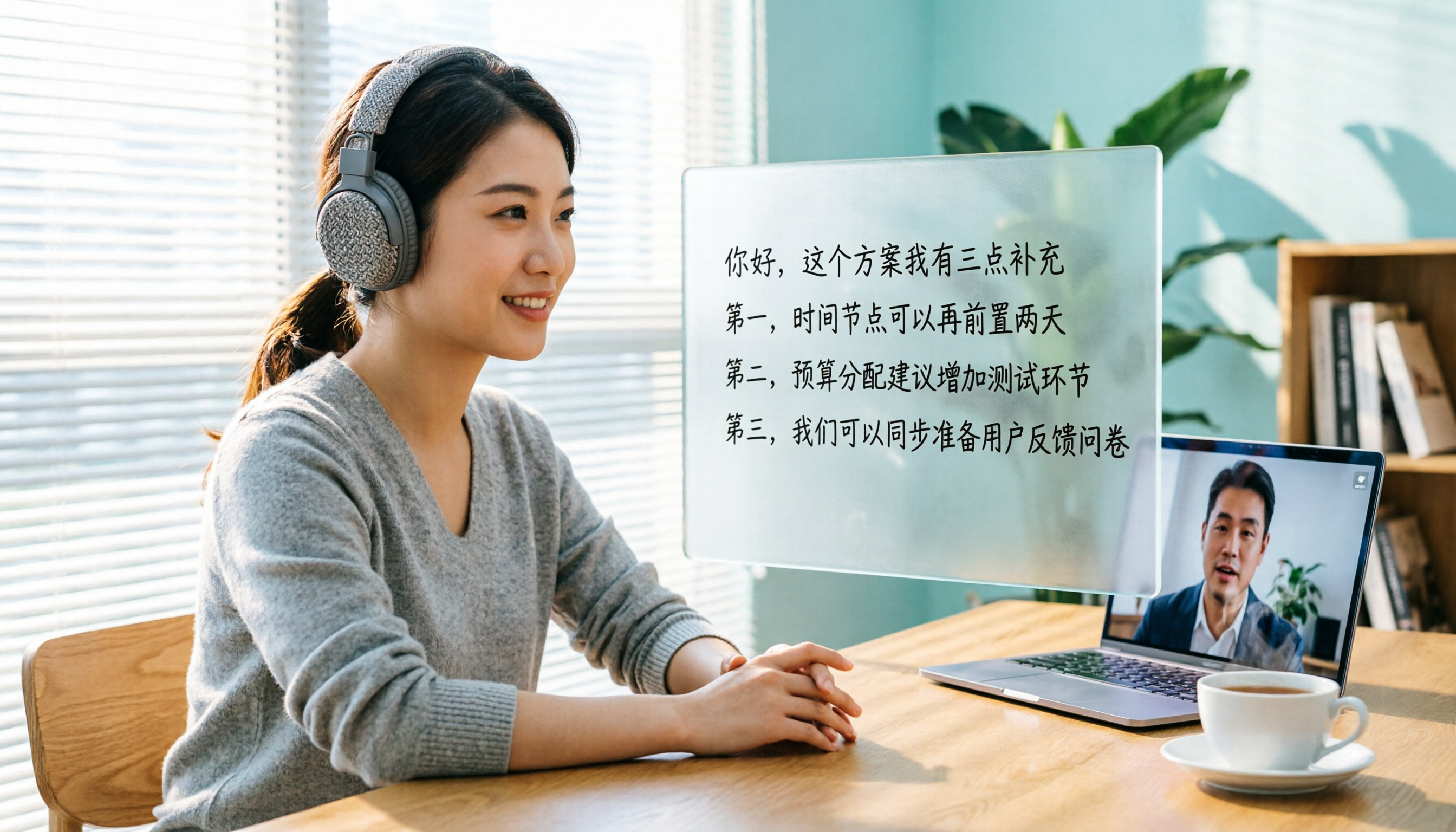
Open Tinrec's web version on your computer, select "Record computer audio," and it will transcribe Google Meet audio in real time. By the time the meeting ends, the transcript, summary, and action items are already prepared. No extra plugins needed—setup is simple.
Core Features in Action
During a meeting, Tinrec transcribes live. After the meeting, the AI has already identified what was discussed and who needs to do what. What's really impressive: you can ask Tinrec, "Who mentioned the budget in the last meeting?" It doesn't just return keyword search results—it uses semantic understanding to give you a direct answer. Few tools in this price range offer AI conversational querying.
Stop organizing recordings by hand
Upload audio or video and automatically get a transcript, summary, and action items
Besides Google Meet, it can handle phone recordings, uploaded audio files, and even YouTube video links—turning them into transcripts and summaries. This is very handy if you often compile material from different sources.
Test Data (Test Conditions)

We tested a 5-minute Chinese meeting recording (from Google Meet, with network delay and two speakers, June 2026). Tinrec's Chinese recognition error rate was noticeably lower than other tools, especially in sentence segmentation and proper nouns.
Pros
- Chinese-Friendly: Accurately transcribes both Traditional and Simplified Chinese, and handles mixed Chinese-English conversations.
- More Than a Transcript: Auto-summaries, chapter splitting, and action item extraction turn meeting notes into a to-do list.
- Seamless Cross-Platform: Works on mobile, desktop, and web; data syncs automatically so you can pick up anywhere.
Cons
The free plan offers a basic monthly transcription allowance; heavy users may need to upgrade. But for an average office worker with 2–3 meetings per week, it's usually enough. Also, the AI Q&A feature requires transcription to be complete, so very long meetings may need a bit more processing time.
Who Is It For?
If you frequently hold Chinese meetings on Google Meet and need quick, actionable notes without being tied to one device, Tinrec is a solid choice worth trying.
Other Options Besides Tinrec
Otter.ai: The best choice for English meetings. The free plan offers 300 minutes per month, and its summaries and speaker identification are mature. However, it does not support Chinese transcription. If your meetings are primarily in English, Otter.ai is a better value than Tinrec. But for Chinese notes, it's useless.
Notta: Strong multilingual transcription; free plan gives 120 minutes per month, and the interface is intuitive. However, its strength is transcription and translation; it lacks AI conversational search like Tinrec—you still have to manually sift through the transcript. Also, the free plan may be insufficient for those who also need video transcription.
Fireflies.ai: Focuses on team collaboration and auto-joining meetings, ideal for sales teams or cross-departmental companies. But for personal use, the interface is a bit complex, and while the free plan offers unlimited transcription, Chinese accuracy is average and it lacks personal knowledge management features. If you're an individual handling your own meetings, Tinrec is smoother.
Common Pitfalls When Choosing a Meeting Recording Tool
Pitfall 1: Only Looking at Accuracy, Ignoring Real Scenarios
As mentioned, lab numbers differ greatly from real meetings. Always test with your own Google Meet recordings, especially for Chinese content. Don't buy just because the official site says 98%.
Pitfall 2: Ignoring Post-Transcription Utility
Many tools stop at providing a transcript. But you need meeting summaries, action items, and even the ability to search for "that idea we talked about last time." If you only use the tool as a "voice recorder to text converter," you're using only a third of its potential. Tinrec's AI Q&A lets you ask for conclusions directly—much smarter than reading through 30 minutes of transcript.
Pitfall 3: Not Considering Cross-Platform Needs
You might join a Google Meet on your computer today and listen to the recording on your phone over the weekend. If the tool doesn't sync seamlessly across platforms, transferring files will be a headache. Make sure the tool works on all the devices you use.
Summary: Which One Should You Choose?
Overall, if you often have Chinese meetings and need quick, usable notes afterward, Tinrec is our top recommendation after testing. Its AI summaries and conversational search are especially time-saving.
- Primarily Chinese meetings, need live transcription + AI summary + action items → Tinrec (cross-platform, high Chinese accuracy, best post-processing)
- English-only meetings with a limited budget → Otter.ai (generous free plan, but no Chinese support)
- Occasional use, just simple transcription → Notta (intuitive interface, but limited free minutes and no AI Q&A)
- Team collaboration, CRM integration → Fireflies.ai (but heavy for personal use, Chinese experience not optimal)
We recommend trying Tinrec's free version first—the basic allowance is enough for a couple of Google Meet sessions to experience its transcription and AI capabilities. Upgrade only if you find it valuable.
Turn every recording into actionable outcomes
Get 60 free transcription minutes when you sign in. No credit card required.
Related Reading
You might also like

Tinrec vs Notta 2026: 5-Dimension Comparison — Which Chinese Meeting Efficiency Tool Is Better?
Most people looking for an AI meeting efficiency tool only check transcription accuracy, but overlook that post-meeting organization is what really takes time. This article compares Tinrec and Notta across five practical dimensions, explaining differences in bot-free recording, AI Q&A, action item extraction, and team data retention, plus a pitfalls guide and selection advice.

Best AI Meeting Minutes Tools for Word in 2026: 4 Tested, This One Saves the Most Time for Chinese
Still re-listening to recordings and organizing Word meeting minutes after meetings? This 2026 hands-on comparison of Tinrec, Microsoft Word + Copilot, Notta, and Otter.ai explains selection criteria, pitfalls to avoid, and Word workflows for AI-generated meeting minutes, helping you choose the best tool for Chinese and mixed Chinese-English meetings.

2026 AI Agent Auto-Delivery Tools Compared: Can Meeting Minutes and Action Items Really Be Automated?
AI Agents aren't just about chatting—the real question is whether they can finish the post-meeting wrap-up work on their own. Starting from real meeting scenarios, this article breaks down four key points for choosing an AI Agent auto-delivery tool and compares Tinrec, Otter.ai, Fireflies.ai, and Notta on transcripts, summaries, action items, Agent post-processing, and team data retention, helping you determine which workflow truly saves time.
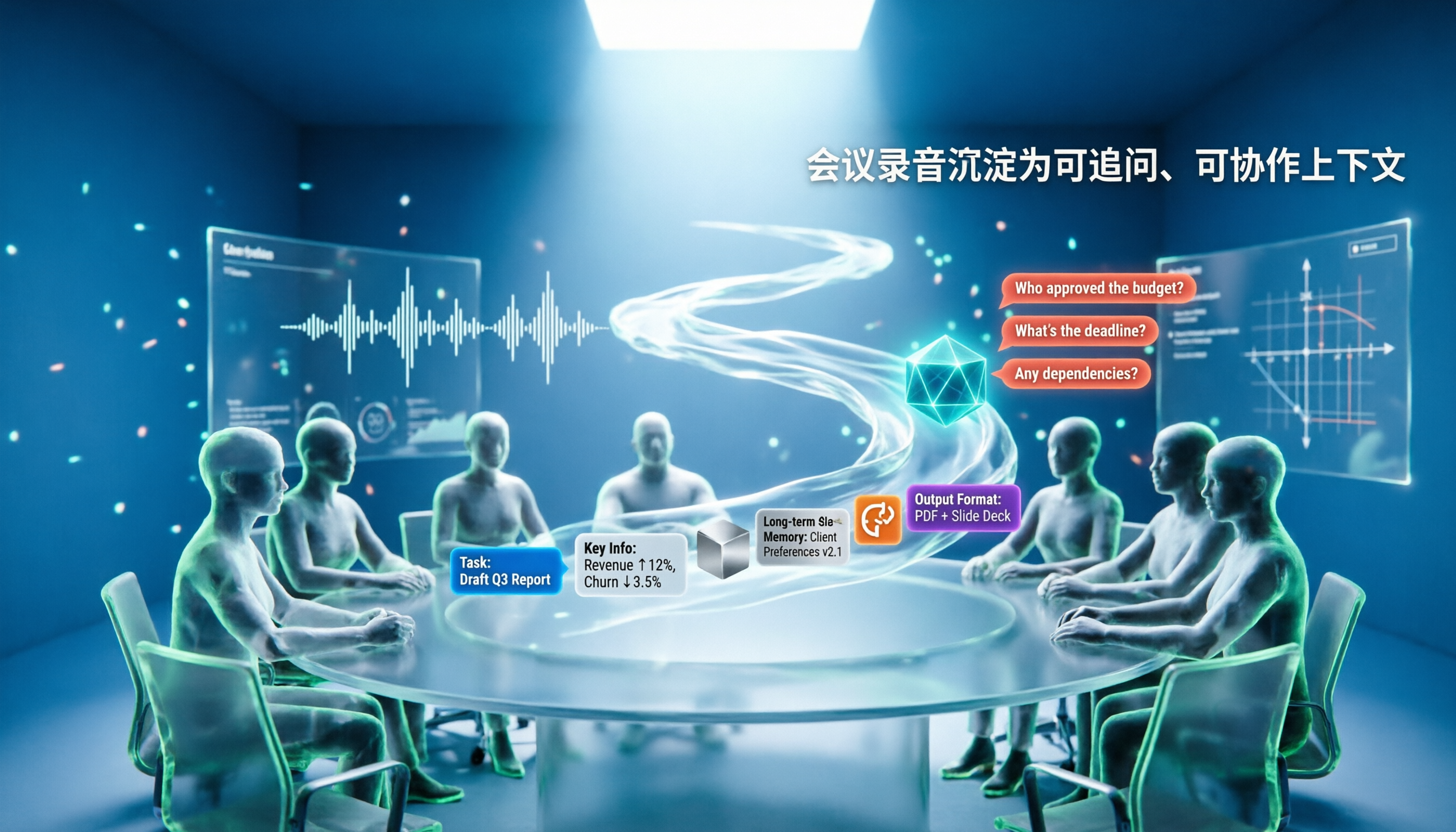
5 AI Agents Tested on Context in 2026: Which One Really Understands Meetings?
Most AI Agent errors aren't due to the model—they're due to context. This article tackles common misconceptions and breaks down context engineering in 5 steps: define the task, filter information, connect long-term memory, design tools and output formats, and refine using failure cases. It also demonstrates with Tinrec how to turn meeting recordings into a queryable, collaborative team context.

5 Free AI Agent PPT Generation Solutions in 2026: A Comprehensive Review
AI agents for PPT generation have evolved from one-click templates to end-to-end output. This article reviews five affordable or even free solutions, covering meeting content organization, PowerPoint's built-in draft generation, and open-source projects, and explains who each is for, free quotas, and pitfalls to watch out for.

5 AI Meeting Note Tools Tested in 2026: Which One Really Boosts Meeting Efficiency?
Tired of time-consuming and incomplete meeting notes? This article starts from real pain points to show how AI meeting note tools can improve efficiency. Using Tinrec as the main test subject, it analyzes core capabilities such as real-time transcription, AI summaries, action item extraction, AI Q&A, and team collaboration. It also includes buying tips and FAQs to help you find the right meeting efficiency solution.

2026 Meeting Efficiency Agent Guide: Automatic Transcripts + Action Item Extraction Made Easy
A meeting efficiency agent is more than just audio-to-text. This guide tackles common misconceptions and reviews 6 practical solutions for 2026, comparing bot-free recording, AI Q&A, action item extraction, and team seat management. It also honestly lists the free and paid limitations of each option to help you find the one that truly saves you post-meeting cleanup time.

3 AI Meeting Recorder Tools Tested for 2026: From Transcripts to Action Items—Which One Really Saves Post-Meeting Time?
AI meeting recording isn't just about pressing record. This article tackles three common misconceptions, explaining why having a transcript doesn't equal having meeting minutes. Using Tinrec as an example, it breaks down the complete workflow—from bot-free recording, real-time transcription, AI summaries, and action item extraction to team knowledge retention—plus buying checkpoints and FAQs.

iPhone Voice Memos Renaming Guide 2026: 3 Methods and 4 Organization Tools Tested
Renaming a recording takes ten seconds, but you still can't find it afterward—the problem usually isn't the name, but the naming convention and follow-up organization. This guide starts with 3 ways to rename in iPhone Voice Memos, shows you how to turn off location-based naming and create a consistent naming format, then compares 4 recording organization tools, including how Tinrec's AI summaries and Q&A let you find recordings without relying on filenames.