

Turn recordings into transcripts and summaries in minutes
Upload audio or video for multilingual transcription, AI notes, and action items
When using Google Meet in China, besides dealing with network connectivity, the biggest headache is meeting notes—manual note-taking is time-consuming, and the built-in transcription doesn't support Chinese. Tinrec is an AI-powered recording and audio/video organization tool that supports real-time voice-to-text, online video analysis, and file transcription, helping you automatically turn Google Meet content into summaries, action items, and verbatim transcripts. It has a free plan that provides basic monthly credits, suitable for office workers and students who frequently have meetings and don't want to spend time organizing notes.


How Can Google Meet Be Used in China?
In China, Google services may be subject to network restrictions, but you can still join Google Meet meetings via a legal VPN or corporate network. The real challenge is "post-meeting organization"—the key points, decisions, and action items discussed often require manual review of the recording. That's where Tinrec comes in.
Scenario 1: Regular Team Meetings Across Borders
You are in China, connected to Google Meet via a VPN to meet with overseas colleagues. The meeting discusses product launch timelines and budget allocation. Just open Tinrec on your phone to record in real-time—it transcribes while recording and marks different speakers. Within minutes after the meeting, AI summaries and action items are automatically generated, so you never have to rewatch a two-hour recording.
Scenario 2: Online Courses or Lectures
Attending an online lecture or training where the speaker talks fast and the content is professional. Use Tinrec to record the audio from the Google Meet. You'll get a full transcript, and the AI will automatically divide it into chapters and highlight key points—like having structured notes when you review.
Scenario 3: Client Interviews or Requirement Meetings
Discussing requirements with a client over Google Meet. The conversation often includes specific specs, quotes, and delivery dates. Tinrec's AI Q&A feature lets you ask questions afterward: "What was the client's budget cap?" or "Which feature should be prioritized?"—the system finds answers from the recording based on semantic understanding, so you won't miss critical details.
How Tinrec Helps You Organize Google Meet Meetings
Simply converting speech to text isn't enough—the real value is turning it into "actionable information." Here are Tinrec's four most practical capabilities for Google Meet scenarios.
Real-Time Verbatim Transcripts—Text While You Meet
Attend Google Meet on your computer and record with Tinrec on your phone. Text appears with almost zero delay. You can check on your phone if you missed anything, or search keywords afterward to quickly locate sections.
AI Summaries and Action Items
After the meeting, Tinrec doesn't just give you a transcript—it automatically generates a structured summary: meeting topic, conclusions, action items, and responsible persons. No more manual formatting; just copy and paste into Slack or email.
Online Video Link Analysis
If your Google Meet meeting was recorded and a shared link is available, you can drop the link into Tinrec. It will analyze the video and produce text and a summary. This is especially convenient for reviewing technical discussions or sharing with colleagues who couldn't attend.
Stop organizing recordings by hand
Upload audio or video and automatically get a transcript, summary, and action items
Multi-Format Export and Subsequent Use
Exported results can be saved as TXT, Word, Markdown, or synced to tools like Notion and Google Docs. If you need formal meeting minutes, you can use Tinrec's Agent feature to generate reports or tables.
Practical Application Scenarios
Global Team Weekly Meetings
A one-hour Google Meet meeting each week to discuss progress, roadblocks, and next week's plans. After recording with Tinrec, the AI summary extracts each person's report highlights, and the action list automatically shows "who, what, by when." Team members in different time zones can quickly get up to speed.
Online Language Lessons
One-on-one lessons with a foreign teacher via Google Meet. After class, use Tinrec's transcript and chapter highlights to review pronunciation and grammar corrections—double your learning efficiency.
Remote Interviews or User Research
Interviewees' thoughts may jump around, making manual transcription time-consuming. Tinrec's AI Q&A lets you quickly revisit: "Why didn't the respondent like the competitor's product?" or "How many times did they mention price issues?"—saving hours of replaying audio.
Internal Project Sync Meetings
PMs quickly sync progress across teams via Google Meet; the pace is fast. While recording with Tinrec, the AI already extracts decision points and blockers. Within five minutes after the meeting, you can send meeting minutes to everyone.
4 Things to Consider When Choosing a Recording & Organization Tool
Accuracy Depends on Real Tests, Not Ads
Official claims of 98% accuracy often come with conditions. Try it in your own recording environment. Tinrec's accuracy in mixed Chinese-English meetings at moderate speed is impressive, but performance drops in noisy environments or overlapping speech.
Chinese Support is Key
Many foreign tools still struggle with Chinese transcription. Tinrec natively supports both Traditional and Simplified Chinese, and in Chinese meetings, courses, and interviews, it performs significantly better than some English-only tools.
Post-Transcription "Organization" Saves Real Time
Getting just a transcript still requires manual effort to extract key points. Check if the tool offers AI summaries, action item extraction, chapter splitting, and conversational queries. Tinrec's post-processing capabilities turn it from a "transcription tool" into a "meeting organization workstation."
Cross-Platform and Offline Support
You might use your computer for Google Meet while recording on your phone. Ensure the tool supports iOS, Android, and web, and can record locally when the network is unstable. Tinrec offers full platform support, and the free version covers all core features.
Frequently Asked Questions
Q: Can Google Meet really be used in China?
A: Yes, but it usually requires a legal VPN or corporate network. Google Meet itself isn't blocked, but the connection may be unstable. Once connected, meeting functions and recording work as usual.
Q: Do I need extra equipment to record Google Meet audio with Tinrec?
A: No. Just open the Tinrec app on your phone next to your computer—the speaker's audio will be picked up clearly. If you wear headphones, switch to speaker mode for recording.
Q: How long can I use Tinrec's free plan?
A: The free plan offers a basic monthly transcription quota, roughly 100 minutes of meeting time. It's suitable for light users who attend 2–3 meetings per week, each about half an hour, to try it out.
Q: Can Tinrec handle meetings with multiple languages mixed in?
A: Tinrec supports 14 languages, including Chinese, English, Japanese, and Korean. If the meeting frequently switches languages, transcription quality may be slightly affected, but it remains readable. We recommend setting the primary language to the one most used in the meeting.
Q: Where are recorded meeting contents stored? Are they secure?
A: Recordings and transcriptions are encrypted and stored in the cloud, accessible only to your account. You can delete audio files anytime, and the system periodically reminds you to review privacy settings.
Summary
Using Google Meet in China isn't the problem—the real hassle is post-meeting documentation and organization. Instead of taking notes manually, let Tinrec automatically transcribe, highlight key points, and list action items. Its free plan is enough for daily meetings, and its Chinese support is better than most foreign tools. If you have Google Meet meetings every week, download Tinrec for free and experience the ease of having meeting notes automatically generated when the meeting ends.
Turn every recording into actionable outcomes
Get 60 free transcription minutes when you sign in. No credit card required.
Related Reading
You might also like

How to Use AI Agents to Generate Documents in 2026: Automated Meeting Minutes and To-Do Lists Made Easy
Many people hand a recording to AI and expect a finished document, only to find names, conclusions, and action items are all wrong. This guide starts with common pitfalls and walks through the correct workflow for AI agent document generation: first use Tinrec to turn meetings into transcripts, summaries, and to-dos, then let the agent post-process them into reports, tables, and meeting minutes. It ends with key buying considerations and FAQs.

Tinrec vs Notta 2026: 5-Dimension Comparison — Which AI Agent Handles Step-by-Step Processing Better?
The difference in AI Agent step-by-step processing capability determines how much manual organizing you'll still need to do after a meeting. This article compares Tinrec and Notta across 5 dimensions: meeting capture method, post-meeting processing depth, audio retention, Chinese language experience, and team governance. It includes buying tips and pitfalls to avoid, helping you choose the one that truly turns meetings into actionable data.

2026 AI Agent Excel Tools Compared: Turning Meeting Notes into Reports Fast
Many people think an AI Agent can turn a single sentence into an Excel report, but testing shows the real keys are data sources and column design. This article compares Tinrec, Microsoft Excel Agent mode, Aspose.Cells AI Generator, and Gemini Notebook Agent, covering meeting notes, file generation, and team collaboration, with buying criteria, hands-on insights, and pitfalls to help you find the most time-saving AI spreadsheet workflow.

2026 AI Meeting Tools Compared: Which One Turns Meetings into Searchable Data?
When choosing an AI meeting tool, the real question isn't transcription accuracy—it's where your meeting data ends up. This article examines four key factors: how meetings are captured, post-meeting outputs, audio retention, and team ownership. I share my current Tinrec workflow and compare Otter.ai, Granola, and PLAUD to help you decide which fits your needs.
How to Choose Meeting Productivity Tools in 2026: 5 Steps from Recording to AI Meeting Minutes
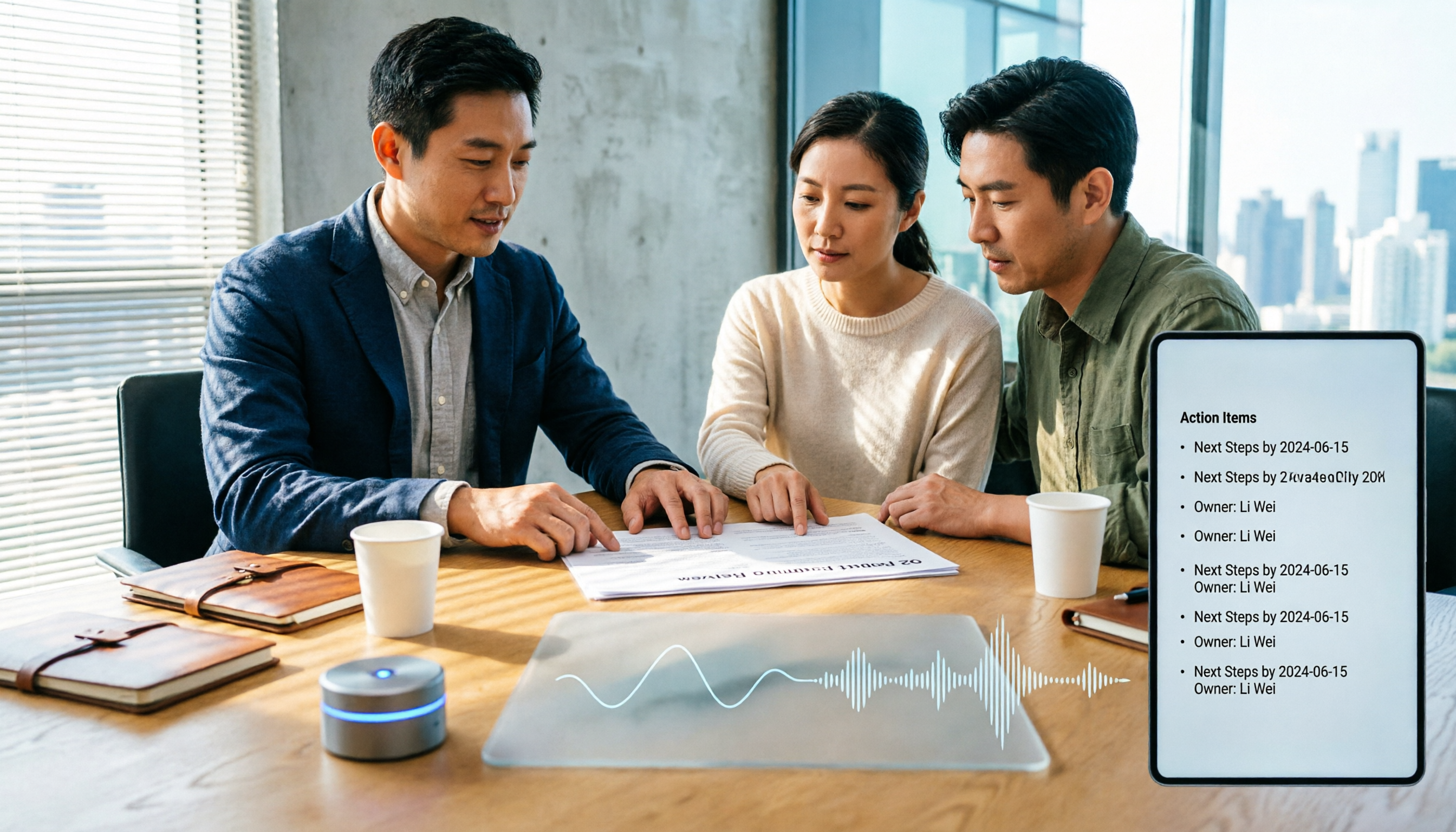
The meeting ends, but the work begins. This article starts with the decision point: do you want a recording, or meeting materials you can use right away? It breaks down 4 key criteria for choosing an AI meeting productivity tool, shares a mid-level manager's tested workflow with Tinrec (秒聽錄音), 5 steps from recording to actionable to-dos, and briefly reviews who Otter.ai, Granola, and Notta are best for, plus 4 common pitfalls.

Tinrec vs Notta 2026: 5-Dimension Comparison — Which Chinese Meeting Efficiency Tool Is Better?
Most people looking for an AI meeting efficiency tool only check transcription accuracy, but overlook that post-meeting organization is what really takes time. This article compares Tinrec and Notta across five practical dimensions, explaining differences in bot-free recording, AI Q&A, action item extraction, and team data retention, plus a pitfalls guide and selection advice.

Best AI Meeting Minutes Tools for Word in 2026: 4 Tested, This One Saves the Most Time for Chinese
Still re-listening to recordings and organizing Word meeting minutes after meetings? This 2026 hands-on comparison of Tinrec, Microsoft Word + Copilot, Notta, and Otter.ai explains selection criteria, pitfalls to avoid, and Word workflows for AI-generated meeting minutes, helping you choose the best tool for Chinese and mixed Chinese-English meetings.

2026 AI Agent Auto-Delivery Tools Compared: Can Meeting Minutes and Action Items Really Be Automated?
AI Agents aren't just about chatting—the real question is whether they can finish the post-meeting wrap-up work on their own. Starting from real meeting scenarios, this article breaks down four key points for choosing an AI Agent auto-delivery tool and compares Tinrec, Otter.ai, Fireflies.ai, and Notta on transcripts, summaries, action items, Agent post-processing, and team data retention, helping you determine which workflow truly saves time.
5 AI Agents Tested on Context in 2026: Which One Really Understands Meetings?
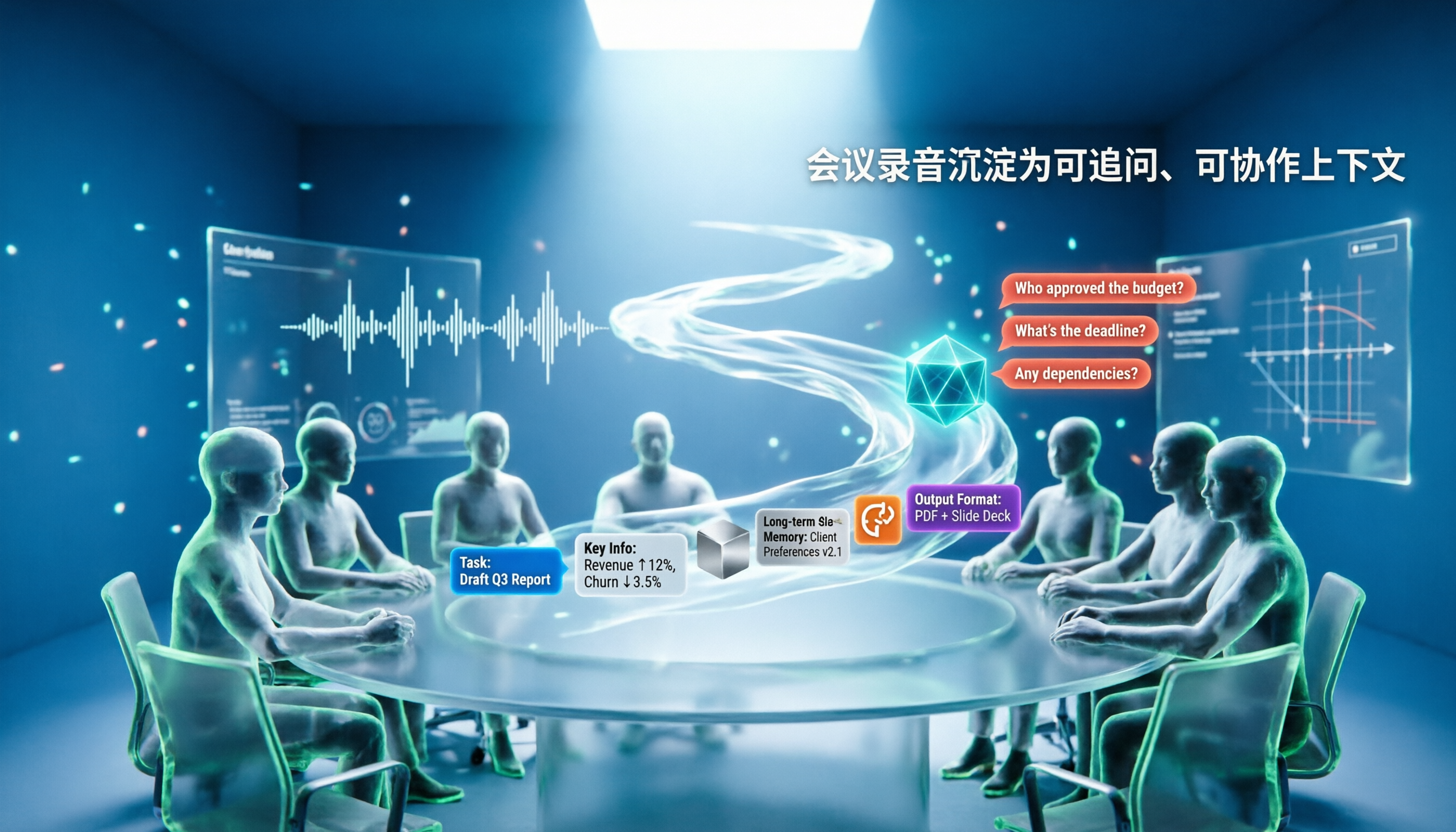
Most AI Agent errors aren't due to the model—they're due to context. This article tackles common misconceptions and breaks down context engineering in 5 steps: define the task, filter information, connect long-term memory, design tools and output formats, and refine using failure cases. It also demonstrates with Tinrec how to turn meeting recordings into a queryable, collaborative team context.