

Turn recordings into transcripts and summaries in minutes
Upload audio or video for multilingual transcription, AI notes, and action items
2026 Comparison of 2 Meeting Note Tools: After Replacing Facetime with Google Meet, Which One Handles Chinese Meetings Better?
Do you also use Facetime for video calls with family and friends, but find it lacking for meetings? Google Meet is free, cross-platform, and accessible directly from a browser, making it a popular choice to replace Facetime. But after the meeting ends, relying on handwritten notes for discussions, decisions, and action items can easily lead to missed details.

So this time I picked two highly discussed meeting note tools—Tinrec (MiaoTing) and Otter.ai—to see which one can better turn your Google Meet meetings into usable records. I'll compare them on Chinese accuracy, supported sources, AI capabilities, and pricing—the points most people care about.
Tinrec vs Otter.ai | Quick Overview
Tinrec is an AI recording and audio/video organization tool, designed to turn meetings, classes, interviews, and online videos into searchable, queryable archives. Otter.ai started as an AI meeting note taker, with strengths in automatically joining online meetings, real-time transcription, and team collaboration.
- Pricing: Tinrec offers a free version (monthly basic quota), Pro monthly/yearly; Otter free gives 300 minutes/month, Pro is about $8.33/month billed annually.
- Platform: Both have iOS, Android, and web versions.
- Key Difference: Otter is more of a pure meeting bot; Tinrec handles more source types and offers more detailed Chinese content processing.
Let's dive into each dimension.
Dimension 1 | Chinese Meeting Transcription Accuracy
Otter's English transcription is strong, but when switching to Chinese meetings, it performs average—errors increase noticeably with mixed Chinese-English and multiple speakers, and it often fails to recognize Taiwanese terms.
Tinrec, on the other hand, has been optimized for Chinese from the start, especially for Traditional Chinese contexts like meetings and lectures. The transcripts are much smoother, with fewer awkward sentence breaks. We tested with the same 10-minute Chinese meeting recording (Google Meet, 2 speakers, mild background noise). Tinrec's output required almost no manual correction to serve as meeting notes.
→ This dimension: Tinrec clearly wins
Dimension 2 | Multi-Source Audio/Video Support
Otter is mainly centered around meetings. While it does allow uploading audio files, its handling of non-meeting content like online videos or local files is quite basic.
Tinrec offers much more flexibility: you can record meetings live, upload old audio files, paste YouTube or Xiaohongshu links for transcription, and even parse videos playing on your computer. This is far more convenient for anyone who needs to manage meetings, classes, interviews, and web content together.
Stop organizing recordings by hand
Upload audio or video and automatically get a transcript, summary, and action items
→ This dimension: Tinrec wins
Dimension 3 | AI Processing and Post-Processing
Otter auto-generates summaries, labels speakers, and captures action items—enough for basic needs. However, if you want deeper processing, such as converting meeting content into to-do lists, mind maps, or asking follow-up questions about the recording, it falls short.
Tinrec goes beyond summaries, chapters, and to-dos with an AI Q&A feature—you can query the recording like a database, e.g., "What was the budget number mentioned earlier?" or "What changes did the client request?"—and get direct answers. After transcription, you can export to Notion, Google Docs, or have the AI generate meeting notes and reports.
→ This dimension: Tinrec wins
Dimension 4 | Pricing and Free Plan Comparison

Otter's free plan offers 300 minutes per month, decent for light use, but exceeding that requires payment, and advanced features are locked behind Pro.
Tinrec's free version also provides a basic quota sufficient for testing. If you need frequent transcription, its Pro pricing is reasonable, and the free plan doesn't feel too restrictive.
→ This dimension: Tie (each suits different usage levels)
What Are Their Unique Strengths?
Tinrec's Unique Strengths
- More accurate for Chinese meetings: Better recognition of Traditional Chinese contexts and mixed Chinese-English speech compared to typical meeting bots.
- Handles more than just meetings: Audio files, online videos, live recordings—all can flow into the same processing pipeline.
- Post-transcription utility: AI Q&A, multiple export formats, report generation—turning recordings into actionable data.
Otter's Unique Strengths
- Auto-join online meetings: High integration, no manual recording needed, ideal for teams needing fully automated notes.
- Team collaboration features: Sharing, editing, comments—better for cross-department projects.
Summary: Which One Should You Choose?
- If you need to organize Chinese meetings, classes, or online videos and want to query, export, and further process after transcription → Tinrec
- If your meetings are entirely in English and you need auto-join and team co-editing → Otter.ai
- If you don't want to spend extra on hardware but want to easily record and transcribe → Start with Tinrec's free version
In a nutshell: For most Chinese users, Tinrec is more comprehensive for meeting notes, lecture notes, and video material processing. I recommend starting with the free version and testing it with your own Google Meet meetings.
Frequently Asked Questions
Can Tinrec record Google Meet meetings?
Yes. By recording system audio on your phone or computer, you can transcribe Google Meet calls into text.
Does the free version have time limits?
There is a basic quota, enough to experience live recording, file transcription, and online video parsing. Check the official website for exact numbers.
Which is more accurate, Otter.ai or Tinrec?
It depends on the scenario. Otter performs well on English meetings, but for Chinese meetings or mixed Chinese-English content, Tinrec offers better recognition and fluidity.
Can I export transcriptions to other tools?
Tinrec supports multiple export formats, including text files and subtitles, and can sync directly to Notion, Google Docs, etc.
Is the recording privacy secure?
Both tools have privacy policies, but for confidential meetings, please review each platform's data protection terms.
Which plan should I choose?
For occasional transcription, the free version is sufficient. If you have meetings or classes weekly, Pro monthly is cost-effective. For long-term heavy use, the yearly plan offers lower monthly cost.
Turn every recording into actionable outcomes
Get 60 free transcription minutes when you sign in. No credit card required.
Related Reading
You might also like

How to Use AI Agents to Generate Documents in 2026: Automated Meeting Minutes and To-Do Lists Made Easy
Many people hand a recording to AI and expect a finished document, only to find names, conclusions, and action items are all wrong. This guide starts with common pitfalls and walks through the correct workflow for AI agent document generation: first use Tinrec to turn meetings into transcripts, summaries, and to-dos, then let the agent post-process them into reports, tables, and meeting minutes. It ends with key buying considerations and FAQs.

Tinrec vs Notta 2026: 5-Dimension Comparison — Which AI Agent Handles Step-by-Step Processing Better?
The difference in AI Agent step-by-step processing capability determines how much manual organizing you'll still need to do after a meeting. This article compares Tinrec and Notta across 5 dimensions: meeting capture method, post-meeting processing depth, audio retention, Chinese language experience, and team governance. It includes buying tips and pitfalls to avoid, helping you choose the one that truly turns meetings into actionable data.

2026 AI Agent Excel Tools Compared: Turning Meeting Notes into Reports Fast
Many people think an AI Agent can turn a single sentence into an Excel report, but testing shows the real keys are data sources and column design. This article compares Tinrec, Microsoft Excel Agent mode, Aspose.Cells AI Generator, and Gemini Notebook Agent, covering meeting notes, file generation, and team collaboration, with buying criteria, hands-on insights, and pitfalls to help you find the most time-saving AI spreadsheet workflow.

2026 AI Meeting Tools Compared: Which One Turns Meetings into Searchable Data?
When choosing an AI meeting tool, the real question isn't transcription accuracy—it's where your meeting data ends up. This article examines four key factors: how meetings are captured, post-meeting outputs, audio retention, and team ownership. I share my current Tinrec workflow and compare Otter.ai, Granola, and PLAUD to help you decide which fits your needs.
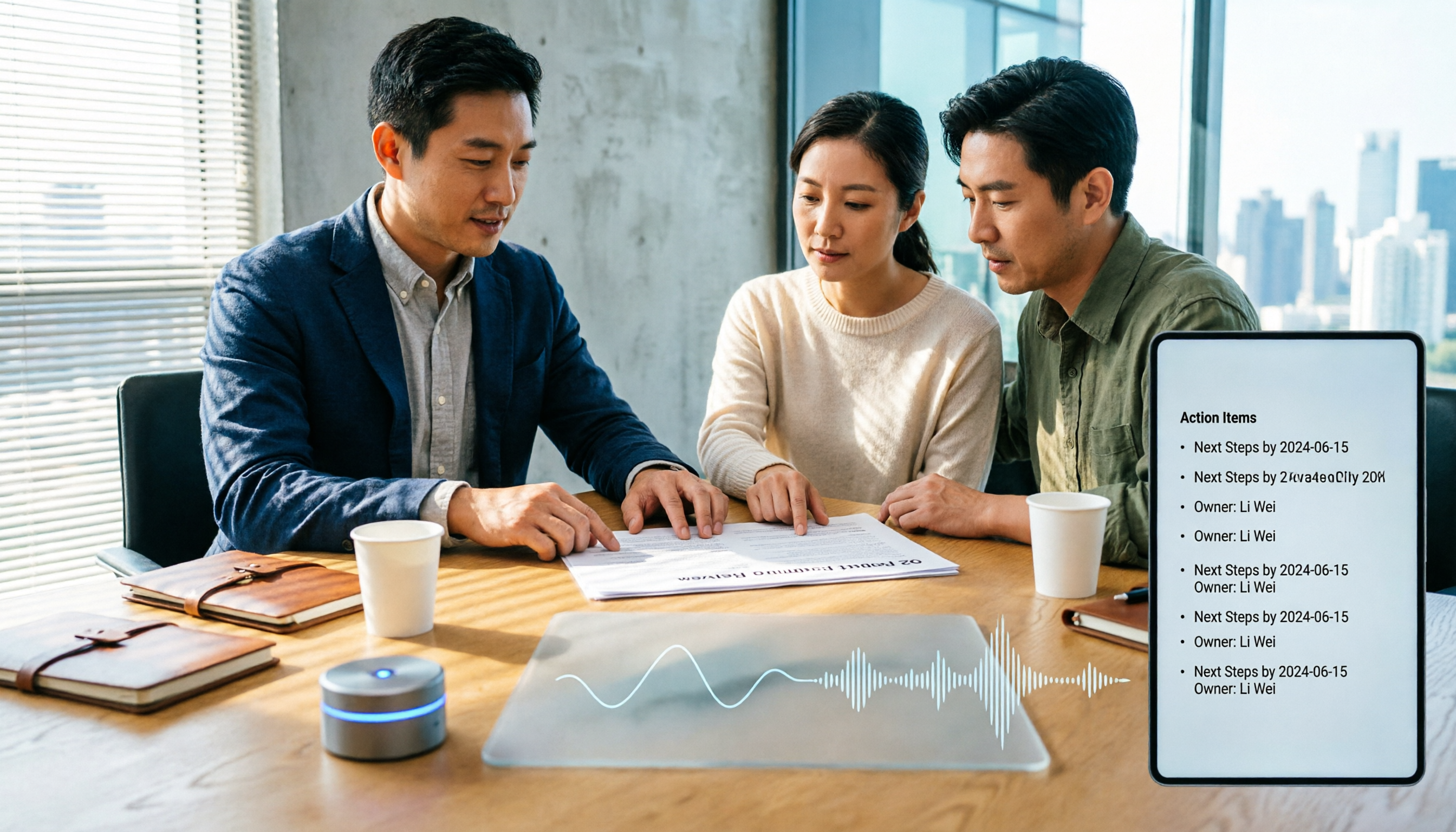
How to Choose Meeting Productivity Tools in 2026: 5 Steps from Recording to AI Meeting Minutes
The meeting ends, but the work begins. This article starts with the decision point: do you want a recording, or meeting materials you can use right away? It breaks down 4 key criteria for choosing an AI meeting productivity tool, shares a mid-level manager's tested workflow with Tinrec (秒聽錄音), 5 steps from recording to actionable to-dos, and briefly reviews who Otter.ai, Granola, and Notta are best for, plus 4 common pitfalls.

Tinrec vs Notta 2026: 5-Dimension Comparison — Which Chinese Meeting Efficiency Tool Is Better?
Most people looking for an AI meeting efficiency tool only check transcription accuracy, but overlook that post-meeting organization is what really takes time. This article compares Tinrec and Notta across five practical dimensions, explaining differences in bot-free recording, AI Q&A, action item extraction, and team data retention, plus a pitfalls guide and selection advice.
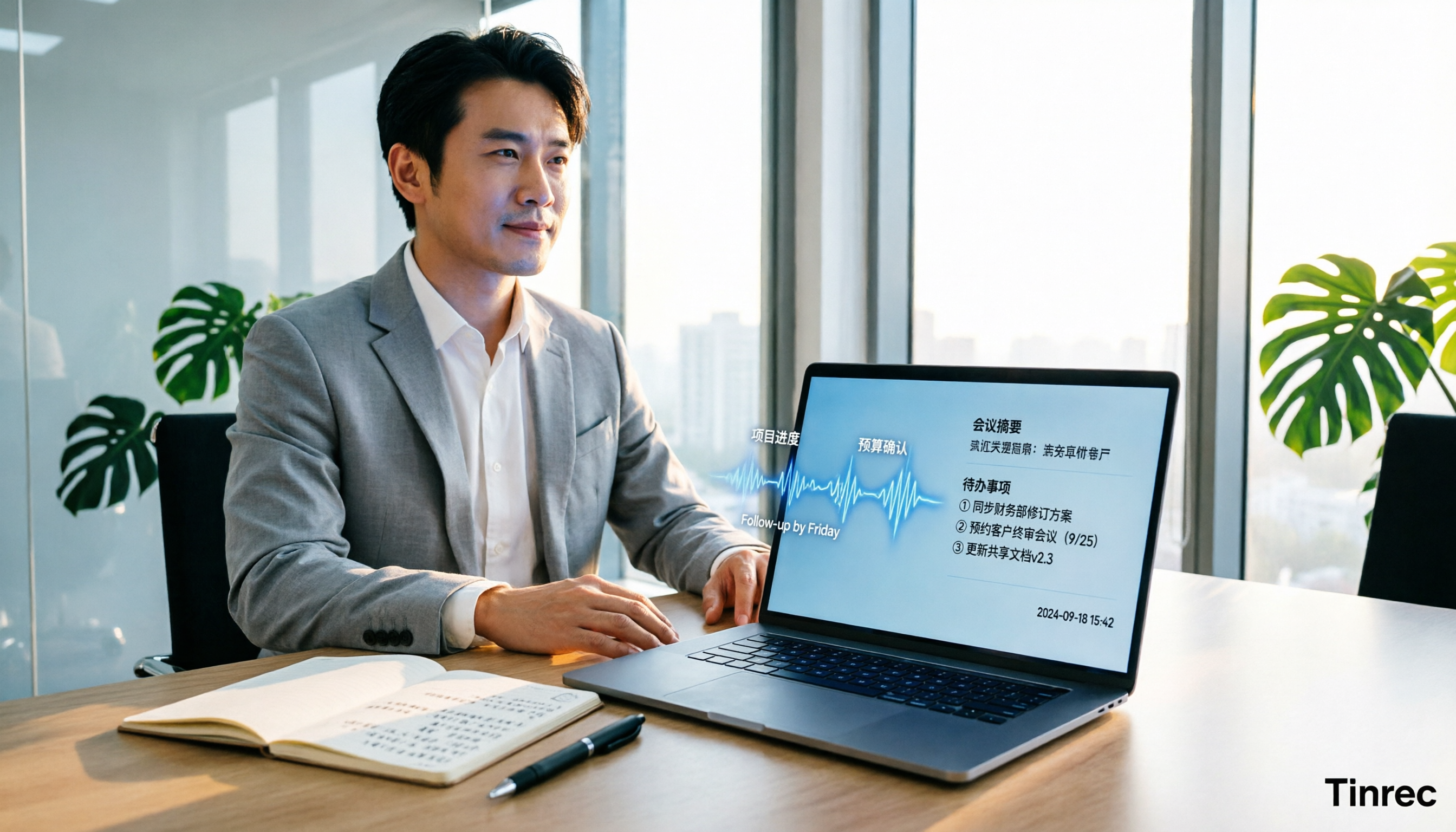
Best AI Meeting Minutes Tools for Word in 2026: 4 Tested, This One Saves the Most Time for Chinese
Still re-listening to recordings and organizing Word meeting minutes after meetings? This 2026 hands-on comparison of Tinrec, Microsoft Word + Copilot, Notta, and Otter.ai explains selection criteria, pitfalls to avoid, and Word workflows for AI-generated meeting minutes, helping you choose the best tool for Chinese and mixed Chinese-English meetings.

2026 AI Agent Auto-Delivery Tools Compared: Can Meeting Minutes and Action Items Really Be Automated?
AI Agents aren't just about chatting—the real question is whether they can finish the post-meeting wrap-up work on their own. Starting from real meeting scenarios, this article breaks down four key points for choosing an AI Agent auto-delivery tool and compares Tinrec, Otter.ai, Fireflies.ai, and Notta on transcripts, summaries, action items, Agent post-processing, and team data retention, helping you determine which workflow truly saves time.
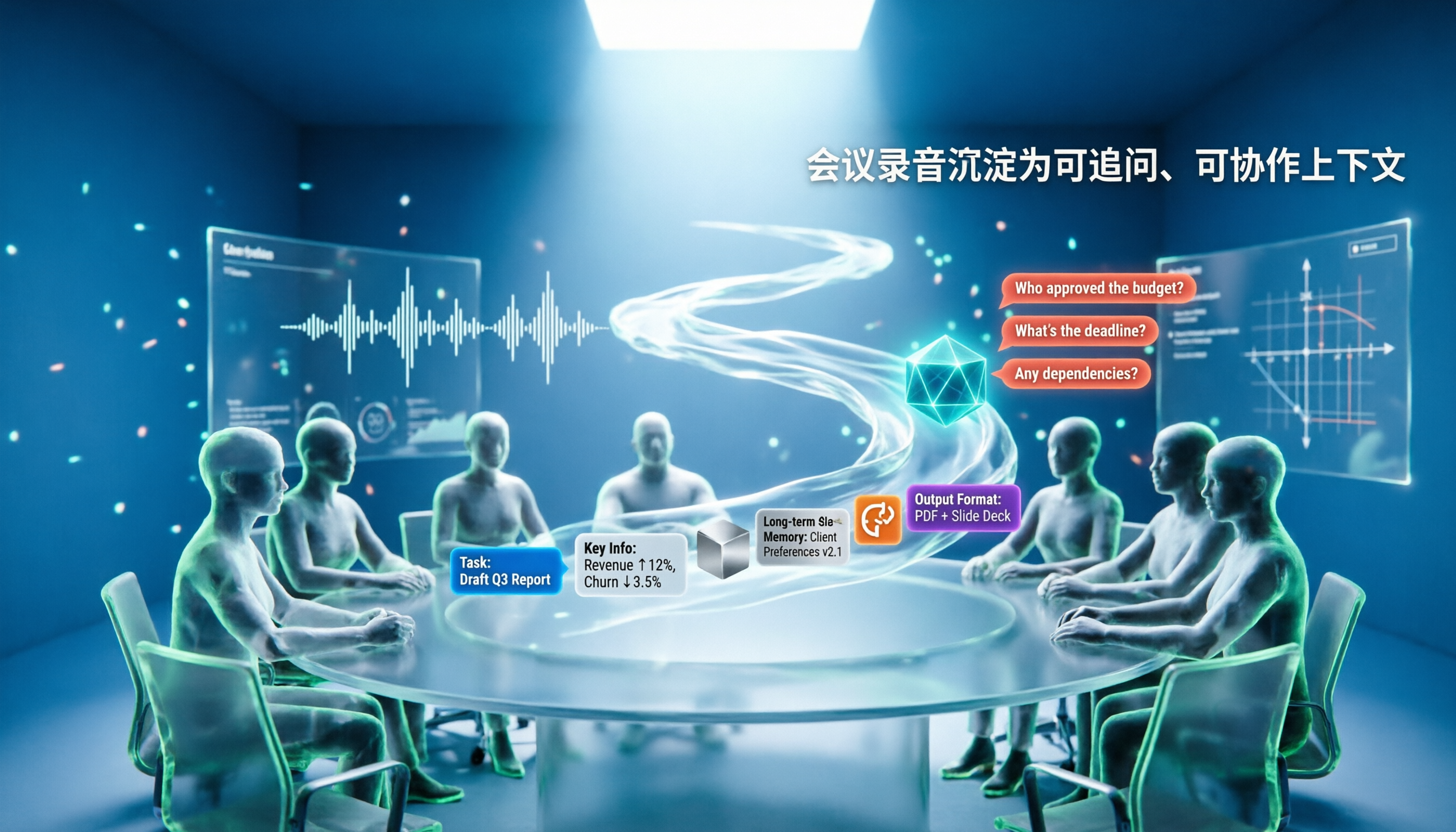
5 AI Agents Tested on Context in 2026: Which One Really Understands Meetings?
Most AI Agent errors aren't due to the model—they're due to context. This article tackles common misconceptions and breaks down context engineering in 5 steps: define the task, filter information, connect long-term memory, design tools and output formats, and refine using failure cases. It also demonstrates with Tinrec how to turn meeting recordings into a queryable, collaborative team context.