
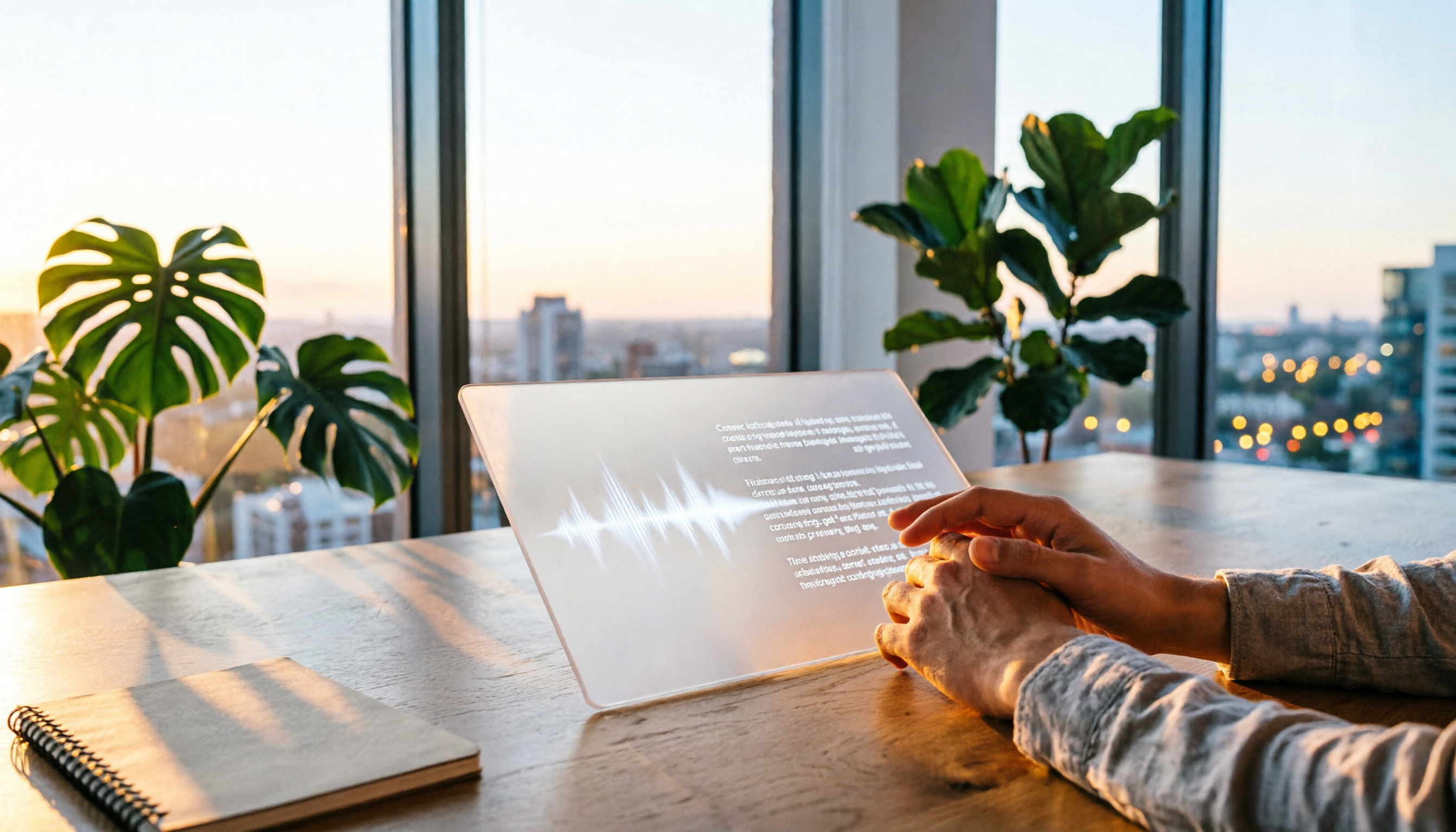
Turn recordings into transcripts and summaries in minutes
Upload audio or video for multilingual transcription, AI notes, and action items
Every time I join an online meeting, my peripheral vision catches my own face, which is not only distracting but also makes me feel awkward when speaking.
Google Meet's hide self view feature does solve this pain point—just click a button, and your own video window disappears, instantly making the meeting experience much cleaner.

But what's even more exhausting is the post-meeting note-taking: a one-hour meeting can take two to three times longer to manually transcribe. If you rely solely on Google Meet's built-in transcription, you get live captions but no summary, no action items, and no way to search for key points afterward.
To help you find a more complete solution, I compared Google Meet's built-in transcription with Tinrec's instant recording in a real-world test. This article will break down 5 key dimensions to help you determine which one truly saves you post-meeting time.
Google Meet vs Tinrec: Quick Overview
Google Meet is a familiar online meeting tool. Its built-in live captions and transcription can record meeting conversations, but the functionality is limited to the meeting itself, leaving you with very little usable data afterward.
Tinrec, on the other hand, is an AI tool specifically designed for audio and video content. It handles not only meetings but also lectures, interviews, YouTube videos, and podcasts, converting them into text and automatically generating summaries, action items, and AI-powered Q&A.
| Comparison Item | Google Meet Built-in Transcription | Tinrec Instant Recording |
|---|---|---|
| Primary Role | Add-on feature of an online meeting platform | AI audio & video processing workspace |
| Input Sources | Google Meet meeting audio only | Live recording, audio/video files, web video links, meeting recordings |
| Chinese Content Support | Basic captions | Optimized for Chinese meetings, lectures, interviews; supports mixed Chinese/English |
| Free Plan | Unlimited (provided with meetings) | Monthly basic transcription quota; core features available for trial |
This article will dive deep into five dimensions: input source diversity, post-transcription organization, cross-platform support, AI-powered Q&A, and export flexibility.
Dimension 1: Input Source Diversity
Google Meet's transcription feature is tied to the meeting itself: you must be in a Google Meet session to use live captions. If you have a phone recording from an in-person meeting, an audio file from a class, a public YouTube video, or even a recording from Zoom or another platform, Google Meet simply cannot process it.
Tinrec, on the other hand, accepts any audio or video content. You can record directly, upload audio files from your phone, or even paste links to YouTube, TikTok, or Xiaohongshu videos, and it will automatically start transcribing. For anyone who needs to process diverse sources over time, this flexibility is crucial.
Winner: Tinrec clearly wins—Google Meet only handles its own meetings, while Tinrec covers virtually every audio/video scenario.
Dimension 2: Post-Transcription Organization
Google Meet provides live captions during the meeting and allows you to view the text transcript afterward, but it's just a flat conversation log. You have to manually sift through thousands of words to find discussion points, action items, or decisions—often more time-consuming than the meeting itself.
Stop organizing recordings by hand
Upload audio or video and automatically get a transcript, summary, and action items
Tinrec, however, positions transcription as just the starting point. It automatically generates key summaries, chapter segments, and extracts action items from the conversation. You can also select any part of the text and ask the AI to summarize or explain it. This transforms a recording from "knowing what was said" into "ready-to-use working material."
Winner: Tinrec dominates—it doesn't just turn speech into text; it organizes the content into actionable knowledge.
Dimension 3: Cross-Platform & Device Support
To use Google Meet transcription, you must be in a meeting on your computer or phone, and the functionality is limited by meeting status (once the meeting ends, captions stop and the text record may not be fully retained). If you want to record an interview on your phone and convert it to text, Google Meet can't help.

Tinrec offers iOS and Android apps as well as a full web version, so no matter where you are or what device you're using, you can independently record or import files. This means you can handle meeting recordings from your phone, downloaded videos on your computer, or even web links from your browser—all in one unified platform.
Winner: Tinrec wins—its cross-device and cross-scenario support makes it not just a meeting tool, but a portable audio/video processing hub.
Dimension 4: AI-Powered Q&A
Google Meet's transcription is just a static text document. If you want to find out "who mentioned the budget number in that meeting last month?", you have to manually keyword-search the entire text, and you still may not grasp the context.
Tinrec has a built-in AI Q&A feature: for any recording, you can ask questions like a friend—e.g., "What did the interviewee think about product pricing?" The AI answers based on the transcription content, even citing sources and timestamps. This is extremely useful for anyone who needs to revisit historical recordings.
Winner: Tinrec clearly wins—it turns recorded data from "too valuable to delete" into a searchable, queryable knowledge base.
Dimension 5: Data Export & Further Use
The transcript from Google Meet can be copied and pasted, but the formatting is plain. To turn it into a formal meeting minutes document, report, or executive summary, you have to manually format it yourself.
Tinrec supports multiple export formats including Word, PDF, and TXT, and can sync directly to Notion, Google Docs, OneNote, and other tools. Moreover, it can generate complete meeting minutes templates or tables in one click, saving you formatting effort.
Winner: Tinrec wins—it doesn't lock you into a closed system; instead, it feeds organized data into your existing workflow.
What Unique Advantages Does Each Have?
Tinrec's Unique Advantages
- Multi-source audio/video processing: Meetings, courses, interviews, web videos... all forms of recordings can be handled in one tool.
- Comprehensive AI post-processing: Summaries, chapters, action items, Q&A, export formats—making recording data truly usable.
- Enhanced support for Chinese content: The interface and transcription engine are optimized for Traditional Chinese environments, handling mixed Chinese/English and colloquial speech well.
- Free, low-barrier trial: No additional hardware needed; works on phone and computer. The free version lets you experience core transcription and summarization features.
Google Meet's Unique Advantages
- Zero installation, built-in: If you're a Google Meet user, the transcription feature is built in—no extra website or app needed.
- Live captions for accessibility: Provides real-time captions during meetings, helpful for hearing-impaired users or those who need reading assistance.
Summary: Who Should You Choose?
- If you only need to hide your own video during meetings and just want basic live captions → Google Meet's built-in feature is sufficient; no extra tools required.
- If you want automatic key takeaways and action items after meetings, classes, or interviews → Tinrec is a more efficient choice.
- If you need to process recordings from different platforms and formats → Tinrec's multi-source input will save you significant time.
- If you want to quickly query past recordings with AI → Google Meet lacks this feature; Tinrec lets you search content like a database.
One sentence summary: For most users who need meeting minutes, lecture notes, or interview transcripts, Tinrec is the more comprehensive solution. You can start with the free version and test the transcription and summarization quality with your own meeting recordings.
Turn every recording into actionable outcomes
Get 60 free transcription minutes when you sign in. No credit card required.
Related Reading
You might also like

How to Use AI Agents to Generate Documents in 2026: Automated Meeting Minutes and To-Do Lists Made Easy
Many people hand a recording to AI and expect a finished document, only to find names, conclusions, and action items are all wrong. This guide starts with common pitfalls and walks through the correct workflow for AI agent document generation: first use Tinrec to turn meetings into transcripts, summaries, and to-dos, then let the agent post-process them into reports, tables, and meeting minutes. It ends with key buying considerations and FAQs.

Tinrec vs Notta 2026: 5-Dimension Comparison — Which AI Agent Handles Step-by-Step Processing Better?
The difference in AI Agent step-by-step processing capability determines how much manual organizing you'll still need to do after a meeting. This article compares Tinrec and Notta across 5 dimensions: meeting capture method, post-meeting processing depth, audio retention, Chinese language experience, and team governance. It includes buying tips and pitfalls to avoid, helping you choose the one that truly turns meetings into actionable data.

2026 AI Agent Excel Tools Compared: Turning Meeting Notes into Reports Fast
Many people think an AI Agent can turn a single sentence into an Excel report, but testing shows the real keys are data sources and column design. This article compares Tinrec, Microsoft Excel Agent mode, Aspose.Cells AI Generator, and Gemini Notebook Agent, covering meeting notes, file generation, and team collaboration, with buying criteria, hands-on insights, and pitfalls to help you find the most time-saving AI spreadsheet workflow.

2026 AI Meeting Tools Compared: Which One Turns Meetings into Searchable Data?
When choosing an AI meeting tool, the real question isn't transcription accuracy—it's where your meeting data ends up. This article examines four key factors: how meetings are captured, post-meeting outputs, audio retention, and team ownership. I share my current Tinrec workflow and compare Otter.ai, Granola, and PLAUD to help you decide which fits your needs.
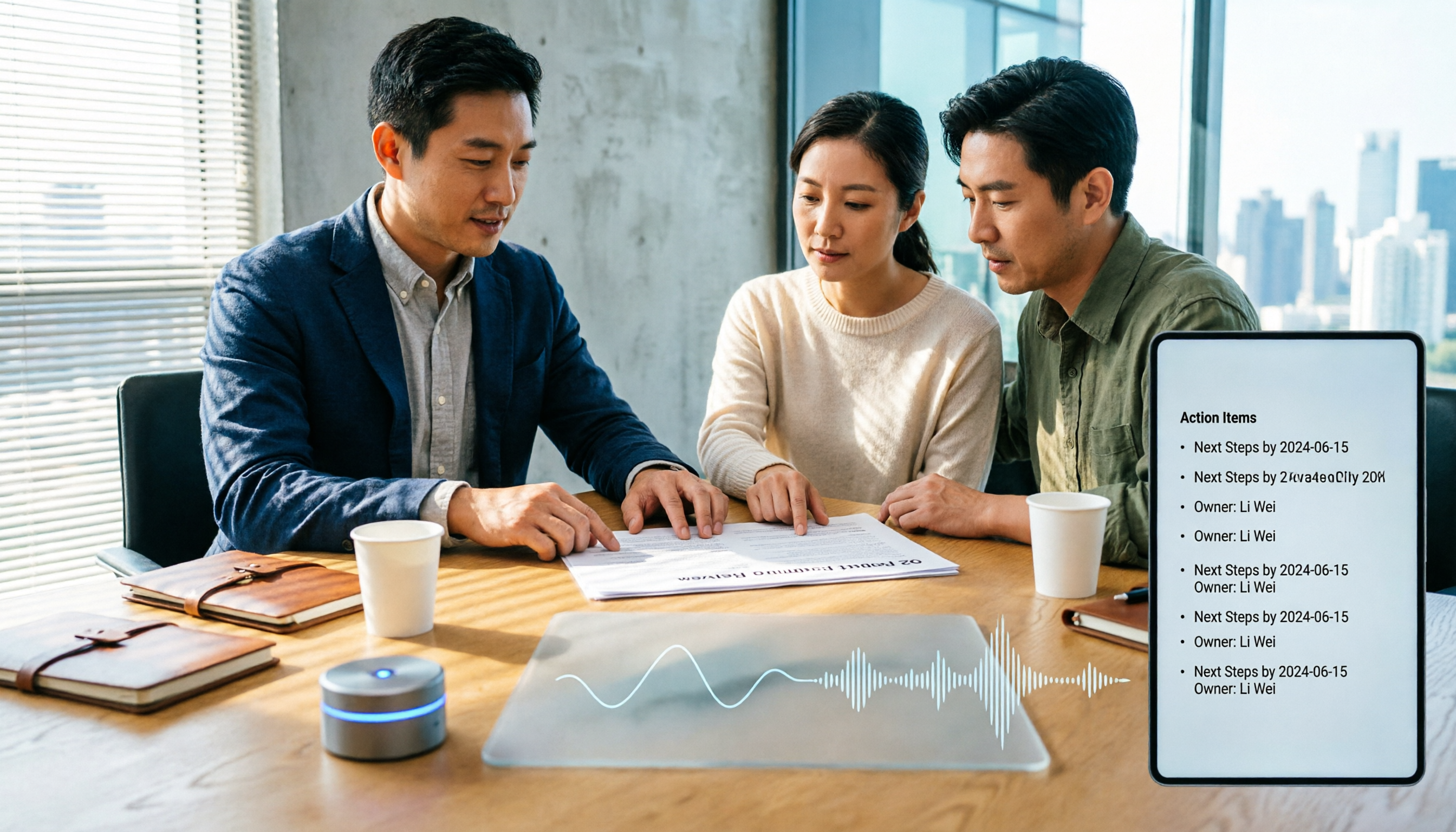
How to Choose Meeting Productivity Tools in 2026: 5 Steps from Recording to AI Meeting Minutes
The meeting ends, but the work begins. This article starts with the decision point: do you want a recording, or meeting materials you can use right away? It breaks down 4 key criteria for choosing an AI meeting productivity tool, shares a mid-level manager's tested workflow with Tinrec (秒聽錄音), 5 steps from recording to actionable to-dos, and briefly reviews who Otter.ai, Granola, and Notta are best for, plus 4 common pitfalls.

Tinrec vs Notta 2026: 5-Dimension Comparison — Which Chinese Meeting Efficiency Tool Is Better?
Most people looking for an AI meeting efficiency tool only check transcription accuracy, but overlook that post-meeting organization is what really takes time. This article compares Tinrec and Notta across five practical dimensions, explaining differences in bot-free recording, AI Q&A, action item extraction, and team data retention, plus a pitfalls guide and selection advice.

Best AI Meeting Minutes Tools for Word in 2026: 4 Tested, This One Saves the Most Time for Chinese
Still re-listening to recordings and organizing Word meeting minutes after meetings? This 2026 hands-on comparison of Tinrec, Microsoft Word + Copilot, Notta, and Otter.ai explains selection criteria, pitfalls to avoid, and Word workflows for AI-generated meeting minutes, helping you choose the best tool for Chinese and mixed Chinese-English meetings.

2026 AI Agent Auto-Delivery Tools Compared: Can Meeting Minutes and Action Items Really Be Automated?
AI Agents aren't just about chatting—the real question is whether they can finish the post-meeting wrap-up work on their own. Starting from real meeting scenarios, this article breaks down four key points for choosing an AI Agent auto-delivery tool and compares Tinrec, Otter.ai, Fireflies.ai, and Notta on transcripts, summaries, action items, Agent post-processing, and team data retention, helping you determine which workflow truly saves time.
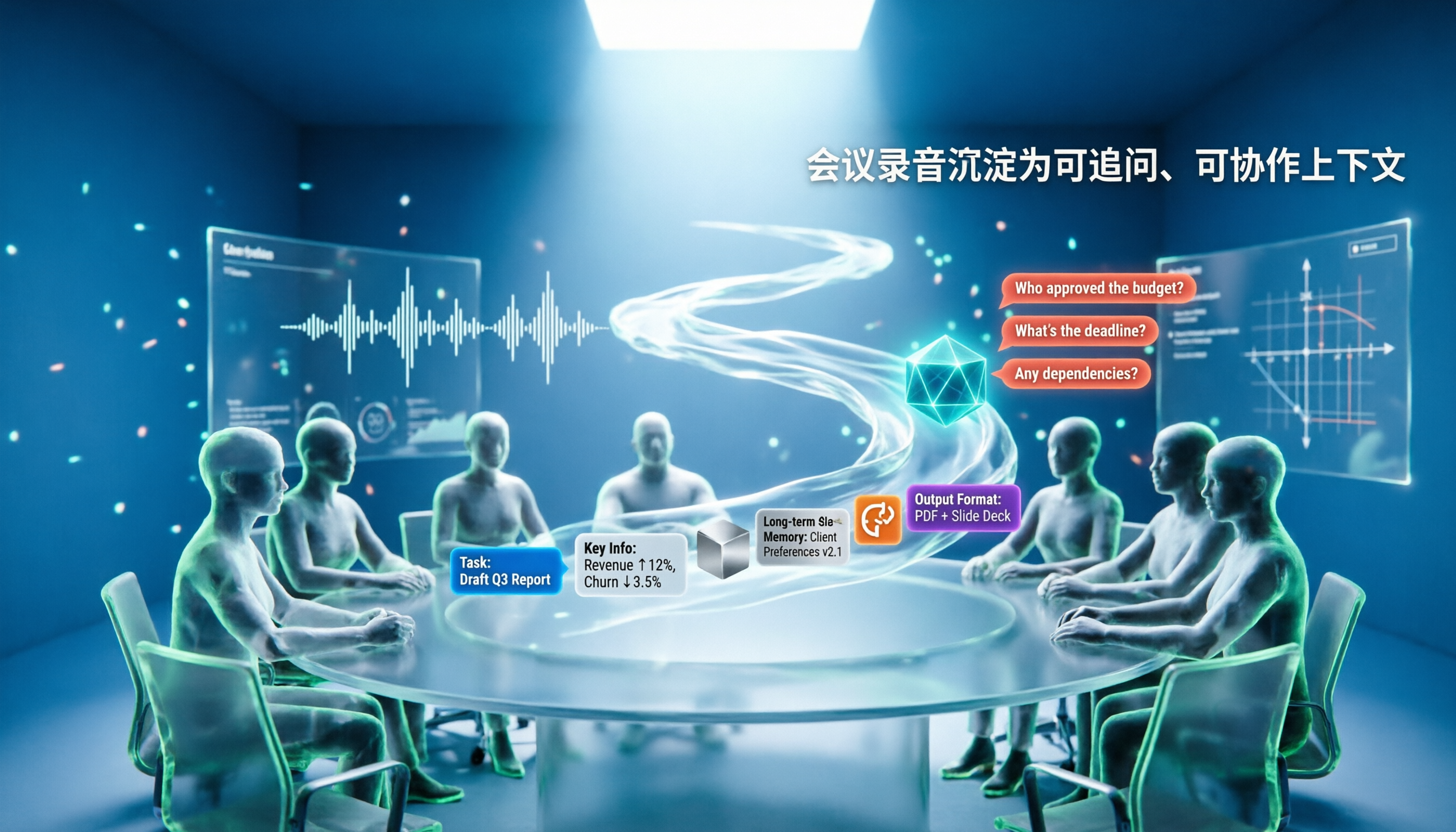
5 AI Agents Tested on Context in 2026: Which One Really Understands Meetings?
Most AI Agent errors aren't due to the model—they're due to context. This article tackles common misconceptions and breaks down context engineering in 5 steps: define the task, filter information, connect long-term memory, design tools and output formats, and refine using failure cases. It also demonstrates with Tinrec how to turn meeting recordings into a queryable, collaborative team context.