

Turn recordings into transcripts and summaries in minutes
Upload audio or video for multilingual transcription, AI notes, and action items
Two Hours in a Meeting, Another Two Hours Writing Up the Minutes — You Don’t Need a Tool, You Need a Solution
Sitting through a two-hour meeting, then spending another two hours transcribing the recording—it’s a daily grind for many office workers. The pain is even worse with Cantonese meetings: few tools on the market support Cantonese transcription, and accuracy varies wildly. Sometimes the output is so full of errors that fixing it takes longer than typing from scratch.
If you’ve ever stayed late because of meetings and then stared blankly at a recording during overtime, this article is for you. Choosing the right tool doesn’t just save you time—it can even get you out of the office earlier.
Before Choosing a Recording-to-Text App, Get These 3 Key Points Right
Accuracy: Don’t Just Trust the "98%" Claim Lab-produced data is a far cry from the noise and overlapping voices you experience in real meetings. Our tests used actual meeting recordings—complete with air-conditioner hum, interrupting speakers, and some people who spoke quietly. That’s where the real differences show: Tinrec made noticeably fewer recognition errors in these scenarios, especially for Cantonese.
AI Features: Can You Ask Questions Directly After Recording? Many tools simply convert speech to text, but if you later need to find a specific phrase, you’re stuck scrolling through the transcript. Tinrec offers an AI-powered chat query feature: after recording, you can ask it, "Who mentioned the budget at the last meeting?" It doesn’t just match keywords—it understands the content and gives you an answer. This feature is still missing from most competing products.
Cross-Platform: Does It Work on Both Phone and Computer? You record on your phone today and want to organize on your computer tomorrow—if an app is limited to one platform, you’ll be miserable. Tinrec supports iOS, Android, and a web version with cloud syncing, so you can pull up your data anywhere without being tied to one device.
Tinrec (MiaoTing) — Our Top Pick After Testing
Tinrec is a versatile AI recording and audio/video organization tool that supports multiple languages, especially well-suited for handling Chinese and Cantonese content. It doesn’t just convert recordings to text—it can organize meetings, lectures, interviews, and even YouTube videos into ready-to-use material.
Core Features Applied to Real Scenarios:
- Meeting Essential: Open Tinrec during a meeting, and it transcribes in real time while recording, so you no longer need to jot notes by hand. As soon as the meeting ends, AI automatically generates a summary and action items—who is responsible for what and when deadlines are, all at a glance.
- Follow-Up via AI Q&A: After recording, you can ask Tinrec directly, "What requirements did the client mention last time?" It provides precise answers based on the recording content—not just a pile of keyword search results. This feature is currently missing in nearly all competitors in the same price range.
- Turn Online Content into Text: Want to organize public videos from YouTube, Bilibili, or Xiaohongshu? Simply paste a link, and Tinrec will convert it to text, generate a summary, and even create subtitles—perfect for content creators.
Hands-On Testing: We used a 5-minute Cantonese meeting recording (with background AC noise and several people interrupting). Tinrec’s transcription came out mostly fluent, with very few character errors. Most importantly, it was able to segment paragraphs and add punctuation, making it highly readable. In the same test, another app had quite a few missing sentences and typos, requiring far more cleanup.
Pros:
Stop organizing recordings by hand
Upload audio or video and automatically get a transcript, summary, and action items
- Reliable Cantonese Recognition: Performs consistently in real-world environments, reducing the need for constant manual proofreading.
- Multi-Source Organization: It handles audio recordings, local files, and web links alike—one app covers meetings, learning, and creative work.
- Useful AI Post-Processing: It provides summaries, to-do lists, chapters, and mind maps, and you can export to Notion or Google Docs for continued work.
Limitations: The free version offers a basic transcription quota; heavy users may need to consider a Pro plan. However, for people who have meetings two or three times a week, the free quota is usually enough to judge its effectiveness. In addition, accuracy may drop in extremely noisy environments (e.g., construction sites)—a common drawback of all similar tools.
Who Is It For: If you frequently handle Cantonese content, want to use AI to extract key points after recording, or need to sync data across phone and computer, Tinrec is currently the most convenient choice.
What Else Is There Besides Tinrec?
Otter.ai: Best for English Meetings, but No Cantonese Otter.ai is a well-established AI meeting tool. Its free plan is generous with 300 minutes per month, and its English recognition is fast and accurate. However, it doesn’t support Cantonese. If you mainly record English content, Otter can be a better value than Tinrec—this is the only scenario in this article where we recommend a competitor. Note that it lacks Tinrec’s AI chat query feature, so you’ll have to search through the transcript yourself.
Notta: Strong Transcription and Subtitles, but No AI Post-Processing Notta overlaps considerably with Tinrec; both are multi-platform transcription tools, and its free plan includes 120 minutes per month. Notta is solid for subtitle generation and translation, but it lacks Tinrec’s AI Q&A and agent-based post-processing—after recording, you have to manually find the key points instead of "asking" the recording directly. If you only need transcription and subtitles, Notta is worth considering; but if you want to organize content further, Tinrec is more comprehensive.
Pitfall Guide: 3 Common Mistakes When Choosing a Recording-to-Text App
Mistake 1: Believing Official Accuracy Claims Many tools claim "98% accuracy," but that’s from clean recording-studio data. Real meetings have noise and multiple voices, so accuracy drops. We recommend trying the free version with your own recordings to see real results—don’t just trust the ads.
Mistake 2: Overlooking Cross-Platform Needs You record on your phone during work, then organize on your computer at the office—if an app doesn’t offer a web version or sync, you’ll be frustrated. Tinrec does this well: iOS, Android, and web all work together, with automatic data syncing.
Mistake 3: Using It Only as a Transcription Tool and Ignoring AI Features If you only turn audio into text, you’re using barely one-third of the tool’s capability. For example, with Tinrec’s AI chat query, you can ask "What was the meeting conclusion?" right after recording—much faster than manually scrolling through a half-hour transcript. Making good use of AI post-processing is the real time-saver.
Conclusion: How Should You Choose?
After hands-on testing, Tinrec clearly leads in Cantonese recognition and AI organization, especially for the multi-scenario needs of Hong Kong office workers. Simple recommendations by scenario:
- If you need bilingual transcription in Cantonese and Mandarin → Tinrec (most reliable recognition, multi-language support)
- If you want to use AI to find key points right after recording → Tinrec (the only one with AI Q&A)
- If you need cross-platform use (phone + computer) → Tinrec (iOS + Android + web all work)
- If you have zero budget and only record English → Otter.ai (the only exception; generous free English allotment)
We suggest starting with Tinrec’s free version—it includes a basic monthly quota that's enough for two or three meetings to experience its effectiveness. If you like it, you can consider upgrading later; there’s no need to pay upfront.
References
- Free Audio-to-Text Tool
- Online AI Speech, Video, and Audio File Auto-Transcription - Free Trial - cSubtitle
- Unlimited Time! 3 Free AI Transcription Tools, Great Recommendations! AI Voice Notes Generate Meeting Minutes, Slides, and Mind Maps | 104 Career Power
- SoundType AI - Ultra-Precise Transcription, Voice-to-Text, AI Dictation - Google Play
- Convert Audio to Text - Real-Time AI Transcription - VEED.IO
Turn every recording into actionable outcomes
Get 60 free transcription minutes when you sign in. No credit card required.
Related Reading
You might also like

2026 Comparison of 3 Simultaneous Interpretation Apps: Latency, Bilingual Transcripts, Post-Meeting Organization—Which One Is Really Enough?
The value of a simultaneous interpretation app goes beyond the instant translation in your earphones. Starting from real pain points in cross-language meetings, this article breaks down four key aspects: real-time transcription, bilingual comparison, summary and action items, and team knowledge retention. It also shares five details to consider when choosing an app, based on hands-on experience with Tinrec.

4 Real-Time Translation Apps Compared for 2026: From Travel Conversations to Meeting Notes
Real-time translation apps aren't just about how many languages they support. This article compares Tinrec, Google Translate, Microsoft Translator, and VoiceTra across four angles—travel conversations, multilingual meetings, post-meeting organization, and team collaboration—to help you find the right fit.

2026 Voice Translation App Comparison: Tinrec vs Google Translate — Which One Turns Meetings into Usable Data?
Most people download voice translation apps thinking 'speak a sentence, get a translation,' but the real time sink is reviewing meetings and interviews afterward. This comparison of Tinrec and Google Translate evaluates five dimensions—transcripts, online meeting recording, post-meeting organization, bilingual comparison, and team collaboration—to help you decide which fits your actual workflow.

5 Real-World Online Translation Scenarios Compared in 2026: Which Needs Bilingual Subtitles Most—Meetings, Classes, or Videos?
Online real-time translation isn't just pasting text into a translation box. This article breaks down five scenarios—international meetings, online courses, foreign-language videos, client interviews, and team collaboration—and uses Tinrec to compare original text, translated text, and bilingual views. It also covers six buying checkpoints and FAQs to help you choose the right tool, not just the cheapest one.
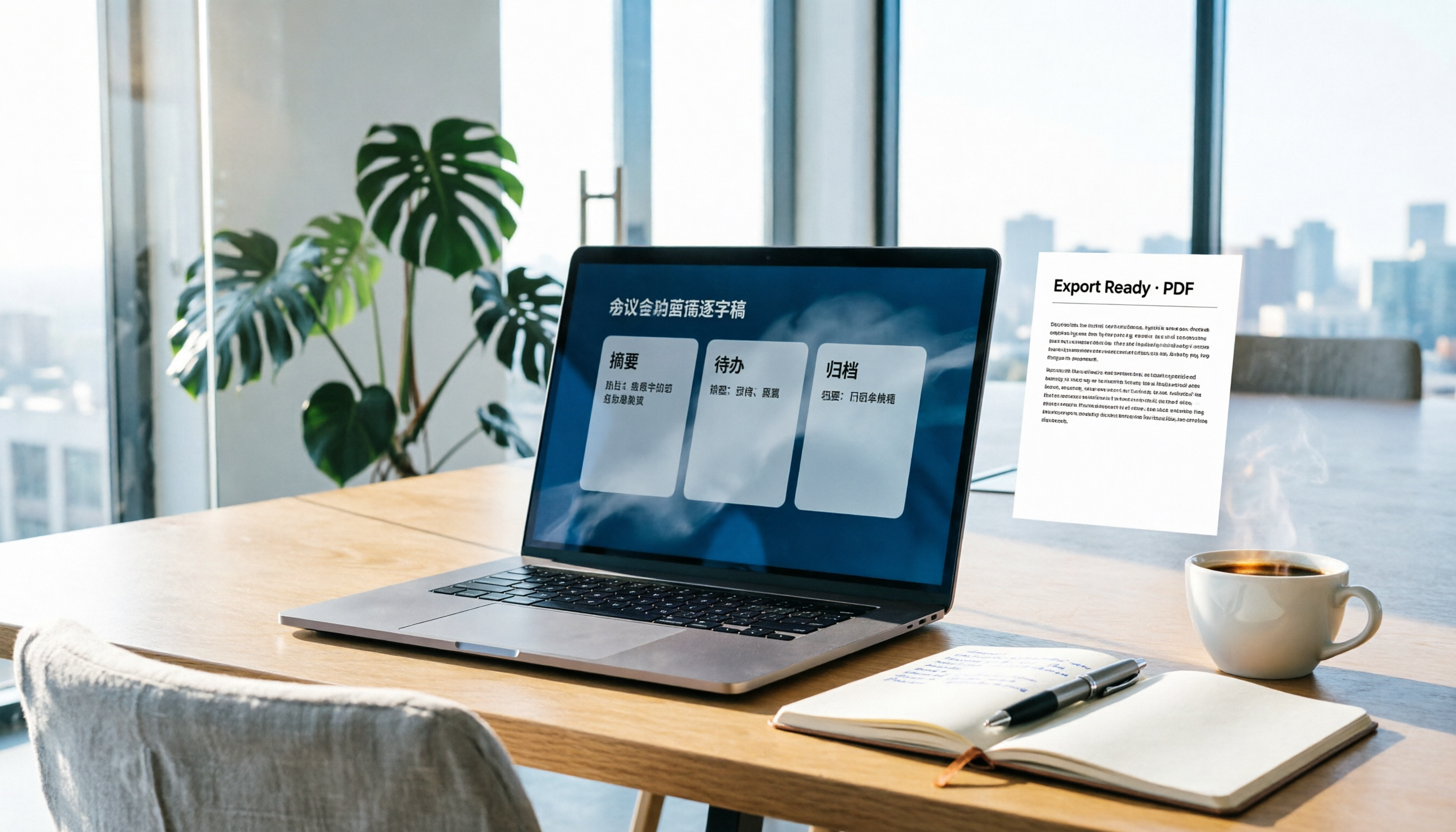
How to Write Meeting Minutes in Word (2026 Workflow): 3-Section Structure + AI-Generated Transcripts
Writing meeting minutes in Word isn't hard—the hard part is where the content comes from. This guide breaks down a three-section Word meeting minutes structure you can hand off directly, and shows how to use Tinrec to generate transcripts, summaries, and action items during the meeting, then export to Word for formatting and archiving—cutting documentation time from two hours to ten minutes.

Tinrec vs Otter.ai: Real-Time Translation Software Comparison for Chinese Meetings (2026)
Based on a student's hands-on experience, this comparison evaluates Tinrec and Otter.ai across five dimensions: real-time translation, Chinese-English mixed speech recognition, free tier limits, post-meeting organization, and recording sources. It verifies pricing and restrictions for each plan and explains which real-time translation software better suits classroom, group project, and international meeting scenarios for Taiwanese university students.

2026 Comparison of 5 Speech-to-Text Tools: Is the Free Version Enough, and Which Handles Chinese Meetings Better?
Speech-to-text isn't just about turning audio into words. This article addresses three common misconceptions, breaks down the real differences between speech-to-text tools, and uses Tinrec to demonstrate a complete workflow from recording, transcription, summarization, to-dos, to team knowledge retention. It also includes 5 purchasing checkpoints and FAQs.

2026 Comparison of 4 Free Transcription Tools: Which One Has the Best Free Quota and Post-Meeting Organization?
Based on real scenarios of meetings, classes, and interviews, this article compares the free transcription capabilities of Tinrec, Google AI Studio, Good Tape, and oTranscribe, and summarizes free quotas, Chinese recognition, post-meeting summaries, and export limitations to help you decide which one to try first.

Free Transcription in 2026: Tinrec's 3-Step Audio-to-Text with AI Summary & Action Items
Turn class, meeting, and interview recordings into searchable transcripts even on a tight budget. This guide covers 4 key factors for choosing a free transcription tool, tests Tinrec's audio-to-text, AI Q&A, and action item extraction workflow, and honestly compares the free limits and use cases of Google AI Studio, Yating Transcription, and MyEdit.