

Turn recordings into transcripts and summaries in minutes
Upload audio or video for multilingual transcription, AI notes, and action items
Why Are People Starting to Look for Alternatives to GPT Video Summary Tools?
I'm a senior in college and rely heavily on educational videos online for catching up on classes and self-study. At first, I used GPT video summary tools (like Monica's YouTube Summary with GPT) — just paste a video link and get a summary within seconds. That was super convenient for quick browsing. But after half a semester, I ran into two issues: First, it only supports YouTube, yet my educational video sources are all over the place — Chinese courses from school on Bilibili, recorded lecture audio by professors, and my own recorded group discussions. The GPT summary tools couldn't handle any of those. Second, the summary it gave was basically "what this video is about," but I couldn't dig deeper with follow-up questions like "What was that theory the teacher just explained?" or "Can this example be turned into a table?" If you've had similar frustrations, Tinrec might be the more comprehensive answer.
Tinrec vs. GPT Video Summary Tools: What's Different in Core Experience?
Here are the biggest differences I noticed after hands-on testing:
Supported platforms and formats: Most GPT summary tools can only handle public YouTube links, and they fail with videos that have no subtitles or are unlisted. Tinrec, on the other hand, supports live recording, uploading audio/video files, pasting online video links (not just YouTube but also Bilibili, Xiaohongshu, TikTok, etc.), and can even transcribe meeting recordings from your computer. That's huge for students — videos teachers post on course platforms, your own recorded class notes, and audio files from classmates can all be processed.
Output goes beyond a summary: GPT summary tools just give you a text summary; after reading it, you still have to go back to the video for details. Tinrec does much more: it produces a full transcript first, then automatically marks chapters and key points, and even lists any to-dos mentioned. My favorite feature is the AI Q&A — after watching a lecture video, I can ask Tinrec, “What are the steps in this experiment?” and it pulls the key sections from the transcript for me. It’s like having a personal tutor on call.
Friendliness toward Chinese content: Many educational videos are in Chinese, sometimes with mixed Chinese and English. When I used GPT summary tools, the summaries occasionally missed Chinese proper nouns or translated awkwardly. Tinrec is noticeably more accurate in recognizing and summarizing Chinese, especially with courses from Taiwanese professors — it handles Traditional Chinese vocabulary and spoken expressions better. (Actual results can still be affected by recording quality, but I already got pretty good results recording on my laptop in the library.)
Generous free tier: Most GPT summary tools have a free version, but it's usually limited in usage or features. Tinrec's free plan gives you a base transcription allowance of about 100 minutes per month, and you can fully experience live recording, file uploads, and online video transcription. That's more than enough for students who only need to organize videos occasionally. If you need more, the Pro monthly plan works out to less than the cost of a bubble tea per day — I didn't hesitate to upgrade during finals month.
A Look at Tinrec's Core Features
These are the features I found most useful over this semester:
Stop organizing recordings by hand
Upload audio or video and automatically get a transcript, summary, and action items
- Video-to-transcript: Paste an educational video link, and Tinrec produces the full text with timestamps. When reviewing, you can search for keywords directly instead of watching the entire video from start to finish.
- AI summaries and chapters: It automatically splits a 90-minute course into multiple chapters with topic labels, like a textbook table of contents. Click into any chapter to see its key points — it’s clearer than my own handwritten notes.
- Conversational Q&A: When you don't understand something while reviewing, just ask Tinrec — for example, “What’s the difference between behaviorism and constructivism?” It pulls the explanation from the video content, so no need to Google anything.
- To-dos and key point extraction: Record a group discussion, transcribe it, and Tinrec automatically lists the action items we talked about — saving me the hassle of reorganizing everything after the meeting.
- Export in multiple formats: Once organized, you can export directly as PDF or Word, or even sync to Notion and merge with my existing notes — no need to retype everything.
Real-World Use Cases
Here are a few examples from my own experience:
Reviewing online courses: I took a MOOC with two-hour video lessons each week. After transcribing with Tinrec, I only had to read the summaries and chapters — my review efficiency shot way up, and I covered the entire scope in just three days before the midterm.
Group presentation discussions: Everyone was chatting over the topic, and after recording and uploading to Tinrec, it automatically organized each person's ideas and assigned tasks. My teammates saw it and said, “What kind of black magic is this?”
Thesis interviews: My interview recordings were about an hour long. In the past, I'd have to transcribe them slowly by ear; now Tinrec generates the transcript, and I ask the AI, “What are the interviewee’s views on the new policy?” It directly pulls out key quotes and saves me an entire day.
Language learning: I use Tinrec to transcribe English podcasts, then practice listening while following the transcript. For unfamiliar sentences, I can ask the AI for translation and grammar explanations — far more effective than just listening alone.
Things to Consider When Choosing a Recording-to-Text Tool
- Source diversity: If you only deal with YouTube, a GPT summary tool may suffice. But if you also need to handle classroom recordings, files from classmates, or videos from less mainstream platforms, choose a tool like Tinrec that supports multiple sources.
- Depth of organization: A bare transcript isn’t enough. The AI-powered summaries, chapters, Q&A, and export features are what truly let you skip the manual organizing. Tinrec is clearly more complete in this area.
- Chinese-language friendliness: For students who often study in Chinese, the tool's word segmentation, proper noun recognition, and summarization logic directly affect efficiency. Try it out, and you'll see the difference.
- Pricing and usage: Students are on a budget, so try the free version first and decide on upgrading based on your needs. Tinrec’s weekly plan is great for short-term sprints (like those two weeks before finals).
- Privacy and data security: When uploading classroom recordings or interviews to the cloud for processing, be sure to check the tool's privacy policy. Tinrec provides a data management approach, so you can use it with more confidence.
Conclusion: Is Tinrec Worth Trying?
If you're like me — relying on educational videos to learn but lacking time to watch them in full — Tinrec is one of the few tools on the market that can turn videos, recordings, and files into a searchable, follow-up-capable, exportable knowledge base. Its command of Chinese content and AI conversations gives it a clear edge over plain GPT summary tools. My advice: download the Tinrec free version, use your 100 monthly minutes, and actually transcribe a class video to try it out — trust me, you'll discover that reviewing can be this easy.
References
- Video Zone | Making Education Richer and More Fun with Educational Videos | PTS Kids Resources
- 30 Unforgettable Movies About the Student-Teacher Bond in Film History | Flipped Education
- Elementary School Course Videos - iLearn - National Academy for Educational Research
- Summarizing YouTube with GPT: A Free Online Video Summary Tool
- 18 Free Educational Video Websites for Teachers - ViewSonic Library
Turn every recording into actionable outcomes
Get 60 free transcription minutes when you sign in. No credit card required.
Related Reading
You might also like

2026 Comparison of 3 Simultaneous Interpretation Apps: Latency, Bilingual Transcripts, Post-Meeting Organization—Which One Is Really Enough?
The value of a simultaneous interpretation app goes beyond the instant translation in your earphones. Starting from real pain points in cross-language meetings, this article breaks down four key aspects: real-time transcription, bilingual comparison, summary and action items, and team knowledge retention. It also shares five details to consider when choosing an app, based on hands-on experience with Tinrec.

4 Real-Time Translation Apps Compared for 2026: From Travel Conversations to Meeting Notes
Real-time translation apps aren't just about how many languages they support. This article compares Tinrec, Google Translate, Microsoft Translator, and VoiceTra across four angles—travel conversations, multilingual meetings, post-meeting organization, and team collaboration—to help you find the right fit.

2026 Voice Translation App Comparison: Tinrec vs Google Translate — Which One Turns Meetings into Usable Data?
Most people download voice translation apps thinking 'speak a sentence, get a translation,' but the real time sink is reviewing meetings and interviews afterward. This comparison of Tinrec and Google Translate evaluates five dimensions—transcripts, online meeting recording, post-meeting organization, bilingual comparison, and team collaboration—to help you decide which fits your actual workflow.

5 Real-World Online Translation Scenarios Compared in 2026: Which Needs Bilingual Subtitles Most—Meetings, Classes, or Videos?
Online real-time translation isn't just pasting text into a translation box. This article breaks down five scenarios—international meetings, online courses, foreign-language videos, client interviews, and team collaboration—and uses Tinrec to compare original text, translated text, and bilingual views. It also covers six buying checkpoints and FAQs to help you choose the right tool, not just the cheapest one.
How to Write Meeting Minutes in Word (2026 Workflow): 3-Section Structure + AI-Generated Transcripts
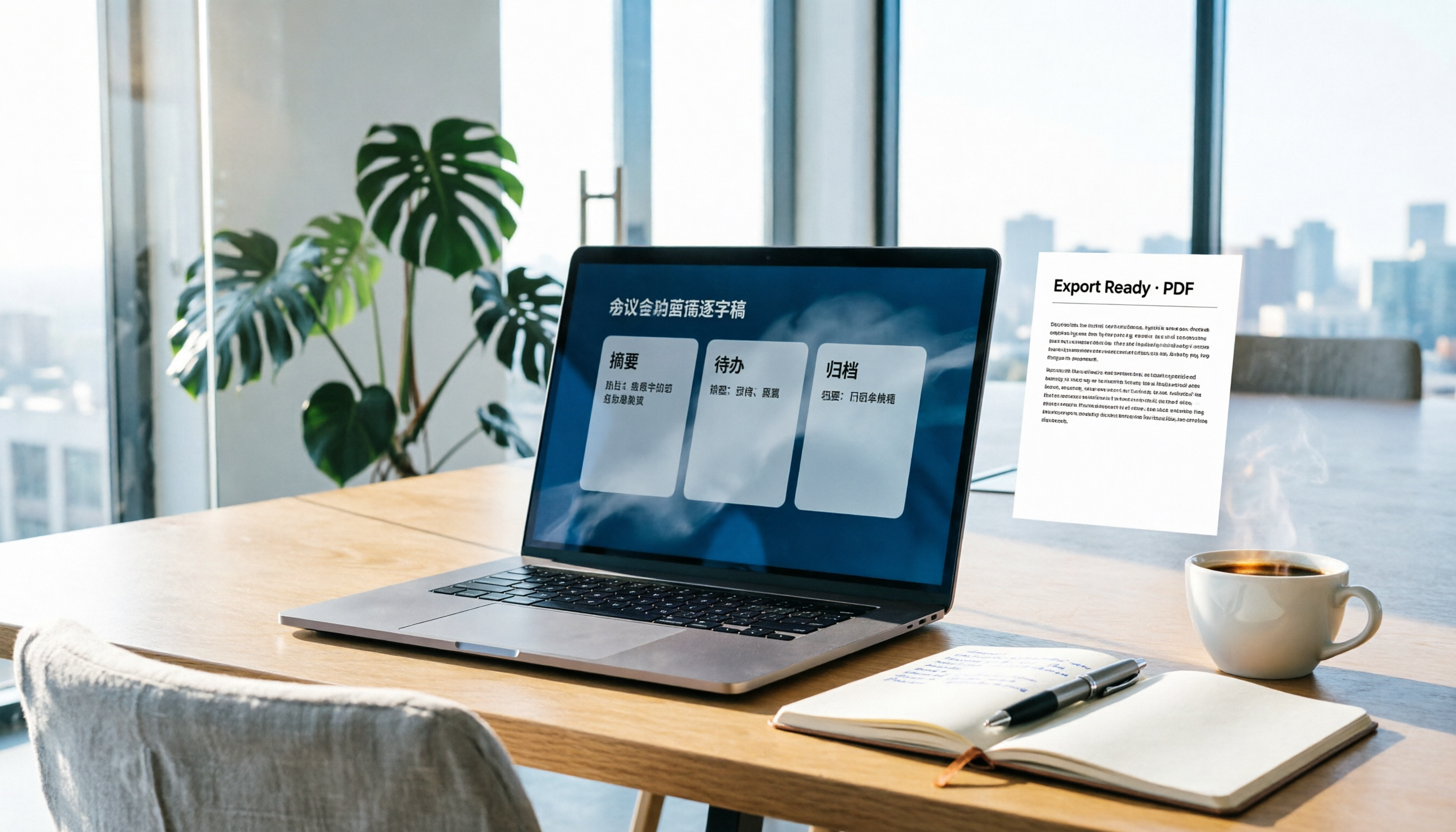
Writing meeting minutes in Word isn't hard—the hard part is where the content comes from. This guide breaks down a three-section Word meeting minutes structure you can hand off directly, and shows how to use Tinrec to generate transcripts, summaries, and action items during the meeting, then export to Word for formatting and archiving—cutting documentation time from two hours to ten minutes.

Tinrec vs Otter.ai: Real-Time Translation Software Comparison for Chinese Meetings (2026)
Based on a student's hands-on experience, this comparison evaluates Tinrec and Otter.ai across five dimensions: real-time translation, Chinese-English mixed speech recognition, free tier limits, post-meeting organization, and recording sources. It verifies pricing and restrictions for each plan and explains which real-time translation software better suits classroom, group project, and international meeting scenarios for Taiwanese university students.

2026 Comparison of 5 Speech-to-Text Tools: Is the Free Version Enough, and Which Handles Chinese Meetings Better?
Speech-to-text isn't just about turning audio into words. This article addresses three common misconceptions, breaks down the real differences between speech-to-text tools, and uses Tinrec to demonstrate a complete workflow from recording, transcription, summarization, to-dos, to team knowledge retention. It also includes 5 purchasing checkpoints and FAQs.

2026 Comparison of 4 Free Transcription Tools: Which One Has the Best Free Quota and Post-Meeting Organization?
Based on real scenarios of meetings, classes, and interviews, this article compares the free transcription capabilities of Tinrec, Google AI Studio, Good Tape, and oTranscribe, and summarizes free quotas, Chinese recognition, post-meeting summaries, and export limitations to help you decide which one to try first.

Free Transcription in 2026: Tinrec's 3-Step Audio-to-Text with AI Summary & Action Items
Turn class, meeting, and interview recordings into searchable transcripts even on a tight budget. This guide covers 4 key factors for choosing a free transcription tool, tests Tinrec's audio-to-text, AI Q&A, and action item extraction workflow, and honestly compares the free limits and use cases of Google AI Studio, Yating Transcription, and MyEdit.