
Turn recordings into transcripts and summaries in minutes
Upload audio or video for multilingual transcription, AI notes, and action items
In today's information-heavy workplace and campus, "organizing recordings" is often more daunting than "participating in meetings". Traditional manual transcription of a 1-hour recording typically takes 3 to 5 hours, wasting precious thinking time. Additionally, users in Taiwan often face challenges like Chinese recognition accuracy, mixed Chinese-English content, free quota limits, and cross-device support for iOS/Android.
This article conducts hands-on reviews of the most discussed speech-to-text tools on the market, including GoodTape from Denmark, Taiwan-native Yating Transcriber, high-value LexiTranscript, and mobile-first Tinrec. We analyze free quotas, recognition accuracy, processing speed, and additional features to help you make the best choice.

Quick Selection Conclusion:
- Prioritize Taiwanese accent and security: Consider Yating Transcriber first.
- Journalist interviews and fast transcription: Best suited for GoodTape.
- Budget-conscious with heavy usage: Recommend LexiTranscript.
- Focus on AI summaries and action items after meetings: Try Tinrec.
1. Why Traditional Transcription Is Outdated: Advantages of AI Transcription
According to actual tests, modern AI speech recognition (e.g., OpenAI Whisper) can achieve over 90% accuracy. Converting a 60-minute recording to text takes just minutes with AI tools. This is revolutionary for:
- Busy office workers with many meetings: Need quick meeting minutes.
- Journalists and media professionals: Need to transcribe long interviews.
- Students and researchers: Need to organize lecture notes or qualitative research interviews.
Next, we analyze the features and pros/cons of each tool.
2. In-Depth Review of Popular Speech-to-Text Tools
1. GoodTape: The Go-To Tool for Journalists
GoodTape is a Denmark-based service built on OpenAI's Whisper technology, hailed by many media professionals as a "tear-jerking tool" for journalists. It excels at processing interview recordings and complies with EU GDPR security standards.
- Pros: Minimalist interface, extremely fast processing (2-hour audio in ~20 minutes), and speaker labeling.
- Cons: Free version is restrictive (3 files/month, max 30 minutes each), and the paid plan is priced in Euros, making it costly for Taiwanese users (Professional ~NT$480/month).
2. Yating Transcriber: Top Choice for Taiwan Localization
Developed by Taiwan AI Labs, Yating Transcriber's biggest advantage is "Taiwan localization." It adapts well to Taiwanese accents, Hokkien, and mixed Chinese-English contexts.
- Pros: Data does not leave the country, offering better security; live recording is free; includes accessibility mode for hearing-impaired users.
- Cons: Relatively slower processing (1 minute of audio takes ~10 minutes to convert), and file upload transcription costs are higher (NT$100/hour); the summary feature occasionally fails.
3. LexiTranscript: High Value Budget Option
LexiTranscript focuses on "cheap and plentiful," designed for price-sensitive users. It removes single file length limits, ideal for users with long recordings.
- Pros: Daily free quota, low subscription fee (promotional period ~NT$260 for unlimited use), no time limit for recordings, great for long meetings.
- Cons: As a newer service, some advanced AI features are still being refined; promotional pricing may change.
4. Tinrec: Complete Workflow from Recording to Action
Tinrec's design philosophy goes beyond "converting to text" to emphasize "understanding and action." It supports multi-device sync (iOS/Android/Web) and integrates recording, transcription, summarization, and AI chat query features, suitable for users who need to turn recordings into concrete work outputs.
Stop organizing recordings by hand
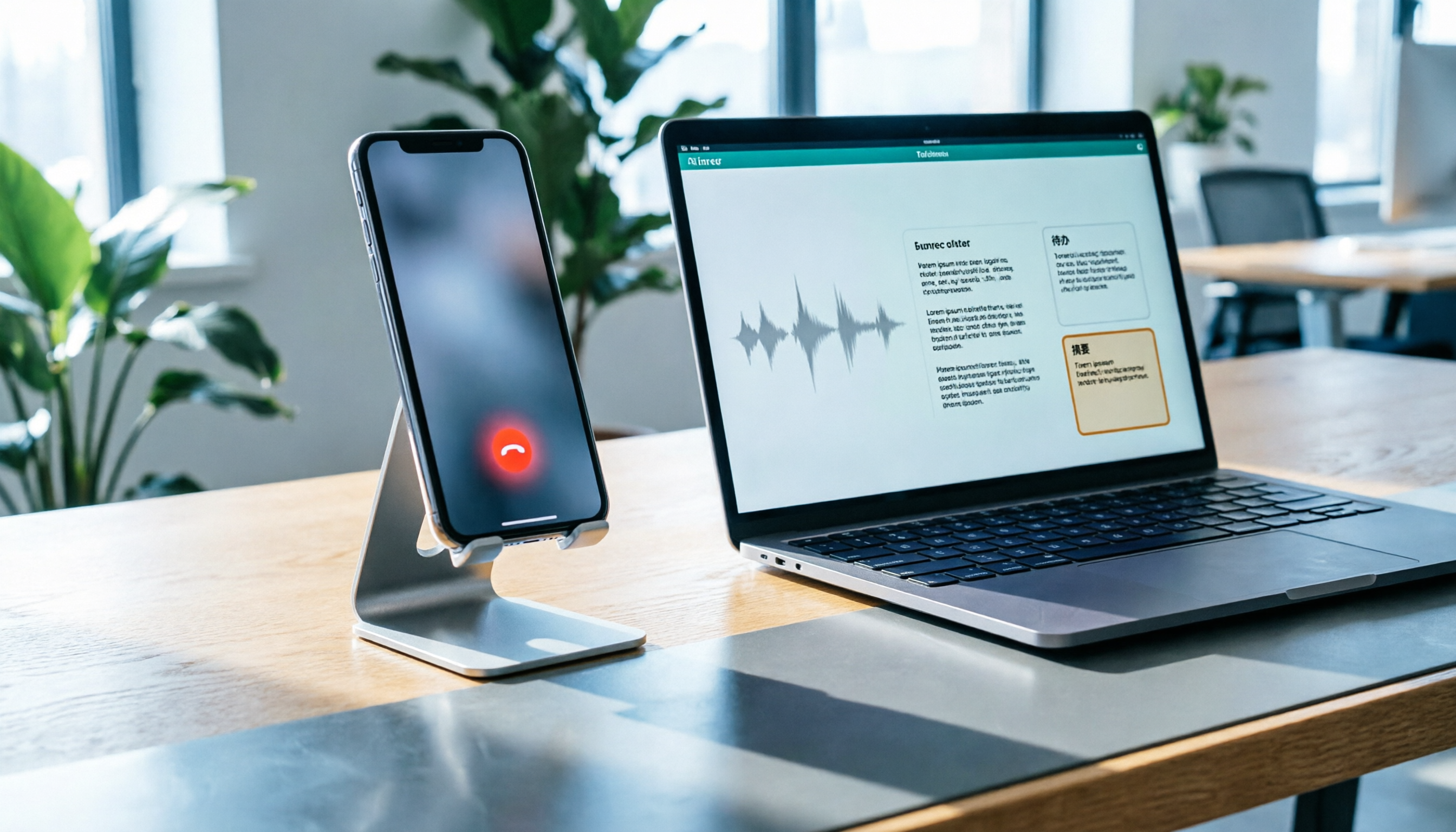
Upload audio or video and automatically get a transcript, summary, and action items
- Key Features:
- Multiple modes: Live recording, file upload, even YouTube/Podcast link to text.
- AI smart summary: Beyond transcripts, it auto-generates meeting minutes and action items.
- AI chat query: No need to read the full transcript; ask AI "Who was responsible for this project?" to retrieve content.
- Free model: Offers 100 minutes of free transcription per month, friendly for light to moderate users.

3. 2026 Transcription Tool Specification Comparison Table
For quick comparison, we list core dimensions below:
| Comparison Item | GoodTape | Yating Transcriber | LexiTranscript | Tinrec |
|---|---|---|---|---|
| Free Quota | 3 files/month (max 30 min each) | Live recording free / File pay-per-use | Daily free quota | 100 minutes/month |
| Pricing Model | Subscription (~NT$480/month) | Pay-per-hour (NT$100/hour) | Subscription (promo NT$260) | Subscription (Basic $4.9/month) |
| Main Strength | Fast transcription, GDPR compliant | Taiwan accent optimization, security | No time limit, low cost | AI meeting minutes, chat query |
| Chinese Recognition | Excellent (Whisper) | Best (local optimization) | Excellent | Excellent (multilingual) |
| Special Features | Speaker identification | Hokkien support | Timeline markers | Video link to text, AI chat |
| Use Cases | Short interviews, journalism | Government, medical, local interviews | Long recordings, budget constraints | Meeting action management, class notes |
4. Practical Tutorial: How to Efficiently Produce Meeting Records with AI Tools
After choosing the right tool, integrating it into your workflow is key. Below, we use the more feature-rich Tinrec as an example to show how to turn a chaotic meeting into organized records. Steps apply to most AI-capable software.
Step 1: Start Live Recording for Real-Time Transcription
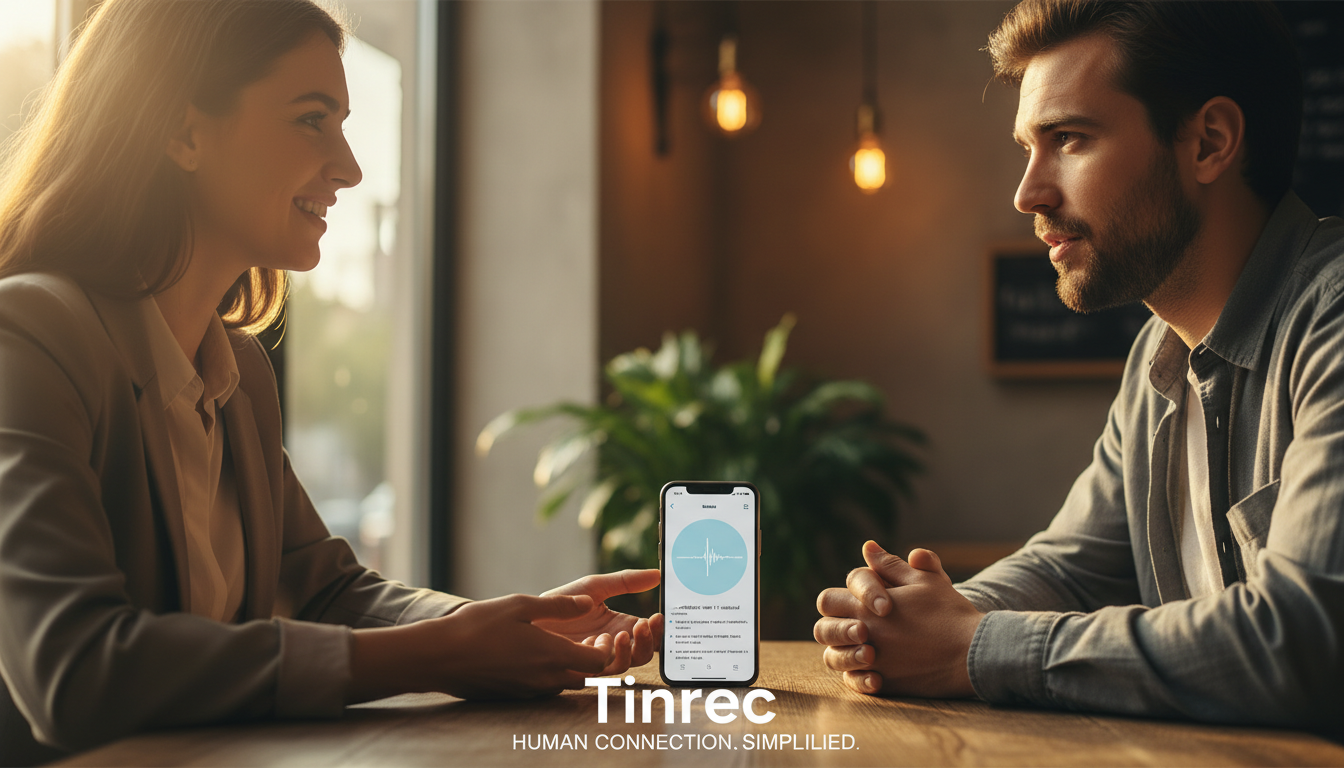
At the start of a meeting or class, enable the "live recording" feature. This ensures that while you focus on listening, the software transcribes speech to text in the background. If using a mobile app, enable airplane mode or do not disturb to avoid call interruptions.
Useful Link: Tinrec Live Recording to Text

Step 2: Import External Audio or Video Links
If you have audio files from a recorder or need to transcribe online educational videos (e.g., YouTube, Podcast), use the import feature. Advanced tools like Tinrec support pasting video URLs directly for parsing, saving download time.
Useful Links: Audio File to Text | Podcast/Online Video to Text

Step 3: Use AI to Extract Action Items
After obtaining the transcript, the most time-consuming part is "organizing key points." Use the built-in AI summary feature to generate "meeting conclusions" and "action items (to-do list)" with one click. This condenses 10,000 words of verbatim text into a 300-word decision list.

Step 4: Use Conversational Query to Retrieve Details
If you forget a detail, no need to replay the entire recording or Ctrl+F through dense text. Use the "AI chat query" feature and ask "What was the manager's conclusion on the budget?" AI will answer based on the recording content.
Useful Link: AI Chat Query

5. Frequently Asked Questions (FAQ)
Q1: Are these free transcription software truly free? Most tools use a "freemium" model. For example, Yating Transcriber's live recording is free, but file uploads require payment; Tinrec offers 100 free minutes per month; LexiTranscript has a daily free quota. Choose based on your usage frequency.
Q2: Can iPhone recordings (m4a) be transcribed? Yes. GoodTape, Tinrec, and LexiTranscript all support common formats like m4a, mp3, wav. If using an iPhone, recording directly with the software's iOS app is more convenient.
Q3: How is privacy and security of audio files ensured? If you work in highly sensitive industries (e.g., legal, finance), choose services that explicitly state "no data storage" or "data localization." For instance, Yating Transcriber claims data does not leave Taiwan, while Tinrec and LexiTranscript emphasize privacy protection policies.
Q4: How well does it handle mixed Chinese-English meetings? Modern AI models (e.g., Whisper) have significantly improved recognition for mixed languages. Tinrec supports automatic identification of 10 languages including Chinese, English, Japanese, Korean, suitable for international meetings.
Q5: Can I directly convert YouTube videos to text? Traditional software often requires downloading the video and converting to mp3 first. However, newer tools like Tinrec support pasting YouTube or TikTok links directly to parse content, very convenient for content creators or students organizing online courses.
Q6: Can transcription software distinguish different speakers? GoodTape, Yating Transcriber, and Tinrec all have speaker diarization features that automatically label dialogue as "Speaker A," "Speaker B," greatly reducing post-editing time.
Turn every recording into actionable outcomes
Get 60 free transcription minutes when you sign in. No credit card required.
Related Reading
You might also like

3 iPhone Recording Methods Compared: Built-in Voice Memos, One-Tap Shortcuts, and AI Transcription—Which Is Most Practical?
There are actually three ways to record on an iPhone: Voice Memos, Shortcuts with Back Tap, and the Action button—most people can't find them at first. This guide walks through the steps, recording quality, and iCloud settings for each method, then compares Voice Memos, PLAUD, Notta, and Tinrec on how well they let you use recordings right after you finish, so you can pick the approach that fits you.
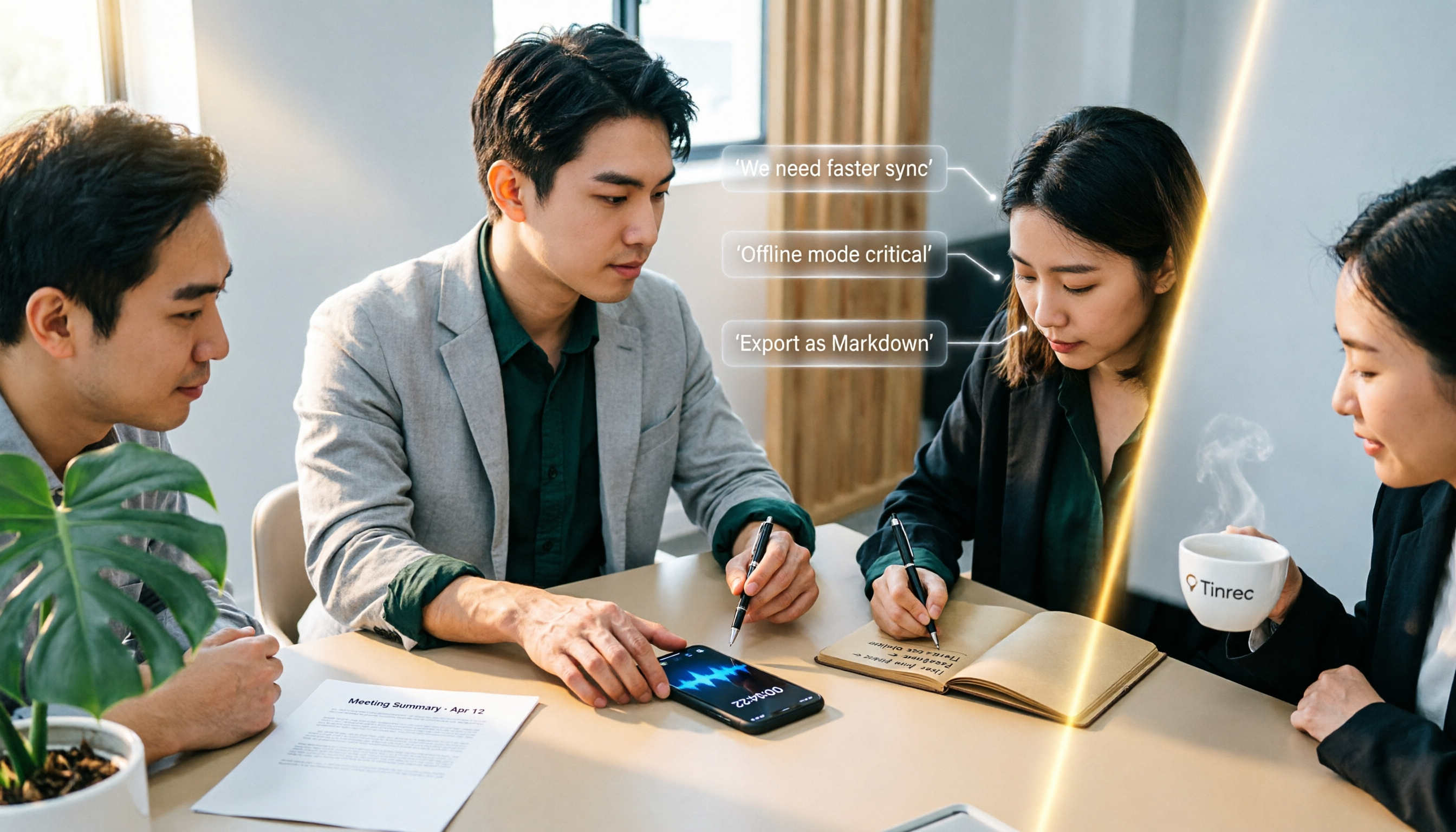
4 iPhone Recording Solutions Compared in 2026: Where to Find Recording Features and Which Saves the Most Time on Transcription
Can't find the iPhone recording feature? This guide covers where to find Voice Memos, call recording, and one-tap recording via Shortcuts, plus compares post-meeting transcription, AI summaries, and team collaboration options to help you choose the right recording workflow.
5 iPhone Recording Solutions Tested for 2026: Does Recording Drain Battery? How to Choose for Long Sessions
Does iPhone recording drain battery? Long recordings do use power and generate heat, and files can be corrupted if interrupted or the battery dies. This article compares 5 iPhone recording and post-meeting solutions—built-in Voice Memos, Tinrec, Otter.ai, Notta, and PLAUD—to help you choose the right tool for your situation.

3 iPhone Call Recording Methods Compared in 2026: Built-in, Hardware, or AI — Which Saves the Most Time?
A hands-on comparison of three iPhone call recording methods in 2026, breaking down the differences between iOS built-in call recording, Plaud recording hardware, and Tinrec AI organization, plus regional restrictions, notification sounds, legal consent, and key buying pitfalls.

3 iPhone Call Recording Methods Tested and Compared in 2026: What to Do With the Recordings?
Starting with iOS 18.1, iPhone finally has built-in call recording, but the other party hears a prompt when you start recording, and the recording is just an audio file. This article covers 3 practical methods, regional and version limitations, legal risks, and tests the complete workflow of turning call audio into transcripts, summaries, and action items to help you decide if the built-in feature is enough.

3 iPhone Call Recording Methods Tested for 2026: Recording Is Easy, Organizing Is the Hard Part
How do you record calls on iPhone? This article compares three common approaches: iOS 18.1 built-in call recording, local capture with Voice Memos, and using Tinrec to turn recordings into searchable, queryable transcripts and action items. It covers version and region restrictions, notification and legal risks, four common pitfalls, and selection advice.

4 Ways to Record Audio on iPhone with Headphones in 2026: AirPods, Wired Headsets, and External Mics Compared
Can you record audio while wearing headphones? This article addresses common misconceptions and breaks down the differences, compatibility pitfalls, and key considerations of four headphone recording methods on iPhone. It also explains how to use Tinrec to organize transcripts, summaries, and action items after recording.

6 iPhone Recording Alternatives Tested for 2026: What to Choose When Built-in Features Fail
When iPhone recording doesn't work, the problem is often not the phone itself. This guide first helps you distinguish three situations: call recording limited by region and model, dictation not working, and Voice Memos cutting off mid-recording. Then it tests and compares 6 alternatives—Tinrec, Notta, Otter.ai, Granola, TurboScribe, and PLAUD—listing costs, limitations, and best-use scenarios so you can pick the right tool in 10 minutes.
How to Record LINE Calls on iPhone in 2026: Built-in Steps + Auto Transcription
Can iPhone record LINE calls? LINE has no built-in recording button, but iPhone can capture calls as audio files via system-level recording. This guide walks through the steps, speakerphone requirements, and version differences, then shows how to use Tinrec to turn recordings into transcripts, summaries, and action items—so your recordings are actually useful.