
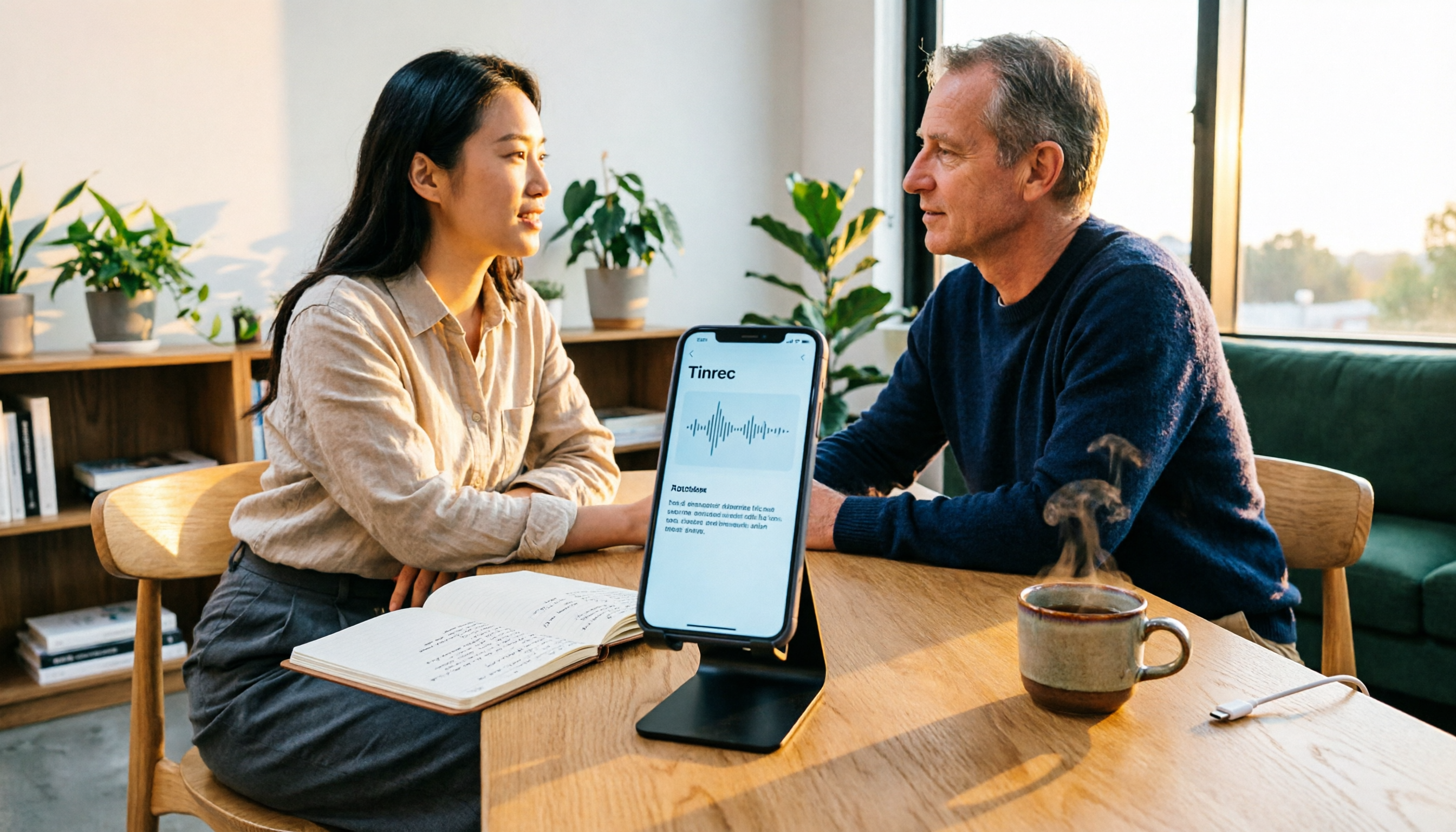
Turn recordings into transcripts and summaries in minutes
Upload audio or video for multilingual transcription, AI notes, and action items
You're probably worried about iPhone recording draining your battery not because you're recording a 10-minute voice memo, but because you need to record a 2-hour meeting, interview, or class without stopping to plug in a power bank. There are two real decision points: First, will you use the iPhone as your primary recorder, or switch to a desktop tool or standalone device to share the load? Second, do you just need to "record it," or do you need to quickly turn the recording into a transcript, summary, and action items? Below, we compare 5 solutions—from free built-in tools to AI-powered organization and dedicated recording hardware—to help you determine which fits your use case.
Why You Need to Understand iPhone Recording Power Consumption and Limitations First
iPhone recording uses battery, and long recordings make it more noticeable. Continuous recording drains power and can cause the phone to heat up; if the file isn't saved properly before the battery dies, the recording may be corrupted. That's why it's recommended to connect a charging cable or power bank before long meetings. The built-in Voice Memos app can record for a long time, but some sources say the maximum is about 48 hours, while others mention over 24 hours—the actual limit depends on storage space, battery level, and iOS version. Another often-overlooked issue is interruption: incoming calls, alarms, or opening other apps that use the microphone during recording can force the recording to stop. That's why "can it record" isn't the only question—"how stable is the recording and how do you use it afterward" is what really matters.
Solution 1 | Tinrec — The Most Complete AI Recording and Meeting Organization Assistant
Tinrec is an AI meeting notes and collaboration tool for individuals and teams. It doesn't just convert audio to text; it organizes meeting recordings into searchable, summarizable, queryable, and exportable data, suitable for online meetings, in-person interviews, client communications, and project discussions.
Its first highlight is "no need to re-listen after recording." Tinrec supports real-time recording transcription and automatically generates summaries, chapters, key points, and action items; you can ask AI questions about the meeting content to quickly find out who said what, what decisions were made, and who is responsible for next steps. The second highlight is no bot needed for online meetings: the desktop version directly captures computer system audio, handling meetings on Zoom, Google Meet, Microsoft Teams, Webex, etc., without an extra bot joining as a participant. If you previously used your iPhone to record online meetings, switching to the desktop version means your phone doesn't need to stay recording for long periods. The third highlight is output and collaboration: transcripts, summaries, action items, and mind maps can be exported to Notion, Google Docs, OneNote, Dropbox, and other tools; the team version offers independent team spaces, role and seat management, usage analytics, audit logs, and an audio recycle bin, so meeting data belongs to the team and doesn't disappear when members leave.
Pricing depends on usage frequency: the free version provides basic quota; for short-term intensive meetings, consider the weekly pass; for steady weekly use, the Pro monthly plan is suitable; for long-term data accumulation, the Pro annual plan is available. The team version offers a 7-day trial for first-time eligible users, 1 free seat, and 300 minutes of shared import quota; monthly billing is USD 29.80 per paid seat, annual billing is USD 199 per paid seat (about USD 16.58/month), each paid seat includes 2,000 minutes of shared import quota per month, and real-time recording under an active plan and seat is currently not deducted by minutes. Prices and benefits are subject to the official purchase page. Suitable for those who need Chinese meeting notes, post-meeting summaries and action items, cross-device use, and team data accumulation.
Solution 2 | iOS Built-in Voice Memos — No Installation, the Most Direct Long Recording
Positioned as iPhone's native, free, zero-learning-curve recording tool, ideal for quickly capturing ideas, classes, or impromptu meetings. Its advantage is that you can record as soon as you open it, with no registration or extra app installation; given sufficient storage and battery, it can record continuously for a long time. Considerations: long recordings drain battery and generate heat, and incoming calls, alarms, or other microphone apps may interrupt; after recording, you only have the audio file—transcription, summaries, and action items must be handled yourself. Suitable for those who record only occasionally, don't need AI organization, or want to test their needs for free first.
Stop organizing recordings by hand
Upload audio or video and automatically get a transcript, summary, and action items
Solution 3 | Otter.ai — The Representative English Meeting Assistant
Otter.ai is a mature AI meeting assistant that supports real-time transcription, speaker identification, AI Chat, and team management, better suited for teams primarily conducting English business meetings. The official pricing page shows Basic free with 300 minutes per month; Pro annual billing is about USD 8.49 per user per month, including 1,200 minutes of in-app recording and 10 file imports per month; Business offers more management capabilities, with actual pricing on the official page. If your meetings are mainly in Chinese or mixed Chinese-English, and you want bot-free recording via desktop, Tinrec's Chinese experience and post-meeting output will better fit your needs.
Solution 4 | Notta — Multilingual Transcription and Team Solutions
Notta covers multi-platform transcription, meeting notes, file import, translation, and team plans, with significant overlap with Tinrec. Official figures: Free 120 minutes per month, up to 3 minutes per single item; Pro annual billing about USD 8.17 per month, 1,800 minutes per month; Business annual billing about USD 16.67 per seat per month, offering unlimited transcription, role permissions, and usage reports. Suitable for those who need multilingual transcription and team permissions, with transcription minutes as the main consideration. If you care more about bot-free online meeting recording, AI Q&A, and post-meeting report generation, prioritize comparing Tinrec.
Solution 5 | PLAUD Note / NotePin — Portable AI Recording Hardware
PLAUD is a representative of AI recording hardware, with selling points of standalone device, portable recording, phone call recording, and long battery life, suitable for those who frequently visit clients on the go and need to free their iPhone from long recordings. The official US website shows NotePin USD 159, Note Pro USD 189; Starter 300 minutes per month, Pro USD 99.99/year with 1,200 minutes per month, Unlimited USD 239.99/year. Considerations: you need extra hardware and cost, and post-meeting organization still requires processing in the app or platform. If you don't want to buy hardware, Tinrec can complete recording, transcription, summarization, and team sharing via web, desktop, and mobile.
With So Many Options, How Should You Choose?
• Want the most complete AI post-meeting organization (transcript + summary + action items + AI Q&A + export) → Tinrec, the solution on this list that puts recording, transcription, questioning, and team accumulation in one workflow.
• Don't want your iPhone recording for long periods during online meetings → Tinrec desktop version directly captures system audio, no meeting bot needed.
• Team needs to share meeting data, manage member seats and usage → Tinrec team version, with independent team spaces, roles and seats, usage analytics, and audit logs.
• Need Chinese, Traditional Chinese, and mixed Chinese-English meeting notes → Tinrec, with team hotwords to maintain professional terminology.
• Need a cross-device workflow of phone recording, computer organization, and web viewing → Tinrec.
• Zero budget, only occasional voice recording → iOS built-in Voice Memos; if you later need transcripts, upgrade to Tinrec.
• Meetings mainly in English, need a mature meeting assistant and team processes → Otter.ai; if Chinese often appears, Tinrec is more suitable.
• Need multilingual transcription, subtitles, and team permissions → Notta; if you care more about AI Q&A and post-meeting reports, choose Tinrec.
• Frequently record on the go, record phone calls, want standalone hardware → PLAUD Note / NotePin; if you don't want to carry extra devices, choose Tinrec.
4 Things to Know Before Recording with iPhone
- Connect power for long recordings. Continuous recording drains battery and may generate heat; before multi-hour meetings, connect a charging cable or power bank to avoid file corruption from battery depletion.
- Watch for recording interruptions. Incoming calls, alarms, or opening other microphone apps can interrupt recording; for important meetings, consider using Tinrec desktop version to record online meetings, or use a standalone recording device to reduce risk.
- Inform before recording calls. iPhone supports built-in call recording after iOS 18 (some sources indicate 18.1 or later), and the system will provide a notice; Taiwan regulations on call recording involve the Communication Security and Surveillance Act and privacy rules, so in practice it's advisable to obtain the other party's consent first to avoid disputes.
- Recording is not the end. A 3-hour recording often takes 3 hours to re-listen; use Tinrec to convert recordings into transcripts, summaries, and action items, then use AI Q&A to find key decisions, so you can save time for real work. Important information should still be verified against the original text and recording playback.
Conclusion
Does iPhone recording drain battery? Yes, especially for long continuous recordings; but what really affects work efficiency isn't just battery, but recording interruptions, file preservation, and post-meeting organization. If you only record occasionally, iOS built-in Voice Memos is simplest; if you need Chinese meeting transcription, AI summaries, action items, Q&A, and team sharing, Tinrec is the most complete choice on this list; for English meetings, consider Otter.ai; for multilingual transcription, consider Notta; for frequent on-the-go recording, consider PLAUD. First determine whether you need to "record it" or "use it directly after recording," then choose a solution—that's more practical than just looking at battery numbers.
References
- Complete Guide to iPhone Recording: More Than Voice Memos, This Tool Can Also Record LINE and Zoom Calls!
- Workplace Meeting Notes Challenge: How Long Can iPhone Record? AI Recording Assistant Provides the Perfect Solution - Tinrec Blog
- How to Use iPhone Call Recording? Is It Legal? Pair with Plaud Note to Generate Transcripts
- iPhone Battery Draining Fast? Master 8 Power-Saving Tips - Dr.A iPhone Repair Center
- iPhone Call Recording Tutorial: Step-by-Step Guide to Recording Calls
Turn every recording into actionable outcomes
Get 60 free transcription minutes when you sign in. No credit card required.
Related Reading
You might also like

3 iPhone Recording Methods Compared: Built-in Voice Memos, One-Tap Shortcuts, and AI Transcription—Which Is Most Practical?
There are actually three ways to record on an iPhone: Voice Memos, Shortcuts with Back Tap, and the Action button—most people can't find them at first. This guide walks through the steps, recording quality, and iCloud settings for each method, then compares Voice Memos, PLAUD, Notta, and Tinrec on how well they let you use recordings right after you finish, so you can pick the approach that fits you.
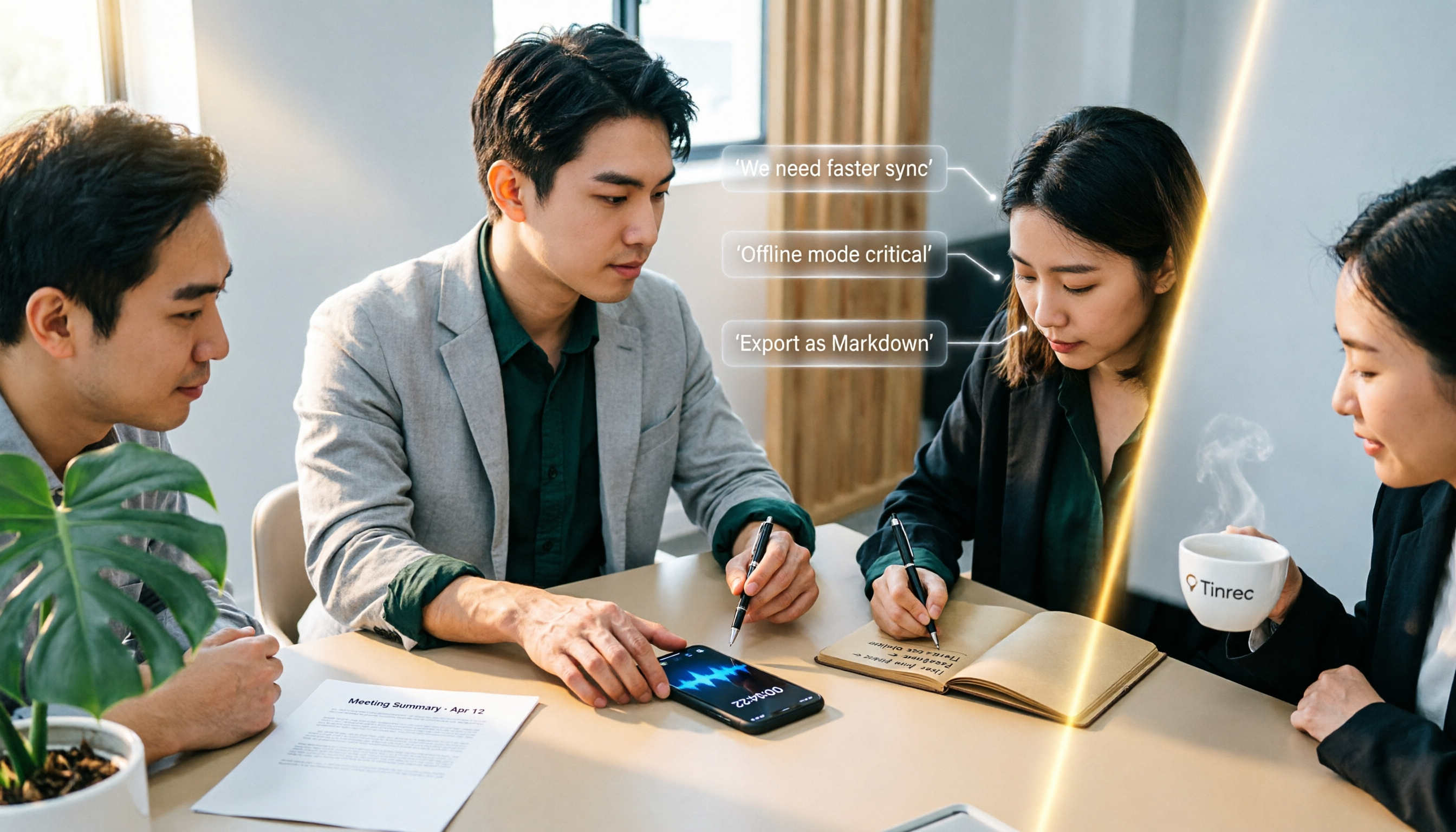
4 iPhone Recording Solutions Compared in 2026: Where to Find Recording Features and Which Saves the Most Time on Transcription
Can't find the iPhone recording feature? This guide covers where to find Voice Memos, call recording, and one-tap recording via Shortcuts, plus compares post-meeting transcription, AI summaries, and team collaboration options to help you choose the right recording workflow.

3 iPhone Call Recording Methods Compared in 2026: Built-in, Hardware, or AI — Which Saves the Most Time?
A hands-on comparison of three iPhone call recording methods in 2026, breaking down the differences between iOS built-in call recording, Plaud recording hardware, and Tinrec AI organization, plus regional restrictions, notification sounds, legal consent, and key buying pitfalls.

3 iPhone Call Recording Methods Tested and Compared in 2026: What to Do With the Recordings?
Starting with iOS 18.1, iPhone finally has built-in call recording, but the other party hears a prompt when you start recording, and the recording is just an audio file. This article covers 3 practical methods, regional and version limitations, legal risks, and tests the complete workflow of turning call audio into transcripts, summaries, and action items to help you decide if the built-in feature is enough.

3 iPhone Call Recording Methods Tested for 2026: Recording Is Easy, Organizing Is the Hard Part
How do you record calls on iPhone? This article compares three common approaches: iOS 18.1 built-in call recording, local capture with Voice Memos, and using Tinrec to turn recordings into searchable, queryable transcripts and action items. It covers version and region restrictions, notification and legal risks, four common pitfalls, and selection advice.
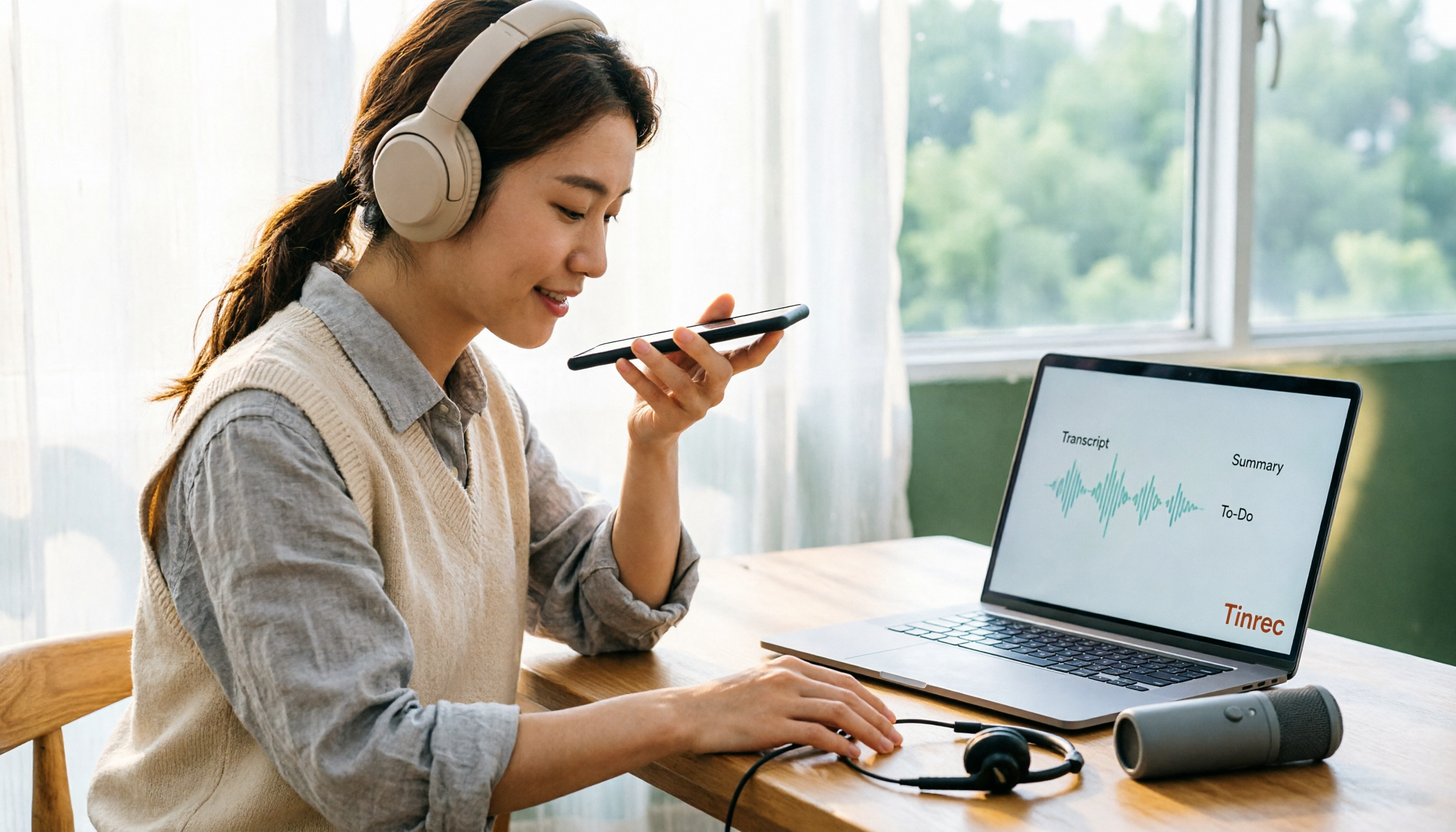
4 Ways to Record Audio on iPhone with Headphones in 2026: AirPods, Wired Headsets, and External Mics Compared
Can you record audio while wearing headphones? This article addresses common misconceptions and breaks down the differences, compatibility pitfalls, and key considerations of four headphone recording methods on iPhone. It also explains how to use Tinrec to organize transcripts, summaries, and action items after recording.

6 iPhone Recording Alternatives Tested for 2026: What to Choose When Built-in Features Fail
When iPhone recording doesn't work, the problem is often not the phone itself. This guide first helps you distinguish three situations: call recording limited by region and model, dictation not working, and Voice Memos cutting off mid-recording. Then it tests and compares 6 alternatives—Tinrec, Notta, Otter.ai, Granola, TurboScribe, and PLAUD—listing costs, limitations, and best-use scenarios so you can pick the right tool in 10 minutes.
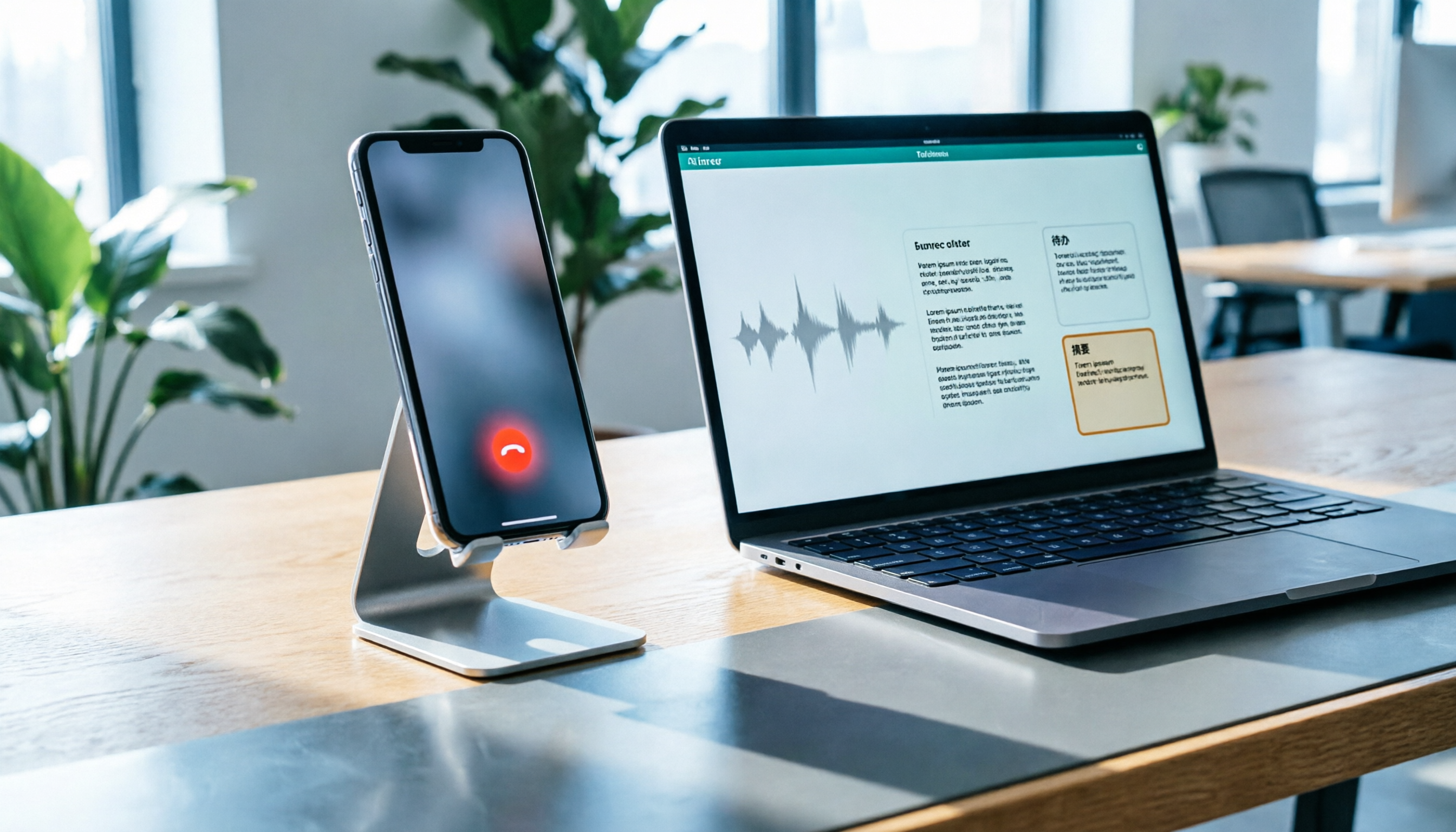
How to Record LINE Calls on iPhone in 2026: Built-in Steps + Auto Transcription
Can iPhone record LINE calls? LINE has no built-in recording button, but iPhone can capture calls as audio files via system-level recording. This guide walks through the steps, speakerphone requirements, and version differences, then shows how to use Tinrec to turn recordings into transcripts, summaries, and action items—so your recordings are actually useful.

3 iPhone Recording Workflows Compared in 2026: Auto-Transcription Saves the Most Time
Many people use iPhone recording only to capture audio, then spend extra time re-listening and organizing. This article compares 3 recording workflows from a decision-making perspective: instead of just finding the record button, choose a tool that turns recordings into transcripts, summaries, and action items. Using Tinrec as an example, it explains how to automatically organize, query, and share iPhone recordings with your team.