

Turn recordings into transcripts and summaries in minutes
Upload audio or video for multilingual transcription, AI notes, and action items
Tinrec vs Notta 2026: A 5-Dimension Comparison for Hong Kong Professionals
Meetings back-to-back until you clock out, then spending hours transcribing recordings? Tried apps that claim to support Cantonese, but the output is full of errors and needs manual fixing? In this article, I put several AI meeting platforms to the test, comparing them across 5 dimensions to help you save those overtime hours.
Why You Need an AI Meeting Platform
Hong Kong professionals spend their days in meetings, and taking minutes often takes an hour to organize. These tools can automatically transcribe, generate summaries, action items, and even compile reports, so you don't have to stare at recordings. This article reviews 6 solutions, from the most comprehensive like Tinrec to free options, so you can see everything at a glance.
Tinrec (秒听录音) — The Most Complete AI Meeting Notes and Team Collaboration Tool
Tinrec is not just a voice-to-text tool; it's an AI assistant that turns meetings into searchable, collaborative, and actionable team knowledge. Its standout feature is bot-free online meeting recording—when you're on Zoom, Meet, or Teams, just keep the Tinrec desktop app open, and it records your computer's system audio directly, no need to invite a bot into the meeting, avoiding awkwardness. It also supports real-time recording and audio/video file import, so you can organize old recordings too.
After transcription, Tinrec automatically generates AI summaries, chapters, key points, and action items, and you can use AI Q&A to ask follow-up questions about the meeting content, like "What concerns did the client have?" or "What needs follow-up next week?" Best of all, it can export to Notion, Google Docs, OneNote, and even generate reports and tables. The personal plan includes a free tier, weekly pass, Pro monthly, and annual plans; the team plan offers member management, seats, usage analytics, and audit logs, suitable for companies. If you want a tool that handles everything from recording to action, Tinrec is the top choice.
Notta — A Versatile Choice for Multi-Platform Transcription and Translation
Notta, like Tinrec, supports multi-platform transcription, meeting notes, file import, and translation. Its strengths are fast transcription and multi-language support. The free plan offers 120 minutes per month, with a max of 3 minutes per session; Pro annual is about US$8.17/month, with 1800 minutes per month; Business annual is about US$16.67/seat/month, with unlimited transcription and role permissions. However, Notta primarily uses a meeting bot model, requiring you to add a bot to the meeting to record. For users who prefer no bots, Tinrec's bot-free solution is more appealing.
Otter.ai — A Mature AI Assistant Focused on English Meetings
Otter is a veteran AI meeting assistant with high English transcription accuracy, supporting Zoom, Teams, and Meet, and offers AI Chat and workflows. The free plan includes 300 minutes per month; Pro annual is about US$8.49/user/month, with 1200 minutes per month plus 10 file imports; Business offers more management capabilities. However, Otter's Chinese experience and team knowledge management are weaker compared to Tinrec, making it suitable for teams that primarily hold English meetings and need a mature ecosystem.
Stop organizing recordings by hand
Upload audio or video and automatically get a transcript, summary, and action items
Fireflies.ai — Meeting Automation and Team Analytics
Fireflies excels in meeting automation and extensive integrations, such as auto-joining meetings, AI summaries, AskFred, and team analytics. The free plan is available; Pro is US$10/seat/month, Business is US$19/seat/month, and Enterprise is US$39/seat/month. Fireflies' "unlimited transcription" is actually limited by storage and AI credits, so it's not truly unlimited. It's suitable for enterprises needing sales analytics and extensive integrations, but Chinese support and bot-free experience are weaker.
Granola — Bot-Free AI Meeting Notes
Granola is also a bot-free solution, using desktop system audio for real-time transcription, combined with user handwritten notes to generate more targeted content. Basic is free; Business is US$14/user/month; Enterprise is US$35/user/month. However, Granola does not support uploading pre-recorded audio and does not retain meeting audio; Tinrec can retain audio and import files, making it more user-friendly for those who need to review recordings.
Google Meet Built-in Transcription — A Free Option with Zero Extra Installation
If your company already uses Google Workspace, you can use Meet's built-in transcription and automatic summaries, though some features require a subscription. The advantage is that you don't need to install any extra apps, but the features are relatively basic—no AI Q&A, action item extraction, or team spaces—and transcription quality and Chinese support are average. Suitable for users who just want simple recording without installing new tools.
With So Many Options, How Do You Choose?
- Want the most complete AI features (transcription + AI Q&A + auto minutes + team collaboration) → Tinrec (the only one with bot-free recording, AI Q&A, and team spaces)
- Need Cantonese + Mandarin bilingual transcription → Tinrec (supports multiple languages and real-time translation, best Chinese meeting experience)
- Need to switch between phone and computer → Tinrec (iOS + Android + web version)
- Zero budget, only occasional transcription → Google Meet built-in transcription (if you already have Workspace)
- Only English meetings, need mature ecosystem → Otter.ai
- Lots of sales meetings needing automated analytics → Fireflies.ai
- Just want lightweight bot-free notes, no need to save audio → Granola
5 Things to Know Before Using an AI Meeting Platform
- Get consent before recording: Hong Kong's Personal Data (Privacy) Ordinance requires notifying participants before recording to avoid legal risks. Tinrec allows you to set recording reminders to help you stay compliant.
- Don't fully trust AI summaries: AI may misinterpret accents or overlapping speech; always verify important decisions against the transcript and recording. Tinrec supports clicking text to jump to the corresponding audio position for easy verification.
- Free plans usually have limitations: For example, Notta's free plan has a max of 3 minutes per session, and Google Meet's free transcription has time limits. Tinrec's free plan offers basic quotas, suitable for trial.
- Clarify roles and seats for team collaboration: Tinrec's team plan separates roles (admin) and seats (usage); members without seats can only view, not upload or edit, avoiding confusion.
- Pay attention to data security: Choose tools with encryption and audit logs. Tinrec's team plan provides usage analytics and audit logs, suitable for corporate governance.
Conclusion
Instead of struggling to listen to recordings after every meeting, use an AI meeting platform to automatically organize everything. Tinrec is the most comprehensive in bot-free recording, AI Q&A, and team spaces, especially suited for Hong Kong professionals who want to save time and avoid overtime. If you're still using a traditional recorder or manual notes, give Tinrec's free version a try—you won't go back.
References
Turn every recording into actionable outcomes
Get 60 free transcription minutes when you sign in. No credit card required.
Related Reading
You might also like

5 Professional AI Tools Tested in 2026: Which Offers the Best Free Tier for Students?
During my freshman year, I juggled three AI tools at nearly $500 a month, but only one was actually opened daily. This article tests five common approaches from a student's perspective—from lecture recordings and group discussions to graduation project interviews—explaining how to calculate free tiers, which pitfalls to avoid, and why I ultimately consolidated my notes and meeting records into Tinrec.
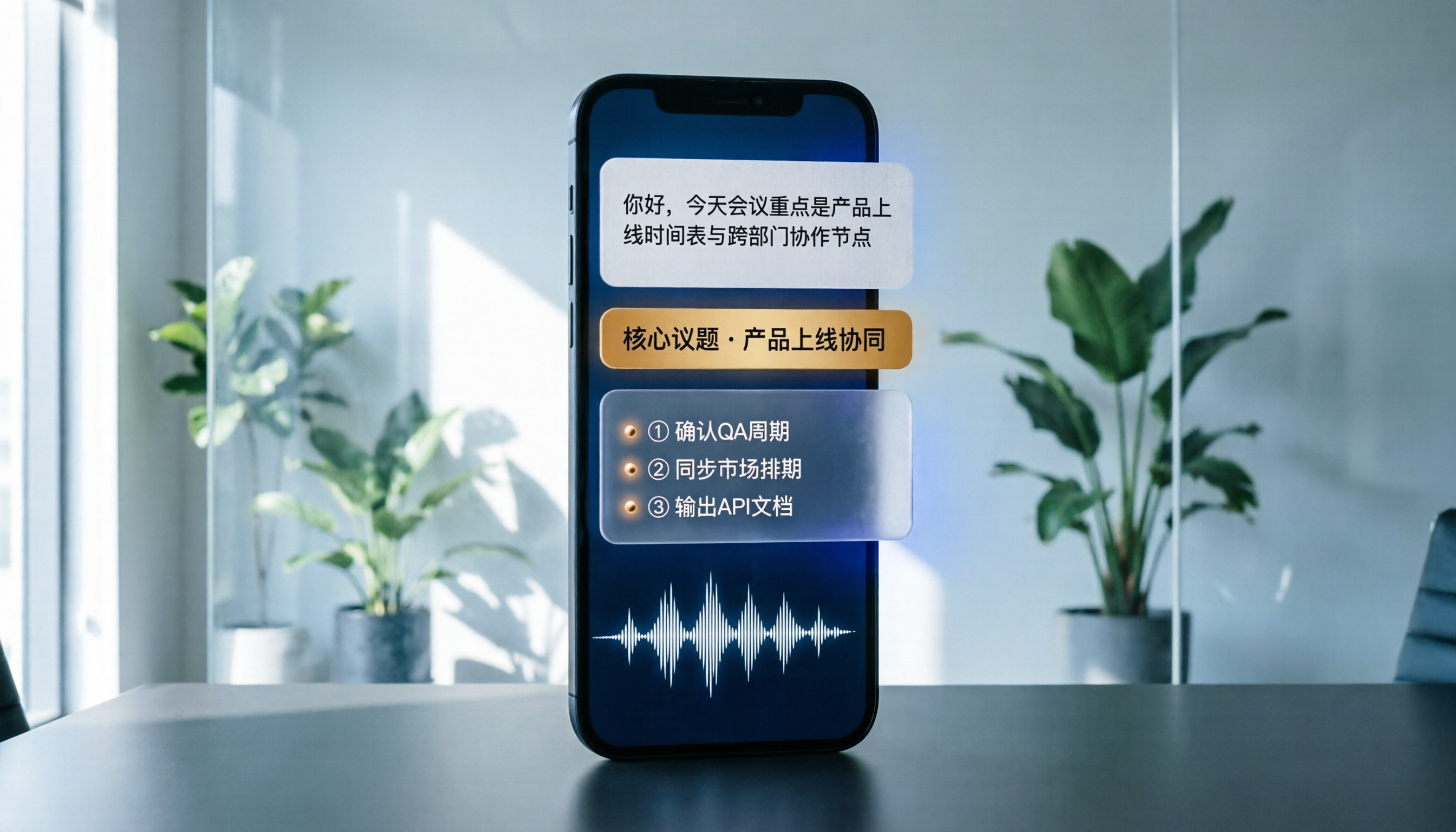
Best Phone Recording Apps in 2026: We Tested 5 — This One Makes Chinese Transcripts and Meeting Notes Easiest
Recording on your phone is easy; the hard part is what comes after. Based on real scenarios like meetings, interviews, and classes, this guide covers common iPhone recording methods, the 5 key factors to consider when choosing a recording tool, and uses Tinrec as an example to show how to turn a recording into a searchable transcript, summary, and to-do list.
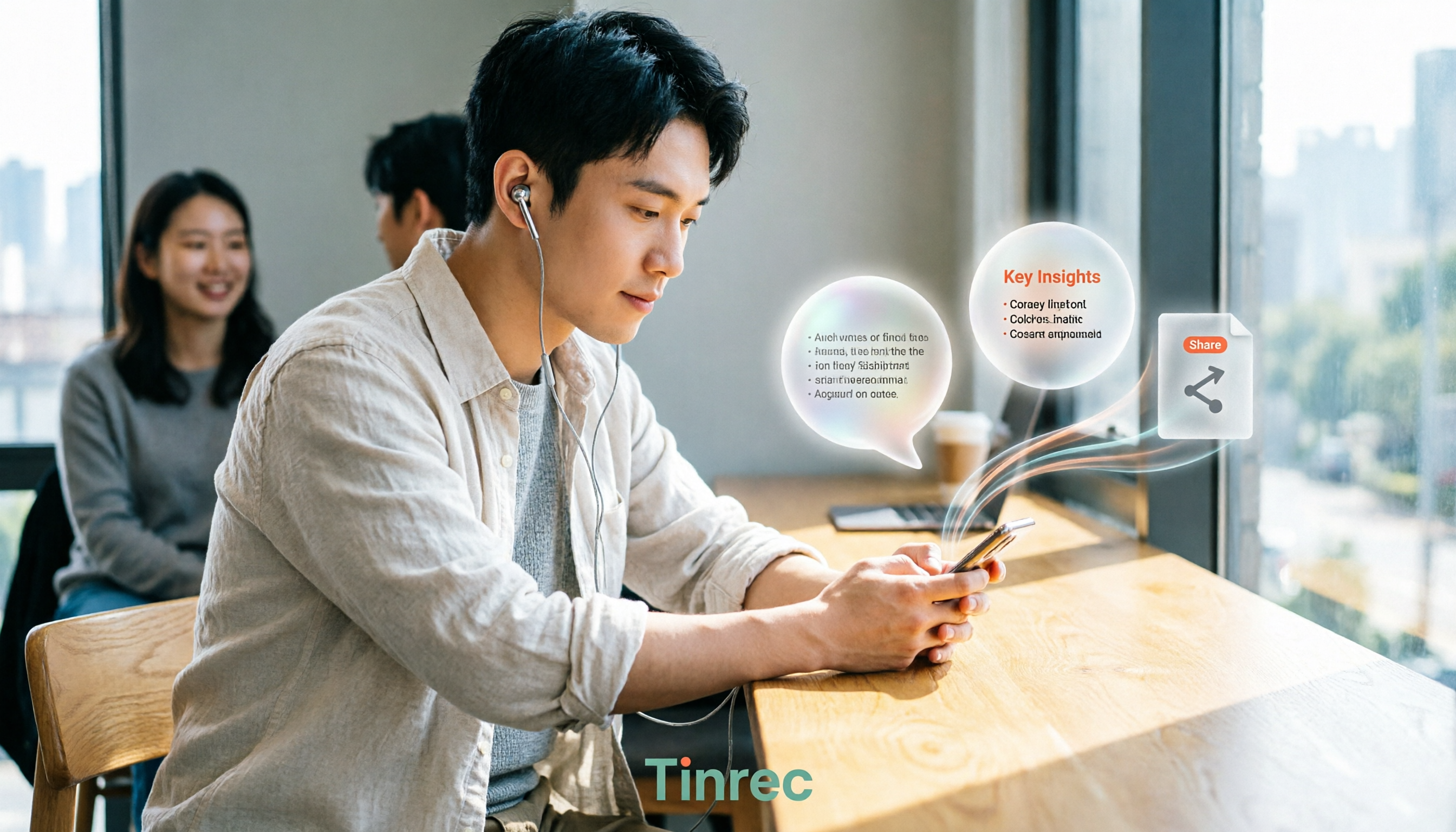
3 WeChat Voice Forwarding Alternatives Tested for 2026: How to Turn Voice Messages into Shareable Text
WeChat does not offer a voice forwarding feature, so received voice messages stay in the original chat. This article explains why this limitation exists and three common misconceptions, then uses Tinrec as an example to show how to turn voice into transcripts, summaries, and shareable documents, while comparing personal and team plans and offering buying advice.
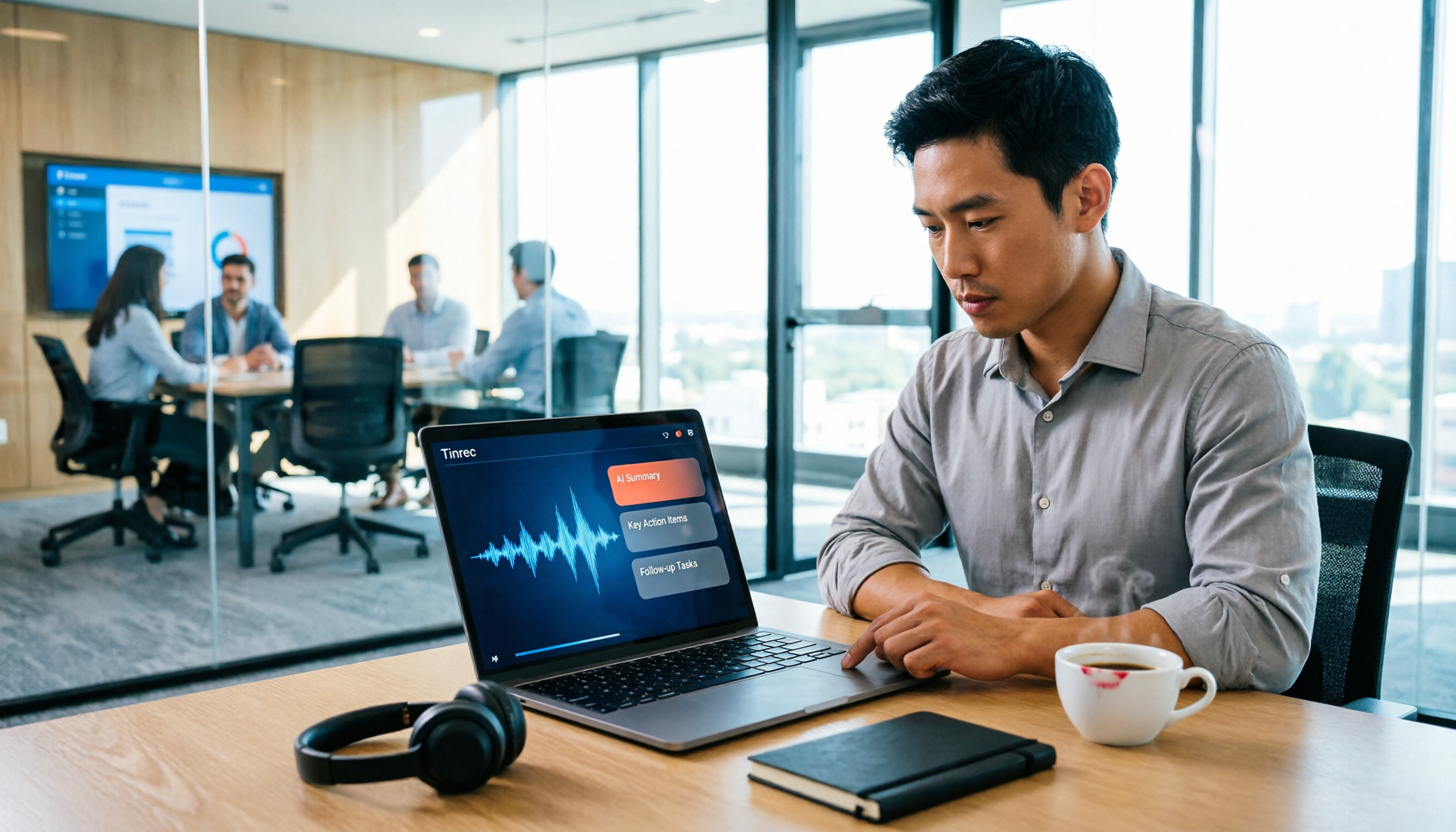
Best Real-Time Transcription Tools in 2026: 5 Options Tested, This Free One Is Enough
How much do real-time transcription tools cost? This article breaks down the pricing structure from free versions to individual paid plans and team seats, using Tinrec as an example to show how real-time transcription, AI summaries, action item extraction, and team spaces can save you from re-listening to recordings and typing transcripts manually. Suitable for office workers, managers, and team procurement evaluating transcription tool budgets.
2026 Live Transcription Tools Compared: Free Tiers and Per-Minute Costs
How do you do live transcription, and how much does it cost? This article compiles actual rates for human transcription in Taiwan (general conversation NT$15-25 per minute, multi-speaker or foreign language NT$40-70, rush jobs add 50-100%), and compares free tiers, plan limits, and live transcription tutorial steps for tools like Tinrec, Notta, Granola, and Otter.ai, helping you find the most cost-effective approach within your budget.

2026 Live Transcription Tools Buying Guide: 5 Tested Picks and Recommendations
Live transcription doesn't just work by hitting record. This guide starts with common pitfalls, covers 4 key buying factors, provides a step-by-step tutorial with examples, and compares Tinrec, Notta, Otter.ai, and Granola to help you choose the right meeting notes tool.

2026 Real-Time Transcription AI Free Plans: 4 Options Compared
A mid-level manager leading a 10-person team and attending about 15 meetings a week tested real-time transcription AI. Starting from common misconceptions, this guide explains what real-time transcription can do for you, which core capabilities matter, and what to consider when choosing a plan. It also breaks down Tinrec's 4 plans from free to Pro annual, plus team plan seats and quota details.

2026 Live Transcription Tools Compared: Which One Can Transcribe Meetings in Real Time Without Losing the Recording?
Real-time transcription isn't just about accuracy. This article, from the perspective of a mid-level manager who holds 15 meetings a week, breaks down the 4 key factors to consider when choosing a live transcription tool: latency, recording retention, post-meeting processing, and team data ownership. It also compares Tinrec, Otter.ai, Notta, and Granola, with a guide to avoid pitfalls and selection advice.

2024 Real-Time Transcription Platforms Compared: Which AI Meeting Notes Actually Save Time?
How to choose a real-time transcription platform? Starting from the real pain points of meeting notes, this article outlines 4 key selection criteria, compares Tinrec, Otter.ai, Notta, and Granola, and includes a pitfalls guide and scenario-based recommendations to help you find the most time-saving option.