

Turn recordings into transcripts and summaries in minutes
Upload audio or video for multilingual transcription, AI notes, and action items
Avoid This Common Misconception: "Can Transcribe" Doesn't Mean "Good"
When people first look for an AI meeting notes tool, they often focus solely on whether it can convert recordings into text.
But in reality, generating a transcript is just the first step. The real time sink comes after the meeting, when you have to organize a wall of text into key points, action items, and conclusions.
If you only treat Notta as a recording-to-text tool, you might find yourself thinking, "This isn't much different from my phone's built-in transcription."
A better approach is to first see if it can save you time on the "organizing" part, then look at transcription accuracy and plan limitations.
This article takes that perspective to give you a practical look at what Notta AI is, who it's for, and whether the free version is sufficient.
What is Notta AI?
Notta is an AI meeting notes and transcription tool that converts meetings, interviews, lectures, or uploaded audio/video files into searchable text.
According to official information, Notta supports transcription and translation in 58 languages, can generate AI summaries in real time, identify different speakers, and provide translation assistance in cross-language meetings.
Beyond online meetings, Notta also covers input methods like live recording, audio file uploads, and processing of certain video links.
In short, it's not just a "recording typewriter"—it's more like an assistant that turns meeting content into organized text data.
Note that Notta currently doesn't provide product images, so the feature descriptions below will be text-based.
Core Features and Highlights
Real-Time Meeting Transcription with Speaker Identification
Notta can transcribe meeting content in real time and label different speakers in multi-person conversations.
This is especially helpful for team meetings, client interviews, or press interviews, as you no longer have to guess "who said what."
Third-party reviews mention that speaker identification is one of Notta's standout features, particularly in scenarios with overlapping voices, reducing the burden of post-meeting cleanup.
AI Summaries and Key Point Extraction
After transcription, Notta automatically generates a brief summary to help you quickly review meeting highlights.
For those who don't want to re-listen to the entire recording, this is far more efficient than manually scanning the transcript.
However, keep in mind that AI summaries are best for grasping the big picture. When it comes to amounts, dates, or specific commitments, it's still advisable to cross-check with the original text and recording.
Multilingual Transcription and Real-Time Translation
Notta supports 58 languages and can generate content in English, Japanese, Chinese, Spanish, German, and more.
If you frequently attend cross-language meetings or need to organize foreign-language interviews into English summaries, this feature is more practical than tools that only support a few languages.
Third-party reviews specifically note that Notta's multilingual transcription performance is a key differentiator from some competitors.
From Recording to Editable Content
In addition to transcripts and summaries, Notta lets you turn meeting content into editable, searchable text materials.
Stop organizing recordings by hand
Upload audio or video and automatically get a transcript, summary, and action items
This can save significant time for those who need to write meeting minutes, organize interview notes, or create lecture notes, reducing repetitive typing.
Pricing Plans and Limitations
Notta's free plan offers 120 minutes of transcription per month.
However, third-party reviews indicate that the free version may cap each session at just 3 minutes, and some AI features are restricted.
If you only need to transcribe short recordings occasionally, the free plan works as a trial; but for full meetings, you'll likely find the quota insufficient.
The Pro plan is priced at approximately $8.17 per month when billed annually, offering 1,800 minutes of transcription per month.
The Business plan, when billed annually, works out to about $16.67 per month, focusing on team collaboration, role-based permissions, and usage reports.
Honestly, for individual users, the Pro price point isn't too high; but if you need team sharing and centralized management of meeting data, Notta's Business plan is more suitable.
How to Use: From Recording to Meeting Highlights
Step 1: Choose Recording or Upload Source
Once in Notta, you can choose live recording, connect to an online meeting, or upload existing audio/video files.
If you're recording a Zoom, Google Meet, Microsoft Teams, or Webex meeting, you can start from the corresponding meeting source.
Step 2: Let Notta Start Transcribing
After starting recording or uploading a file, Notta will begin transcription.
In live meeting mode, the transcript appears on screen in real time; for uploaded files, you'll need to wait for processing to complete.
Step 3: Review Summary and Speaker Labels
Once transcription is done, start with the AI summary to get the gist.
Then, use speaker labels to quickly locate what a specific person said, without having to listen from start to finish.
Step 4: Export or Continue Organizing
After confirming the content is correct, you can export the transcript or summary and integrate it into your existing document or note-taking workflow.
If you need a more complete workflow, you can also paste Notta's output into other note-taking tools for further editing.
Frequently Asked Questions
Is Notta's free version sufficient?
If you only need to transcribe short content occasionally, the 120-minute monthly quota is enough to try out basic features.
But third-party reviews note that the free version may limit each session to 3 minutes, which is restrictive for full meetings. It's best to try it out first, then consider upgrading based on your needs.
What languages does Notta support?
Notta officially states it supports transcription and translation in 58 languages, including major ones like Chinese, English, Japanese, Spanish, and German, and it's also suitable for mixed-language or cross-language meetings.
How is Notta different from typical recording-to-text tools?
Most tools simply convert audio to text. Notta goes further by offering AI summaries, speaker identification, real-time translation, and searchable text, positioning itself more as a "post-meeting organizer."
Is Notta suitable for team use?
Yes, but team collaboration typically requires the Business plan to access management features like role-based permissions and usage reports.
If you only need to record meetings for personal use, the Pro plan is a simpler choice.
Can Notta guarantee perfectly accurate transcription?
It's not advisable to expect that. Actual accuracy can be affected by recording quality, background noise, accents, and overlapping speech.
For important content, always cross-check with the original recording and transcript; AI summaries are only meant as a supplement.
References
Turn every recording into actionable outcomes
Get 60 free transcription minutes when you sign in. No credit card required.
Related Reading
You might also like
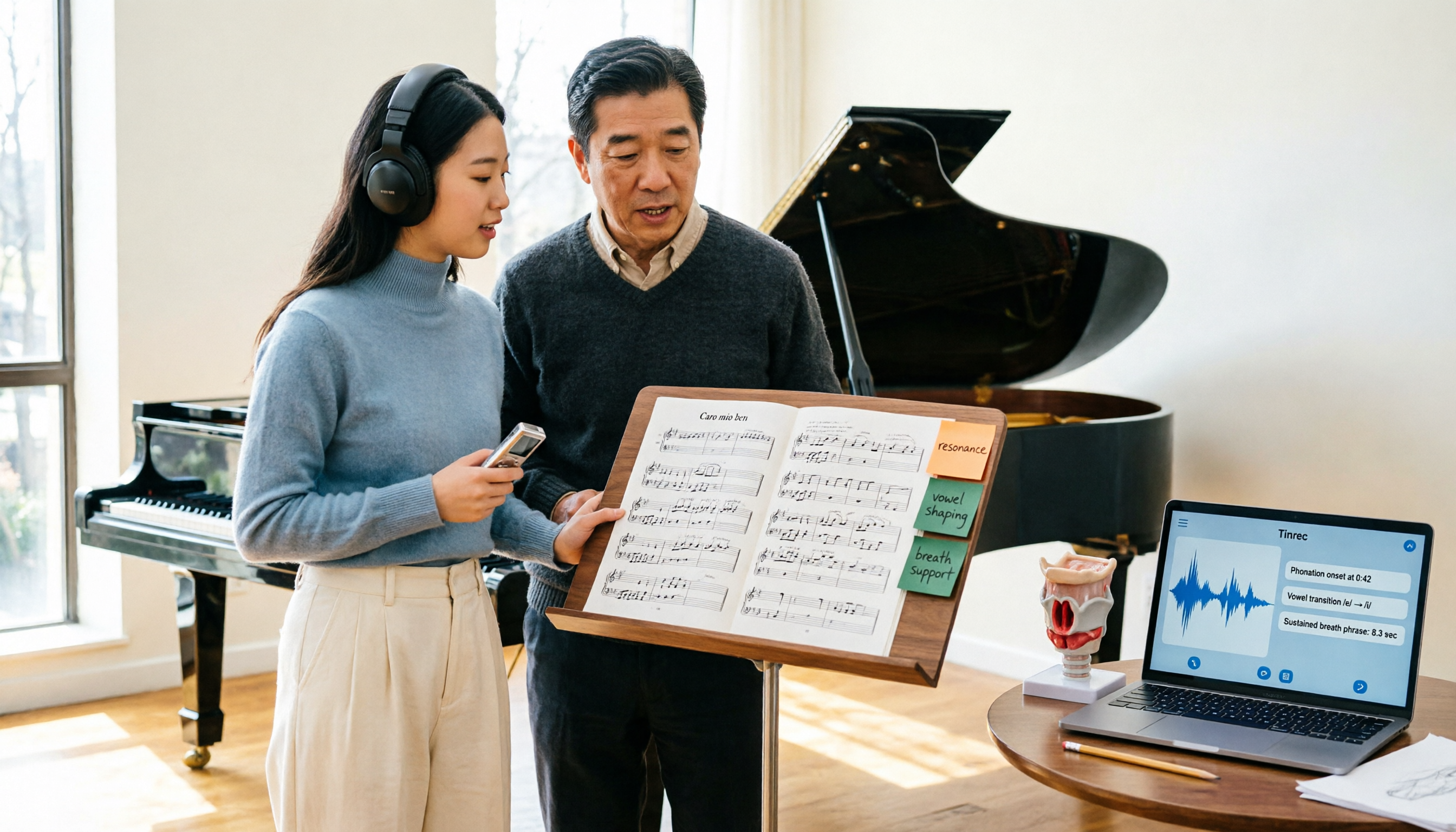
2026 Vocologia Master's Degree Complete Guide: 5 Real-World Learning Scenarios Tested, How to Organize Class Recordings Most Efficiently
Admissions for the 2025-2026 academic year in Vocologia Artistica (vocalogy) master's programs are gradually opening, but the courses are entirely in Italian and span voice medicine and singing pedagogy—handwritten notes alone won't capture it. This article breaks down what the master's covers, who it suits, and tests 5 real learning scenarios, demonstrating how to use Tinrec to turn lectures, clinical discussions, and thesis interviews into searchable, queryable data.

VOCOlinc vs Atuvos: Price Comparison Logic and Why Tinrec Is Better for Meeting Notes
VOCOlinc and Atuvos are Apple Find My-compatible trackers with nearly identical specs, so comparing them is straightforward. But for mid-level managers, the real time drain is post-meeting organization and follow-up. This article explains in 3 minutes how to compare VOCOlinc vs Atuvos, then applies the same 'specs don't equal experience' logic to show how Tinrec turns meetings into searchable, actionable team data.

Vocol vs Tinrec 2026: 5-Dimension Comparison for Chinese Meeting Notes and Team Collaboration
Vocol and Tinrec are both practical tools for Chinese meeting notes, but one focuses on recording organization and the other on team meeting assets. This article compares them across 5 dimensions: capture method, Chinese performance, post-meeting outputs, team governance, and quota billing, to help you decide which suits your team.

2026 AI Voice Collaboration Tools Comparison: Vocol.ai, Tinrec, and Otter.ai Features and Team Collaboration
This article starts with common misconceptions and compares three AI voice collaboration tools: Vocol.ai, Tinrec, and Otter.ai. It explains selection criteria, feature differences, team collaboration, and pricing limitations to help you decide which one suits Chinese meetings and team knowledge retention.

2026 AI Meeting Transcription Tools Cost Comparison: How Does Vocol Pricing Work?
How does Vocol pricing work? The official stance is billing by transcript minutes and file storage, with v-point redemption also available in the market. This article breaks down Vocol's three payment methods, the hidden costs of usage-based pricing, and compares the billing logic and use cases of Tinrec, Otter.ai, Notta, and TurboScribe, plus 4 common budgeting mistakes.
vocal-remover.ai vs LALAL.AI 2026: 5-Factor Comparison — Free & Fast vs. Pro Stem Splitting
Most people searching for a vocal AI remover just want a clean backing track fast. This guide compares vocal-remover.ai and LALAL.AI across 5 practical factors, adds 3 free alternatives and 4 common pitfalls, and ends with scenario-based recommendations so you can decide in 5 minutes.

4 VS Code Voice Tools Compared in 2026: How to Choose Between Tinrec and Editor Extensions
If you want voice input in VS Code, VS Code Speech, VoiceMode, and VoxPilot each take different approaches. But for long-form audio like meetings and interviews, you need a different kind of tool. This article first clarifies the two meanings of "vocol," then compares Tinrec with editor voice extensions in terms of input sources, post-meeting organization, AI Q&A, and team collaboration.

Vocol vs Google in 2026: Which of These 3 Meeting Transcription Tools Saves the Most Time?
What's the real difference between Vocol and Google's built-in transcription? This article breaks down the comparison across four dimensions: recording methods, post-meeting organization, Chinese recognition, and team data storage and management. It also explains when Tinrec is a better fit for teams in Taiwan, helping you choose the right tool within your budget.

2026 AI Meeting Recorder Comparison: Vocol Toolbar Missing? How to Choose an Intuitive Interface
What to do when the Vocol toolbar disappears? This article first outlines 6 troubleshooting steps you can try yourself, then compares four AI meeting recorder tools—Tinrec, Vocol, Notta, and Otter.ai—across four aspects: interface intuitiveness, input sources, post-meeting output, and team authorization, helping you find a workflow that doesn't require hunting for buttons every meeting.