

Turn recordings into transcripts and summaries in minutes
Upload audio or video for multilingual transcription, AI notes, and action items
From “Dcard Praise” to “Can Your Team Actually Use It?”: 5 Key Questions in Between
Searching for Vocol.ai on Dcard, you’ll easily find interns and grad students sharing their experiences with one-click recording, AI summaries, and to-do assignment. These posts do prove the tool is “easy for personal use,” but if you’re a department manager or SMB owner choosing a meeting notes tool for a team of 5, 10, or even 30 people, personal reviews alone aren’t enough.
The common pitfall path is: seeing positive community reviews → buying a personal plan to try → team members each using their own accounts → meeting data scattered across different accounts → eventually realizing there’s no “team asset” at all.
A more sensible approach is to first think through these five things: how meetings are recorded, how accurate Chinese transcription is, what you can do with the recordings, how the team collaborates, and how budgeting works. This article compares Tinrec and Vocol.ai across these five dimensions, giving you a comparison table you can bring into the meeting room for procurement decisions.
Dimension 1: Meeting Capture—Tinrec Uses Bot-Free Desktop Recording, Vocol.ai Primarily Relies on In-Platform Recording
Tinrec’s desktop app can directly capture your computer’s system audio, handling online meetings on Zoom, Google Meet, Microsoft Teams, Webex, and more. You don’t need to add extra meeting bots to your calendar invites—just open Tinrec’s desktop app, hit record, and it transcribes as it records. This is a relatively clean capture method for teams that don’t want to see unfamiliar bot accounts in their meetings.
Vocol.ai, as mentioned in Dcard posts, works by going into the platform and clicking “Start Recording” or “Upload File.” It also supports video meeting notes, but based on public information, its use case leans more toward initiating recordings within the Vocol platform or importing files to organize meeting content.
If you have a high volume of Zoom, Meet, and Teams meetings each week, and your team prefers not to alter the meeting participant list, Tinrec’s bot-free desktop recording is a more direct entry point.
Dimension 2: Chinese Meeting Experience—Tinrec Offers More Comprehensive Design for Chinese and Mixed Chinese-English Content
Much of the praise for Vocol.ai on Dcard comes from its multilingual transcription support. But for Taiwanese teams, the real key isn’t “supports dozens of languages”—it’s the quality of transcripts for Chinese meetings and mixed Chinese-English meetings, and whether the post-meeting summaries feel natural.
Tinrec focuses on Chinese meeting scenarios, with capabilities for Chinese meeting transcription, mixed Chinese-English content organization, multilingual meeting transcription, and real-time translation. The team plan also includes a “Team Keywords” feature, allowing you to maintain company-specific product names, project codes, or industry jargon to improve recognition of specialized terms. This is more practically helpful for product, marketing, or R&D teams that frequently use internal terminology, compared to just having a large language count.
Vocol.ai also emphasizes multilingual transcription, but if you’re a Taiwanese team primarily holding meetings in Chinese, Tinrec’s Chinese support and keyword management will better fit your daily collaboration needs.
Stop organizing recordings by hand
Upload audio or video and automatically get a transcript, summary, and action items
Dimension 3: Post-Meeting Organization—Both Can Summarize, but Tinrec Emphasizes “Further Processing”
Vocol.ai’s AI-powered features can generate summaries, categorize topics, and extract action items from meetings for assignment. This solves the problem of “writing meeting notes and then forgetting them.”
Tinrec’s post-meeting organization extends from transcription to a more complete workflow: beyond the transcript, it automatically generates summaries, chapters, key points, and action items. Users can continue with AI Q&A around the meeting content, such as “Who mentioned the budget in the meeting?” or “What was the client’s response on the delivery date?” It can also generate meeting minutes, reports, tables, and documents, and export them to tools like Notion, Google Docs, OneNote, and Dropbox.
In other words, Vocol.ai helps you turn meetings into clear records, while Tinrec goes a step further toward “deliverable outputs.” If you need to convert meeting content into weekly reports, project updates, or client interview notes, Tinrec’s Agent post-processing capabilities are a more practical bonus.
Dimension 4: Team Collaboration and Governance—Tinrec Has Clear Team Spaces, Roles, and Seat Design
For personal use, both tools meet basic needs. But when your team exceeds five people, issues around data ownership, member permissions, and usage management start to arise.
Tinrec’s team plan provides a dedicated team space where meeting data belongs to the team, not the individual uploader. Admins can set three roles—Owner, Admin, and Member—and separate “roles” from “seats”: roles determine who can manage the team, while seats determine who can record, upload, edit, import, and export. Active members without seats can still view team data, but they need a seat to perform operational actions. Additionally, the team plan offers usage analytics, member rankings, audit logs, and an audio recycle bin for governance.
Vocol.ai emphasizes team sharing and collaboration in Dcard posts, but based on public information, its permission and governance details are less transparent than Tinrec’s. If you need to convince your boss or IT for procurement, Tinrec’s four-layer design of members, roles, seats, and audits is an easier option to pass evaluation.
Dimension 5: Pricing and Buying Advice—First Determine If You’re Buying for “Personal” or “Team” Use
When choosing an AI meeting tool, the most common mistake is estimating team costs based on personal plan prices. In reality, personal and team plans have completely different pricing logic.
Tinrec’s personal plan is based on usage frequency, with options like Free, Weekly Pass, Pro Monthly, and Pro Yearly—suitable for occasional recording organization, short-term meeting sprints, or long-term personal knowledge management. The team plan is priced per paid seat, currently configured at USD 29.80 per paid seat per month, or USD 199 per paid seat per year. Each paid seat includes 2,000 minutes of team-shared import quota per month, and real-time recording under active team plans and seats is not currently deducted by the minute.
Vocol.ai’s public pricing information is limited, and Dcard posts focus mainly on feature experiences. If you’re evaluating a team plan, we recommend asking vendors for a clear quote based on “how many minutes per paid seat per month and how the team-shared quota is calculated,” rather than deciding based on personal plan prices alone.
Summary: Dcard Reviews Are Worth Considering, but Team Procurement Should Focus on Governance
Vocol.ai’s positive reviews on Dcard show it’s a user-friendly AI voice collaboration tool for individuals. But from a team procurement perspective, Tinrec offers a more complete basis for decision-making in bot-free meeting recording, Chinese meeting experience, post-meeting content processing, and team space governance.
If you’re an individual looking to organize meeting transcripts, start with Tinrec’s free plan. If you need to build a long-term meeting asset for a team of five or more, focus on whether the team plan’s roles, seats, usage, and audit features meet your management needs, rather than just looking at transcription minutes.
References
- #Review Intern Survived Two Months at Work! - Brand Merchant (@brand_selection) | Dcard
- Vocol AI | Home
- Popular discussions on AI Tools Lounge board | Dcard
- Home | Vocol.ai Voice Collaboration Platform
- Three Useful AI Tools Recommended (Summaries, Slides, Transcripts) - Graduate School Forum | Dcard
Turn every recording into actionable outcomes
Get 60 free transcription minutes when you sign in. No credit card required.
Related Reading
You might also like
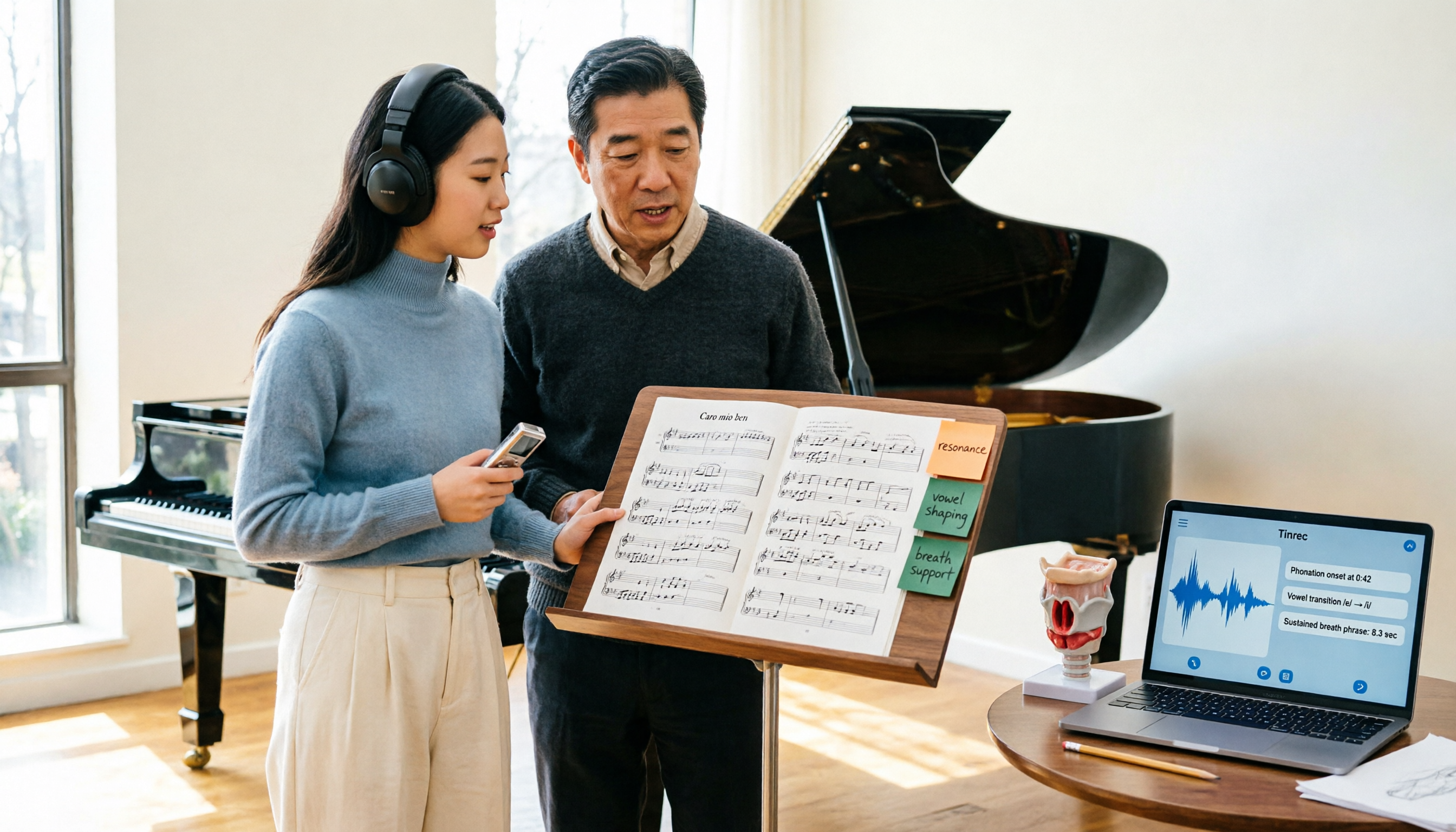
2026 Vocologia Master's Degree Complete Guide: 5 Real-World Learning Scenarios Tested, How to Organize Class Recordings Most Efficiently
Admissions for the 2025-2026 academic year in Vocologia Artistica (vocalogy) master's programs are gradually opening, but the courses are entirely in Italian and span voice medicine and singing pedagogy—handwritten notes alone won't capture it. This article breaks down what the master's covers, who it suits, and tests 5 real learning scenarios, demonstrating how to use Tinrec to turn lectures, clinical discussions, and thesis interviews into searchable, queryable data.

VOCOlinc vs Atuvos: Price Comparison Logic and Why Tinrec Is Better for Meeting Notes
VOCOlinc and Atuvos are Apple Find My-compatible trackers with nearly identical specs, so comparing them is straightforward. But for mid-level managers, the real time drain is post-meeting organization and follow-up. This article explains in 3 minutes how to compare VOCOlinc vs Atuvos, then applies the same 'specs don't equal experience' logic to show how Tinrec turns meetings into searchable, actionable team data.

Vocol vs Tinrec 2026: 5-Dimension Comparison for Chinese Meeting Notes and Team Collaboration
Vocol and Tinrec are both practical tools for Chinese meeting notes, but one focuses on recording organization and the other on team meeting assets. This article compares them across 5 dimensions: capture method, Chinese performance, post-meeting outputs, team governance, and quota billing, to help you decide which suits your team.

2026 AI Voice Collaboration Tools Comparison: Vocol.ai, Tinrec, and Otter.ai Features and Team Collaboration
This article starts with common misconceptions and compares three AI voice collaboration tools: Vocol.ai, Tinrec, and Otter.ai. It explains selection criteria, feature differences, team collaboration, and pricing limitations to help you decide which one suits Chinese meetings and team knowledge retention.

2026 AI Meeting Transcription Tools Cost Comparison: How Does Vocol Pricing Work?
How does Vocol pricing work? The official stance is billing by transcript minutes and file storage, with v-point redemption also available in the market. This article breaks down Vocol's three payment methods, the hidden costs of usage-based pricing, and compares the billing logic and use cases of Tinrec, Otter.ai, Notta, and TurboScribe, plus 4 common budgeting mistakes.
vocal-remover.ai vs LALAL.AI 2026: 5-Factor Comparison — Free & Fast vs. Pro Stem Splitting
Most people searching for a vocal AI remover just want a clean backing track fast. This guide compares vocal-remover.ai and LALAL.AI across 5 practical factors, adds 3 free alternatives and 4 common pitfalls, and ends with scenario-based recommendations so you can decide in 5 minutes.

4 VS Code Voice Tools Compared in 2026: How to Choose Between Tinrec and Editor Extensions
If you want voice input in VS Code, VS Code Speech, VoiceMode, and VoxPilot each take different approaches. But for long-form audio like meetings and interviews, you need a different kind of tool. This article first clarifies the two meanings of "vocol," then compares Tinrec with editor voice extensions in terms of input sources, post-meeting organization, AI Q&A, and team collaboration.

Vocol vs Google in 2026: Which of These 3 Meeting Transcription Tools Saves the Most Time?
What's the real difference between Vocol and Google's built-in transcription? This article breaks down the comparison across four dimensions: recording methods, post-meeting organization, Chinese recognition, and team data storage and management. It also explains when Tinrec is a better fit for teams in Taiwan, helping you choose the right tool within your budget.

2026 AI Meeting Recorder Comparison: Vocol Toolbar Missing? How to Choose an Intuitive Interface
What to do when the Vocol toolbar disappears? This article first outlines 6 troubleshooting steps you can try yourself, then compares four AI meeting recorder tools—Tinrec, Vocol, Notta, and Otter.ai—across four aspects: interface intuitiveness, input sources, post-meeting output, and team authorization, helping you find a workflow that doesn't require hunting for buttons every meeting.