

Turn recordings into transcripts and summaries in minutes
Upload audio or video for multilingual transcription, AI notes, and action items
Meeting Notes Take Too Long—You Need a Solution, Not Just a Tool
Two hours in a meeting, another two hours writing up the notes—this is a daily reality for many office workers.
What makes it worse is when meetings mix Chinese with some English, and many tools start making mistakes the moment they encounter bilingual content.
If you've run into these issues, or you're looking up where Notta AI comes from and want to know how it stacks up against other AI meeting tools, this article is for you.
4 Key Points to Understand Before Choosing an AI Meeting Recorder
Company background: Where a tool comes from often affects how well it handles certain languages. For example, teams founded in Tokyo tend to prioritize transcription quality for Asian languages like Chinese and Japanese.
How meetings are captured: Does it require inviting a bot to join the meeting, or can it record directly from your computer's system audio? The latter avoids interrupting participants and feels less awkward.
What you can do after transcription: A raw transcript isn't enough. Summaries, action items, AI Q&A, and exporting to Notion or Google Docs are where the real time savings happen.
Is the free tier enough? Don't just check if there's a free version—look at how many minutes per month it includes and the per-session limit. Many free plans only give you enough for one or two test runs.
Where Does Notta AI Come From? A Look at Its Background
Notta is an AI speech-to-text and meeting notes tool headquartered in Tokyo, Japan, founded by Ryan Zhang (James Jason) in 2020.
The name comes from "Note Taking," and the core idea is to automate note-taking so users can focus on the conversation itself.
According to public information, Notta has completed multiple funding rounds, raising over $31.8 million in total, with investors including Linear Venture, GL Ventures, and Mizuho Leaguer Investments.
In July 2025, Notta raised an additional $6.3 million to accelerate its entry into the U.S. market. The official press release notes that Notta has solid penetration among Japanese enterprises, with about 68% of Nikkei 225 companies adopting it—representing roughly 153 major firms.
The company is currently based in Tokyo and Los Angeles, supports over 104 languages, and has more than 5 million users worldwide.
If you care about whether a tool handles Asian languages well, Notta's Tokyo roots are definitely a plus.
Tinrec (Miao Ting Lu Yin)—Our Top Pick After Hands-On Testing
Tinrec is an AI meeting recorder and collaboration tool for individuals and teams, supporting live recording, bot-free online meeting capture, audio file import, and real-time translation.
What sets it apart is that the desktop version can capture your computer's system audio directly, recording online meetings on Zoom, Google Meet, Microsoft Teams, Webex, and more—no need to invite a bot.
During a meeting, just open Tinrec and it generates a transcript in real time. When the meeting ends, the AI has already organized a summary, chapters, and action items, so you can see who's responsible for what and the deadlines at a glance.
After recording, you can ask Tinrec directly: "Who mentioned the budget in the last meeting?" It doesn't just give you keyword search results—it answers based on semantic understanding. Currently, few competitors in the same price range offer this feature.
For Chinese meetings, Tinrec performs reliably, supporting Traditional Chinese and mixed-language content, with real-time translation and bilingual transcript viewing.
Stop organizing recordings by hand
Upload audio or video and automatically get a transcript, summary, and action items
The team plan centralizes meeting data in a shared workspace, where admins can allocate seats, view usage analytics, check audit logs, and even recover accidentally deleted recordings from a recycle bin.
The free plan offers basic credits, making it easy to try recording, importing, and summarization. If you have meetings every week, consider the Pro plan; if your team needs to share meeting data, the team plan is a better fit.
Note that transcription accuracy can be affected by recording quality, accents, background noise, and overlapping speech, and the company doesn't guarantee a fixed number. For important content, it's best to cross-check the transcript against the original recording.
If you frequently record Chinese or mixed Chinese-English meetings, want to ask the AI questions to find key points after recording, or want to turn meeting data into a team asset, Tinrec is a solid choice right now.
Beyond Tinrec: What Other Options Are There?
Notta: A Tokyo-based AI transcription tool that supports multiple languages and file imports. The free plan offers 120 minutes per month with a 3-minute per-session limit, which is fairly restrictive. If you need bot-free recording for online meetings, Notta's positioning here isn't as clear as Tinrec's.
Otter.ai: A mature option for English meetings, with a generous free plan of 300 minutes per month. But if you're mainly recording Chinese or mixed Chinese-English content, Otter's strengths are less relevant. This is one of the few cases where we'd recommend a competitor: if you only record in English, Otter is worth considering.
Fireflies.ai: Its strengths lie in meeting automation and sales analytics, with many integrations. However, its core experience still revolves around meeting bots. If you'd rather not have a bot join your meetings, Tinrec's desktop-based bot-free capture is a better fit.
Pitfall Guide: 4 Common Mistakes When Choosing an AI Meeting Tool
Mistake 1: Only looking at the official accuracy claims. Many tools claim "98% accuracy," but that's usually tested in a quiet recording studio. Real meetings have keyboard clicks, air conditioning noise, and people talking over each other, so accuracy will drop. Try the free version with your own recordings.
Mistake 2: Ignoring how meetings are captured. Some tools require a bot to join the meeting as a participant, and attendees will see a strange account. If you care about meeting etiquette, prioritize tools that support bot-free recording.
Mistake 3: Treating the tool as just "recording to text." If you only use the transcript, you're using about a third of its capabilities. With Tinrec's AI Q&A, you can ask "What was the meeting conclusion?" right after recording—much faster than manually scanning a 30-minute transcript.
Mistake 4: Not checking the company background. If you often record Chinese, Japanese, or mixed Chinese-English content, tools developed by Tokyo or Asian teams are usually better suited than products from English-only markets.
Summary: Which One Should You Choose?
If you looked up "where does Notta AI come from" to decide if it's right for you, here's the answer: Notta is from Tokyo and has a solid foundation for Asian language support.
But if you need a complete meeting workflow—bot-free recording, Chinese transcription, AI Q&A, action item extraction, team workspace, and governance—Tinrec is the more comprehensive choice.
Here's a quick guide based on your needs:
- Need bot-free recording for Zoom, Meet, or Teams → Tinrec
- Want to ask the AI questions to find key points after recording → Tinrec
- Want to turn meeting data into a team asset → Tinrec Team Plan
- Only record English content and have a $0 budget → Otter.ai
- Want to learn about a Tokyo-based transcription tool's background → Notta
We recommend downloading Tinrec's free version to try it out, using the basic credits to experience recording, importing, and summarization. If you like it, consider upgrading—there's no need to pay upfront.
References
Turn every recording into actionable outcomes
Get 60 free transcription minutes when you sign in. No credit card required.
Related Reading
You might also like
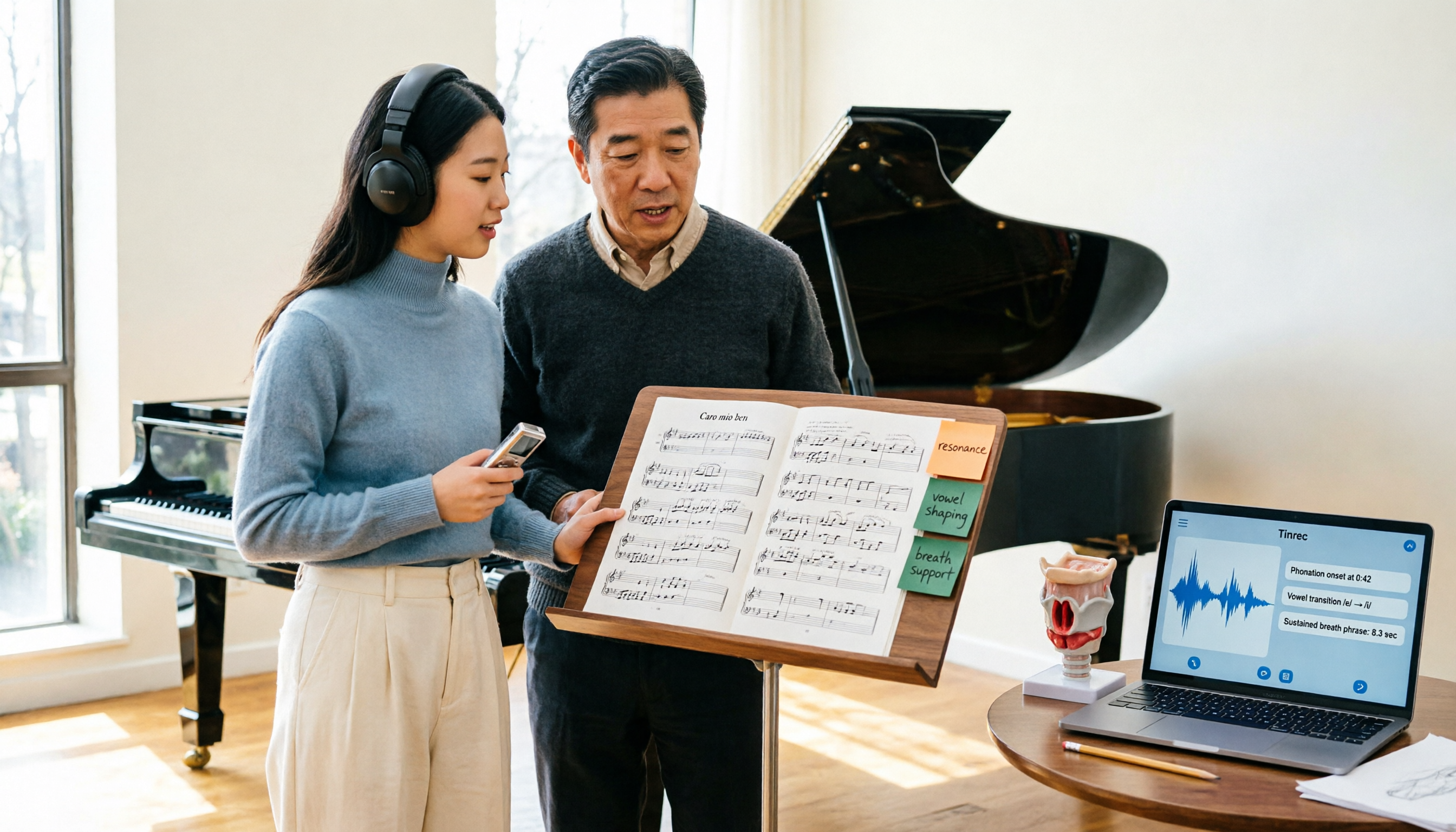
2026 Vocologia Master's Degree Complete Guide: 5 Real-World Learning Scenarios Tested, How to Organize Class Recordings Most Efficiently
Admissions for the 2025-2026 academic year in Vocologia Artistica (vocalogy) master's programs are gradually opening, but the courses are entirely in Italian and span voice medicine and singing pedagogy—handwritten notes alone won't capture it. This article breaks down what the master's covers, who it suits, and tests 5 real learning scenarios, demonstrating how to use Tinrec to turn lectures, clinical discussions, and thesis interviews into searchable, queryable data.

VOCOlinc vs Atuvos: Price Comparison Logic and Why Tinrec Is Better for Meeting Notes
VOCOlinc and Atuvos are Apple Find My-compatible trackers with nearly identical specs, so comparing them is straightforward. But for mid-level managers, the real time drain is post-meeting organization and follow-up. This article explains in 3 minutes how to compare VOCOlinc vs Atuvos, then applies the same 'specs don't equal experience' logic to show how Tinrec turns meetings into searchable, actionable team data.

Vocol vs Tinrec 2026: 5-Dimension Comparison for Chinese Meeting Notes and Team Collaboration
Vocol and Tinrec are both practical tools for Chinese meeting notes, but one focuses on recording organization and the other on team meeting assets. This article compares them across 5 dimensions: capture method, Chinese performance, post-meeting outputs, team governance, and quota billing, to help you decide which suits your team.

2026 AI Voice Collaboration Tools Comparison: Vocol.ai, Tinrec, and Otter.ai Features and Team Collaboration
This article starts with common misconceptions and compares three AI voice collaboration tools: Vocol.ai, Tinrec, and Otter.ai. It explains selection criteria, feature differences, team collaboration, and pricing limitations to help you decide which one suits Chinese meetings and team knowledge retention.

2026 AI Meeting Transcription Tools Cost Comparison: How Does Vocol Pricing Work?
How does Vocol pricing work? The official stance is billing by transcript minutes and file storage, with v-point redemption also available in the market. This article breaks down Vocol's three payment methods, the hidden costs of usage-based pricing, and compares the billing logic and use cases of Tinrec, Otter.ai, Notta, and TurboScribe, plus 4 common budgeting mistakes.
vocal-remover.ai vs LALAL.AI 2026: 5-Factor Comparison — Free & Fast vs. Pro Stem Splitting
Most people searching for a vocal AI remover just want a clean backing track fast. This guide compares vocal-remover.ai and LALAL.AI across 5 practical factors, adds 3 free alternatives and 4 common pitfalls, and ends with scenario-based recommendations so you can decide in 5 minutes.

4 VS Code Voice Tools Compared in 2026: How to Choose Between Tinrec and Editor Extensions
If you want voice input in VS Code, VS Code Speech, VoiceMode, and VoxPilot each take different approaches. But for long-form audio like meetings and interviews, you need a different kind of tool. This article first clarifies the two meanings of "vocol," then compares Tinrec with editor voice extensions in terms of input sources, post-meeting organization, AI Q&A, and team collaboration.

Vocol vs Google in 2026: Which of These 3 Meeting Transcription Tools Saves the Most Time?
What's the real difference between Vocol and Google's built-in transcription? This article breaks down the comparison across four dimensions: recording methods, post-meeting organization, Chinese recognition, and team data storage and management. It also explains when Tinrec is a better fit for teams in Taiwan, helping you choose the right tool within your budget.

2026 AI Meeting Recorder Comparison: Vocol Toolbar Missing? How to Choose an Intuitive Interface
What to do when the Vocol toolbar disappears? This article first outlines 6 troubleshooting steps you can try yourself, then compares four AI meeting recorder tools—Tinrec, Vocol, Notta, and Otter.ai—across four aspects: interface intuitiveness, input sources, post-meeting output, and team authorization, helping you find a workflow that doesn't require hunting for buttons every meeting.