

Turn recordings into transcripts and summaries in minutes
Upload audio or video for multilingual transcription, AI notes, and action items
Using Google Meet on Nest Hub Is Convenient—But What About Notes?
Have you ever finished a Google Meet call with a client on Nest Hub Max, hung up, and realized you only have a vague memory of what was said and who agreed to what?
Nest Hub Max's camera and screen make video calls intuitive—just say the word to answer or start a call. But it's still a smart display, and it won't organize transcripts, summaries, or action items for you.
If you want to get meeting notes immediately after the call, you need more than a calling device—you need a meeting recorder.
3 Key Things to Know Before Using Google Meet on Nest Hub
1. Not every Nest Hub can make video calls. Nest Hub Max has a built-in camera and supports Google Meet video calls; the original Nest Hub and Nest Hub (2nd gen) have no camera and can only make voice calls on Meet. Other devices with cameras, such as Lenovo 8-inch/10-inch Smart Displays, JBL Link View, and LG XBOOM AI ThinQ WK9, also support video calls.
2. Features have changed—don't follow old tutorials. According to Google's official documentation, the Meetings feature on Assistant devices is no longer supported, but you can still make Meet calls. That means the old method of saying "Hey Google, join a meeting" and entering a meeting code to join a scheduled meeting may not work. Check Google Meet's official help for the latest.
3. Calling and recording are two different things. Nest Hub helps you talk, but it won't take notes. Transcripts, summaries, chapters, and action items all require a separate tool—and that's the part most people dread after a meeting.
Tinrec—Our Top Pick After Testing
Tinrec is an AI meeting recorder and collaboration tool for individuals and teams, available on web, desktop, and mobile. For those who often use Google Meet on Nest Hub, its value lies in connecting the call and the notes.
Bot-free recording for online meetings. Tinrec's desktop app captures system audio directly, handling meeting audio from Zoom, Google Meet, Microsoft Teams, Webex, and other platforms playing on your computer—no need to invite a meeting bot. This is great for those who don't want an extra "participant" in the meeting.
Transcription is just the beginning. After recording, Tinrec automatically generates summaries, chapters, and highlights, and extracts action items from the discussion. You don't have to re-listen to the whole meeting to know what was discussed, what was decided, and who needs to do what.
AI Q&A lets you find answers directly. This is where it stands out from typical transcription tools. After recording, you can ask, "Who mentioned the budget in the last meeting?" and it will give you an answer based on semantic understanding, not just a list of keyword search results. Most tools in the same price range don't have this capability yet.
Exportable output. Transcripts, summaries, reports, and tables can be exported and used in Notion, Google Docs, OneNote, Dropbox, and other tools.
Stop organizing recordings by hand
Upload audio or video and automatically get a transcript, summary, and action items
Team edition keeps data with the team. The team edition offers a separate team space where meeting data belongs to the team, with member, role, and seat management, plus usage analytics, audit logs, and an audio recycle bin.
Note that Tinrec is not a bot that automatically joins all calendar meetings—you need to actively start recording from the desktop app. Transcription quality can also be affected by recording quality, noise, accents, and overlapping speakers. For some team edition capabilities, check the latest plan before purchasing.
If you often meet on Google Meet, Teams, or Zoom and need Chinese transcripts, post-meeting summaries, action items, and a queryable database, Tinrec is a great choice right now.
Besides Tinrec, What Are the Alternatives?
Otter.ai: A mature English AI meeting assistant. Free plan offers 300 minutes per month; Pro annual billing is about USD 8.49/month. It's strong for English business meetings, but Chinese is not its strong suit, and it lacks Tinrec's agent-based post-processing and team data accumulation around meeting content.
Granola: Also uses bot-free desktop recording, focusing on "your notes + AI enhancement." However, it doesn't support uploading pre-recorded audio files and doesn't save meeting audio files—if you need to keep recordings or import historical files, Tinrec is more suitable.
Notta: Good multi-platform transcription and translation. Free plan offers 120 minutes per month, up to 3 minutes per session. It overlaps significantly with Tinrec, but Tinrec is more complete in bot-free online meeting recording, team spaces, and AI Q&A.
Pitfall Guide: 3 Most Common Mistakes When Using Google Meet on Nest Hub
Pitfall 1: Assuming every Nest Hub can make video calls. Check for a camera before buying. Nest Hub Max supports video; the original Nest Hub and Nest Hub (2nd gen) have no camera and only support voice calls.
Pitfall 2: Following old tutorials to enter a meeting code. Many online tutorials say "Hey Google, join a meeting," but Google has changed the Meetings feature on Assistant devices. Check the latest official instructions before trying, or you'll waste time.
Pitfall 3: Focusing only on the call and not on recording. The real work starts after the call. Without a transcription tool, you'll still have to rely on memory and manual notes. Think of the calling device and the recording tool as separate things.
Conclusion: Which One Should You Choose?
In short: Nest Hub Max handles smooth calls, Tinrec handles keeping the meeting.
- Want to video call on Nest Hub Max → Make sure the device has a camera and use Google Meet
- Need Chinese transcript + summary after the meeting → Tinrec (supports Chinese and multiple languages)
- Want to ask AI directly for key points after recording → Tinrec (AI Q&A)
- Team needs to share meeting data → Tinrec Team Edition (spaces, seats, usage, and audit)
- Only record English meetings, limited budget → Otter.ai is a reasonable choice
We recommend starting with Tinrec's free plan to experience the flow of generating summaries and action items right after recording, then consider upgrading if it fits. As for Nest Hub, first check if your device has a camera, then decide whether to use it for meetings.
References
- Use Google Meet on Google Nest Hub Max and other Smart Displays - Google Meet Help
- How to make Google Duo or Google Meet group video calls on a Nest Hub Max
- Make Meet calls on your speakers or displays - Google Meet Help
- “Hey Google, make a group call” now on Nest Hub Max
- Google Workspace Updates: Improved Google Meet experience on the Nest Hub Max
Turn every recording into actionable outcomes
Get 60 free transcription minutes when you sign in. No credit card required.
Related Reading
You might also like

Tinrec vs PLAUD Note 2026: 5-Dimension Comparison, Which Is Better for LINE Recording Storage?
LINE doesn't record calls for you, so 'LINE recording storage' breaks down into three decisions: how to capture audio, where to store files, and whether you can use them later. This article covers 6 solutions from free to hardware, including LINE's built-in Save As, system screen recording, Tinrec, PLAUD Note, Notta, and Otter.ai, and explains common pitfalls like iPhone not capturing the other party's voice, helping you choose the right method.
Tinrec vs Notta 2026: 5-Dimension Comparison — Which Is Better for LINE Voice-to-Text?
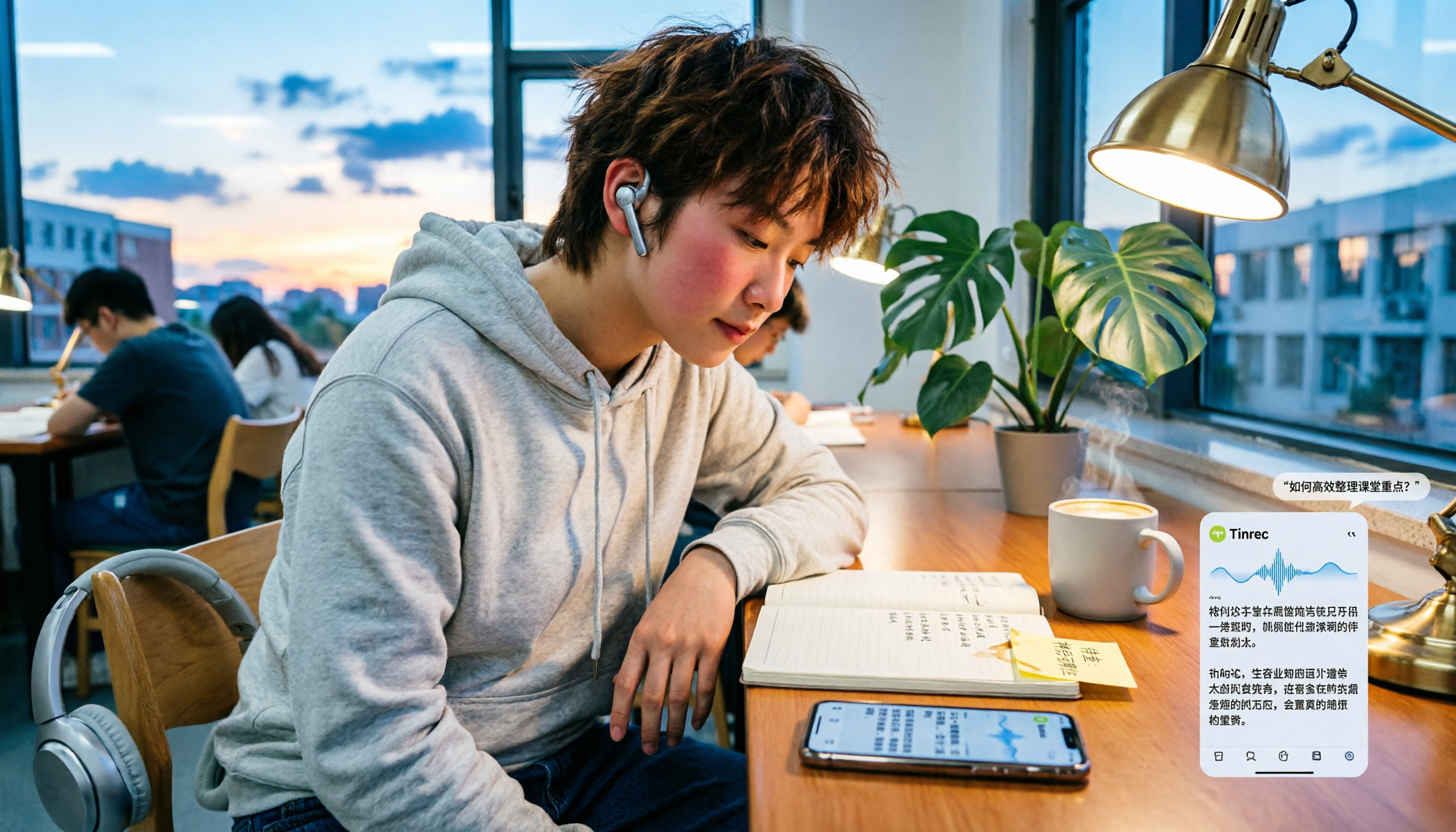
When LINE recordings or voice messages have no sound, it's usually not a broken app but a microphone permission, audio channel conflict, or speaker setting issue. This article first walks you through common troubleshooting mistakes, then rounds up 6 practical recording-to-text solutions for students, from free to paid, and compares Tinrec and Notta on Chinese transcription, AI Q&A, and pricing.
5 Best Audio-to-Text Tools in 2026: How to Choose for Chinese Meeting Notes, According to PTT Users
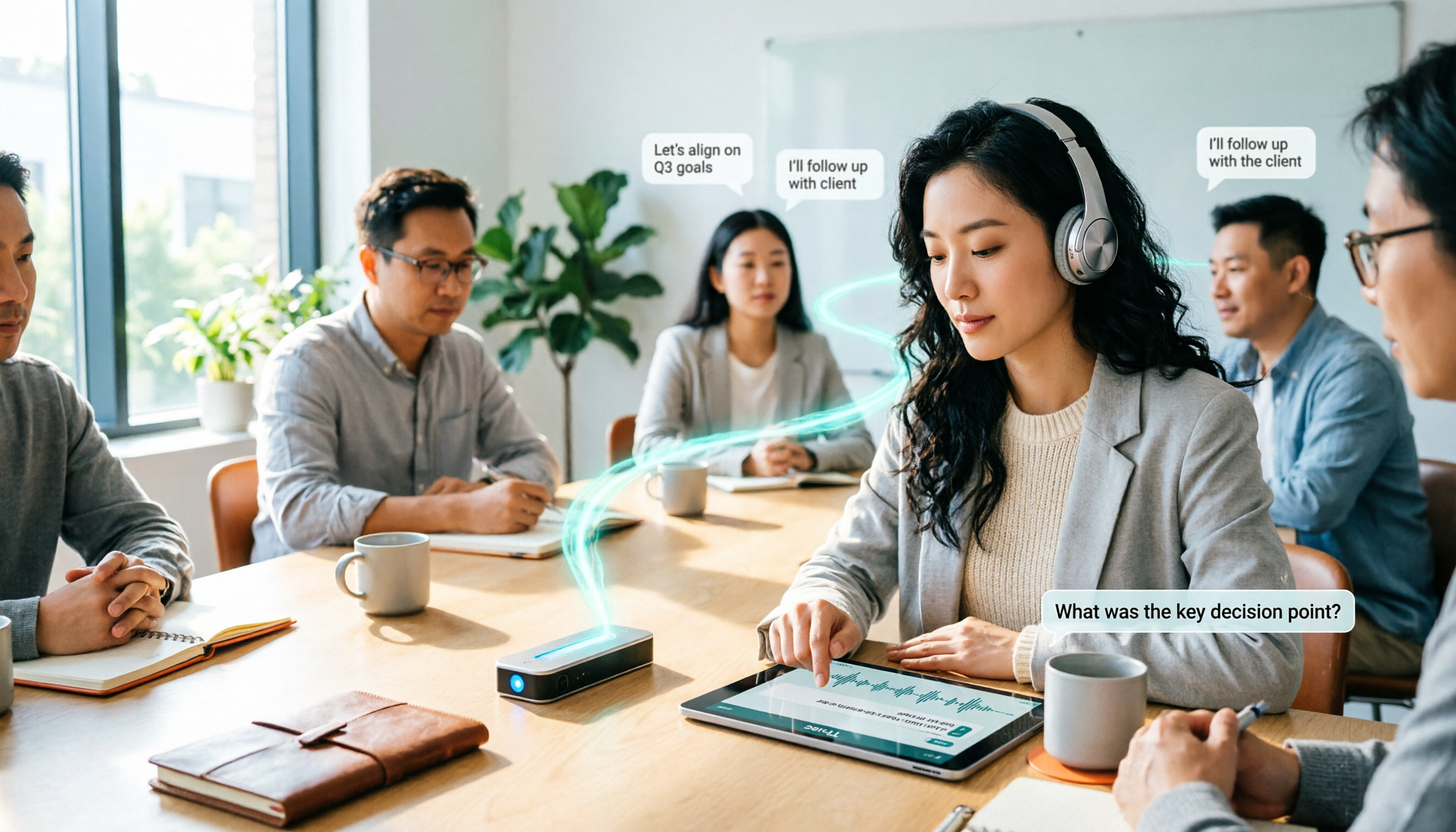
PTT discussions about audio-to-text transcription never stop, but most people fall into the trap of thinking 'free is enough' or 'transcription is the end.' Based on real meeting scenarios, this article covers 4 key buying factors, tests Tinrec's bot-free recording and AI Q&A, briefly reviews Notta, Otter.ai, PLAUD, and other common options, and provides selection advice you can directly apply.

How to Join a Teams Meeting for Free in 2026: 5 Methods Explained
Whether you only have a meeting ID, just an invite link, or only a calendar notification, the way you join a Teams meeting is completely different. This article covers 5 free ways to join, plus a solution for avoiding manual transcription after the meeting.

Best Audio-to-Text Tools in 2026: 4 Tested, This One Excels for Chinese Meetings
Still spending two hours typing meeting minutes after a two-hour meeting? This article breaks down the 5 key factors for choosing an audio-to-text tool from a procurement perspective, tests and compares Tinrec, Notta, Otter.ai, and Granola, explains who each is for and their limitations, and includes common pitfalls and scenario-based recommendations.

2026 Real-Time Speech-to-Text Tools Buying Guide: 4 Tested and Recommended
Two-hour meetings followed by two hours of organizing notes is a daily reality for many managers. This guide, from the perspective of a mid-level manager's hands-on testing, covers the key considerations for choosing a real-time speech-to-text tool in 2026: from real-time performance and audio capture methods to post-meeting organization and team governance. It honestly explains each tool's limitations and suitable scenarios to help you find the one that truly saves you time after meetings.

2026 Best Audio-to-Transcript Tools Compared: Tinrec vs Notta for Chinese Meetings
How to choose an audio-to-transcript tool in 2026? This article focuses on Tinrec and compares it with Notta and three other popular tools on meeting capture, Chinese recognition, post-meeting organization, team collaboration, and pricing. Includes real-world scenarios and FAQs to help you decide which tool fits your meeting style and workflow.

6 Audio-to-Text Tools Tested and Compared in 2026: Which AI Meeting Notes Save the Most Time?
We tested and compared 6 audio-to-text tools in 2026, including Tinrec, Yating Transcription, cSubtitle, Vocol.ai, Notta, and inFin. From free to paid, personal to team, we help you find the most suitable AI speech-to-text solution.

3 LINE Voice Backup Tools Tested for 2026: Which One Should You Use Before Messages Expire?
LINE voice messages become unplayable once they expire. We tested 3 tools to show you how to back them up before they disappear. Tinrec converts voice to transcripts and summaries for permanent, searchable storage—our top pick after testing.