
Turn recordings into transcripts and summaries in minutes
Upload audio or video for multilingual transcription, AI notes, and action items
After a Teams meeting, where do the recordings and notes actually go?
Teams makes meetings convenient, but when it comes to 'retention,' most people start off on the wrong track. You think hitting record automatically saves a file? The truth is that Teams meeting recordings and transcripts are stored in the host's OneDrive account, while Microsoft 365 group mailboxes and SharePoint sites each have their own retention policies—Teams retention policies themselves do not cover these files and recordings. In other words, the things you want to keep are scattered in different places.
Another type of 'retention' is the hold during a call: pressing 'Hold' in the call window means the other party can't hear your private conversation. But note, if you're in a scheduled Teams meeting, you won't see this option.
The two types of 'retention' are completely different, but the real pain point for professionals is the aftermath: recordings can't be found, transcripts need manual typing, and who's responsible for what is scattered across different people's chat histories. This article helps you choose a method that truly retains meeting content.
Before choosing a meeting retention solution, clarify these 4 key points
1. Where the recording is stored. Different platforms store it differently: some save it to the host's personal cloud, some don't retain audio files at all. Before the meeting, ask yourself: three months from now, if I want to listen again, will I still find it?
2. Is a transcript alone enough? A transcript is just raw material. What you really need is a summary, chapters, action items, and the ability to 'ask the meeting directly.' After a two-hour meeting, no one wants to read a 20,000-word transcript.
3. Who owns team data? If a colleague leaves, will the meeting records disappear with their account? Whether data belongs to the team or the individual is a deciding factor for businesses choosing tools.
4. Quotas and pricing structure. How much is free, how overages are calculated, whether it's per person or per seat—if you don't clarify these, it's too late when you discover hidden traps after the trial.
Tinrec (秒听录音) — the top choice after hands-on testing
Tinrec is an AI meeting notes and collaboration tool for individuals and teams, covering iOS, Android, desktop, and web. It doesn't just turn voice into text; it turns meetings into searchable, queryable, follow-up-able data.
Desktop version records Teams without a bot. When you open Tinrec desktop during a Teams meeting, it directly captures your computer's system audio, no need to invite an extra meeting bot, and no strange participant appears in the meeting roster. This is especially important for external client meetings—you don't want the other side to see an extra bot in the meeting room and ask questions. It also handles Zoom, Google Meet, and Webex.
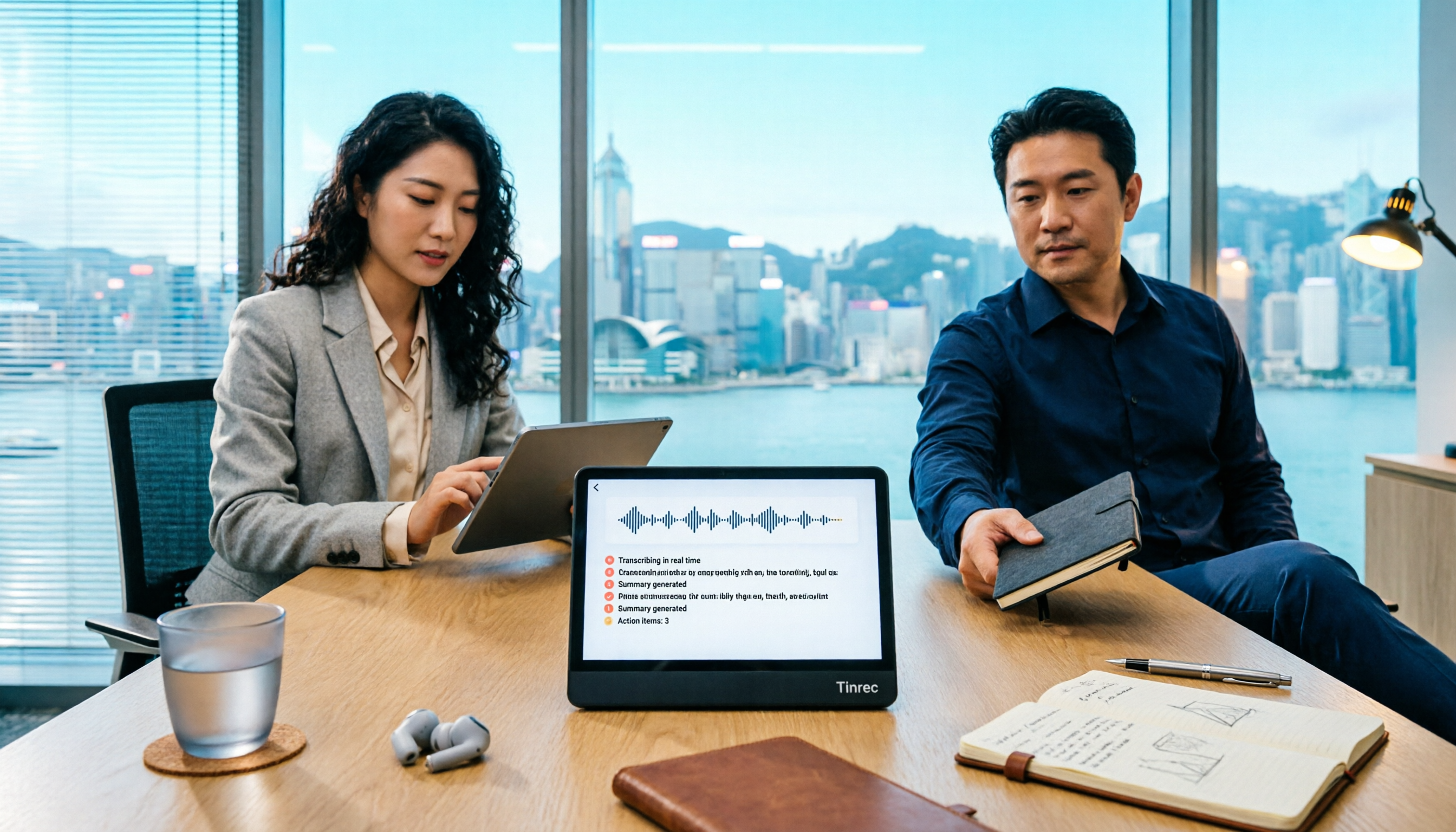
Live transcription while recording, summary and action items when the meeting ends. Transcription is generated simultaneously during recording, and after the meeting, it automatically organizes summaries, chapter highlights, and action items—who's responsible for what, when it's due, all clear at a glance. For more, you can generate reports, tables, and meeting minutes, and send them directly to Notion, Google Docs, OneNote, or Dropbox to continue working.
AI conversational query is its biggest difference from ordinary transcription tools. After recording, you can directly ask: 'Who mentioned the budget in the last meeting?' It doesn't throw a bunch of keyword search results at you; it answers directly based on semantic understanding. At the same price point, transcription tools basically lack this feature.
Stop organizing recordings by hand
Upload audio or video and automatically get a transcript, summary, and action items
The team version is the key. Tinrec for Teams is an independent team space, not just a few people sharing a personal account. Team meeting data is stored uniformly, new colleagues can review historical records; admins manage roles and seats—members with valid but unassigned seats can view, play, and read team data, but need a seat to record, upload, edit, or export. There are also team usage trends, member rankings, audit logs, and a 30-day audio recycle bin (accidentally deleted files can be recovered before permanent cleanup). If a colleague leaves or is removed from a seat, their team resources can be transferred to other valid members, so data doesn't leave with the person.
Limitations to be clear about. First, some team version capabilities are still subject to the official purchase page and production environment; it's best to verify before ordering. Second, the official does not promise a fixed accuracy rate—recording quality, background noise, accents, and overlapping speech all affect results; for important content, it's recommended to cross-check with transcript timestamps and the recording. Pricing: the team version 7-day trial offers 1 free seat and 300 minutes of shared import quota; paid seats are USD 29.80 per month, or USD 199 annually (about USD 16.58/month), and each paid seat gets 2,000 minutes of team shared import quota per month.
Who is it for? People who frequently handle Chinese and mixed Chinese-English meetings, don't want a bot in the room, want to use AI to directly find key points after the meeting, or need to turn meeting records into team assets.
Besides Tinrec, what other options are there?
Microsoft Teams built-in transcription and retention policies: If your company already uses Microsoft 365, Teams built-in transcription is the most convenient choice, and it can be paired with Purview retention policies for compliance. But note, meeting recordings and transcripts follow the host's OneDrive, and Teams retention policies themselves don't cover them; messages from external users may also be undeletable. If you want AI follow-up questions, a unified cross-platform database, and seat management, you'll need to look elsewhere.
Otter.ai: A veteran choice for English meetings, free version offers 300 minutes per month, Pro annual billing is about USD 8.49/user/month. But its Chinese and Cantonese experience is not its focus, and AI follow-up is mainly for English scenarios. If all your recordings are English meetings, it's a budget-friendly choice; for Chinese meetings, leave it to Tinrec.
Granola: Also a bot-free meeting notes tool, Business is about USD 14/user/month. Its strength is combining your handwritten notes to generate content, but it doesn't support uploading pre-recorded audio files, nor does it retain meeting audio. For replaying recordings, importing old files, and doing real-time Chinese translation, Tinrec fills the gap.
Pitfall guide: 3 most common traps in Teams meeting retention
Pitfall 1: Thinking Teams retention policies cover everything. They don't. Files like recordings and transcripts have their own retention paths and need separate configuration. For compliance, don't assume one policy fits all.
Pitfall 2: Thinking you can press 'Hold' mid-meeting. Call hold and meetings are two different things; in a scheduled meeting, you won't see that option at all. Don't fumble when you can't find the button halfway through a meeting.
Pitfall 3: Using it only as a transcription tool. Just getting a transcript after recording is using only 30% of its capability. Try asking it 'What was the conclusion of this meeting?'—it's much faster than Ctrl+F through 30 minutes yourself.
Conclusion: Which one should you choose?
- Mainly recording Chinese or mixed Chinese-English meetings → Tinrec
- Want to use AI to directly ask key points after the meeting → Tinrec
- Need team sharing, data retained even if members leave → Tinrec team version
- Company already uses Microsoft 365, only need basic compliance retention → Teams built-in transcription with Purview retention policies
- Almost only record English meetings, tight budget → Otter.ai
It's recommended to first try Tinrec free version or the team 7-day trial to get a feel; if it works well, consider upgrading—no need to pay from the start.
References
- Learn about retention for Teams | Microsoft Learn
- How to enter call hold state during Teams meetings - Baidu Experience
- Meetings first - Microsoft Teams | Microsoft Learn
- Manage retention policies for Microsoft Teams - Microsoft Teams | Microsoft Learn
- Hold a call in Microsoft Teams - Microsoft Support
Turn every recording into actionable outcomes
Get 60 free transcription minutes when you sign in. No credit card required.
Related Reading
You might also like

5 Ways to Record LINE Calls in 2026: Which One Should You Use?
LINE doesn't have a built-in call recording feature, but you can use iPhone's built-in capabilities, screen recording, Android third-party apps, or desktop tools to get the job done. This article tests and compares 5 methods, explaining their use cases and limitations, and shows how to use Tinrec to turn recordings into searchable, queryable, actionable records.

5 iPhone Recording Methods Compared: Where Is the Record Button? Tinrec Saves the Most Time
Can't find the iPhone record button? We tested 5 quick ways to start recording—built-in Voice Memos, Control Center, Siri, Back Tap, and Action Button—and compared note-taking tools like Tinrec, Otter, and Notta to show how to generate transcripts, summaries, and action items with one tap after recording.

4 LINE Call Recording & Storage Methods Tested for 2026: How to Save Voice Messages Before They Expire
LINE doesn't have a built-in call recording feature, and voice messages can expire and disappear. This article tests and compares 4 ways to record LINE calls and save voice messages—from LINE Keep and phone screen recording to Tinrec's transcription and AI organization workflow—to help you decide which method truly saves, finds, and uses your recordings.

2026 Teams Meeting Tools Comparison: How to Schedule a Teams Meeting and Who Handles the Minutes?
Sending a Teams meeting invite takes 30 seconds, but post-meeting cleanup takes 90 minutes. This article first explains three scenarios for sending Teams meetings (calendar scheduling, channel meetings, and instant meetings), then compares Tinrec, Otter.ai, Notta, and Granola in terms of meeting capture methods, post-meeting outputs, and team data management. It also lists 4 common pitfalls to help you choose the right tool for post-meeting follow-up.

Best Online Speech-to-Text Tools in 2026: We Tested 4, and This One Saves the Most Time for Chinese Meetings
How do you choose an online speech-to-text tool? We tested four tools—Tinrec, MyEdit, cSubtitle, and Otter.ai—comparing Chinese recognition, post-transcription processing, online meeting recording methods, and team data ownership. We also highlight the three most common pitfalls to help you pick the right one based on your budget and use case.

2026 Top 3 Teams Meeting Transcription Tools Compared: Which Saves the Most Time with Automatic Transcripts?
This article first breaks down the 3 most common misconceptions and correct approaches when starting a Teams meeting, then explains how to choose a meeting transcription tool. Using Tinrec as an example, the desktop version captures system audio without a meeting bot, transcribes Teams meetings in real time, and automatically generates summaries, chapters, and action items—ideal for professionals who want to save time on post-meeting organization.

2026 Voice-to-Text Tools Comparison: Tinrec vs Yating Transcript, Which Is Better for Chinese Meetings?
There are plenty of voice-to-text tool recommendations, but the real challenge for most people is choosing the right one. This article compares Tinrec and Yating Transcript across five dimensions: Chinese recognition, online meeting handling, post-transcription usability, cross-platform quotas, and team collaboration, to help you decide which better fits your meeting and organization needs.

2026 Comparison of 3 Teams Meeting Tools: How to Run Meetings and Who Can Auto-Organize After?
How do you run a Teams meeting without missing records? This article tests 3 meeting note tools, covering the meeting process, scheduling, instant meetings, and post-meeting AI summaries, and shares hands-on experience with Tinrec's bot-free recording for Teams meetings to help you find the most time-saving solution.

Best Speech-to-Text Software in 2026: We Tested 5, and This One Nails Chinese Meetings
For knowledge workers who need to organize meeting, interview, and lecture recordings. I tested several speech-to-text tools, from Chinese recognition to post-meeting organization and team collaboration, and found Tinrec to be the smoothest for Chinese meetings and post-meeting AI Q&A. Here I share my selection method and a list of pitfalls to avoid.