

Turn recordings into transcripts and summaries in minutes
Upload audio or video for multilingual transcription, AI notes, and action items
Can't Find Recent Google Meet Calls? First, Understand Your Account Type
You just finished a Google Meet and want to look back at the meeting link, participants, or conclusions, but you can't find the "recent calls" list you expected in Meet. You're not misremembering—Google Meet's history entry points vary by account type.
Personal Gmail accounts typically don't have a standalone call history page; the most reliable way is to check Google Calendar. Paid Workspace accounts may see more call records and export options; admins can also check audit logs from the Admin Console. If you want content that's searchable, summarizable, and queryable after the meeting, you'll need a separate meeting organization tool.
Before Checking Google Meet Call History, Understand These 4 Key Points
- Account type: Personal @gmail.com and Google Workspace see different entry points. Personal accounts usually rely on Google Calendar.
- Call history page: Workspace users can try going to meet.google.com/calling, which may list recent meetings and call records.
- Admin view: Workspace admins can check audit logs in the Admin Console to get more detailed meeting activity data and export if needed.
- Post-meeting content: Native call history mostly only keeps time, participants, and meeting events; transcripts, summaries, and action items usually require another tool.
Note that different Google accounts, versions, and regions may see different screens. If you can't find "Call Log," it doesn't mean the meeting disappeared—first check Calendar and the Workspace admin console.
Tinrec—The Top Choice for Post-Google Meet Organization
Tinrec is an AI meeting notes and collaboration tool for individuals and teams, supporting web, desktop, and mobile. It's not just audio-to-text; it turns meetings into searchable, summarizable, queryable, and exportable materials.
If you often use Google Meet, Tinrec's desktop version can directly capture your computer's system audio without inviting a meeting bot. After you start recording, it generates a transcript while recording, and automatically organizes summaries, chapters, key points, and action items when the meeting ends. Afterwards, you can ask Tinrec directly: "Where was the part where the client mentioned the budget last time?" It answers based on semantics, not just keywords.
Tinrec also supports real-time translation, original/translated/bilingual viewing, audio and video file import, and multi-format export to common workflows like Notion, Google Docs, OneNote, and Dropbox. The team version provides independent team spaces, member invitations, role and seat management, shared team import quotas, usage analytics, audit logs, and an audio recycle bin, so your Google Meet meeting materials don't stay only in personal accounts.
Stop organizing recordings by hand
Upload audio or video and automatically get a transcript, summary, and action items
Limitations to be clear about: Tinrec is not meant to replace Google Meet's native call history page; its strength is post-meeting organization and team knowledge retention. The free version offers a basic quota to try, a weekly pass for short-term high-frequency use, and Pro monthly or annual plans for steady use. The team version offers a 7-day trial for first-time eligible users, 1 free seat, and 300 minutes of shared team import quota; team monthly is USD 29.80 per paid seat per month, annual is USD 199 per paid seat per year (about USD 16.58 per month), with 2,000 minutes of shared team import quota per paid seat per month. Real-time recording currently does not deduct minutes under an active team plan and seat; file and web imports use the shared team quota. Prices and benefits are subject to the official purchase page.
Who it's for: If your Google Meet meetings need Chinese transcripts, post-meeting summaries, action item extraction, AI Q&A, or you want to retain meeting materials in a team space, Tinrec is a choice worth trying first.
Besides Tinrec, What Other Options Are There?
Otter.ai: A mature English AI meeting assistant supporting Zoom, Teams, and Meet, with strong English business meeting capabilities. If you mainly record English meetings, it's sufficient; but Chinese meetings, bilingual transcripts, and team knowledge retention are not its strong suit. Tinrec emphasizes Chinese experience, bot-free desktop recording, and post-meeting workflows.
Granola: A bot-free AI meeting notes tool, Basic is free, Business is USD 14 per user per month. It supports real-time transcript viewing, copying, and searching, but does not save meeting audio or support uploading pre-recorded audio. Tinrec supports audio retention and file import, making it better for those who need to check original recordings.
Notta: A multi-platform transcription and file processing tool, free version offers 120 minutes per month with a maximum of 3 minutes per session, Pro annual is about USD 8.17 per month. It's suitable for quick transcription and subtitles; but Tinrec highlights bot-free online meeting recording, team spaces, AI Q&A, and Agent post-processing, suitable for turning meetings into team assets.
Pitfall Guide: The 3 Most Common Mistakes When Checking Google Meet Call History
Pitfall 1: Assuming every account has a dedicated call history page. Personal Gmail usually needs Google Calendar; only Workspace may see more records at meet.google.com/calling.
Pitfall 2: Only noting the meeting title without saving content. Calendar can help you find the time and participants, but what was discussed and who agreed to what is usually not in the native call history.
Pitfall 3: Not confirming consent and regulations before recording. Google Meet recording and third-party tool recording both involve local regulations and participant consent; for important meetings, inform participants first.
Summary: Which Method Should You Actually Use?
Personal Gmail account looking for past Meet calls: Check Google Calendar first. Google Workspace users checking recent calls: Try meet.google.com/calling. Admins checking organizational meeting activity: Use Admin Console audit logs. Want every Google Meet to be searchable, summarizable, queryable, and shareable with your team: Use Tinrec desktop for bot-free recording, then use team spaces for retention. We recommend starting with Tinrec's free version or team trial to confirm that Chinese transcripts, summaries, and Q&A fit your meeting style before deciding to upgrade.
References
- How to See Your Google Meet History (4 Easy Methods)
- Call History - Google Meet Community
- How to View Google Meet History - Step-by-Step Guide | Noota
- I want to access my Google meet's call history and export it - Google Meet Community
- Google Meet: Online Web and Video Conferencing Calls | Google Workspace
Turn every recording into actionable outcomes
Get 60 free transcription minutes when you sign in. No credit card required.
Related Reading
You might also like
Notta vs Fireflies: How to Choose — From Meeting Capture Architecture and Chinese Bilingual Limits to Team Data Ownership, a Selection Conclusion for 5–20 Person Teams
The difference between Notta and Fireflies isn't just price and minutes — it's how a meeting actually gets recorded. This article compares the two in order: their meeting capture methods, the limits of their Chinese and bilingual experience, what you get after the transcript, and team data ownership and member handover. It then narrows the conclusion into three team selection scenarios, explaining under what conditions you should evaluate a bot-free approach like Tinrec.

How to Choose a Budget Voice Recorder: Check 4 Specs, Avoid 3 Pitfalls, and Calculate the Real Transcription Cost After Recording
Shopping for a voice recorder on a budget of a few hundred to NT$2,000? First understand where cheaper models cut corners, how to evaluate 4 key specs, how 3 common setups compare, and the practical workflow for turning recordings into transcripts, key points, and action items using free quotas.

What Is 'good tape vs hockey tape' Comparing? First Distinguish AI Speech-to-Text Services from Sports Tape, Then Use Four Criteria to Determine if a Meeting Transcription Tool Is Suitable
good tape and hockey tape belong to different categories, so this comparison itself does not hold. This article first clarifies the product positioning of the two, then uses four criteria—input source, language context, post-meeting deliverables, and data retention and sharing—to explain how to choose a meeting and interview transcription tool, and how Tinrec turns transcripts and action items into deliverable materials, and how team spaces share and hand over meeting records.

5 Online Meeting Transcription Solutions Compared for 2026: What to Know Before Buying Google Meet
Before you buy Google Meet, do you understand the difference between the free version and paid Workspace? This article compares 5 online meeting transcription solutions, including Google Meet, Tinrec, Otter.ai, Notta, Granola, and PLAUD, breaking down pricing, Chinese language support, post-meeting organization, and team collaboration to help you choose the right solution without paying for features you won't use.

How to Use Google Meet On-the-Go in 2026: A 5-Step Guide
Complete guide to Google Meet On-the-Go mode: learn how to join meetings on the move in 5 steps, and how Tinrec fills the gap in meeting notes and organization so you never miss important to-dos.
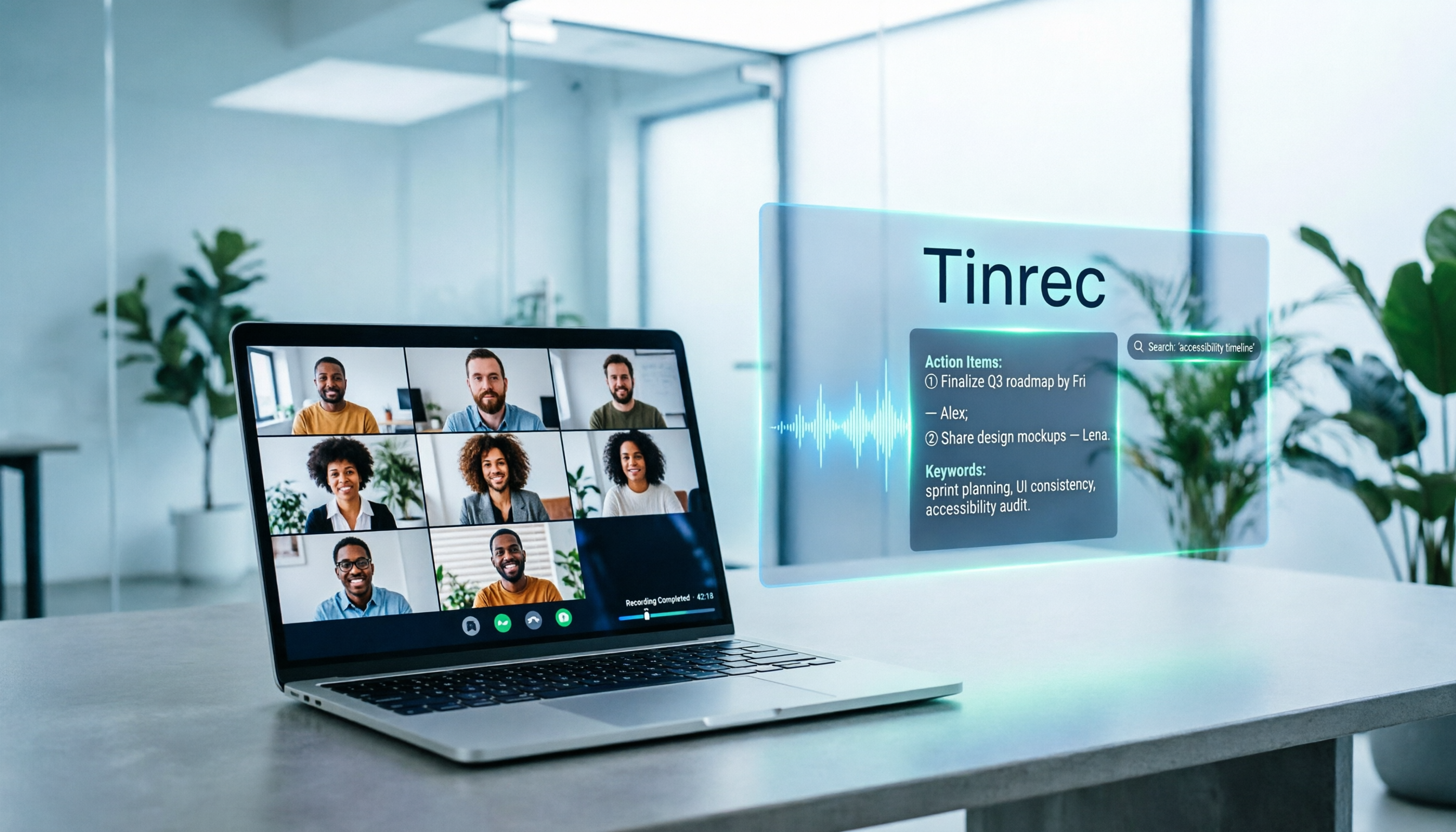
5 Google Meet Note-Taking Tools Tested and Compared for 2026: How to Keep Meeting Records After Downloading
Downloading Google Meet takes only 30 seconds, but the real challenge is keeping meeting content after the download. This article covers three ways to download Google Meet on Android, iOS, and computer, then compares 5 tools that turn meetings into usable data, including Tinrec with bot-free recording and AI chat queries, Google Meet built-in transcription, Otter.ai, Notta, Granola, and TurboScribe. Finally, it provides clear recommendations based on budget and use cases.

Google Meet India Pricing in 2026: 4 Plans Compared — Costs, Limits, and How to Choose Meeting Notes
Google Meet in India isn't a standalone subscription — it comes with Google Workspace plans. This article breaks down the price differences, participant limits, and meeting notes restrictions across Free, Base, Starter, Standard, and Enterprise, and explains how Tinrec fills the gap for post-meeting transcripts, summaries, action items, and team knowledge retention.

Tinrec Download Review 2026: 3 AI Meeting Recorders Compared — Which One Is Worth Installing?
Many people search for "tenrec download" but end up finding recommendation system datasets and animation models. This article first clarifies the difference between Tenrec and Tinrec, then compares Tinrec, Otter.ai, Notta, and Granola in terms of recording methods, post-meeting organization, Chinese language support, and team collaboration, with a guide to avoiding pitfalls and purchasing advice.

2026 Google Meet Note-Taking Tools Compared: Is the Free Version Enough?
Google Meet's free version and Google Workspace paid plans each have trade-offs, but what most people really lack is post-meeting organization. This article first breaks down 4 key points to understand before buying a Google Meet plan, then compares four note-taking tools: Tinrec, Otter.ai, Granola, and Notta, to help you decide whether to pay and who to pay.