
Turn recordings into transcripts and summaries in minutes
Upload audio or video for multilingual transcription, AI notes, and action items
Still Typing Meeting Minutes into Word Tables? 3 Inefficiencies You're Stuck In
Many people think that once they find a meeting minutes template, they're all set. But during the meeting, they're too busy taking notes, and afterward they spend twice as long rearranging scattered text into a table. More commonly: after recording with a free transcription tool, you get a long verbatim transcript, but no summary, no to-dos, no table—so you still have to manually copy and paste, working overtime until 8 PM.
The problem isn't that you don't know how to use a template—it's that you picked the wrong tool. The truly efficient approach is to find an AI tool that automatically generates tables, to-dos, and summaries from meeting content.
Before Choosing a Meeting Minutes Generation Tool, Understand These 4 Key Points
1. It's not just transcription—it needs to generate tables and to-dos A verbatim transcript is just raw material. What you need is a structured meeting minutes table right after the meeting: who's responsible, for what, and by when. If a tool only turns audio into text, you've only saved typing, not organizing.
2. Chinese and Cantonese meetings: real testing reveals the truth Many tools have high accuracy in English, but once you switch to Chinese or mixed Chinese-English, problems start. When choosing a tool, it's best to test with your own real meeting recordings, not just rely on official claims.
3. Do online meetings need a bot? Some tools require a "meeting bot" to join Zoom, Meet, or Teams as a participant. This can sometimes make clients feel uncomfortable and may be limited by meeting permissions. A smoother way is to capture computer system audio directly from the desktop version, without adding another participant.
4. Free quota and team collaboration Free versions usually have minute or file limits. If you're using it for a team, also check whether there are independent team spaces, member seats, and permission management—don't put company meeting data in personal accounts.
Tinrec (秒聽錄音) — The Top Choice After Hands-On Testing
Tinrec (秒聽錄音) is an AI meeting notes and collaboration tool for individuals and teams, covering iOS, Android, and web versions.
When you open Tinrec during a meeting, it transcribes while recording. When the meeting ends, AI has already automatically generated a summary, chapters, and to-dos—who's responsible for what and when it's due, all clear at a glance. You can even ask it directly to generate a meeting minutes table, report, or document, without slowly piecing things together in Word.
One of the most practical features is AI conversational query. After recording, you can directly ask Tinrec: "Who mentioned the budget in the last meeting?" It will answer based on semantic understanding, rather than just throwing a bunch of keyword search results. Currently, not all competitors at the same price point have this feature.
For online meetings, the Tinrec desktop version directly captures computer system audio, handling meetings on Zoom, Google Meet, Microsoft Teams, Webex, and other platforms without inviting a meeting bot. It also supports audio/video file import, real-time translation, mind maps, and export to Notion, Google Docs, OneNote, Dropbox, and other tools for further processing.
We tested with a real Chinese meeting recording. In a typical office environment, Tinrec's Chinese transcription and to-do extraction performed consistently, significantly reducing post-meeting organizing time. Actual results will be affected by recording quality, background noise, accents, and overlapping speakers; for important content, it's recommended to verify against the recording.
Stop organizing recordings by hand
Upload audio or video and automatically get a transcript, summary, and action items
Pros:
- Automated post-meeting organization: summary, chapters, to-dos, tables, reports—all in one, no more manual typing of meeting minutes.
- Bot-free recording: desktop version captures system audio, no bot needed for online meetings, clients won't find it intrusive.
- Team data accumulation: team version provides independent spaces, member roles and seat management, usage analytics, audit logs, audio recycle bin, and team hotwords—meeting data belongs to the team.
Limitations:
- Free version only has basic quota; heavy users need to pay. Team version monthly USD 29.80 per paid seat per month, annual USD 199 per paid seat per year, equivalent to about USD 16.58 per month.
- Accuracy should not be promised as a fixed number; actual performance depends on recording conditions.
Who it's for: If you frequently have Chinese or mixed Chinese-English meetings and want tables, to-dos, and summaries right after the meeting, or need to accumulate meeting data in a team space, Tinrec is currently the smoothest choice.
Besides Tinrec, What Other Free Options Are There?
Otter.ai: A veteran choice for English meetings, free version offers 300 minutes per month, which is generous. But the experience for Chinese and Cantonese meetings is relatively weak. If you mainly record English content, Otter.ai is a reasonable choice; but if you need Chinese meeting transcription, bot-free desktop recording, and post-meeting table generation, Tinrec is more suitable.
Notta: Supports multilingual transcription and team plans, free version offers 120 minutes per month, but single content is limited to 3 minutes. Recording a half-hour meeting with the free version will cut off. Tinrec supports more complete real-time meeting recording and AI Q&A, and can directly generate to-dos and tables after the meeting.
TurboScribe: Free version offers 3 files per day, up to 30 minutes per file, cost-effective for batch long-file transcription. But it's essentially a file transcription tool, not a real-time meeting assistant, with no AI to-dos, team space, or meeting minutes table generation. If you need to process a large number of historical recordings, consider it; but for real-time meeting recording and post-meeting collaboration, Tinrec is more comprehensive.
Pitfall Guide: 3 Most Common Mistakes When Choosing Meeting Minutes Tools
Mistake 1: Thinking free templates are the best value. A template is just an empty shell; filling in content is the most time-consuming part. Choosing a tool that automatically generates tables and to-dos is what truly saves time.
Mistake 2: Only looking at transcription accuracy. Transcription is just the first step. If there's no summary, to-dos, and Q&A features, you'll still have to manually organize after recording, doubling the work.
Mistake 3: Ignoring team data ownership. Personal version data follows the person; if a colleague leaves, they might take meeting records with them. Team version keeps data owned by the team, allowing handover when members change, and making it easy for new members to review historical meetings.
Conclusion: Which One Should You Choose?
- Chinese/Cantonese meetings, want automatic meeting minutes table and to-do generation → Tinrec
- Need bot-free recording for Zoom, Meet, Teams online meetings → Tinrec
- Team sharing of meeting data, managing seats and usage → Tinrec Team Version
- Only recording English meetings, zero budget → Otter.ai free version (the only exception in this article)
We suggest downloading the Tinrec free version first, using the basic quota for two or three meetings, and experiencing its Chinese transcription, summary, and to-do extraction. If you find it useful, then consider upgrading—there's no need to pay from the start.
References
- How to use meeting minutes template Word tables? A must-read office document template guide for corporate clerks
- [Meeting Minutes Writing 2026] Format Tutorial | Free Samples + Template Downloads - ProjectManager
- Meeting Minutes Excel Templates, with formulas/chart materials free download - Pikbest
- Professional Meeting Minutes Templates Excel free download and Google Sheets online editing - Slidesdocs
- Free Meeting Minutes Templates (Word, Google Docs, PDF) | HiNoter Blog
Turn every recording into actionable outcomes
Get 60 free transcription minutes when you sign in. No credit card required.
Related Reading
You might also like

5 AI Post-Meeting Follow-Up Email Tools Compared: Which Workflow Actually Saves Time?
Meeting's over, but the notes aren't organized and the follow-up email hasn't been sent. This article breaks down the two approaches to AI-generated post-meeting follow-up emails—Gmail generation plugins and automated trigger workflows—across 5 dimensions, with ready-to-use prompt formulas and implementation steps to help you decide which method truly saves wrap-up time.

Tinrec vs Otter.ai 2026: 5-Dimension Comparison — Which Free Meeting Minutes Template Works Better?
How do you find free meeting minutes templates? This article compares Tinrec and Otter.ai across 5 dimensions — Chinese-language minutes and table output, free plan entry points, bot-free online meeting recording, post-meeting follow-up and output, and team data retention — to help you decide which one fits your meeting scenario better.

2026 Comparison of 3 Project Meeting Task List Templates: Which Saves the Most Time Without Missing Key Points?
After a project meeting ends, the task list is where the real work begins. This article breaks down the essential fields of a good project meeting task list template and tests Notta, Granola, PLAUD, and Tinrec in real scenarios for meeting notes, action item extraction, and team handoff, helping professionals choose the most time-saving approach that doesn't miss key points.
2026 Comparison of 2 Automatic Meeting Summary Report Generators: Tinrec vs Otter — Which Better Auto-Generates Action Minutes?
Automatic meeting summary report generation isn't just about feeding a recording into AI. This article compares Tinrec and Otter across dimensions—Chinese meetings, bot-free recording, post-meeting outputs, and team knowledge retention—to help you decide which tool better produces usable meeting reports automatically.
Meeting Minutes vs. Meeting Reports in 2026: 3 Key Differences and How to Write Each One
Confused about meeting minutes, meeting reports, and meeting notes? This article breaks down the differences using 3 key criteria, explains when to submit minutes versus a report, and tests how the AI meeting tool Tinrec generates summaries, action items, and reports from a transcript. It also includes selection advice and pitfalls to avoid for Otter.ai and Notta.
2026 Comparison of 3 Meeting Notes to PRD Tools: Which One Turns Transcripts into Developer-Ready Requirement Docs?
The meeting is over—now the pain begins. This article starts from the real struggles product managers face when writing PRDs, breaks down 4 key points for turning meeting notes into requirement documents, tests Tinrec's performance in bot-free recording, AI follow-up questions, and team knowledge retention, and compares use cases for Otter.ai, Notta, and Granola. Includes two copy-paste prompt templates.
How to Choose a Meeting Agent Tool in 2026: 5 Steps to Compare Tinrec and Top Alternatives
How do you choose a meeting agent tool? This guide walks you through 5 steps—meeting format, capture method, post-meeting output, team governance, and pricing logic—using Tinrec and Notta as examples to explain why more teams are focusing on post-meeting organization and data retention.
4 Free Meeting Action Item Table Generators in 2026: A Complete Review
We tested four free tools that automatically generate meeting action item tables in 2026: Tinrec, Otter, Notta, and Fireflies. Find out which one saves students and teams the most time.
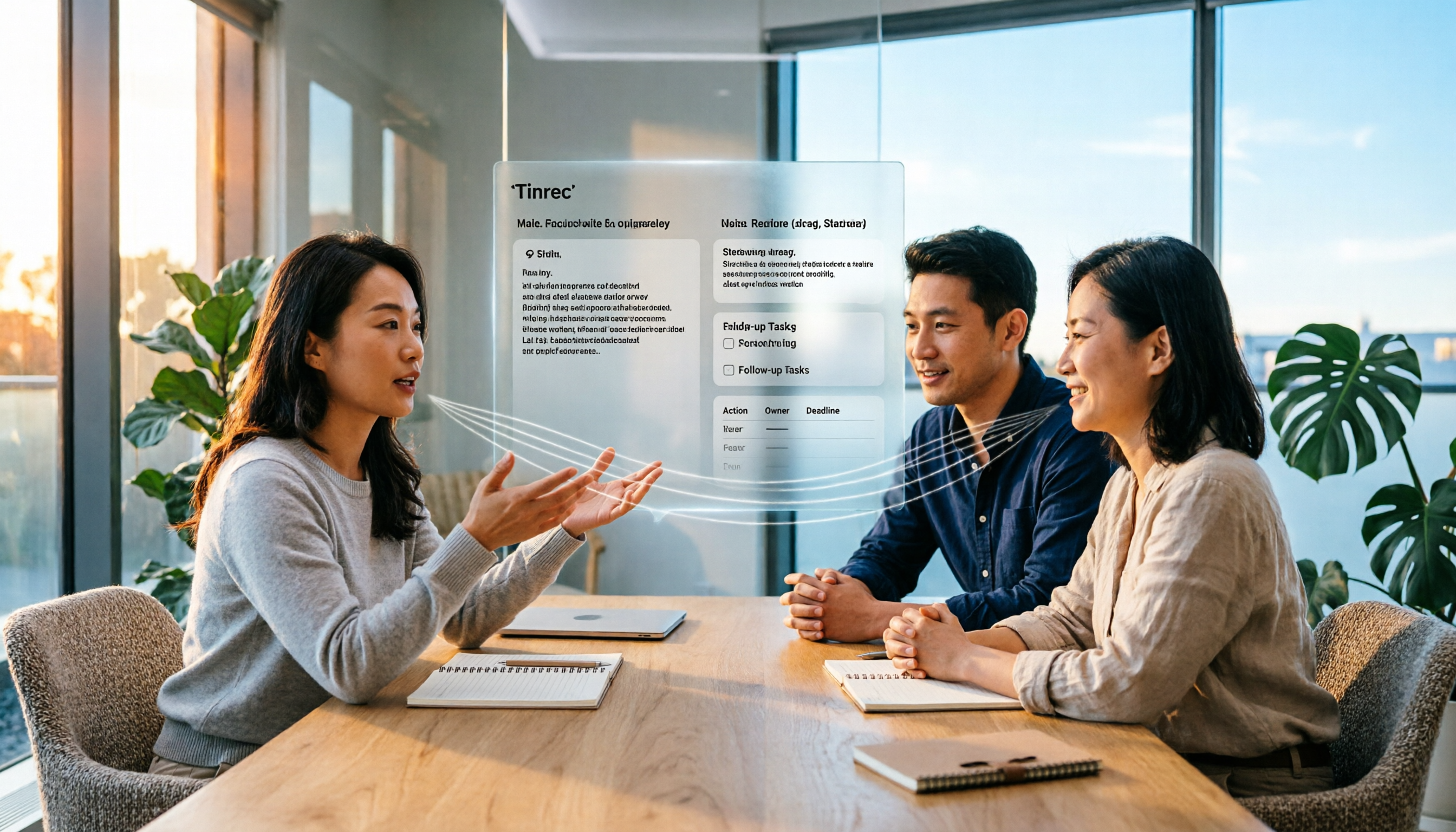
4 Meeting Minutes to Excel Tools Tested in 2026: Which AI Table and To-Do Organizer Saves More Time?
Still manually typing meeting content into Excel after the meeting? This article starts from the decision focus of "do you want a table or a trackable table," uses Tinrec to demonstrate how meeting minutes can automatically generate transcripts, summaries, and to-dos, then be organized into an Excel tracking sheet. It also covers 4 key points to consider when choosing a tool, differences between personal and team versions, and common questions.