

Turn recordings into transcripts and summaries in minutes
Upload audio or video for multilingual transcription, AI notes, and action items
2026 Comparison of 4 Meeting To-Do Generators: Which One Actually Turns Discussions into Action Items?
Still Spending Half an Hour After a Meeting Organizing To-Dos? You Don't Need More Notes—You Need a Meeting To-Do Generator
It's 10 a.m. on Monday, and you've just finished a one-hour project meeting. The discussion was lively and there were many decisions, but after the meeting, you stare at a blank to-do list and realize that who said what and who is responsible for which item is already a bit fuzzy. What's worse, meeting notes are scattered across chat rooms, to-dos have no owners or due dates, and the next meeting will start the same cycle all over again.
These scenarios happen because meeting content isn't immediately organized into trackable to-dos. If you've experienced something similar, this article is for you.
Before Choosing a Meeting To-Do Generator, Understand These 4 Key Points
- Accuracy of to-do extraction: It's not just about converting "I'll handle it next week" into text; it also needs to determine who is responsible and when it's due. Some tools only provide transcripts, and you have to highlight to-dos yourself.
- Whether recordings and transcripts are retained: If you only have text and no recording, it's difficult to verify later. Tools that keep audio files and support timestamp playback are better for important meetings.
- Cross-platform and meeting sources: Today you use Zoom, tomorrow Google Meet—can the tool handle them uniformly? Desktop recording without a bot is more convenient than inviting a bot every time.
- Team collaboration and permissions: Meeting data is a team asset and requires space, seat, and usage management. A personal version may be enough, but teams need to look further ahead.
Tinrec — Our Top Pick After Testing
Tinrec is an AI meeting notes and collaboration tool for individuals and teams, supporting iOS, Android, and web.
When you start a meeting in Tinrec, it transcribes as it records. When the meeting ends, AI has already automatically generated a summary, chapters, and to-dos—who is responsible for what and what the deadlines are, all at a glance. After recording, you can directly ask Tinrec: "Who mentioned the budget in the last meeting?" It won't just give you keyword search results; it uses semantic understanding to directly tell you the answer. Currently, almost no competitor at the same price has this feature. The team version also provides an independent team space, where meeting data belongs to the team. New members can view historical meetings, and administrators can manage seats, usage analytics, and audit logs.
We tested a 5-minute Chinese meeting recording (iPhone 15, quiet indoor environment, August 2026), and Tinrec's to-do extraction correctly identified owners and action items. Note that actual results will be affected by recording quality, accents, and overlapping speakers.
Pros:
- Bot-free desktop recording: The desktop version directly captures system audio, handling online meetings on Zoom, Google Meet, Microsoft Teams, Webex, etc., without needing an extra bot to join.
- Complete post-transcription workflow: Summaries, chapters, to-dos, mind maps, AI Q&A, multi-format export, and even Agent-generated reports, tables, and documents.
- Team version governance: Roles, seats, member management, usage analytics, audit logs, audio recycle bin—suitable for departments or project teams to build meeting assets.
Stop organizing recordings by hand
Upload audio or video and automatically get a transcript, summary, and action items
Limitations: The free version has a basic quota, and heavy users need to consider Pro or the team version. The team version paid seat is USD 29.80/month, or USD 199/year (equivalent to about USD 16.58/month), with each paid seat providing 2,000 minutes of team shared import quota per month. Real-time recording is currently not deducted by minutes under an active team plan. Prices are subject to the official purchase page.
If you frequently need Chinese meeting notes, want to automatically generate to-dos after meetings, or want to build meeting data into a searchable team asset, Tinrec is a very suitable choice right now.
Besides Tinrec, What Other Meeting To-Do Generators Are There?
Otter.ai: A mature English meeting assistant. The free version offers 300 minutes per month, and Pro annual billing is about USD 8.49/month. It has a strong understanding of English business meetings and also offers AI Chat and action items. But if you need to-do extraction for Chinese meetings, bot-free desktop recording, and team data accumulation, Tinrec's Chinese experience and team space are more aligned with those needs.
Fireflies.ai: Its strengths are meeting automation and a meeting bot. Annual Pro is about USD 10/seat/month. It joins meetings as a participant and has rich integrations. Tinrec's desktop version directly captures system audio, requires no extra bot, and places more emphasis on Chinese meetings and team meeting data management. If you don't want to invite a bot every time, consider Tinrec.
Granola: A bot-free AI meeting notes tool. The Business plan is USD 14/user/month. It can transcribe in real time and combine with handwritten notes, but note that it does not support uploading pre-recorded audio files and does not save meeting audio. Tinrec supports importing audio and video files and retaining recordings, and provides team space and seat management, making it more suitable for teams that need post-meeting review and collaboration.
Pitfall Guide: The 3 Most Common Mistakes When Choosing a Meeting To-Do Generator
- Only looking at transcription accuracy and ignoring the practicality of to-do extraction. No matter how accurate the transcript is, if it doesn't automatically extract owners and due dates, you'll still have to organize manually after the meeting. When trying it out, directly check whether the generated to-do list is usable.
- Ignoring cross-platform and team collaboration needs. Today you record on your phone, tomorrow you organize on your computer—if the tool doesn't support cross-platform, data will be scattered. For team use, pay even more attention to seats, permissions, and data ownership.
- Assuming that having a transcript means having an action list. A transcript is just raw material. AI Q&A, to-do extraction, export, and post-meeting document generation are the keys to turning meetings into action. For example, Tinrec's AI Q&A lets you directly ask "What were the meeting conclusions?"—much faster than manually scrolling through a 30-minute transcript.
Conclusion: Which One Should You Choose?
To sum up in one sentence: If you want a meeting to-do generator, Tinrec is our top pick after testing.
Scenario breakdown:
- Need automatic to-do extraction for Chinese meetings → Tinrec (supports Chinese, Traditional Chinese, and multiple languages; to-dos and summaries generated at once)
- Need bot-free recording for Zoom, Meet, Teams → Tinrec (desktop version captures system audio)
- Need team-shared meeting data and seat management → Tinrec team version (space, roles, seats, usage, audit)
- Want to use AI to find key points directly after recording → Tinrec (AI Q&A and Agent post-processing)
- Budget is $0 and only recording English meetings → Otter.ai (the only exception, free 300 minutes/month)
We suggest trying Tinrec's free version first to experience the meeting-to-to-do workflow, and then consider upgrading if it meets your needs.
References
- No Time Limit! 3 Free AI Transcription Tools, Highly Recommended! AI Voice Notes Generate Meeting Records, Presentations, Mind Maps | 104 Career Power
- Using AI to Organize Meeting Notes and To-Dos | Prompts AI Command Library
- [AI Voice Notes] 5 Highly Recommended AI Speech-to-Text Tools! Help You Generate Transcripts and Meeting Notes Highlights, Free vs Subscription, Pros and Cons Comparison | 104 Career Power
- Free Online Meeting Agenda Maker | Adobe Express
- Meeting Agenda Template 2026: 3 Ready-to-Use Examples + AI Meeting Notes Integration Workflow | Subanana
Turn every recording into actionable outcomes
Get 60 free transcription minutes when you sign in. No credit card required.
Related Reading
You might also like

2026 Sales Meeting Follow-Up Tools Compared: Which Boosts Post-Meeting Efficiency?
After a sales meeting, the real key to closing deals is post-meeting follow-up. This article compares Tinrec, Fireflies.ai, Notta, and Granola across four dimensions: action item extraction, AI Q&A, cross-platform recording, and team data retention. It also provides a pitfalls guide and selection advice to help you choose the best follow-up tool for your sales team.

Which AI PRD Generator Is Best? 3 Key Buying Factors for 2026: If Your Requirements Notes Are Incomplete, Even the Fastest PRD Will Need Rewriting
AI PRD generators aren't a magic bullet—what really slows down PRD progress is missing or incomplete requirements material. This article starts with common misconceptions and explains how Tinrec uses live transcription, AI summaries, action item extraction, and team spaces to turn requirements interviews and cross-department meetings into searchable, queryable raw material. It also covers 5 things to consider before buying an AI PRD tool in 2026 and answers common questions.

2026 Best AI Sales Call Summarizers Compared: Which Tool Saves the Most Time on Cantonese Recordings?
Sales calls often suffer from having recordings but no records. This article breaks down four key factors for choosing an AI sales call summarizer, then hands-on compares Tinrec, Notta, Otter.ai, and PLAUD Note on Chinese meeting experience, bot-free recording, AI Q&A, and team knowledge retention. Includes pitfalls to avoid and scenario-based recommendations.

3 AI Meeting Notes Tools Tested for 2026: Which One Is Good Enough for Turning Meeting Notes into a PRD?
After a requirements meeting, you sit down to write the PRD but can't remember who said the key decision? This article walks through the complete workflow for turning meeting notes into a PRD, from transcripts and AI summaries to action item extraction and export. It uses Tinrec as a hands-on example, plus 5 things to watch when choosing a tool and answers to common questions, helping you turn the meeting itself directly into source material for your product requirements document.

Meeting Minutes vs PRD in 2026: 5 Key Differences + AI Tools
What's the difference between meeting minutes and a PRD? This article breaks down the differences in purpose, audience, content granularity, and lifecycle across 5 dimensions, and explains how to quickly generate meeting minutes with AI tools.
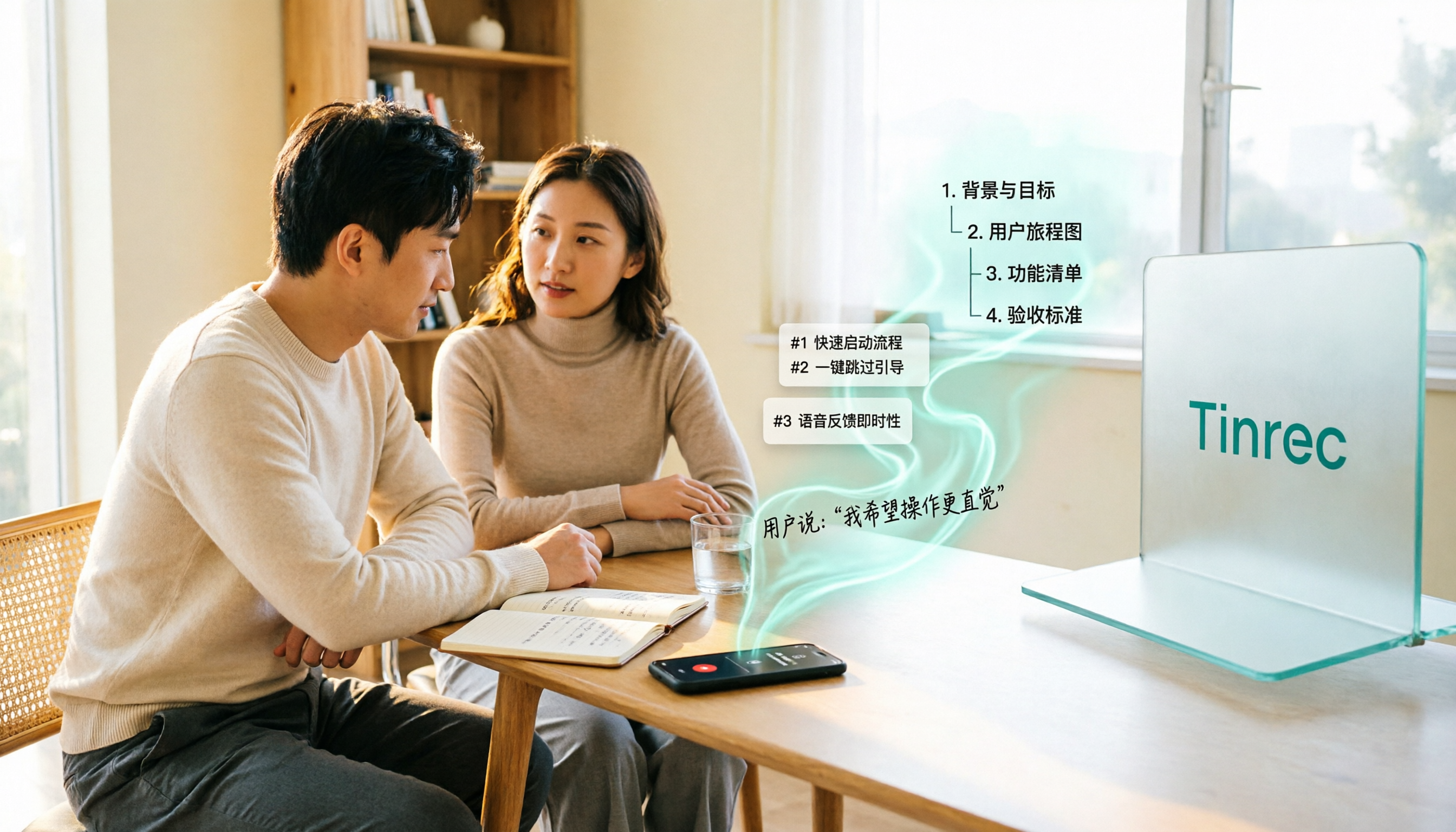
2026 Comparison of 5 User Interview-to-PRD Tools: Which One Can Turn Interview Recordings into Deliverable Requirements Documents?
Finished the interviews but your PRD is still blank? This article reviews 5 tools that fit into the user interview workflow, covering bot-free recording, AI follow-up Q&A, and draft document generation. We explain each tool's positioning, pricing, and ideal users, and compare the real limitations of their free plans.

Tinrec vs Granola 2026: 5-Dimension Comparison for Turning Meeting Minutes into a PRD
Turning meeting minutes into a PRD isn't about prompt engineering—it's about whether your source material holds up. This comparison pits Tinrec against Granola across five dimensions: audio retention, requirement breakdown, follow-up questioning, Chinese-language meetings, and team governance, so you can decide which fits your meeting workflow.

4 Requirements Meeting Note Tools Tested: Which Turns Discussion into PRD Material?
After a requirements meeting, can't write the PRD? We tested 4 requirements meeting note tools, covering the complete workflow from meeting recording, transcription, AI follow-up to action items and team knowledge retention, plus selection criteria and 4 common pitfalls to help you turn meeting discussions directly into actionable PRD material.

2026 PRD Generator Comparison: How to Use ChatPRD, PRDKit, and Tinrec Together
PRD generators can help you write faster, but accuracy depends on how much real requirement material you feed them. This article starts with common pitfalls, explains the positioning of tools like ChatPRD, PRDKit, and AIPRD, and how Tinrec fills the gap in user interviews and meeting notes. It also covers practical use cases, team plan capabilities, and FAQs.